ignition Alfa Romeo Giulia 2017 Workshop Manual
[x] Cancel search | Manufacturer: ALFA ROMEO, Model Year: 2017, Model line: Giulia, Model: Alfa Romeo Giulia 2017Pages: 268, PDF Size: 18.64 MB
Page 147 of 268
Brake/Transmission
Shift Interlock System
This vehicle is equipped with a Brake
Transmission Shift Interlock system
(BTSI) that holds the gear selector in
PARK (P) unless the brakes are applied.
This system prevents you from moving
the gear selector from position PARK
(P) unless the brakes are applied.
To shift the transmission out of PARK
(P), the ignition must be cycled to the
AVV mode (engine running or not) and
the brake pedal must be pressed.
Brake/Transmission Shift Interlock
Disabling
Only if strictly necessary (e.g. pushing
the vehicle, conveyor vehicle washing
systems) inhibit the automatic activation
of PARK (P) mode when stopping the
engine, or proceed as described below:
1. Car at a standstill.
2. NEUTRAL (N) mode activated.
3. Push the ignition button for at least
three seconds.
The automatic park brake engagement
function when the engine is stopped
can also be deactivated on the Connect
system by selecting the following
functions on the main menu: "Settings",
"Driver Assistance" and "Automatic
Parking Brake".
Important Notes
Failure to comply with what is reported
below may damage the transmission:
Shift into PARK (P) mode only with
the vehicle at a standstill.
Select REVERSE (R) mode, or pass
from REVERSE to another mode only
with the vehicle at a standstill and
engine idling.
Do not change between PARK (P),
REVERSE (R), NEUTRAL (N) or DRIVE
(D) modes with engine running at a
speed above idling.
Before activating any transmission
operating mode, fully depress the brake
pedal.
Note: The unexpected movement of
the vehicle can injure the occupants or
people nearby. Do not leave the vehicle
with engine running: before getting out
of the passenger compartment always
engage the electric park brake, select
the PARK (P) mode, stop the engine.
With the ignition device in the STOP
position, the transmission is locked in
the PARK (P) position in order to
prevent accidental vehicle movement. If
equipped with keyless ignition, do not
leave the key fob near the vehicle (or in
a place accessible to children), and do
not leave the ignition on. A child could activate the electric
windows, other controls, or even start
the engine; it is dangerous to select a
mode other than PARK (P) or NEUTRAL
(N) at an engine speed higher than
idling.
If the brake pedal is not fully depressed,
the vehicle could rapidly accelerate.
Only engage the gear with engine at
idling while fully depressing the brake
pedal. If the transmission temperature
exceeds the normal operating limits, the
transmission control unit may change
the gear engagement order and reduce
the drive torque. If the transmission
overheats, the display shows the
symbol. In this case, the
transmission could operate incorrectly
until it cools down.
When using the vehicle with extremely
low external temperatures, the
transmission operation may change
depending on the engine and
transmission temperature, as well as
vehicle speed. Activation of the torque
converter clutch and of the eighth or
ninth gear is inhibited until the
transmission oil is correctly warmed up.
Complete operation of the transmission
will be enabled as soon as the fluid
temperature reaches the predefined
value.
145
Page 153 of 268
System Manual
Activation/Deactivation
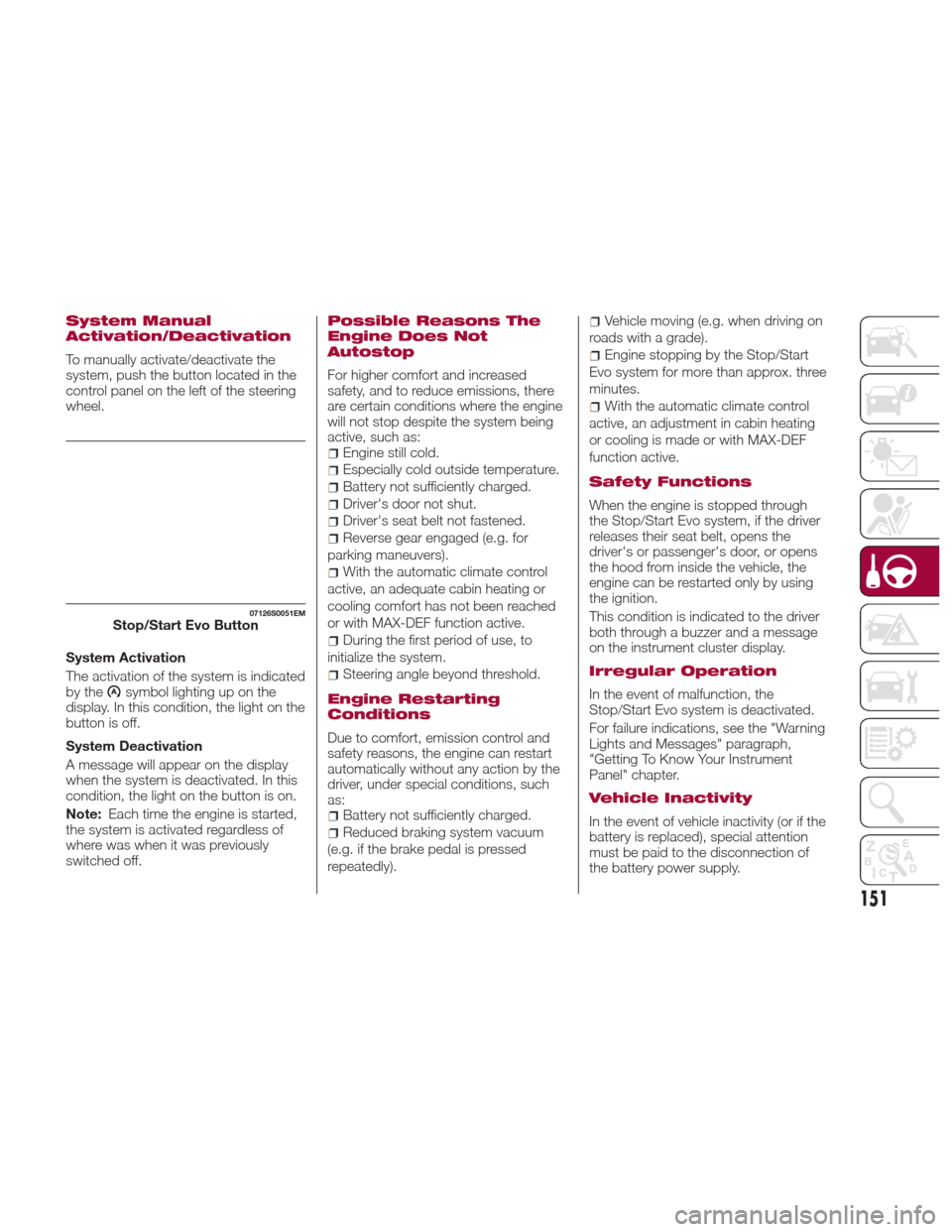
To manually activate/deactivate the
system, push the button located in the
control panel on the left of the steering
wheel.
System Activation
The activation of the system is indicated
by the
symbol lighting up on the
display. In this condition, the light on the
buttonisoff.
System Deactivation
A message will appear on the display
when the system is deactivated. In this
condition, the light on the button is on.
Note: Each time the engine is started,
the system is activated regardless of
where was when it was previously
switched off.
Possible Reasons The
Engine Does Not
Autostop
For higher comfort and increased
safety, and to reduce emissions, there
are certain conditions where the engine
will not stop despite the system being
active, such as:
Engine still cold.
Especially cold outside temperature.
Battery not sufficiently charged.
Driver's door not shut.
Driver's seat belt not fastened.
Reverse gear engaged (e.g. for
parking maneuvers).
With the automatic climate control
active, an adequate cabin heating or
cooling comfort has not been reached
or with MAX-DEF function active.
During the first period of use, to
initialize the system.
Steering angle beyond threshold.
Engine Restarting
Conditions
Due to comfort, emission control and
safety reasons, the engine can restart
automatically without any action by the
driver, under special conditions, such
as:
Battery not sufficiently charged.
Reduced braking system vacuum
(e.g. if the brake pedal is pressed
repeatedly).
Vehicle moving (e.g. when driving on
roads with a grade).
Engine stopping by the Stop/Start
Evo system for more than approx. three
minutes.
With the automatic climate control
active, an adjustment in cabin heating
or cooling is made or with MAX-DEF
function active.
Safety Functions
When the engine is stopped through
the Stop/Start Evo system, if the driver
releases their seat belt, opens the
driver's or passenger's door, or opens
the hood from inside the vehicle, the
engine can be restarted only by using
the ignition.
This condition is indicated to the driver
both through a buzzer and a message
on the instrument cluster display.
Irregular Operation
In the event of malfunction, the
Stop/Start Evo system is deactivated.
For failure indications, see the "Warning
Lights and Messages" paragraph,
"Getting To Know Your Instrument
Panel" chapter.
Vehicle Inactivity
In the event of vehicle inactivity (or if the
battery is replaced), special attention
must be paid to the disconnection of
the battery power supply.
07126S0051EMStop/Start Evo Button
151
Page 154 of 268

Proceed as follows:
Remove connector from socket to
disconnect sensor (battery status
monitoring) installed on the negative
pole of the battery. This sensor should
never be disconnected from the pole
except if the battery is replaced.
Note:After setting the ignition to STOP
and having closed the driver side door,
wait at least one minute before
disconnecting the electrical supply from
the battery. When reconnecting the
electrical supply to the battery, make
sure that the ignition is in the STOP
mode and the driver side door is
closed.SPEED LIMITER
DESCRIPTION
This device allows the speed of the
vehicle to be limited to values which
can be set by the driver.
The maximum speed can be set both
with vehicle stationary and in motion.
The minimum speed that can be set is
18 mph (30mk/h).
When the device is active, the vehicle
speed depends on the pressure at the
accelerator pedal, until the
programmed speed limit is reached
(see "Speed limit programming"
paragraph).
ACTIVATING THE DEVICE
The function can be activated/
deactivated on the Connect system.
Activating the device
To access the function, on the main
menu select the following items in
sequence: "Settings", "Safety", “Speed
Limiter” and “on”.
The activation of the device is signaled
by the displaying of the green symbol
along with the last speed set. The
Speed Limiter function can remain
active concurrently with the Cruise
Control system. If a speed limit below
the one indicated in the Cruise Control is selected, the Cruise Control speed
will be lowered to that of the Speed
Limiter. This function remains available
in RACE mode.SPEED LIMIT
PROGRAMMING
The speed limit can be programmed on
the Connect system.
To access the function, on the main
menu select the following items in
sequence: "Settings", "Safety" and
"Speed Limiter Set Speed".
By turning the Rotary Pad, the speed
increases by 3 mph (5 km/h), from a
minimum of 18 mph (30 km/h) to a
maximum of 112 mph (180 km/h).
07126S0002EMBattery Power Supply
1 — Socket
2 — Sensor
3 — Connector
07136S0001EMSpeed Limiter Display
152
STARTING AND OPERATING
Page 163 of 268
Deactivation
The system is deactivated and the set
speed is canceled if:
Thebutton on the Active Cruise
Control is pushed (with the system
enabled or paused).
The ignition is in STOP mode.
RACE mode is activated.
The system is canceled (the set speed
and distance are stored):
When the system is paused (Refer to
the “Activation / Deactivation” section).
When the conditions shown in the
“Setting The Desired Speed” section
occur.
Limited Operation
Warning
If the dedicated message is shown on
the display, a condition limiting the
Adaptive Cruise Control operation may
have occurred.
This could be due to an obstruction of
the vehicles sensor or camera. It could
also be due to a fault in the system. If
an obstruction is detected, clean the
area of the windshield opposite the
interior rear view mirror, where the
camera is located, as well as the area
of the front bumper where the sensor is
located. Then check that the message
has disappeared. When the conditions limiting the system
functions end, normal operation will
resume.
Should the fault persist, contact an
authorized dealer.
Precautions While
Driving
The system may not work correctly in
some driving conditions (see below):
the driver must control the vehicle at all
times.
Vehicle Not Aligned
The system may not detect a vehicle
travelling in the same lane, in the same
direction, but is not aligned. It also may
not detect a vehicle which is cutting in
from a side lane. Sufficient distance
from the vehicles ahead may not be
guaranteed in these cases.
The non-aligned vehicle can weave in
and out of the driving lane causing the
vehicle to brake or accelerate
unexpectedly.
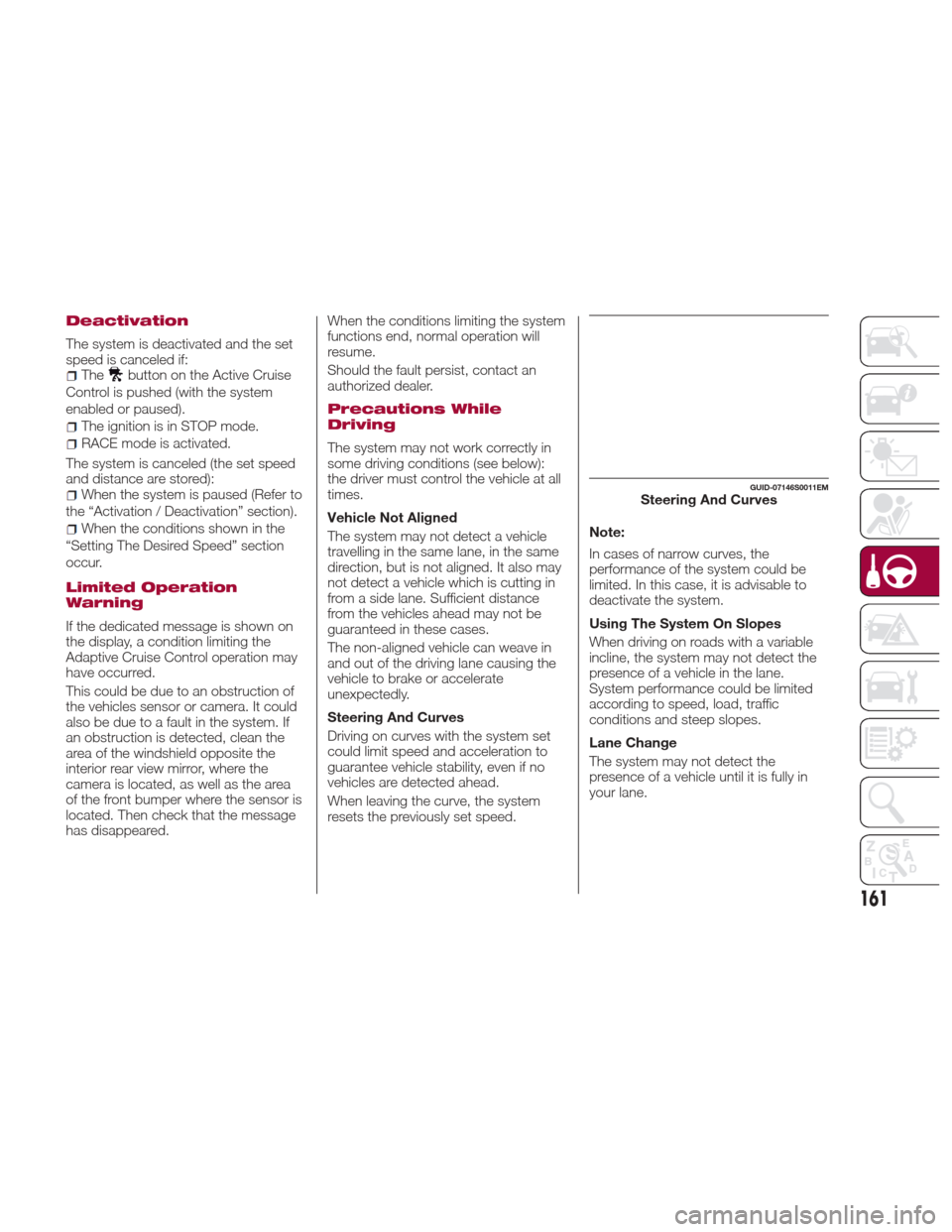
Steering And Curves
Driving on curves with the system set
could limit speed and acceleration to
guarantee vehicle stability, even if no
vehicles are detected ahead.
When leaving the curve, the system
resets the previously set speed.
Note:
In cases of narrow curves, the
performance of the system could be
limited. In this case, it is advisable to
deactivate the system.
Using The System On Slopes
When driving on roads with a variable
incline, the system may not detect the
presence of a vehicle in the lane.
System performance could be limited
according to speed, load, traffic
conditions and steep slopes.
Lane Change
The system may not detect the
presence of a vehicle until it is fully in
your lane.
GUID-07146S0011EMSteering And Curves
161
Page 166 of 268
If the obstacle is detected in the rear left
and/or right area, a single flashing arc
will be shown in the corresponding area
on the display and the system will emit
an acoustic signal, either at frequent
intervals or constantly.
In general, the vehicle is closer to the
obstacle when a single flashing arc is
shown on the display and the acoustic
signal becomes continuous.
If several obstacles are detected
simultaneously in the rear area, the
display will show all of them, regardless
of the area in which they were detected.
The color on the display depends on
the distance from and position of the
obstacle.
It is possible to exit from the display
screen by pressing the Rotary Pad,
however, the acoustic alert will remain
active.
Fault Indication
Parking sensor faults, if any, will be
indicated when REVERSE is engaged
by a message on the instrument cluster
display. Refer to "Warning Lights And
Messages" in "Getting To Know Your
Instrument Panel".
Messages On The Display
In case of system failure, a dedicated
message appears on the instrument
cluster for about 5 seconds.Cleaning The Front Sensors:Ifthe
display shows a message requiring the
sensors to be cleaned, make sure that
the outer surface and the underside of
the rear bumper is free of debris (e.g.
snow, mud, ice, etc.). Once these areas
are clear, place the ignition in STOP
mode. Then, return it to ON mode. If
the message is still displayed, contact
an authorized dealer.
Audio System Not Available :Ifthe
display shows a message that the
audio system is not available, it means
that the acoustic signal will be emitted
by the instrument panel, and not
through the vehicles speakers.
Note: Some conditions may influence
the performance of the ParkSense
system:
Reduced sensor sensitivity could
be due to the presence of ice, snow,
mud, or thick paint on the surface of
the sensor.
The sensors may detect a false
obstacle (echo interference) due to
mechanical interference, for example
when washing the vehicle or in
extreme weather.
The signals sent by the sensors can
be altered by the presence of
ultrasonic systems (e.g. pneumatic
brake systems of trucks or pneumatic
drills) near the vehicle.
System performance can be
influenced by the position of the
sensors. For example, due to a change
in the ride setting (caused by wear to
the shock absorbers or suspension),
by changing tires, overloading the
vehicle or operations that require the
vehicle to be lowered.
Be sure not to place bumper
stickers or other adhesives over the
sensors as this will affect system
performance.
Warning!
Drivers must be careful when backing up
even when using the Parking Sensor
system. Always check carefully behind your
vehicle, and be sure to check for
pedestrians, animals, other vehicles,
obstructions, or blind spots before backing
up. You are responsible for the safety of
your surroundings and must continue to
pay attention while backing up. Failure to
do so can result in serious injury or death.
164
STARTING AND OPERATING
Page 168 of 268
Note:If the sensors detect several
front and rear obstacles, the closest
obstacle is considered. An intermittent
signal will sound if the obstacles are at
the same distance (front and rear).
When the system emits an acoustic
signal, the volume of the Connect
system, if activated, is automatically
lowered.
Indication On Display
The driver can select the type of
warning they would like to be displayed
through the Connect system. To access
the function on the main menu, select in
the following order:
1. “Settings”
2. “Driver assistance”
3. “Park Sensors”
4. “Mode”
5. “Sound-Display”
Visual Indications
The system indicates the presence of
an obstacle by displaying a single arc in
the detected areas, in relation to the
distance of the object and the position
of the vehicle.
If the obstacle is detected in the front or
rear central area, a single arc will be
displayed as the obstacle approaches,
first constant, then flashing, in addition
to an acoustic signal. If the obstacle is detected in the front or
rear left and/or right area, a single
flashing arc will be shown in the
corresponding area on the display and
the system will emit an acoustic signal,
either at frequent intervals or constantly.
If several obstacles are detected
simultaneously in the front and rear
area, the display will show all of them,
regardless of the area in which they
were detected.
In general, the vehicle is closer to the
obstacle when a single or several
flashing arcs are shown on the display
and the acoustic signal becomes
continuous. The color on the display
depends on the distance from and
position of the obstacle.
It is possible to exit from the display
screen by pressing the Rotary Pad,
however, the acoustic alert will remain
active.
Fault Indication
Parking sensor faults, if any, will be
indicated by a message on the display
on the instrument cluster. Refer to
"Warning Lights And Messages" in
"Getting To Know Your Instrument
Panel".
Messages On The Display
In case of system failure, a dedicated
message appears on the instrument
cluster for about 5 seconds.Cleaning the front or rear
sensors: If the display shows a
message requiring the sensors to be
cleaned, make sure that the outer
surface and the underside of the front
and rear bumpers are free of debris
(e.g. snow, mud, ice, etc.). Once these
areas are clear, place the ignition in
STOP mode. Then, return it to ON
mode. If the message is still displayed,
contact an authorized dealer.
Audio system not available :Ifthe
display shows a message that the
audio system is not available, it means
that the acoustic signal will be emitted
by the instrument panel, and not
through the vehicles speakers.
Note: Some conditions may influence
the performance of the ParkSense
system:
Reduced sensor sensitivity could
be due to the presence of ice, snow,
mud, or thick paint on the surface of
the sensor.
The sensors may detect a false
obstacle (echo interference) due to
mechanical interference, for example
when washing the vehicle or in
extreme weather.
The signals sent by the sensors can
be altered by the presence of
ultrasonic systems (e.g. pneumatic
brake systems of trucks or pneumatic
drills) near the vehicle.
166
STARTING AND OPERATING
Page 182 of 268
HAZARD WARNING
LIGHTS
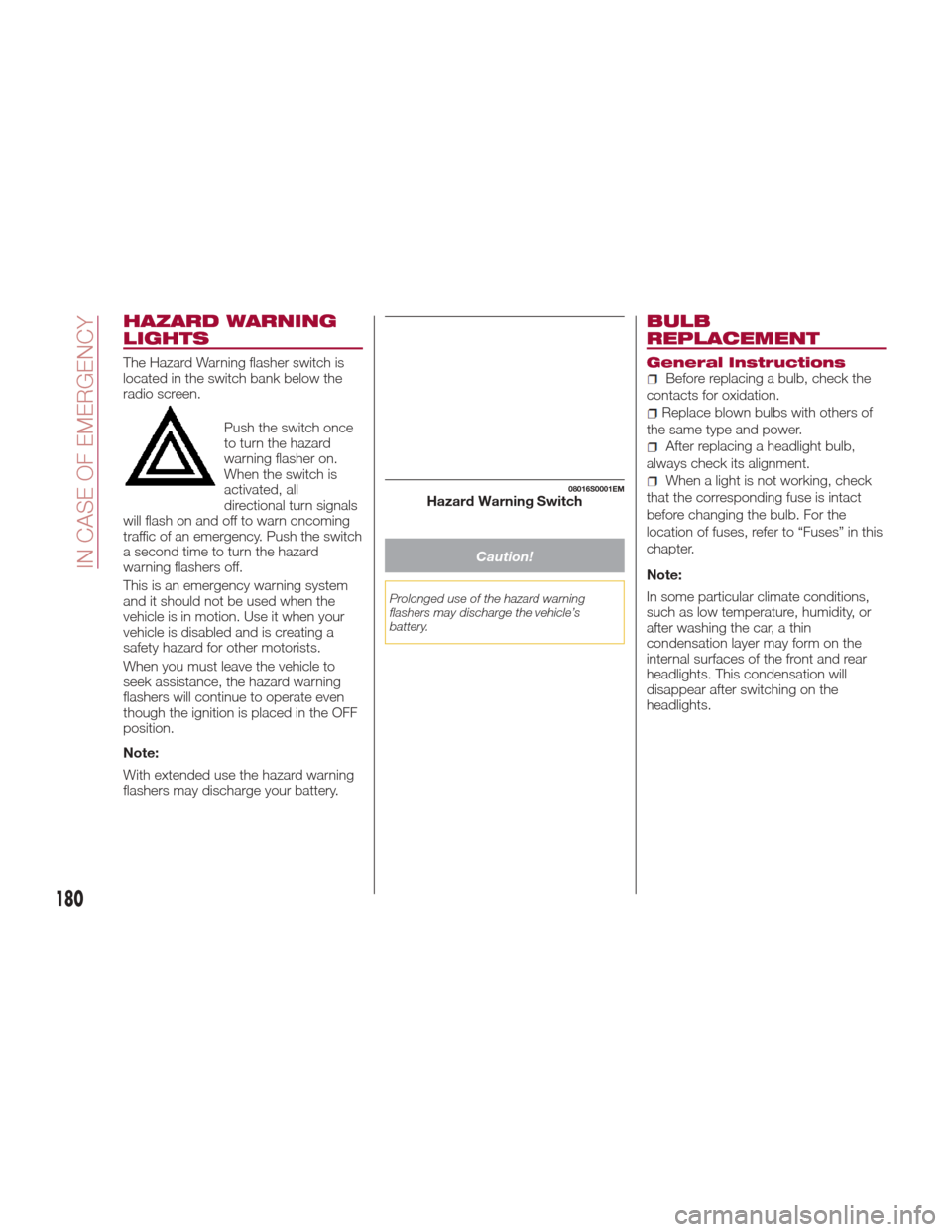
The Hazard Warning flasher switch is
located in the switch bank below the
radio screen.Push the switch once
to turn the hazard
warning flasher on.
When the switch is
activated, all
directional turn signals
will flash on and off to warn oncoming
traffic of an emergency. Push the switch
a second time to turn the hazard
warning flashers off.
This is an emergency warning system
and it should not be used when the
vehicle is in motion. Use it when your
vehicle is disabled and is creating a
safety hazard for other motorists.
When you must leave the vehicle to
seek assistance, the hazard warning
flashers will continue to operate even
though the ignition is placed in the OFF
position.
Note:
With extended use the hazard warning
flashers may discharge your battery.
Caution!
Prolonged use of the hazard warning
flashers may discharge the vehicle’s
battery.
BULB
REPLACEMENT
General InstructionsBefore replacing a bulb, check the
contacts for oxidation.
Replace blown bulbs with others of
the same type and power.
After replacing a headlight bulb,
always check its alignment.
When a light is not working, check
that the corresponding fuse is intact
before changing the bulb. For the
location of fuses, refer to “Fuses” in this
chapter.
Note:
In some particular climate conditions,
such as low temperature, humidity, or
after washing the car, a thin
condensation layer may form on the
internal surfaces of the front and rear
headlights. This condensation will
disappear after switching on the
headlights.08016S0001EMHazard Warning Switch
180
IN CASE OF EMERGENCY
Page 189 of 268
Warning!
When replacing a blown fuse, always
use an appropriate replacement fuse with
the same amp rating as the original fuse.
Never replace a fuse with another fuse of
higher amp rating. Never replace a blown
fuse with metal wires or any other material.
Failure to use proper fuses may result in
serious personal injury, fire and/or property
damage.
Before replacing a fuse, make sure that
the ignition is off and that all the other
services are switched off and/or
disengaged.
If the replaced fuse blows again, contact
an authorized dealer.
If a general protection fuse for safety
systems (air bag system, braking system),
power unit systems (engine system,
transmission system) or steering system
blows, contact an authorized dealer.
Fuse Location
The fuses, which can be replaced by
the user, are grouped in two boxes
below the passenger side foot board
and inside the trunk.
Control Unit Under
Passenger Side
Footboard
To access the fuses, proceed as
follows:
1. Lift the upper end of the footboard
on the passenger side, pulling to
release the two buttons.
Release Buttons On Footboard
1 — Footboard
2. Unscrewing the two hooks, remove
the panel pulling downward. Release Hooks On Footboard
2 — Panel
The fuses are freely accessible on the
control unit.
After replacing the fuse, make sure that
panel and footboard are correctly
locked.
Luggage Compartment
Fuse Box
To access the fuses, proceed as
follows:
1. Lift the luggage compartment cover.
2. Remove the control unit cover.
08036S0010EM
08036S0011EM
187
Page 199 of 268
Jump Starting
Warning!
Failure to follow this jump-starting
procedure could result in personal injury or
property damage due to battery explosion.
Caution!
Failure to follow these procedures could
result in damage to the charging system of
the booster vehicle or the discharged
vehicle.
Preparation For Jump Starting:
1. Firmly apply the parking brake, and
turn the ignition to the STOP position.
2. Switch off all electrical features in the
vehicle.
3.
If using another vehicle to jump-start
the battery, park the vehicle within the
jumper cables reach, set the parking
brake and make sure the ignition is OFF.
Warning!
Do not allow vehicles to touch each other
as this could establish a ground
connection and personal injury could
result.
Cable Connection
Proceed as follows to perform a jump
starting procedure:
1. Connect the positive (+) end of the
jumper cable to the positive (+) post of
the vehicle with the discharged battery
2. Connect the opposite end of the
positive (+) jumper cable to the positive
(+) post of the booster battery.
3. Connect the negative end (-) of the
jumper cable to the negative (-) post of
the booster battery.
4. Connect the opposite end of the
negative (-) jumper cable to a good
engine ground of the vehicle with the
discharged battery (exposed metal part
of the engine) away from the battery
and the fuel injection system.
Warning!
Do not connect the jumper cable to the
negative (-) post of the discharged battery.
The resulting electrical spark could cause
the battery to explode and could result in
serious injury. Only use the specific ground
point, do not use any other exposed metal
parts.
5. Start the engine in the vehicle that
has the booster battery, let the engine
idle a few minutes, and then start the
engine in the vehicle with the
discharged battery. If using a portable
battery booster pack, before starting
the vehicle, wait a few seconds after
completing the connection.
Cable Disconnection
Once the engine is started, remove the
connection cables in reverse sequence,
as described below:
1. Disconnect the negative (-) jumper
cable from the engine (-) ground of the
vehicle with the discharged battery.
2. Disconnect the negative end (-) of
the jumper cable from the negative (-)
post of the booster battery.
3. Disconnect the opposite end of the
positive (+) jumper cable from the
positive (+) post of the booster battery.
197
Page 212 of 268
ENGINE OIL
The engine oil level can be seen on the
instrument cluster display every time
the engine is started, or on the Connect
system display by activating on the
main menu (MENU button) the following
functions in sequence: “Apps”; “My
Car” and “Oil Level”.
Check on the display using the
6 notches that the oil level is between
the MIN and MAX level: 1 notch MIN
level, 6 notches MAX level.
If the oil level is close to or below the
MIN mark, add oil gradually through the
filler, considering that each notch
shown on the display corresponds to
approximately 8.8 fl oz (250 ml).
The oil level can also be checked
manually.
Caution!
Make sure not to add too much oil when
topping off the engine. Engine oil in excess
may damage the engine. Have the vehicle
checked. Never exceed the MAX level
when topping off engine oil. It is advisable
to check the oil level in intermediate steps
using the oil dipstick.
The oil level is not refreshed immediately on
the display after topping off. Consequently,
wait for the oil level to be refreshed on the
display and follow the procedure below.
Manual oil level checking
procedure
Check that the oil level is between the
MIN and MAX marks on dipstick, clean
it with a lint-free cloth and reinsert it.
Extract the dipstick again and check
that the level is between the MIN and
MAX marks.
Top-up and oil level indication
update on display
Ifaengineoiltop-offisneeded,inorder
to ensure the correct indication of the
oil level on the display, leave the car on
flat ground with the engine running for
approximately 5 minutes (temperature
higher than 176°F (80°C)) and proceed
with the process below:
Wait for five minutes, turn the ignition
to the ON mode without starting the
engine and wait for a few seconds. If
the indication is not correct after the
procedure, contact your authorized
dealer. Engine oil consumption
The maximum engine oil consumption
is usually 14.1 ounces (400 grams,
0.88 pounds) every 620 miles
(1,000 km). When the vehicle is new,
the engine needs to be run in; therefore
the engine oil consumption can only be
considered established after the first
3,100 - 3,730 miles (5,000 - 6,000 km).
Warning!
If the engine oil is being topped up, wait for
the engine to cool down before loosening
the filler cap, particularly for vehicles with
aluminium cap (if equipped). WARNING:
risk of burns!
Caution!
The oil level must never exceed the MAX
mark.
If the MAX mark is exceeded MAX (last
notch on the right turns red) after the fill-up,
go to your authorized dealer as soon as
possible to have the oil in excess removed.
Do not add oil with specifications different
from those of the oil already in the engine.
Used engine oil and oil filters contain
substances which are harmful to the
environment. To change the oil and filters,
we advise you to contact your authorized
dealer.
210
SERVICING AND MAINTENANCE