mirror Alfa Romeo Giulia 2017 Owner's Manual
[x] Cancel search | Manufacturer: ALFA ROMEO, Model Year: 2017, Model line: Giulia, Model: Alfa Romeo Giulia 2017Pages: 268, PDF Size: 18.64 MB
Page 11 of 268
GRAPHICAL TABLE OF CONTENTS
FRONT VIEW
Front View Description
1. Front Fascia
2. Tires And Wheels3. Exterior Mirrors
4. Doors
5. Engine Compartment
6. Windshield
GUID-03016S0002EMFront View
9
Page 14 of 268
VEHICLE INTERIOR
Vehicle Interior
Description
1. Driver Seat
2. Power Windows/Power Mirrors
Controls
3. Gear Selector/Paddle Shifter
4. Hazard Warning Lights
5. “Alfa DNA Pro” System
03046S0001EMVehicle Interior
12
Page 15 of 268
GETTING TO KNOW YOUR VEHICLE
In this section, you will find important
information to help you become familiar
with the features needed to operate
your vehicle, and how they function.KEYS....................14
IGNITION SYSTEM ...........17
ENGINE IMMOBILIZER ........18
SECURITY ALARM SYSTEM —
IF EQUIPPED ...............19
DOORS ...................21
SEATS ...................26
HEAD RESTRAINTS ...........29
STEERING WHEEL ............31
REAR VIEW MIRRORS .........33
EXTERIOR LIGHTS ...........34
INTERIOR LIGHTS ............37 WINDSHIELD WIPERS
.........40
CLIMATE CONTROL ..........42
POWER WINDOWS ...........49
POWER SUNROOF —
IF EQUIPPED ...............50
HOOD ...................52
TRUNK ..................53
INTERNAL EQUIPMENT ........55
ENVIRONMENTAL PROTECTION
SYSTEMS .................60
ACTIVE AERODYNAMICS .......60
13
Page 35 of 268
REAR VIEW
MIRRORS
Electrochromic Mirror
If equipped, an electrochromic mirror is
available. This mirror automatically
adjusts for headlight glare from vehicles
behind you.
The electrochromic mirror has a power
button to activate/deactivate the
automatic dimming/anti-glaring
function.
When reverse gear is engaged, the
mirror is automatically set for daytime
use.
Outside Power Mirrors
Power Adjustment
The power mirrors can only be adjusted
with the ignition ON.
Select the desired mirror using the
power mirror control.
1 — Power Mirror Control Knob
A — Left
B — Right
C — Power Folding Position
D — Neutral
To adjust the selected mirror, push the
knob in the direction desired.
Note:Once adjustment is complete,
rotate the knob to the neutral position
to prevent accidental movements. Power Folding
With the power mirror control knob in
the neutral position, move it to the
power folding position. Move the knob
again to return the mirrors to the driving
position.
If the power mirror control knob is
moved again during door mirror folding
(from closed to open position and vice
versa), the movement direction is
reversed.
Automatic Activation
Activating the central door locking
system from outside the vehicle
automatically folds the mirrors. The
mirrors return to the driving position
when the ignition switch is turned to the
ON position.
If the door mirrors were folded using the
power mirror control knob, they can
only be returned to the driving position
by rotating the knob again.
Note:
The hand-controlled power
folding operation can be enabled only
when the vehicle speed is lower than
31 mph (50 km/h), they can only be
manually controlled up to that speed.
04106S0002EMElectrochromic Mirror Power Button
04106S0004EMPower Mirror Control
33
Page 36 of 268
Automatic Dimming Mirrors — If
Equipped
Like the electrochromic mirror, an
automatic dimming feature is also
available on the outside rear view
mirrors to prevent glare. The automatic
dimming button is the same for all rear
view mirrors.
Warning!
Vehicles and other objects seen in an
outside convex mirror will look smaller and
farther away than they really are. Relying
too much on side convex mirrors could
cause you to collide with another vehicle or
other object. Use your inside mirror when
judging the size or distance of a vehicle
seen in a side convex mirror.
Heated Mirrors
Push the rear defrostbutton in the
climate controls to activate the heated
mirrors.
EXTERIOR LIGHTS
Headlight Switch
The headlight switch is located to the
left of the steering wheel on the
instrument panel. This switch controls
the operation of the headlights, parking
lights, instrument panel lights,
instrument panel light dimming, interior
lights and fog lights.
In addition, there are buttons for
parking sensors deactivation and
stop/start. Refer to “Starting And
Operating” for further information. The exterior lights can be activated only
when the ignition is in the ON position,
except for the parking lights. Refer to
"Parking Lights" in this section for more
information.
The instrument panel and the various
controls on the dashboard will be
illuminated when the exterior lights are
turned on.
Automatic Headlights
This system automatically turns the
headlights on or off according to
ambient light levels.
Function Activation
Turn the light switch to
(AUTO).
Note: The function can only be
activated with the ignition position at
ON.
Function Deactivation
To deactivate the function, turn the light
switch to a position other than
(AUTO).
04126S0001NAHeadlight Switch
1 — Parking Sensors Deactivation
Button
2 — Parking Light, Daylight Running
Lights, Headlight Switch
3 — Instrument Panel Dimmer
4 — Rear Fog Light Button
5 — Stop/Start Button
34
GETTING TO KNOW YOUR VEHICLE
Page 39 of 268
INTERIOR LIGHTS
Front Map Reading
Lights
The front map/reading and overhead
lights are mounted in the overhead
console. Each light can be turned on by
pushing the corresponding switch on
the console. These switches are backlit
for night time visibility. To turn the lights
off, push the switch a second time.Note:
Before getting out of the vehicle,
ensure that the overhead lights are off.
This will prevent the battery level from
being drained once the doors are
closed. If a light is left on accidently, the
overhead lights turn off automatically
approximately 15 minutes after the
engine has been turned OFF.
Overhead Light Timing — If
Equipped
On certain models, to assist getting in
and out of the vehicle at night or in
poorly-lit areas, two timed modes have
been provided.
Timing While Getting Into The
Vehicle — The overhead lights turn on
according to the following modes:
Will illuminate for a few seconds
when the doors are unlocked.
Will illuminate for approximately three
minutes when one of the doors is
opened.
Will illuminate for a few seconds
when the doors are locked.
Timing is interrupted when the ignition
is turned to ON. Three Modes Are Provided For
Switching Off:
When all doors are closed after
entering the vehicle, the three-minute
timer will stop and a seconds timer will
start for the interior lights. This timing
will stop when the ignition is turned to
ON.
When doors are locked (either with
key fob or with key inserted on driver
side door), the overhead light turns off.
The interior lights will turn off after
15 minutes to preserve the battery.
Timing While Getting Out Of The
Vehicle — After turning the ignition
switch to STOP, the overhead lights will
turn on as follows:
For a few seconds after the engine
stops.
For approximately three minutes
when one of the doors is opened.
For a few seconds when the last
door is closed.
The timing stops automatically when
the doors are locked.
Courtesy Lights — If Equipped
On the driver and passenger sun visor,
there is a light which illuminates the sun
visor mirror when folded down.04136S0001EMOverhead Console
1 — Driver’s Reading/Map Light Switch
2 — Rear Overhead Lights Switch
3 — Overhead Lights Switch
4 — Front Map Reading Lights Switch
5 — Passenger’s Reading/Map Light
Switch
6 — Passenger’s Reading/Map Light
7 — Center Reading/Map Light
8 — Driver’s Reading/Map Light
37
Page 40 of 268
The courtesy light turns on
automatically by lifting the cover.
Glove Compartment
Light
This light turns on automatically when
the glove compartment is opened and
turns off when it is closed.
The light turns on and off regardless of
the ignition status.
Interior Ambient
Lighting
The brightness of the interior passenger
compartment lights can be adjusted via
the Connect system.
To access the adjustment function, on
the main menu select the following
items in sequence:
1. "Settings"
2. "Interior Ambient Lighting"
3. "Lights"
The brightness can be adjusted at
seven levels.
Door Light
This vehicle is equipped with door
courtesy lamps that illuminate the entry
way for the driver or passenger when
the door is opened, and turns off when
it is closed.The light turns on and off regardless of
the ignition status.
On vehicles equipped with a "Passive
Entry" system, another light can be
found under each exterior door handle.
04136S0002EMSun Visor Mirror
1 — Sun Visor Mirror Cover
04136S0003EMGlove Compartment Light
04136S0007EMDoor Light
04136S0005EMExterior Door Handle Light
38
GETTING TO KNOW YOUR VEHICLE
Page 43 of 268
Warning!
Sudden loss of visibility through the
windshield could lead to a collision. You
might not see other vehicles or other
obstacles. To avoid sudden icing of the
windshield during freezing weather, warm
the windshield with the defroster before
and during windshield washer use.
Rain Sensor
The Rain Sensor is located behind the
interior rear view mirror. This feature
senses moisture on the windshield and
automatically activates the wipers for
the driver.
The feature is especially useful for road
splash or over spray from the
windshield washers of the vehicle
ahead. Rotate the end of themultifunction lever to one of four
settings to activate this feature.
The sensor has an adjustment range
that varies progressively from wiper still
(no stroke) when the windshield is dry,
to wiper at continuous speed (fast
operation) with intense rain.
Activation
Rotating the wiper switch to position
oractivates the rain sensor.
The activation of the rain sensor system
is done by tapping the wiper stalk
upwards while the switch is in the
orposition.
The variation in sensitivity during rain
sensor operation is also signaled by a
stroke of the wiper (command acquired
and implemented). This stroke is also
executed with the windshield dry.
If the windshield washer is used with
the rain sensor activated, the normal
washing cycle is performed, after which
the rain sensor resumes its normal
automatic operation.
Note: Keep the glass in the sensor
area clean.
Deactivation
Use the wiper switch or turn the ignition
to STOP.
If the ignition is moved to the STOP
position and the wiper switch is left in
orposition, no wiping cycle will
occur even if it rains when the vehicle is
next started (ignition at ON). This prevents accidental activation of
the rain sensor when the engine is
started (e.g. when the windshield is
being washed by hand or the wipers
are stuck to the windshield by ice).
You can restore the automatic
functioning of the rain sensor by lifting
the windshield wiper control (anti-panic
function).
When the rain sensor is reactivated
using any of the functions described
above, reactivation is indicated by a
single tap of the windshield wipers,
regardless of the condition of the
windshield.
In the event of malfunction of the rain
sensor while it is active, the windshield
wiper operates intermittently at a speed
consistent with the sensitivity setting of
the rain sensor, whether there is rain on
the glass, while the sensor failure is
indicated on the display.
The sensor continues to operate and it
is possible to set the windshield wiper
to continuous mode
or.The
failure indication remains for as long as
the sensor is active.
The rain sensor is able to recognize and
automatically adjust itself in the
presence of the following conditions:
Presence of dirt on the controlled
surface (e.g. salt, dirt, etc.).
Presence of streaks of water caused
by the worn window wiper blades.
Difference between day and night.
04146S0002EMRain Sensor
41
Page 57 of 268
INTERNAL
EQUIPMENT
Glove Compartment
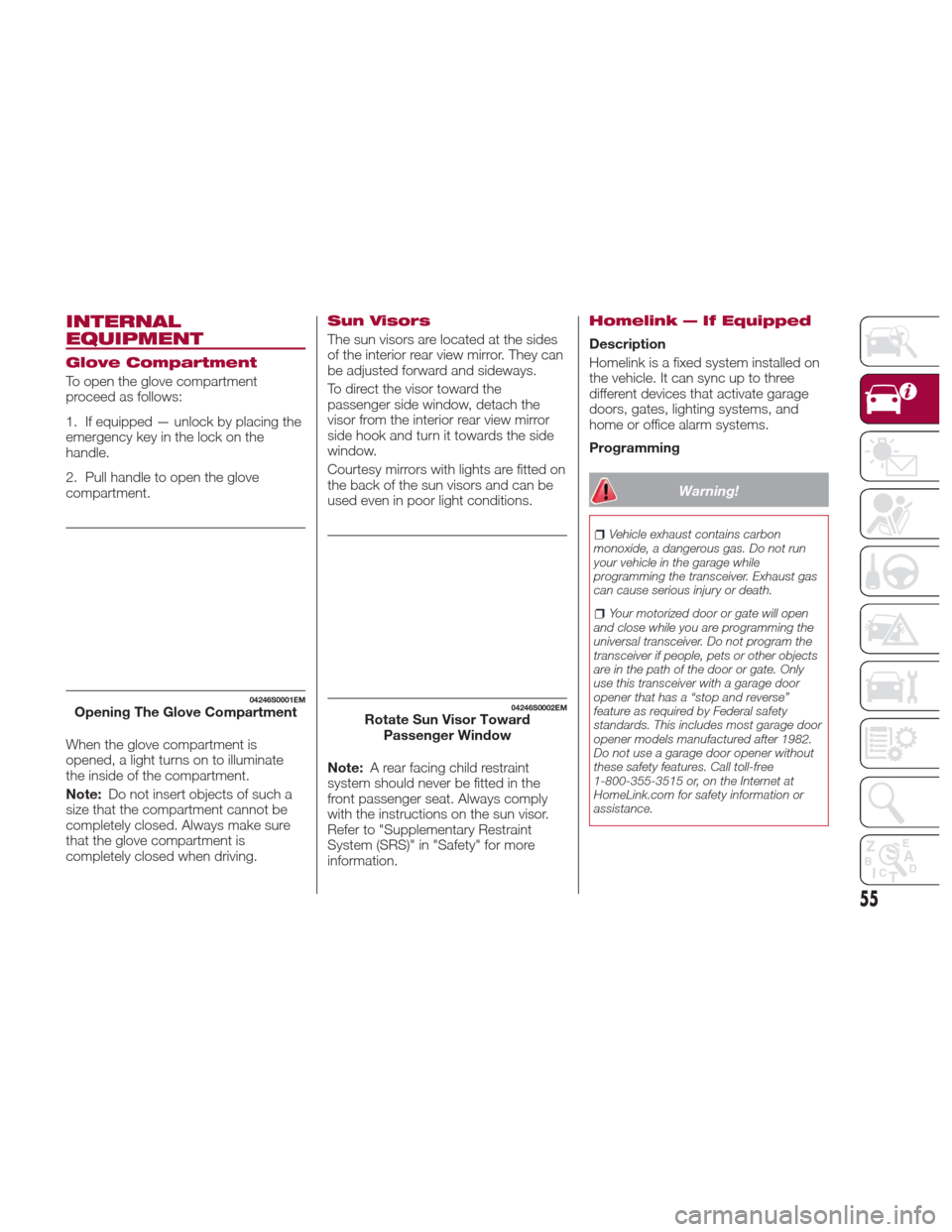
To open the glove compartment
proceed as follows:
1. If equipped — unlock by placing the
emergency key in the lock on the
handle.
2. Pull handle to open the glove
compartment.
When the glove compartment is
opened, a light turns on to illuminate
the inside of the compartment.
Note:Do not insert objects of such a
size that the compartment cannot be
completely closed. Always make sure
that the glove compartment is
completely closed when driving.
Sun Visors
The sun visors are located at the sides
of the interior rear view mirror. They can
be adjusted forward and sideways.
To direct the visor toward the
passenger side window, detach the
visor from the interior rear view mirror
sidehookandturnittowardstheside
window.
Courtesy mirrors with lights are fitted on
the back of the sun visors and can be
used even in poor light conditions.
Note: A rear facing child restraint
system should never be fitted in the
front passenger seat. Always comply
with the instructions on the sun visor.
Refer to "Supplementary Restraint
System (SRS)" in "Safety" for more
information.
Homelink — If Equipped
Description
Homelink is a fixed system installed on
the vehicle. It can sync up to three
different devices that activate garage
doors, gates, lighting systems, and
home or office alarm systems.
Programming
Warning!
Vehicle exhaust contains carbon
monoxide, a dangerous gas. Do not run
your vehicle in the garage while
programming the transceiver. Exhaust gas
can cause serious injury or death.
Your motorized door or gate will open
and close while you are programming the
universal transceiver. Do not program the
transceiver if people, pets or other objects
are in the path of the door or gate. Only
use this transceiver with a garage door
opener that has a “stop and reverse”
feature as required by Federal safety
standards. This includes most garage door
opener models manufactured after 1982.
Do not use a garage door opener without
these safety features. Call toll-free
1-800-355-3515 or, on the Internet at
HomeLink.com for safety information or
assistance.
04246S0001EMOpening The Glove Compartment04246S0002EMRotate Sun Visor Toward Passenger Window
55
Page 102 of 268
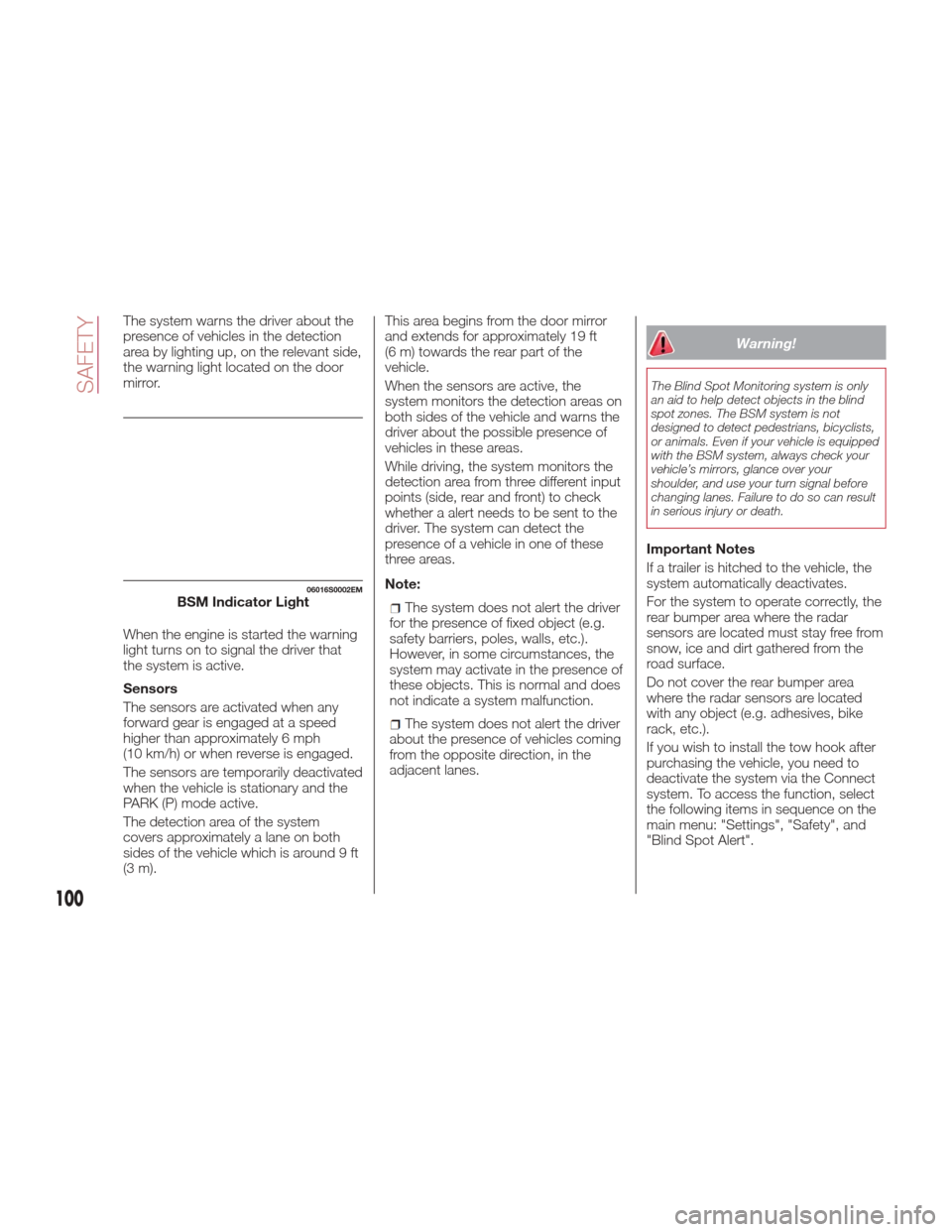
The system warns the driver about the
presence of vehicles in the detection
area by lighting up, on the relevant side,
the warning light located on the door
mirror.
When the engine is started the warning
light turns on to signal the driver that
the system is active.
Sensors
The sensors are activated when any
forward gear is engaged at a speed
higher than approximately 6 mph
(10 km/h) or when reverse is engaged.
The sensors are temporarily deactivated
when the vehicle is stationary and the
PARK (P) mode active.
The detection area of the system
covers approximately a lane on both
sides of the vehicle which is around 9 ft
(3 m).This area begins from the door mirror
and extends for approximately 19 ft
(6 m) towards the rear part of the
vehicle.
When the sensors are active, the
system monitors the detection areas on
both sides of the vehicle and warns the
driver about the possible presence of
vehicles in these areas.
While driving, the system monitors the
detection area from three different input
points (side, rear and front) to check
whether a alert needs to be sent to the
driver. The system can detect the
presence of a vehicle in one of these
three areas.
Note:
The system does not alert the driver
for the presence of fixed object (e.g.
safety barriers, poles, walls, etc.).
However, in some circumstances, the
system may activate in the presence of
these objects. This is normal and does
not indicate a system malfunction.
The system does not alert the driver
about the presence of vehicles coming
from the opposite direction, in the
adjacent lanes.
Warning!
The Blind Spot Monitoring system is only
an aid to help detect objects in the blind
spot zones. The BSM system is not
designed to detect pedestrians, bicyclists,
or animals. Even if your vehicle is equipped
with the BSM system, always check your
vehicle’s mirrors, glance over your
shoulder, and use your turn signal before
changing lanes. Failure to do so can result
in serious injury or death.
Important Notes
If a trailer is hitched to the vehicle, the
system automatically deactivates.
For the system to operate correctly, the
rear bumper area where the radar
sensors are located must stay free from
snow, ice and dirt gathered from the
road surface.
Do not cover the rear bumper area
where the radar sensors are located
with any object (e.g. adhesives, bike
rack, etc.).
If you wish to install the tow hook after
purchasing the vehicle, you need to
deactivate the system via the Connect
system. To access the function, select
the following items in sequence on the
main menu: "Settings", "Safety", and
"Blind Spot Alert".
06016S0002EMBSM Indicator Light
100
SAFETY