instrument cluster AUDI A4 2008 B8 / 4.G User Guide
[x] Cancel search | Manufacturer: AUDI, Model Year: 2008, Model line: A4, Model: AUDI A4 2008 B8 / 4.GPages: 342, PDF Size: 13.14 MB
Page 25 of 342
Driver information system23
Controls
Safety
Driving tips
General maintenance
Self-help
Technical data
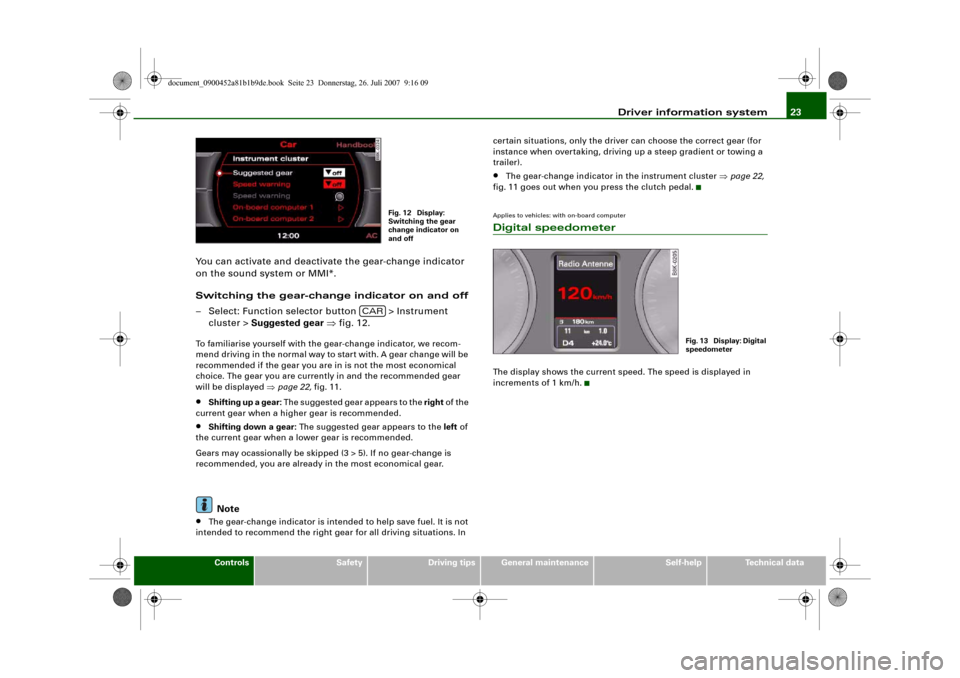
You can activate and deactivate the gear-change indicator
on the sound system or MMI*.
Switching the gear-change indicator on and off
– Select: Function selector button > Instrument
cluster > Suggested gear ⇒fig. 12.To familiarise yourself with the gear-change indicator, we recom-
mend driving in the normal way to start with. A gear change will be
recommended if the gear you are in is not the most economical
choice. The gear you are currently in and the recommended gear
will be displayed ⇒page 22, fig. 11.•
Shifting up a gear: The suggested gear appears to the right of the
current gear when a higher gear is recommended.
•
Shifting down a gear: The suggested gear appears to the left of
the current gear when a lower gear is recommended.
Gears may ocassionally be skipped (3 > 5). If no gear-change is
recommended, you are already in the most economical gear.Note
•
The gear-change indicator is intended to help save fuel. It is not
intended to recommend the right gear for all driving situations. In certain situations, only the driver can choose the correct gear (for
instance when overtaking, driving up a steep gradient or towing a
trailer).
•
The gear-change indicator in the instrument cluster ⇒page 22,
fig. 11 goes out when you press the clutch pedal.
Applies to vehicles: with on-board computerDigital speedometerThe display shows the current speed. The speed is displayed in
increments of 1 km/h.
Fig. 12 Display:
Switching the gear
change indicator on
and off
CAR
Fig. 13 Display: Digital
speedometer
document_0900452a81b1b9de.book Seite 23 Donnerstag, 26. Juli 2007 9:16 09
Page 26 of 342
Driver information system 24Door catches / boot lid warning
The pictogram shows whether the doors and the boot lid,
etc. are properly closed when driving off.The door catches/boot lid warning symbol lights up if one or more
of the doors, or the bonnet or boot lid are not properly closed when
the ignition is on. The symbol also indicates which of these is not
properly closed ⇒fig. 14.
The warning symbol disappears when all the doors, the bonnet and
the boot lid are completely closed, and the driver information func-
tions selected will then be displayed again.
Service interval display
The service interval display detects when the next service
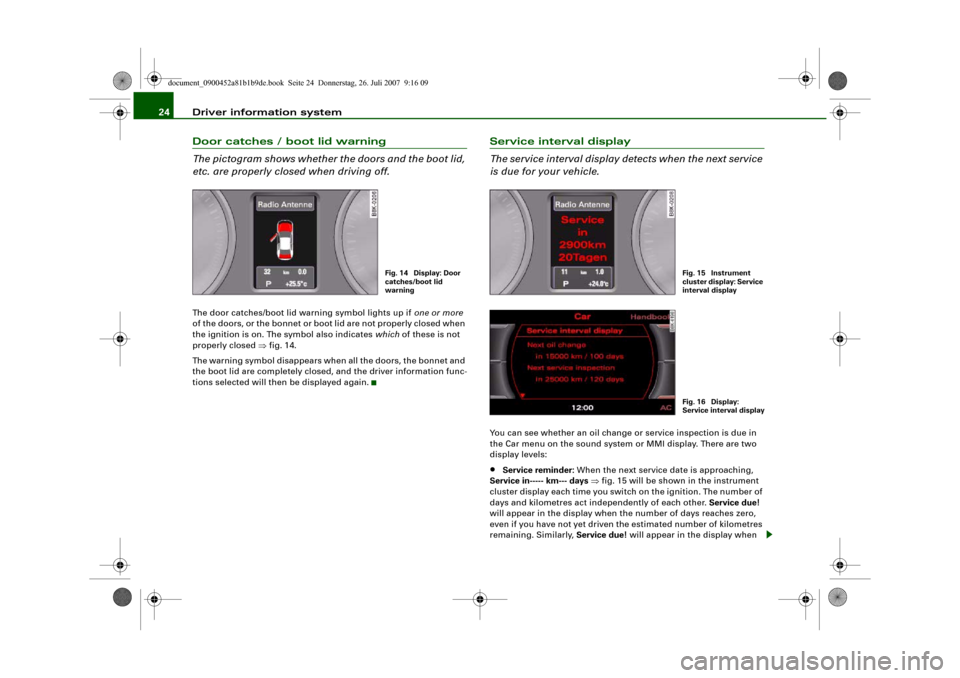
is due for your vehicle.You can see whether an oil change or service inspection is due in
the Car menu on the sound system or MMI display. There are two
display levels:•
Service reminder: When the next service date is approaching,
Service in----- km--- days ⇒fig. 15 will be shown in the instrument
cluster display each time you switch on the ignition. The number of
days and kilometres act independently of each other. Service due!
will appear in the display when the number of days reaches zero,
even if you have not yet driven the estimated number of kilometres
remaining. Similarly, Service due! will appear in the display when
Fig. 14 Display: Door
catches/boot lid
warning
Fig. 15 Instrument
cluster display: Service
interval displayFig. 16 Display:
Service interval displa
y
document_0900452a81b1b9de.book Seite 24 Donnerstag, 26. Juli 2007 9:16 09
Page 28 of 342
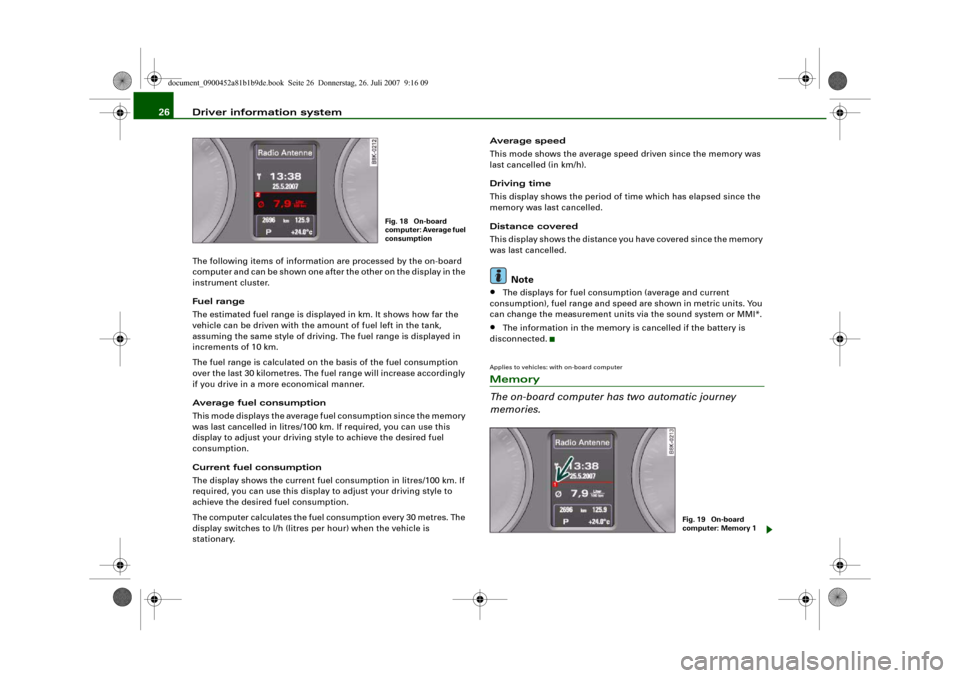
Driver information system 26The following items of information are processed by the on-board
computer and can be shown one after the other on the display in the
instrument cluster.
Fuel range
The estimated fuel range is displayed in km. It shows how far the
vehicle can be driven with the amount of fuel left in the tank,
assuming the same style of driving. The fuel range is displayed in
increments of 10 km.
The fuel range is calculated on the basis of the fuel consumption
over the last 30 kilometres. The fuel range will increase accordingly
if you drive in a more economical manner.
Average fuel consumption
This mode displays the average fuel consumption since the memory
was last cancelled in litres/100 km. If required, you can use this
display to adjust your driving style to achieve the desired fuel
consumption.
Current fuel consumption
The display shows the current fuel consumption in litres/100 km. If
required, you can use this display to adjust your driving style to
achieve the desired fuel consumption.
The computer calculates the fuel consumption every 30 metres. The
display switches to l/h (litres per hour) when the vehicle is
stationary.Average speed
This mode shows the average speed driven since the memory was
last cancelled (in km/h).
Driving time
This display shows the period of time which has elapsed since the
memory was last cancelled.
Distance covered
This display shows the distance you have covered since the memory
was last cancelled.
Note
•
The displays for fuel consumption (average and current
consumption), fuel range and speed are shown in metric units. You
can change the measurement units via the sound system or MMI*.
•
The information in the memory is cancelled if the battery is
disconnected.
Applies to vehicles: with on-board computerMemory
The on-board computer has two automatic journey
memories.
Fig. 18 On-board
computer: Average fuel
consumption
Fig. 19 On-board
computer: Memory 1
document_0900452a81b1b9de.book Seite 26 Donnerstag, 26. Juli 2007 9:16 09
Page 30 of 342
Driver information system 28•
Driving time
•
Distance covered
You can also cancel all the values in the single journey memory or
the total journey memory at the same time ⇒page 28.Note
The information in the memory is cancelled if the battery is
disconnected.Applies to vehicles: with on-board computerBasic settings for the on-board computer
The basic settings for the on-board computer can be
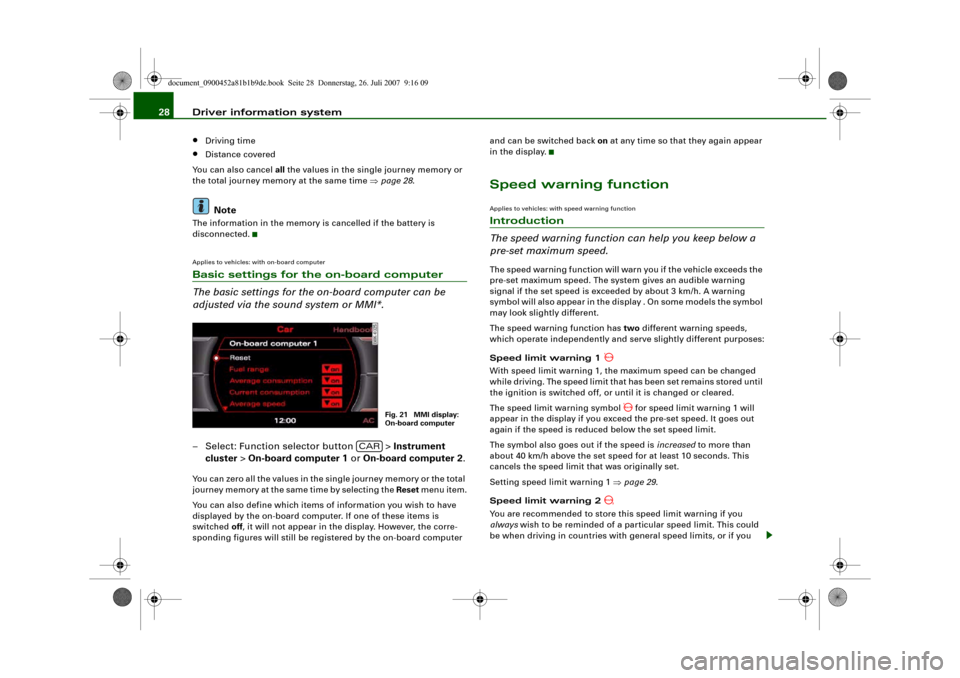
adjusted via the sound system or MMI*.– Select: Function selector button > Instrument
cluster > On-board computer 1 or On-board computer 2.You can zero all the values in the single journey memory or the total
journey memory at the same time by selecting the Reset menu item.
You can also define which items of information you wish to have
displayed by the on-board computer. If one of these items is
switched off, it will not appear in the display. However, the corre-
sponding figures will still be registered by the on-board computer and can be switched back on at any time so that they again appear
in the display.
Speed warning functionApplies to vehicles: with speed warning functionIntroduction
The speed warning function can help you keep below a
pre-set maximum speed.The speed warning function will warn you if the vehicle exceeds the
pre-set maximum speed. The system gives an audible warning
signal if the set speed is exceeded by about 3 km/h. A warning
symbol will also appear in the display . On some models the symbol
may look slightly different.
The speed warning function has two different warning speeds,
which operate independently and serve slightly different purposes:
Speed limit warning 1
With speed limit warning 1, the maximum speed can be changed
while driving. The speed limit that has been set remains stored until
the ignition is switched off, or until it is changed or cleared.
The speed limit warning symbol
for speed limit warning 1 will
appear in the display if you exceed the pre-set speed. It goes out
again if the speed is reduced below the set speed limit.
The symbol also goes out if the speed is increased to more than
about 40 km/h above the set speed for at least 10 seconds. This
cancels the speed limit that was originally set.
Setting speed limit warning 1 ⇒page 29.
Speed limit warning 2
You are recommended to store this speed limit warning if you
always wish to be reminded of a particular speed limit. This could
be when driving in countries with general speed limits, or if you
Fig. 21 MMI display:
On-board computer
CAR
document_0900452a81b1b9de.book Seite 28 Donnerstag, 26. Juli 2007 9:16 09
Page 31 of 342
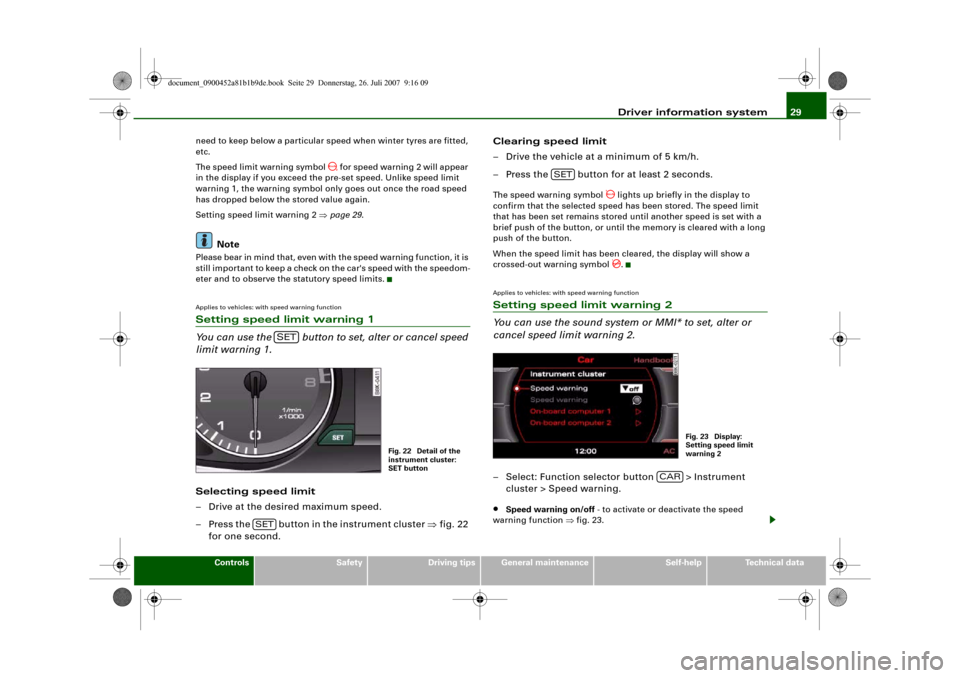
Driver information system29
Controls
Safety
Driving tips
General maintenance
Self-help
Technical data need to keep below a particular speed when winter tyres are fitted,
etc.
The speed limit warning symbol
for speed warning 2 will appear
in the display if you exceed the pre-set speed. Unlike speed limit
warning 1, the warning symbol only goes out once the road speed
has dropped below the stored value again.
Setting speed limit warning 2 ⇒page 29.
Note
Please bear in mind that, even with the speed warning function, it is
still important to keep a check on the car's speed with the speedom-
eter and to observe the statutory speed limits.Applies to vehicles: with speed warning functionSetting speed limit warning 1
You can use the button to set, alter or cancel speed
limit warning 1.Selecting speed limit
– Drive at the desired maximum speed.
– Press the button in the instrument cluster ⇒fig. 22
for one second.Clearing speed limit
– Drive the vehicle at a minimum of 5 km/h.
– Press the button for at least 2 seconds.
The speed warning symbol
lights up briefly in the display to
confirm that the selected speed has been stored. The speed limit
that has been set remains stored until another speed is set with a
brief push of the button, or until the memory is cleared with a long
push of the button.
When the speed limit has been cleared, the display will show a
crossed-out warning symbol .
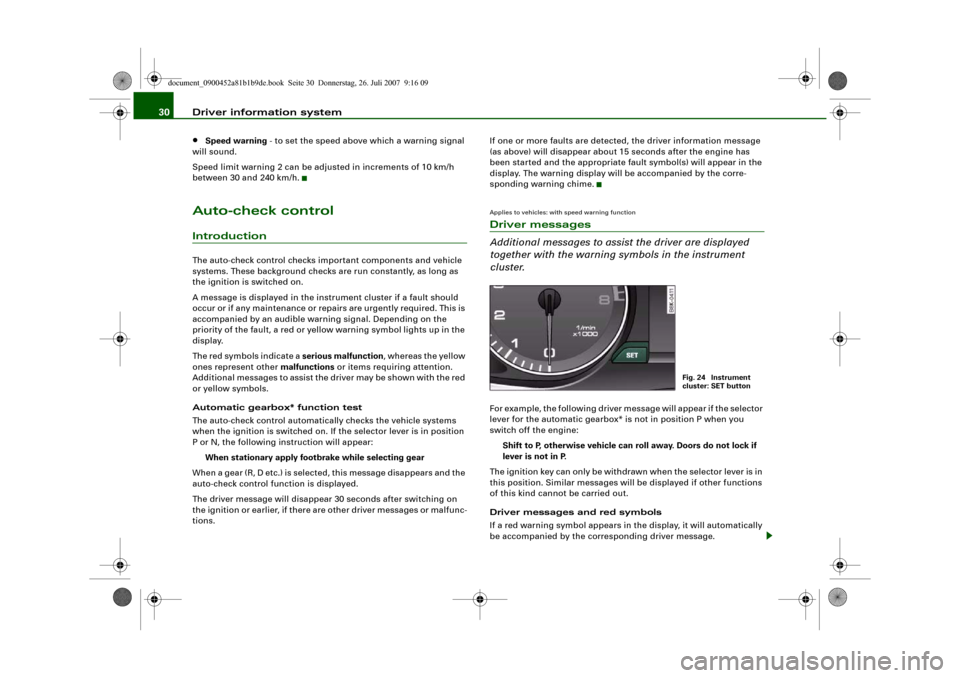
Applies to vehicles: with speed warning functionSetting speed limit warning 2
You can use the sound system or MMI* to set, alter or
cancel speed limit warning 2.– Select: Function selector button > Instrument
cluster > Speed warning.•
Speed warning on/off - to activate or deactivate the speed
warning function ⇒fig. 23.
SET
Fig. 22 Detail of the
instrument cluster:
SET button
SET
SET
Fig. 23 Display:
Setting speed limit
warning 2
CAR
document_0900452a81b1b9de.book Seite 29 Donnerstag, 26. Juli 2007 9:16 09
Page 32 of 342
Driver information system 30•
Speed warning - to set the speed above which a warning signal
will sound.
Speed limit warning 2 can be adjusted in increments of 10 km/h
between 30 and 240 km/h.
Auto-check controlIntroductionThe auto-check control checks important components and vehicle
systems. These background checks are run constantly, as long as
the ignition is switched on.
A message is displayed in the instrument cluster if a fault should
occur or if any maintenance or repairs are urgently required. This is
accompanied by an audible warning signal. Depending on the
priority of the fault, a red or yellow warning symbol lights up in the
display.
The red symbols indicate a serious malfunction, whereas the yellow
ones represent other malfunctions or items requiring attention.
Additional messages to assist the driver may be shown with the red
or yellow symbols.
Automatic gearbox* function test
The auto-check control automatically checks the vehicle systems
when the ignition is switched on. If the selector lever is in position
P or N, the following instruction will appear:
When stationary apply footbrake while selecting gear
When a gear (R, D etc.) is selected, this message disappears and the
auto-check control function is displayed.
The driver message will disappear 30 seconds after switching on
the ignition or earlier, if there are other driver messages or malfunc-
tions.If one or more faults are detected, the driver information message
(as above) will disappear about 15 seconds after the engine has
been started and the appropriate fault symbol(s) will appear in the
display. The warning display will be accompanied by the corre-
sponding warning chime.
Applies to vehicles: with speed warning functionDriver messages
Additional messages to assist the driver are displayed
together with the warning symbols in the instrument
cluster.For example, the following driver message will appear if the selector
lever for the automatic gearbox* is not in position P when you
switch off the engine:
Shift to P, otherwise vehicle can roll away. Doors do not lock if
lever is not in P.
The ignition key can only be withdrawn when the selector lever is in
this position. Similar messages will be displayed if other functions
of this kind cannot be carried out.
Driver messages and red symbols
If a red warning symbol appears in the display, it will automatically
be accompanied by the corresponding driver message.
Fig. 24 Instrument
cluster: SET button
document_0900452a81b1b9de.book Seite 30 Donnerstag, 26. Juli 2007 9:16 09
Page 34 of 342

Driver information system 32Alternator fault
If the symbol
flashes in the instrument cluster display, there is an
alternator fault or a fault in the vehicle's electrical system. In addi-
tion, a message will appear. This message will disappear after about
5 seconds, but you can call it up again at any time by pressing the
button.
You should normally be able to drive to the next available qualified
workshop. However, you should avoid using electrical equipment
that is not absolutely necessary because this will drain the battery.
Caution
If the coolant warning lamp
in the instrument display lights up
as well as the alternator warning lamp while driving ⇒page 33, stop
the vehicle immediately and switch off the engine. In this case the
coolant pump is no longer being driven, and there is a risk of engine
damage.
Fault in the brake system
A fault in the brake system should be corrected as soon as
possible.If the symbol
flashes in the display, there is a fault in the
brake system. The symbol is accompanied by a driver
message giving you more information about the fault. This
message will disappear after about 5 seconds, but you can
call it up again at any time by pressing the button:
Stop vehicle and check brake fluid level
– Stop the vehicle.
– Check the brake fluid level ⇒page 262.
– Obtain professional assistance if necessary.Warning! Fault in ABS brake system. Contact
workshop
– Drive carefully to the nearest qualified workshop and
have the fault rectified ⇒.
Parking brake ! Please contact workshop
– If the symbol appears after you switch on the ignition
when the vehicle is stationary, please check whether you
can release the parking brake. If this is possible, you
should drive without delay to the nearest qualified work-
shop and have the fault rectified. If the parking brake
cannot be released you should obtain professional
assistance.
– If this symbol should appear while driving, there may be
a malfunction in the drive-away assist or the emergency
brake functions. You may not be able to apply the parking
brake. It is also possible that you cannot release the
parking brake after it has been applied. Drive the vehicle
to a qualified workshop and have the fault repaired.
If the ABS fails, the ABS warning lamp
will light up together with
the brake warning symbol
⇒.
WARNING
•
Before opening the bonnet and checking the brake fluid level,
observe the warning information on ⇒page 255, “Working on
components in the engine compartment”.
•
If the brake fluid level in the reservoir is too low, this could
result in an accident. Do not drive on. You should obtain profes-
sional assistance.
•
If the brake warning lamp lights up together with the ABS
warning lamp, this can mean that the control function of the ABS
is out of action. As a result the rear wheels can lock relatively
SET
SET
document_0900452a81b1b9de.book Seite 32 Donnerstag, 26. Juli 2007 9:16 09
Page 35 of 342
Driver information system33
Controls
Safety
Driving tips
General maintenance
Self-help
Technical data easily when braking. This could cause the tail of the vehicle to skid
sideways. Drive carefully to the nearest qualified workshop and
have the fault rectified.
Note
The warning lamp
in the instrument cluster will start flashing as
well if there is a fault in the brake system.
Fault in the cooling system
Faults in the cooling system must be rectified immedi-
ately.If the
symbol flashes in the display, this means that
either the coolant temperature is too high or the coolant
level is too low. The symbol is accompanied by a driver
message giving you more information about the fault. This
message will disappear after about 5 seconds, but you can
call it up again at any time by pressing the button:
Switch off engine, check coolant level
–Stop the vehicle.
– Switch off the engine.
– Check the coolant level ⇒page 261.
– Add more coolant if necessary ⇒page 261.
– Wait for the symbol to go out before driving on.
– Obtain professional assistance if necessary.
If the coolant level is correct, the overheating may be caused by a
malfunction of the radiator fan.If the alternator warning lamp lights up as well ⇒page 32, it is
possible that the drive belt has broken.
WARNING
•
If your vehicle should break down for technical reasons, stop it
at a safe distance away from moving traffic, switch off the engine
and turn on the hazard warning lights ⇒page 61, “Hazard
warning lights ”.
•
Never open the bonnet if you can see or hear steam or coolant
escaping from the engine compartment; there is a risk of being
scalded. Wait until you can no longer see or hear escaping steam
or coolant.
•
The engine compartment of any motor vehicle is a dangerous
place. Before carrying out any work in the engine compartment,
switch off the engine and allow it to cool down. Please observe the
important safety warnings ⇒page 255, “Working on components
in the engine compartment”.Caution
Do not drive on if the symbol
has come on to indicate a fault in
the cooling system, otherwise there is a risk of damaging the
engine.
Engine oil pressure too low
If the engine oil pressure is too low the fault must be recti-
fied immediately.If the
symbol flashes in the display, the oil pressure is
too low. The symbol is accompanied by a driver message
giving you more information about the fault. This message
WARNING (continued)
SET
document_0900452a81b1b9de.book Seite 33 Donnerstag, 26. Juli 2007 9:16 09
Page 38 of 342
Driver information system 36
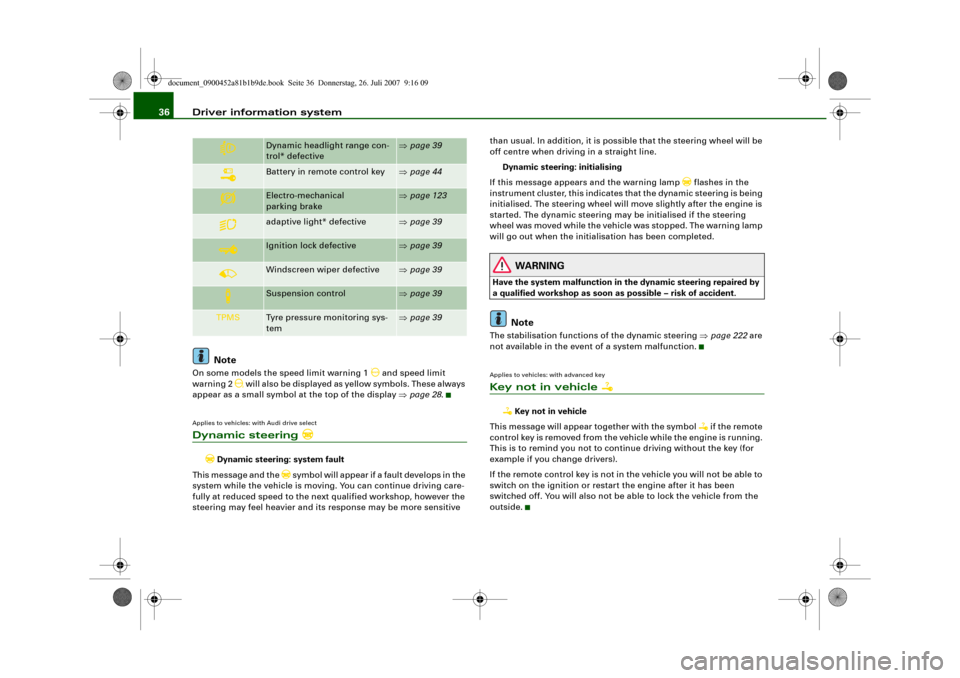
NoteOn some models the speed limit warning 1
and speed limit
warning 2
will also be displayed as yellow symbols. These always
appear as a small symbol at the top of the display ⇒page 28.
Applies to vehicles: with Audi drive selectDynamic steering
Dynamic steering: system fault
This message and the
symbol will appear if a fault develops in the
system while the vehicle is moving. You can continue driving care-
fully at reduced speed to the next qualified workshop, however the
steering may feel heavier and its response may be more sensitive than usual. In addition, it is possible that the steering wheel will be
off centre when driving in a straight line.
Dynamic steering: initialising
If this message appears and the warning lamp
flashes in the
instrument cluster, this indicates that the dynamic steering is being
initialised. The steering wheel will move slightly after the engine is
started. The dynamic steering may be initialised if the steering
wheel was moved while the vehicle was stopped. The warning lamp
will go out when the initialisation has been completed.
WARNING
Have the system malfunction in the dynamic steering repaired by
a qualified workshop as soon as possible – risk of accident.
Note
The stabilisation functions of the dynamic steering ⇒page 222 are
not available in the event of a system malfunction.Applies to vehicles: with advanced keyKey not in vehicle
Key not in vehicle
This message will appear together with the symbol
if the remote
control key is removed from the vehicle while the engine is running.
This is to remind you not to continue driving without the key (for
example if you change drivers).
If the remote control key is not in the vehicle you will not be able to
switch on the ignition or restart the engine after it has been
switched off. You will also not be able to lock the vehicle from the
outside.
Dynamic headlight range con-
trol* defective
⇒page 39
Battery in remote control key
⇒page 44
Electro-mechanical
parking brake
⇒page 123
adaptive light* defective
⇒page 39
Ignition lock defective
⇒page 39
Windscreen wiper defective
⇒page 39
Suspension control
⇒page 39
TPMS
Tyre pressure monitoring sys-
tem
⇒page 39
document_0900452a81b1b9de.book Seite 36 Donnerstag, 26. Juli 2007 9:16 09
Page 41 of 342
Driver information system39
Controls
Safety
Driving tips
General maintenance
Self-help
Technical data
Applies to vehicles: with dynamic headlight range controlHeadlight range control defective
Headlight range control defective
This symbol
indicates a malfunction in the dynamic headlight
range control. Take the vehicle to a qualified workshop to have the
dynamic headlight range control function repaired.
Applies to vehicles: with adaptive lightadaptive light defective
adaptive light defective
This symbol
indicates that the adaptive light is defective. Take
the vehicle to a qualified workshop to have the headlights and/or
the control unit for the adaptive light repaired.
Ignition lock defective
Ignition lock defective
If the symbol
lights up in the display, there is a malfunction in
the electronic ignition lock. Take the vehicle to a qualified workshop
to have the problem remedied.
Applies to vehicles: with Audi drive selectSuspension control
This warning lamp monitors the damping effect of the
shock absorbers.
Suspension: system fault
If the symbol lights up in the display, there is a malfunction in the
vehicle suspension. Take the vehicle to a qualified workshop to have
the problem remedied.
Windscreen wipers defective
Windscreen wipers defective
This symbol
indicates a malfunction in the electronics for the
windscreen wipers. Take the vehicle to a qualified workshop to have
the windscreen wiper system repaired.
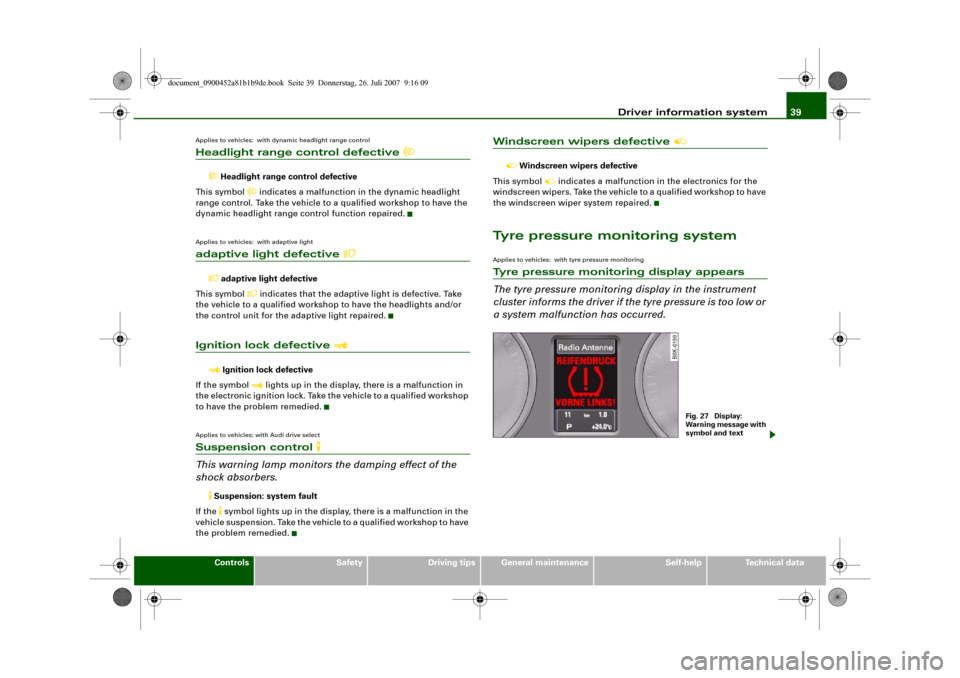
Tyre pressure monitoring systemApplies to vehicles: with tyre pressure monitoringTyre pressure monitoring display appears
The tyre pressure monitoring display in the instrument
cluster informs the driver if the tyre pressure is too low or
a system malfunction has occurred.
Fig. 27 Display:
Warning message with
symbol and text
document_0900452a81b1b9de.book Seite 39 Donnerstag, 26. Juli 2007 9:16 09