brake AUDI ALLROAD 2000 User Guide
[x] Cancel search | Manufacturer: AUDI, Model Year: 2000, Model line: ALLROAD, Model: AUDI ALLROAD 2000Pages: 306, PDF Size: 9.95 MB
Page 109 of 306
CONT
ROLS AND EQUIPMENT---------------------
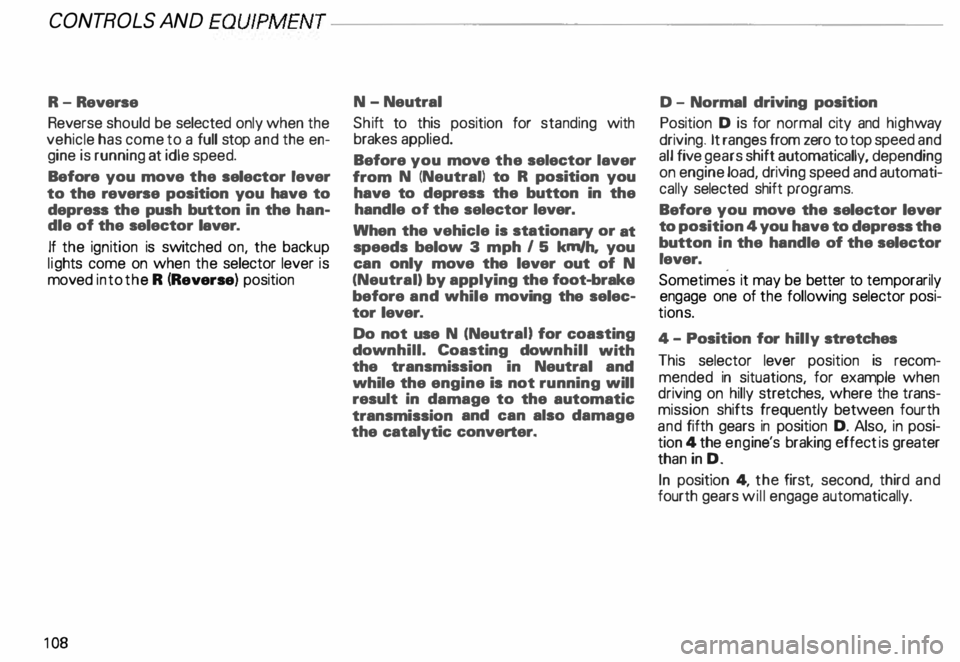
R-Reverse
Reverse should be selected only when the
vehicle has come to a full stop and the en
gine is running at idle speed.
Before you move the selector lever
to the reverse position you have to
depress the push button in the han
dle of the selector laver.
If the ignition is switc hed on, the backup
lig hts come on when the selector lever is
moved into the R (Reverse) position
10 8 N-Neutral
Shi ft to this position for standing with
brakes applied.
Before you move the selector laver
from N (Neutral) to R position you
have to depress the button in the
handle of the selector lever.
When the vehicle is stationary or at
speeds below 3 mph I 5 km/h, you
can only move the lever out of N
(Neutral) by applying the foot-brake
before and while moving the selec
tor lever.
Do not use N (NeutraU for coasting
down hill. Coasting downhill with
the transmission in Neutral and
while the engine is not running will
result in damage to the automatic
transmission and can also damage
the catalytic converter. D -
Normal driving position
Position D is for normal city and highway
driving. It ranges from zero to top speed and
all five gears shift automatically, depending
on engine load, driving speed and automati
cally selected shift programs.
Before you move the selector lever
to position 4 you have to depress the
button in the handle of the selector
lever.
Sometimes it may be better to temporarily
engage one of the following selector posi
tions.
4- Position for hilly stretches
This selector lever position is recom
mended in situations, for example when
driving on hilly stretches, where the trans
mission shifts frequently between fourth
and fifth gears in position D. Also, in posi
tion 4 the engi ne's braking effect is greater
than in D.
In position 4, the first, second, third and
fourth gears will engage automatically.
Page 111 of 306
CONTROLS AND
EQUIPMEN T--------------------
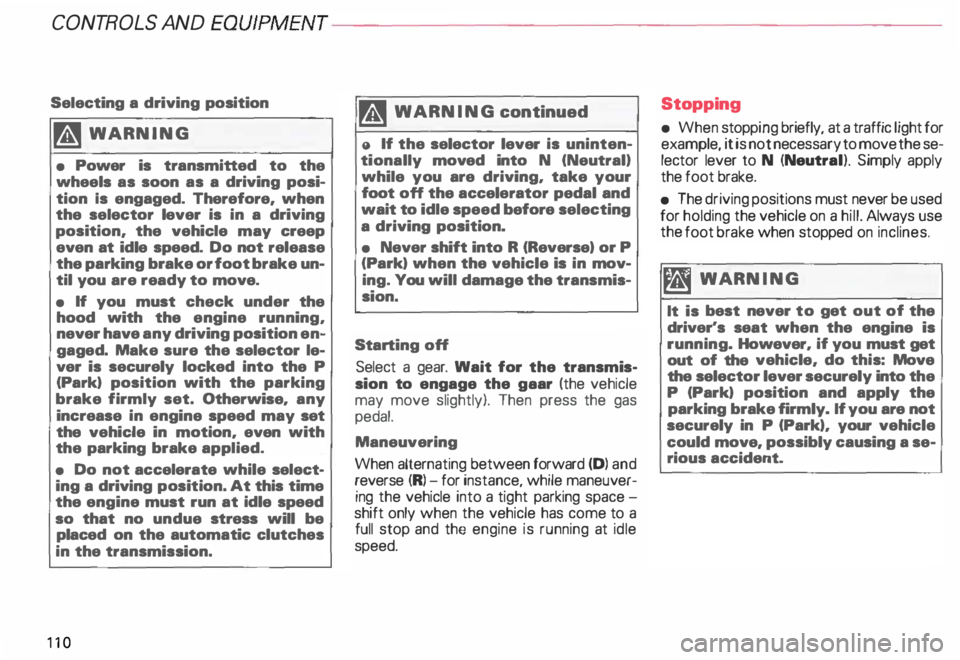
Selecting a driving position
�W ARNING
• Power is transmitted to the
wheels as soon as a driving posi
tion Is engaged. Therefore, when
the selector lever is in a driving
position, the vehicle may creep
even at idle speed. Do not release
the parking brake or foot brake un
til you are ready to move.
• If you must check under the
hood with the engine running,
never have any driving position en
gaged. Make sure the selector le
ver is securely locked into the P
(Park) position with the parking
brake firmly set. Otherwise, any
increase in engine speed may set
the vehicle in motion, even with
the parking brake applied.
• Do not accelerate while select
ing a driving position. At this time
the engine must run at idle speed
so that no undue stress will be
placed on the automatic clutches
in the transmission.
110 rA'J
WARNING continued
o If the selector lever is uninten
tionally moved into N (Neutral}
while you are driving, take your
foot off the accelerator pedal and
wait to idle speed before selecting
a driving position.
• Never shift into R (Reverse) or P
(Park) when the vehicle is in mov
ing. You will damage the transmis
sion.
Sta rting off
Select a gear. Wait for the transmis·
sion to engage the gaar (the vehicle
may move slightly). Then press the gas
pedal.
Maneuvering
When alternating between forward (D) and
reverse (R)-for instance, while maneuver
ing the vehicle into a tight parking space -
shift only when the vehicle has come to a
full stop and the engine is running at idle
speed. Stopping
• When stopping briefly, at a traffic light for
example, it is not necessary to move these
lector lever to N (Neutra l). Simply apply
the foot brake.
• The driving positions must never be used
for holding the vehicle on a hill. Always use
the foot brake when stopped on inclines.
mi WARNING
It is best never to get out of the
driver's seat when the engine is
running. However, if you must get
out of the vehicle, do this: Move
the selector lever securely into the
P (Park) position and apply the
parking brake firmly. If you are not
securely in P (Park), your vehicle
could move, possibly causing a se
rious accident.
Page 112 of 306
---------------------CONTROLS AND EQUIPMENT
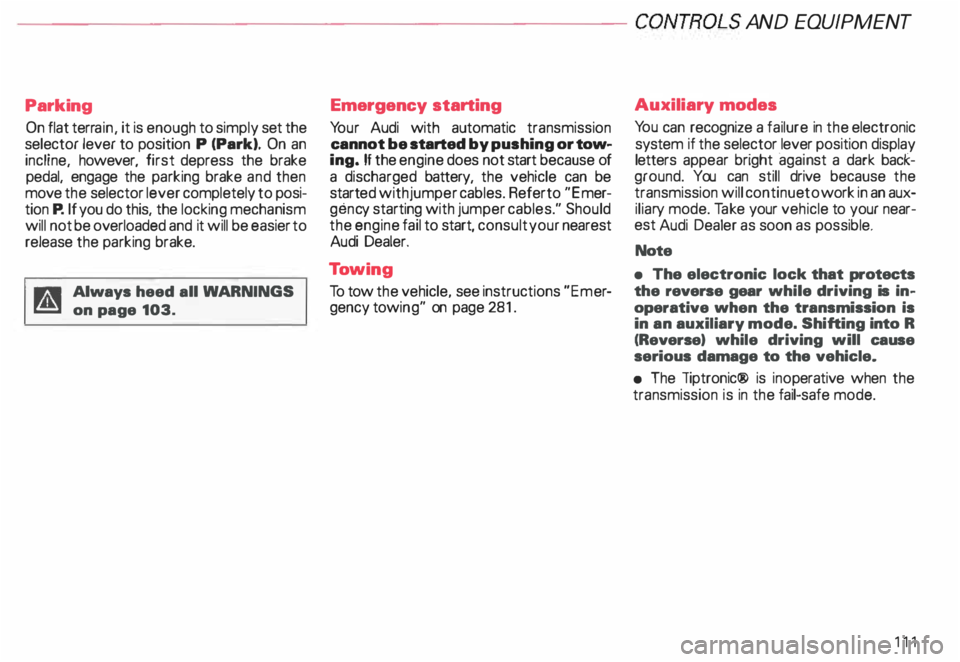
Parking On flat terrain, it is enough to simply set the
selector lever to position P (Park). On an
incline, however, first depress the brake
pedal. engage the parking brake and then
move the selector lever completely to posi
tion P. If you do this. the locking mechanism
will not be overloaded and it will be easier to
release the parking brake.
Always heed all WA RNINGS
on page 103. Emergency
starting
Yo ur Audi with automatic transmission
cannot be started by pushing or tow
ing. If the engine does not start because of
a discharged battery, the vehicle can be
start edwithjumper cables. Referto "Emer
genc y starting with jumper cables." Should
the engine fail to start, consult your nearest
Audi Dealer.
To wing
To tow the vehicle. see instructions "Emer
gency towing" on page 281. Auxiliar
y modes
Yo u can recognize a failure in the electronic
system if the selector lever position display
letters appear bright ·aga in st a dark back
ground. You can still drive because the
transmission will continue to work in an aux
iliary mode. Take your vehicle to your near
est Audi Dealer as soon as possible.
Note
• The electronic lock that protects
the reverse gear while driving is in
operative when the transmission is
in an auxiliary mode. Shifting into R
(Reverse) while driving will cause
serious damage to the vehicle.
• The liptronic® is inoperative when the
transmission is in the fail-safe mode.
111
Page 126 of 306
---------------------CONTROLS AND EQUIPMENT
Turn signals and
emergency flasher
Refer to "Turn signal I headlight d1mmer
switch lever and emergency flasher" on
pages 152 and 156 for details.
High beam �D
The indicator light lights up when the high
beams are switched on or when the head
light flasher is used.
See "Turn signal I headlight dimmer switch
lever" on page 156 for details.
Malfunction Indicator
�
Lamp (MIL) CHECK
The Malfunction Indicator Lamp is part of
the On Board Diagnostic system (OBD).
The lamp comes on when the ignition is
switched on and will go out after the engine
is started and the idle has stabilized. This is
to assure you that the Malfunction Indicator
Lamp is working properly.
For more details, see page 128. Airbag
System AIR
BAG
The ind icator light for the airbag and belt
tensioner system must come on when
the ignition is switched on, and go out after
a few seconds. If the light does not go out,
or if it comes on while you are driving, this
ind icates a fault in the airbag I belt tensioner
syste m.
If the indicator light does not come on when
the ignition is switched on, this also indi
cates a system malfunction. If any of these
conditions occur, have the air bag system in
spected immediately by your authorized
Audi Dealer.
For more details, see page 25. Anti-lock
Brake System
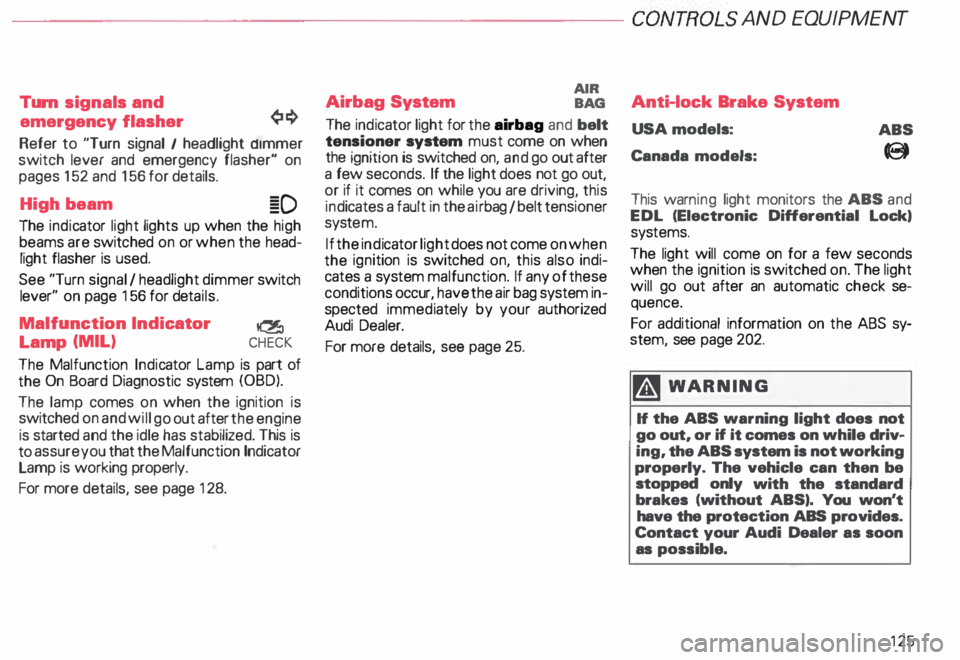
USA models:
Canada models: ABS
8
This warn ing light monitors the ABS and
EDL (Electronic Differential Lock,
sys tems.
The light will come on for a few seconds
when the ignition is switched on. The light
will go out after an automatic check se
quence.
For additional information on the ABS sy
stem, see page 202.
� WARNING
If the ABS warning light does not
go out, or if it comes on while driv
ing, the ABS system is not working
properly. The vehicle can then be
stopped only with the standard
brakes (without ABS,. You won't
have the protection ABS provides.
Contact your Audi Dealer as soon
as possible.
125
Page 127 of 306
CONTROLS
AND EQUIPMENT---------------------
If there is an ABS problem:
o The ABS warning light to come
on. The vehicle can still be braked,
however, the ABS will not work. See
your authorized Audl Dealer as soon
as possible.
• The ABS warning light and the
brake warning light come on to
gether. The ABS will not work and
you will notice a change in braking
characteristics and performance.
�W ARNING
If both warning lights (ABS and
BRAKE warning light) come on at
the same time, the rear wheels
could lock up first under hard
braking. Rear wheel brake lock-up
can cause loss of vehicle control
and an accident. Have your vehicle
repaired immediately by your au
thorized Audi Dealer or a qualified
workshop. Drive slowly and avoid
sudden, hard brake application.
12 6 If
the ABS fails, the ESP warning light will
come on. See page and pages 202 -205.
Electronic differential lock (EDL)
The electronic differential lock works in con
junction with the ABS system. A fault in the
ABS causes therefore a malfunction of the
electr onic differential lock.
For more details on how the EDL works, go
to page 204.
Brake
USA models:
BRAKE
Canada models:
(Q))
The light comes on while the engine is
cranking. It goes out after the engine has
been started and the parking brake is fully
released. This is your assurance that the
brake warning light is functioning properly. A If the brake warning light does ¥ not light up when the engine is
cra nking or the parking brake is ap
plied, there may be a malfunction in
the electrical system. In this case,
contact your Audi Dealer.
When the light comes on, an audible warn
ing signal is also given.
�W ARNING
• If both warning lights (ABS and
BRAKE warning light) come on at
the same time, the rear wheels
could lock up first under hard
braking. Rear wheel brake lock-up
can cause loss of vehicle control
and an accident. Have your vehicle
repaired immediately by your au
thorized Audi Dealer or a qualified
workshop. Drive slowly and avoid
sudden, hard brake application.
Page 128 of 306
f4
WARNING continued
• If the brake warning light does
not go out with the engine running
and the parking brake released, or
lights up while you ere driving, the
fluid level in the brake fluid reser
voir is too low.
• If you believe that it Is safe to do
so, proceed immediately at low
speed to the nearest authorized
Audi Dealer or qualified workshop
and have the brake system in
spected.
• Please be very careful and be
sure to remember that after sev
eral brake applications, you will
need greater pressure on the brake
pedal to stop your vehicle. Conse
quently, you must allow for in
creased braking distances. Trying
to brake as quickly as usual could
lead to an accident.
For details see "Brakes.. on page
201. Generator
This
light comes on when the ignition is
turned on and goes out after the engine is
started. If the light does not go out after
star ting and rewing up the engine momen
tarily or lights up while driving, there may be
a malfunc tion in the electrical system, or the
V- belt driving the gener ator may be broken. A If the warning light comes on
V while driving, stop the vehicle
and turn oft the engine. Inspect the
belts.
If the V-belt is not torn, you can still continue
driving to the nearestAudi Dealer. However,
since the battery is no longer being charged,
switch off all unne cessary electrical equip
ment.
If the V- belt is tom, the power steering and
the radiator fan will also not work.
Obtain expert assistance.
g Always heed all WA RNINGS
r!!l on page 232, chapter "En
gine compartment '". CONT
ROLS AND EQ UIPMENT
Safety belts
Yo ur vehicle has a warning light to remind
you to wear your safety belt and to make
sure that others do too.
After switching on the ignition, the warning
light in the instrument cluster will come on
for about 6 seconds along with a war ning
tone. As soon as you fasten your safety belt,
the warning tone will stop.
The warning light, however, will be on for
the entire 6 seconds.
Fasten your safety belt now and ma
ke sure that your passengers also
properly put on their safety belts.
Please be sure to read the chapter
"Safety belts" page 14.
127
Page 131 of 306
CONTROLS AND
EQUIPMENT--------------------
Driver information system
Display
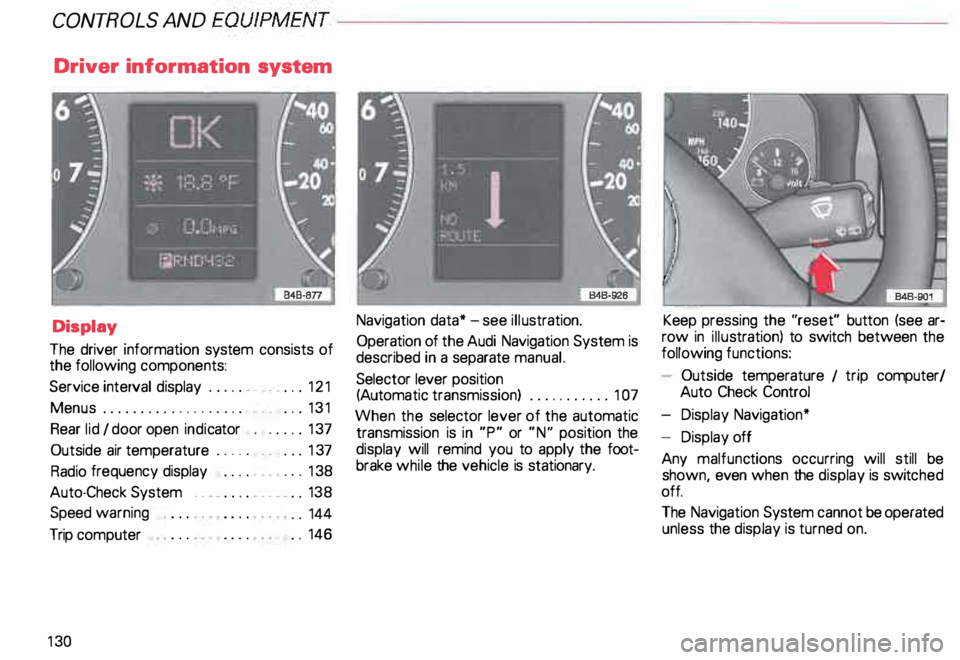
The driver information system consists of
the following components:
Service interval display . . . . . . _. _ ... 121
Menu s................... _ . ... 131
Rear lid I door open indicator _ _ .... 137
Outside air temperature __ . . . _ _ ... 137
Radio frequency display . . . . • .• ___ 138
Auto-Check System ____ .... ____ _ . _ 138
Speed warning
.. 144
Trip computer . .
146
13 0 Navigation
data* -see illustration.
Operation of the Audi Navigation System is
described in a separate manual.
Selector lever position
(Auto matic transmission) ........... 1 07
When the selector lever of the automatic
transmission is in "P" or "N" position the
display will remind you to apply the foot
brake while the vehicle is stationary. Keep
pressing the "reset" button (see ar
row in illus tration) to switch between the
following functions:
- Outside temperature 1 trip computer/
Auto Check Control
- Display Navigation*
- Display off
Any malfunc tions occurring will still be
shown, even when the display is switc hed
off.
The Navigation System cannot be operated
unless the display is turned on.
Page 140 of 306

--------------------CONTROLS AND
EQUIPMEN T
When the red blinking symbols appear,
three warning tones will sound at the same
time. These symbols represent Danger.
• Do not continue to operate the
vehicle. The problem muat be lo
cated and corrected immediately.
Pull off the road to a safe area, well away
from traffic, stop the engine and operate the
emergency flasher. Use other warning de
vices to alert motorists. Contact your autho
rized Audi Dealer or a qualified workshop.
In the event of multiple malfunctions, the
symbols will blink successively in two-sec
ond interva ls. The symbols will continue to
blink until the malfunction is corrected.
Note If a malfunction is detected while you are
using the Navigation System, the Naviga
tion System display will be switched off for
a few seconds and the Priority 1 Warning
symbol will appear. After that, the symbol
will change into the Priority 2 display, and
the Navigation System will be visible once
again.
As long there is a Priority 1 malfunction
present, Priority 2 malfunctions will not be
displayed. Ye
llow Symbols (priority 2)
Brake light is defective
Headlight and/or taillight is defective
B rake pads worn
Windshield wiper fluid reserv oir
level is too low (moving symbol)
Fuel level is low (@)
�
0 Battery
voltage is too low/too high 0
Check engine oil level
Engine oil sensor defective �ENSOR
Speed warning (USA Models)
Speed warning (Canada Models)
Dynamic headlight dimmer
control not functioning 9
8
When the yellow symbols appear, only one
warning tone will sound at the same time.
These symbols represent a Warn ing.
Have the malfunction displayed corrected
as soon as possible. In the event of mul tiple
malfunctions, the symbols will appear suc
cessively in two-second intervals.
139
Page 141 of 306
CONT
ROLS AND
EQUIPMENT--------------------
Test button
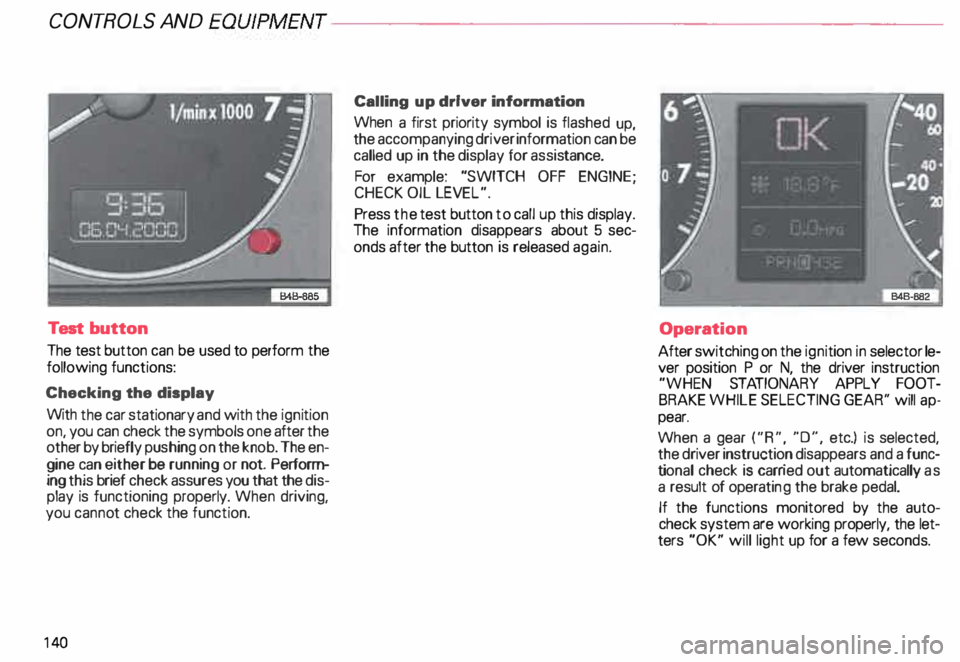
The test button can be used to perform the
following functions:
Checking the display
With the car stationary and with the ignition
on, you can check the symbols one after the
other by briefly push ing on the knob. The en
gine can either be running or not. Perform
ing this brief check assures you that the dis
play is functioning properly. When driving,
you canno t check the function.
14 0 Calling
up driver information
When a first priority symbol is flashed up,
the accompanying driver information can be
called up in the display for assis tance.
For example: "SWITCH OFF ENGINE ;
CHECK OIL LEVEL".
Press the test button to call up this display.
The information disappears about 5 sec
onds after the button is released again.
Operation
After switching on the ignition in selector le
ver position P or N, the driver instruction
"WHEN STATIONARY APPLY FOOT
BRAKE WHILE SELECTING GEAR'' will ap
pear.
When a gear ("R", "0", etc.) is selected,
the driver instruction disappears and a func
ti onal check is carr ied out automatically as
a result of operati ng the brake pedal.
If the functions monitored by the auto
check system are working properly, the let
ters "OK" will light up for a few seconds.
Page 142 of 306
--------------------CONTROLS AND
EQUIPMEN T
If there are one or more faults, the driver in
formation disappears about 15 seconds af
ter the engine has been started and the ap
propriate fault symbol appears in the
display.
If neither "OK" nor any other fault symbol
appear in the displa y, the auto-check sy
stem must itself be checked. Displays
In case of a malfunction or component fail
ure, the acoustic warning will sound and the
following symbols can appear.
Brake light
USA models:
Canada models: BRAKE
LIGHT
(@)
The following electrical components should
be checked, repaired or replaced, as neces
sary:
• Brake light bulbs
• Fuses
• All wiring connections Engine
coolant
temperature /level
If the light flashes, either the coolant ten:
perature is too high, or the coolant level1s
too low.
• If the light starts to f_lash, move
the vehicle a safe d1stance off
the road, stop the engine, depress
the emergency flasher switch, turn
off the engine and let it cool down.
Check coolant level. Top up as necessary
(see "Cooling system", page 238). ·
g Always heed all WA RNINGS
� on page 232.
141