Cockpit AUDI Q2 2021 Owner´s Manual
[x] Cancel search | Manufacturer: AUDI, Model Year: 2021, Model line: Q2, Model: AUDI Q2 2021Pages: 364, PDF Size: 87.77 MB
Page 111 of 364
Driver assist systems
CO
<
O
rN rN
t-H
o <
- The traffic sign detection system does not
adjust the speed of your vehicle to the speed
limits.
The speed limit displayed in the instrument
cluster is given in the units applicable in a
particular country.
Controls
Applies to: vehicles with camera-based traffic sign recogni
tion
-22.0-C
Fig.
99 Instrument cluster: Secondary display
Calling up the traffic sign recognition
•
Call up the first tab (on-board computer) using
the
GL>]
button on the multi-function steering
wheel.
•
Applies to vehicles with analogue instrument
cluster: Press the
LU]
button and select Traffic
signs from the menu.
•
Applies to vehicles with Audi virtual cockpit: Se
lect the display for Traffic signs.
Displaying signs for trailers
You can also display speed limits which apply
specifically to vehicles towing a trailer1).
•
Select the following on the infotainment sys
tem:
|MENU|
button > Car
>
left control button
Driver assist
>
Traffic signs
>
Automatic trailer
recognition.
Setting the maximum speed for a trailer
You can set the maximum speed permitted for
your
type of
trailer15.
If
you
do not enter
a
value,
x)
Applies to factory-fitted towing brackets only
the system will show the maximum national
speed limit for vehicles towing a trailer.
•
Select the following on the infotainment sys
tem:
|MENU|
button Car
>
left control button
Driver assist
>
Traffic signs
>
Trailer: highest
speed.
Setting speed warning
You can set a warning threshold up to
15
km/h.
The traffic sign for the currently detected speed
limit will flash on the display if the selected
warning threshold is exceeded.
•
Select the following on the infotainment sys
tem:
IMENU|
button > Car
>
left control button
> Driver assist
>
Speed warning
>
Traffic sign
based.
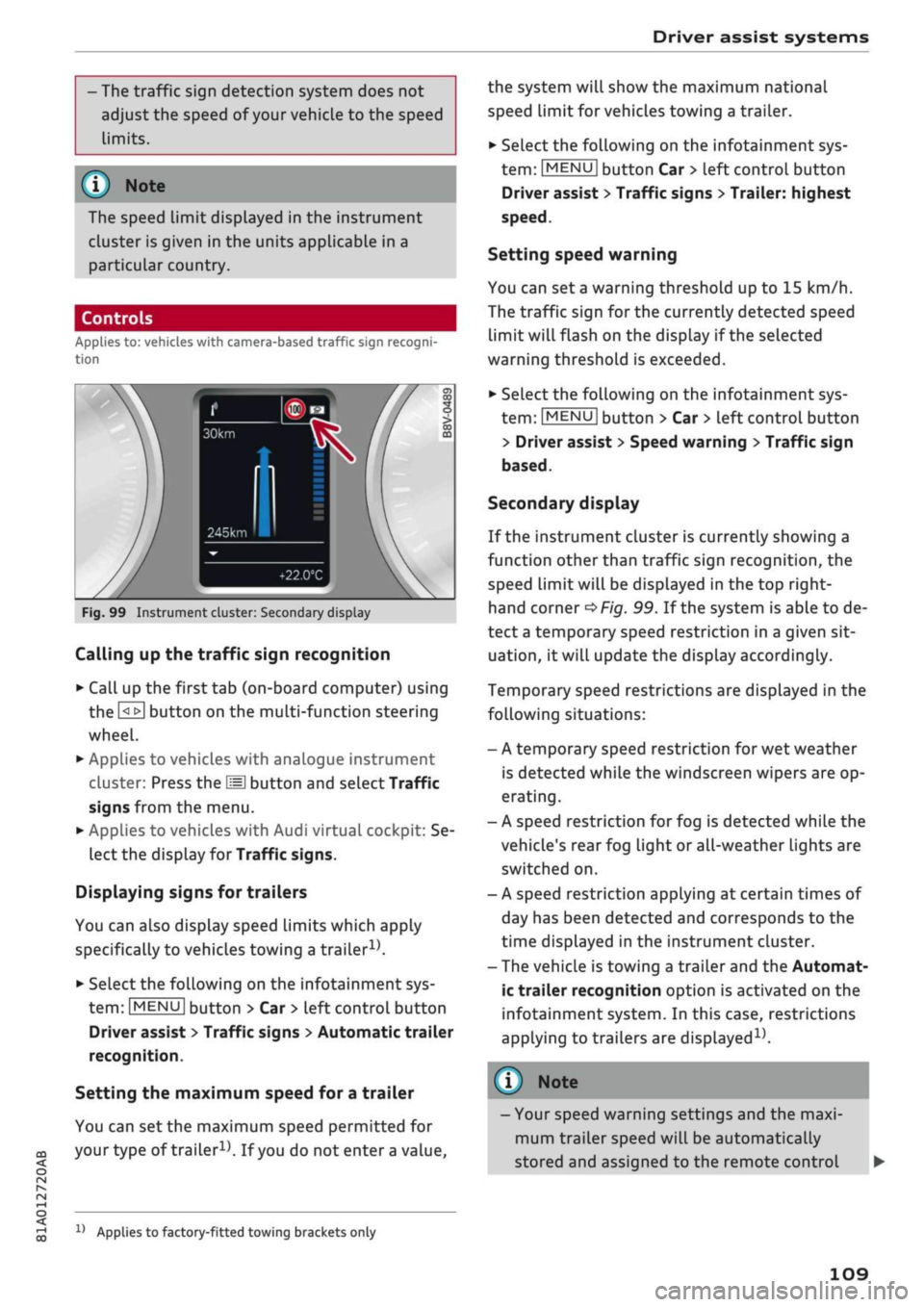
Secondary display
If the instrument cluster is currently showing a
function other than traffic sign recognition, the
speed limit will be displayed in the top right-
hand corner
^Fig.
99. If the system is able to de
tect
a
temporary speed restriction in a given sit
uation,
it will update the display accordingly.
Temporary speed restrictions are displayed in the
following situations:
- A temporary speed restriction for wet weather
is detected while the windscreen wipers are op
erating.
- A speed restriction for fog is detected while the
vehicle's rear fog light or all-weather lights are
switched on.
- A speed restriction applying at certain times of
day has been detected and corresponds to the
time displayed in the instrument cluster.
- The vehicle is towing a trailer and the Automat
ic trailer recognition option is activated on the
infotainment system. In this case, restrictions
applying to trailers are
displayed15.
© Note
- Your speed warning settings and the maxi
mum trailer speed will be automatically
stored and assigned to the remote control
109
Page 117 of 364
Driver assist systems
CO
<
O
rN rN
t-H
o <
•
To increase or reduce the speed quickly, hold
the lever towards
©/©
until the
LED ©
opage
113, Fig. 105 reaches the de
sired cruising speed.
You can preselect the speed, even when the
adaptive cruise control is inactive, by moving the
lever in the appropriate direction ©/©. To
acti
vate the preselected speed, pull the lever to
posi
tion ©
^>page
113, Fig. 104.
Following any changes, the new stored speed will
be displayed briefly in the status line
opage
113, Fig. 105 ©. The indicator lamp
E53
KOI
is also lit when the adaptive cruise control is
active,
and the indicator Lamp
B3 iS Lit
when the
adaptive cruise control is inactive. The indicator
lamp El
will Light up instead in the Audi virtual
cockpit*.
Driving in congested traffic
Applies to: vehicles with Audi adaptive cruise control and au
tomatic gearbox
The adaptive cruise control assists you when driv
ing in congested traffic. If
a
vehicLe which has
been detected in front stops, the adaptive cruise
control applies the brakes (within the limits im
posed by the system) and holds the vehicle at a
standstill.
•
To set the vehicle in motion again with the
adaptive cruise control, tap the accelerator
with
your foot, or
•
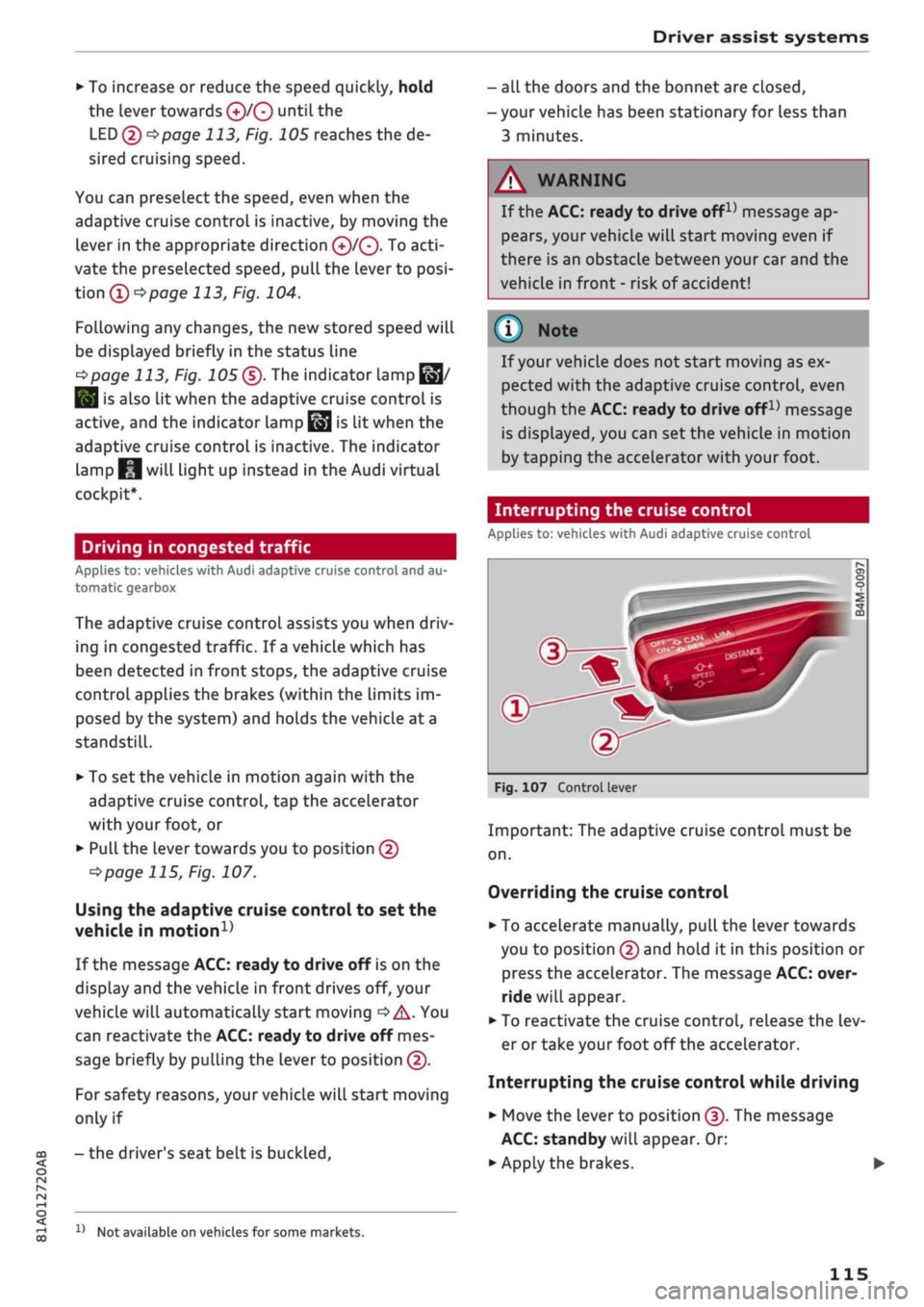
Pull the lever towards you to position ©
•=>
page 115, Fig. 107.
Using the adaptive cruise control to set the
vehicle in
motion1'
If the message ACC: ready to drive off is on the
display and the vehicle in front drives off, your
vehicle will automatically start moving
•=>
A. You
can reactivate the ACC: ready to drive off mes
sage briefly by pulling the lever to position ©.
For safety reasons, your vehicle will start moving
only if
- the driver's seat belt is
buckled.
x)
Not available on vehicles for some markets.
- all the doors and the bonnet are closed,
- your vehicle has been stationary for Less than
3 minutes.
A
WARNING
If the ACC: ready to drive
offx)
message ap
pears,
your vehicle will start moving even if
there is an obstacle between your car and the
vehicle in front - risk of accident!
© Note
If your vehicle does not start moving as ex
pected with the adaptive cruise control, even
though the ACC: ready to drive
off1)
message
is displayed, you can set the vehicle in motion
by tapping the accelerator with your foot.
Interrupting the cruise control
Applies to: vehicles with Audi adaptive cruise control
Fig.
107 Control lever
Important: The adaptive cruise control must be
on.
Overriding the cruise control
•
To accelerate manually, pull the lever towards
you to position © and hold it in this position or
press the accelerator. The message ACC: over
ride will appear.
• To reactivate the cruise control, release the Lev
er or take your foot off the accelerator.
Interrupting the cruise control while driving
•
Move the lever to position ©. The message
ACC:
standby will appear. Or:
• Apply the brakes.
115
Page 126 of 364

Driver assist systems
the lane markings or may respond incorrect-
iy.
- In certain circumstances, for instance if
visi
bility is poor, the setting for the steering in
put may temporarily be switched from "ear
ly"
to "late"
«.
- In certain driving conditions, such as ruts in
the road surface, adverse cambers or side
winds, the assistance provided by the steer
ing correction may be insufficient to keep
the vehicle in the middle of the lane.
- For safety reasons, the active lane assist
must not be used in poor weather or in
diffi
cult or slippery road conditions (such as ice,
fog,
loose grit or gravel, heavy
rain,
snow,
etc.) - risk of accident!
Switching on/off
Applies to: vehicles with Audi active lane assist
Fig.
114 Turn signal lever: Button for active lane assist
--•
In
s^\
l'fV
A
Fig.
115 Wind
sist
SSS1M
screen:
Ca
o
o
o o
5
^Aw ^
mera
window for active lane as-
•
Press the button
^Fig.
114 to switch the sys
tem on/off. The indicator lamp in the instru
ment cluster will light up or go out.
Analogue in
strument clus
ter
Green lines
7
V
-
Yellow lines
•/
V
Audi virtual
cockpit/head-
up display*
Green Line(s)
(left/right)
7
V
Red line
(Left/right)
7 V
Grey Line(s)
(left/right)
7 V
Meaning on
corresponding
side
The active Lane
assist is
switched on
and ready to
warn.
The active lane
assist warns
you before you
cross the Lane
demarcation.
In addition,
the steering
wheel vibrates
slightly.
The active Lane
assist is
switched on
but not ready
to warn.
The system may be switched on but not ready to
warn due to the following reasons:
- There are no Lane markings.
- The system cannot detect the relevant lane
markings (e.g. temporary markings for road
works or markings obscured by snow, dirt, rain
or adverse light).
- The vehicle's speed is below 65 km/h, the
speed at which the lane assist system is activa
ted (the threshold may vary in different export
markets).
- The traffic lane is too narrow or too wide.
- The bend is too tight.
- You have taken your hands off the steering
wheel.
- Make sure that the camera window
^>Fig.
115
is not covered with stickers or
similar objects. Notes on cleaning
^>page
312.
l)
This function is not available on all export versions.
124
Page 296 of 364
Checking and topping up fluids
Selective catalytic
reduction (AdBLue/DEF)
General notes
Applies to: vehicles with selective catalytic reduction
On vehicles with selective catalytic reduction, a
urea solution (AdBLue/DEF) is injected into the
exhaust system upstream of
a
NOx catalytic
con
verter in order to reduce nitrogen oxide emis
sions.
The urea solution is known under the name
of AdBlue or DEF (Diesel Exhaust Fluid). The term
AdBlue is used below.
The AdBlue is held in a separate tank on the
vehi
cle.
AdBlue consumption is approximately 1.0 -
2.5% of diesel fuel consumption.
As soon as a message appears in the instrument
cluster display reminding you to refill AdBlue,
you must refill the AdBlue tank or have this done
by
a
qualified workshop
^>page
293.
Checking the remaining range
The remaining (estimated) range for the current
AdBLue
level can be displayed on the on-board
computer:
- Vehicles with analogue instrument cluster
•=>
page 20.
- Vehicles with virtual cockpit*
<$page
19.
-The instrument cluster display will
tell
you
how far you can drive before the tank runs
dry
•=>page
292. If the AdBlue tank runs
dry, the engine cannot be started again af
ter you switch off the ignition.
-The use of
AdBLue for
the operation of this
vehicle is required by Law.
Instrument cluster display
Applies to: vehicles with selective catalytic reduction
The
display informs you if the AdBlue level is too
low or if a system malfunction occurs.
Low AdBlue level
You will be informed if the amount of AdBlue in
the tank falls below a certain
Level.
Add at least
the minimum (smaller) amount of AdBlue
shown:
S
Refill x
I
- x
I
AdBlue. Range: x km
This message tells you the maximum distance
that
you can drive with the remaining amount of
AdBlue. Refill AdBLue.
3
Refill x
I
- x
I
AdBlue! No restart in x km! See
owner's manual
This message tells you the maximum distance
that you can drive with the remaining amount of
AdBlue. Refill AdBlue. Otherwise, after driving
the maximum distance and switching off the en
gine,
you will not be able to restart the car.
| Refill x
I
- x
I
AdBlue! No restart. See own
er's manual
This message appears when there is no more
AdBlue left in the tank. Refill AdBlue. Otherwise,
you will not be able to restart the car after you
switch off the engine.
When the AdBlue in the tank reaches the
mini
mum
level,
you must add AdBlue
^>page
293,
Preparations.
Filling the wrong fluid / system fault
If
you
fill the AdBlue tank with a fluid other than
AdBlue and the system detects that the wrong
fluid has been added or there is a system fault, a
driver message will appear.
|
AdBlue:
system fault. No restart in x km!
See owner's manual
This message tells you the maximum distance
that
you can drive. Drive to a qualified workshop
and have the fault rectified. Otherwise, after driv
ing the maximum distance and switching off the
engine, you will not be able to restart the car.
|
AdBlue:
system fault. No restart! See own
er's manual
This message appears if the system detects that
the tank has been filled with the wrong fluid or if
there is a system fault. Drive to the nearest quali
fied workshop without delay and have the fault
rectified.
Otherwise, you will not be able to re
start the car after you switch off the engine.
292
Page 350 of 364
Index
Personal hotspot 195
Setting up 196
Setup 191
Topping up data plan 197
Audi drive select 131
Audi magnetic ride
see Suspension control
131
Audi music interface 240
Audi music stream
see Wi-Fi 238
Audio files 243
Audio players
Bluetooth audio players 237
Wi-Fi audio players 238
Audio track 246
Audi phone box 177
Audi pre sense 120
Driver messages 119, 122
Settings 122
Audi side assist 127
Cleaning sensors 313
Driver messages
131
Rear cross-traffic assist 130
Audi smartphone interface 253, 258
Audi virtual cockpit
see Instrument cluster 12
AUTO
Automatic air conditioner 69
Automatic headlights 49
Auto Lock (central locking system) 37
Automatic air conditioner
see Air conditioner (automatic) 66, 69
Automatic gearbox 85
Back-up programme 92
DownhilL
speed control 89
Driving tips 88
Kick-down 90
Launch control programme 91
Malfunction 86
Manual gear selection (tiptronic mode) ... 90
Manual release of selector Lever (left-hand
drive) 93
Manual release of selector Lever (right-hand
drive) 94
Paddle levers 90
Selector lever 88
Selector lever Lock 86
Selector lever positions 86
AUX input
241,
242
Average fuel consumption 19, 20
Average speed 19, 20
Axle loads 343
B
BACK button 152
Background lighting 53
Balance (sound) 260
Bandages
see First-aid kit 318
Bass box 325, 326
Bass (sound) 260
Battery 302
Charge 149
Charging 303
In key 38
Winter conditions 302
Battery, charging (mobile devices) 177
Belts
see Seat belts 275
Bicycle racks (rear carrier systems) 99
Biodiesel 289
Bioethanol (fuel) 289
Blower
Automatic air conditioner 70
Heating/ventilation system and manual air
conditioner 67
Bluetooth
Audio players 237
Connecting a mobiLe phone 173
Remote SIM Access Profile 193
Settings 258
Boot
see Luggage compartment 272
Boot lid
Close button 44
Opening/dosing
electrically 44
Brakes 147
Brake assist system 145
Brake fluid 301
Brake pedal 272
Electro-mechanical parking brake 82
346
Page 352 of 364
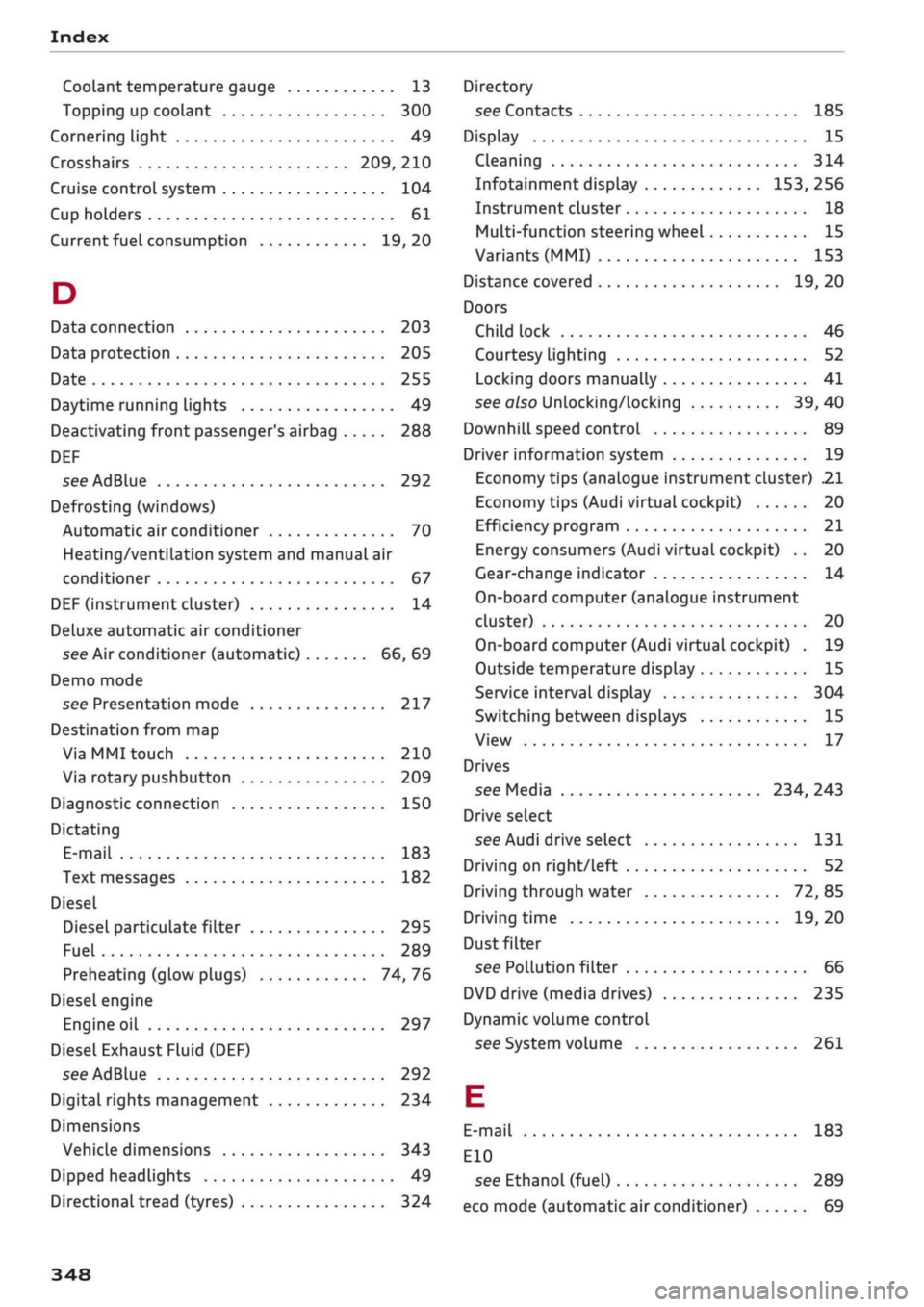
Index
Codant temperature
gauge 13
Topping up coolant 300
Cornering light 49
Crosshairs 209, 210
Cruise control system 104
Cup holders 61
Current fuel consumption 19,20
D
Data connection 203
Data protection 205
Date 255
Daytime running lights 49
Deactivating front passenger's airbag 288
DEF
see AdBlue 292
Defrosting (windows)
Automatic air conditioner 70
Heating/ventilation system and manual air
conditioner 67
DEF (instrument cluster) 14
Deluxe automatic air conditioner
see Air conditioner (automatic) 66, 69
Demo mode
see Presentation mode 217
Destination from map
Via
MMI touch 210
Via rotary pushbutton 209
Diagnostic connection 150
Dictating
E-mail
183
Text messages 182
Diesel
Diesel particulate filter 295
Fuel 289
Preheating (glow plugs) 74, 76
Diesel engine
Engine oil 297
Diesel Exhaust Fluid (DEF)
see AdBlue 292
Digital rights management 234
Dimensions
Vehicle dimensions 343
Dipped headlights 49
Directional tread (tyres) 324
Directory
see Contacts 185
Display 15
Cleaning 314
Infotainment display 153, 256
Instrument cluster 18
Multi-function steering wheel 15
Variants (MMI) 153
Distance covered 19, 20
Doors
Child lock 46
Courtesy lighting 52
Locking doors manually 41
see also Unlocking/locking 39, 40
Downhill speed control 89
Driver information system 19
Economy tips (analogue instrument cluster) 21
Economy tips (Audi virtual cockpit) 20
Efficiency program 21
Energy consumers (Audi virtual cockpit) .. 20
Gear-change indicator 14
On-board computer (analogue instrument
cluster) 20
On-board computer (Audi virtual cockpit) . 19
Outside temperature display 15
Service interval display 304
Switching between displays 15
View 17
Drives
see Media 234, 243
Drive select
see Audi drive select 131
Driving on right/left 52
Driving through water 72, 85
Driving time 19, 20
Dust filter
see Pollution filter 66
DVD drive (media drives) 235
Dynamic volume control
see System volume 261
E
E-mail
183
E10
see Ethanol (fuel) 289
eco mode (automatic air conditioner) 69
348
Page 356 of 364
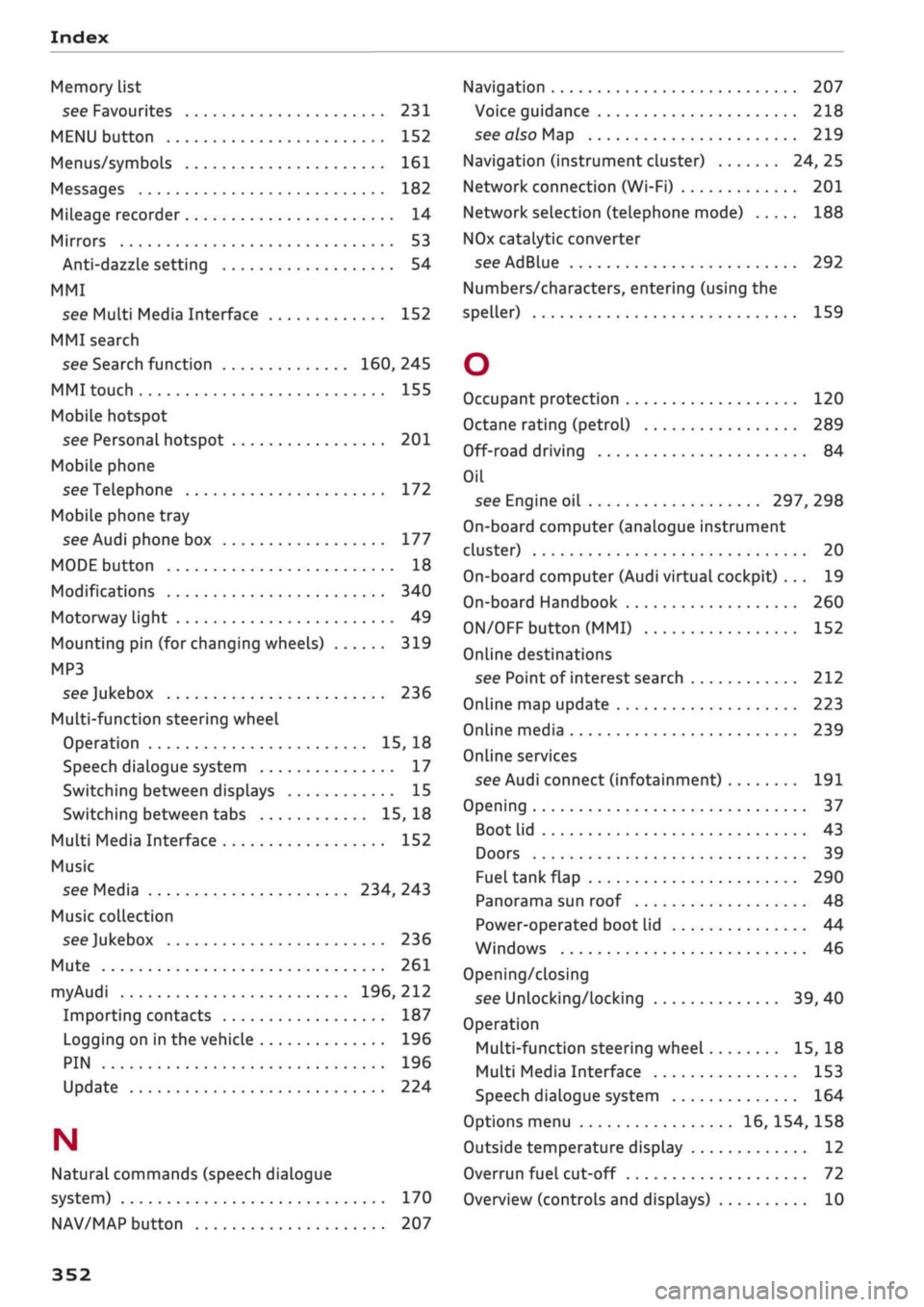
Index
Memory list
see Favourites 231
MENU button 152
Menus/symbols 161
Messages 182
Mileage recorder 14
Mirrors 53
Anti-dazzle setting 54
MMI
see Multi Media Interface 152
MMI search
see Search function 160, 245
MMI touch 155
Mobile hotspot
see Personal hotspot 201
Mobile phone
see Telephone 172
Mobile phone tray
see Audi phone box 177
MODE button 18
Modifications 340
Motorway light 49
Mounting pin (for changing wheels) 319
MP3
see
Jukebox 236
Multi-function steering wheel
Operation 15, 18
Speech dialogue system 17
Switching between displays 15
Switching between tabs 15, 18
Multi Media Interface 152
Music
see Media 234, 243
Music collection
see
Jukebox 236
Mute 261
myAudi 196, 212
Importing contacts 187
Logging on in the vehicle 196
PIN 196
Update 224
N
Natural commands (speech dialogue
system) 170
NAV/MAP button 207
Navigation 207
Voice guidance 218
see also Map 219
Navigation (instrument cluster) 24, 25
Network connection (Wi-Fi) 201
Network selection (telephone mode) 188
NOx
catalytic converter
see AdBlue 292
Numbers/characters, entering (using the
speller) 159
O
Occupant protection 120
Octane rating (petrol) 289
Off-road driving 84
Oil
see Engine oil 297, 298
On-board computer (analogue instrument
cluster) 20
On-board computer (Audi virtual cockpit) ... 19
On-board Handbook 260
ON/OFF button (MMI) 152
Online destinations
see Point of interest search 212
Online map update 223
Online media 239
Online services
see Audi connect
(infotainment)
191
Opening 37
Boot lid 43
Doors 39
Fuel tank flap 290
Panorama sun roof 48
Power-operated boot lid 44
Windows 46
Opening/closing
see Unlocking/locking 39, 40
Operation
Multi-function steering wheel 15, 18
Multi Media Interface 153
Speech dialogue system 164
Options menu 16, 154, 158
Outside temperature display 12
Overrun fuel cut-off 72
Overview (controls and displays) 10
352
Page 358 of 364
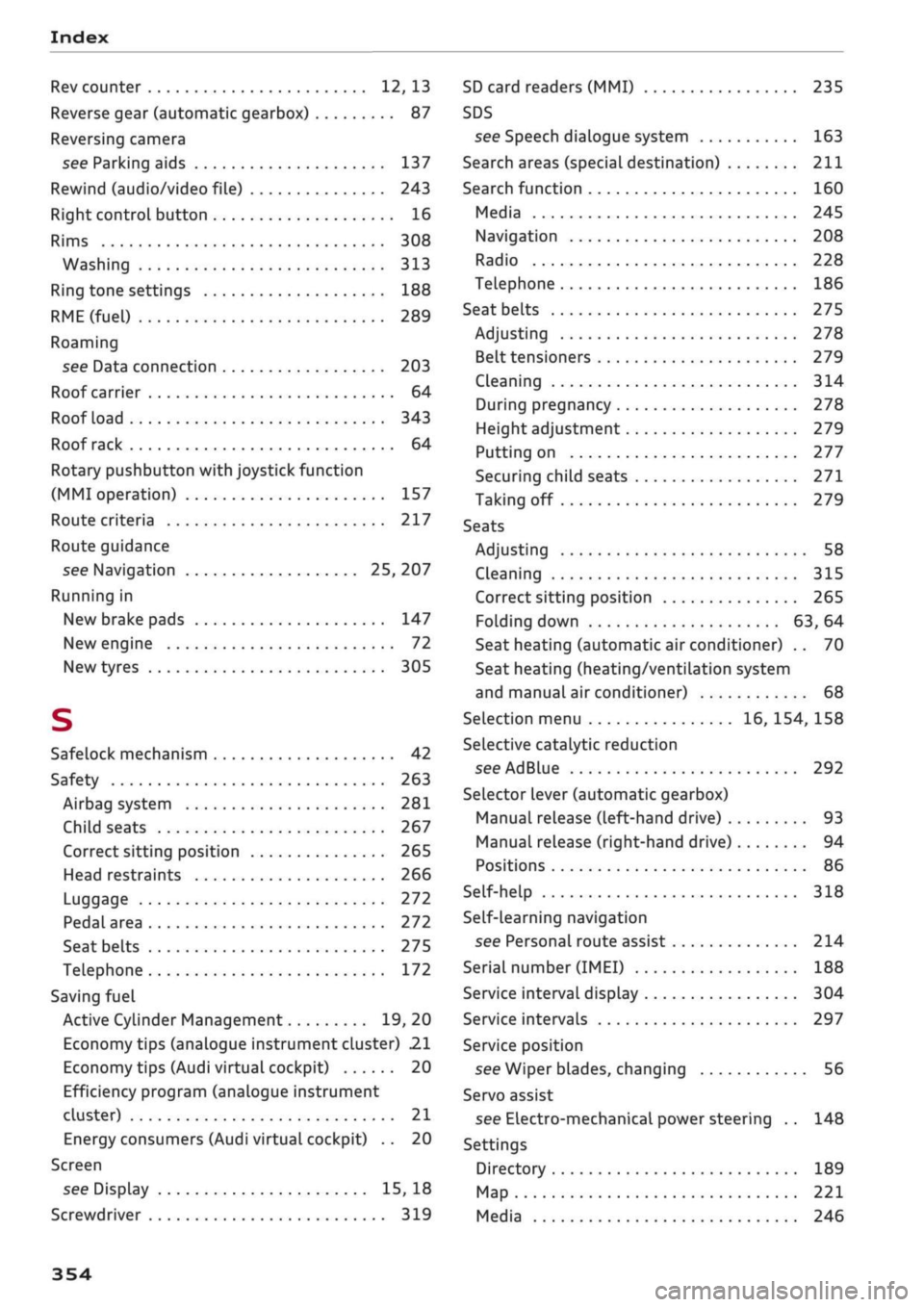
Index
Rev counter 12, 13
Reverse gear (automatic gearbox) 87
Reversing camera
see Parking aids 137
Rewind (audio/video file) 243
Right control button 16
Rims 308
Washing 313
Ring tone settings 188
RME(fuel)
289
Roaming
see Data connection 203
Roof carrier 64
Roof load 343
Roof rack 64
Rotary pushbutton with joystick function
(MMI operation) 157
Route criteria 217
Route guidance
see Navigation 25, 207
Running in
New brake pads 147
New engine 72
New tyres 305
S
Safelock mechanism 42
Safety 263
Airbag system 281
Child seats 267
Correct sitting position 265
Head restraints 266
Luggage 272
Pedal area 272
Seat belts 275
Telephone 172
Saving fuel
Active Cylinder Management 19, 20
Economy tips (analogue instrument cluster) 21
Economy tips (Audi virtual cockpit) 20
Efficiency program (analogue instrument
cluster) 21
Energy consumers (Audi virtual cockpit) .. 20
Screen
see Display 15, 18
Screwdriver 319
SD card readers (MMI) 235
SDS
see Speech dialogue system 163
Search areas (special destination) 211
Search function 160
Media 245
Navigation 208
Radio 228
Telephone 186
Seat belts
275
Adjusting 278
Belt tensioners 279
Cleaning 314
During pregnancy 278
Height adjustment 279
Putting on 277
Securing child seats 271
Taking off 279
Seats
Adjusting 58
Cleaning 315
Correct sitting position 265
Folding down 63, 64
Seat heating (automatic air conditioner) .. 70
Seat heating (heating/ventilation system
and manual air conditioner) 68
Selection menu 16, 154, 158
Selective catalytic reduction
see AdBlue 292
Selector lever (automatic gearbox)
Manual release (left-hand drive) 93
Manual release (right-hand drive) 94
Positions 86
Self-help 318
Self-learning navigation
see Personal route assist 214
Serial number
(IMEI)
188
Service interval display 304
Service intervals 297
Service position
see Wiper blades, changing 56
Servo assist
see Electro-mechanical power steering .. 148
Settings
Directory 189
Map 221
Media 246
354