brake AUDI Q5 2017 Owners Manual
[x] Cancel search | Manufacturer: AUDI, Model Year: 2017, Model line: Q5, Model: AUDI Q5 2017Pages: 296, PDF Size: 74.43 MB
Page 4 of 296
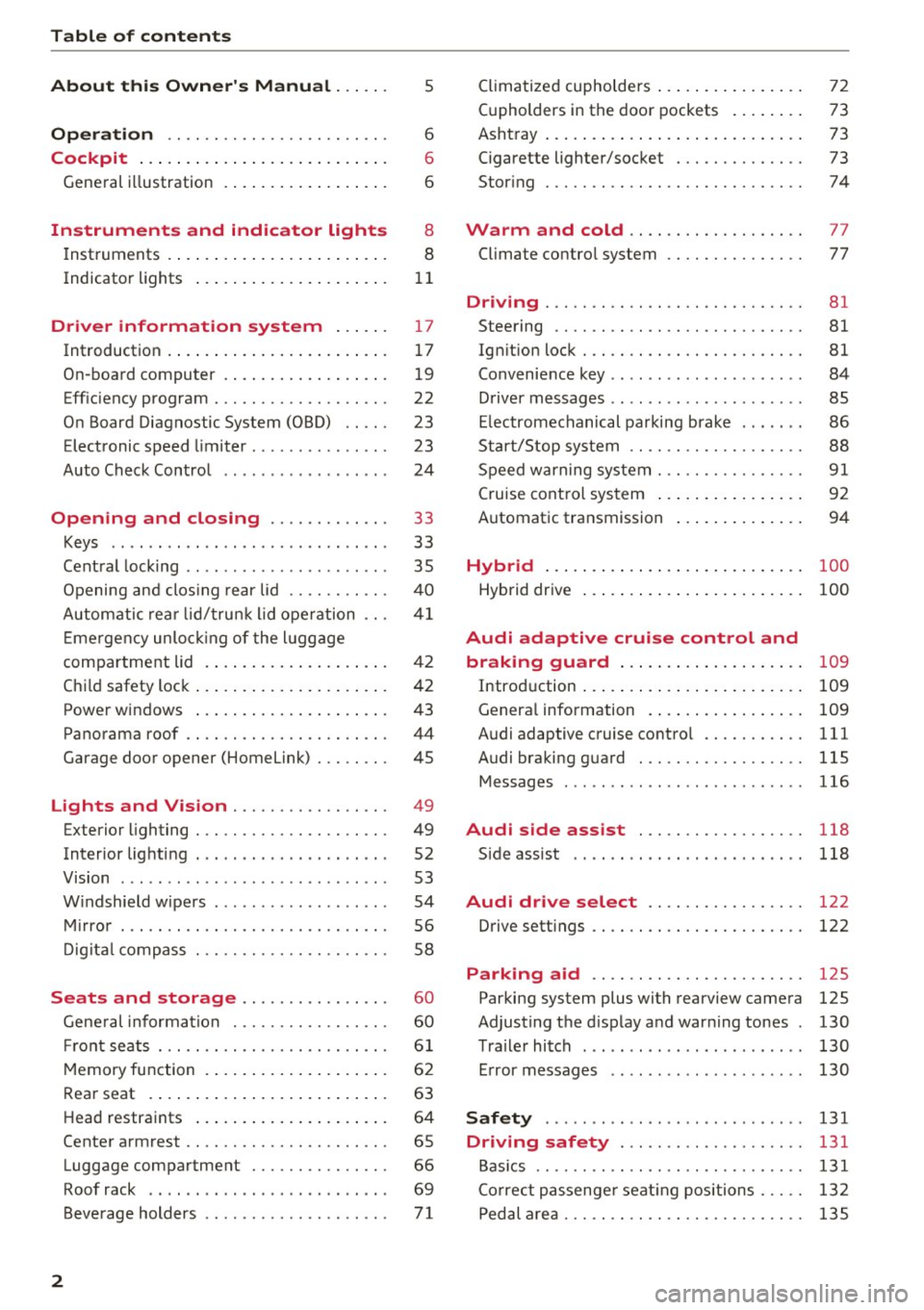
Table of contents
About this Owner's Manual. . . . . .
5
Operation . . . . . . . . . . . . . . . . . . . . . . . . 6
Cockpit . . . . . . . . . . . . . . . . . . . . . . . . . . . 6
General illustration . . . . . . . . . . . . . . . . . . 6
Instruments and indicator lights 8
Instruments . . . . . . . . . . . . . . . . . . . . . . . . 8
Indicator lights . . . . . . . . . . . . . . . . . . . . .
11
Driver information system . . . . . . 17
Introduction . . . . . . . . . . . . . . . . . . . . . . . . 17
On-board computer . . . . . . . . . . . . . . . . . . 19
Efficiency program . . . . . . . . . . . . . . . . . . . 22
On Board Diagnostic System (OBD) . . . . .
23
Electronic speed limiter. . . . . . . . . . . . . . . 23
Auto Check Control . . . . . . . . . . . . . . . . . . 24
Opening and closing . . . . . . . . . . . . . 33
Keys . . . . . . . . . . . . . . . . . . . . . . . . . . . . . .
33
Central locking . . . . . . . . . . . . . . . . . . . . . . 35
Opening and closing rear lid . . . . . . . . . . . 40
Automatic rear lid/trunk lid operation
41
Emergency unlocking of the lu ggage
compartment lid . . . . . . . . . . . . . . . . . . . . 42
Child safety lock . . . . . . . . . . . . . . . . . . . . . 42
Power windows . . . . . . . . . . . . . . . . . . . . . 43
Panorama roof . . . . . . . . . . . . . . . . . . . . . . 44
Garage door opener (Home link) . . . . . . . . 45
Lights and Vision . . . . . . . . . . . . . . . . . 49
Exterior lighting . . . . . . . . . . . . . . . . . . . . . 49
Interior lighti ng . . . . . . . . . . . . . . . . . . . . .
52
V1s1on . . . . . . . . . . . . . . . . . . . . . . . . . . . . . 53
Windshield wipers . . . . . . . . . . . . . . . . . . . 54
Mirror . . . . . . . . . . . . . . . . . . . . . . . . . . . . . 56
Digital compass . . . . . . . . . . . . . . . . . . . . .
58
Seats and storage ...... ... .. .. .. .
General informa tion .......... .... .. .
Fr ont seats . .. .... ........... .. .. .. .
Memory function ... ................ .
60
60
61
62
Rear seat . . . . . . . . . . . . . . . . . . . . . . . . . . 63
Head restraints . . . . . . . . . . . . . . . . . . . . . 64
Center armrest . . . . . . . . . . . . . . . . . . . . . . 65
Luggage compartment . . . . . . . . . . . . . . . 66
Roof rack . . . . . . . . . . . . . . . . . . . . . . . . . . 69
Beverage holders . . . . . . . . . . . . . . . . . . . .
71
2
Climatized cupholders . . . . . . . . . . . . . . . . 72
(upholders in the door pockets . . . . . . . . 73
Ashtray . . . . . . . . . . . . . . . . . . . . . . . . . . . . 73
Cigarette lighter/socket . . . . . . . . . . . . . . 73
Storing . . . . . . . . . . . . . . . . . . . . . . . . . . . . 74
Warm and cold . . . . . . . . . . . . . . . . . . . 77
Climate control system . . . . . . . . . . . . . . . 77
Dr1v1ng ..... .. .. .. .. ............... 81
Steering . . . . . . . . . . . . . . . . . . . . . . . . . . . 81
Ign ition lock . . . . . . . . . . . . . . . . . . . . . . . . 81
Convenience key . . . . . . . . . . . . . . . . . . . . . 84
Driver messages . . . . . . . . . . . . . . . . . . . . .
85
Electromechanical parking brake . . . . . . . 86
Start/Stop system . . . . . . . . . . . . . . . . . . . 88
Speed warning system . . . . . . . . . . . . . . . .
91
Cruise control system . . . . . . . . . . . . . . . . 92
Automatic transmission 94
Hybrid
............................ 100
Hybrid drive . . . . . . . . . . . . . . . . . . . . . . . . 100
Audi adaptive cruise control and
braking guard . . . . . . . . . . . . . . . . . . . .
109
Introduction . . . . . . . . . . . . . . . . . . . . . . . . 109
Genera l information . . . . . . . . . . . . . . . . . 109
Audi adaptive cruise control . . . . . . . . . . . 111
Audi braking guard . . . . . . . . . . . . . . . . . . 115
Messages . . . . . . . . . . . . . . . . . . . . . . . . . . 116
Audi side assist . . . . . . . . . . . . . . . . . . 118
S ide assist . . . . . . . . . . . . . . . . . . . . . . . . . 118
Audi drive select . . . . . . . . . . . . . . . . . 122
Drive settings . . . . . . . . . . . . . . . . . . . . . . . 122
Parking aid . . . . . . . . . . . . . . . . . . . . . . . 125
Parking system plus with rearview camera
Adjusting the display and warning tones
Trailer hitch ...... ... .............. .
Error messages 125
130
130
130
Safety . . . . . . . . . . . . . . . . . . . . . . . . . . . . 131
Driving safety . . . . . . . . . . . . . . . . . . . . 131
Basics . . . . . . . . . . . . . . . . . . . . . . . . . . . . . 131
Correct passenger seating positions . . . . . 132
Pedal area . . . . . . . . . . . . . . . . . . . . . . . . . . 135
Page 5 of 296
CD
CD
.... N ,-... N ..... 0 0 C<'. 00
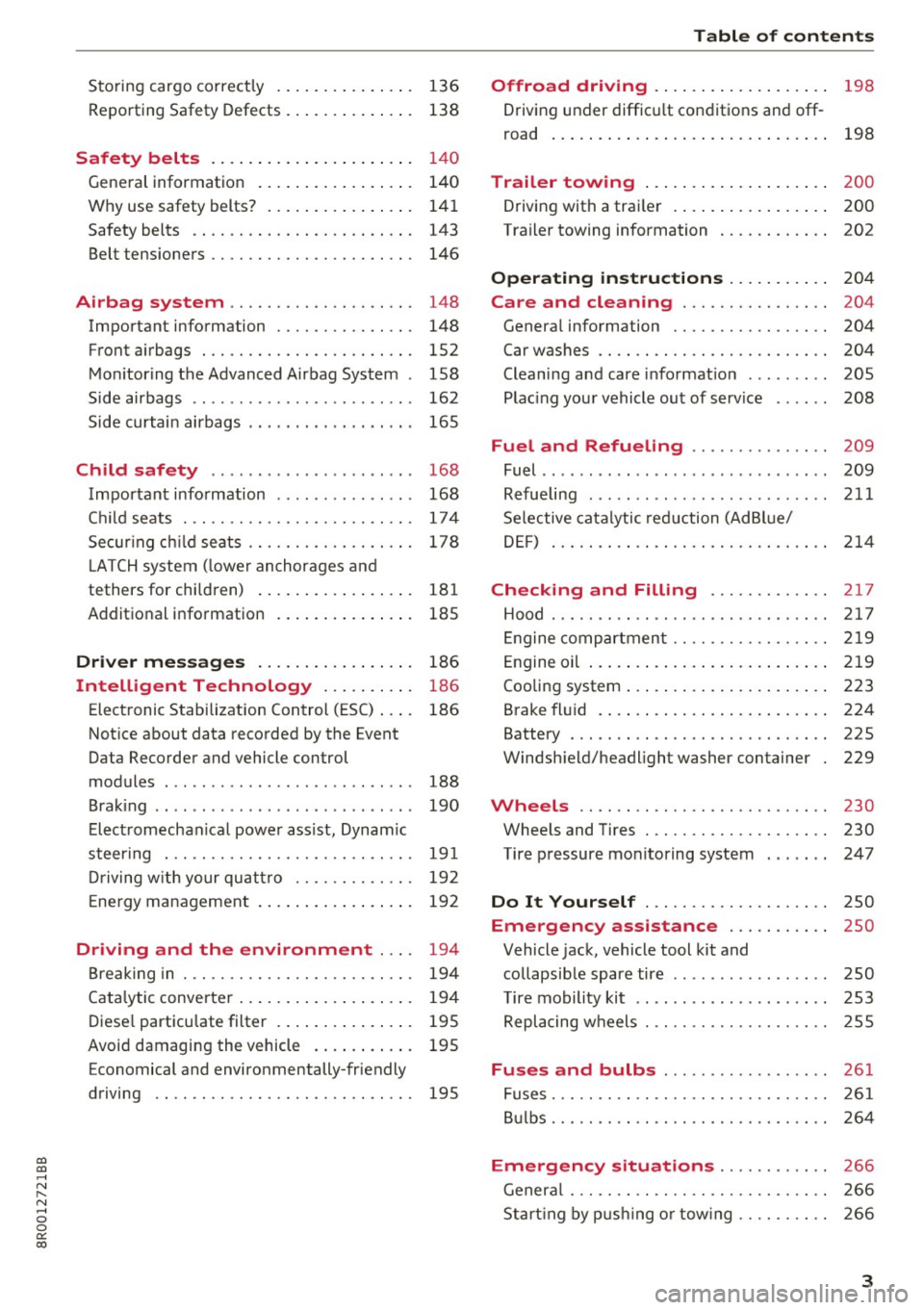
Storing cargo correctly . . . . . . . . . . . . . . . 136
R epo rting Safety Defects . . . . . . . . . . . . . . 138
Safety belts . . . . . . . . . . . . . . . . . . . . . . 14 0
General information . . . . . . . . . . . . . . . . . 140
Why use safety belts? . . . . . . . . . . . . . . . . 141
Safety belts . . . . . . . . . . . . . . . . . . . . . . . . 143
Belt tensioners . . . . . . . . . . . . . . . . . . . . . . 146
Airbag system . . . . . . . . . . . . . . . . . . . . 148
Important information . . . . . . . . . . . . . . . 148
Front airbags . . . . . . . . . . . . . . . . . . . . . . . 1S2
Monitoring the Advanced Airbag System . 158
Side airbags . . . . . . . . . . . . . . . . . . . . . . . . 162
Side curtain airbags . . . . . . . . . . . . . . . . . . 165
Child safety . . . . . . . . . . . . . . . . . . . . . . 168
Important information . . . . . . . . . . . . . . . 168
Ch ild seats . . . . . . . . . . . . . . . . . . . . . . . . . 174
S ecur ing ch ild seats . . . . . . . . . . . . . . . . . . 178
L ATCH system (lower anchorages and
tethers for chi ldren) . . . . . . . . . . . . . . . . . 181
Additional in fo rma tion
185
Driver messages . . . . . . . . . . . . . . . . . 186
Intelligent Technology . . . . . . . . . . 186
Elect ronic Stabilization Control (ESC) . . . . 186
Notice about data recorded by the Event
Data Recorder and vehicle control
modules . . . . . . . . . . . . . . . . . . . . . . . . . . . 188
B rak ing . . . . . . . . . . . . . . . . . . . . . . . . . . . . 190
E lect romechanical power assist, Dynamic
steering . . . . . . . . . . . . . . . . . . . . . . . . . . . 191
Dri ving with your quattro . . . . . . . . . . . . . 192
En erg y management . . . . . . . . . . . . . . . . . 192
Driving and the environment . . . . 194
Br eak ing in . . . . . . . . . . . . . . . . . . . . . . . . . 194
Catalytic converter . . . . . . . . . . . . . . . . . . . 194
Di ese l particulate filter . . . . . . . . . . . . . . . 195
Avoid damaging the vehicle . . . . . . . . . . . 195
Economical and environmentally-friendly
driving . . . . . . . . . . . . . . . . . . . . . . . . . . . . 195
Table of contents
Offroad driving . . . . . . . . . . . . . . . . . . .
198
Driving under difficult conditions and off-
ro ad . . . . . . . . . . . . . . . . . . . . . . . . . . . . . . 198
Trailer towing . . . . . . . . . . . . . . . . . . . . 200
Driving with a traile r . . . . . . . . . . . . . . . . . 200
Trailer towing information . . . . . . . . . . . . 202
Operating instructions . . . . . . . . . . . 204
Care and cleaning . . . . . . . . . . . . . . . . 204
Genera l information . . . . . . . . . . . . . . . . . 204
Car washes . . . . . . . . . . . . . . . . . . . . . . . . . 204
Cleaning and care information . . . . . . . . . 205
Plac ing your vehicle out of service . . . . . . 208
Fuel and Refueling . . . . . . . . . . . . . . . 209
Fuel .. .. .. .. .. .. .. ... .. ..... ... .. .. 209
Refueling ... .. .. .. .... .. ... .... .. .. 211
Selective catalytic reduct ion (Ad Blu e/
DEF) . . . . . . . . . . . . . . . . . . . . . . . . . . . . . . 214
Checking and Filling ........... .. 2 17
Hood ..... .. .. .. ................. .. 217
Eng ine compartm ent . . . . . . . . . . . . . . . . . 219
Eng ine oil . . . . . . . . . . . . . . . . . . . . . . . . . . 219
Cooling system . . . . . . . . . . . . . . . . . . . . . . 223
Brake fluid . . . . . . . . . . . . . . . . . . . . . . . . . 224
Battery . . . . . . . . . . . . . . . . . . . . . . . . . . . . 225
Windshield/headlight washer container
229
Wheels ........................... 230
Wheels and Tires . . . . . . . . . . . . . . . . . . . . 230
Tire pressure monitoring system 247
Do It Yourself . . . . . . . . . . . . . . . . . . . . 250
Emergency assistance . . . . . . . . . . . 250
Vehicle jack, vehicle tool kit and
collapsible spare tire . . . . . . . . . . . . . . . . . 250
T ire mobility kit . . . . . . . . . . . . . . . . . . . . . 253
Replacing wheels . . . . . . . . . . . . . . . . . . . . 255
Fuses and bulbs . . . . . . . . . . . . . . . . . . 261
Fuses . . . . . . . . . . . . . . . . . . . . . . . . . . . . . . 261
Bulbs . . . . . . . . . . . . . . . . . . . . . . . . . . . . . . 264
Emergency situations . . . . . . . . . . . . 266
General . . . . . . . . . . . . . . . . . . . . . . . . . . . . 266
Starting by pushing or tow ing . . . . . . . . . . 266
3
Page 9 of 296
CD
CD
.... N ,-... N ..... 0 0 C<'. 00
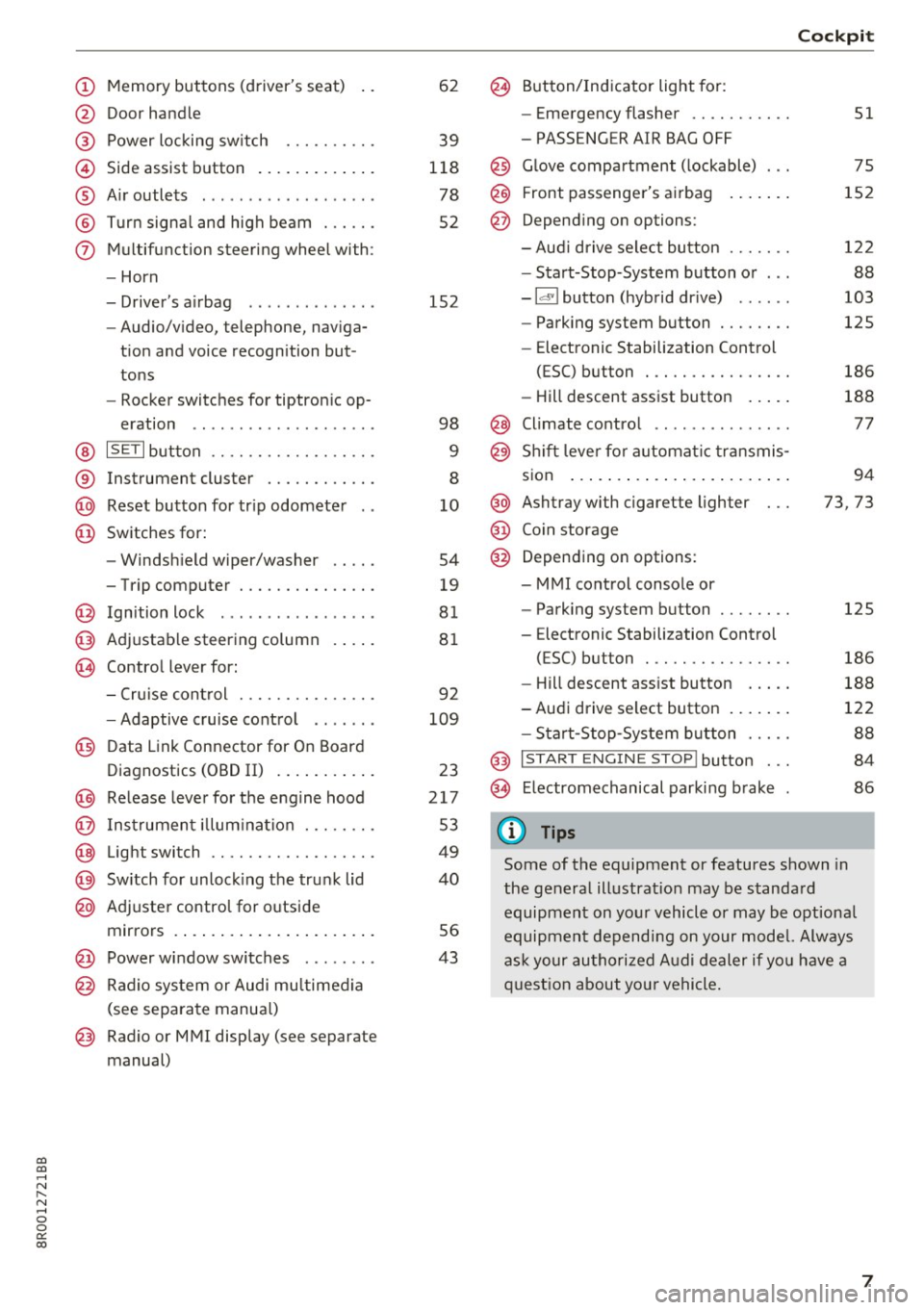
(!) Memory buttons (driver's seat)
@ Door handle
@ Power locking switch ......... .
© Side assist button ............ .
® Air outlets ..... ........ .... . .
@ Turn signal and high beam ... .. .
(j) Multifunction steering wheel with:
- Horn
- Driver's airbag ............ . .
- Audio/video, telephone, naviga-
tion and voice recognition but
tons
- Rocker switches for tiptronic op-
eration .. ............ ..... .
@ ISETI button ............... .. .
® Instrument cluster ........... .
@ Reset button for trip odometer
@ Switches for:
- Windshield wiper/washer
- Trip computer ............ .. .
@ Ignition lock ................ .
@ Adjustable steering column
@ Control lever for:
- Cruise control ............ .. .
- Adaptive cruise control ...... .
@ Data Link Connector for On Board
Diagnostics (OBD II) .......... .
@) Release lever for the engine hood
@ Instrument illumination ..... .. .
@ Light switch ............... .. .
@) Switch for unlocking the trunk lid
@ Adjuster control for outside
mirrors ..................... .
@ Power window switches ....... .
@ Radio system or Audi multimedia
(see separate manual)
@ Radio or MMI display (see separate
manual) 62
39
118
78
52
152
98
9
8
10
54
19
81
81
92
109
23
217
53
49
40
56
43
@ Button/Indicator light for:
- Emergency flasher .......... .
- PASSENGER AIR BAG OFF
@ Glove compartment (lockable) ...
@ Front passenger's airbag
@ Depending on options:
- Audi drive select button ...... .
- Start-Stop-System button or .. .
- Id'! button (hybrid drive) ..... .
- Parking system button ....... .
- Elect ronic Stabilization Control
(ESC) button . .............. .
- Hill descent assist button .... .
@ Climate control .. ............ .
@ Shift lever for automatic transmis-
sion ....... .. .............. .
@ Ashtray with cigarette lighter
@ Coin storage
@ Depending on options:
- MMI control console or
- Parking system button ....... .
- E lectronic Stabilization Control
(ESC) button . .. ............ .
Cockpit
51
75
152
122
88
103
125
186
188
77
94
73, 73
125
186
- Hill descent assist button . . . . . 188
-Audi drive select button . . . . . . . 122
- Start-Stop-System button . . . . . 88
@ I START ENGINE STOP! button . . . 84
@> Electromechanical parking brake 86
(D Tips
Some of the equipment or features shown in
the general illustration may be standard
equipment on your vehicle or may be optional
equipment depending on your model. Always
ask your authorized Audi dealer if you have a
question about your vehicle.
7
Page 14 of 296
Instruments and indicator lights
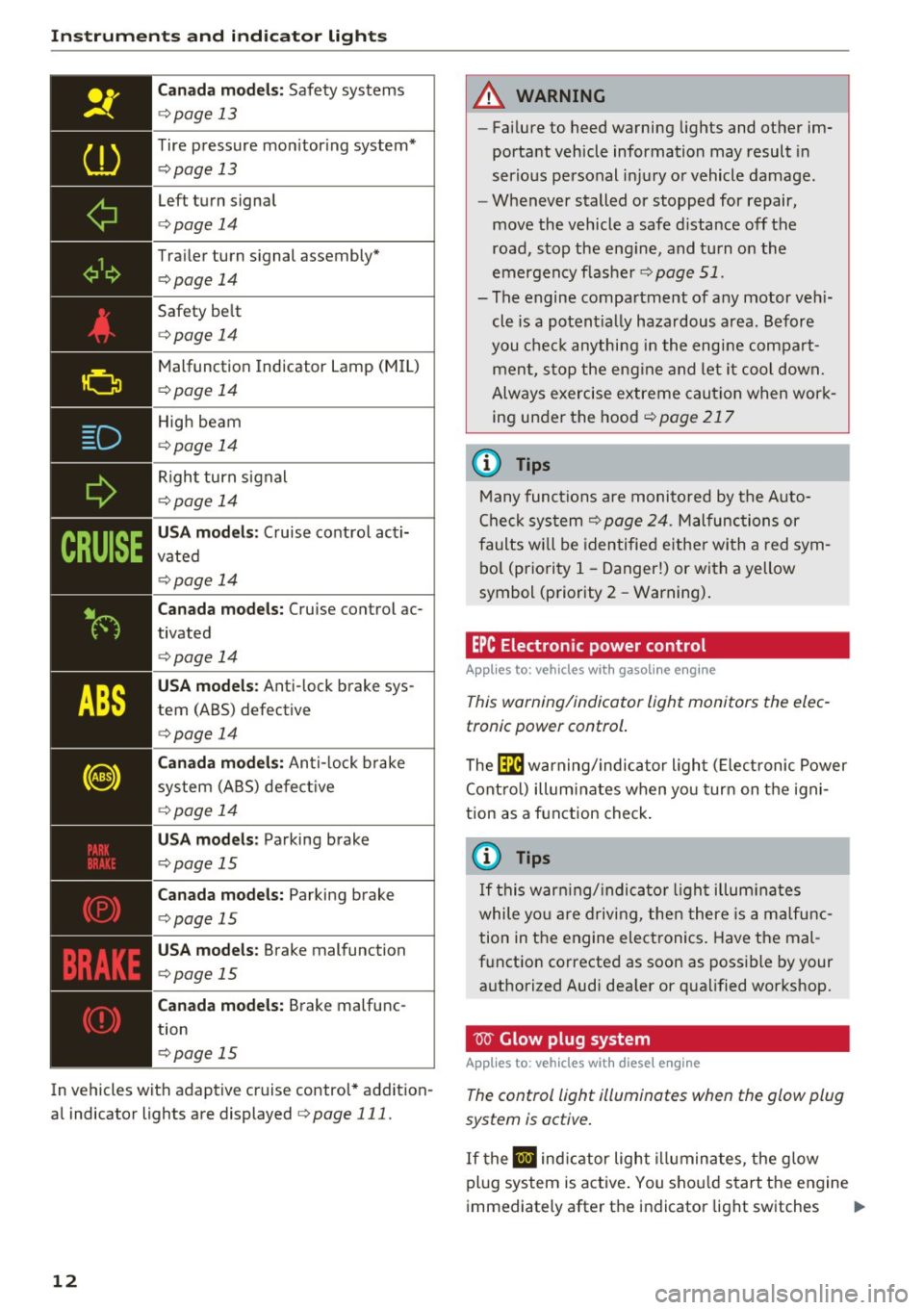
Canada models: Safety systems
c:> page 13
Tire pressure mon itor ing system*
c:> page 13
Left turn signal
c:>page 14
Trailer turn s ignal assembly*
c:> page 14
Safety be lt
c:> page 14
Malfunction Indicator Lamp (M IL)
c:> page 14
High beam
c:>page 14
Right turn signal
c:> page 14
USA models: Cruise control acti
vated
c:> page 14
Can ada mode ls: Cruise control ac
tivated
c:> page 14
USA model s: Anti-lock brake sys
tem (ABS) defective
c:> page 14
Canada mode ls: Anti- lock b rake
system (ABS) defect ive
c:> page 14
USA mod els : Parking brake
c:> page 15
Can ad a mode ls: Parking brake
c:> page 15
USA models: Brake malfunction
c:> page 15
Canada mode ls: Brake malfunc
tion
c:> page 15
In vehicles with adaptive cruise control* addition
al indicator lights are displayed
c:> page 111.
12
A WARNING
-
-Fa ilure to heed warning lights and other im-
portant vehicle information may result in
serious personal inj ury or vehicle damage .
- Whenever stalled or stopped for repair,
move the vehicle a safe d istance off the
road, s top the eng ine, and turn on the
emergency flasher
c:> page 51.
- The engine compartment of any motor veh i
cle is a potent ially hazardous area. Before
you chec k anything in the engi ne compart
men t, s top the eng ine and let i t coo l down.
Always exercise extreme caut ion when wor k
ing under the hood
c:>page217
(D Tips
Many func tions are monito red by the Auto
Check sys tem
c:> page 24. Malfunc tions or
faults wi ll be identified either wi th a red sym
bo l (pr io rity 1 -Danger!) or with a yellow
symbol (priority 2 -Warning).
EPC Electronic power control
App lies to: vehicles wi th gaso line e ngi ne
This warning/indicator light monitors the elec
tronic power control .
The Ila warning/indicator ligh t (E lect ronic Power
Cont rol) illuminates when yo u turn on the igni
tion as a function check .
@ Tips
If this warn ing/ indica to r li gh t illum inates
while yo u are driving, then there is a ma lfu nc
tion in the engine electronics . Have the mal
f u nction corrected as soon as possible by your
a uthorized Audi dea ler or q ualified workshop.
W Glow plug system
App lies to : vehicles wi th diese l engin e
The control light illuminates when the glow plug
system is active.
If the II ind icator light i lluminates, the g low
pl ug system is active . You shou ld start the engine
immediately after the indicator light switches .,.
Page 15 of 296
CD
CD
.... N ,-... N ..... 0 0 C<'. 00
off. Th e indicator light only illuminates for ap
proximately 1 second if the engine is warm or if
the outside temperature is above 46 QF (8 QC).
(D Tips
- If the glow plug indicator light illuminates
while driving, there is an engine control
malfunction. The engine should be checked
immediately.
- If the indicator light does not illuminate at
all when switching the ignition on, there
may be a malfunction in the glow plug sys
tem. The engine should be checked.
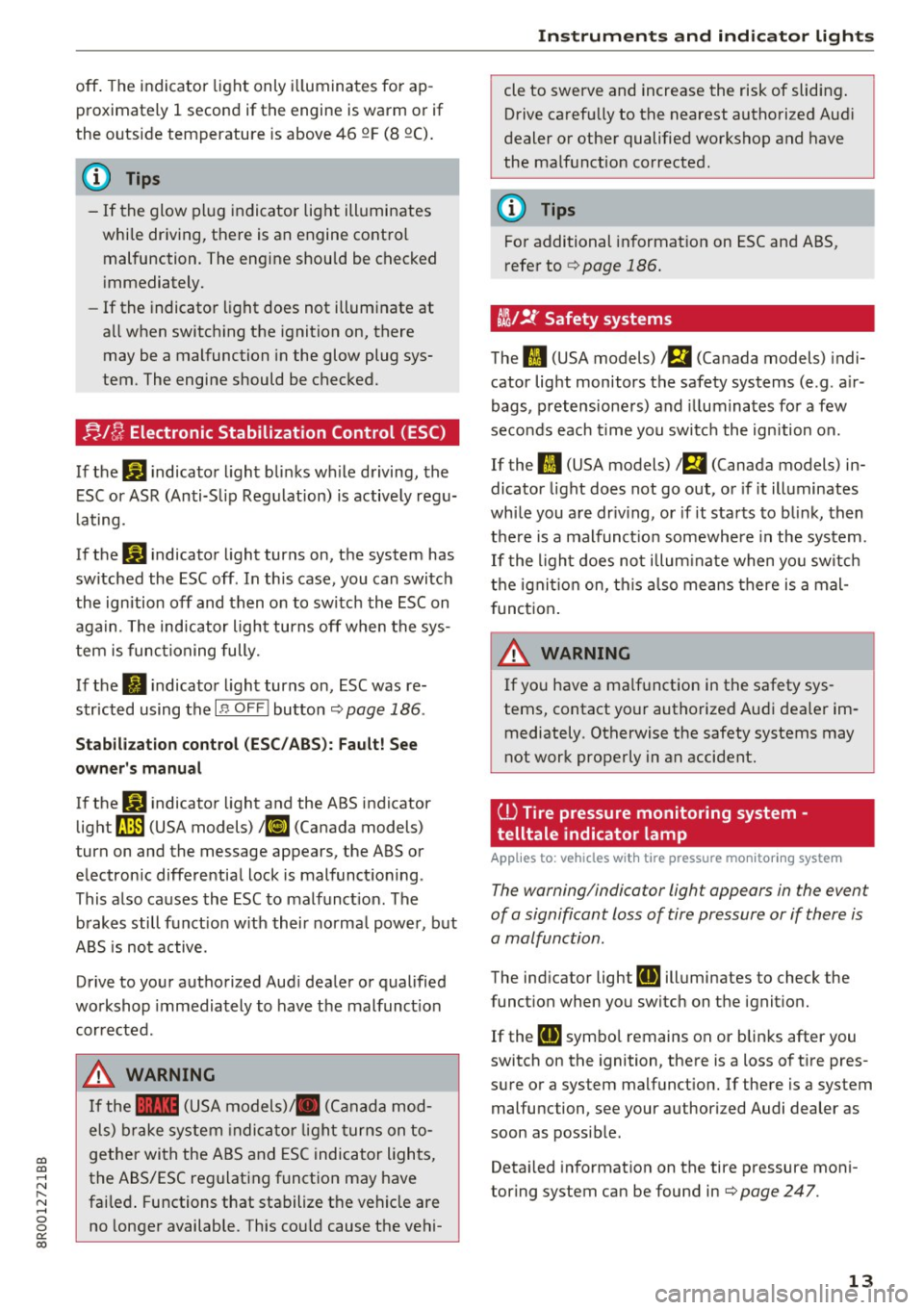
;J,./ fj Electronic Stabilization Control (ESC )
If the Gl indicator light blinks wh ile driving, the
ESC or ASR (Anti-Slip Regu lation) is active ly regu
lating.
If the
DJ indicator light turns on, the system has
switched the ESC off. In this case , you can switch
the ignition off and then on to switch the ESC on
again. The indicator light turns off when the sys
tem is functioning fully.
If the
II i ndicator light turns on, ESC was re
stricted using the
I " OFF ! button ¢ page 186 .
Stabilization control (ESC /ABS): Fault! See
owner 's manual
If the GI indicator light and the ABS indicator
light ~ (USA models)
1iJ (Canada models)
turn on and the message appears, the ABS or
electronic differential lock is malfunctioning .
This also causes the ESC to malfunct io n. The
brakes still funct ion w ith their normal power, but
ABS is not active.
Drive to your authorized Audi dealer or qualified
workshop immediately to have the malfunct io n
corrected.
A WARNING
If the 1111 (USA models) JII (Canada mod
els) brake system indicato r light turns on to
gether with the ABS and ESC indicator lights,
the ABS/ESC regulating function may have
fai led . Functions that stabilize the vehicle are
no longer available. This cou ld cause the vehi-
Instruments and indicator lights
cle to swerve and increase the risk of sliding.
Drive carefully to the nearest authorized Aud i
dealer or other qualified workshop and have
the malfunction corrected.
(D Tips
For additional information on ESC and ABS,
refer to ¢
page 186.
t!i/!{' Safety systems
The II (USA models) a (Canada models) indi
cator light monitors the safety systems (e.g . a ir
bags, pretensioners) and illuminates for a few
seconds each time you switc h the ignition on.
If the
II (USA models) 1 m (Canada models) in
dicator light does not go out, or if it illuminates
whi le you are dr iv ing, or if it starts to blink, then
there is a malfunct ion somewhere in the system .
If the light does not illum inate when you switch
the ignition on, this also means there is a mal
function.
A WARNING
-
If you have a ma lfunction in the safety sys
tems, contact your authorized Audi dealer im mediately . Otherwise the safety systems may
not work properly in an accident.
(l) Tire pressure monitoring system ·
telltale indicator lamp
App lies to: veh icles w it h tire pressure mo nitor ing syste m
The warning/indicator ligh t appears in the event
of a significant loss of tire pressure or if there is
a malfunction.
The indicator light [DJ illuminates to check the
function when you switch on the ignition.
If the
[DJ symbol remains on or blinks after you
switch on the ignition, there is a loss of t ire pres
sure or a system malfunction.
If there is a system
malfunction, see your authorized Audi dealer as
soon as possible.
Detai led information on the tire pressure moni
toring system can be found in ¢
page 247.
13
Page 16 of 296
Instruments and indicator lights
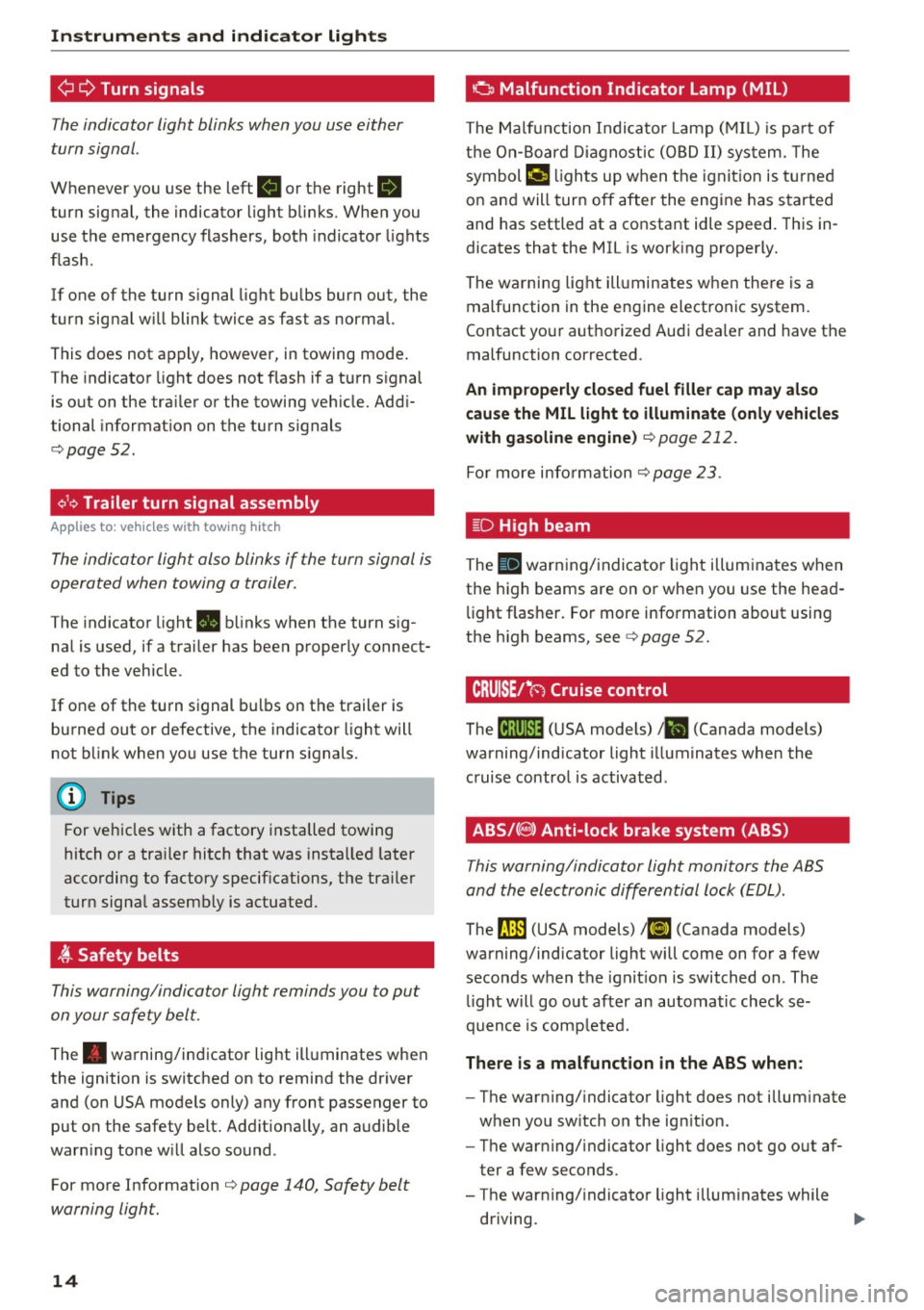
¢ Q Turn signals
The indicator light blinks when you use either
turn signal.
Whenever you use the left B or the right.
turn signal, the indicator l ight blinks. When you
use the emergency flashers, both indicator lights
flash.
If one of the turn s ignal light bulbs burn out, the
turn signal w ill blink twice as fast as normal.
This does not apply, however, in towing mode .
The indicator light does not flash if a turn s ignal
is out on the tra iler or the towing vehicle. Addi
tional informat ion on the turn s ignals
c::> page52.
¢1.~ Trailer turn signal assembly
Appl ies to: ve hicles w ith towing hitch
The indicator light also blinks if the turn signal is
operated when towing a trailer .
The indicator light . blinks when the turn sig
na l is used, if a trailer has been p roperly connect
ed to the vehicle .
If one of the turn signal bulbs on the trailer is burned out or defective, the indicator light will
not blink when you use the turn s ignals.
@ Tips
For vehicles with a factory installed towing
hitch or a tra ile r hitch that was installed later
according to factory specif ications, the trailer
turn signa l assembly is actuated.
~ Safety belts
This warning/indicator light reminds you to put
on your safety belt.
The . warning/indicator light illuminates when
the ignition is switched on to remind the dr iver
and (on USA models only) any front passenger to put on the safety belt. Add itionally, an audible
warn ing tone w ill also sound .
For more Information
c::> page 140, Safety belt
warning light.
14
o Malfunction Indicator Lamp (MIL)
The Malf u nction Indicator Lamp ( MIL) is pa rt of
t h e On-Boar d Diagnos tic ( OBD II) sys tem . T he
symbol
('4 li ghts up when the ignit io n is t urned
on and will turn off after the engine has s tarted
and has settled at a constant idle speed. This in
dicates that the MIL is work ing properly.
The warning light ill uminates w hen the re is a
malfunction in the engine electronic system.
Contact your authorized Audi dea ler and have the
malfunction corrected .
An improperly closed fuel filler cap may al so
cau se the MIL light to illuminate (only vehicle s
with gasoline engine )
c::> page 212.
For more info rm ation c::> page 23 .
l[D High beam
The SI warning/ indica to r li ght illum ina tes when
the high beams are on or when you use the head
li ght f lasher. Fo r more information about using
the high beams, see
c::> page 52.
CRUISE/"(') Cruise control
The lij;\1)~14 (USA mode ls) 1B (Canada mode ls)
warning/indicator light illuminates when the
c ruise contro l is activated .
ABS/(8) Anti-lock brake system (ABS)
This warning/indicator light monitors the ABS
and the electronic differential lock (EDL) .
The rJln (USA models) lri] (Canada models)
warning/indicator light will come on for a few
seconds when the ignit ion is switched on . The
li ght w ill go out after an automatic check se
quence is comp leted.
There i s a malfunction in the ABS when:
-The warning/ indicator light does not illum inate
when you sw itch on the ign ition.
- The warning/ indicato r light does not go o ut af
ter a few seconds .
- The warning/ indicator light illum inates while
driving. ..,.
Page 17 of 296
CD
CD
.... N ,-... N ..... 0 0 C<'. 00
The brake system will still respond even with
out the assi stance of the ABS system. See your
authorized Audi dealer as soon as possible to re
store full braking performance.
For more infor
mat ion regarding the ABS
¢ page 186.
The ABS warning light and the brake warning
light come on together. The ABS w ill not work
and you will not ice a change in braking re
sponse and performance.
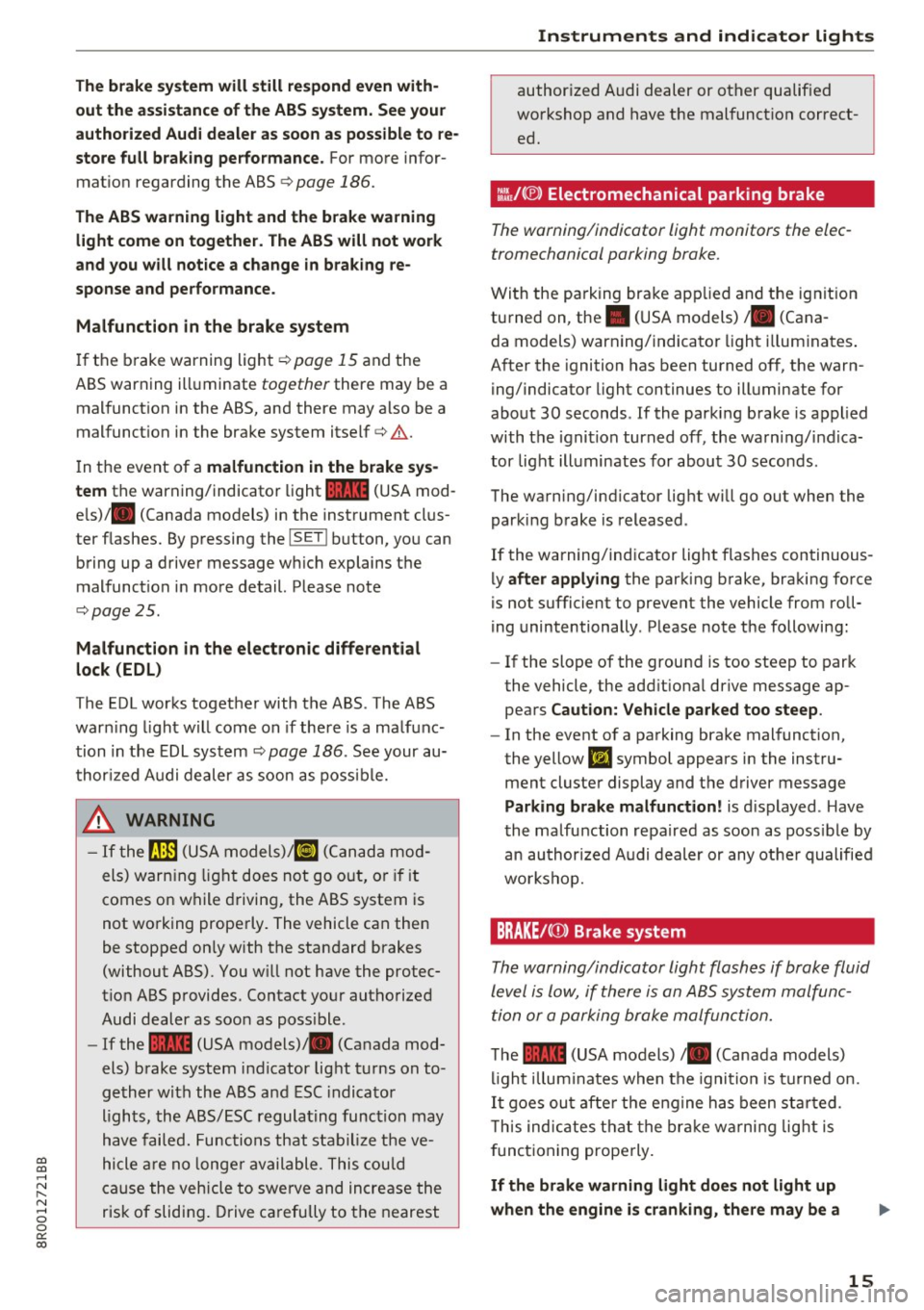
Malfunction in the brake system
I f the b rake warning light¢ page 15 and the
ABS warning ill uminate
together there may be a
mal funct ion in the ABS, and there may also be a
malfunct ion in the brake system itself
c::> .&. .
In t he event of a malfunction in the brake sys
tem
the warning/indicator light 1111 (USA mod
e ls)/ . (Canada models) in the instrument clus
ter f lashes. By p ressing the
I SE TI button, you can
bring up a drive r message w hich explains t he
malfunct io n in more detail. Please no te
c::> page 2 5.
Malfunction in the electronic differential
lock (EDL)
The EDL works togethe r with the ABS . The ABS
war ning light w ill come on if there is a ma lf u nc
tion in the EDL sys tem
c::> page 186 . See your au
t hor ized Audi dealer as soon as poss ible.
.8, WARNING
- If t he 9 (U SA m odels)/ KO'A
comes on w hile driving, the ABS sy stem is
not wo rking prope rly . The vehicle can then
be stopped on ly with the standard brakes
(without ABS). You w ill not have the protec
t io n ABS p rovides . Contact yo ur aut horized
Audi dealer as soon as poss ible .
- If the
1111 (USA models) . (Canada mod
els) b rake system indicator light t urns on to
ge ther wi th the ABS a nd ESC indica to r
ligh ts, the ABS/ ESC regula ting func tion may
h ave failed. Func tions that s tabiliz e t he ve
hicle are no lo nger av ailable . Thi s co uld
c a use the vehicle to swe rve and in crea se the
risk of sliding . Drive c arefully to t he nearest
-
Instruments and ind icator lights
author ized Audi dealer or ot her qualif ied
wo rkshop and have t he mal funct ion correct
ed .
::~/(®) Electromechanical parking brake
The warning/indicator light monitors the elec
tromechanical parking brake.
Wi th the pa rking bra ke app lied and the ig nit io n
tu rned on , the . (USA models)/ . (Cana-
da models) warning/indicator light illum inates .
A fter the ignition has been turned off, t he warn
ing/indicato r light continues to ill uminate for
abo ut 30 seconds . If the parki ng brake is applied
with the igni tion turned off, the warn ing/ indica
tor light ill uminates for about 30 secon ds.
The wa rning/i ndicator lig ht wi ll go out when the
parking brake is released .
If the warning/ind icator light flashes continuous
ly
after applying the par king b rake, bra king force
is not sufficient to prevent the vehicle from roll
ing unintentionally . P lease note the following :
- If the slope of the grou nd is too steep to park
the vehicle, the add it iona l drive message ap
pea rs
Caution: Vehicle parked too steep .
-In the event o f a pa rking brake mal function,
the yellow
liJ symbol appears in the instru
ment cluste r display and the driver message
Parking brake malfunction! is d isplayed . Have
t he malfunction repaired as soon as poss ible by
an au thor ized A udi dealer or any ot her qualified
workshop.
BRAKE /(Q) ) Brake system
Th e warning/indicator light flashes if brak e fluid
level is lo w, if there is an AB S system malfunc
tion or a p arking brake malfun ctio n.
T he 1111 (USA models) /. (Canada models)
li gh t illu min ates when t he igni tio n i s tur ned on.
It goe s ou t af te r th e e ng ine h as been st arted.
T h is ind icates t hat t he br ake w arning light is
f unct ioning properly.
If the brake warning light doe s not light up
when the engine is cranking, there may be a
15
Page 18 of 296
Instruments and indicator lights
malfunction in the el ectric al sy stem. In this
case , contact an autho rized Audi deale r.
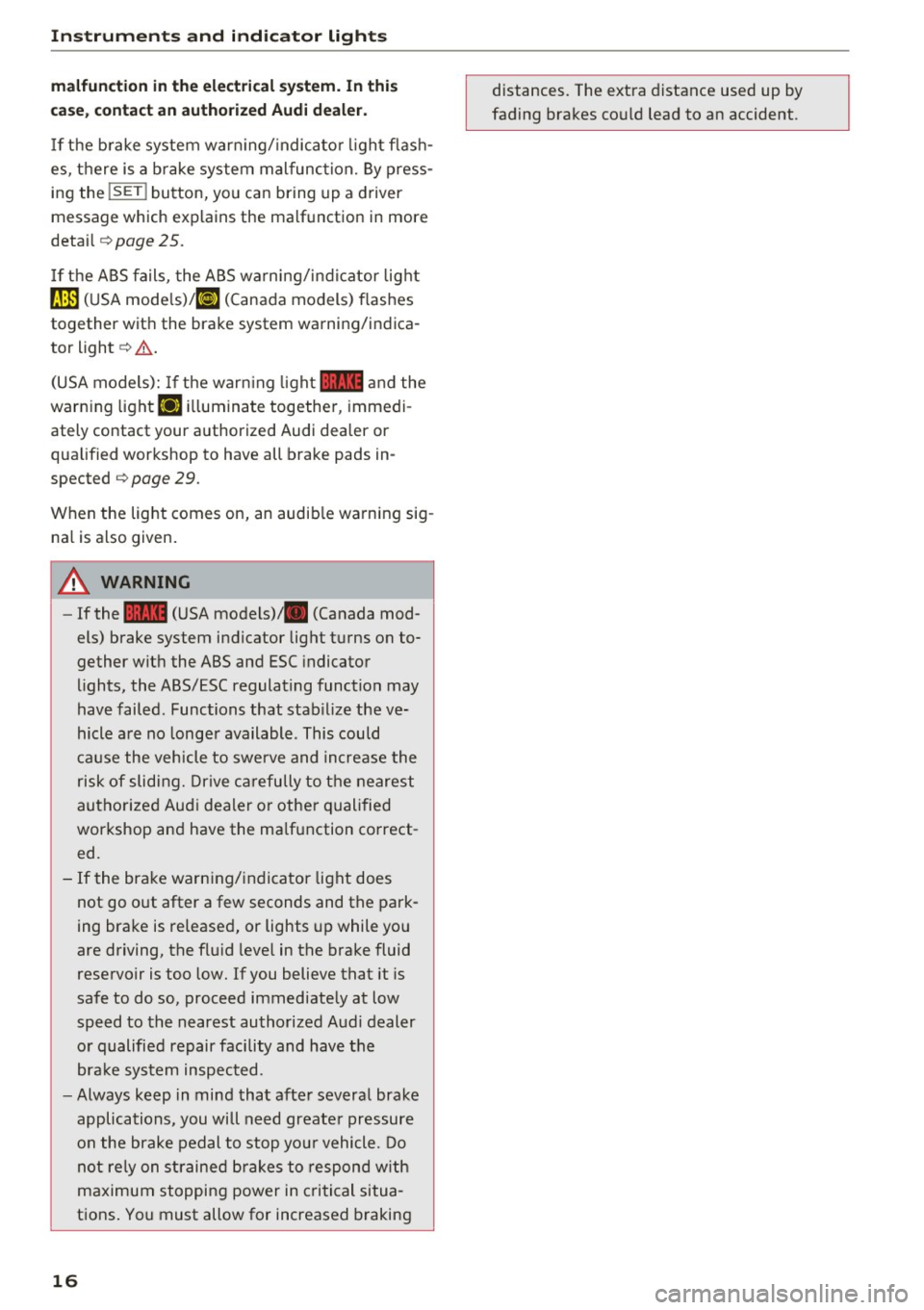
If t he b rake system war ning/ indica to r li ght flash
es, there is a b rake system mal funct ion. By press
ing the
! SE T! button, you can bring up a driver
m essage which explains the malf unction in mor e
detai l
¢pag e 25.
If the ABS fails, the ABS warning/indicator light
~ ( U SA mode ls)/ (IJ (Canada models) flashes
together with the brake system warning/indica
tor light ¢& .
(USA models): If the warn ing light
1111 and the
warn ing light
Ii] ill uminate together , immedi
ately contact your authori zed Audi dea ler or
qualified workshop to have all brake pads in
spec ted
¢ page 29 .
When the light comes on, an audib le warning sig
na l is also given .
A WARNING
-If the 1111 (USA models) . (Canada mod
els) brake system indicator light t urns on to
gether with the ABS and ESC indicator
lights, the ABS/ESC regulating function may
have failed . Functions that stab ilize the ve
hicle a re no longe r available . This could
ca use the vehicle to swerve and increase the
risk of sliding. Drive ca refully to t he nearest
autho rize d Aud i dealer or other quali fied
workshop and have the ma lfunction co rrect
ed.
- If the bra ke warn ing/indicator light does
not go out after a few seconds and the park
ing brake is released, or lights up while you
are driving, the flu id leve l in the brake fluid
reservoir is too low. If you believe that it is
safe to do so, proceed immediately at low
speed to the nearest authorized Audi dealer
o r qualified repair facility and have the
bra ke system inspected.
- Always keep in mind tha t afte r severa l brake
applications, you will need greate r pressure
o n the brake pedal to stop yo ur vehicle. Do
not rely on straine d brakes to respond w ith
maximum stopping power in criti cal situa
tions . You must allow for increased braking
16
distances. The extra distance used up by
fading brakes co uld lead to an accident .
Page 26 of 296
Driver information system
Lamp (MIL) II will illuminate. If this occurs,
contact the nearest authorized Audi dealer for
assistance.
A WARNING
Always observe the posted speed limits and
adjust your speed to suit prevailing road, traf
fic and weather conditions. Never drive your
vehicle faster than the maximum speed rating
of the tires installed.
Auto Check Control
Introduction
The Auto-Check control monitors the function of
certa in vehicle features and components. It sim
ply makes sure these features and components
are working properly. The Auto-Check control
works as long as the ignition is on, as well as
whenever the veh icle is driven.
-
If a component is malfunctioning or if the need
for an urgent repair has been detected, this will
appear in the instrument cluster display. You will
also hear an audib le warning tone . The displays
are color coded in eit he r red or yellow depending
on their level of priority.
A red symbol means
Danger, a yellow symbol in
d icates
Warning . In certain s ituations, informa
tion message for the driver appea r in addition to
the red and yellow symbols .
Note about automatic transmission
The Auto -Check Control will automatically per
form a test each time you switch on the ignition. W ith the selector lever in P or N, the fo llowing
message appears in the display:
When stationary apply brake pedal while select
ing gear
When you select a different gear (for example: R, D, etc.), the message will disappear and the Au
to-Check function is displayed.
If there is a malfunct ion, then the malfunction
message will appear about 15 seconds after you
start the vehicle. At the same time you will hear a
warn ing tone.
24
Driver information messages
Driver information messages are shown in the in
strument cluster display in addition to symbols.
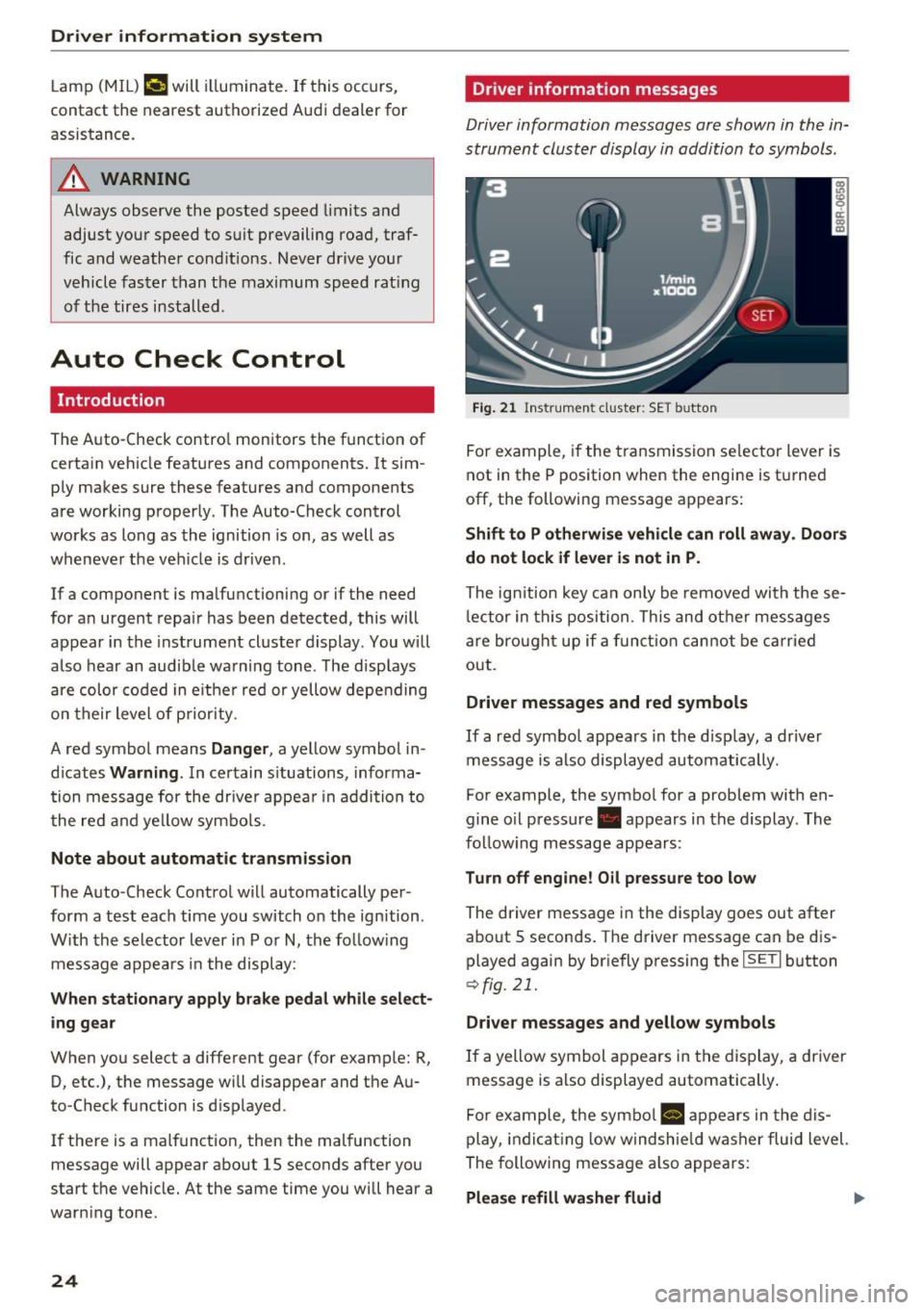
Fig. 21 Instrument cluste r: SET button
For example, if the transmission selector lever is
not in the P position when the engine is tu rned
off, the following message appears:
Shift to P otherwise vehicle can roll away. Doors
do not lock if lever is not in P.
The ign ition key can only be removed with these
lector in this position. This and other messages
are brought up if a function cannot be carried
out.
Driver messages and red symbols
If a red symbol appears in the disp lay, a driver
message is also displayed automatically.
For example, the symbol for a problem with en
gine o il pressure . appears in the display. The
follow ing message appears:
Turn off engine! Oil pressure too low
The driver message in the display goes out after
about 5 seconds. The driver message can be dis played again by briefly pressing the
I SETI button
r::> fig. 21.
Driver messages and yellow symbols
If a yellow symbol appears in the display, a driver
message is also displayed automatically.
For example, the symbol
a, appears in the dis
play, indicating low windshie ld washer fluid level.
The following message also appears:
Please refill washer fluid II>-
Page 27 of 296
CD
CD
.... N ,-... N ..... 0 0 c:<: 00
The driver message disappears after a few sec
onds. The driver message can be disp layed again
by briefly pressing the
! SE T! button .
Red symbols
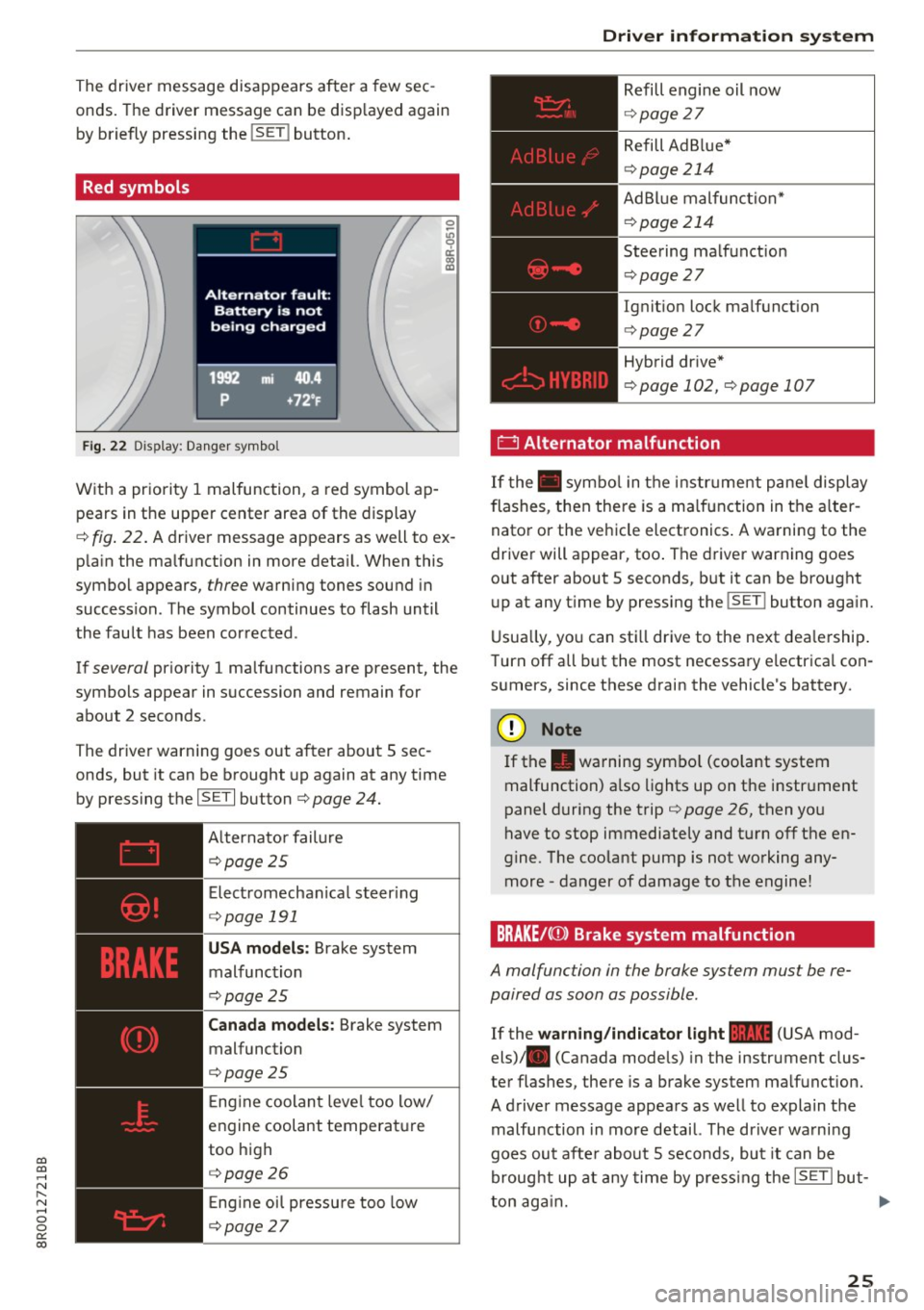
Fig . 22 Display: Danger symbol
With a priority 1 malfunction, a red symbol ap
pears in the upper center area of the display
0 ~
"' 9 a: CX) IX)
c:::> fig. 22 . A driver message appears as well to ex
p la in the ma lfunction in more deta il. When this
symbol appears,
three warning tones sound in
succession. The symbol continues to flash until
the fault has been corrected .
If
several pr iority 1 malfunctions are present, the
symbols appear in succession and remain for
about 2 seconds .
The driver warning goes out after about 5 sec
onds, but it can be brought up again at any time
by pressing the
ISETI button c:> page 24.
Alternator failure
c:::> page 2 5
Electromechanical steering
c:::> page 191
USA models : Brake system
malfunction
c:>page 25
Canada models: Brake system
malfunction
c:> page 25
E ng ine coolant level too low/
engine coolant temperature
too high
c:::> page 2 6
En gin e o il pressure too low
c:::> page 2 7
Driver information system
Refill engine oil now
c:::> page 2 7
Refill Ad B lue*
c:> page 214
AdBlue malfunction*
c:::> page 214
Steering malfunction
c:::> page 2 7
Ignition lock malfunction
c:> page 27
Hybrid dr ive*
c:> page 102, c:> page 107
' 0 Alternator malfunction
If the . symbo l in the instr um ent panel display
flashes, then the re is a malfunction in the alter
nator or the vehicle electronics . A warning to the
driver will appear, too . The driver warning goes
out after about 5 seconds, but it can be brought
up at any t ime by pressing the
!SET ! button aga in.
Usually, you can still drive to the next dea lership .
T urn off all but the most necessary e lectrica l con
sumers, since these drain the vehicle's battery.
(D Note
If the . warning symbo l (coolant system
malfunction) also lights up on the instrument
panel during the trip
c:> page 26, then you
have to stop immediately and turn off the en
gine. The coolant pump is not working any
more -danger of damage to the engine!
BRAKE/C(D) Brake system malfunction
A ma/function in the brake system must be re
paired as soon as possible .
If the warning/indicator light 11111 (USA mod
els) . (Canada models) in the instrument clus
ter flashes, there is a brake system malfunction.
A driver message appears as well to explain the
malfu nction in more detail. The driver wa rning
goes out after about 5 seconds, but it can be
brought up at any time by pressing the
ISETI but-
ton again. ..,.
25