ECO mode AUDI TT ROADSTER 2014 Owners Manual
[x] Cancel search | Manufacturer: AUDI, Model Year: 2014, Model line: TT ROADSTER, Model: AUDI TT ROADSTER 2014Pages: 244, PDF Size: 60.87 MB
Page 4 of 244
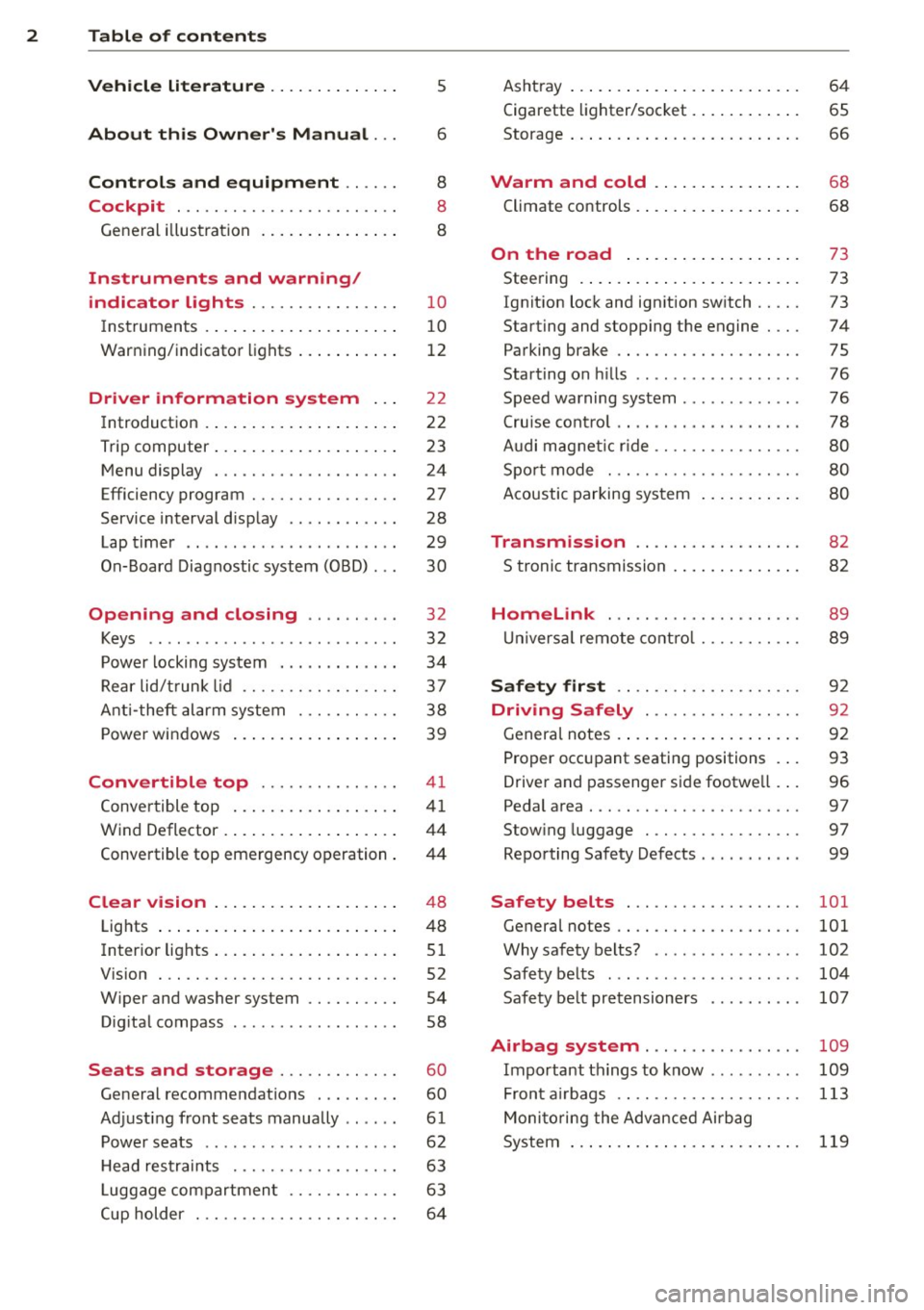
2 Table of contents Vehicle literature .. .. .. .. .. ... .
About this Owner's Manual ...
Controls and equipment .. ... .
Cockpit ................ .... .. . .
General illus tration .... ... .. .. ... .
Instruments and warning/
indicator lights ........ .. .. .. . .
Ins truments . .. .. ..... ... .. .. ... .
War ning/ indi cator lights ... .. ... .. .
Driver information system .. .
Introduct ion . .. .. ..... ... .. .. ... .
Trip computer .. .. ..... ... .. .. ... .
M enu display . ........... .... ... .
Efficiency program ........ .. .. .. . .
Service interval d isp lay ..... ... .. . .
Lap timer .. .......... ........ .. .
On- Board Diagnostic system (OBD) .. .
Opening and closing .. .. .. .. . .
Keys ........................ .. .
P owe r locking system ............ .
R ear lid/ trun k li d ................ .
Ant i- t heft ala rm system ... .. .. .. . .
P owe r win dows .. ..... ... .. .. ... .
Convertible top .............. .
Convertible top ....... ... .. .. ... .
W ind Deflector . .. ..... ... .. .. ... .
Conve rtible top eme rgency o peration .
Clear vision .. .. ..... ... .. .. ... .
Lights ...... .. .. ..... ... .. .. ... .
Inter ior lights .. . ...... ... .. .. ... .
V1s1on . .. ................. .. ... .
W iper and washer system .. .. .. ... .
D ig ita l compass ........... .... .. .
Seats and storage ....... .. .. . .
Ge neral recommendat ions ........ .
Ad just ing front seats manually .. ... .
P owe r seats ... .... ...... .. .. .. . .
5
6
8
8
8
1 0
1 0
12
2 2
2 2
23
24
27
28
29
30
32
32
34
37
3 8
39
4 1
41
44
4 4
4 8
48
5 1
52
54
58
60
60
61
62
H ead res traints . . . . . . . . . . . . . . . . . . 63
L uggage compartmen t . . . . . . . . . . . . 63
Cup holder . . . . . . . . . . . . . . . . . . . . . . 6 4 Asht
ray ... .... .. ... .. ..... .... . .
Cigarette lighter/socket . ..... ... .. .
Storage ... .. .. .. .. ... .. .. .. .. .. .
Warm and cold ... .. ..... .... . .
Climate controls .. .. .... .... ... .. . 6
4
65
66
68
68
On the road . . . . . . . . . . . . . . . . . . . 73
Stee ring . ..... .. ... .. ..... ... .. .
Ignition lock and ignition sw itch .. .. .
Starting and stopping the engine ... .
Parking brake ................... .
Starting on hills ....... .......... .
S peed warning system ............ .
Cru ise con trol ... . ... ... .... ... .. .
Audi mag netic ride ............... .
Spo rt mode . ................. .. .
Acoustic parking sys tem
Transmission ................. .
S troni c transmission . ... .... ... .. .
Homelink ... .. ... .......... .. .
U nivers al remote contro l ...... .. .. .
Safety first .. .. ... .......... .. .
Driving Safely .............. .. .
Genera l notes .... ... .. ..... ... .. .
Pro per occ upant seatin g positions . . .
Drive r and passenger side footwe ll .. .
Pedal area . .... .. ............. .. .
Stow ing luggage . ............. .. .
Repo rting Sa fety Defects .......... .
Safety belts .................. .
General notes ................... .
Why safety belts? ... .. ....... ... .
Safety belts ..... ............... .
Safety be lt pretensioners ......... .
73
73
74
75
76
76
78
8 0
80
8 0
82
8 2
89
89
92
92
92
93
96
97
97
99
101
101
102
10 4
107
Airbag system . . . . . . . . . . . . . . . . . 109
Important th ings to know . . . . . . . . . . 109
Fron t air bags . . . . . . . . . . . . . . . . . . . . 113
Moni to ring the Adv ance d Ai rbag
System . . . . . . . . . . . . . . . . . . . . . . . . .
119
Page 7 of 244
In addition to t his Owner's Ma nual, your A udi
comes w ith a Warranty
& Maintena nce book
l et.
Mor eover , d ep en ding on the mode l and t he
e quip ment, there may be additiona l ins truc
tion boo klets delivered w ith your vehicle (for
e x amp le, Ope rat ing Instr uctions fo r yo ur
Sound System, Navigation System , etc .).
If yo u are m iss ing one of these publicat ions,
or if you believe that the inf ormation is not
comp lete, contact you r auth orized Audi dea le r
for assistance.
The Warranty & Maintenance booklet
explains how yo u can kee p your A udi in top
d riving conditi on by hav ing it serviced regular
l y and conta ins deta iled in fo rmat ion about
the wa rranties covering your Aud i. Always
h ave the book let with yo u when yo u take your
ve hicle to an auth orized Audi dealer for serv
i ce . Y our Aud i Service Adviso r will record each
sche duled service and can answer any ques
tions you may have r ega rding how to ma intain
your ve hicle.
In Canada,
the vehicle lite ratu re is also avai lab le in
Fr ench . T o obtai n a co py, c ontact your dea ler
or w rit e to :
Au Canada, on peut se procure r un e xempla ire
e n fran~ais de ce doc ument aupres du conces
sionna ire ou de :
Vo lkswagen Canada, Inc.
Client Assistance
Assistance a la Clientele
77 7 Bayly Street, West,
A jax, On tario LIS 7G 7
If you sell your Audi
all literatu re should be left in the veh icle to
make the Warranty terms as we ll as a ll oper
ating, safety and ma intenance information
ava ilab le to the ne xt owne r.
Vehicle literature 5
If you change your address or if you
bought this Audi used
b e s ure to send in a "Notice of A ddress
Change"
I " N otice of Used Car Purchase" post
ca rd. T his card can be fo und in the War ranty
&
M aint enance booklet or obtained from your
a utho rized Aud i dea le r.
It is in your own interest that we are able to
contact you should the need arise .
•
•
Page 14 of 244
12 Instruments and warning/indicator lights
Fuel gauge
The fuel gauge works only when the ignition is
on . When the needle reaches the red area, the
warning light in the instrument cluster will il
luminate ¢
page 20 00']. Time to refuel!
The total ta nk capacity of your vehicle is listed
in
¢ page 224
CD Note
Never run the tank completely dry! An ir
regula r supply of fue l can cause engine
m isfiri ng and fuel could enter into the ex
haust system. The catalyt ic converter
could then overheat and be damaged.
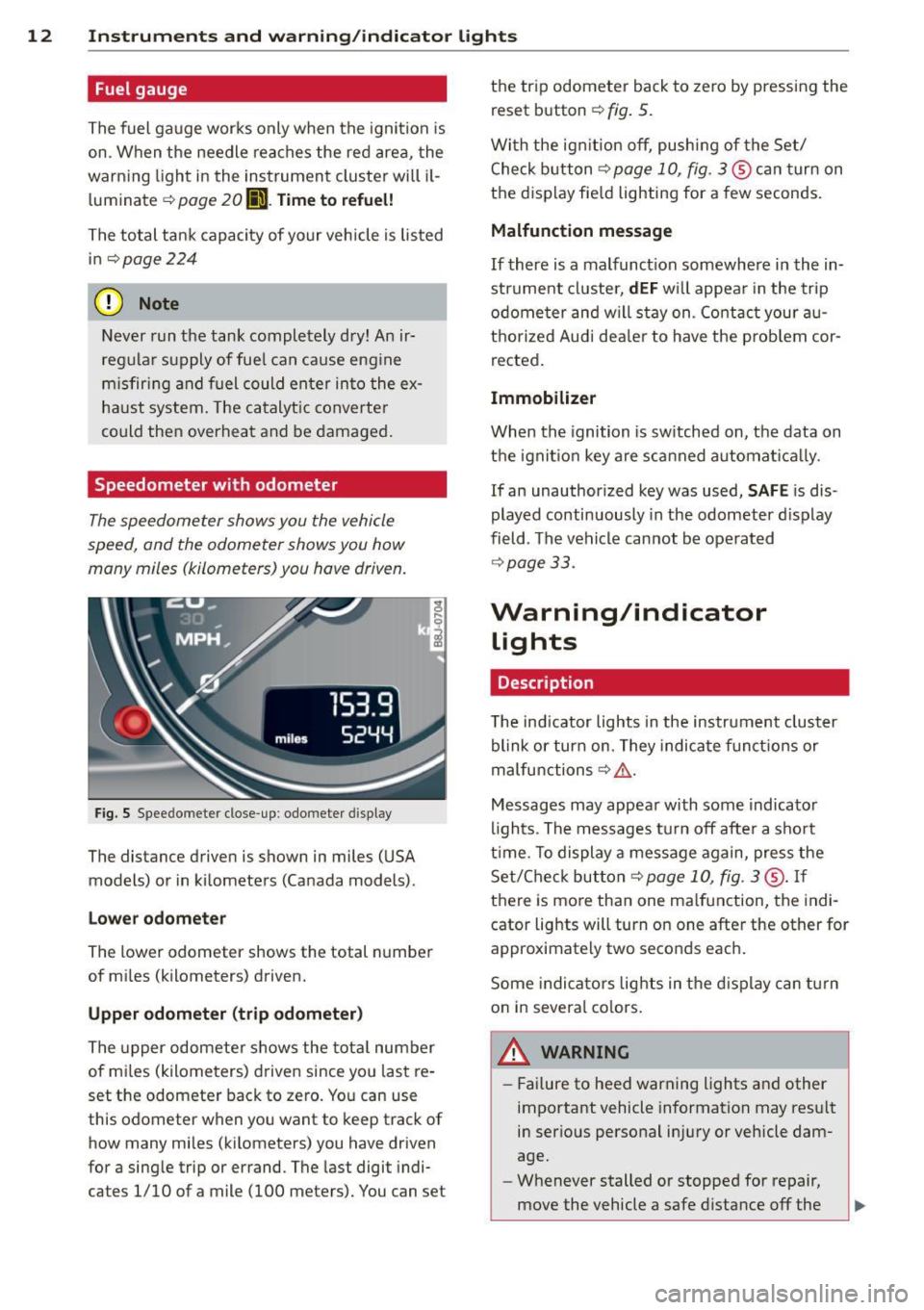
Speedometer with odometer
The speedometer shows you the vehicle
speed , and the odometer shows you how
many miles (kilometers) you have driven.
Fig . S Spee domete r close -up: odometer display
The dis tance driven is shown in miles (USA
models) or in kilometers (Canada models) .
Lower odometer
The lower odometer shows the total number
of miles (kilometers) driven.
Upper odometer (trip odometer)
The upper odometer shows the total number
of mi les (kilometers) driven since you last re
set the odometer back to zero. You can use
this odometer wh en you want to keep track of
how many miles (kilometers) you have driven
for a sing le trip or errand. The last digit indi
ca tes 1/10 of a mile (100 me ters). You can se t the trip odometer
back to zero by pressing the
reset button
¢ fig. 5.
With the ign ition off, pushing of the Set/
Check button ¢
page 10, fig . 3 ® can turn on
the display fie ld lighting for a few seconds.
Malfunction message
If there is a malfunct ion somewhere in the in
strument cluster,
dEF will appear in the trip
odometer and will stay on. Contact your au
thorized Audi dea ler to have the problem cor
rected .
Immobilizer
When the ignition is sw itched on, the data on
the ignition key are scanned automat ically .
If an unauthor ized key was used,
SAFE is dis
played continuously in the odometer display
field . The vehicle cannot be operated
¢ page 33.
Warning/indicator
Lights
Description
T he ind icator lights in the instrument cluster
blink or turn on . They indicate funct ions or
malfunctions ¢
,&.
Messages may appear with some indicator
lights . The messages turn
off after a short
time . To display a message again, press the
Set/Check button¢
page 10, fig . 3 ® · If
there is more than one ma lfunction, the indi
cator lights will turn on one after the other for
approximat ely two seconds each.
Some indicators lights in the display can turn
on in severa l colors.
A WARNING
=
- Failure to heed warning lights and other
important vehicle information may result
in ser ious personal in jury or vehicle dam
age.
- Whenever stalled or stopped for repair,
move the vehicle a safe distance
off the
Page 17 of 244
Instrument s and warnin g/indic ator ligh ts 15
system ma lfunction warning/indicator light
c> ,&. .
The ligh t 1111 (USA)/ . (Canada) illumi
nates when the ignit ion is tu rned on. I t goes
out after the engine has been started and the
parking brake is fully released. This indicates
that the brake warning lig ht is funct ion ing
properly.
If the brake warn ing light doe s not light up
w hen the engin e is cr anking o r the p arking
br ak e is applied, th ere m ay be a malfun ction
in th e electrical syste m. In thi s cas e, conta ct
y ou r A udi dealer .
If the ABS fails, the ABS warning/indicator
light
E (USA mode ls)! EIJ (Canada models)
f lashes together with the brake system warn
ing/indicator light
c> ,&. .
(USA models): If the warning light 1111 and
the warning light
EiJ illum inate together, im
mediately contact your author ized Audi dealer
or qualified workshop to have all brake pads
inspected
c> page 19.
When the light comes on, an audible warning
signa l is also given.
Parking brake set
The parking brake warning light_ /_
(Canada models) illuminates when the park
ing brake is set. In addition, a warning tone
will sound after you have driven for longer
than 3 seconds and faster than 3 mph (5 km/
h).
Park ing brak e set
The 1111 warning/indicator light illuminates
when the parking brake is set
c> &..
A WARNING
-Always observe the warnings in
c> page 165, Working in the engine
compartment, before opening the en
gine hood and check ing the bra ke fluid.
- Driv ing with low brake fluid is a safety
hazard! Stop the car and get professional
assistance. -
USA models: If both, the
1111 warning
light and the
E warn ing light come
on at the same time, the rear wheels
could lock up first under hard braking.
Lock-up of the rear wheel brakes can
cause loss of vehicle contro l and an acci
dent. Have your veh icle repa ired immedi
ately by your authorized Audi dealer or a
qualified workshop . Drive s low ly and
avoid sudden, hard brake application.
- Canada models:
If both, the b rake warn
ing light . and the ABS warning light
EiJ come on at the same time, the rear
wheels could lock up f irst under hard
brak ing. Lock-up of the rear wheel brakes
can cause loss of veh icle control and an
accident. Have your vehicle repaired im
mediately by your author ized Audi dealer
or a qualified wo rkshop. Drive slowly and
avoid sudden, hard brake application.
- If the b rake warning/ind icator light does
not go out after a few seconds and the
pa rking brake is re leased, or lights up
while you are dr iving, the flu id leve l in
the brake fl uid reservo ir is too low . If you
believe that it is safe to do so, proceed
immediate ly at low speed to the nea rest
author ized Audi dealer or qualif ied work
shop and have the brake system inspect
ed.
-Always keep in mind that after severa l
brake applications, you will need greater
pressure on the brake pedal to stop your
veh icle. Do not rely on strained brakes to
respond with maximum stopping powe r
i n critical s ituations. You must allow for
increased b raking dis tances. The extra
distance used up by fading bra kes could
lead to an accident.
tli1 !.!r Safety systems
The I ( U SA models) . (Canada mode ls) in
dicator light monitors the safety systems e.g.
(airbags, pretensioners) and i lluminates for a
few seconds each time you switch the ignitio n
o n.
Page 20 of 244
18 Instrum ent s and w arn ing /indic ato r light s
-The light illuminates when the convertib le
top is opened or closed incompletely.
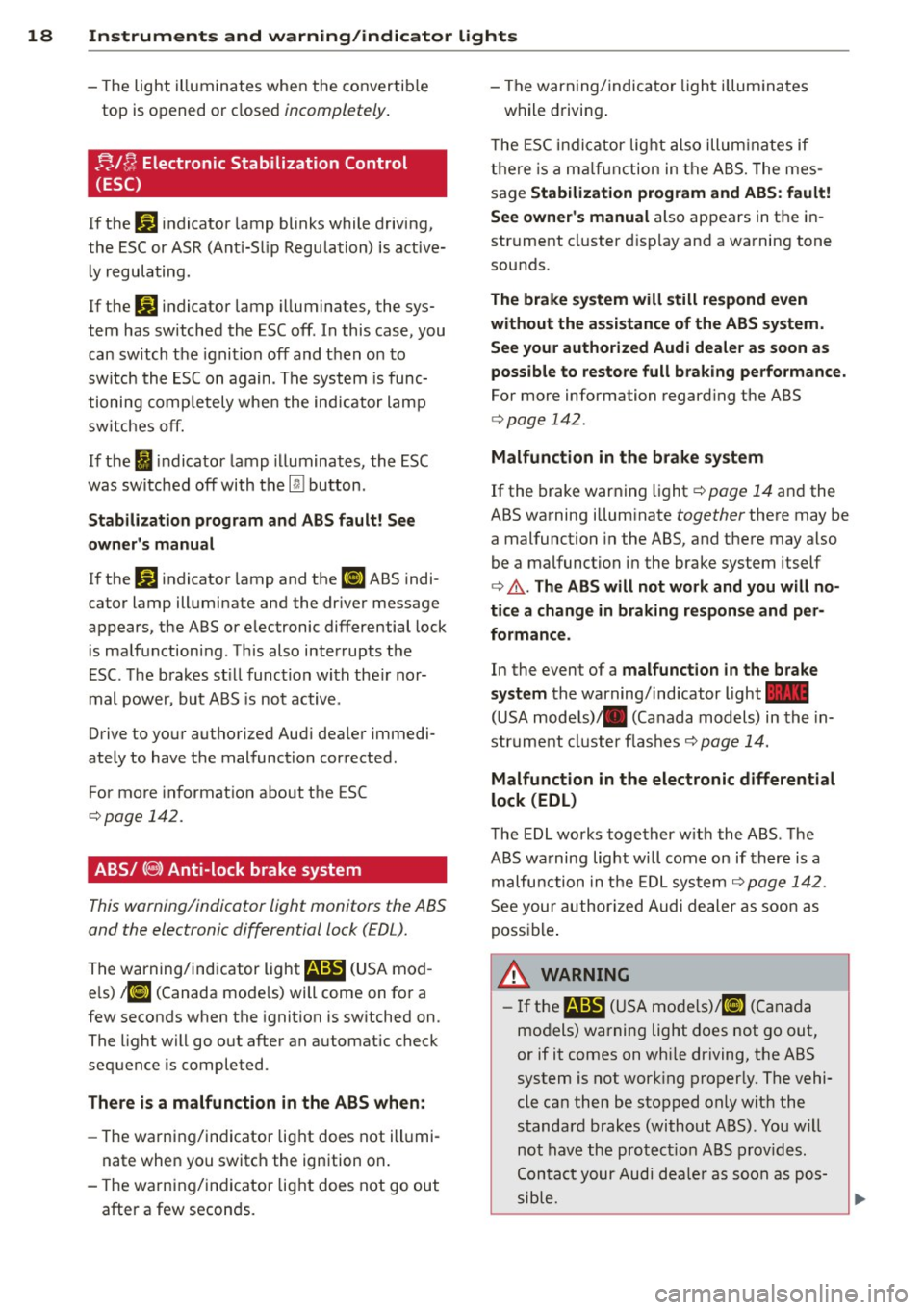
nlfJ Electronic Stabilization Control
(ESC)
If the Ji) indicator lamp blinks while driving,
the ESC or ASR (Ant i-Slip Regulation) is active
l y regulating .
If the
Ji) indicator lamp illuminates, the sys
tem has switched the ESC off. In this case, you
can switch the ignition
off and then on to
switch the ESC on again . The system is func
tioning comp letely whe n the indicator lamp
switches off.
If the
i indicator lamp illuminates, the ESC
was switched
off with the [ru button .
Stabiliz ation prog ram and ABS fault! See
own er's manu al
If the J;.J indicator lamp and the El ABS indi
cator lamp illuminate and the dr iver message
appears, the ABS or e lec tronic differential lock
is ma lfunctioning . This also interrupts the
ESC. The brakes st ill function with the ir nor
mal power, but ABS is not active .
Drive to your authorized Aud i dea ler immedi
ately to have the malfunction corrected .
For more information about the ESC
c:::;,page 142.
ABS/ (8 ) Anti-lock brake system
This warning/indicator light monitors the ABS
and the electronic differential lock (EDL).
The warning/indicator light
E (USA mod
e ls)
;riJ (Canada mode ls) will come on for a
few seconds when the ignition is sw itched on .
The light will go out after an automatic check
sequence is comple ted.
The re i s a malfuncti on in the ABS when :
-The warning/indicator light does not ill umi
nate when you switch the ign ition on.
- The warning/indicator light does not go out
after a few seconds . - The warning/
indica tor light i lluminates
while driving .
T he ESC indi cator lig ht also illum inates if
there is a ma lf u nction in the ABS. The mes
sage
Stabiliz ation program and ABS : fa ult!
Se e owne r's ma nual
also appears in the in
strument cluster d isp lay and a warning tone
sounds.
The brake system will still re spond e ven
without the a ssistan ce of the ABS system.
See your authorized Audi de aler as soon as
possible to re store full b raking perfo rmance.
For more info rmation regard ing the ABS
c:::;, page 142.
Malfunction in the br ake sy stem
If the brake warning light c:::;, page 14 and the
ABS warning illuminate together there may be
a malfunction in the ABS, and there may also
be a malfunction in the brake system itself
c:::;,
&. . The AB S will not wo rk and you will no
ti ce a change in braking re spon se and p er
formanc e.
In the even t of a mal func tion in the brake
sy stem
the warning/ind icator light 1111
( U SA models)/ . (Canada models) in the in
strument cluster flashes c:::;, page 14.
Malfunction in the electronic differential
lock (EDL )
The EDL works together w ith the ABS . The
ABS warning light wi ll come on if there is a
malfunction in the EDL sys tem
c:::;, page 142 .
See your author ized Audi dealer as soon as
possible .
A WARNING ,-=
-If the E (USA mode ls)/ Ei] (Canada
models) warning light does not go out,
or if it comes on whi le driving, the ABS
system is not work ing properly. The vehi·
cle ca n then be stopped only wit h the
standard brakes (without ABS) . You w ill
not have the protect ion ABS prov ides .
Contact your Audi dea le r as soon as pos
sib le.
-
.__ _______________ _J ~
Page 22 of 244
20 Instruments and warning /indicator lights
speed displayed in the driver information sys
tem . Keep in mind that the engine speed will
not exceed the va lue disp layed in the driver in
formation system, for example when down
shifting.
Please go to an authorized Audi dea ler or oth
er qualified workshop to have the ma lfunction
repaired.
~ . Checking the engine oil level
II Please add max . 1 qt of engine oil!
If the II symbol comes on, add 1 quart (1 li
ter) of oil at the next opportunity
¢page 170.
~ ... Engine oil sensor defective
If the II symbol illuminates, contact your
author ized Audi dealer and have the oil sensor
inspected .
Bi) Fuel supply too low
When the 001 symbol illuminates, this means
there are about 1.9 gallons (7 liters) of fuel
left in the fuel tank. Time to refuel!
¢ page 162.
If the symbol lights up, even when there is
ample fuel in the tank, and the text
Tank sys
tem malfunction! Please contact workshop
appears in the display, there is a fault in the
system. Contact a qualified workshop to have
the fault rectified.
If the -symbol illum inates, add w indshield
washer f luid to the washer system
¢page 180.
~ Defective light bulb warning
The defective light bulb warning tells you
when a vehicle light bulb has become defec
tive.
If a defective bulb has been detected by the
system or a light bulb burns out,
the m sym
bol w ith a message appears in the display to
te ll you which bulb is burnt out and where it is
located. For example :
Rear left turn signal
After 5 seconds, the message disappears. If
you want to recall the message into the dis play, press the CHECK button
¢ page 10,
fig. 3
(J) .
There are three reasons why the defective
bulb message would appear in the display:
- The light bu lb has burnt out
¢page 216.
-The f use is "blown" ¢ page 213, Replacing
fuses .
-The wire connection to the light bulb is de-
fective.
Have the bulb replaced or the connect ion re
paired by your authorized Aud i Service depart
ment .
A WARNING
-
-Light bulbs are pressurized and could ex
p lode while they are being changed caus
ing serious personal injury.
- Work with due care when handling the
high-vo ltage section of gas discharge
(xenon) lamps. Failing to do so could re
sult in death or serious injury!
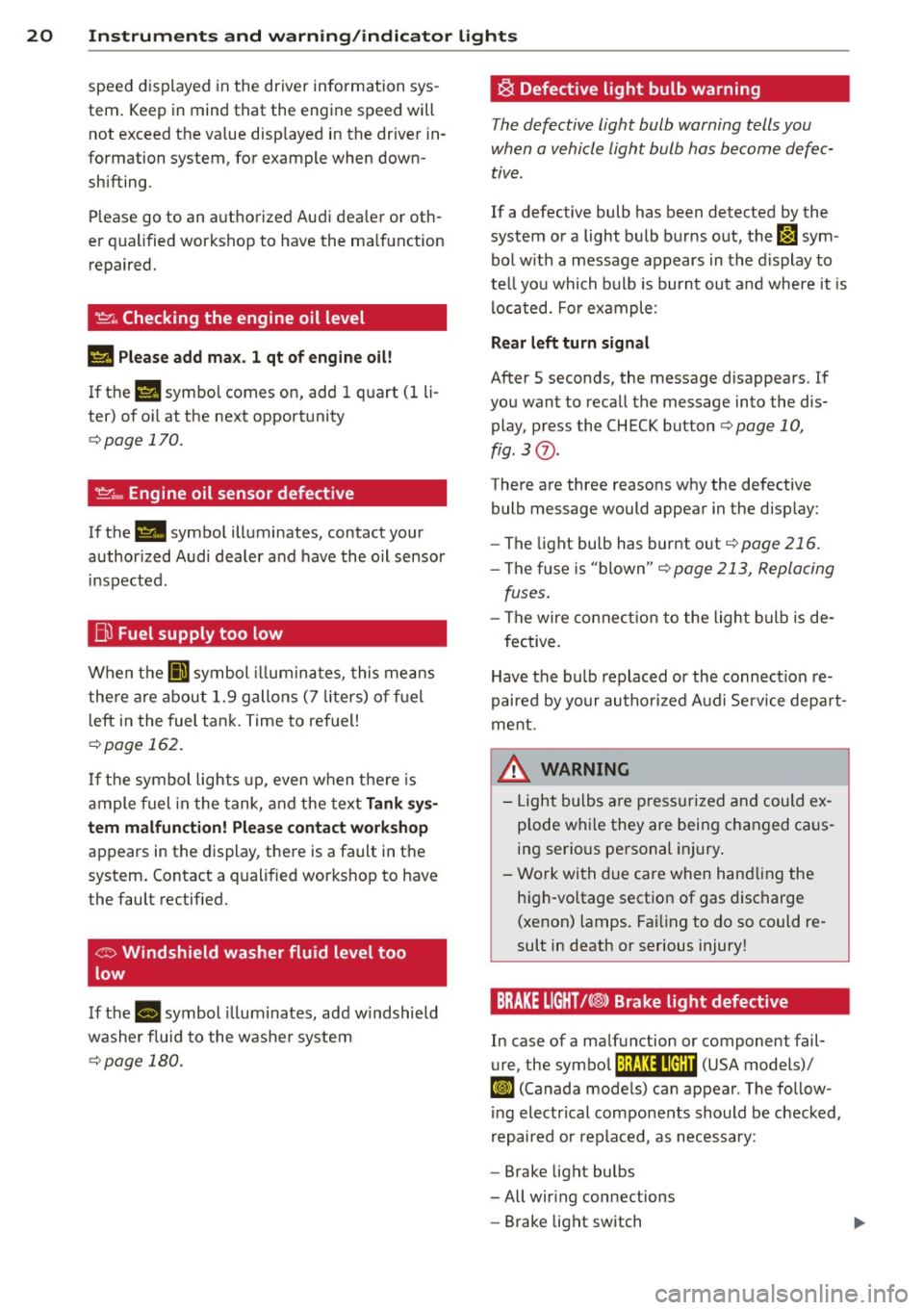
BRAKE LIGHT!<®> Brake light defective
In case of a malfunction or component fail-
ure, the symbol (USA models)/
It:$
repaired or replaced, as necessary:
- Brake light bulbs
- All wiring connections
- Brake light switch
Page 23 of 244
Instrument s and warnin g/indic ator ligh ts 21
Contact your authorized Audi dealer for assis
tance if necessary.
@ Tips
The brake light switch is only inspected as
pa rt of the functional check after the en
gine is started.
~(D Headlight range control defective
Applies to vehicles: with dynamic headlig ht range adjust·
ment
I f the II ill uminates, the dynamic headlight
range control is no longer working properly .
Have the system checked and repaired at your
authorized Audi dealer.
sD Adaptive light defective
App lies to vehicles: w it h Adaptive Light
rlJ Ad apt ive l ight de fe cti ve
When this symbo l rlJ illuminates, it means
that Adaptive Light is defective. Go to a quali
f ied workshop to have the headlights or the
control unit for the Adaptive Light repaired.
(j_ o Light/rain sensor defective
Applies to vehicles: with automat ic headlights
The indicator light indicates a defect in the
automatic headlights/automatic wiper sys
tem.
If the symbol illuminates, the light sensor has
failed. For safety reasons, the low beams are
turned on permanently with the switch in
AU
TO. However, you can continue to turn the
lights on and off using the light switch . In the
case of a defect in the ra in sensor, the w ind
sh ie ld wiper lever functions are st ill available .
H ave the light/ra in sensor checked as soon as
possib le at an author ized Audi dealer.
; Audi magnetic ride
Applies to vehicles: with Audi magnetic ride
The indicator light monitors vehicle damping.
The indicator light 8 illum inates when the ig
n ition is switched on as a funct ion check .
(D Tips
If the indicator la mp illuminates whi le you
are driving, there is a malfunction in the
vehicle damping. The chassis should be in
spected immed iate ly by an authorized
Audi dealer.
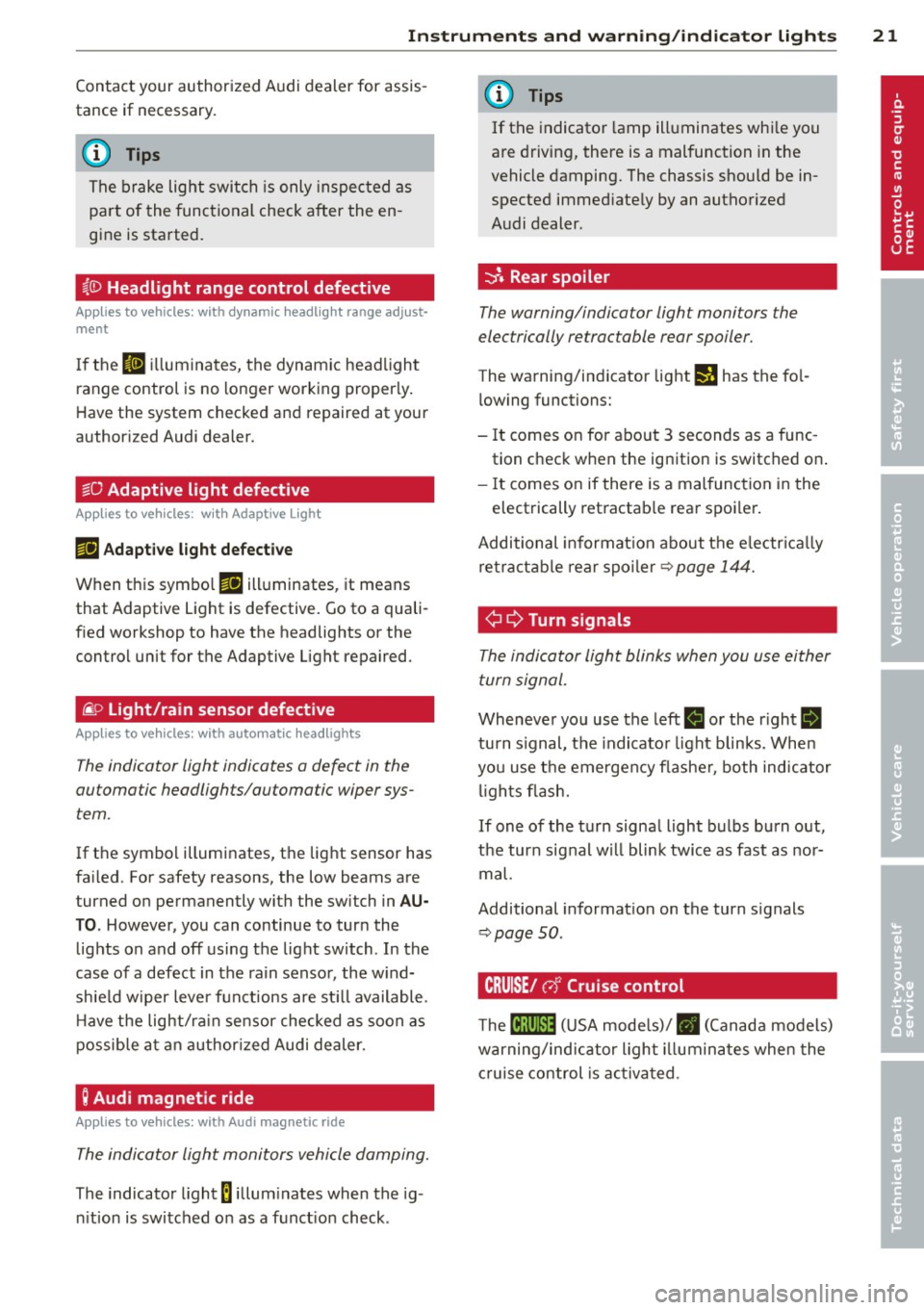
-::}. Rear spoiler
The warning/indicator light monitors the
electrically retractable rear spoiler.
The warning/indicator light I) has the fo l
l owing functions:
- It comes on for about 3 seconds as a func
tion check when the ignition is switched on .
- It comes on if there is a mal function in the
electrically retractab le rear spoi ler.
Additional informat ion about t he e lectr ica lly
retractab le rear spoi ler¢
page 144.
¢ ¢Turn signals
The indicator light blinks when you use either
turn signal.
Whenever you use the left II or the r ight II
turn s ignal, the indicator light blinks. When
you use the emergency flashe r, both indicator
li ghts fl ash.
If one of the turn signal light bulbs burn out,
the turn signal w ill blink twice as fast as nor
mal.
Additional informat ion on the turn s ignals
~ page SO.
CRUISE/ r,f Cruise control
The lB;\l )~i4 ( U SA mode ls)/ . (Canada models)
warning/indicator light illuminates when the
c ruise control is ac tiva ted.
Page 25 of 244
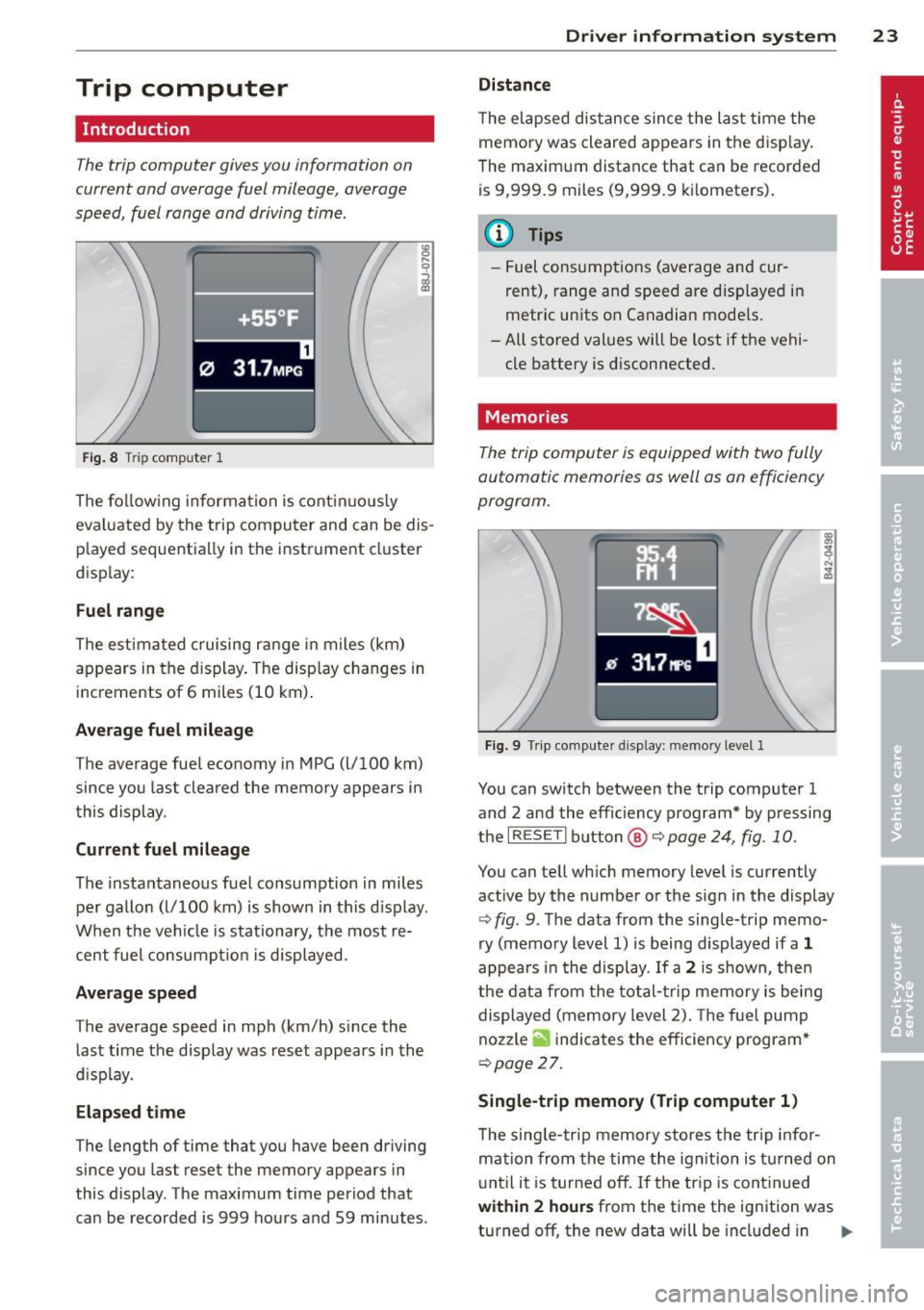
Trip computer
Introduction
The trip computer gives you information on
current and average fuel mileage, average
speed, fuel range and driving time .
Fig. 8 T rip comp ute r 1
The fo llow ing informa tion is cont inuo usly
eva luated by the trip compu ter and can be dis
p layed sequentia lly in the instrument cl uster
d isplay:
Fuel range
The estimated c ruising ra nge in miles (km)
appears in the d isplay . The disp lay changes in
increments of 6 miles (10 km) .
Average fuel mileage
The average fue l economy in MPG (l/ 100 km)
since you last clea red the memory appears in
t his display .
Current fuel mileage
The instantaneous fuel consumption in miles
pe r gallon (l/ 100 km) is shown in this d isp lay .
When the ve hicle is stationary, the most re
cent fuel consumpt io n is displayed.
Average speed
The average speed in mph (km/h) since the
last time the display was reset appears i n the
d isp lay.
Elap sed t ime
The length of time that you have been driving
since you las t reset the memory appears in
this display . The maximum t ime period that
can be recorded is 999 ho urs and 59 minutes .
Driver in formation system 23
Distance
The elapsed dis tance sin ce the las t time the
memory was cleared appears in the d isp lay .
T he maxim um distance that can be recorded
is 9 ,999.9 miles (9,999 .9 k ilometers) .
(D Tips
- Fuel consump tions (average and cur
rent), range and speed are disp layed in
metric un its on Canadian mode ls.
- All sto red val ues wil l be lost if t he vehi
cle battery is d isconnected .
' . Memories
The trip computer is equipped with two fully
automatic memories as well as on efficiency
progrom.
Fi g. 9 Trip co mputer d isplay: memo ry level 1
You can switch between the trip computer 1
and 2 and the efficiency program* by pressing
the
I R ES ET I button @ c::> page 24, fig . 10 .
You can tell wh ich memory leve l is currently
active by the number or the sign in the display
c::> fig . 9. The data from the single-trip memo
ry (memo ry level 1) is being displayed if a
1
appea rs i n t he display . If a 2 is shown, then
the data from the total- trip memory is being
displayed (memory level 2). The f ue l pump
nozzle
ii indicates the efficiency program *
c::>poge 27.
Single-trip memory (Trip computer 1 )
The sing le -t rip memory stores the tr ip info r
ma tion from the time the ig nition is tu rned on
u nt il it is tur ned off. If the tr ip is cont inued
within 2 hour s from the time the ignit ion was
turned off, the new data will be included in ..,.
Page 30 of 244
28 Driver information system
Fue l economy messages are displayed when
fuel consumption is increased by certain con
ditions. If you follow these fuel economy mes
sages, you can reduce your vehicle's consump
t ion of fuel. The messages appear automati
cally and are only displayed in the efficiency
program . The fuel economy messages turn off
automatically after a certain period of time .
.,. To turn a fuel economy message off immedi
ately after it appears, press the
! R ESET I but
ton
¢ page 24 , fig . 1 O @, or
.,. Press the function selection switch
¢page 24, fig.10 @.
(D Tips
-Once you have turned a fuel economy
message off, it will only appear again af
ter you turn the ignition on aga in.
- The fuel economy messages are not dis
played in every instance, but rather in in
tervals over a period of ti me.
Service interval display
The service interval display reminds you when
your next service is due.
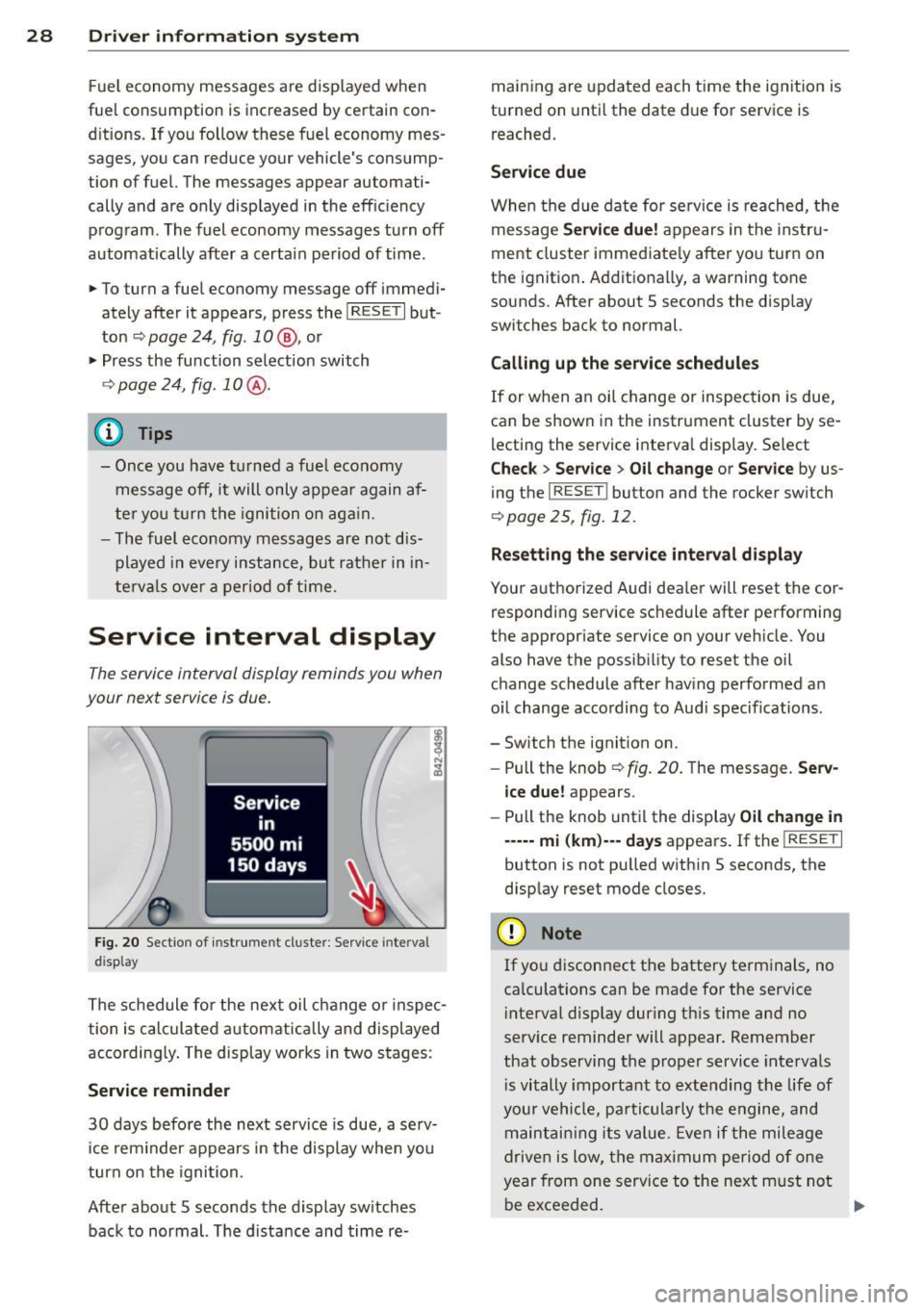
Fig. 20 Sectio n of inst rume nt cl uster : Serv ice interv al
d isplay
The schedule for the next oil change or inspec
tion is calculated automatically and displayed
according ly . The display works in two stages :
Service reminder
30 days before the next service is due, a serv
ice rem inder appears in the display when you
turn on the ignition.
After about 5 seconds the display sw itches
back to normal. The d istance and time re- maining are
updated each time the ignition is
turned on until the date due for service is
reached.
Service due
When the due date for service is reached, th e
message
Service due! appears in the instru
ment cluster immediately after you turn on
the ignition . Additionally, a warning tone
sounds. After about 5 seconds the disp lay
switches back to normal.
Calling up the service schedules
If or when an oil change or inspection is due,
can be shown in the instrument cluster by se
lecting the service interval display . Select
Chec k > Service > Oil change or Service by us
ing the
I RESET I button and the rocker switch
r:::> page 25, fig. 12 .
Resetting the service interval display
Your authorized Audi dealer will reset the cor
responding service schedule after performing
the appropriate service on you r vehicle. You
also have the possibility to reset the oil
change schedule after having performed an
o il change according to Audi specif ications.
- Switch the ignition on.
- Pull the knob
r:::> fig. 20. The message. Serv-
ice due!
appears.
- Pull the knob until the display
Oil change in
-----mi (km)--- days appears . If the I RESET I
button is not pulled within 5 seconds, the
display reset mode closes.
(D Note
If you disconnect the battery terminals, no
calculations can be made for the service
interval display dur ing this time and no
serv ice reminder will appear. Remember
that observing the proper service intervals
i s vitally important to extending the life of
your vehicle, pa rticularly the engine, and
maintaining its value. Even if the mileage
driven is low, the maximum period of one
year from one service to the next m ust not
be exceeded.
II>-
Page 36 of 244
34 Opening and closing
Power locking system
General description
The power locking system locks or unlocks all
doors simultaneously.
The power lock ing system in your ve hicle in
corporates the fo llow ing funct ions:
- Central locking function
- Remote con tro l feature q page 33 .
- Anti -Theft Alarm Sys tem q page 38.
A ll the doors and the rear lid are locked by the
centra l locking system when you lock the vehi
cle.
The unlocking a nd lock ing mode * can be
changed in t he d river i nfo rmation system
qpage24.
Unlocking the vehicle
You can un lock the vehicle from outs ide e ither
by using the remote control
or by insert ing
a nd turning the key in t he driver's door lock.
When you
unlock your veh icle:
- The anti-theft alarm system is deactivated br iefly.
- The veh icle inter ior lights ill uminate for ap
proximate ly 30 seconds.
- All turn signa l lights will f lash twice w hen
the car is unlocked.
- After unlock ing the vehicle, yo u have 30 sec
onds to open a door or the rear lid. After 30
seconds, the vehicle automatically locks and
the ant i-theft a larm system activates again.
The rear lid can be locked or un locked either
by using the remote control
or by insert ing
a nd turning the key in the driver's door lock.
Unlock ing the ve hicle w ith the remote co ntrol
c::::5 will only unlock the rear lid, to open it, the
lid handle needs to be p ressed .
Locking the vehicle
You can lock the vehicle from o utside e ither by
using the remote control
or by insert ing and
turning the key in the drivers's door lock.
When you
lo ck the vehicle:
- All doors and the rear lid are locked. -
All turn signal lights wi ll flash once when
the car is loc ked .
- The ant i-theft a larm system is ac tiva ted.
The ho rn of the anti -theft alarm system wi ll
sound and t he anti-theft a la rm system read
iness light, located in the center of the in
strument panel be low the w indshield on the
r ight side of the air vent, will start to blink.
- The vehicle interior lights turn off.
Automat ic lock ing*
T he au tom atic locking fea ture locks a ll the ve
hicle doors an d the rear lid when you drive
faster than 9 m ph (15 km/h).
You can unlock t he vehi cle from the i nside by:
- remov ing the key from the igni tion swi tc h
(the vehi cle w ill automatically u nlock itself)
or
- pressi ng the un loc k pa rt of the power lock
sw itch
ll:D or
pull ing the door ha ndle (to open the doo r).
If you wish, yo u can have an a utho rized Aud i
dealer convert your power doo r lock system to
automat ic locking.
Unintentionally locking yourself out
T he veh icle does not lock with t he centra l
l ocking switch
¢ page 3 6 if the driver's door
is open .
D o no t lock your ve hicle w ith the
remote mas
ter key
un til a ll doo rs and t he rea r lid are
cl osed. In this way yo u avoid locking yourse lf
o ut accidentally .
_& WARNING
- When you loc k yo ur vehicle from o utside,
nobody- espec ia lly children -shou ld re
main inside the vehicle. Remember,
when yo u lock the vehicle from the out
side th e wi ndows cannot be o pened from
the inside.
- Wh en you leav e th e ve hicle, always re
move the ign ition key and take it w ith
you. This will preven t passe ngers (chil
d ren, f or example) from acci denta lly be
i n g loc ke d in the vehicle s hould they