maintenance BMW 135I 2012 E88 User Guide
[x] Cancel search | Manufacturer: BMW, Model Year: 2012, Model line: 135I, Model: BMW 135I 2012 E88Pages: 272, PDF Size: 8.49 MB
Page 210 of 272
Wheels and tires
208
Wheels and tires
Tire inflation pressures
Information for your safety
It is not merely the tires' service life, but also
driving comfort and, to a great extent, driving
safety that depend on the condition of the tires
and the maintenance of the specified tire pres-
sure.
Check the tire inflation pressure regularly
and correct it, if necessary: at least twice a
month and before starting long trips. If you fail
to observe this precaution you may be driving
on tires with incorrect tire pressures, a condi-
tion that can not only compromise your vehi-
cle's driving stability, but also lead to tire dam-
age and the risk of an accident. Do not drive
with deflated, i.e. flat tires, except when using
run-flat tires. A flat tire will seriously impair your
vehicle's handling and braking response.
Attempts to drive on a flat tire can lead to loss of
control over the vehicle.<
Checking pressure
Only check tire inflation pressure when the
tires are cold. This means after a maximum of
1.25 miles/2 km driving or when the vehicle has
been parked for at least 2 hours. When tires are
warm, the tire inflation pressure is higher.
After correcting the tire inflation pressure,
reset the Tire Pressure Monitor, refer to
page87, or reinitialize the Flat Tire Monitor,
refer to page85.<
Inflation pressure specifications
The tables below provide all the correct inflation
pressures for the specified tire sizes at ambient
temperature.
The inflation pressures apply to the tire
sizes approved and tire brands recom-
mended by BMW; a list of these is available
from your BMW center.<
For correct identification of the right tire infla-
tion pressures, observe the following:>Tire sizes for your vehicle
>Maximum allowable driving speed
Tire inflation pressures for driving up to
100 mph or 160 km/h
For normal driving up to 100 mph or 160 km/h
and to achieve optimum driving comfort, adjust
pressures to the respective tire inflation pres-
sures listed on the following pages in the col-
umns for traveling speeds up to a maximum of
100 mph or 160 km/h.
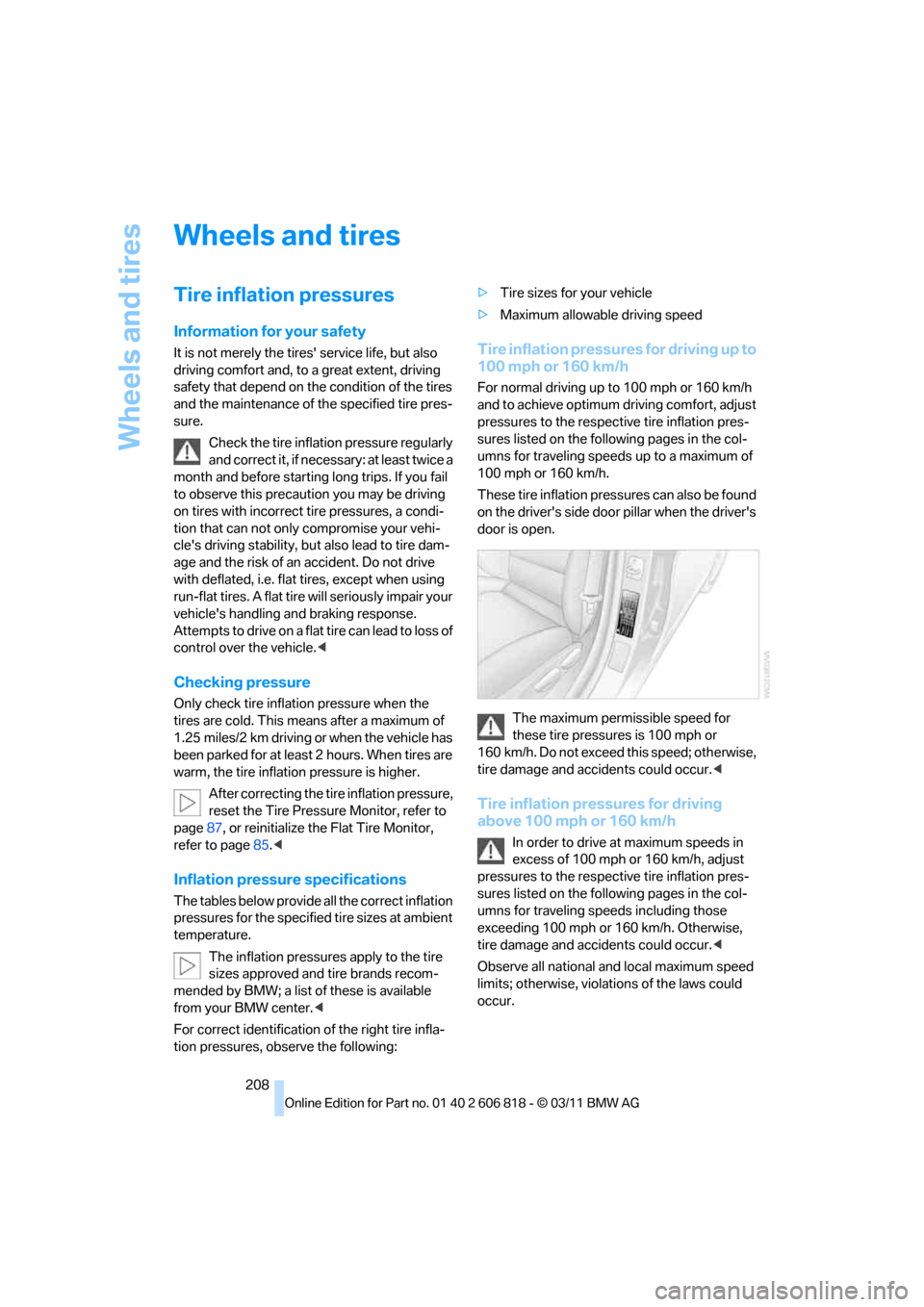
These tire inflation pressures can also be found
on the driver's side door pillar when the driver's
door is open.
The maximum permissible speed for
these tire pressures is 100 mph or
160 km/h. Do not exceed this speed; otherwise,
tire damage and accidents could occur.<
Tire inflation pressures for driving
above 100 mph or 160 km/h
In order to drive at maximum speeds in
excess of 100 mph or 160 km/h, adjust
pressures to the respective tire inflation pres-
sures listed on the following pages in the col-
umns for traveling speeds including those
exceeding 100 mph or 160 km/h. Otherwise,
tire damage and accidents could occur.<
Observe all national and local maximum speed
limits; otherwise, violations of the laws could
occur.
Page 223 of 272
Mobility
221Reference
At a glance
Controls
Driving tips
Communications
Navigation
Entertainment
Maintenance
BMW Maintenance System
The BMW Maintenance System supports the
preservation of the traffic and operating safety
of your BMW. The objective is to optimize
efforts with respect to minimal vehicle mainte-
nance costs.
If and when you come to sell your BMW, a com-
prehensive record of servicing will prove a sig-
nificant benefit.
Condition Based Service CBS
Sensors and special algorithms take the differ-
ent driving conditions of your BMW into
account. Condition Based Service uses this to
determine the current and future service
requirements. By letting you define a service
and maintenance regimen that reflects your
own individual requirements, the system builds
the basis for trouble-free driving.
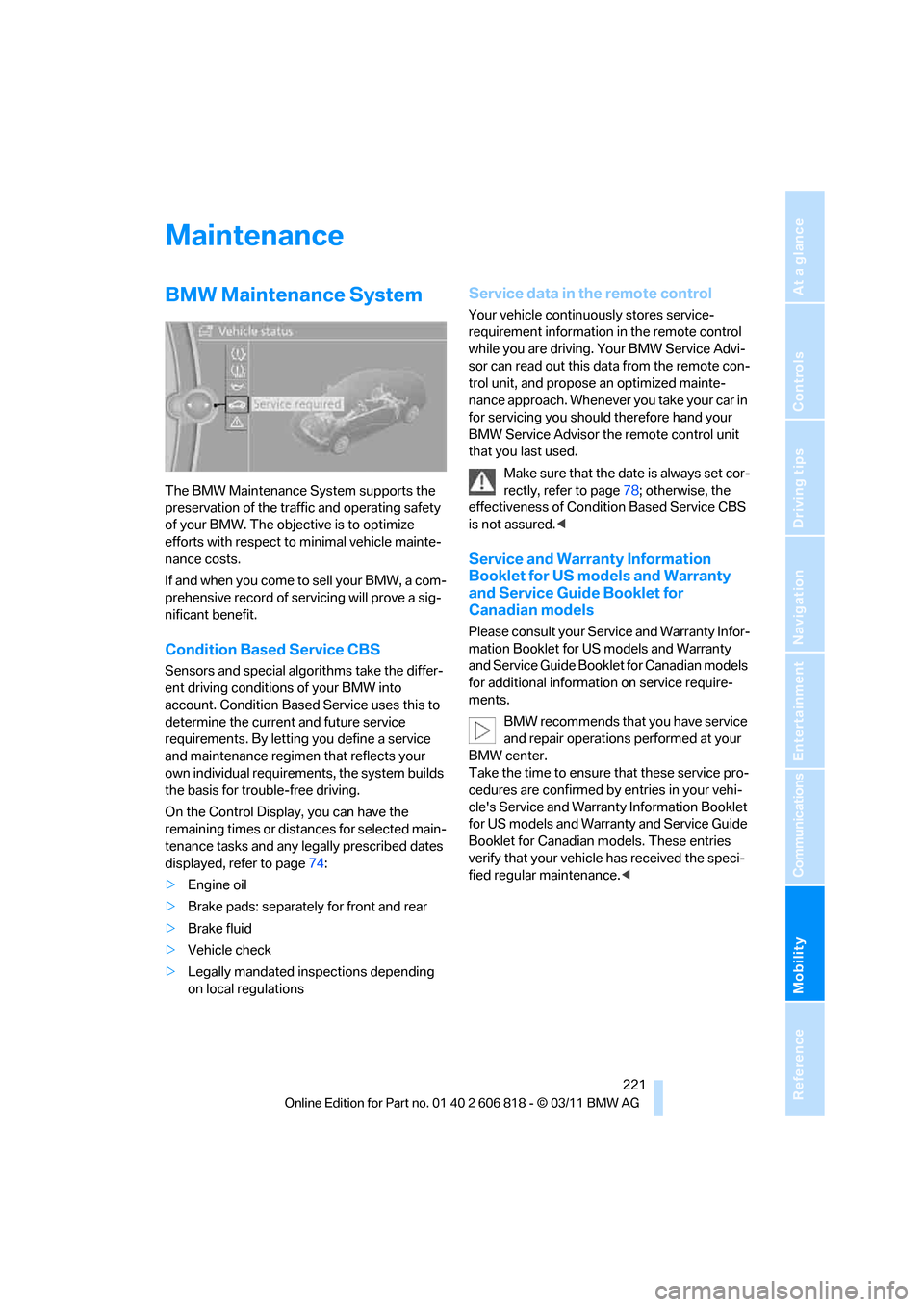
On the Control Display, you can have the
remaining times or distances for selected main-
tenance tasks and any legally prescribed dates
displayed, refer to page74:
>Engine oil
>Brake pads: separately for front and rear
>Brake fluid
>Vehicle check
>Legally mandated inspections depending
on local regulations
Service data in the remote control
Your vehicle continuously stores service-
requirement information in the remote control
while you are driving. Your BMW Service Advi-
sor can read out this data from the remote con-
trol unit, and propose an optimized mainte-
nance approach. Whenever you take your car in
for servicing you should therefore hand your
BMW Service Advisor the remote control unit
that you last used.
Make sure that the date is always set cor-
rectly, refer to page78; otherwise, the
effectiveness of Condition Based Service CBS
is not assured.<
Service and Warranty Information
Booklet for US models and Warranty
and Service Guide Booklet for
Canadian models
Please consult your Service and Warranty Infor-
mation Booklet for US models and Warranty
and Service Guide Booklet for Canadian models
for additional information on service require-
ments.
BMW recommends that you have service
and repair operations performed at your
BMW center.
Take the time to ensure that these service pro-
cedures are confirmed by entries in your vehi-
cle's Service and Warranty Information Booklet
for US models and Warranty and Service Guide
Booklet for Canadian models. These entries
verify that your vehicle has received the speci-
fied regular maintenance.<
Page 224 of 272
Maintenance
222
Socket for Onboard
Diagnosis OBD
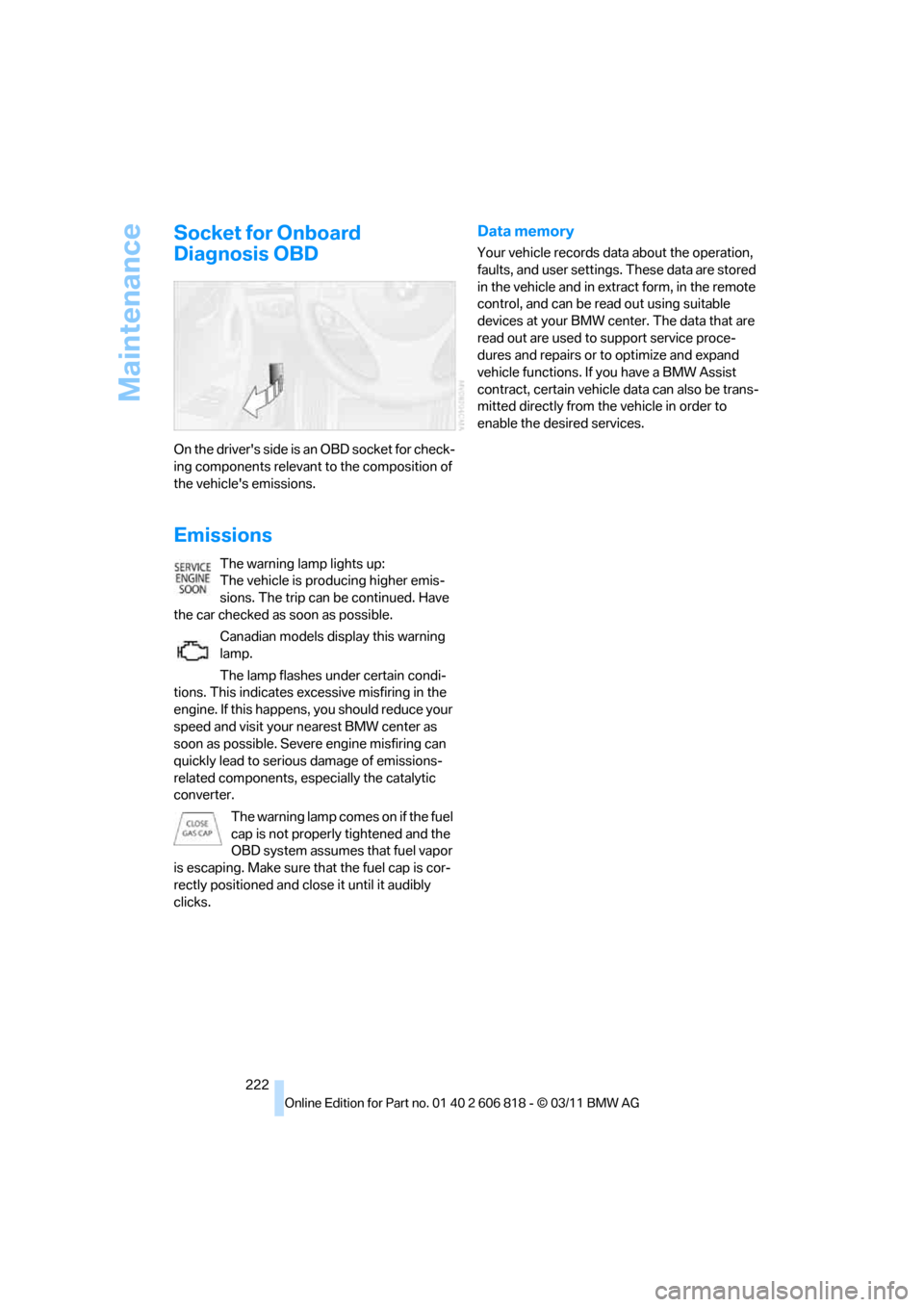
On the driver's side is an OBD socket for check-
ing components relevant to the composition of
the vehicle's emissions.
Emissions
The warning lamp lights up:
The vehicle is producing higher emis-
sions. The trip can be continued. Have
the car checked as soon as possible.
Canadian models display this warning
lamp.
The lamp flashes under certain condi-
tions. This indicates excessive misfiring in the
engine. If this happens, you should reduce your
speed and visit your nearest BMW center as
soon as possible. Severe engine misfiring can
quickly lead to serious damage of emissions-
related components, especially the catalytic
converter.
The warning lamp comes on if the fuel
cap is not properly tightened and the
OBD system assumes that fuel vapor
is escaping. Make sure that the fuel cap is cor-
rectly positioned and close it until it audibly
clicks.
Data memory
Your vehicle records data about the operation,
faults, and user settings. These data are stored
in the vehicle and in extract form, in the remote
control, and can be read out using suitable
devices at your BMW center. The data that are
read out are used to support service proce-
dures and repairs or to optimize and expand
vehicle functions. If you have a BMW Assist
contract, certain vehicle data can also be trans-
mitted directly from the vehicle in order to
enable the desired services.
Page 234 of 272
Replacing components
232
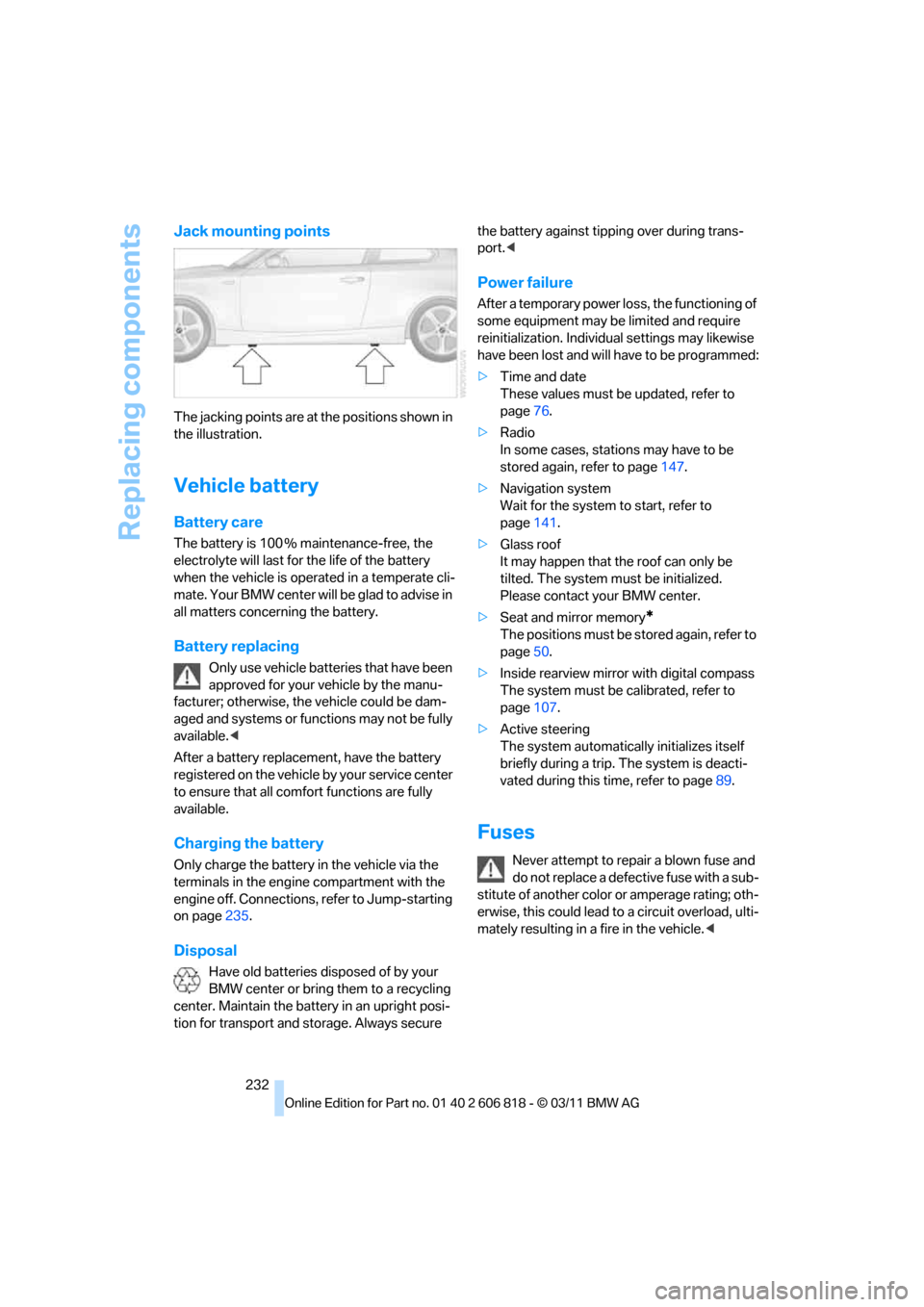
Jack mounting points
The jacking points are at the positions shown in
the illustration.
Vehicle battery
Battery care
The battery is 100 % maintenance-free, the
electrolyte will last for the life of the battery
when the vehicle is operated in a temperate cli-
mate. Your BMW center will be glad to advise in
all matters concerning the battery.
Battery replacing
Only use vehicle batteries that have been
approved for your vehicle by the manu-
facturer; otherwise, the vehicle could be dam-
aged and systems or functions may not be fully
available.<
After a battery replacement, have the battery
registered on the vehicle by your service center
to ensure that all comfort functions are fully
available.
Charging the battery
Only charge the battery in the vehicle via the
terminals in the engine compartment with the
engine off. Connections, refer to Jump-starting
on page235.
Disposal
Have old batteries disposed of by your
BMW center or bring them to a recycling
center. Maintain the battery in an upright posi-
tion for transport and storage. Always secure the battery against tipping over during trans-
port.<
Power failure
After a temporary power loss, the functioning of
some equipment may be limited and require
reinitialization. Individual settings may likewise
have been lost and will have to be programmed:
>Time and date
These values must be updated, refer to
page76.
>Radio
In some cases, stations may have to be
stored again, refer to page147.
>Navigation system
Wait for the system to start, refer to
page141.
>Glass roof
It may happen that the roof can only be
tilted. The system must be initialized.
Please contact your BMW center.
>Seat and mirror memory
*
The positions must be stored again, refer to
page50.
>Inside rearview mirror with digital compass
The system must be calibrated, refer to
page107.
>Active steering
The system automatically initializes itself
briefly during a trip. The system is deacti-
vated during this time, refer to page89.
Fuses
Never attempt to repair a blown fuse and
do not replace a defective fuse with a sub-
stitute of another color or amperage rating; oth-
erwise, this could lead to a circuit overload, ulti-
mately resulting in a fire in the vehicle.<
Page 257 of 272
Reference 255
At a glance
Controls
Driving tips
Communications
Navigation
Entertainment
Mobility
Backup lamp, replacing
bulb231
Bag for skis, refer to Ski
bag110
Band-aids, refer to First aid
pouch235
Bar, refer to Tow-starting,
towing away237
Base plate for telephone or
mobile phone
– refer to Snap-in adapter186
Bass, tone setting144
Battery232
– charging232
– disposal37,232
– jump-starting235
– replacing232
– temporary power failure232
Battery renewal
– remote control for vehicle37
Being towed237
Belts, refer to Safety belts50
Belt tensioner, refer to Safety
belts50
Beverage holders, refer to
Cupholders108
Blower, refer to Air
volume101
Bluetooth, activating/
deactivating177
Bluetooth audio169
– disconnecting an audio
connection171
– pairing a device169
– playback170
– unpairing device171
– What to do if...171
BMW
– car shampoo224
BMW Assist198
– updating202
BMW Maintenance
System221
BMW Online*200
BMW TeleServices199
Bottle holders, refer to
Cupholders108
Brake Assist, refer to Dynamic
Brake Control83Brake fluid
– service requirements74
Brake Force Display90
Brake lamps
– Brake Force Display90
– replacing bulb231
Brake pads, breaking in116
Brake pedal, refer to Braking
safely118
Brake rotors118
– brakes116
– breaking in116
Brakes
– ABS83
– BMW Maintenance
System221
– braking safely118
– breaking in116
– parking brake59
– service requirements74
Brake system116
– BMW Maintenance
System221
– breaking in116
– disc brakes118
Breakdown services, refer to
Roadside Assistance234
Breaking in the clutch116
Break-in period116
Bulb changing, refer to Lamps
and bulbs227
Button for starting the
engine57
Buttons on the steering
wheel11
C
Calendar193
– displaying appointment193
– selecting calendar day193
California Proposition 65
warning6
Call
– accepting181
– ending181
– muting the microphone182
– rejecting181Calling, refer to Phone
numbers, dialing181
Calling, refer to Telephone
owner's manual
Calls
– with multiple parties181
Can holders, refer to
Cupholders108
Capacities246
Capacity of the cargo area245
Car battery, refer to Vehicle
battery232
Car care, refer to Care223
Care223
– automatic car washes223
– care products223
– carpets226
– CD/DVD drives226
– chrome parts225
– convertible top224
– displays226
– exterior223
– fine wood parts226
– headlamps224
– high-pressure washer224
– interior225
– leather225
– light-alloy wheels225
– paintwork225
– plastic parts226
– rubber seals225
– safety belts226
– sensors and cameras226
– upholstery and cloth
trim225
– washing the car
manually224
– windows224
Cargo, securing120
Cargo area
– capacity245
– Comfort Access36
– enlarging, refer to Through-
loading system109
– lamp, refer to Interior
lamps98
– lid, refer to Trunk lid
33
– opening from outside33
Page 260 of 272
Everything from A to Z
258 Driving through water118
Driving tips, refer to Driving
notes116
Dry air, refer to Cooling
function101
DSC Dynamic Stability
Control83
DTC Dynamic Traction
Control84
– indicator lamps84
DVD
– country codes157
– settings158
– video playback157
DVD menu158
DVD player, refer to CD
player155
DVD video157
Dynamic Brake Control
DBC83
Dynamic destination
guidance140
Dynamic Stability Control
DSC83
Dynamic Traction Control
DTC84
– indicator lamps84
E
EBV Electronic brake-force
distribution83
Eject button, refer to Buttons
on the CD/DVD player144
Electrical defect
– 7-gear Sport automatic
transmission with double
clutch65
Electrical malfunction
– door lock32
– fuel filler flap206
– glass roof40
Electronic brake-force
distribution EBV83
Electronic oil level check217
Electronic Stability Program
ESP, refer to Dynamic
Stability Control DSC83
Email192Emergency operation, refer to
Manual operation
– door lock32
– fuel filler flap206
– glass roof40
– transmission lock, automatic
transmission61
Emergency release, trunk
lid34
Emergency Request234
Emergency services, refer to
Roadside Assistance234
Energy, saving
– saving fuel116
Engine
– breaking in116
– data242
– speed242
– starting58
– starting, Comfort Access35
– switching off58
Engine compartment217
Engine coolant, refer to
Coolant219
Engine oil
– adding219
– additives219
– alternative oil types219
– approved engine oils219
– BMW Maintenance
System221
– checking level217
– intervals between changes,
refer to Service
requirements74
Engine oil level, checking217
Engine output, refer to Engine
data242
Engine speed, refer to Engine
data242
Engine starting, refer to
Starting the engine58
Entering the postal code for
navigation126
Entry map for destination130
Equalizer, tone setting145
ESP Electronic Stability
Program, refer to Dynamic
Stability Control DSC83Exhaust system, refer to Hot
exhaust system117
Exterior mirrors51
– adjusting51
– automatic dimming
feature52
– automatic heating52
– folding in and out51
External devices
– random play sequence168
– software update172
Eyes
– for tow-starting and towing
away236
– for tying down loads120
F
Failure messages, refer to
Check Control78
Failure of an electrical
consumer232
False alarm, refer to Avoiding
unintentional alarms35
Fastening safety belts, refer to
Safety belts50
Fastest route for
navigation134
Fast forward
– CD changer157
– CD player157
Filter of automatic climate
control, refer to Microfilter/
activated charcoal filter102
First aid pouch235
Fixture for remote control,
refer to Ignition lock57
Flash when locking/
unlocking30
Flat tire
– run-flat tires214
– Tire Pressure Monitor
TPM86
Flat Tire Monitor FTM84
– indicating a flat tire85
– initializing the system85
– system limits84
Flat tires, refer to Tire
condition213
Page 263 of 272
Reference 261
At a glance
Controls
Driving tips
Communications
Navigation
Entertainment
Mobility
Locking
– adjusting confirmation
signal30
– from inside33
– from outside30
– without remote control, refer
to Comfort Access35
Locking and unlocking doors
– from inside32
– from outside29
Low beam control, refer to
High-beam Assistant96
Low-beam headlamps94
– automatic94
– replacing bulbs228
Lower back support, refer to
Lumbar support47
Luggage compartment, refer
to Cargo area
Luggage rack, refer to Roof-
mounted luggage rack120
Lumbar support47
M
M+S tires, refer to Winter
tires215
Maintenance, refer to
– BMW Maintenance
System221
– Service and Warranty
Information Booklet for US
models or in the Warranty
and Service Guide Booklet
for Canadian models
Maintenance system221
Malfunction warnings, refer to
Check Control78
Manual car wash224
Manually unlocking parking
lock65Manual operation
– door lock32
– fuel filler flap206
– glass roof40
– parking lock65
– transmission lock, automatic
transmission61
Manual operation with
automatic transmission61
Manual transmission59
Map for navigation
– changing scale137
– entering destination130
Map view136
Maximum cooling100
Maximum speed
– for winter tires215
Menus, refer to iDrive16
Messages190
Messages from the Concierge
service192
Microfilter/activated-charcoal
filter for automatic climate
control102
Microphone for telephone14
Mirror dimming feature52
Mirrors51
– automatic curb monitor52
– exterior mirrors51
– heating52
– interior rearview mirror52
Mobile phone
– adjusting volume180
– connecting, refer to Mobile
phone, pairing176
– operation180
– pairing176
– suitable mobile phones176
– unpairing179
– What to do if…179
Mobile phone, installation
location, refer to Center
armrest108
Mobile phone, refer to
Telephone176
Mobile phone, refer to the
separate Owner's ManualMobile phone audio
interface
166
Modifications, technical, refer
to For your own safety5
Monitor, refer to iDrive16
Monitoring system for tire
pressures, refer to Flat Tire
Monitor84
MP3 player, connecting, refer
to AUX-IN port166
MP3 player, connecting, refer
to USB audio interface166
Multi-channel playback145
Multifunctional steering
wheel, refer to Buttons on
the steering wheel11
Multifunction switch
– refer to Turn signals/
headlamp flasher66
– refer to Wiper system67
Music, managing164
Music collection161
– backup165
– deleting165
– random sequence164
– restoring165
Music player, connecting,
refer to AUX-IN port166
Music player, connecting,
refer to USB audio
interface166
Music search162
My Info192
N
Navigation
– starting destination
guidance after entering a
destination126
– storing current position127
– voice activation131
Navigation announcements,
refer to Switching voice
instructions on/off136
Navigation data124