service BMW 328D XDRIVE SPORTS WAGON 2014 Service Manual
[x] Cancel search | Manufacturer: BMW, Model Year: 2014, Model line: 328D XDRIVE SPORTS WAGON, Model: BMW 328D XDRIVE SPORTS WAGON 2014Pages: 244, PDF Size: 7.28 MB
Page 227 of 244
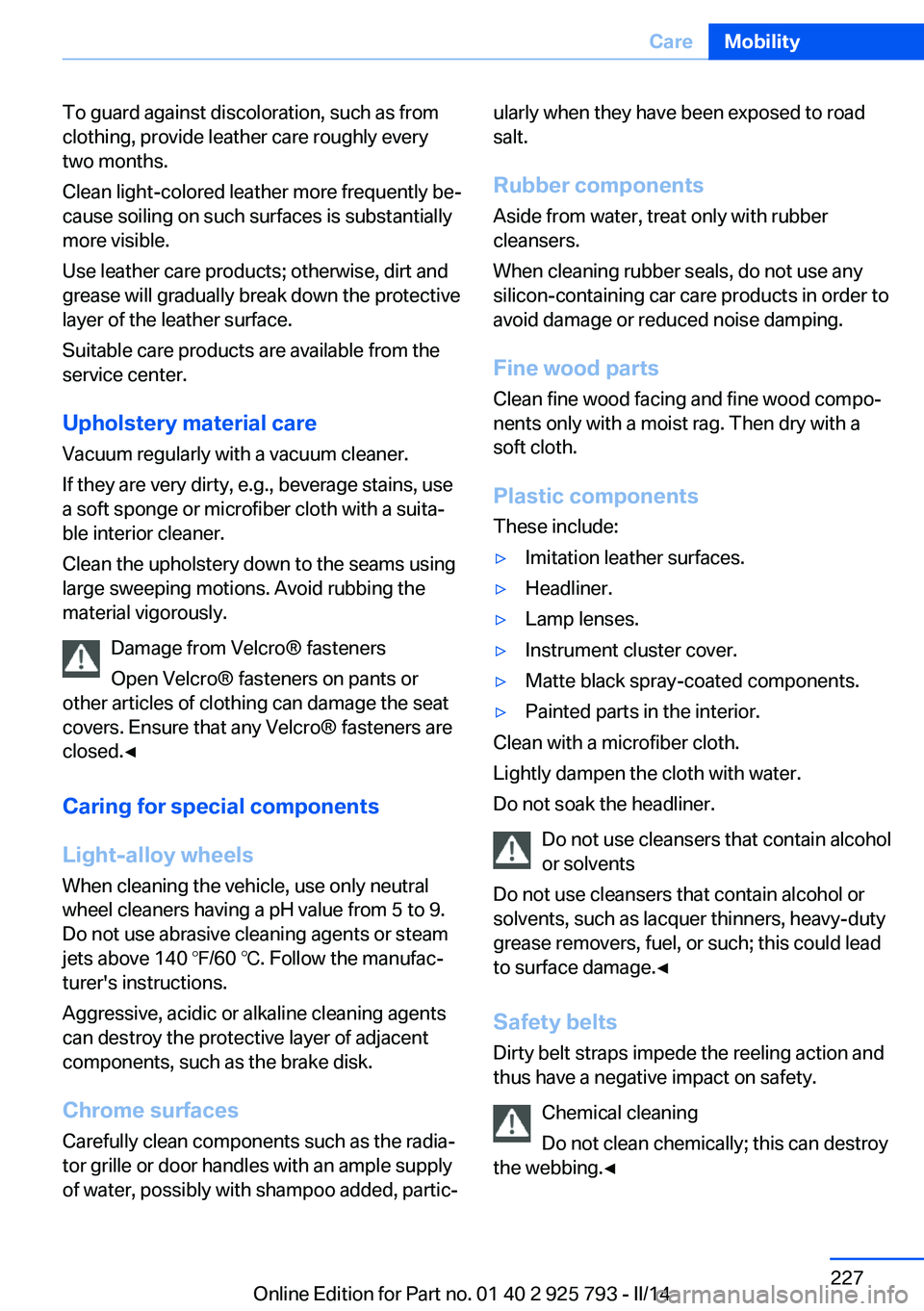
To guard against discoloration, such as from
clothing, provide leather care roughly every
two months.
Clean light-colored leather more frequently be‐
cause soiling on such surfaces is substantially
more visible.
Use leather care products; otherwise, dirt and
grease will gradually break down the protective
layer of the leather surface.
Suitable care products are available from the
service center.
Upholstery material care Vacuum regularly with a vacuum cleaner.
If they are very dirty, e.g., beverage stains, use
a soft sponge or microfiber cloth with a suita‐
ble interior cleaner.
Clean the upholstery down to the seams using
large sweeping motions. Avoid rubbing the
material vigorously.
Damage from Velcro® fasteners
Open Velcro® fasteners on pants or
other articles of clothing can damage the seat
covers. Ensure that any Velcro® fasteners are
closed.◀
Caring for special components
Light-alloy wheels When cleaning the vehicle, use only neutral
wheel cleaners having a pH value from 5 to 9.
Do not use abrasive cleaning agents or steam
jets above 140 ℉/60 ℃. Follow the manufac‐
turer's instructions.
Aggressive, acidic or alkaline cleaning agents
can destroy the protective layer of adjacent
components, such as the brake disk.
Chrome surfaces Carefully clean components such as the radia‐
tor grille or door handles with an ample supply of water, possibly with shampoo added, partic‐ularly when they have been exposed to road
salt.
Rubber components Aside from water, treat only with rubber
cleansers.
When cleaning rubber seals, do not use any
silicon-containing car care products in order to
avoid damage or reduced noise damping.
Fine wood parts Clean fine wood facing and fine wood compo‐
nents only with a moist rag. Then dry with a
soft cloth.
Plastic components
These include:▷Imitation leather surfaces.▷Headliner.▷Lamp lenses.▷Instrument cluster cover.▷Matte black spray-coated components.▷Painted parts in the interior.
Clean with a microfiber cloth.
Lightly dampen the cloth with water.
Do not soak the headliner.
Do not use cleansers that contain alcohol
or solvents
Do not use cleansers that contain alcohol or
solvents, such as lacquer thinners, heavy-duty
grease removers, fuel, or such; this could lead
to surface damage.◀
Safety belts
Dirty belt straps impede the reeling action and
thus have a negative impact on safety.
Chemical cleaning
Do not clean chemically; this can destroy
the webbing.◀
Seite 227CareMobility227
Online Edition for Part no. 01 40 2 925 793 - II/14
Page 228 of 244
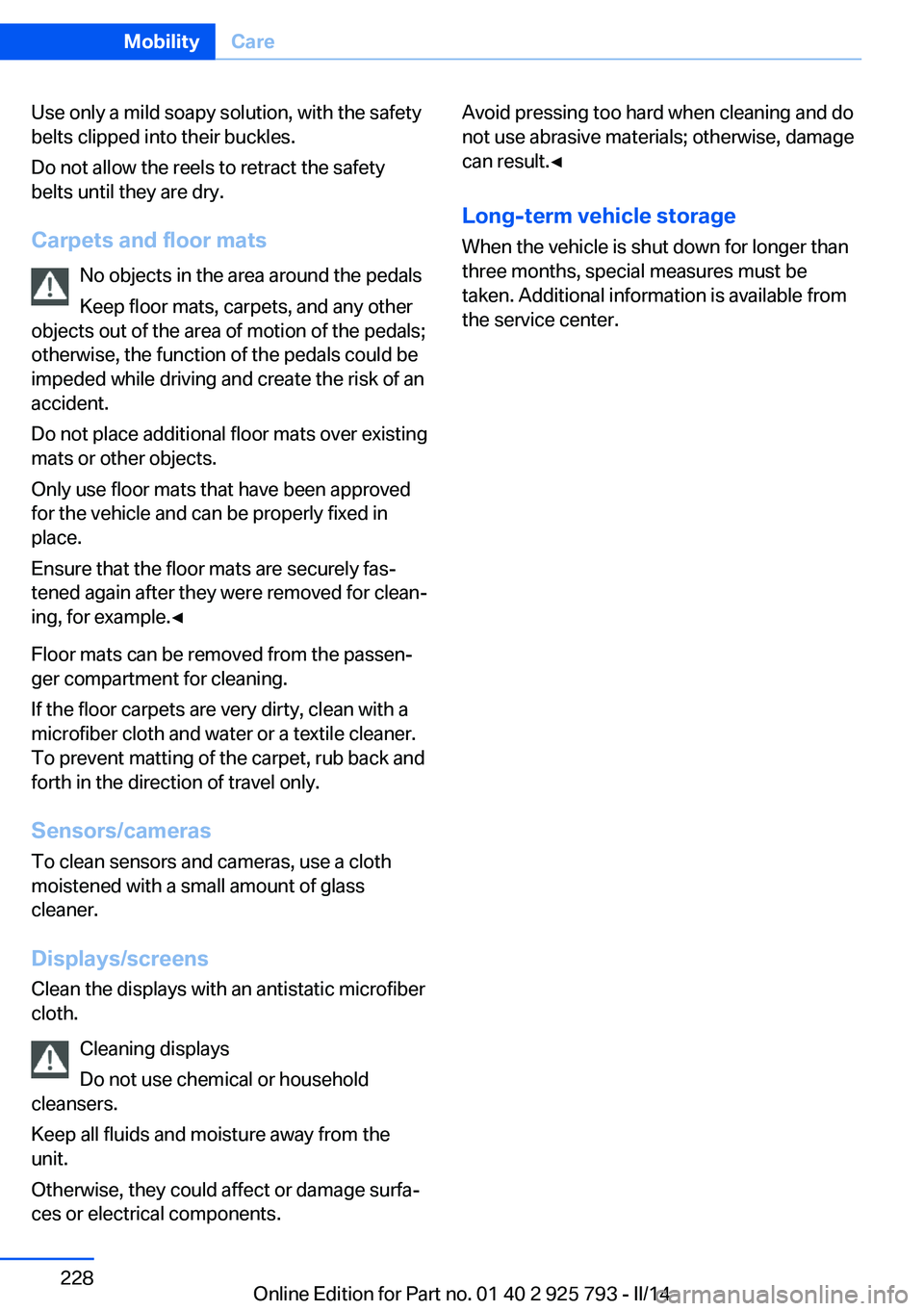
Use only a mild soapy solution, with the safety
belts clipped into their buckles.
Do not allow the reels to retract the safety
belts until they are dry.
Carpets and floor mats No objects in the area around the pedals
Keep floor mats, carpets, and any other
objects out of the area of motion of the pedals;
otherwise, the function of the pedals could be
impeded while driving and create the risk of an
accident.
Do not place additional floor mats over existing
mats or other objects.
Only use floor mats that have been approved
for the vehicle and can be properly fixed in
place.
Ensure that the floor mats are securely fas‐
tened again after they were removed for clean‐
ing, for example.◀
Floor mats can be removed from the passen‐
ger compartment for cleaning.
If the floor carpets are very dirty, clean with a
microfiber cloth and water or a textile cleaner.
To prevent matting of the carpet, rub back and
forth in the direction of travel only.
Sensors/cameras
To clean sensors and cameras, use a cloth
moistened with a small amount of glass
cleaner.
Displays/screens
Clean the displays with an antistatic microfiber
cloth.
Cleaning displays
Do not use chemical or household
cleansers.
Keep all fluids and moisture away from the
unit.
Otherwise, they could affect or damage surfa‐
ces or electrical components.Avoid pressing too hard when cleaning and do
not use abrasive materials; otherwise, damage
can result.◀
Long-term vehicle storage
When the vehicle is shut down for longer than
three months, special measures must be
taken. Additional information is available from
the service center.Seite 228MobilityCare228
Online Edition for Part no. 01 40 2 925 793 - II/14
Page 235 of 244
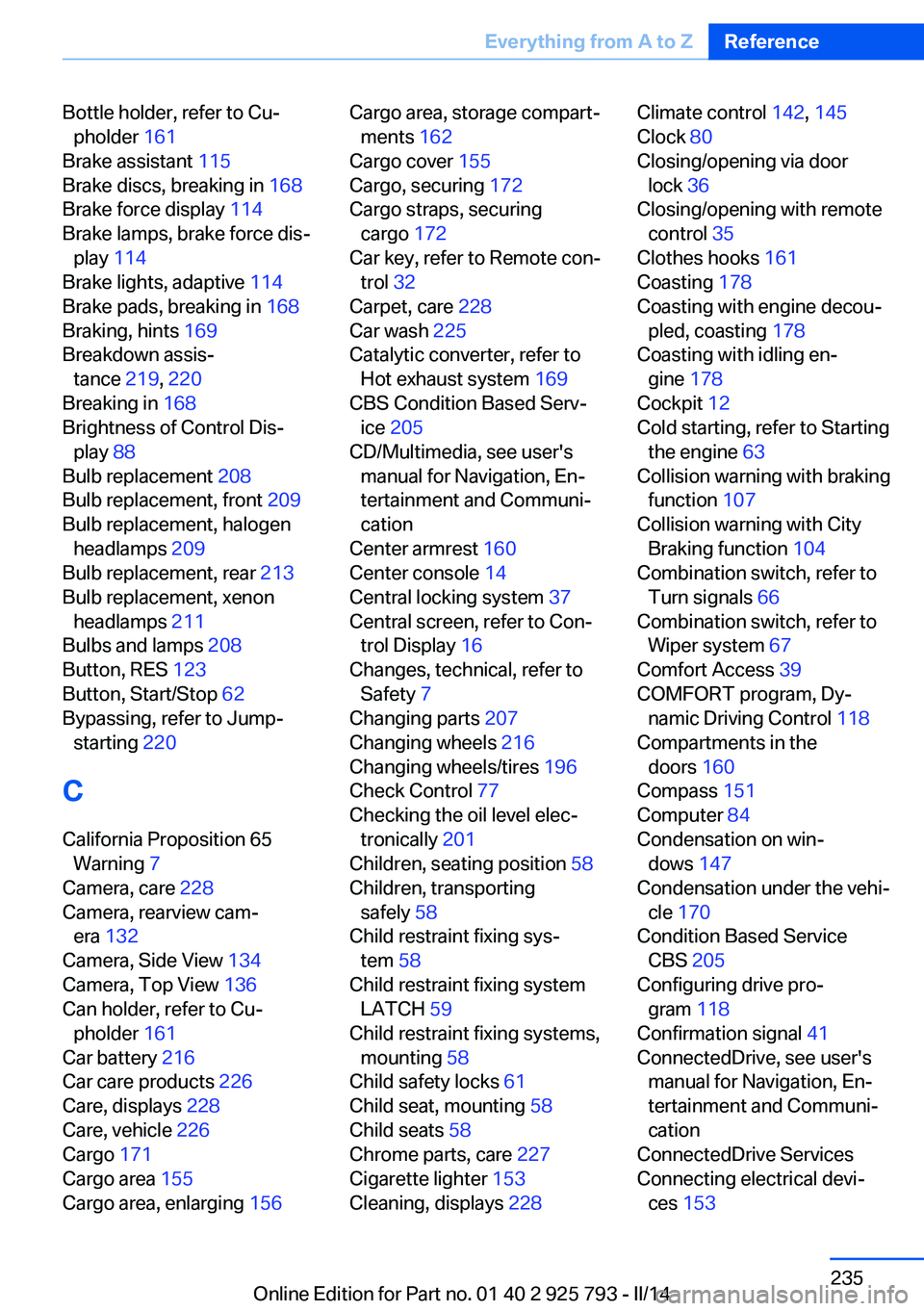
Bottle holder, refer to Cu‐pholder 161
Brake assistant 115
Brake discs, breaking in 168
Brake force display 114
Brake lamps, brake force dis‐ play 114
Brake lights, adaptive 114
Brake pads, breaking in 168
Braking, hints 169
Breakdown assis‐ tance 219, 220
Breaking in 168
Brightness of Control Dis‐ play 88
Bulb replacement 208
Bulb replacement, front 209
Bulb replacement, halogen headlamps 209
Bulb replacement, rear 213
Bulb replacement, xenon headlamps 211
Bulbs and lamps 208
Button, RES 123
Button, Start/Stop 62
Bypassing, refer to Jump- starting 220
C
California Proposition 65 Warning 7
Camera, care 228
Camera, rearview cam‐ era 132
Camera, Side View 134
Camera, Top View 136
Can holder, refer to Cu‐ pholder 161
Car battery 216
Car care products 226
Care, displays 228
Care, vehicle 226
Cargo 171
Cargo area 155
Cargo area, enlarging 156 Cargo area, storage compart‐
ments 162
Cargo cover 155
Cargo, securing 172
Cargo straps, securing cargo 172
Car key, refer to Remote con‐ trol 32
Carpet, care 228
Car wash 225
Catalytic converter, refer to Hot exhaust system 169
CBS Condition Based Serv‐ ice 205
CD/Multimedia, see user's manual for Navigation, En‐
tertainment and Communi‐
cation
Center armrest 160
Center console 14
Central locking system 37
Central screen, refer to Con‐ trol Display 16
Changes, technical, refer to Safety 7
Changing parts 207
Changing wheels 216
Changing wheels/tires 196
Check Control 77
Checking the oil level elec‐ tronically 201
Children, seating position 58
Children, transporting safely 58
Child restraint fixing sys‐ tem 58
Child restraint fixing system LATCH 59
Child restraint fixing systems, mounting 58
Child safety locks 61
Child seat, mounting 58
Child seats 58
Chrome parts, care 227
Cigarette lighter 153
Cleaning, displays 228 Climate control 142, 145
Clock 80
Closing/opening via door lock 36
Closing/opening with remote control 35
Clothes hooks 161
Coasting 178
Coasting with engine decou‐ pled, coasting 178
Coasting with idling en‐ gine 178
Cockpit 12
Cold starting, refer to Starting the engine 63
Collision warning with braking function 107
Collision warning with City Braking function 104
Combination switch, refer to Turn signals 66
Combination switch, refer to Wiper system 67
Comfort Access 39
COMFORT program, Dy‐ namic Driving Control 118
Compartments in the doors 160
Compass 151
Computer 84
Condensation on win‐ dows 147
Condensation under the vehi‐ cle 170
Condition Based Service CBS 205
Configuring drive pro‐ gram 118
Confirmation signal 41
ConnectedDrive, see user's manual for Navigation, En‐
tertainment and Communi‐
cation
ConnectedDrive Services
Connecting electrical devi‐ ces 153 Seite 235Everything from A to ZReference235
Online Edition for Part no. 01 40 2 925 793 - II/14
Page 236 of 244
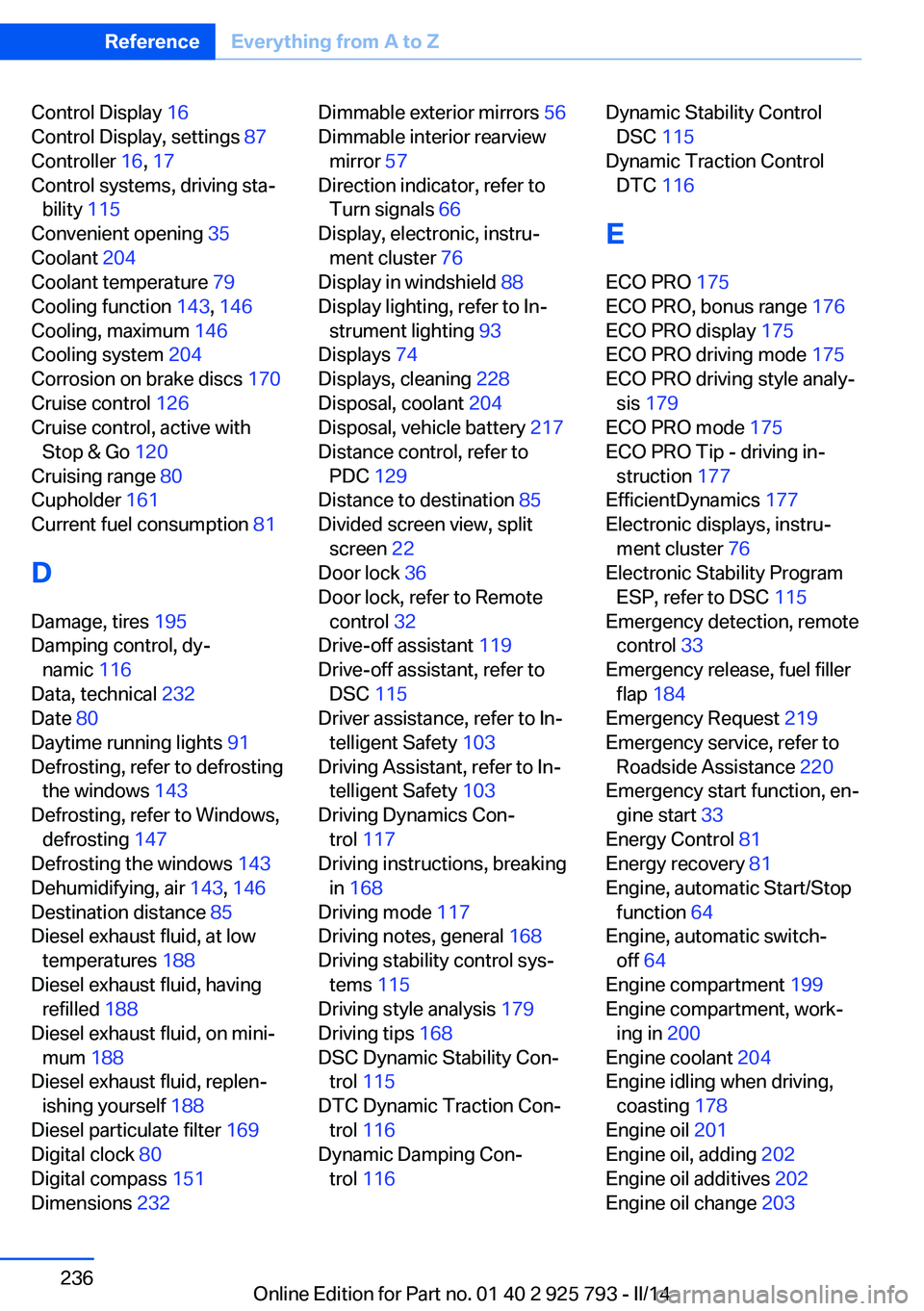
Control Display 16
Control Display, settings 87
Controller 16, 17
Control systems, driving sta‐ bility 115
Convenient opening 35
Coolant 204
Coolant temperature 79
Cooling function 143, 146
Cooling, maximum 146
Cooling system 204
Corrosion on brake discs 170
Cruise control 126
Cruise control, active with Stop & Go 120
Cruising range 80
Cupholder 161
Current fuel consumption 81
D
Damage, tires 195
Damping control, dy‐ namic 116
Data, technical 232
Date 80
Daytime running lights 91
Defrosting, refer to defrosting the windows 143
Defrosting, refer to Windows, defrosting 147
Defrosting the windows 143
Dehumidifying, air 143, 146
Destination distance 85
Diesel exhaust fluid, at low temperatures 188
Diesel exhaust fluid, having refilled 188
Diesel exhaust fluid, on mini‐ mum 188
Diesel exhaust fluid, replen‐ ishing yourself 188
Diesel particulate filter 169
Digital clock 80
Digital compass 151
Dimensions 232 Dimmable exterior mirrors 56
Dimmable interior rearview mirror 57
Direction indicator, refer to Turn signals 66
Display, electronic, instru‐ ment cluster 76
Display in windshield 88
Display lighting, refer to In‐ strument lighting 93
Displays 74
Displays, cleaning 228
Disposal, coolant 204
Disposal, vehicle battery 217
Distance control, refer to PDC 129
Distance to destination 85
Divided screen view, split screen 22
Door lock 36
Door lock, refer to Remote control 32
Drive-off assistant 119
Drive-off assistant, refer to DSC 115
Driver assistance, refer to In‐ telligent Safety 103
Driving Assistant, refer to In‐ telligent Safety 103
Driving Dynamics Con‐ trol 117
Driving instructions, breaking in 168
Driving mode 117
Driving notes, general 168
Driving stability control sys‐ tems 115
Driving style analysis 179
Driving tips 168
DSC Dynamic Stability Con‐ trol 115
DTC Dynamic Traction Con‐ trol 116
Dynamic Damping Con‐ trol 116 Dynamic Stability Control
DSC 115
Dynamic Traction Control DTC 116
E
ECO PRO 175
ECO PRO, bonus range 176
ECO PRO display 175
ECO PRO driving mode 175
ECO PRO driving style analy‐ sis 179
ECO PRO mode 175
ECO PRO Tip - driving in‐ struction 177
EfficientDynamics 177
Electronic displays, instru‐ ment cluster 76
Electronic Stability Program ESP, refer to DSC 115
Emergency detection, remote control 33
Emergency release, fuel filler flap 184
Emergency Request 219
Emergency service, refer to Roadside Assistance 220
Emergency start function, en‐ gine start 33
Energy Control 81
Energy recovery 81
Engine, automatic Start/Stop function 64
Engine, automatic switch- off 64
Engine compartment 199
Engine compartment, work‐ ing in 200
Engine coolant 204
Engine idling when driving, coasting 178
Engine oil 201
Engine oil, adding 202
Engine oil additives 202
Engine oil change 203 Seite 236ReferenceEverything from A to Z236
Online Edition for Part no. 01 40 2 925 793 - II/14
Page 238 of 244
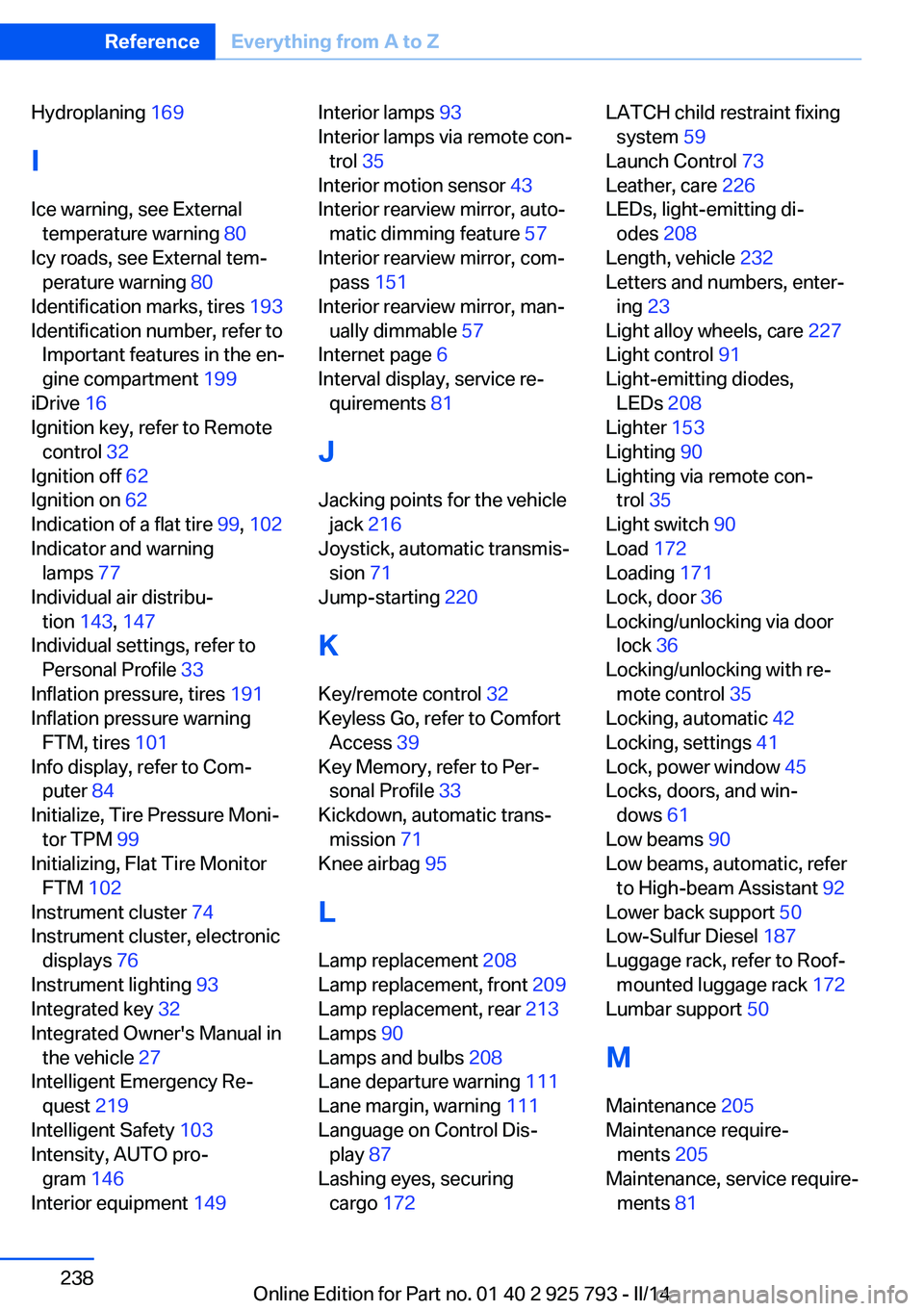
Hydroplaning 169
I Ice warning, see External temperature warning 80
Icy roads, see External tem‐ perature warning 80
Identification marks, tires 193
Identification number, refer to Important features in the en‐
gine compartment 199
iDrive 16
Ignition key, refer to Remote control 32
Ignition off 62
Ignition on 62
Indication of a flat tire 99, 102
Indicator and warning lamps 77
Individual air distribu‐ tion 143, 147
Individual settings, refer to Personal Profile 33
Inflation pressure, tires 191
Inflation pressure warning FTM, tires 101
Info display, refer to Com‐ puter 84
Initialize, Tire Pressure Moni‐ tor TPM 99
Initializing, Flat Tire Monitor FTM 102
Instrument cluster 74
Instrument cluster, electronic displays 76
Instrument lighting 93
Integrated key 32
Integrated Owner's Manual in the vehicle 27
Intelligent Emergency Re‐ quest 219
Intelligent Safety 103
Intensity, AUTO pro‐ gram 146
Interior equipment 149 Interior lamps 93
Interior lamps via remote con‐ trol 35
Interior motion sensor 43
Interior rearview mirror, auto‐ matic dimming feature 57
Interior rearview mirror, com‐ pass 151
Interior rearview mirror, man‐ ually dimmable 57
Internet page 6
Interval display, service re‐ quirements 81
J Jacking points for the vehicle jack 216
Joystick, automatic transmis‐ sion 71
Jump-starting 220
K
Key/remote control 32
Keyless Go, refer to Comfort Access 39
Key Memory, refer to Per‐ sonal Profile 33
Kickdown, automatic trans‐ mission 71
Knee airbag 95
L
Lamp replacement 208
Lamp replacement, front 209
Lamp replacement, rear 213
Lamps 90
Lamps and bulbs 208
Lane departure warning 111
Lane margin, warning 111
Language on Control Dis‐ play 87
Lashing eyes, securing cargo 172 LATCH child restraint fixing
system 59
Launch Control 73
Leather, care 226
LEDs, light-emitting di‐ odes 208
Length, vehicle 232
Letters and numbers, enter‐ ing 23
Light alloy wheels, care 227
Light control 91
Light-emitting diodes, LEDs 208
Lighter 153
Lighting 90
Lighting via remote con‐ trol 35
Light switch 90
Load 172
Loading 171
Lock, door 36
Locking/unlocking via door lock 36
Locking/unlocking with re‐ mote control 35
Locking, automatic 42
Locking, settings 41
Lock, power window 45
Locks, doors, and win‐ dows 61
Low beams 90
Low beams, automatic, refer to High-beam Assistant 92
Lower back support 50
Low-Sulfur Diesel 187
Luggage rack, refer to Roof- mounted luggage rack 172
Lumbar support 50
M
Maintenance 205
Maintenance require‐ ments 205
Maintenance, service require‐ ments 81 Seite 238ReferenceEverything from A to Z238
Online Edition for Part no. 01 40 2 925 793 - II/14
Page 239 of 244
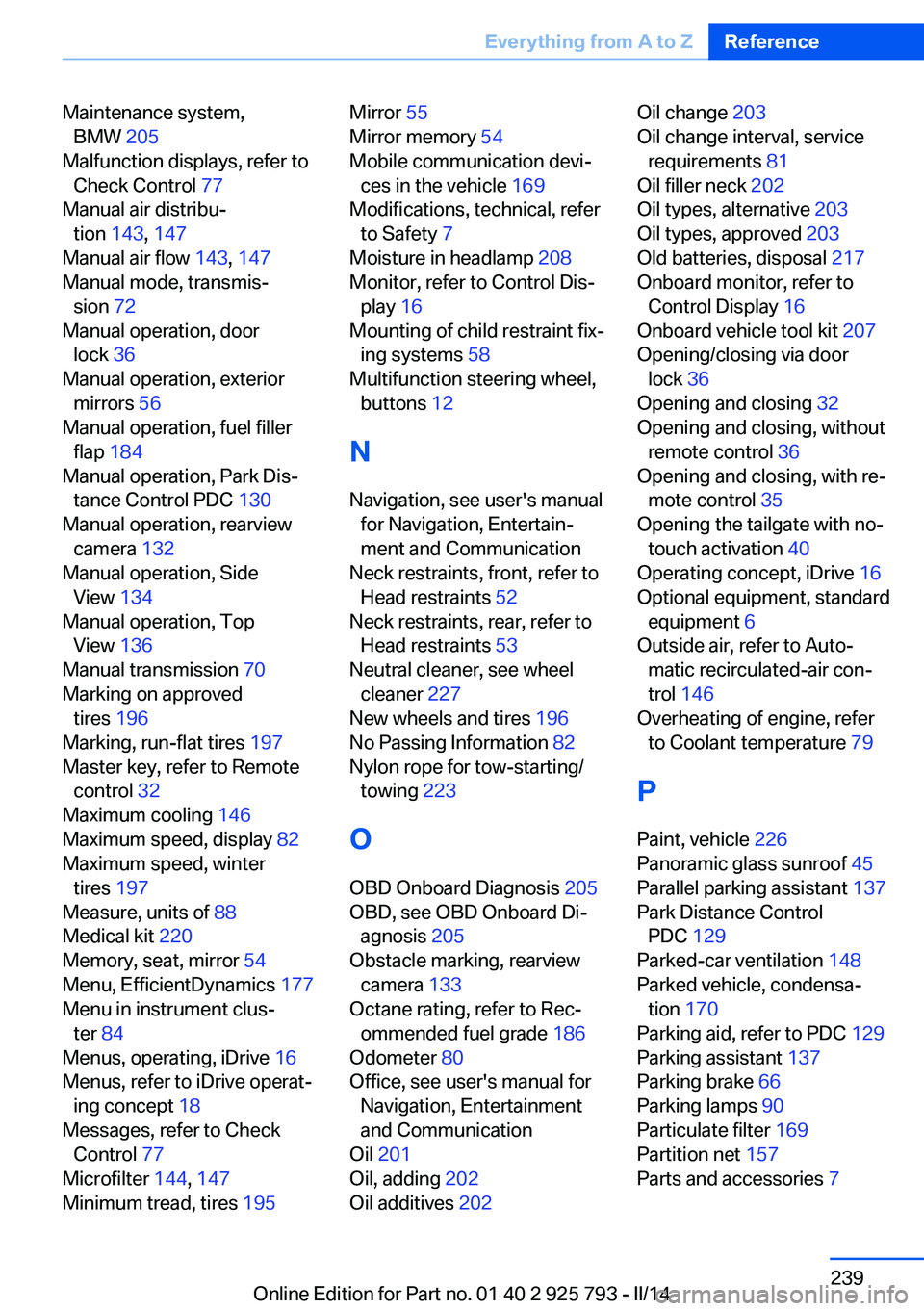
Maintenance system,BMW 205
Malfunction displays, refer to Check Control 77
Manual air distribu‐ tion 143, 147
Manual air flow 143, 147
Manual mode, transmis‐ sion 72
Manual operation, door lock 36
Manual operation, exterior mirrors 56
Manual operation, fuel filler flap 184
Manual operation, Park Dis‐ tance Control PDC 130
Manual operation, rearview camera 132
Manual operation, Side View 134
Manual operation, Top View 136
Manual transmission 70
Marking on approved tires 196
Marking, run-flat tires 197
Master key, refer to Remote control 32
Maximum cooling 146
Maximum speed, display 82
Maximum speed, winter tires 197
Measure, units of 88
Medical kit 220
Memory, seat, mirror 54
Menu, EfficientDynamics 177
Menu in instrument clus‐ ter 84
Menus, operating, iDrive 16
Menus, refer to iDrive operat‐ ing concept 18
Messages, refer to Check Control 77
Microfilter 144, 147
Minimum tread, tires 195 Mirror 55
Mirror memory 54
Mobile communication devi‐ ces in the vehicle 169
Modifications, technical, refer to Safety 7
Moisture in headlamp 208
Monitor, refer to Control Dis‐ play 16
Mounting of child restraint fix‐ ing systems 58
Multifunction steering wheel, buttons 12
N Navigation, see user's manual for Navigation, Entertain‐
ment and Communication
Neck restraints, front, refer to Head restraints 52
Neck restraints, rear, refer to Head restraints 53
Neutral cleaner, see wheel cleaner 227
New wheels and tires 196
No Passing Information 82
Nylon rope for tow-starting/ towing 223
O OBD Onboard Diagnosis 205
OBD, see OBD Onboard Di‐ agnosis 205
Obstacle marking, rearview camera 133
Octane rating, refer to Rec‐ ommended fuel grade 186
Odometer 80
Office, see user's manual for Navigation, Entertainment
and Communication
Oil 201
Oil, adding 202
Oil additives 202 Oil change 203
Oil change interval, service requirements 81
Oil filler neck 202
Oil types, alternative 203
Oil types, approved 203
Old batteries, disposal 217
Onboard monitor, refer to Control Display 16
Onboard vehicle tool kit 207
Opening/closing via door lock 36
Opening and closing 32
Opening and closing, without remote control 36
Opening and closing, with re‐ mote control 35
Opening the tailgate with no- touch activation 40
Operating concept, iDrive 16
Optional equipment, standard equipment 6
Outside air, refer to Auto‐ matic recirculated-air con‐
trol 146
Overheating of engine, refer to Coolant temperature 79
P Paint, vehicle 226
Panoramic glass sunroof 45
Parallel parking assistant 137
Park Distance Control PDC 129
Parked-car ventilation 148
Parked vehicle, condensa‐ tion 170
Parking aid, refer to PDC 129
Parking assistant 137
Parking brake 66
Parking lamps 90
Particulate filter 169
Partition net 157
Parts and accessories 7 Seite 239Everything from A to ZReference239
Online Edition for Part no. 01 40 2 925 793 - II/14
Page 240 of 244
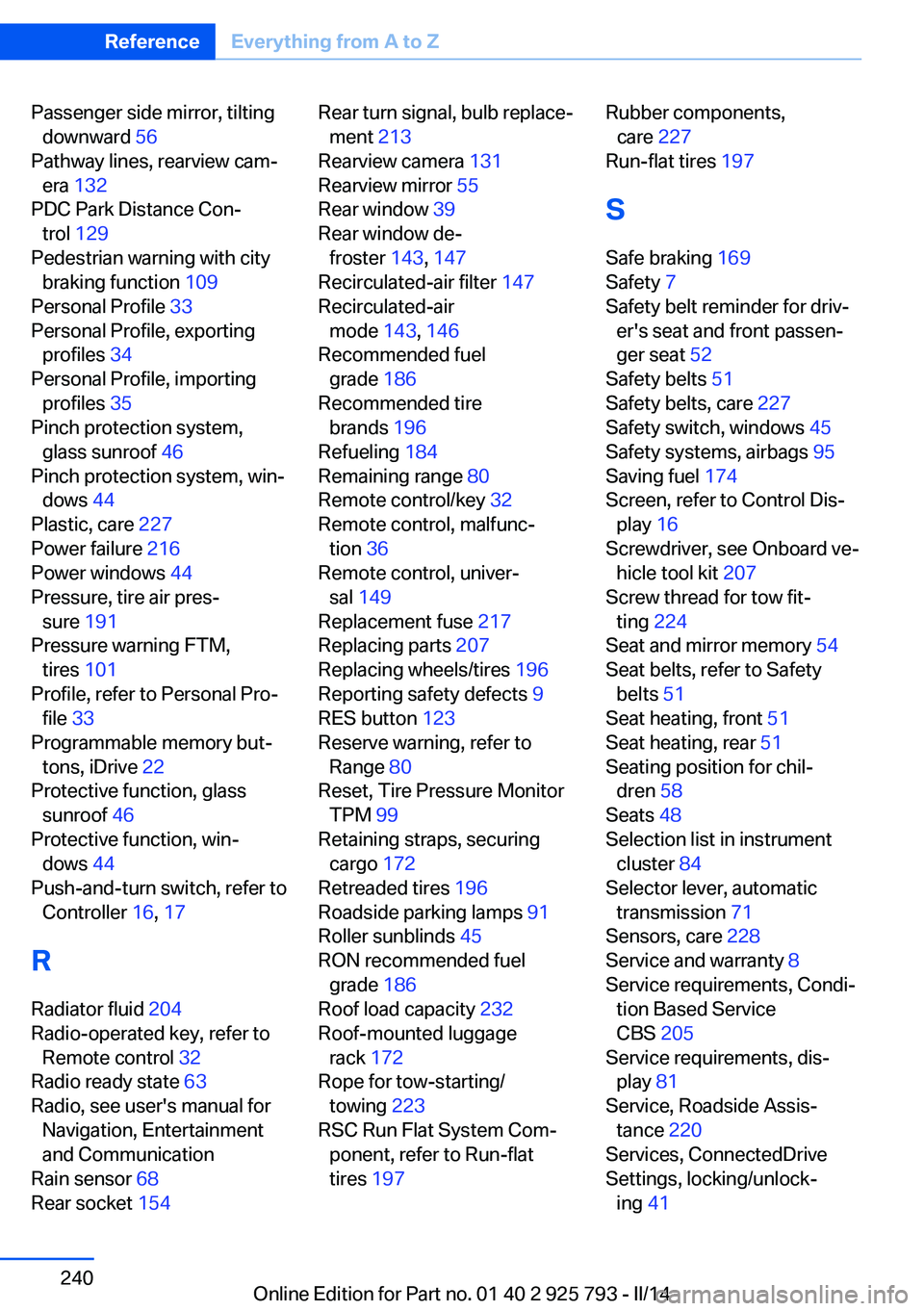
Passenger side mirror, tiltingdownward 56
Pathway lines, rearview cam‐ era 132
PDC Park Distance Con‐ trol 129
Pedestrian warning with city braking function 109
Personal Profile 33
Personal Profile, exporting profiles 34
Personal Profile, importing profiles 35
Pinch protection system, glass sunroof 46
Pinch protection system, win‐ dows 44
Plastic, care 227
Power failure 216
Power windows 44
Pressure, tire air pres‐ sure 191
Pressure warning FTM, tires 101
Profile, refer to Personal Pro‐ file 33
Programmable memory but‐ tons, iDrive 22
Protective function, glass sunroof 46
Protective function, win‐ dows 44
Push-and-turn switch, refer to Controller 16, 17
R Radiator fluid 204
Radio-operated key, refer to Remote control 32
Radio ready state 63
Radio, see user's manual for Navigation, Entertainment
and Communication
Rain sensor 68
Rear socket 154 Rear turn signal, bulb replace‐
ment 213
Rearview camera 131
Rearview mirror 55
Rear window 39
Rear window de‐ froster 143, 147
Recirculated-air filter 147
Recirculated-air mode 143, 146
Recommended fuel grade 186
Recommended tire brands 196
Refueling 184
Remaining range 80
Remote control/key 32
Remote control, malfunc‐ tion 36
Remote control, univer‐ sal 149
Replacement fuse 217
Replacing parts 207
Replacing wheels/tires 196
Reporting safety defects 9
RES button 123
Reserve warning, refer to Range 80
Reset, Tire Pressure Monitor TPM 99
Retaining straps, securing cargo 172
Retreaded tires 196
Roadside parking lamps 91
Roller sunblinds 45
RON recommended fuel grade 186
Roof load capacity 232
Roof-mounted luggage rack 172
Rope for tow-starting/ towing 223
RSC Run Flat System Com‐ ponent, refer to Run-flat
tires 197 Rubber components,
care 227
Run-flat tires 197
S Safe braking 169
Safety 7
Safety belt reminder for driv‐ er's seat and front passen‐
ger seat 52
Safety belts 51
Safety belts, care 227
Safety switch, windows 45
Safety systems, airbags 95
Saving fuel 174
Screen, refer to Control Dis‐ play 16
Screwdriver, see Onboard ve‐ hicle tool kit 207
Screw thread for tow fit‐ ting 224
Seat and mirror memory 54
Seat belts, refer to Safety belts 51
Seat heating, front 51
Seat heating, rear 51
Seating position for chil‐ dren 58
Seats 48
Selection list in instrument cluster 84
Selector lever, automatic transmission 71
Sensors, care 228
Service and warranty 8
Service requirements, Condi‐ tion Based Service
CBS 205
Service requirements, dis‐ play 81
Service, Roadside Assis‐ tance 220
Services, ConnectedDrive
Settings, locking/unlock‐ ing 41 Seite 240ReferenceEverything from A to Z240
Online Edition for Part no. 01 40 2 925 793 - II/14