water BMW ACTIVEHYBRID5 2013 User Guide
[x] Cancel search | Manufacturer: BMW, Model Year: 2013, Model line: ACTIVEHYBRID5, Model: BMW ACTIVEHYBRID5 2013Pages: 224, PDF Size: 4.96 MB
Page 203 of 224
with appropriately trained personnel. Other‐
wise, there is the risk of fatal injury from electric
shock due to the hybrid system's high voltage. ◀
Hybrid system: contact with water
The hybrid system is typically safe even in the
following example situations:▷Water in the footwell, for instance after a
rainstorm when the glass sunroof is open.▷Vehicle is in the water, such as in the event
of high water levels.▷Liquid escapes in the trunk.
In these cases there is no risk of injury from elec‐
tric shock. Other damage to the vehicle is pos‐
sible.
Hybrid system: automatic deactivation
If an accident occurs, the hybrid system is
switched off automatically to prevent risk of dan‐
ger to occupants and other road users.
Read the information on What to do after an ac‐
cident, refer to page 203.
What to do after an accident
General information After an accident
After an accident, do not touch any high-
voltage components such as orange colored
high-voltage cables or parts that are in contact
with exposed high-voltage cables. Otherwise,
there is the risk of fatal injury from electric shock
due to the hybrid system's high voltage.◀
Escaping fluids
Do not touch any fluids escaping from the
high-voltage battery, or the skin can sustain
chemical burns.◀
If you are involved in an accident with your ve‐
hicle, compliance with the following additional
safety precautions is required with regard to the
hybrid system.
▷Secure the crash site.▷Immediately notify rescue forces, police, or
firefighters of the fact that your vehicle is
equipped with a hybrid system.▷Engage transmission position P, apply the
parking brake, and switch off the ignition.▷Lock the vehicle after exiting.▷Do not inhale any gases escaping from the
high-voltage battery; if necessary, maintain
a safe distance from the vehicle.Seite 203Breakdown assistanceMobility203
Online Edition for Part no. 01 40 2 917 574 - II/13
Page 205 of 224
4.Engage transmission position N.5.Switch the engine off. In this way, the igni‐
tion remains switched on, and a Check-Con‐
trol message is displayed.
Transmission position P with the igni‐
tion off
When the ignition is switched off, position P
is engaged automatically. When in an auto‐
matic car wash, for example, ensure that the
ignition is not switched off accidentally.◀
The vehicle cannot be locked from the outside
when in transmission position N. A signal is
sounded when an attempt is made to lock the
vehicle.
Transmission position
Transmission position P is engaged automati‐
cally:
▷When the ignition is switched off.▷After approx. 15 minutes.
Headlamps
▷Do not rub dry and do not use abrasive or
caustic cleansers.▷Soak areas that have been soiled e.g. due to
insects, with shampoo and wash off with
water.▷Thaw ice with deicing spray; do not use an
ice scraper.
After washing the vehicle
After washing the vehicle, apply the brakes
briefly to dry them; otherwise, braking action can
be reduced and corrosion of the brake discs can
occur.
Completely remove all residues on the windows,
to minimize loss of visibility due to smearing and
to reduce wiper noises and wiper blade wear.
Vehicle care
Car care products
BMW recommends using cleaning and care
products from BMW, since these have been
tested and approved.
Car care and cleaning products
Follow the instructions on the container.
When cleaning the interior, open the doors or
windows.
Only use products intended for cleaning vehi‐
cles.
Cleansers can contain substances that are dan‐
gerous and harmful to your health.◀
Vehicle paint
Regular care contributes to driving safety and
value retention. Environmental influences in
areas with elevated air pollution or natural con‐
taminants, such as tree resin or pollen can affect
the vehicle's paintwork. Tailor the frequency
and extent of your car care to these influences.
Aggressive substances such as spilled fuel, oil,
grease or bird droppings must be removed im‐
mediately to prevent the finish from being al‐
tered or discolored.
Leather care
Remove dust from the leather often, using a
cloth or vacuum cleaner.
Otherwise, particles of dust and road grime
chafe in pores and folds, and lead to increased
wear and premature degradation of the leather
surface.
To guard against discoloration, such as from
clothing, provide leather care roughly every two
months.
Clean light-colored leather more frequently be‐
cause soiling on such surfaces is substantially
more visible.Seite 205CareMobility205
Online Edition for Part no. 01 40 2 917 574 - II/13
Page 206 of 224
Use leather care products; otherwise, dirt and
grease will gradually break down the protective
layer of the leather surface.
Suitable care products are available from the
service center.
Upholstery material care
Vacuum regularly with a vacuum cleaner.
If they are very dirty, e.g., beverage stains, use a
soft sponge or microfiber cloth with a suitable
interior cleaner.
Clean the upholstery down to the seams using
large sweeping motions. Avoid rubbing the ma‐
terial vigorously.
Damage from Velcro® fasteners
Open Velcro® fasteners on pants or other
articles of clothing can damage the seat covers.
Ensure that any Velcro® fasteners are closed. ◀
Caring for special components
Light-alloy wheels
Use wheel cleaner, particularly during the winter
months. Do not use aggressive, acidic, strongly
alkaline or abrasive cleaners, or steam jets
above 140 ℉/60 ℃; follow the manufacturer's
instructions.
Chrome surfaces
Carefully clean components such as the radiator
grille or door handles with an ample supply of
water, possibly with shampoo added, particu‐
larly when they have been exposed to road salt.
Rubber components
Aside from water, treat only with rubber cleans‐
ers.
When cleaning rubber seals, do not use any sil‐
icon-containing car care products in order to
avoid damage or reduced noise damping.Fine wood parts
Clean fine wood facing and fine wood compo‐
nents only with a moist rag. Then dry with a soft
cloth.
Plastic components
These include:▷Imitation leather surfaces.▷Headliner.▷Lamp lenses.▷Instrument cluster cover.▷Matte black spray-coated components.▷Painted parts in the interior.
Clean with a microfiber cloth.
Lightly dampen the cloth with water.
Do not soak the headliner.
Do not use cleansers that contain alcohol
or solvents
Do not use cleansers that contain alcohol or sol‐
vents, such as lacquer thinners, heavy-duty
grease removers, fuel, or such; this could lead to
surface damage.◀
Safety belts
Dirty belt straps impede the reeling action and
thus have a negative impact on safety.
Chemical cleaning
Do not clean chemically; this can destroy
the webbing.◀
Use only a mild soapy solution, with the safety
belts clipped into their buckles.
Do not allow the reels to retract the safety belts
until they are dry.
Carpets and floor mats No objects in the area around the pedals
Keep floor mats, carpets, and any other
objects out of the area of motion of the pedals;
otherwise, the function of the pedals could be
impeded while driving
Seite 206MobilityCare206
Online Edition for Part no. 01 40 2 917 574 - II/13
Page 207 of 224
Do not place additional floor mats over existing
mats or other objects.
Only use floor mats that have been approved for
the vehicle and can be properly fixed in place.
Ensure that the floor mats are securely fastened
again after they were removed for cleaning, for
example.◀
Floor mats can be removed from the passenger
compartment for cleaning.
If the floor carpets are very dirty, clean with a
microfiber cloth and water or a textile cleaner. To
prevent matting of the carpet, rub back and forth
in the direction of travel only.
Sensors/cameras
To clean sensors and cameras, use a cloth mois‐
tened with a small amount of glass cleaner.
Displays/screens
Clean the displays with an antistatic microfiber
cloth.
Cleaning displays
Do not use chemical or household cleans‐
ers.
Keep all fluids and moisture away from the unit.
Otherwise, they could affect or damage surfa‐
ces or electrical components.
Avoid pressing too hard when cleaning and do
not use abrasive materials; otherwise, damage
can result.◀
Long-term vehicle storage
For idle phases that last several weeks, park the
vehicle with a fully charged battery if possible.
Your service center can advise you on what to
consider when storing the vehicle for longer
than six weeks.
Do not allow the vehicle to sit idle for ex‐
tended periods with a low charging state
Before storing the vehicle for an extended pe‐
riod, check the battery charge indicator to en‐
sure that the high-voltage battery is fullycharged. If necessary, charge the high-voltage
battery by driving the vehicle. Check the charge
level regularly, and if necessary recharge the
high-voltage battery by driving the vehicle. Al‐
lowing the high-voltage battery charge to drop
too low will damage the battery.◀
Note
Follow the instructions for discharging the high-
voltage battery, refer to page 159.Seite 207CareMobility207
Online Edition for Part no. 01 40 2 917 574 - II/13
Page 215 of 224
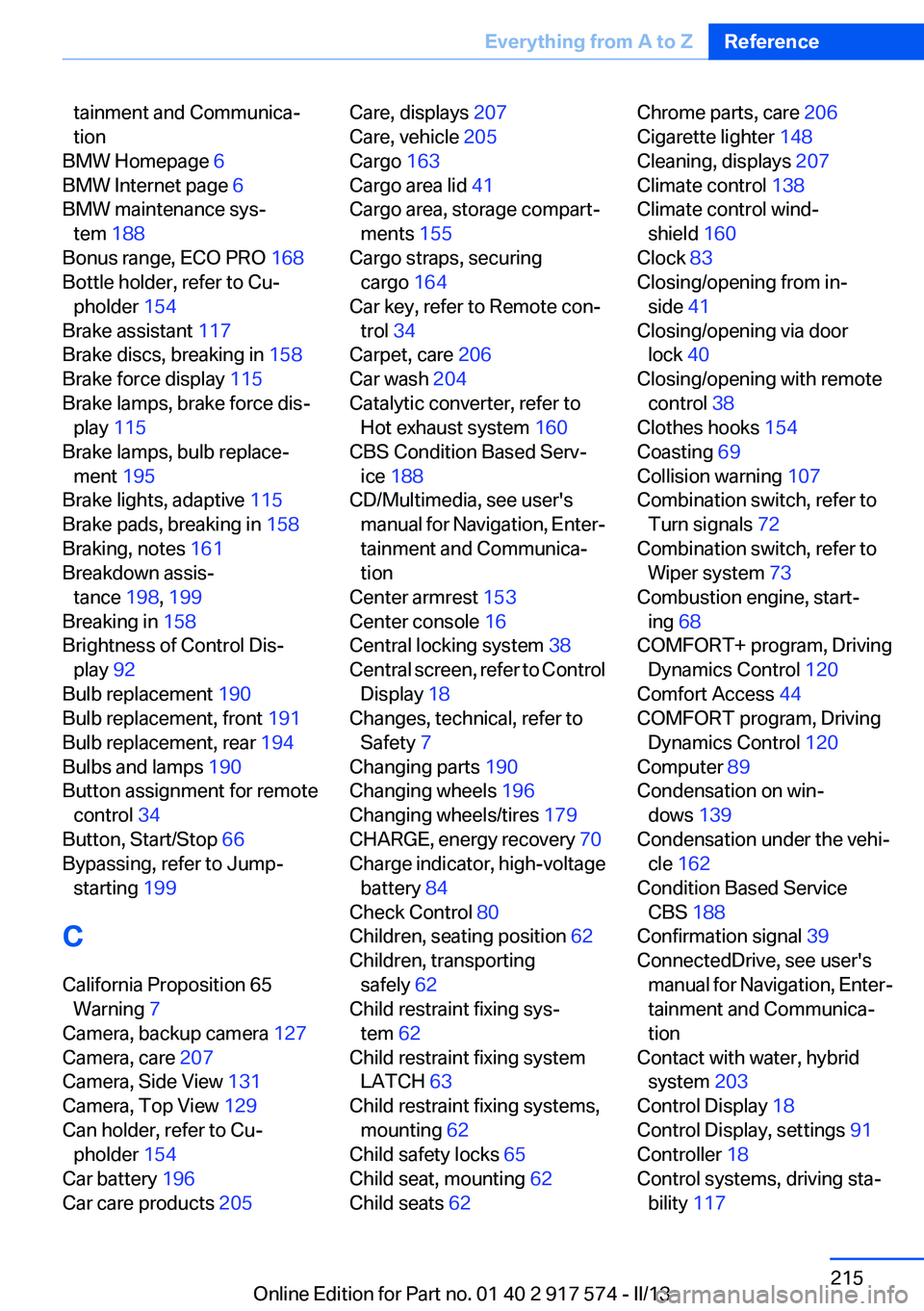
tainment and Communica‐
tion
BMW Homepage 6
BMW Internet page 6
BMW maintenance sys‐ tem 188
Bonus range, ECO PRO 168
Bottle holder, refer to Cu‐ pholder 154
Brake assistant 117
Brake discs, breaking in 158
Brake force display 115
Brake lamps, brake force dis‐ play 115
Brake lamps, bulb replace‐ ment 195
Brake lights, adaptive 115
Brake pads, breaking in 158
Braking, notes 161
Breakdown assis‐ tance 198, 199
Breaking in 158
Brightness of Control Dis‐ play 92
Bulb replacement 190
Bulb replacement, front 191
Bulb replacement, rear 194
Bulbs and lamps 190
Button assignment for remote control 34
Button, Start/Stop 66
Bypassing, refer to Jump- starting 199
C
California Proposition 65 Warning 7
Camera, backup camera 127
Camera, care 207
Camera, Side View 131
Camera, Top View 129
Can holder, refer to Cu‐ pholder 154
Car battery 196
Car care products 205 Care, displays 207
Care, vehicle 205
Cargo 163
Cargo area lid 41
Cargo area, storage compart‐ ments 155
Cargo straps, securing cargo 164
Car key, refer to Remote con‐ trol 34
Carpet, care 206
Car wash 204
Catalytic converter, refer to Hot exhaust system 160
CBS Condition Based Serv‐ ice 188
CD/Multimedia, see user's manual for Navigation, Enter‐
tainment and Communica‐
tion
Center armrest 153
Center console 16
Central locking system 38
Central screen, refer to Control Display 18
Changes, technical, refer to Safety 7
Changing parts 190
Changing wheels 196
Changing wheels/tires 179
CHARGE, energy recovery 70
Charge indicator, high-voltage battery 84
Check Control 80
Children, seating position 62
Children, transporting safely 62
Child restraint fixing sys‐ tem 62
Child restraint fixing system LATCH 63
Child restraint fixing systems, mounting 62
Child safety locks 65
Child seat, mounting 62
Child seats 62 Chrome parts, care 206
Cigarette lighter 148
Cleaning, displays 207
Climate control 138
Climate control wind‐ shield 160
Clock 83
Closing/opening from in‐ side 41
Closing/opening via door lock 40
Closing/opening with remote control 38
Clothes hooks 154
Coasting 69
Collision warning 107
Combination switch, refer to Turn signals 72
Combination switch, refer to Wiper system 73
Combustion engine, start‐ ing 68
COMFORT+ program, Driving Dynamics Control 120
Comfort Access 44
COMFORT program, Driving Dynamics Control 120
Computer 89
Condensation on win‐ dows 139
Condensation under the vehi‐ cle 162
Condition Based Service CBS 188
Confirmation signal 39
ConnectedDrive, see user's manual for Navigation, Enter‐
tainment and Communica‐
tion
Contact with water, hybrid system 203
Control Display 18
Control Display, settings 91
Controller 18
Control systems, driving sta‐ bility 117 Seite 215Everything from A to ZReference215
Online Edition for Part no. 01 40 2 917 574 - II/13
Page 217 of 224
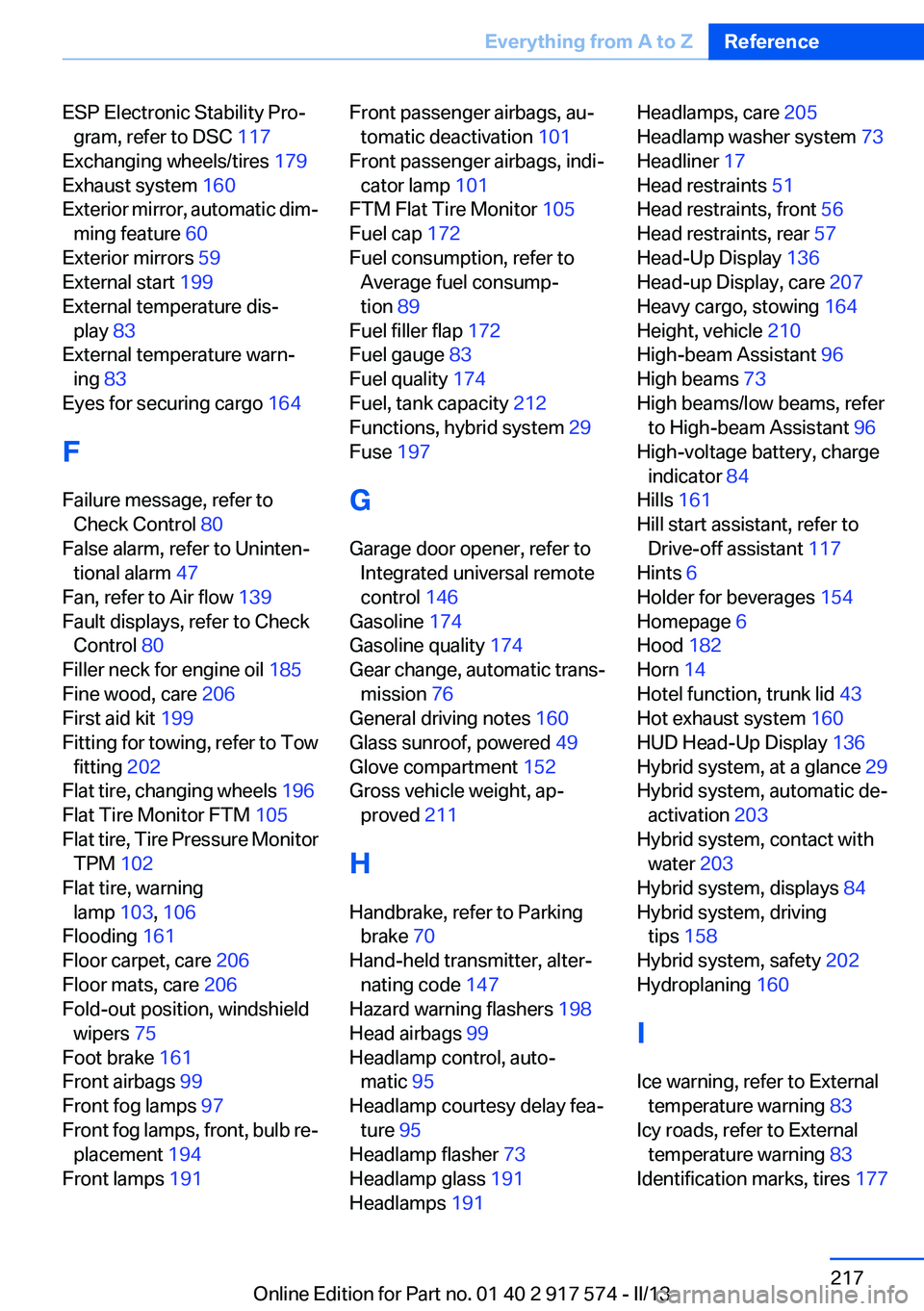
ESP Electronic Stability Pro‐gram, refer to DSC 117
Exchanging wheels/tires 179
Exhaust system 160
Exterior mirror, automatic dim‐ ming feature 60
Exterior mirrors 59
External start 199
External temperature dis‐ play 83
External temperature warn‐ ing 83
Eyes for securing cargo 164
F
Failure message, refer to Check Control 80
False alarm, refer to Uninten‐ tional alarm 47
Fan, refer to Air flow 139
Fault displays, refer to Check Control 80
Filler neck for engine oil 185
Fine wood, care 206
First aid kit 199
Fitting for towing, refer to Tow fitting 202
Flat tire, changing wheels 196
Flat Tire Monitor FTM 105
Flat tire, Tire Pressure Monitor TPM 102
Flat tire, warning lamp 103, 106
Flooding 161
Floor carpet, care 206
Floor mats, care 206
Fold-out position, windshield wipers 75
Foot brake 161
Front airbags 99
Front fog lamps 97
Front fog lamps, front, bulb re‐ placement 194
Front lamps 191 Front passenger airbags, au‐
tomatic deactivation 101
Front passenger airbags, indi‐ cator lamp 101
FTM Flat Tire Monitor 105
Fuel cap 172
Fuel consumption, refer to Average fuel consump‐
tion 89
Fuel filler flap 172
Fuel gauge 83
Fuel quality 174
Fuel, tank capacity 212
Functions, hybrid system 29
Fuse 197
G
Garage door opener, refer to Integrated universal remote
control 146
Gasoline 174
Gasoline quality 174
Gear change, automatic trans‐ mission 76
General driving notes 160
Glass sunroof, powered 49
Glove compartment 152
Gross vehicle weight, ap‐ proved 211
H
Handbrake, refer to Parking brake 70
Hand-held transmitter, alter‐ nating code 147
Hazard warning flashers 198
Head airbags 99
Headlamp control, auto‐ matic 95
Headlamp courtesy delay fea‐ ture 95
Headlamp flasher 73
Headlamp glass 191
Headlamps 191 Headlamps, care 205
Headlamp washer system 73
Headliner 17
Head restraints 51
Head restraints, front 56
Head restraints, rear 57
Head-Up Display 136
Head-up Display, care 207
Heavy cargo, stowing 164
Height, vehicle 210
High-beam Assistant 96
High beams 73
High beams/low beams, refer to High-beam Assistant 96
High-voltage battery, charge indicator 84
Hills 161
Hill start assistant, refer to Drive-off assistant 117
Hints 6
Holder for beverages 154
Homepage 6
Hood 182
Horn 14
Hotel function, trunk lid 43
Hot exhaust system 160
HUD Head-Up Display 136
Hybrid system, at a glance 29
Hybrid system, automatic de‐ activation 203
Hybrid system, contact with water 203
Hybrid system, displays 84
Hybrid system, driving tips 158
Hybrid system, safety 202
Hydroplaning 160
I
Ice warning, refer to External temperature warning 83
Icy roads, refer to External temperature warning 83
Identification marks, tires 177 Seite 217Everything from A to ZReference217
Online Edition for Part no. 01 40 2 917 574 - II/13
Page 222 of 224
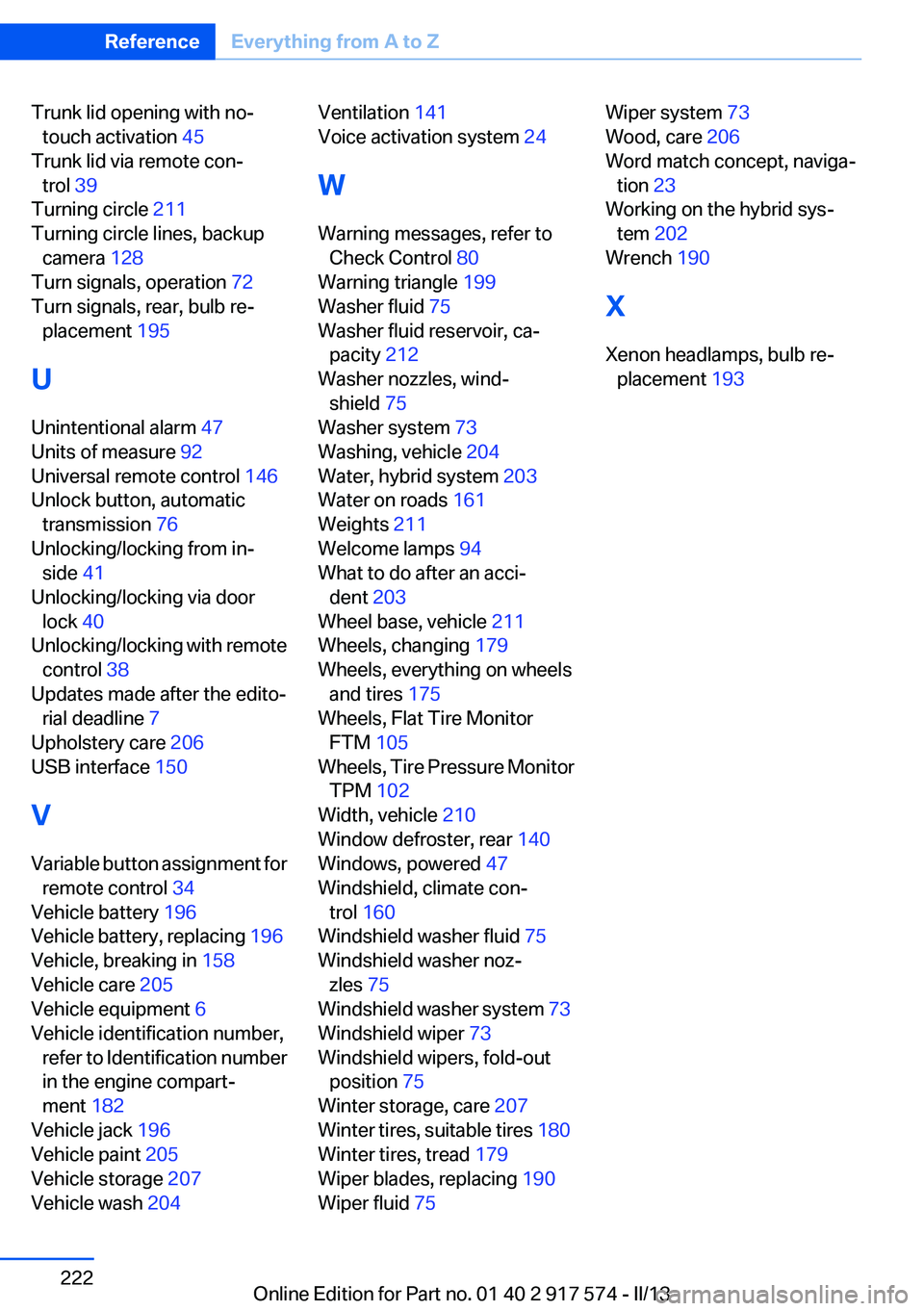
Trunk lid opening with no-touch activation 45
Trunk lid via remote con‐ trol 39
Turning circle 211
Turning circle lines, backup camera 128
Turn signals, operation 72
Turn signals, rear, bulb re‐ placement 195
U
Unintentional alarm 47
Units of measure 92
Universal remote control 146
Unlock button, automatic transmission 76
Unlocking/locking from in‐ side 41
Unlocking/locking via door lock 40
Unlocking/locking with remote control 38
Updates made after the edito‐ rial deadline 7
Upholstery care 206
USB interface 150
V
Variable button assignment for remote control 34
Vehicle battery 196
Vehicle battery, replacing 196
Vehicle, breaking in 158
Vehicle care 205
Vehicle equipment 6
Vehicle identification number, refer to Identification number
in the engine compart‐
ment 182
Vehicle jack 196
Vehicle paint 205
Vehicle storage 207
Vehicle wash 204 Ventilation 141
Voice activation system 24
W
Warning messages, refer to Check Control 80
Warning triangle 199
Washer fluid 75
Washer fluid reservoir, ca‐ pacity 212
Washer nozzles, wind‐ shield 75
Washer system 73
Washing, vehicle 204
Water, hybrid system 203
Water on roads 161
Weights 211
Welcome lamps 94
What to do after an acci‐ dent 203
Wheel base, vehicle 211
Wheels, changing 179
Wheels, everything on wheels and tires 175
Wheels, Flat Tire Monitor FTM 105
Wheels, Tire Pressure Monitor TPM 102
Width, vehicle 210
Window defroster, rear 140
Windows, powered 47
Windshield, climate con‐ trol 160
Windshield washer fluid 75
Windshield washer noz‐ zles 75
Windshield washer system 73
Windshield wiper 73
Windshield wipers, fold-out position 75
Winter storage, care 207
Winter tires, suitable tires 180
Winter tires, tread 179
Wiper blades, replacing 190
Wiper fluid 75 Wiper system 73
Wood, care 206
Word match concept, naviga‐ tion 23
Working on the hybrid sys‐ tem 202
Wrench 190
X
Xenon headlamps, bulb re‐ placement 193 Seite 222ReferenceEverything from A to Z222
Online Edition for Part no. 01 40 2 917 574 - II/13