BMW IX 2022 User Guide
IX 2022
BMW
BMW
https://www.carmanualsonline.info/img/1/48256/w960_48256-0.png
BMW IX 2022 User Guide
Page 98 of 372
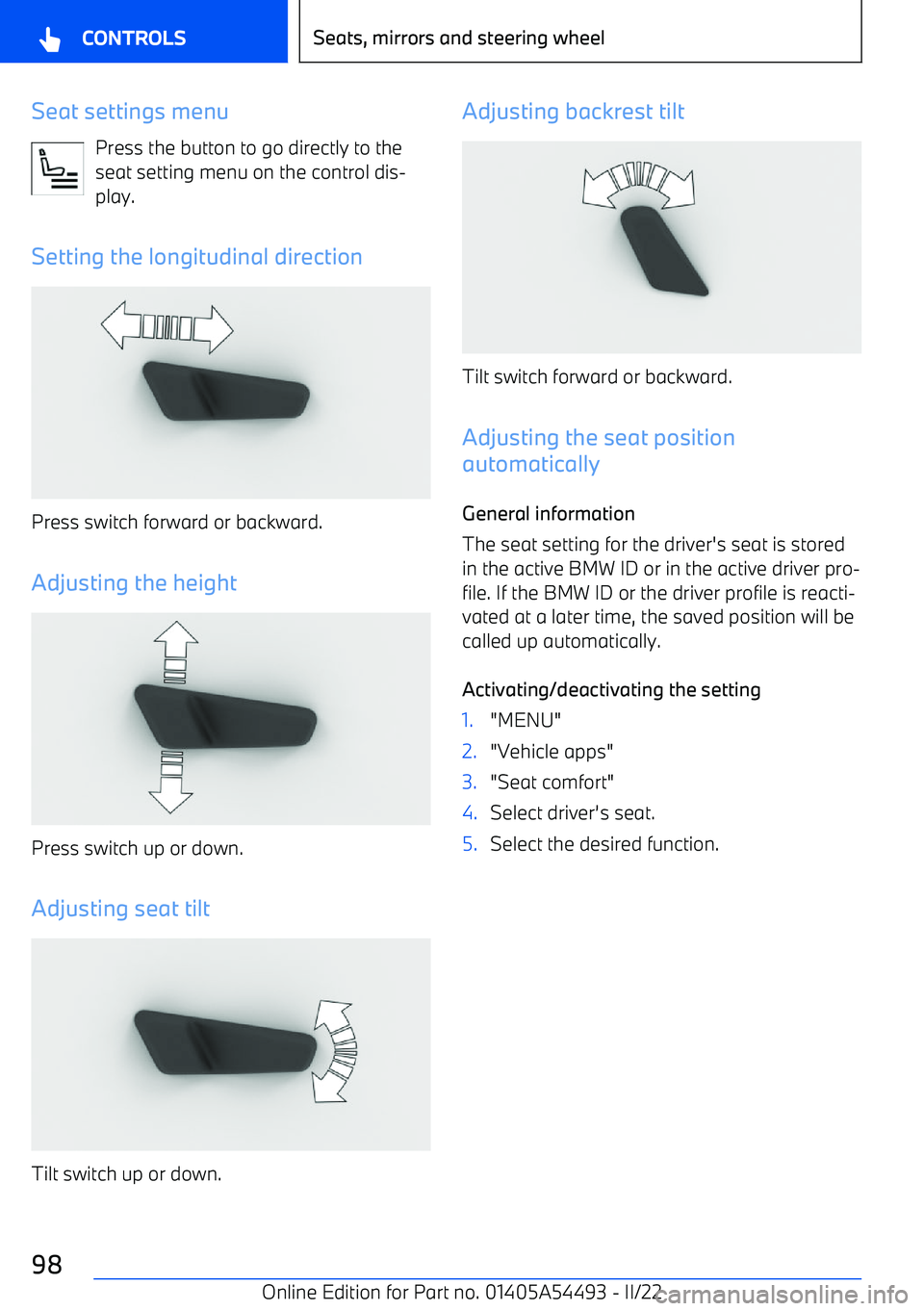
Seat settings menuPress the button to go directly to the
seat setting menu on the control dis
Page 106 of 372
Electric steering wheel adjustment
General information The steering wheel adjustment is stored in the
active BMW ID or in the active driver profile. If
the BMW ID or the driver profile is reactivated
at a later time, the stored position is called up
automatically.
The current steering wheel position can be stored using the memory function.
To make it easier to enter and get out of the
vehicle, the steering wheel moves temporarily into the upper position.
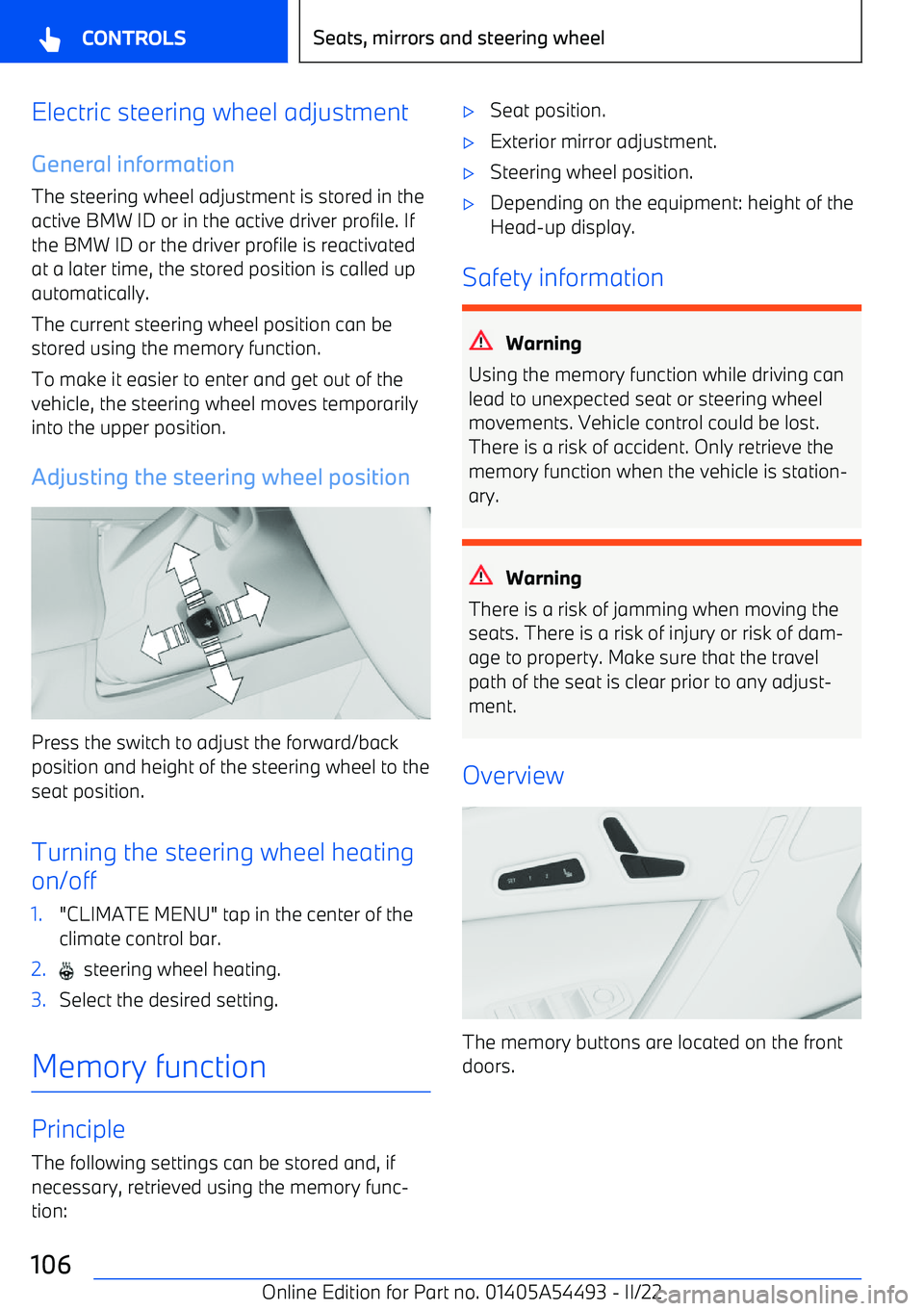
Adjusting the steering wheel position
Press the switch to adjust the forward/backposition and height of the steering wheel to the
seat position.
Turning the steering wheel heating
on/off
1."CLIMATE MENU" tap in the center of the climate control bar.2. steering wheel heating.3.Select the desired setting.
Memory function
Principle
The following settings can be stored and, if
necessary, retrieved using the memory func
Page 121 of 372
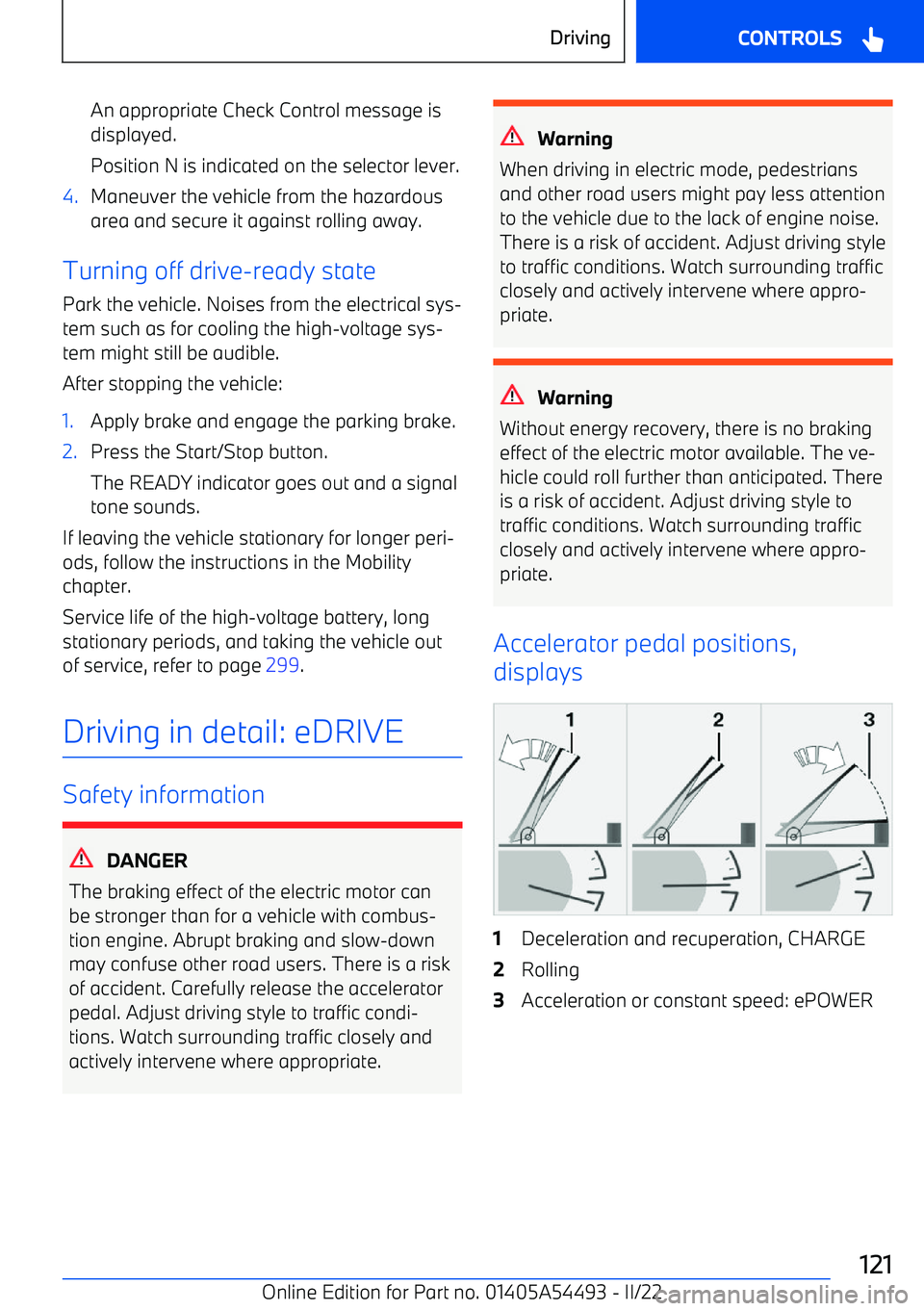
An appropriate Check Control message is
displayed.
Position N is indicated on the selector lever.4.Maneuver the vehicle from the hazardous area and secure it against rolling away.
Turning off drive
Page 126 of 372
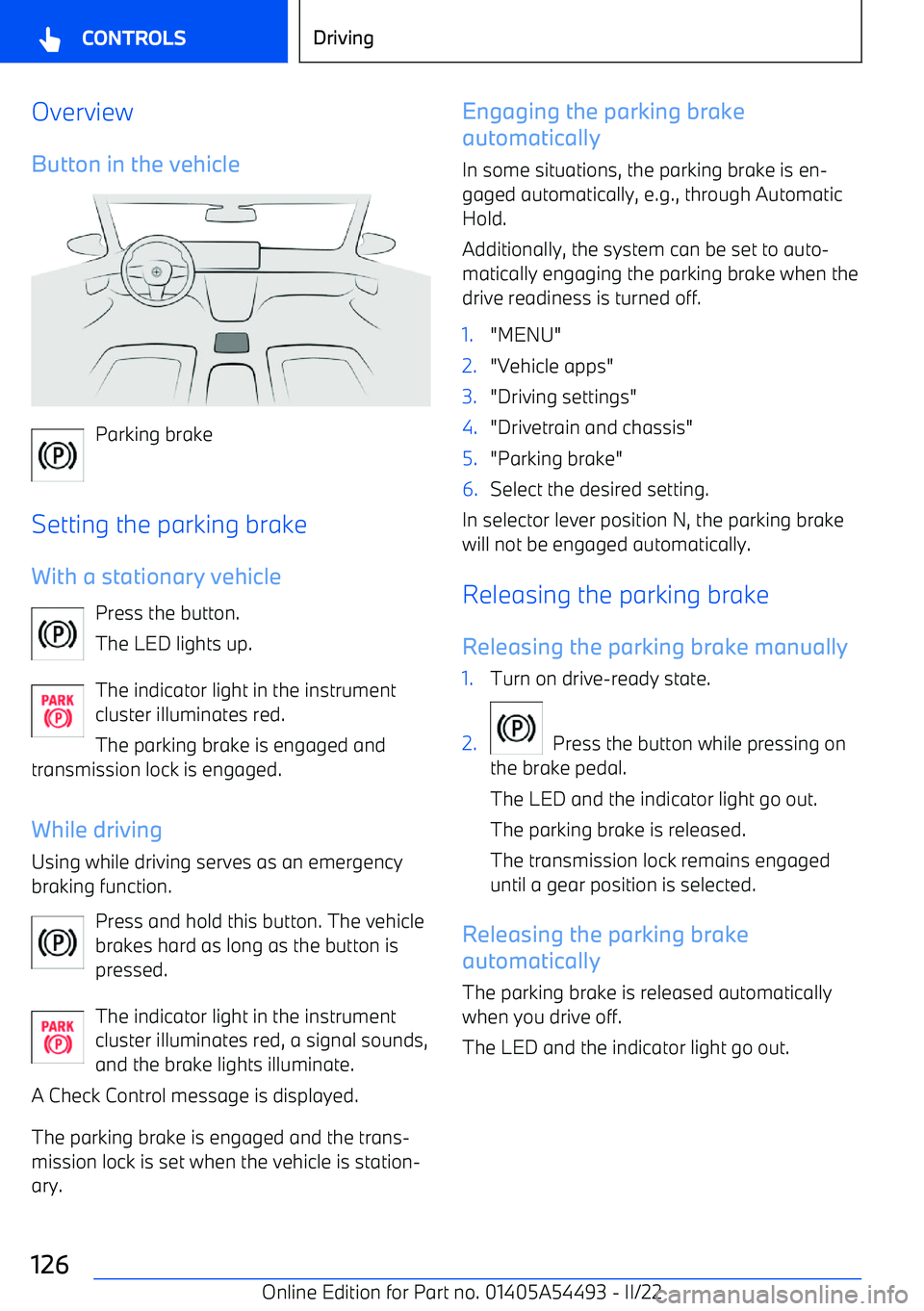
OverviewButton in the vehicle
Parking brake
Setting the parking brake
With a stationary vehicle Press the button.
The LED lights up.
The indicator light in the instrument cluster illuminates red.
The parking brake is engaged and
transmission lock is engaged.
While driving
Using while driving serves as an emergency
braking function.
Press and hold this button. The vehicle
brakes hard as long as the button is
pressed.
The indicator light in the instrument
cluster illuminates red, a signal sounds,
and the brake lights illuminate.
A Check Control message is displayed.
The parking brake is engaged and the trans
Page 144 of 372
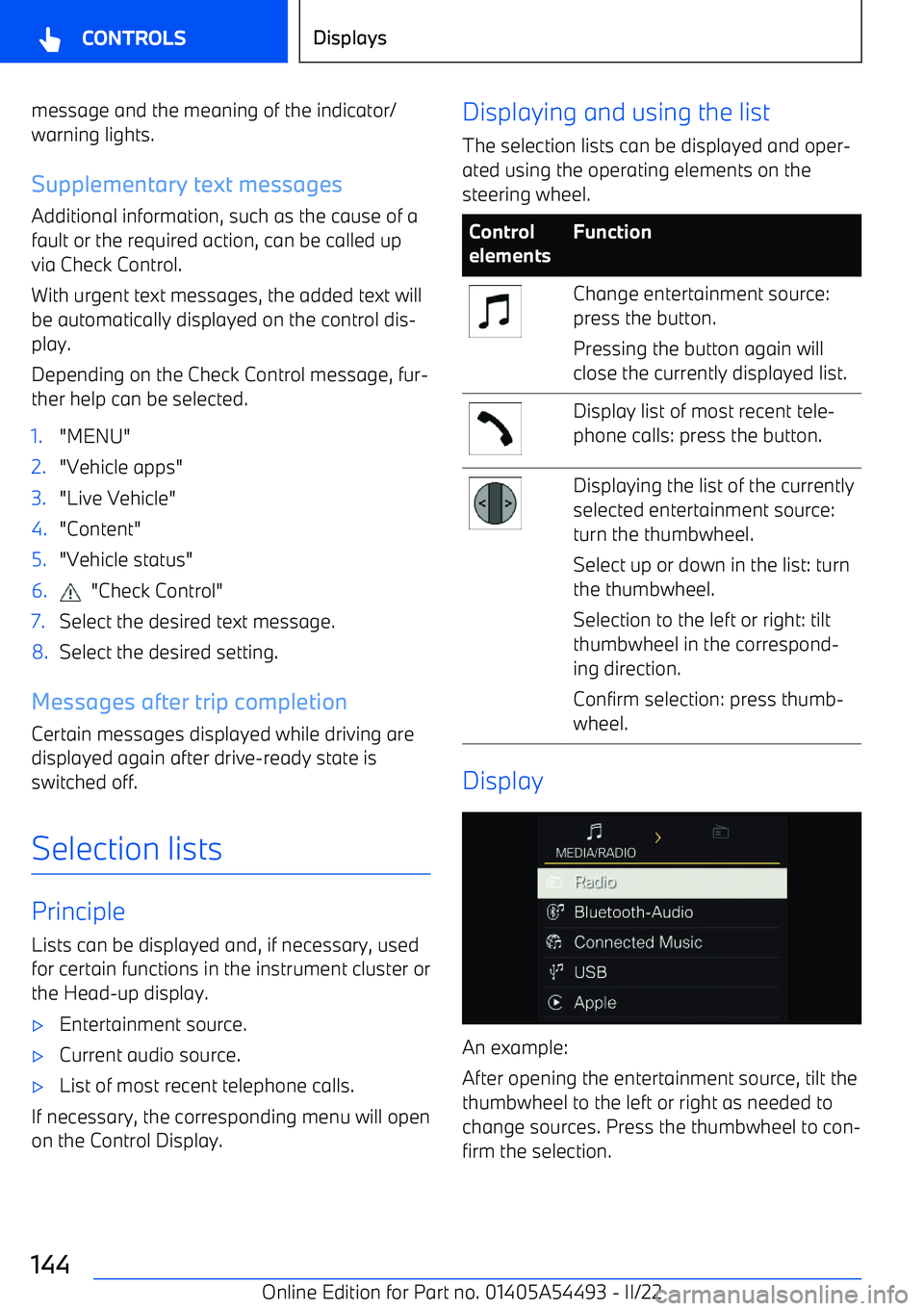
message and the meaning of the indicator/
warning lights.
Supplementary text messages Additional information, such as the cause of a
fault or the required action, can be called up
via Check Control.
With urgent text messages, the added text will
be automatically displayed on the control dis
Page 148 of 372
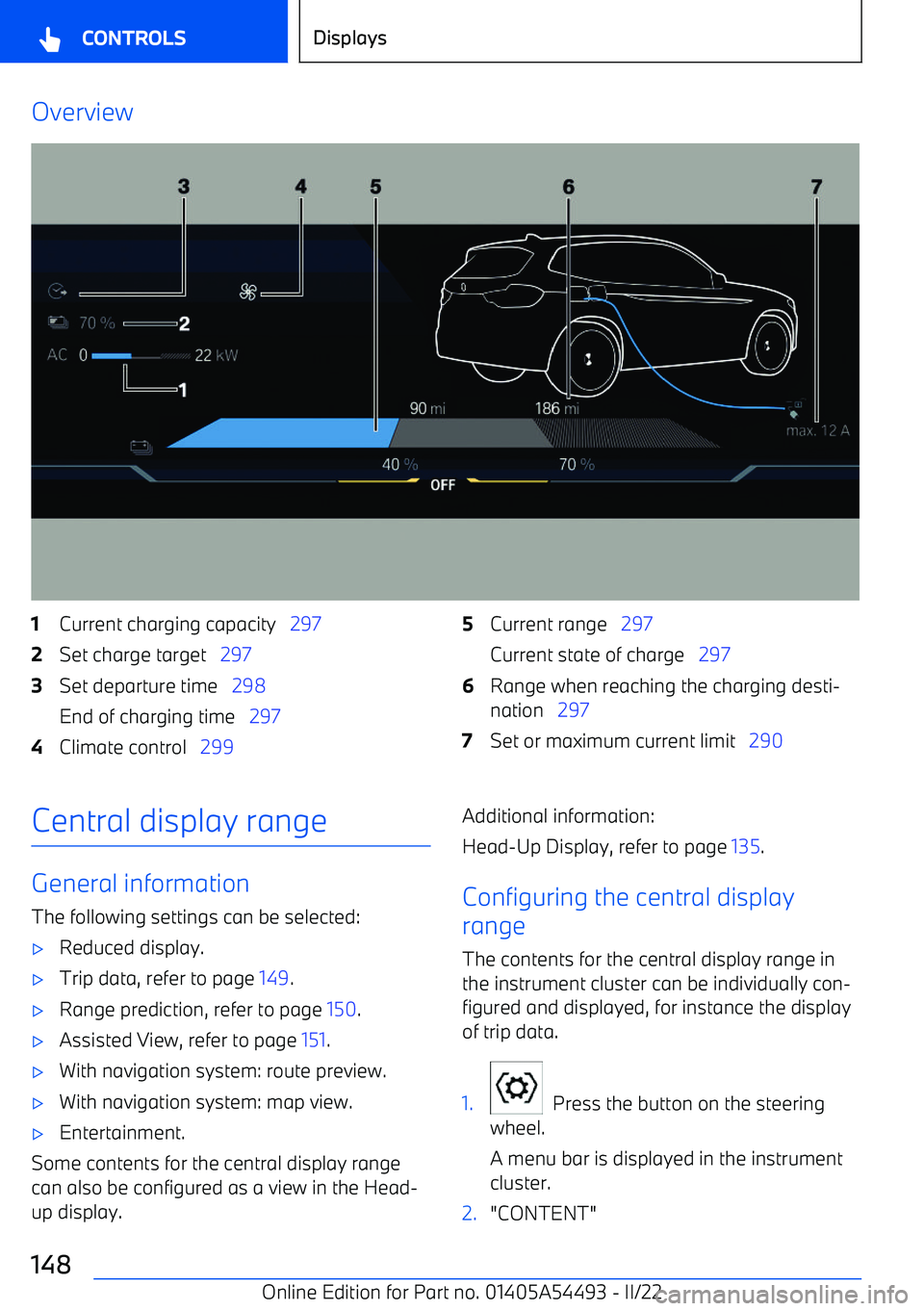
Overview1Current charging capacity 2972Set charge target 2973Set departure time 298
End of charging time 2974Climate control 2995Current range 297
Current state of charge 2976Range when reaching the charging desti
Page 156 of 372
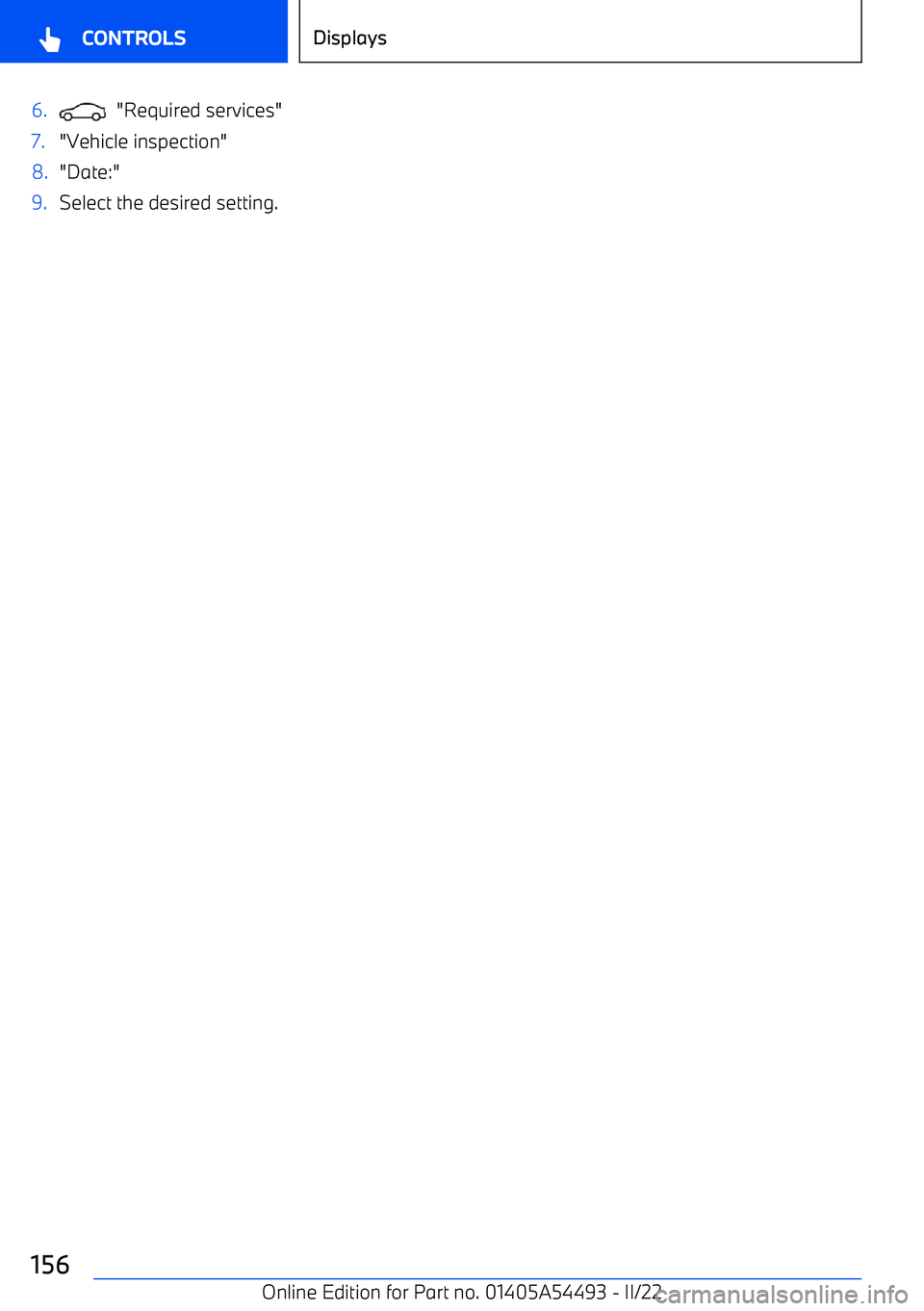
6. "Required services"7."Vehicle inspection"8."Date:"9.Select the desired setting.Seite 156CONTROLSDisplays156
Online Edition for Part no. 01405A54493
Page 158 of 372
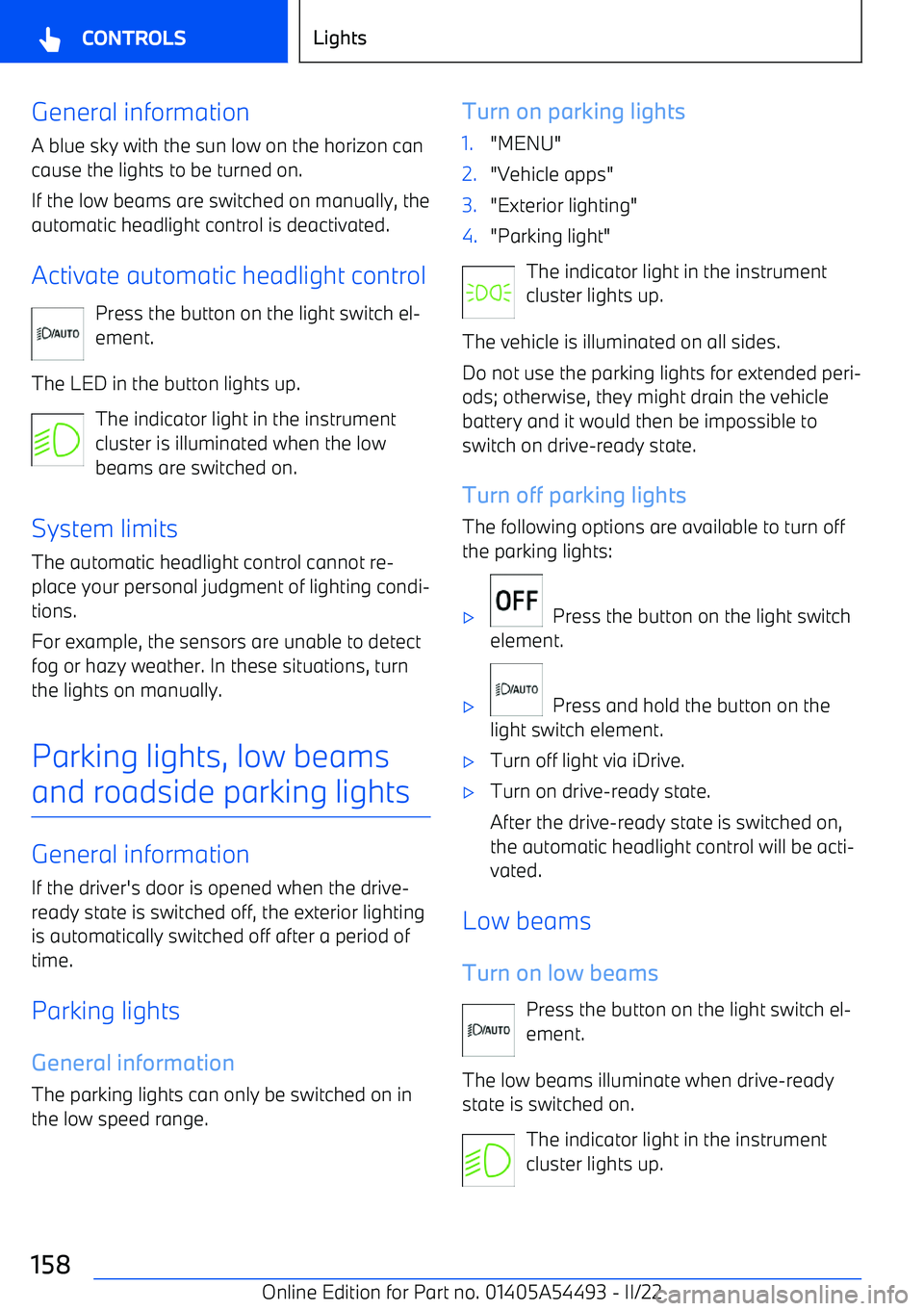
General information
A blue sky with the sun low on the horizon can cause the lights to be turned on.
If the low beams are switched on manually, the automatic headlight control is deactivated.
Activate automatic headlight control Press the button on the light switch el
Page 165 of 372
Dynamic lightIndividual actions, for example incoming calls
or opened doors, are indicated by light effects.1."MENU"2."Vehicle apps"3."Interior lighting"4.If necessary, "Ambience"5."Lighting events"6.Select the desired setting.
Reduced for night drive
Some lights of the interior lighting are reduced
when the vehicle is driven in the dark.
1."MENU"2."Vehicle apps"3."Interior lighting"4.If necessary, "Ambience"5."Reduced for night driving"
Speaker lighting
Principle
Some speakers in the vehicle are illuminated.
General information
When the speakers are muted, the speaker
lighting is turned off.
Turning speaker lighting on/off
The speaker lighting is switched on when the
vehicle is unlocked, and switched off when the
vehicle is locked.
Seite 165LightsCONTROLS165
Online Edition for Part no. 01405A54493
Page 198 of 372
Driving stability control systemsVehicle equipment andoptions
This chapter describes model