BMW IX 2022 Owner's Manual
IX 2022
BMW
BMW
https://www.carmanualsonline.info/img/1/48256/w960_48256-0.png
BMW IX 2022 Owner's Manual
Page 199 of 372
situations. There may be a risk of accident or
risk of damage to property. Driving with roof
load only with activated Dynamic Stability
Control.
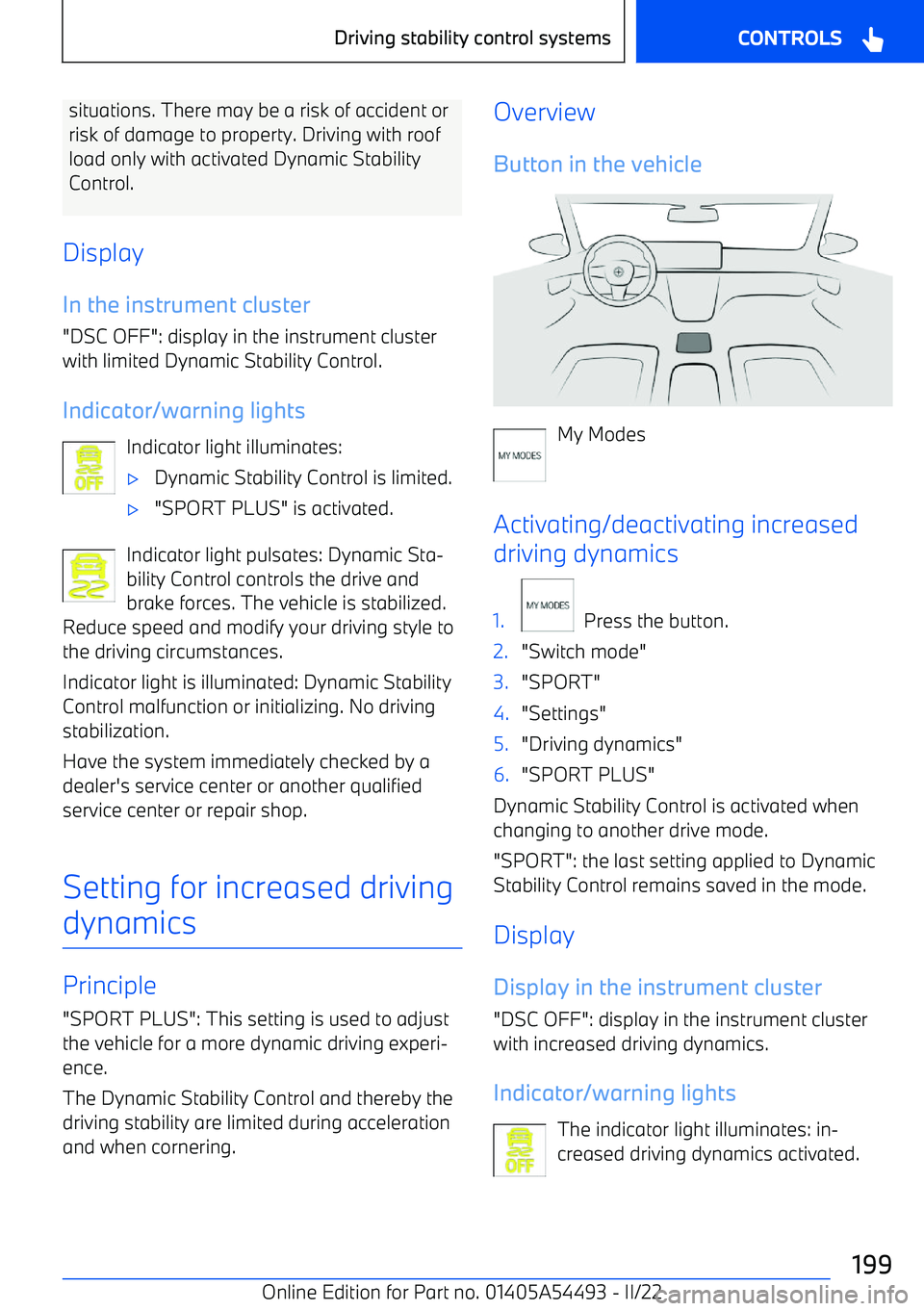
Display In the instrument cluster
"DSC OFF": display in the instrument cluster
with limited Dynamic Stability Control.
Indicator/warning lights Indicator light illuminates:
Page 204 of 372
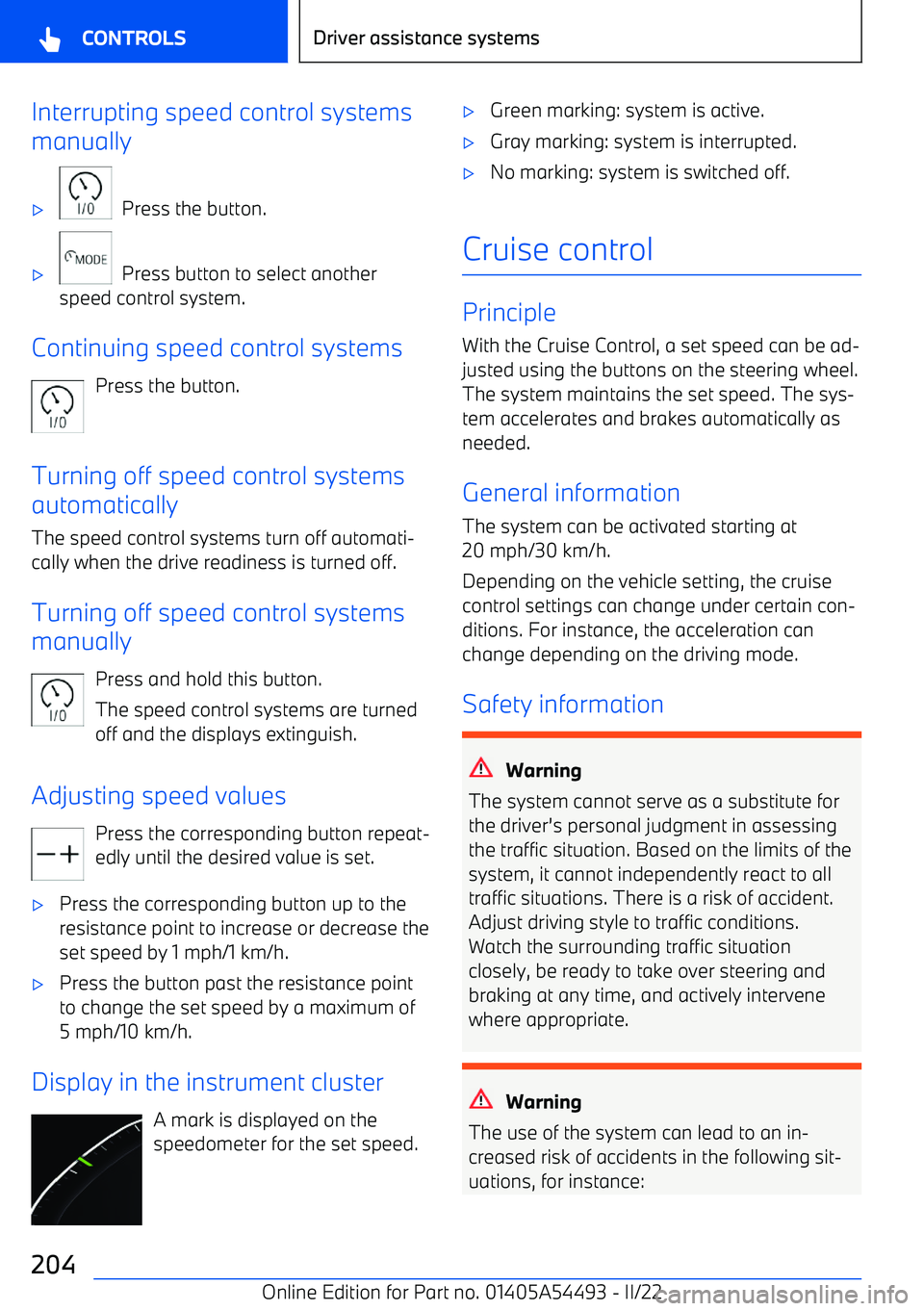
Interrupting speed control systems
manually
Page 206 of 372
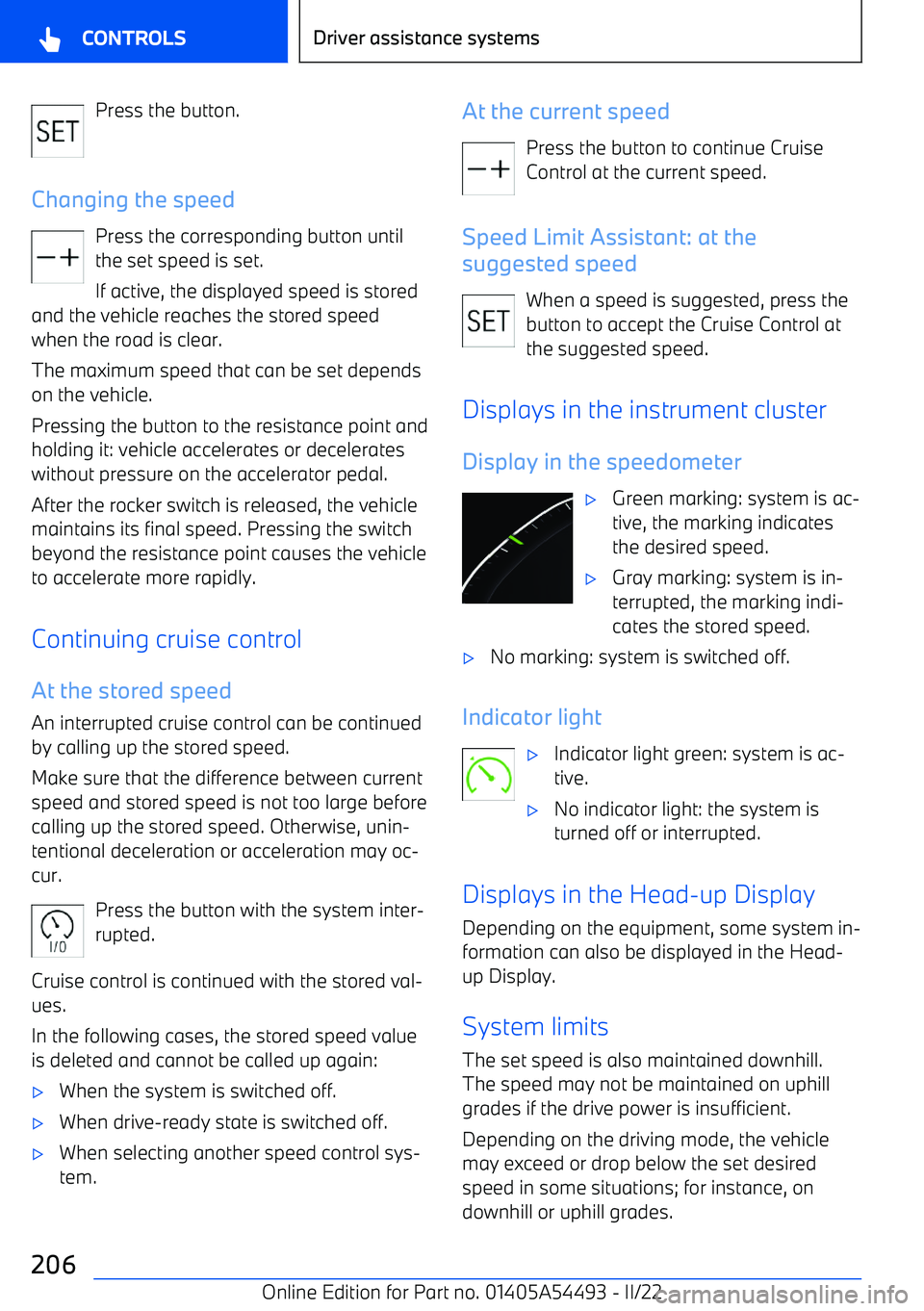
Press the button.
Changing the speed Press the corresponding button untilthe set speed is set.
If active, the displayed speed is stored
and the vehicle reaches the stored speed when the road is clear.
The maximum speed that can be set depends on the vehicle.
Pressing the button to the resistance point and holding it: vehicle accelerates or decelerates
without pressure on the accelerator pedal.
After the rocker switch is released, the vehicle
maintains its final speed. Pressing the switch beyond the resistance point causes the vehicleto accelerate more rapidly.
Continuing cruise control
At the stored speed An interrupted cruise control can be continued
by calling up the stored speed.
Make sure that the difference between current speed and stored speed is not too large beforecalling up the stored speed. Otherwise, unin
Page 207 of 372
Distance control
PrincipleWith the distance control, a distance to a vehi
Page 208 of 372
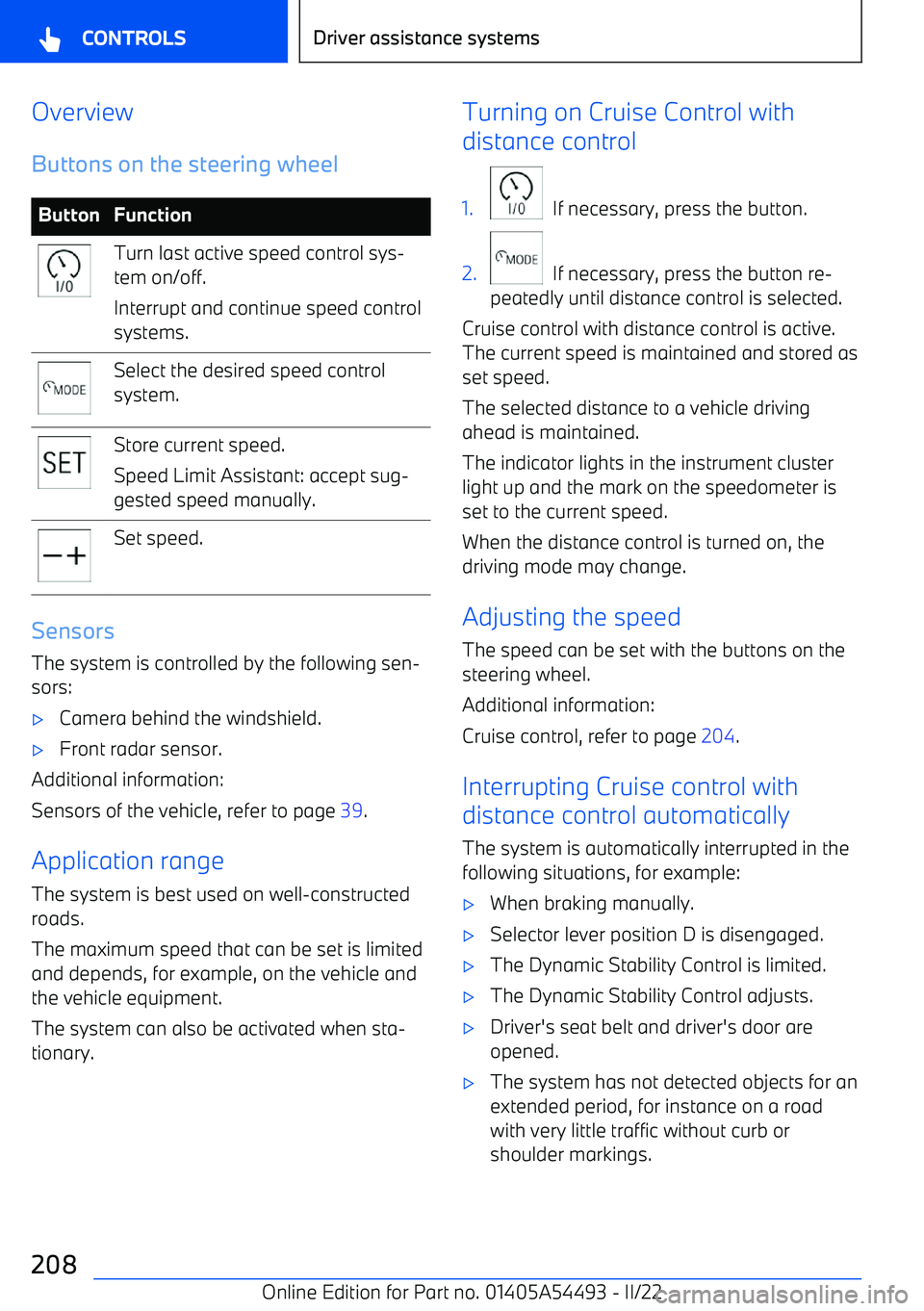
OverviewButtons on the steering wheelButtonFunctionTurn last active speed control sys
Page 210 of 372
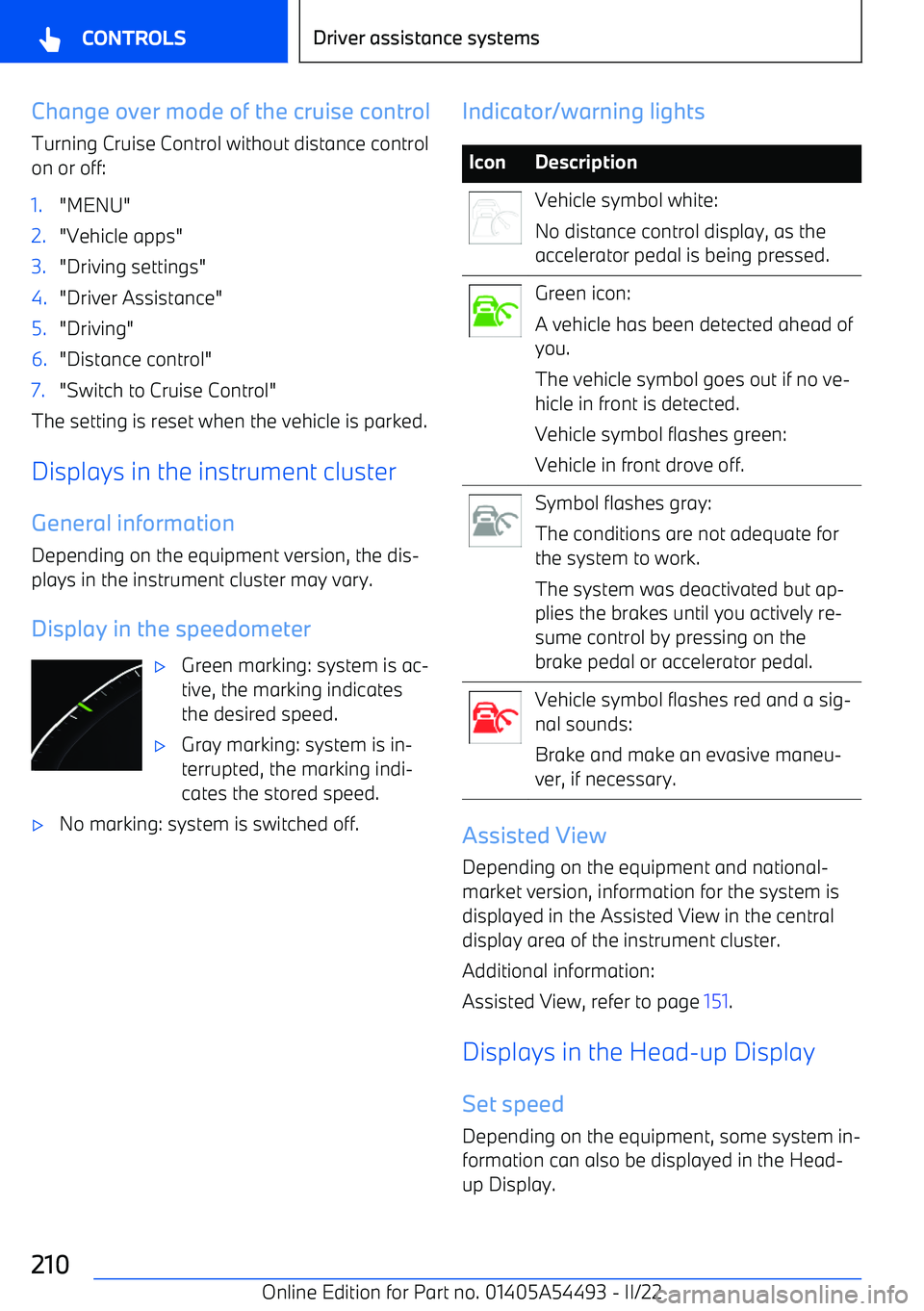
Change over mode of the cruise control
Turning Cruise Control without distance control
on or off:1."MENU"2."Vehicle apps"3."Driving settings"4."Driver Assistance"5."Driving"6."Distance control"7."Switch to Cruise Control"
The setting is reset when the vehicle is parked.
Displays in the instrument cluster General information Depending on the equipment version, the dis
Page 213 of 372
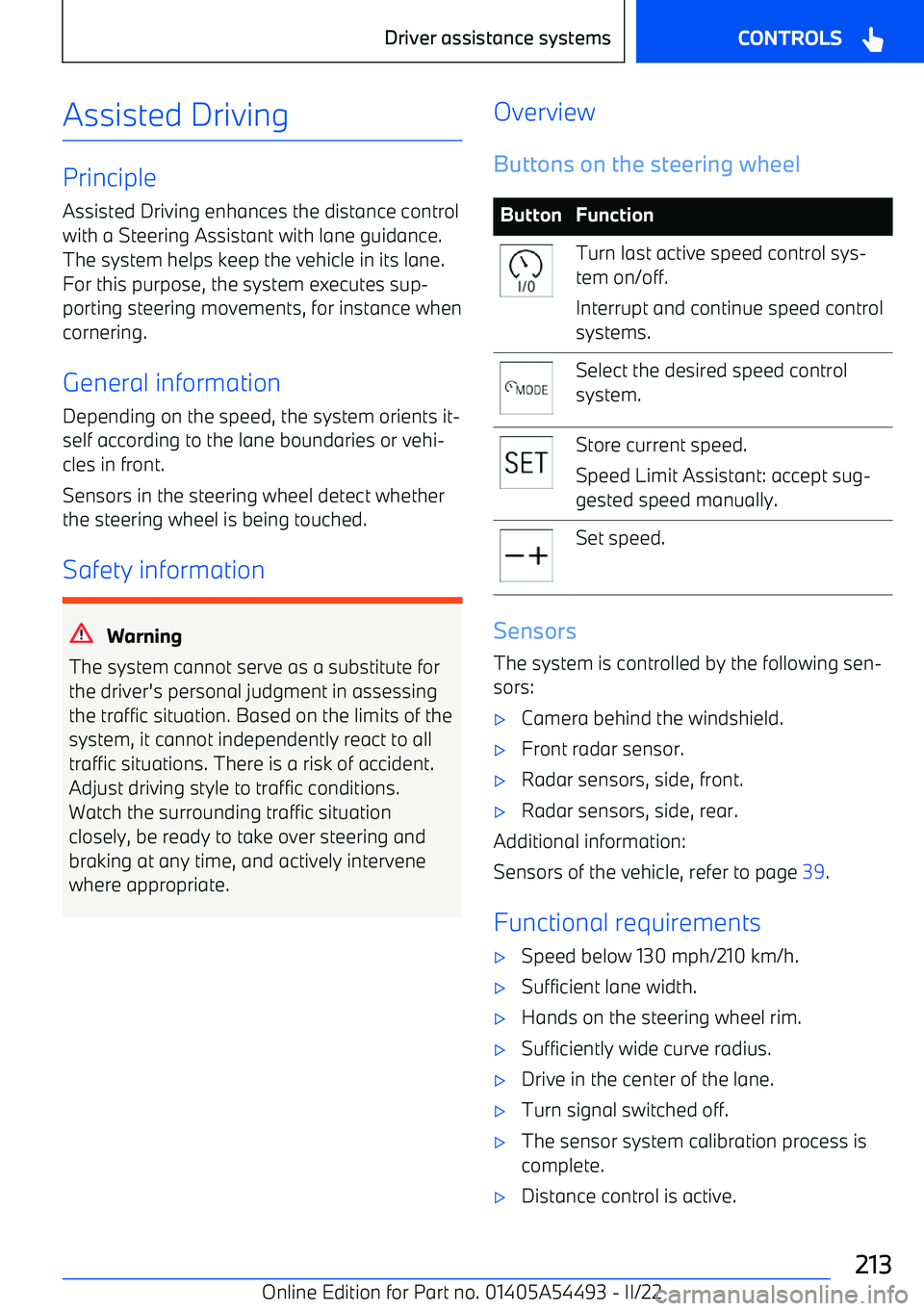
Assisted Driving
PrincipleAssisted Driving enhances the distance control
with a Steering Assistant with lane guidance.
The system helps keep the vehicle in its lane.
For this purpose, the system executes sup
Page 220 of 372
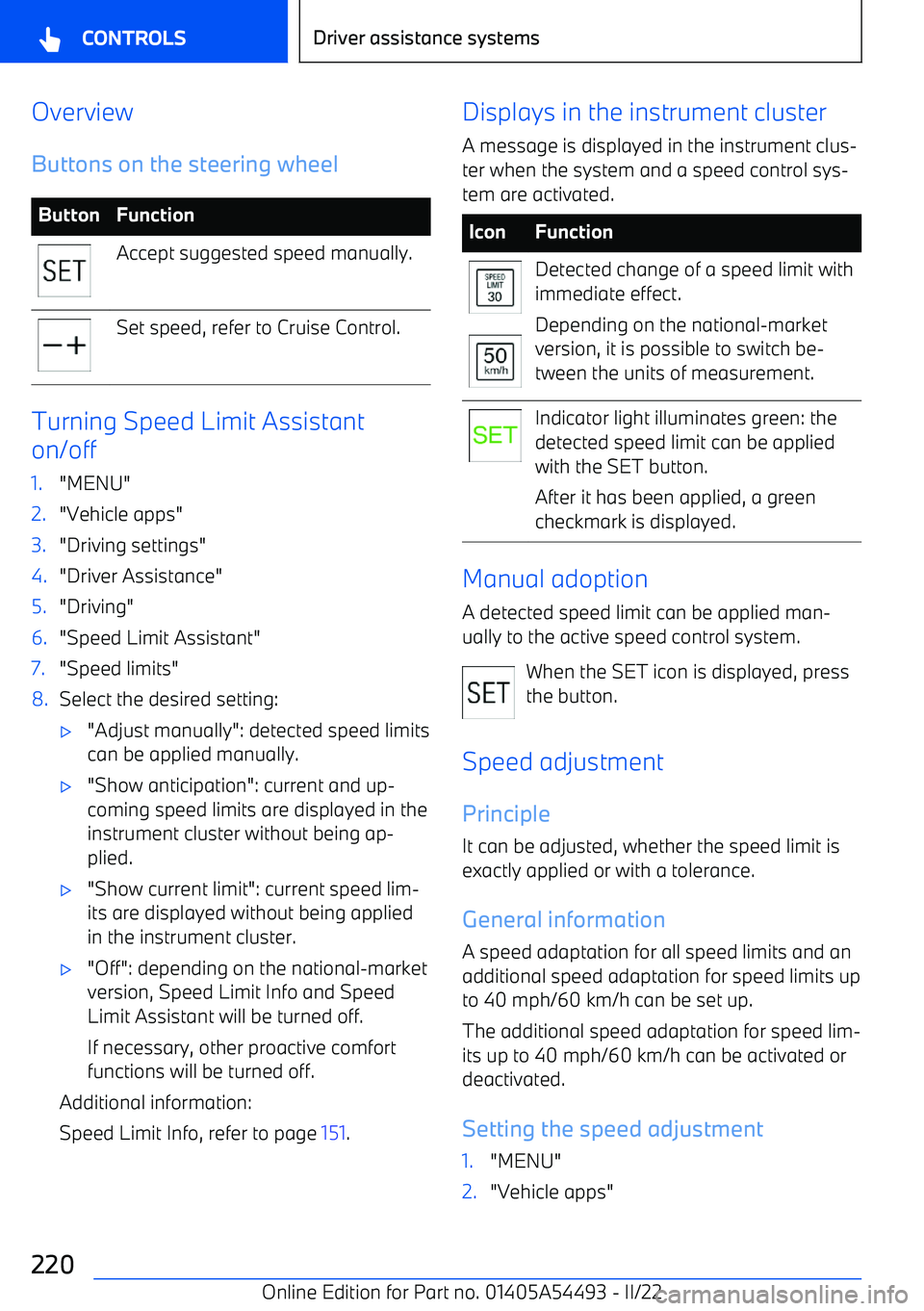
OverviewButtons on the steering wheelButtonFunctionAccept suggested speed manually.Set speed, refer to Cruise Control.
Turning Speed Limit Assistant
on/off
1."MENU"2."Vehicle apps"3."Driving settings"4."Driver Assistance"5."Driving"6."Speed Limit Assistant"7."Speed limits"8.Select the desired setting:
Page 225 of 372
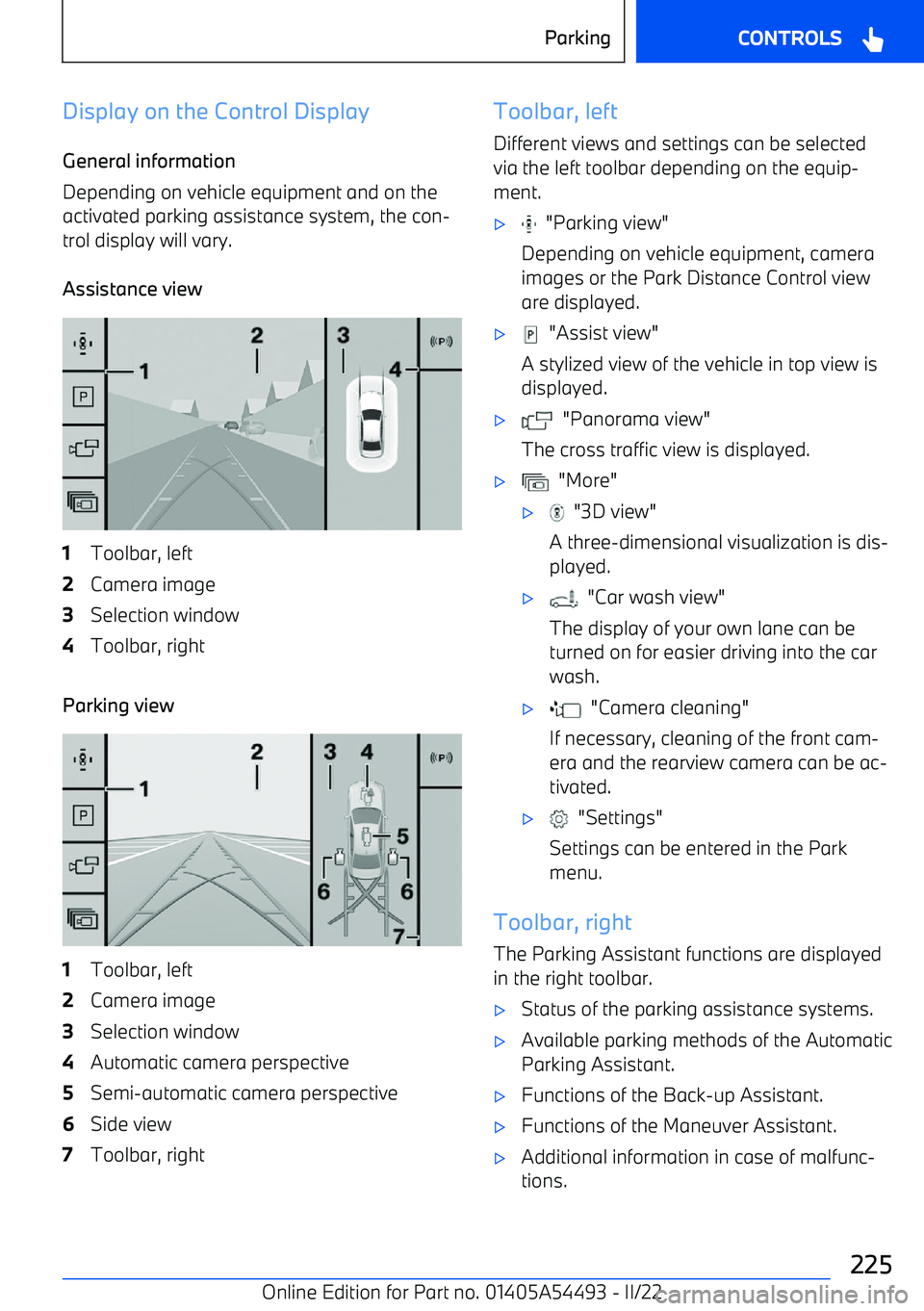
Display on the Control DisplayGeneral information
Depending on vehicle equipment and on the
activated parking assistance system, the con
Page 228 of 372
Rearview camera
Principle
The rearview camera helps when reverse
parking and maneuvering. The area behind the
vehicle is shown on the Control Display.
Additional views can be shown on the display,
e.g., lane and turning circle lines.
General information
Follow the information in the "Parking assis