BMW IX 2022 Owner's Guide
IX 2022
BMW
BMW
https://www.carmanualsonline.info/img/1/48256/w960_48256-0.png
BMW IX 2022 Owner's Guide
Page 246 of 372
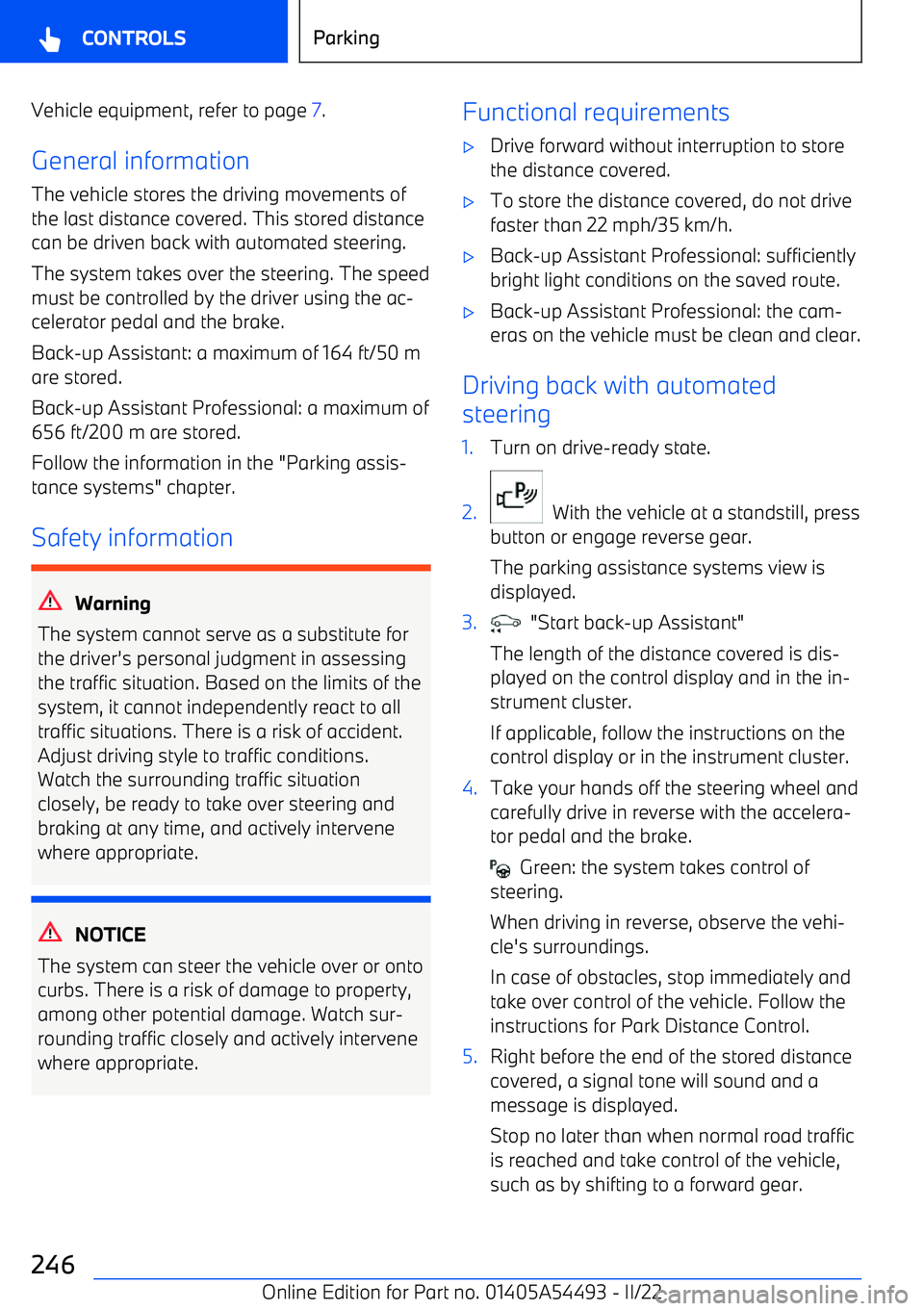
Vehicle equipment, refer to page 7.
General information
The vehicle stores the driving movements of
the last distance covered. This stored distance can be driven back with automated steering.
The system takes over the steering. The speedmust be controlled by the driver using the ac
Page 251 of 372
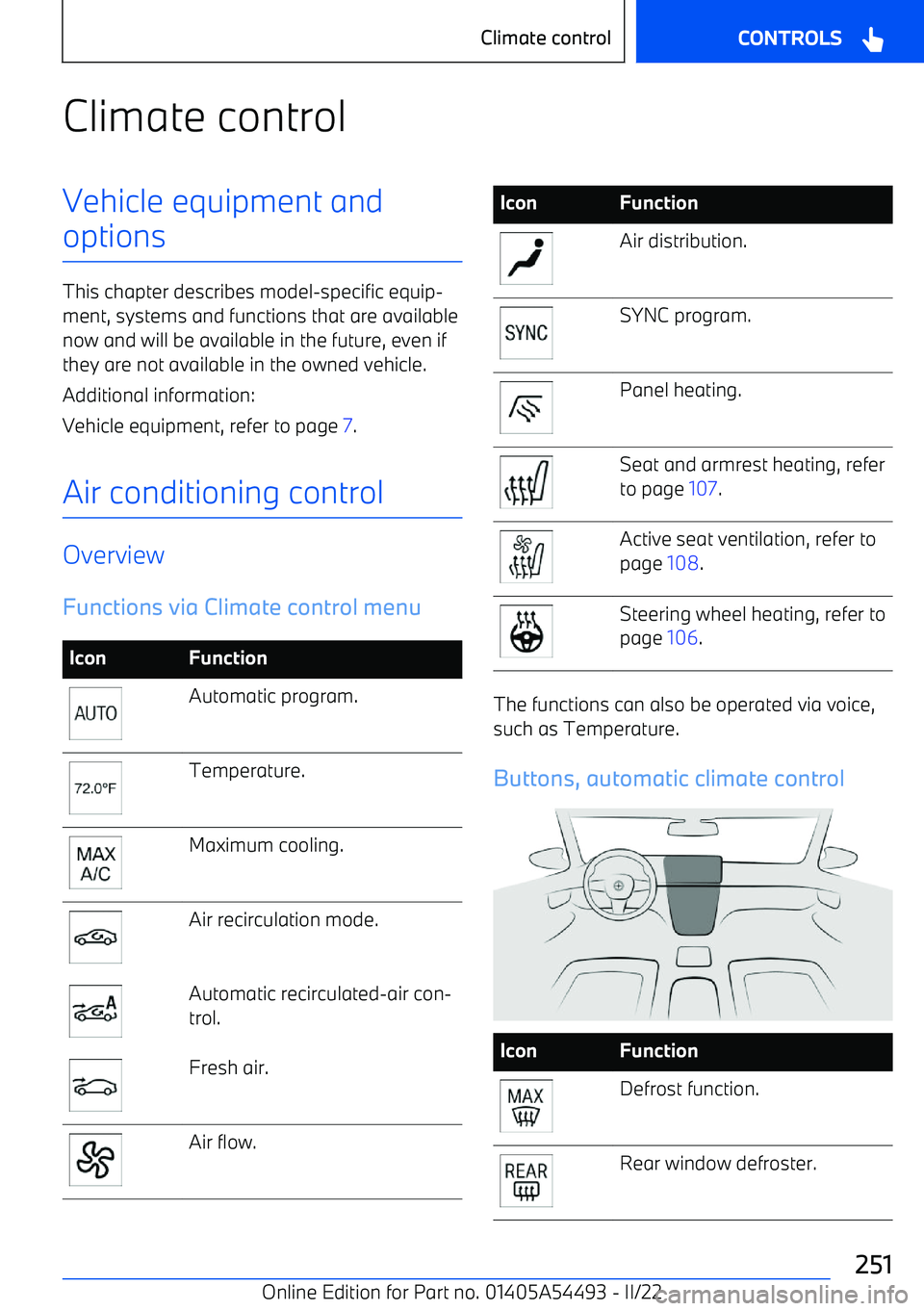
Climate controlVehicle equipment andoptions
This chapter describes model
Page 252 of 372
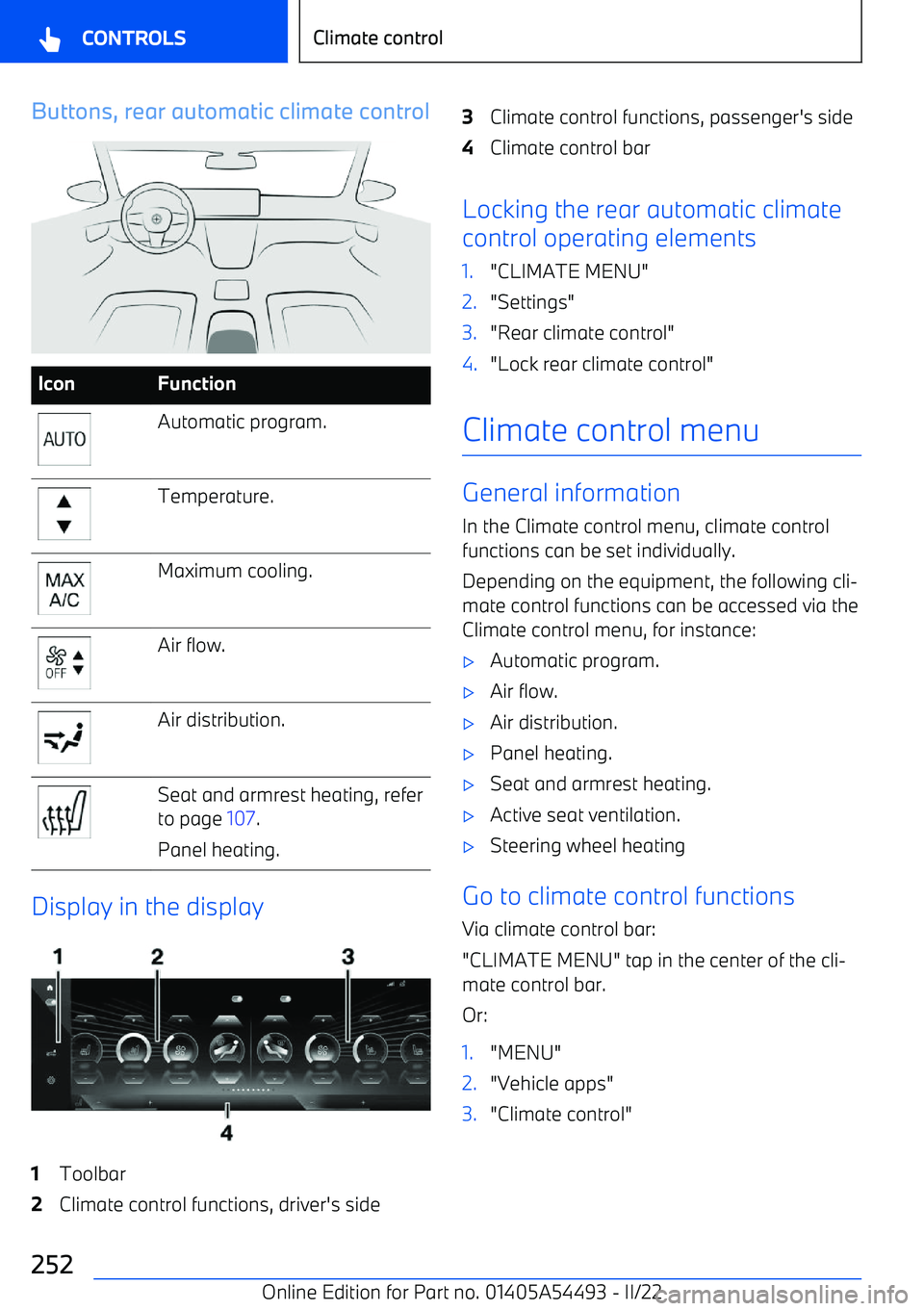
Buttons, rear automatic climate controlIconFunctionAutomatic program.Temperature.Maximum cooling.Air flow.Air distribution.Seat and armrest heating, refer
to page 107.
Panel heating.
Display in the display
1Toolbar2Climate control functions, driver
Page 253 of 372
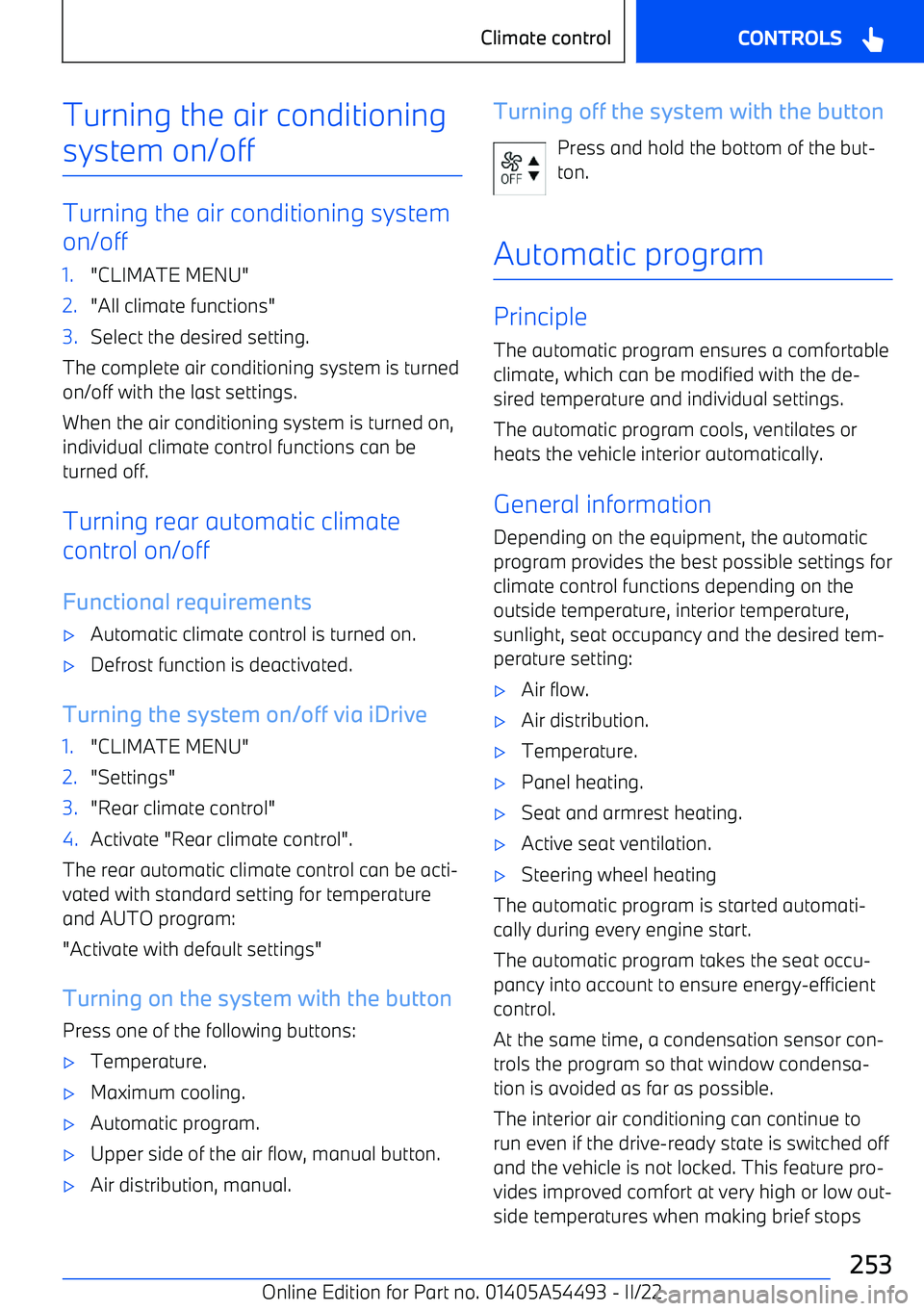
Turning the air conditioningsystem on/off
Turning the air conditioning system
on/off
1."CLIMATE MENU"2."All climate functions"3.Select the desired setting.
The complete air conditioning system is turned
on/off with the last settings.
When the air conditioning system is turned on,
individual climate control functions can be
turned off.
Turning rear automatic climate
control on/off
Functional requirements
Page 254 of 372
during a trip. Depending on the air conditioning
setting selected, the air conditioning can stop after a maximum of 15 minutes or by locking
the vehicle.
Condensation may leak below the vehicle while the air conditioning is running.
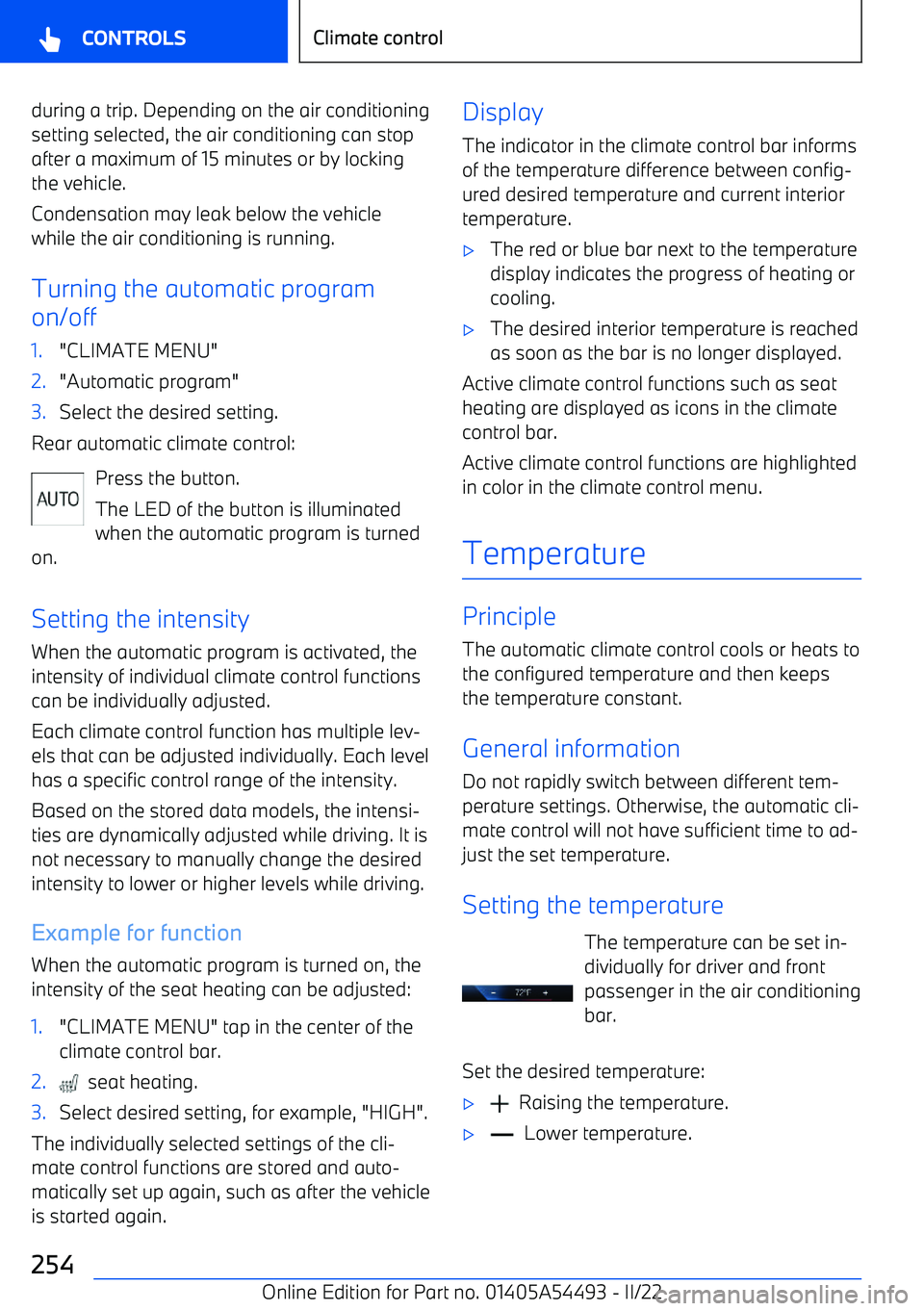
Turning the automatic program
on/off1."CLIMATE MENU"2."Automatic program"3.Select the desired setting.
Rear automatic climate control:
Press the button.
The LED of the button is illuminated
when the automatic program is turned
on.
Setting the intensity When the automatic program is activated, the
intensity of individual climate control functions
can be individually adjusted.
Each climate control function has multiple lev
Page 255 of 372
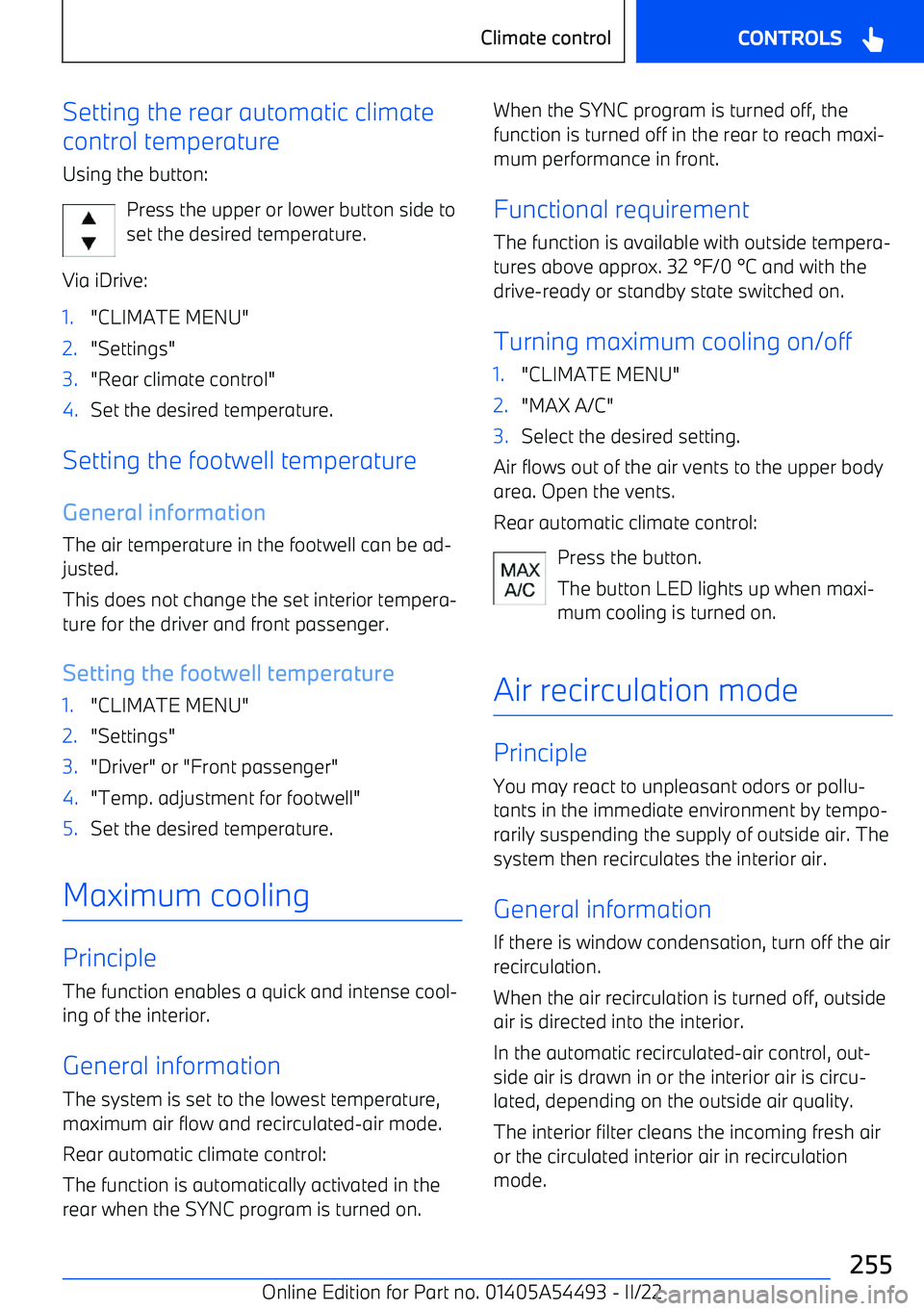
Setting the rear automatic climate
control temperature
Using the button:
Press the upper or lower button side to
set the desired temperature.
Via iDrive:1."CLIMATE MENU"2."Settings"3."Rear climate control"4.Set the desired temperature.
Setting the footwell temperature
General information The air temperature in the footwell can be ad
Page 262 of 372
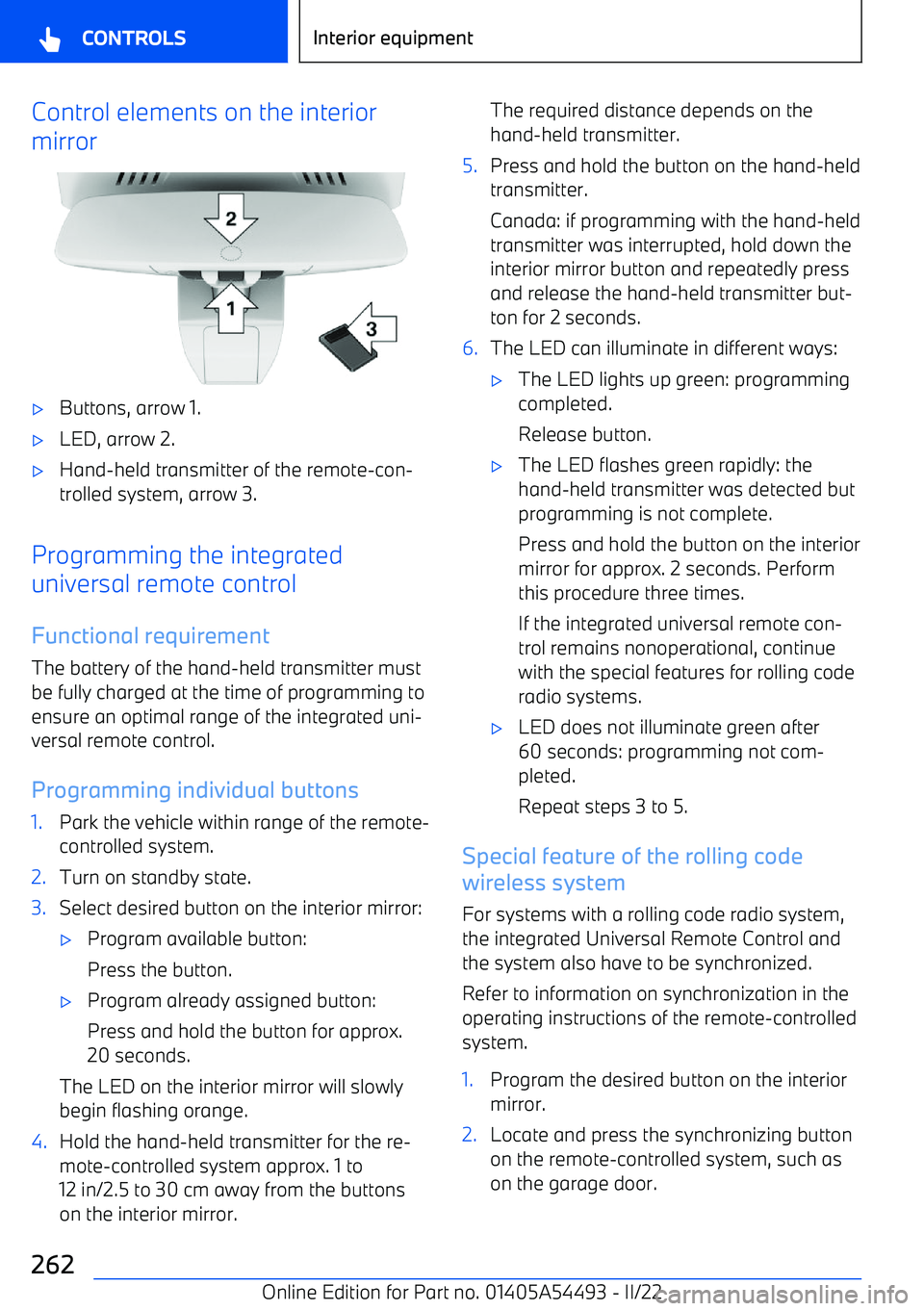
Control elements on the interior
mirror
Page 279 of 372
Cover in the cargo area:1.Place cover on the left and right.2.Lift the cover slightly to the rear and push
toward the front until it engages on both
side brackets.
Cover in the tailgate:
1.Insert cover into the brackets.2.Engage cover on the bottom on both sides
in the brackets.Seite 279Cargo areaCONTROLS279
Online Edition for Part no. 01405A54493
Page 299 of 372
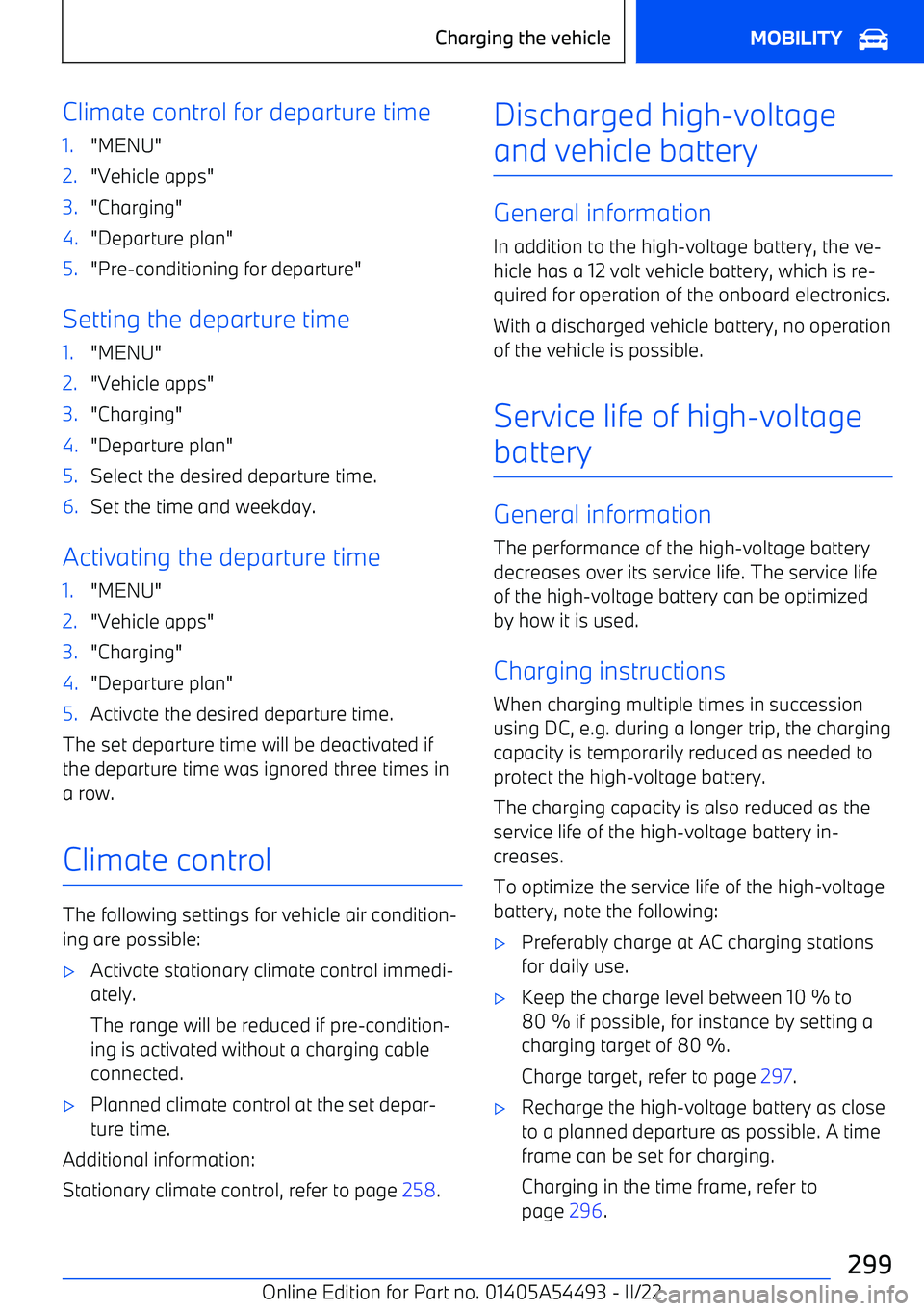
Climate control for departure time1."MENU"2."Vehicle apps"3."Charging"4."Departure plan"5."Pre
Page 316 of 372
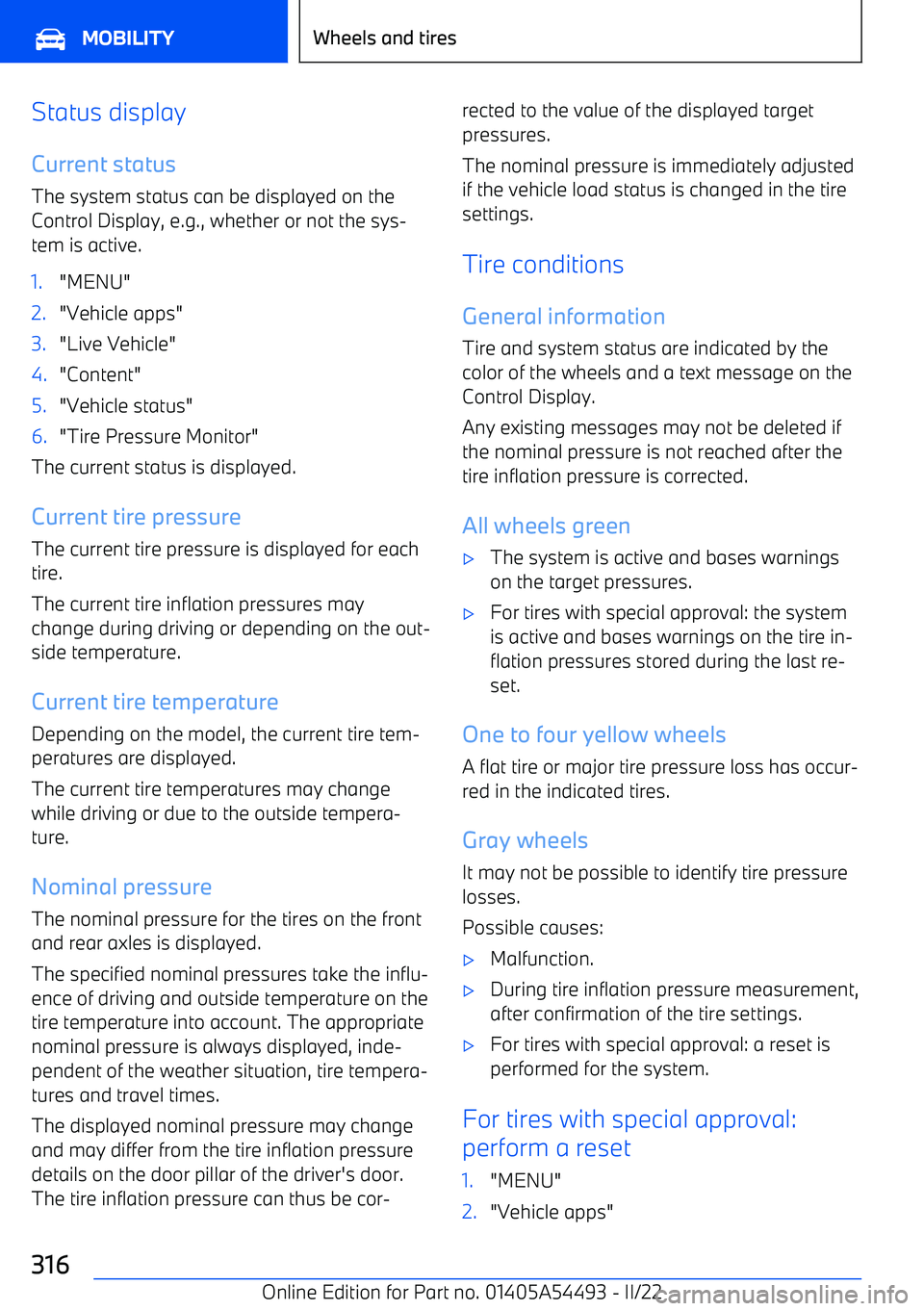
Status display
Current status The system status can be displayed on the
Control Display, e.g., whether or not the sys