light BMW M3 CONVERTIBLE 2003 E46 Owner's Guide
[x] Cancel search | Manufacturer: BMW, Model Year: 2003, Model line: M3 CONVERTIBLE, Model: BMW M3 CONVERTIBLE 2003 E46Pages: 166, PDF Size: 4.29 MB
Page 75 of 166
75
Indicator lamp
The transmission indicator lamp
in the instrument cluster goes
out after the engine is started.
>If it does not go out, or if it lights up
during driving, a fault has occurred.
The available functions may be lim-
ited under certain circumstances.
Drive carefully and with the Dynamic
Stability Control (DSC) activated.
Have the system checked by the
nearest BMW center
>If the indicator lamp flashes while
driving, the system is overloaded.
Avoid high loads until the indicator
lamp goes out again permanently.
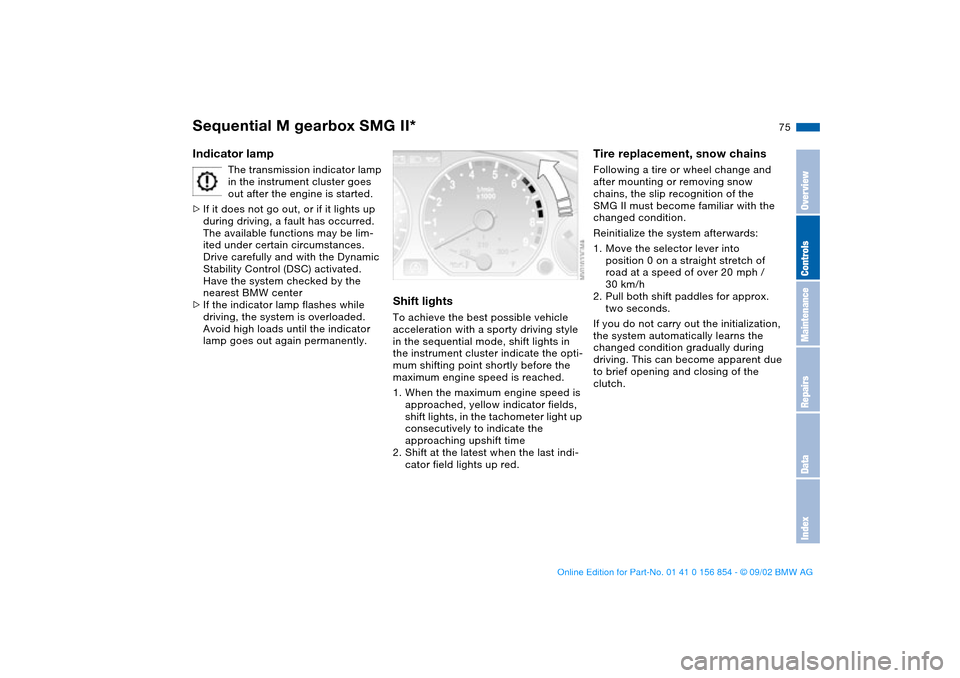
Shift lightsTo achieve the best possible vehicle
acceleration with a sporty driving style
in the sequential mode, shift lights in
the instrument cluster indicate the opti-
mum shifting point shortly before the
maximum engine speed is reached.
1. When the maximum engine speed is
approached, yellow indicator fields,
shift lights, in the tachometer light up
consecutively to indicate the
approaching upshift time
2. Shift at the latest when the last indi-
cator field lights up red.
Tire replacement, snow chainsFollowing a tire or wheel change and
after mounting or removing snow
chains, the slip recognition of the
SMG II must become familiar with the
changed condition.
Reinitialize the system afterwards:
1. Move the selector lever into
position 0 on a straight stretch of
road at a speed of over 20 mph /
30 km/h
2. Pull both shift paddles for approx.
two seconds.
If you do not carry out the initialization,
the system automatically learns the
changed condition gradually during
driving. This can become apparent due
to brief opening and closing of the
clutch.
Sequential M gearbox SMG II*
OverviewControlsMaintenanceRepairsDataIndex
handbook.book Page 75 Tuesday, July 30, 2002 9:28 AM
Page 78 of 166
78
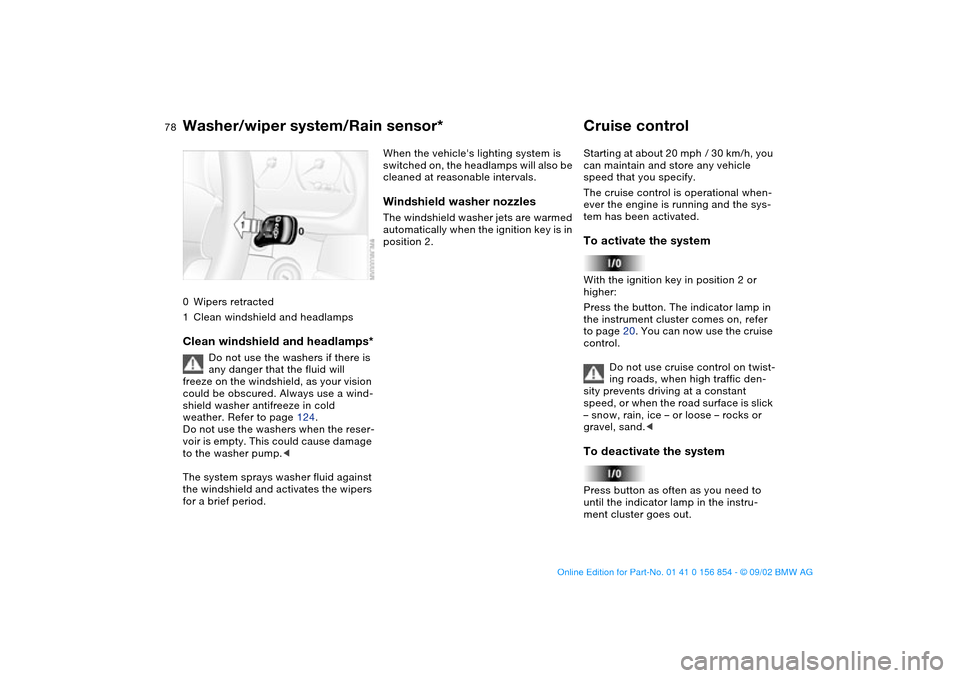
0Wipers retracted
1Clean windshield and headlampsClean windshield and headlamps*
Do not use the washers if there is
any danger that the fluid will
freeze on the windshield, as your vision
could be obscured. Always use a wind-
shield washer antifreeze in cold
weather. Refer to page 124.
Do not use the washers when the reser-
voir is empty. This could cause damage
to the washer pump.<
The system sprays washer fluid against
the windshield and activates the wipers
for a brief period.
When the vehicle's lighting system is
switched on, the headlamps will also be
cleaned at reasonable intervals.Windshield washer nozzlesThe windshield washer jets are warmed
automatically when the ignition key is in
position 2.
Cruise controlStarting at about 20 mph / 30 km/h, you
can maintain and store any vehicle
speed that you specify.
The cruise control is operational when-
ever the engine is running and the sys-
tem has been activated.To activate the systemWith the ignition key in position 2 or
higher:
Press the button. The indicator lamp in
the instrument cluster comes on, refer
to page 20. You can now use the cruise
control.
Do not use cruise control on twist-
ing roads, when high traffic den-
sity prevents driving at a constant
speed, or when the road surface is slick
– snow, rain, ice – or loose – rocks or
gravel, sand.
ment cluster goes out.
Washer/wiper system/Rain sensor*
handbook.book Page 78 Tuesday, July 30, 2002 9:28 AM
Page 81 of 166
81
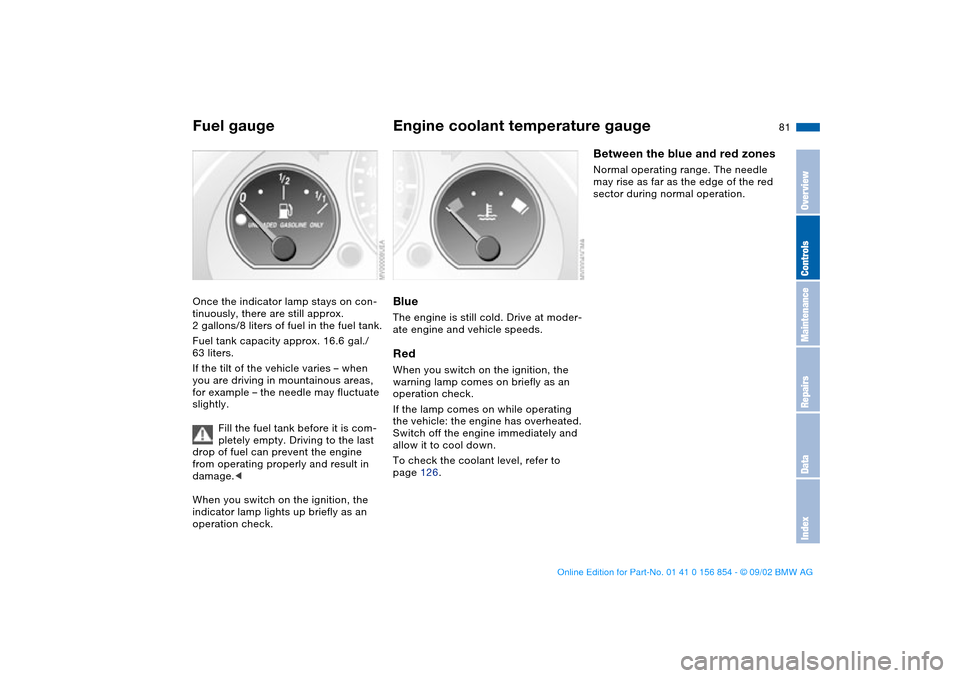
Fuel gaugeOnce the indicator lamp stays on con-
tinuously, there are still approx.
2 gallons/8 liters of fuel in the fuel tank.
Fuel tank capacity approx. 16.6 gal./
63 liters.
If the tilt of the vehicle varies – when
you are driving in mountainous areas,
for example – the needle may fluctuate
slightly.
Fill the fuel tank before it is com-
pletely empty. Driving to the last
drop of fuel can prevent the engine
from operating properly and result in
damage.<
When you switch on the ignition, the
indicator lamp lights up briefly as an
operation check.
Engine coolant temperature gaugeBlueThe engine is still cold. Drive at moder-
ate engine and vehicle speeds.RedWhen you switch on the ignition, the
warning lamp comes on briefly as an
operation check.
If the lamp comes on while operating
the vehicle: the engine has overheated.
Switch off the engine immediately and
allow it to cool down.
To check the coolant level, refer to
page 126.
Between the blue and red zonesNormal operating range. The needle
may rise as far as the edge of the red
sector during normal operation.
OverviewControlsMaintenanceRepairsDataIndex
handbook.book Page 81 Tuesday, July 30, 2002 9:28 AM
Page 86 of 166
86Technology for safety and driving convenience
Park Distance Control (PDC)*The conceptPDC assists you when you back into a
parking space. Acoustic signals alert
you to the momentary distance to an
object behind your vehicle. To do this,
four ultrasonic sensors in the rear
bumper measure the distance to the
nearest object. The range for the sen-
sors located at both rear corners ends
approx. 2 ft/60 cm behind the bumpers.
The range for the two middle sensors is
slightly less than 5 ft/1.50 m.
PDC is a parking aid that can
identify objects if they are
approached slowly, as is generally the
case when parking. Avoid driving
towards objects rapidly; due to underly-
ing physical principles, the system may
otherwise alert you too late for you to
take evasive steps.<
The system is activated automatically
about one second after you engage
reverse with the ignition key in
position 2.
Let this short period elapse before
driving backwards.<
PDC is deactivated when you shift back
out of Reverse.
You can have a signal set to con-
firm that the PDC has been acti-
vated.<
Acoustic signalsThe distance to the nearest object is
indicated by a tone sounding at various
intervals. As the distance between vehi-
cle and object decreases, the intervals
between the tones become shorter. A
continuous tone indicates the pres-
ence of an object less than 1 ft/30 cm
away.
The warning signal is canceled after
approx. three seconds if the distance to
the object remains constant during this
time – if you are moving parallel to
a wall, for instance.
System malfunctions will be indicated
by a continuous high-pitched tone
when the system is activated the first
time. Please have your BMW center
resolve the problem.
PDC does not remove the driver's
personal responsibility for evaluat-
ing the distance between the vehicle
and any objects. Even when sensors
are involved, there is a blind spot in
which objects cannot be detected. This
applies especially in those cases where
the system approaches the physical
limits of ultrasonic measurement, as
occurs with tow bars and trailer cou-
plings, and in the vicinity of thin or
wedge-shaped objects. Moreover, low
objects that have already been
detected – such as a curb edge – can
disappear out of the detection range of
the sensors before a continuous tone
sounds.
Loud sources of sound from outside or
inside the vehicle could drown out the
PDC signal tone.<
Keep the sensors clean and free
of ice or snow in order to ensure
that they will continue to operate effec-
tively.
Do not apply high pressure spray to the
sensors for a prolonged period of time.
Always maintain a distance of more
than 4 in/10 cm.<
handbook.book Page 86 Tuesday, July 30, 2002 9:28 AM
Page 89 of 166
89
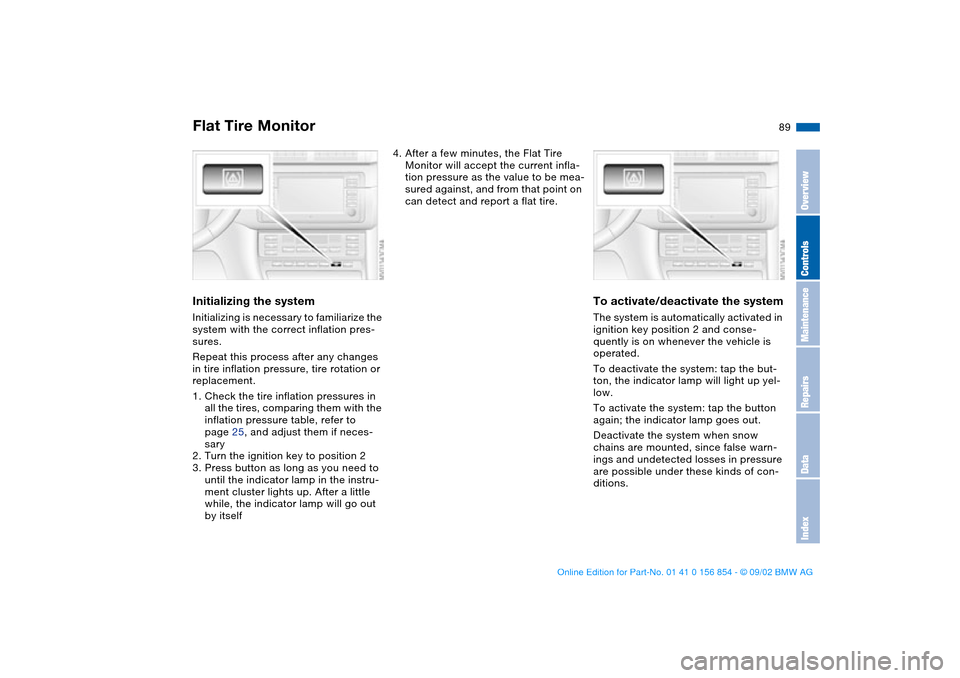
Initializing the systemInitializing is necessary to familiarize the
system with the correct inflation pres-
sures.
Repeat this process after any changes
in tire inflation pressure, tire rotation or
replacement.
1. Check the tire inflation pressures in
all the tires, comparing them with the
inflation pressure table, refer to
page 25, and adjust them if neces-
sary
2. Turn the ignition key to position 2
3. Press button as long as you need to
until the indicator lamp in the instru-
ment cluster lights up. After a little
while, the indicator lamp will go out
by itself
4. After a few minutes, the Flat Tire
Monitor will accept the current infla-
tion pressure as the value to be mea-
sured against, and from that point on
can detect and report a flat tire.
To activate/deactivate the systemThe system is automatically activated in
ignition key position 2 and conse-
quently is on whenever the vehicle is
operated.
To deactivate the system: tap the but-
ton, the indicator lamp will light up yel-
low.
To activate the system: tap the button
again; the indicator lamp goes out.
Deactivate the system when snow
chains are mounted, since false warn-
ings and undetected losses in pressure
are possible under these kinds of con-
ditions.
Flat Tire Monitor
OverviewControlsMaintenanceRepairsDataIndex
handbook.book Page 89 Tuesday, July 30, 2002 9:28 AM
Page 90 of 166
90
Flat tire
The red warning lamp in the
instrument cluster lights up to
warn of pressure loss and tire
failure. In addition, an acoustic signal is
sounded. To come to an immediate
stop, reduce speed, while avoiding any
sudden, jerky braking or steering
maneuvers.
Fix the flat tire using the M Mobility sys-
tem, refer to page 139.
To reset the indicator lamp: the red
indicator lamp has to be switched off
manually after putting on a new wheel.
At this point, hold the Flat Tire Monitor
button down until the indicator lamp
goes out. Reinitialize the system after-
ward.
The Flat Tire Monitor cannot pro-
vide you with advance warning of
sudden and severe tire damage caused
by external factors.
Another factor which the Flat Tire Moni-
tor does not recognize is the balanced
and very gradual pressure loss that
takes place in all tires over an extended
period of time.<
Check tire inflation pressures on a
regular basis, correcting them as
necessary, refer to page 25.
Under certain circumstances, there
may be false warnings or a delayed
detection of losses in pressure when
driving on snow-covered or slippery
road surfaces.
Performance-oriented driving – slip at
the drive wheels and high levels of lat-
eral acceleration – can also delay the
appearance of status reports in the Flat
Tire Monitor's display panel.<
System malfunctionsAs long as there is still a malfunction,
the indicator lamp in the instrument
cluster will stay lit up yellow.
Please contact your BMW center for
additional information.
Flat Tire Monitor
handbook.book Page 90 Tuesday, July 30, 2002 9:28 AM
Page 92 of 166
92Lamps
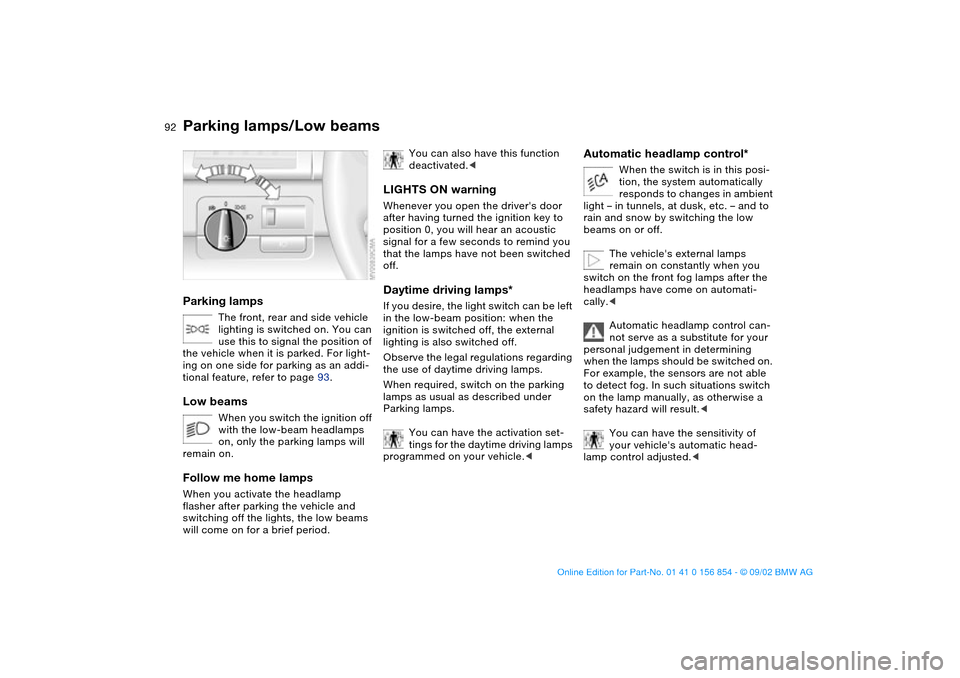
Parking lamps/Low beamsParking lamps
The front, rear and side vehicle
lighting is switched on. You can
use this to signal the position of
the vehicle when it is parked. For light-
ing on one side for parking as an addi-
tional feature, refer to page 93.
Low beams
When you switch the ignition off
with the low-beam headlamps
on, only the parking lamps will
remain on.
Follow me home lampsWhen you activate the headlamp
flasher after parking the vehicle and
switching off the lights, the low beams
will come on for a brief period.
You can also have this function
deactivated.<
LIGHTS ON warningWhenever you open the driver's door
after having turned the ignition key to
position 0, you will hear an acoustic
signal for a few seconds to remind you
that the lamps have not been switched
off.Daytime driving lamps*If you desire, the light switch can be left
in the low-beam position: when the
ignition is switched off, the external
lighting is also switched off.
Observe the legal regulations regarding
the use of daytime driving lamps.
When required, switch on the parking
lamps as usual as described under
Parking lamps.
You can have the activation set-
tings for the daytime driving lamps
programmed on your vehicle.<
Automatic headlamp control*
When the switch is in this posi-
tion, the system automatically
responds to changes in ambient
light – in tunnels, at dusk, etc. – and to
rain and snow by switching the low
beams on or off.
The vehicle's external lamps
remain on constantly when you
switch on the front fog lamps after the
headlamps have come on automati-
cally.<
Automatic headlamp control can-
not serve as a substitute for your
personal judgement in determining
when the lamps should be switched on.
For example, the sensors are not able
to detect fog. In such situations switch
on the lamp manually, as otherwise a
safety hazard will result.<
You can have the sensitivity of
your vehicle's automatic head-
lamp control adjusted.<
handbook.book Page 92 Tuesday, July 30, 2002 9:28 AM
Page 93 of 166
93
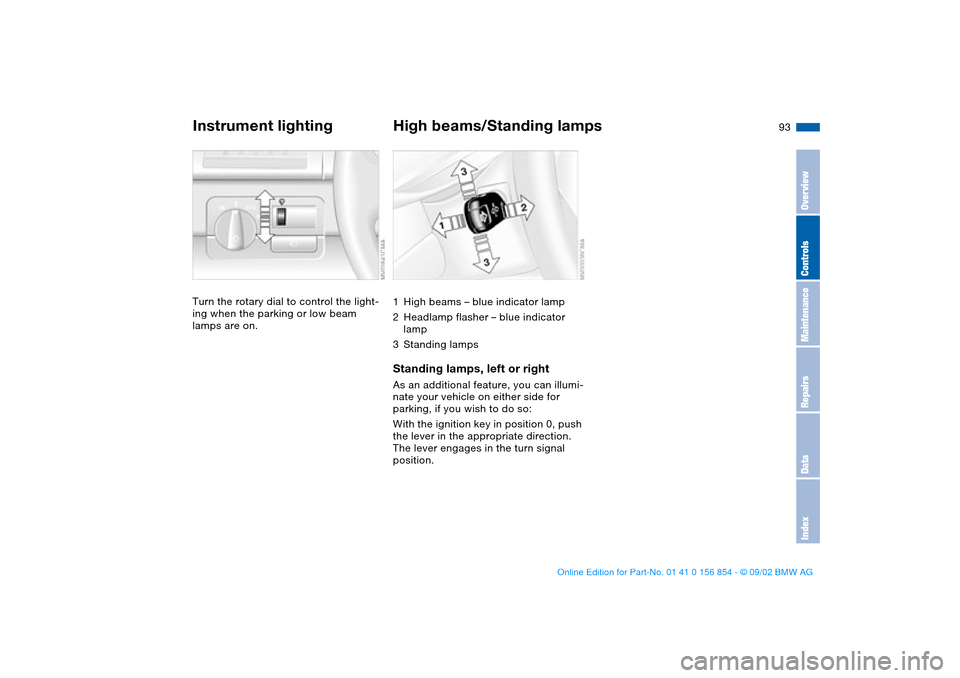
Instrument lightingTurn the rotary dial to control the light-
ing when the parking or low beam
lamps are on.
High beams/Standing lamps1High beams – blue indicator lamp
2Headlamp flasher – blue indicator
lamp
3Standing lampsStanding lamps, left or rightAs an additional feature, you can illumi-
nate your vehicle on either side for
parking, if you wish to do so:
With the ignition key in position 0, push
the lever in the appropriate direction.
The lever engages in the turn signal
position.
OverviewControlsMaintenanceRepairsDataIndex
handbook.book Page 93 Tuesday, July 30, 2002 9:28 AM
Page 94 of 166
94
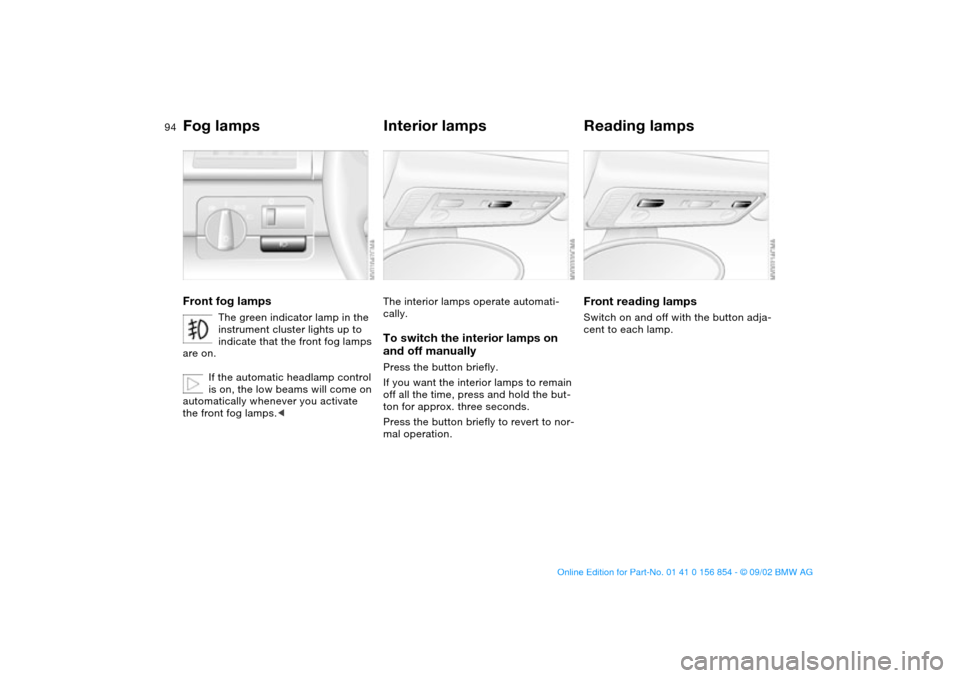
Fog lampsFront fog lamps
The green indicator lamp in the
instrument cluster lights up to
indicate that the front fog lamps
are on.
If the automatic headlamp control
is on, the low beams will come on
automatically whenever you activate
the front fog lamps.<
Interior lampsThe interior lamps operate automati-
cally.To switch the interior lamps on
and off manuallyPress the button briefly.
If you want the interior lamps to remain
off all the time, press and hold the but-
ton for approx. three seconds.
Press the button briefly to revert to nor-
mal operation.
Reading lampsFront reading lampsSwitch on and off with the button adja-
cent to each lamp.
handbook.book Page 94 Tuesday, July 30, 2002 9:28 AM
Page 101 of 166
101 Interior conveniences
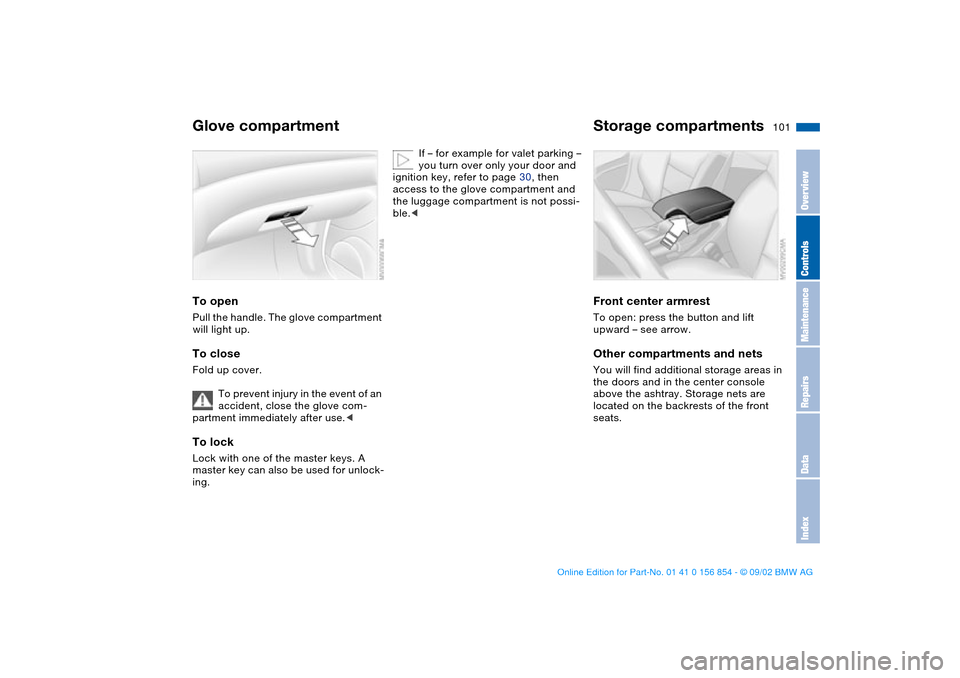
Glove compartmentTo openPull the handle. The glove compartment
will light up.To closeFold up cover.
To prevent injury in the event of an
accident, close the glove com-
partment immediately after use.
ing.
If – for example for valet parking –
you turn over only your door and
ignition key, refer to page 30, then
access to the glove compartment and
the luggage compartment is not possi-
ble.<
Storage compartmentsFront center armrestTo open: press the button and lift
upward – see arrow.Other compartments and netsYou will find additional storage areas in
the doors and in the center console
above the ashtray. Storage nets are
located on the backrests of the front
seats.
OverviewControlsMaintenanceRepairsDataIndex
handbook.book Page 101 Tuesday, July 30, 2002 9:28 AM