light BMW M3 COUPE 2002 E46 Owner's Guide
[x] Cancel search | Manufacturer: BMW, Model Year: 2002, Model line: M3 COUPE, Model: BMW M3 COUPE 2002 E46Pages: 151, PDF Size: 2.14 MB
Page 77 of 151
77n
OverviewControlsMaintenanceRepairsDataIndex
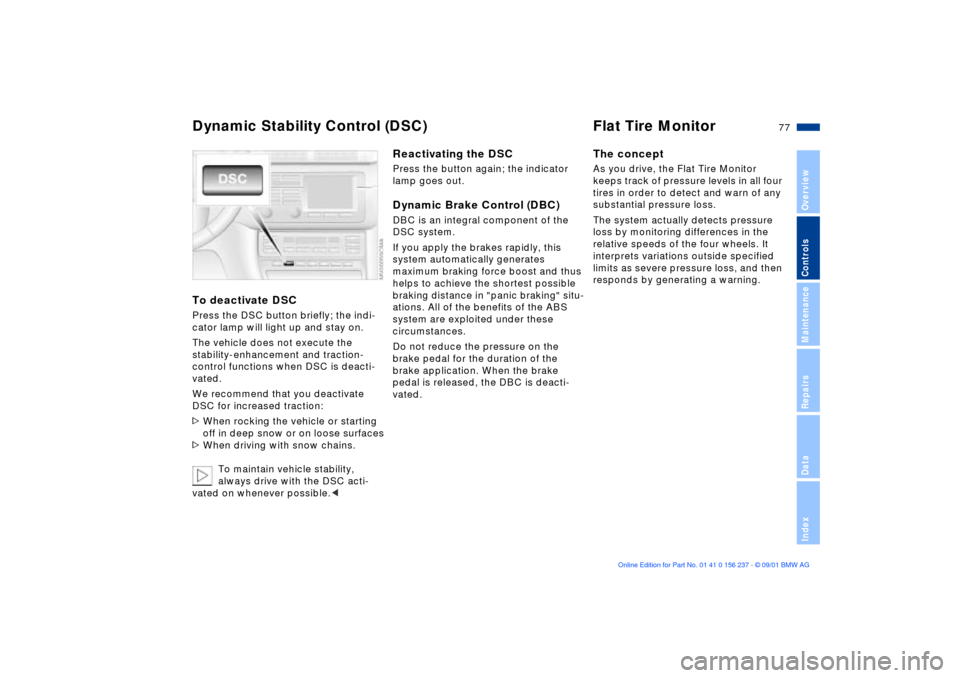
Dynamic Stability Control (DSC) Flat Tire MonitorTo deactivate DSCPress the DSC button briefly; the indi-
cator lamp will light up and stay on.
The vehicle does not execute the
stability-enhancement and traction-
control functions when DSC is deacti-
vated.
We recommend that you deactivate
DSC for increased traction:
>When rocking the vehicle or starting
off in deep snow or on loose surfaces
>When driving with snow chains.
To maintain vehicle stability,
always drive with the DSC acti-
vated on whenever possible.<
Reactivating the DSCPress the button again; the indicator
lamp goes out.Dynamic Brake Control (DBC)DBC is an integral component of the
DSC system.
If you apply the brakes rapidly, this
system automatically generates
maximum braking force boost and thus
helps to achieve the shortest possible
braking distance in "panic braking" situ-
ations. All of the benefits of the ABS
system are exploited under these
circumstances.
Do not reduce the pressure on the
brake pedal for the duration of the
brake application. When the brake
pedal is released, the DBC is deacti-
vated.
The conceptAs you drive, the Flat Tire Monitor
keeps track of pressure levels in all four
tires in order to detect and warn of any
substantial pressure loss.
The system actually detects pressure
loss by monitoring differences in the
relative speeds of the four wheels. It
interprets variations outside specified
limits as severe pressure loss, and then
responds by generating a warning.
Page 78 of 151
78n
Flat Tire MonitorInitializing the systemInitializing is necessary to familiarize the
system with the correct tire inflation
pressure.
Repeat this process after any changes
in tire inflation pressure, tire replace-
ment or rotation.
1. Check the tire inflation pressure in all
the tires, comparing them with the
inflation pressure table (page 25),
and adjusting their pressure if neces-
sary
2. Turn the ignition key to position 2
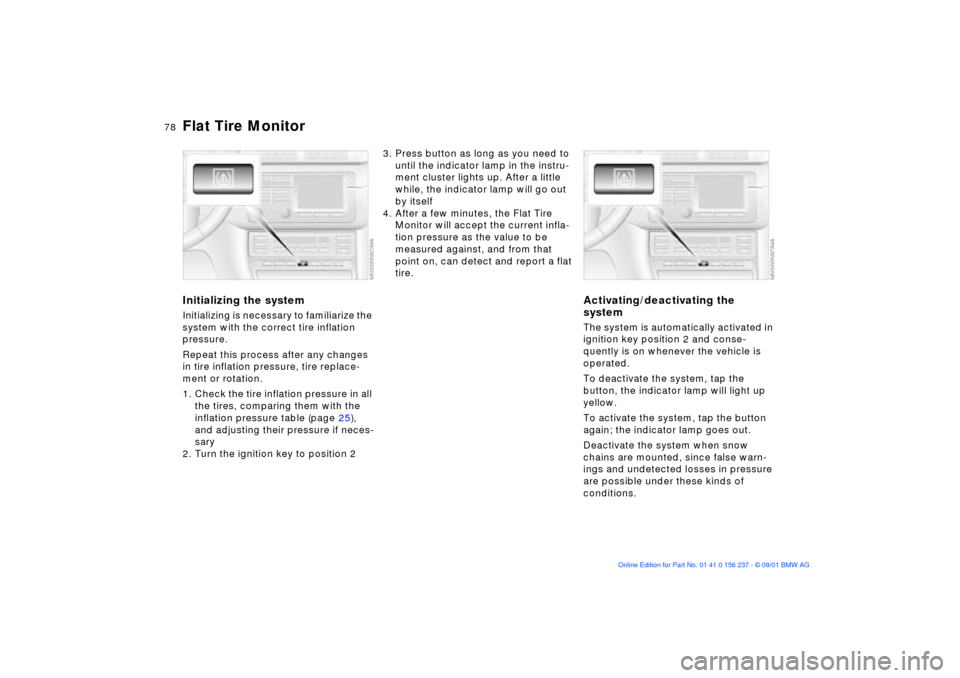
3. Press button as long as you need to
until the indicator lamp in the instru-
ment cluster lights up. After a little
while, the indicator lamp will go out
by itself
4. After a few minutes, the Flat Tire
Monitor will accept the current infla-
tion pressure as the value to be
measured against, and from that
point on, can detect and report a flat
tire.
Activating/deactivating the
systemThe system is automatically activated in
ignition key position 2 and conse-
quently is on whenever the vehicle is
operated.
To deactivate the system, tap the
button, the indicator lamp will light up
yellow.
To activate the system, tap the button
again; the indicator lamp goes out.
Deactivate the system when snow
chains are mounted, since false warn-
ings and undetected losses in pressure
are possible under these kinds of
conditions.
Page 79 of 151
79n
OverviewControlsMaintenanceRepairsDataIndex
Flat Tire Monitor
M Engine dynamics control
In the event of a flat tire
The indicator lamp in the instru-
ment cluster will light up red in
the event of a flat tire with
ensuing loss in pressure. In addition, an
acoustic signal is sounded. To come to
an immediate stop, reduce speed, while
avoiding any sudden, jerky braking or
steering maneuvers.
Fix the flat tire using the M Mobility
system, refer to page 126.
Reset the indicator lamp: the red indi-
cator lamp has to be switched off
manually after putting on a new wheel.
At this point, hold the Flat Tire Monitor
button down until the indicator lamp
goes out. Reinitialize the system after-
ward.
The Flat Tire Monitor cannot alert
you to severe and sudden tire
damage caused by external factors.
Another factor which the Flat Tire
Monitor does not recognize is the
balanced and very gradual pressure
loss that takes place in all tires over an
extended period of time.<
Check the tire inflation pressure
on a regular basis and correct if
necessary, refer to page 24.
Under certain circumstances, there
may be false warnings or a delayed
detection of losses in pressure when
driving on snow-covered or slippery
road surfaces.
Performance-oriented driving (slip at
the drive wheels, high levels of lateral
acceleration) can also delay the
appearance of status reports in the Flat
Tire Monitor's display.<
System malfunctionAs long as there is still a malfunction,
the indicator lamp in the instrument
cluster will stay lit up yellow.
Please contact your BMW center for
additional information.
The system (sport-mode identification)
will cause the engine to respond spon-
taneously to the motion of the acceler-
ator pedal. Activating/deactivating
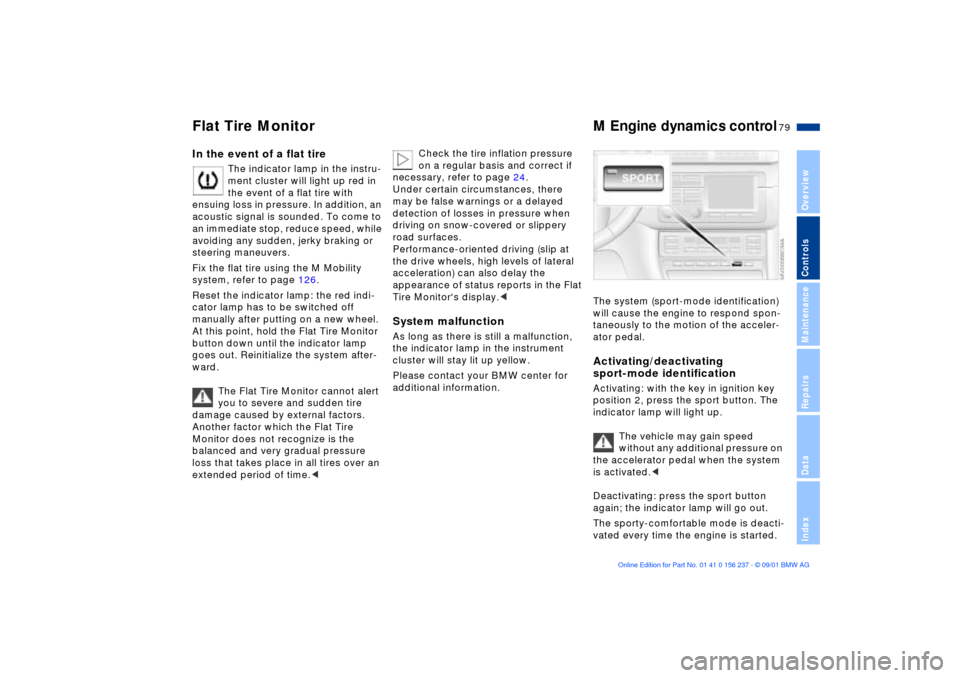
sport-mode identificationActivating: with the key in ignition key
position 2, press the sport button. The
indicator lamp will light up.
The vehicle may gain speed
without any additional pressure on
the accelerator pedal when the system
is activated.<
Deactivating: press the sport button
again; the indicator lamp will go out.
The sporty-comfortable mode is deacti-
vated every time the engine is started.
Page 80 of 151
80n
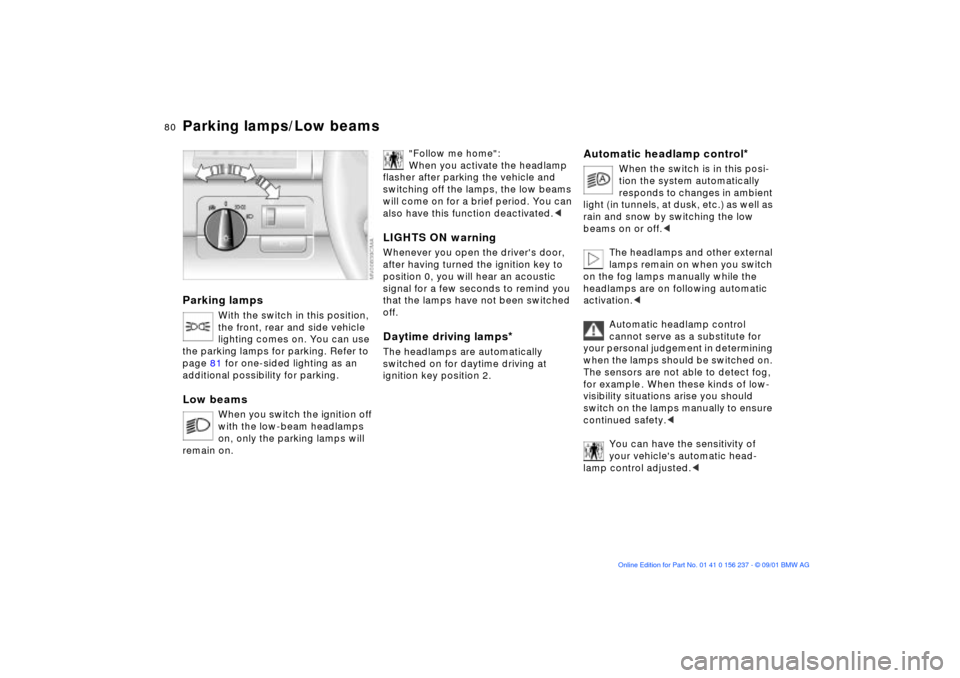
Parking lamps
With the switch in this position,
the front, rear and side vehicle
lighting comes on. You can use
the parking lamps for parking. Refer to
page 81 for one-sided lighting as an
additional possibility for parking.
Low beams
When you switch the ignition off
with the low-beam headlamps
on, only the parking lamps will
remain on.
"Follow me home":
When you activate the headlamp
flasher after parking the vehicle and
switching off the lamps, the low beams
will come on for a brief period. You can
also have this function deactivated.<
LIGHTS ON warningWhenever you open the driver's door,
after having turned the ignition key to
position 0, you will hear an acoustic
signal for a few seconds to remind you
that the lamps have not been switched
off.Daytime driving lamps
*
The headlamps are automatically
switched on for daytime driving at
ignition key position 2.
Automatic headlamp control
*
When the switch is in this posi-
tion the system automatically
responds to changes in ambient
light ( in tunnels, at dusk, etc.) as well as
rain and snow by switching the low
beams on or off.<
The headlamps and other external
lamps remain on when you switch
on the fog lamps manually while the
headlamps are on following automatic
activation.<
Automatic headlamp control
cannot serve as a substitute for
your personal judgement in determining
when the lamps should be switched on.
The sensors are not able to detect fog,
for example . When these kinds of low-
visibility situations arise you should
switch on the lamps manually to ensure
continued safety.<
You can have the sensitivity of
your vehicle's automatic head-
lamp control adjusted.<
Parking lamps/Low beams
Page 81 of 151
81n
OverviewControlsMaintenanceRepairsDataIndex
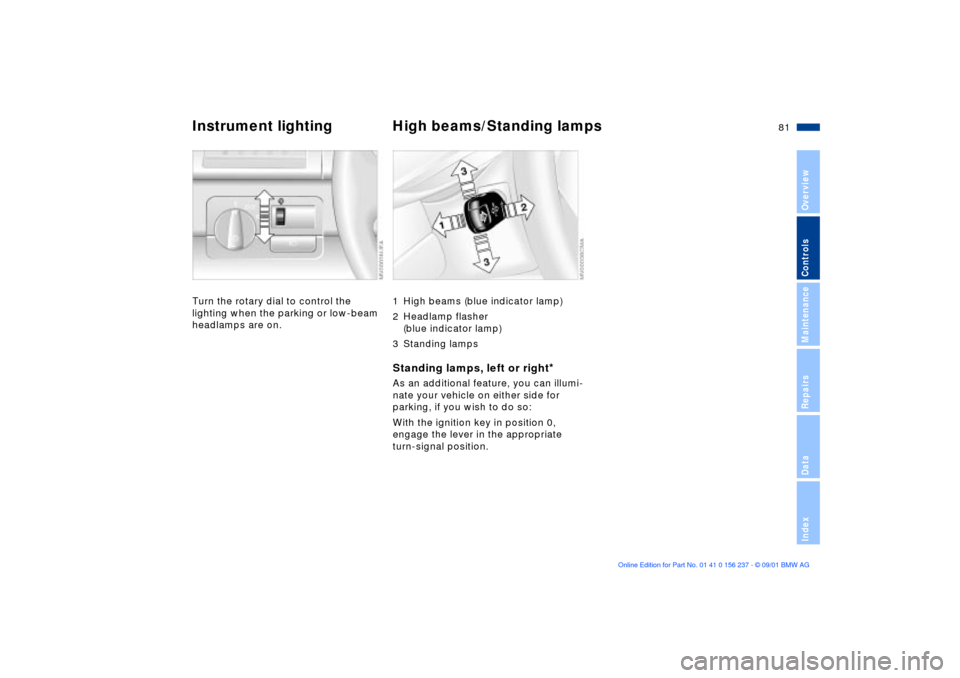
Instrument lighting High beams/Standing lamps Turn the rotary dial to control the
lighting when the parking or low-beam
headlamps are on.
1 High beams (blue indicator lamp)
2 Headlamp flasher
(blue indicator lamp)
3 Standing lampsStanding lamps, left or right
*
As an additional feature, you can illumi-
nate your vehicle on either side for
parking, if you wish to do so:
With the ignition key in position 0,
engage the lever in the appropriate
turn-signal position.
Page 82 of 151
82n
Fog lamps
Interior lamps Reading lamps
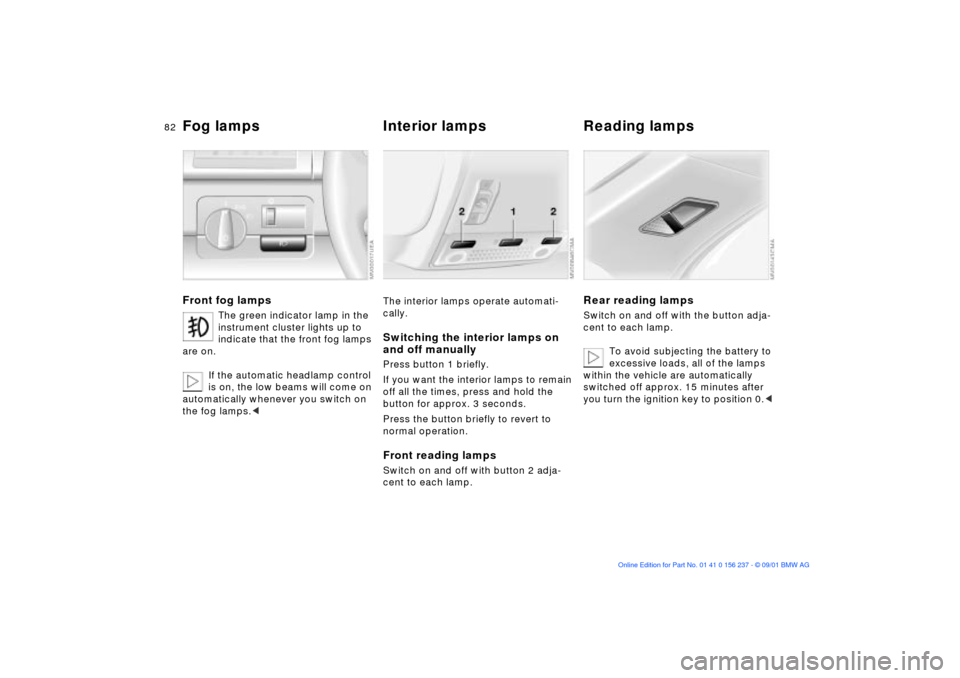
Front fog lamps
The green indicator lamp in the
instrument cluster lights up to
indicate that the front fog lamps
are on.
If the automatic headlamp control
is on, the low beams will come on
automatically whenever you switch on
the fog lamps.<
The interior lamps operate automati-
cally.Switching the interior lamps on
and off manuallyPress button 1 briefly.
If you want the interior lamps to remain
off all the times, press and hold the
button for approx. 3 seconds.
Press the button briefly to revert to
normal operation.Front reading lampsSwitch on and off with button 2 adja-
cent to each lamp.
Rear reading lampsSwitch on and off with the button adja-
cent to each lamp.
To avoid subjecting the battery to
excessive loads, all of the lamps
within the vehicle are automatically
switched off approx. 15 minutes after
you turn the ignition key to position 0.<
Page 90 of 151
90n
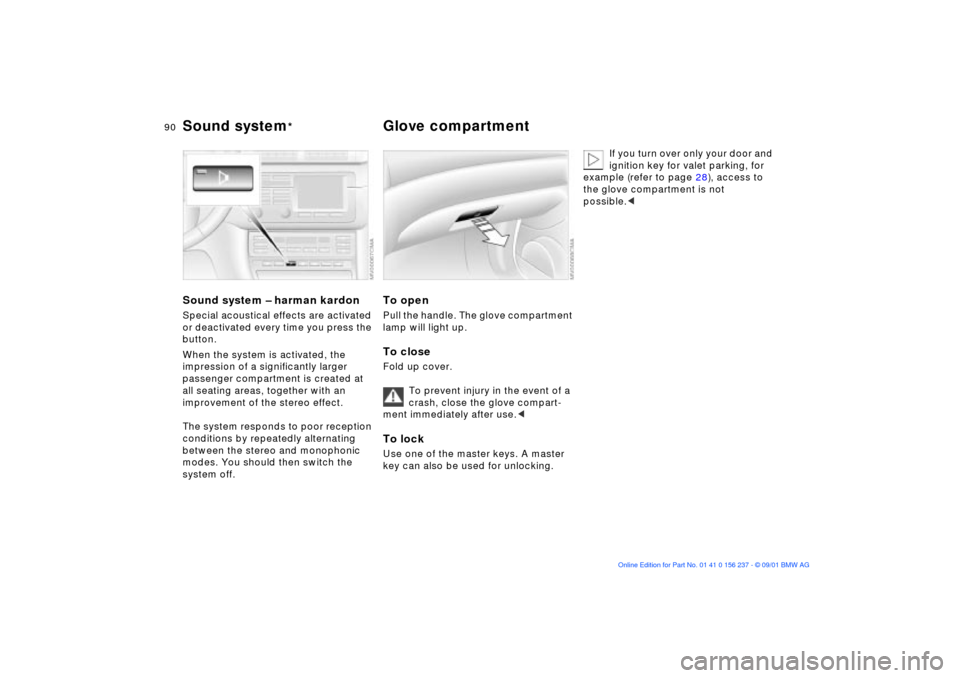
Sound system Ð harman kardonSpecial acoustical effects are activated
or deactivated every time you press the
button.
When the system is activated, the
impression of a significantly larger
passenger compartment is created at
all seating areas, together with an
improvement of the stereo effect.
The system responds to poor reception
conditions by repeatedly alternating
between the stereo and monophonic
modes. You should then switch the
system off.
To openPull the handle. The glove compartment
lamp will light up.To closeFold up cover.
To prevent injury in the event of a
crash, close the glove compart-
ment immediately after use.< To lockUse one of the master keys. A master
key can also be used for unlocking.
If you turn over only your door and
ignition key for valet parking, for
example (refer to page 28), access to
the glove compartment is not
possible.<
Sound system
* Glove compartment
Page 93 of 151
93n
OverviewControlsMaintenanceRepairsDataIndex
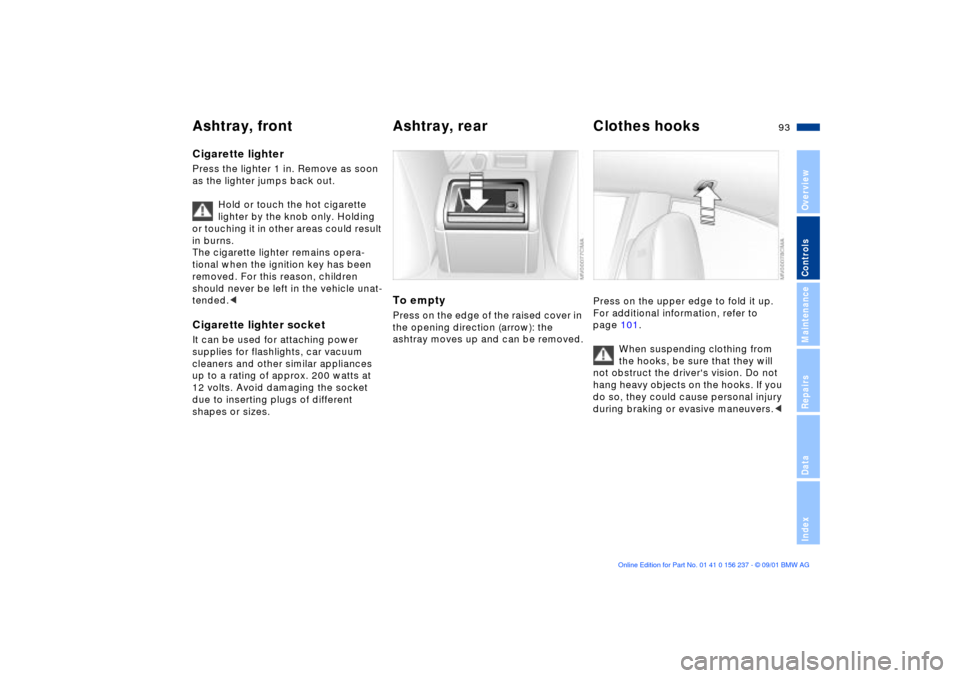
Ashtray, front Ashtray, rear Clothes hooks Cigarette lighterPress the lighter 1 in. Remove as soon
as the lighter jumps back out.
Hold or touch the hot cigarette
lighter by the knob only. Holding
or touching it in other areas could result
in burns.
The cigarette lighter remains opera-
tional when the ignition key has been
removed. For this reason, children
should never be left in the vehicle unat-
tended.< Cigarette lighter socketIt can be used for attaching power
supplies for flashlights, car vacuum
cleaners and other similar appliances
up to a rating of approx. 200 watts at
12 volts. Avoid damaging the socket
due to inserting plugs of different
shapes or sizes.
To emptyPress on the edge of the raised cover in
the opening direction (arrow): the
ashtray moves up and can be removed.
Press on the upper edge to fold it up.
For additional information, refer to
page 101.
When suspending clothing from
the hooks, be sure that they will
not obstruct the driver's vision. Do not
hang heavy objects on the hooks. If you
do so, they could cause personal injury
during braking or evasive maneuvers.<
Page 94 of 151
94n
Through-loading system
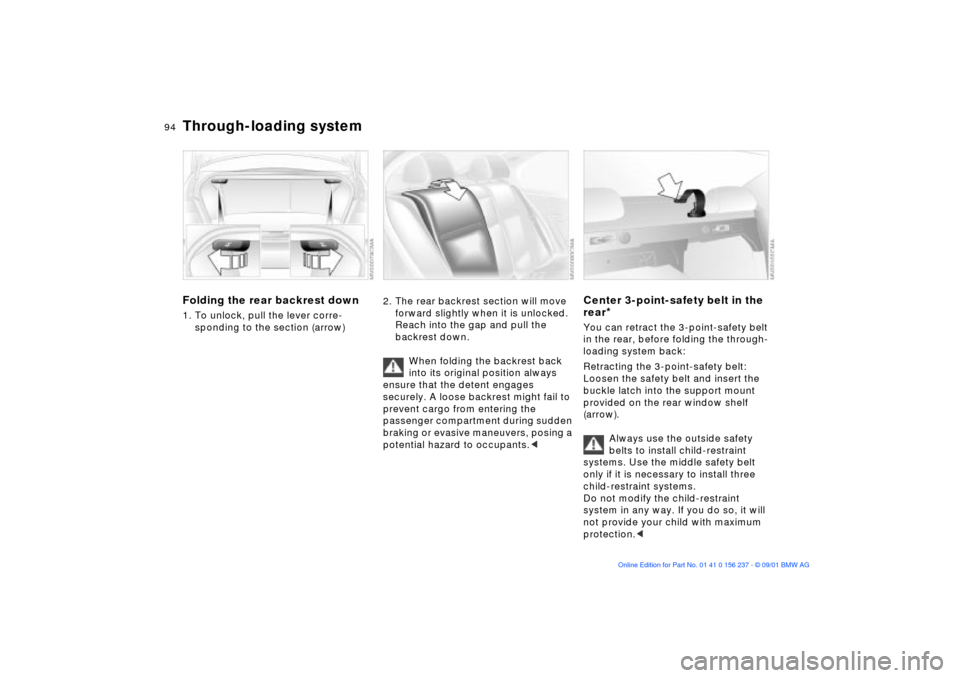
Folding the rear backrest down1. To unlock, pull the lever corre-
sponding to the section (arrow)
2. The rear backrest section will move
forward slightly when it is unlocked.
Reach into the gap and pull the
backrest down.
When folding the backrest back
into its original position always
ensure that the detent engages
securely. A loose backrest might fail to
prevent cargo from entering the
passenger compartment during sudden
braking or evasive maneuvers, posing a
potential hazard to occupants.<
Center 3-point-safety belt in the
rear
*
You can retract the 3-point-safety belt
in the rear, before folding the through-
loading system back:
Retracting the 3-point-safety belt:
Loosen the safety belt and insert the
buckle latch into the support mount
provided on the rear window shelf
(arrow).
Always use the outside safety
belts to install child-restraint
systems. Use the middle safety belt
only if it is necessary to install three
child-restraint systems.
Do not modify the child-restraint
system in any way. If you do so, it will
not provide your child with maximum
protection.<
Page 97 of 151
97n
OverviewControlsMaintenanceRepairsDataIndex
Cargo loading Roof-mounted luggage rack
*
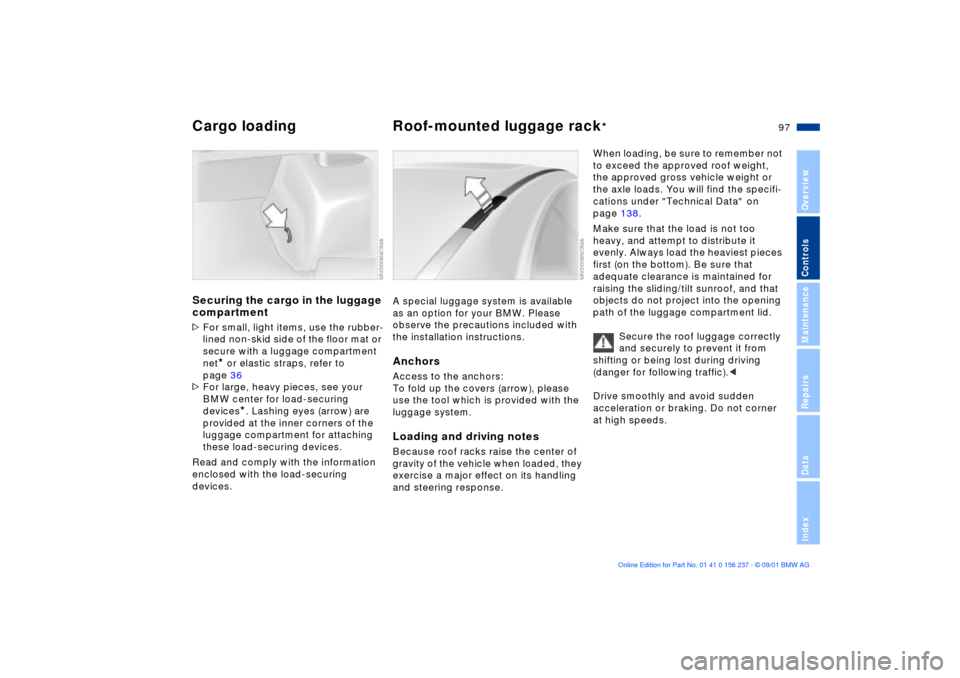
Securing the cargo in the luggage
compartment >For small, light items, use the rubber-
lined non-skid side of the floor mat or
secure with a luggage compartment
net
* or elastic straps, refer to
page 36
>For large, heavy pieces, see your
BMW center for load-securing
devices
*. Lashing eyes (arrow) are
provided at the inner corners of the
luggage compartment for attaching
these load-securing devices.
Read and comply with the information
enclosed with the load-securing
devices.
A special luggage system is available
as an option for your BMW. Please
observe the precautions included with
the installation instructions.AnchorsAccess to the anchors:
To fold up the covers (arrow), please
use the tool which is provided with the
luggage system.Loading and driving notesBecause roof racks raise the center of
gravity of the vehicle when loaded, they
exercise a major effect on its handling
and steering response.
When loading, be sure to remember not
to exceed the approved roof weight,
the approved gross vehicle weight or
the axle loads. You will find the specifi-
cations under "Technical Data" on
page 138.
Make sure that the load is not too
heavy, and attempt to distribute it
evenly. Always load the heaviest pieces
first (on the bottom). Be sure that
adequate clearance is maintained for
raising the sliding/tilt sunroof, and that
objects do not project into the opening
path of the luggage compartment lid.
Secure the roof luggage correctly
and securely to prevent it from
shifting or being lost during driving
(danger for following traffic).<
Drive smoothly and avoid sudden
acceleration or braking. Do not corner
at high speeds.