brake BMW M4 2016 Owner's Manual
[x] Cancel search | Manufacturer: BMW, Model Year: 2016, Model line: M4, Model: BMW M4 2016Pages: 228, PDF Size: 4.88 MB
Page 119 of 228
Manual speed limiterPrinciple With the system, the speed can be restricted
from a value of 30 km/h/20 mph. There are no
restrictions below the set speed limit.
Exceeding the speed limit In particular situations the speed limit can be
deliberately exceeded by accelerating strongly.
The system gives a warning if the travelling
speed exceeds the set speed limit.
No brake intervention
If the set speed limit has been reached or unin‐
tentionally exceeded (for example driving
downhill) there is no brake intervention.
If you set a speed limit during the journey
which is below the current speed, the vehicle
rolls until the driving speed drops below the
speed limit.
Overview
Buttons on the steering wheelPress the but‐
tonFunctionSwitching system on/off,
see page 119Rocker switch:
Change speed limit, see
page 119
Controls
Switching on Press the button on the steering
wheel.
The current speed is assumed as the speed
limit.
When switching on when at a standstill
30 km/h/20 mph is set as the speed limit.
The speedometer marker is set to the corre‐
sponding speed.
When activating the speed limit it is possible
that Dynamic Stability Control, DSC is activa‐
ted.
Switching off Press the button on the steering
wheel.
For example, the system is also deactivated in
the following situations:▷When engaging reverse gear.▷When switching the engine off.▷When switching on Cruise Control.
The indicators turn off.
Change speed limit
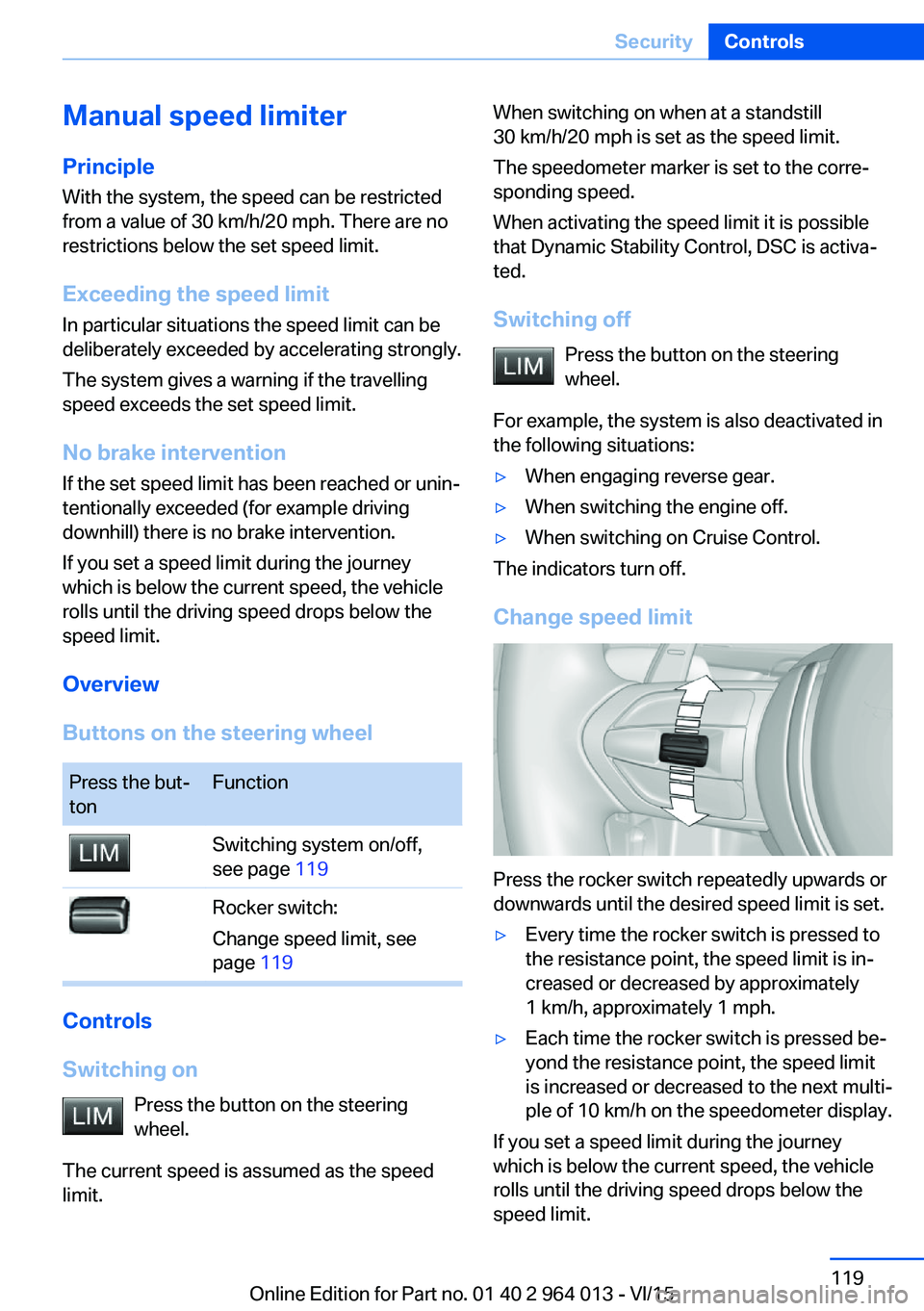
Press the rocker switch repeatedly upwards or
downwards until the desired speed limit is set.
▷Every time the rocker switch is pressed to
the resistance point, the speed limit is in‐
creased or decreased by approximately
1 km/h, approximately 1 mph.▷Each time the rocker switch is pressed be‐
yond the resistance point, the speed limit
is increased or decreased to the next multi‐
ple of 10 km/h on the speedometer display.
If you set a speed limit during the journey
which is below the current speed, the vehicle
rolls until the driving speed drops below the
speed limit.
Seite 119SecurityControls119
Online Edition for Part no. 01 40 2 964 013 - VI/15
Page 120 of 228
Exceeding the speed limitYou may intentionally exceed the speed limit.There is no acoustic warning in such a case.
To intentionally exceed the set speed limit,
completely depress the accelerator pedal.
If the speed drops below the set speed limit, it
is automatically reactivated.
Warning
Visual warning The indicator light in the instrument
cluster flashes if the set speed limit is
exceeded for as long as you exceed the
set speed limit.
Acoustic warning▷If you unintentionally exceed the set speed
limit, you will hear an acoustic warning af‐
ter approximately five seconds.▷If the speed limit is reduced to below the
current speed during the journey, the
warning sounds after approximately
30 seconds.▷If you intentionally exceed the speed limit
by fully depressing the accelerator pedal,
no warning is given.
Displays in the instrument cluster
Marking of the speed limit Display in the speedometer:
▷Marker illuminates green:
the system is active.▷Marker does not illuminate:
the system is inactive.
Indicator light
▷If the indicator light is illuminated:
the system is switched on.▷If the indicator light is flashing: set speed
limit is exceeded.
Brief status display
Set speed limit briefly appears.
Dynamic brake lights Principle
▷Normal braking: brake lights illuminate.▷Severe braking: brake lights flash.
Shortly before the vehicle comes to a stand‐
still, the hazard warning lights are activated.
Deactivating the hazard warning lights:
▷Accelerating.▷Press the hazard warning lights button.
Active Protection
General
The Active Protection safety package consists
of systems independent of each other:
▷Attentiveness assistant.▷PreCrash.▷PostCrash.Seite 120ControlsSecurity120
Online Edition for Part no. 01 40 2 964 013 - VI/15
Page 122 of 228
Function
After fastening the belt, the front belts are au‐
tomatically pretensioned once when driving
away.
When driving in critical situations, the following
individual functions become active as required:▷The front belts are automatically preten‐
sioned.▷The windows are automatically closed.▷The Glass Roof automatically closes.
After a critical driving situation without acci‐
dent, the front belts are released again. All
other systems can be put back into the desired
setting.
If the belt tension does not loosen automati‐
cally, stop the vehicle and open the seat belt
using the red button in the lock section. Fasten
the seat belt again before continuing your jour‐
ney.
PostCrash The system can automatically bring the vehicle
to a standstill in certain accident situations
without the involvement of the driver. The risk
of a further collision and its consequences can
thereby be reduced.
By depressing the brake pedal, the vehicle can
be decelerated much faster. The automatic
braking is interrupted as a result. By pressing
the accelerator pedal, automatic braking is also
interrupted.
After reaching a standstill, the brake is auto‐
matically triggered. Then secure the vehicle
against rolling away.
Seite 122ControlsSecurity122
Online Edition for Part no. 01 40 2 964 013 - VI/15
Page 123 of 228
Driving stability control systemsVehicle equipmentThis chapter describes all standard, national
and special equipment provided in the model
series. Equipment not available in the vehicle is
therefore also described, for example the se‐
lected special equipment or national version.
This also applies to safety-relevant functions
and systems. Comply with the relevant na‐
tional regulations when using the correspond‐
ing functions and systems.
Anti-lock Brake System,
ABS
ABS prevents the wheels from locking when
the brakes are applied.
Steering control is retained even in the event
of full braking, enhancing active road safety.
ABS is ready to operate each time the engine
is started.
Brake assist When brake is pressed quickly, this system au‐
tomatically applies maximum braking power
assistance. With full braking, this keeps the
braking distance as short as possible. It also
makes full use of the advantages offered by
ABS.
Maintain pressure on the brake during the en‐
tire brake application.
M Drive
Principle Individual settings can be made in two preset
configurations for the vehicle.When starting the engine, as standard an effi‐
cient vehicle state is active. M Drive is deacti‐
vated.
Overview
Configurations
The configurations are set as follows:▷"M Drive 1": relaxed, comfortable driving.▷"M Drive 2": sportive, dynamic driving.
Setting options
SymbolMeaning Dynamic Stability Control DSC, see
page 124, and M Dynamic Mode
MDM. Programs of the M Engine Dynam‐
ics Control, see page 78. Program of the Adaptive M chassis,
see page 126. Programs of the Servotronic, see
page 127. Drivelogic, see page 76: switching
modes and Drivelogic drive pro‐
grams. Views of the Head-Up Displays, see
page 94.
Configuring M Drive
The preset configurations can be individually
set.
On the Control Display:
1."Settings"2."M Drive 1" or "M Drive 2"Seite 123Driving stability control systemsControls123
Online Edition for Part no. 01 40 2 964 013 - VI/15
Page 124 of 228
3.Selected desired adjustment option.4.Select the desired channel.
The individual settings are stored for the cur‐
rently used profile.
With M Drive activated a change is made im‐
mediately on the Control Display setting.
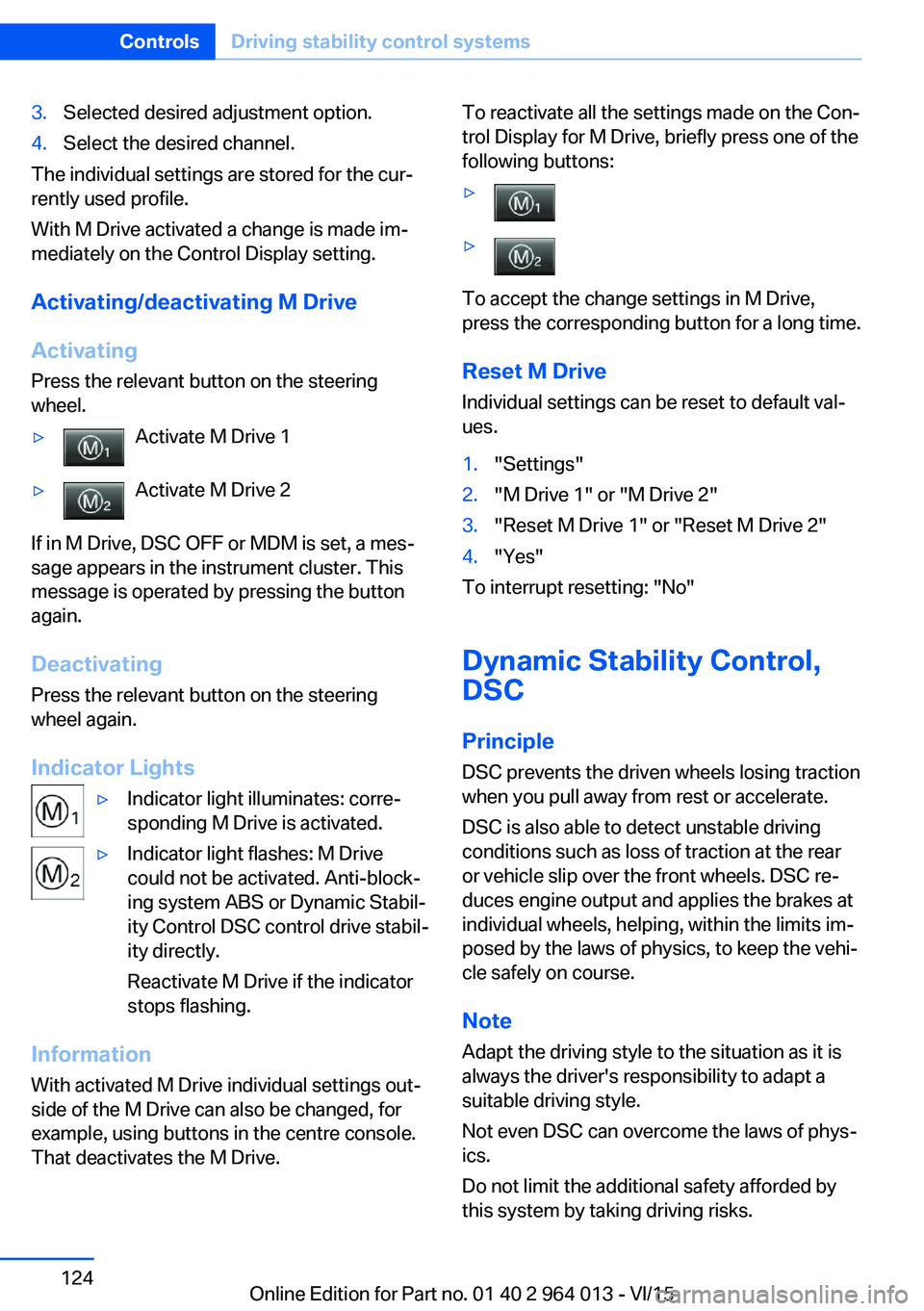
Activating/deactivating M Drive
Activating Press the relevant button on the steering
wheel.
▷Activate M Drive 1▷Activate M Drive 2
If in M Drive, DSC OFF or MDM is set, a mes‐
sage appears in the instrument cluster. This
message is operated by pressing the button
again.
Deactivating Press the relevant button on the steering
wheel again.
Indicator Lights
▷Indicator light illuminates: corre‐
sponding M Drive is activated.▷Indicator light flashes: M Drive
could not be activated. Anti-block‐
ing system ABS or Dynamic Stabil‐
ity Control DSC control drive stabil‐
ity directly.
Reactivate M Drive if the indicator
stops flashing.
Information
With activated M Drive individual settings out‐
side of the M Drive can also be changed, for
example, using buttons in the centre console.
That deactivates the M Drive.
To reactivate all the settings made on the Con‐
trol Display for M Drive, briefly press one of the
following buttons:▷▷
To accept the change settings in M Drive,
press the corresponding button for a long time.
Reset M Drive Individual settings can be reset to default val‐
ues.
1."Settings"2."M Drive 1" or "M Drive 2"3."Reset M Drive 1" or "Reset M Drive 2"4."Yes"
To interrupt resetting: "No"
Dynamic Stability Control,
DSC
Principle DSC prevents the driven wheels losing traction
when you pull away from rest or accelerate.
DSC is also able to detect unstable driving
conditions such as loss of traction at the rear
or vehicle slip over the front wheels. DSC re‐
duces engine output and applies the brakes at
individual wheels, helping, within the limits im‐
posed by the laws of physics, to keep the vehi‐
cle safely on course.
Note Adapt the driving style to the situation as it is
always the driver's responsibility to adapt a
suitable driving style.
Not even DSC can overcome the laws of phys‐
ics.
Do not limit the additional safety afforded by
this system by taking driving risks.
Seite 124ControlsDriving stability control systems124
Online Edition for Part no. 01 40 2 964 013 - VI/15
Page 125 of 228
WARNING
When driving with a roof load, for exam‐
ple with a roof rack, the higher centre of gravity
can mean that driving safety is no longer guar‐
anteed in critical driving situations. Danger of
accident or damage to property. Do not deacti‐
vate Dynamic Stability Control DSC when driv‐
ing with a roof load.◀
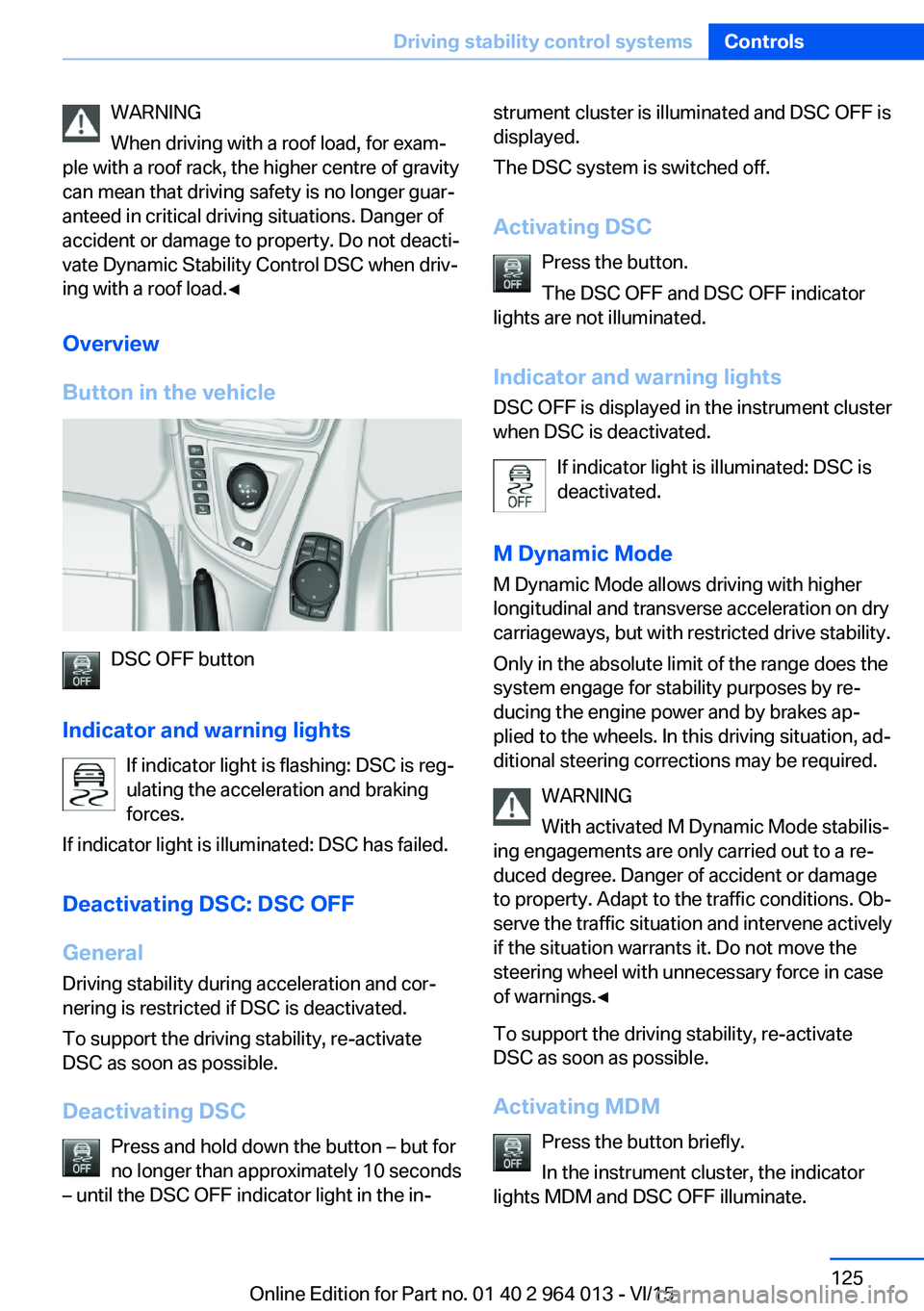
Overview
Button in the vehicle
DSC OFF button
Indicator and warning lights If indicator light is flashing: DSC is reg‐ulating the acceleration and braking
forces.
If indicator light is illuminated: DSC has failed.
Deactivating DSC: DSC OFF
General Driving stability during acceleration and cor‐
nering is restricted if DSC is deactivated.
To support the driving stability, re-activate
DSC as soon as possible.
Deactivating DSC Press and hold down the button – but for
no longer than approximately 10 seconds
– until the DSC OFF indicator light in the in‐
strument cluster is illuminated and DSC OFF is
displayed.
The DSC system is switched off.
Activating DSC Press the button.
The DSC OFF and DSC OFF indicator
lights are not illuminated.
Indicator and warning lights DSC OFF is displayed in the instrument cluster
when DSC is deactivated.
If indicator light is illuminated: DSC is
deactivated.
M Dynamic Mode
M Dynamic Mode allows driving with higher
longitudinal and transverse acceleration on dry
carriageways, but with restricted drive stability.
Only in the absolute limit of the range does the
system engage for stability purposes by re‐
ducing the engine power and by brakes ap‐
plied to the wheels. In this driving situation, ad‐
ditional steering corrections may be required.
WARNING
With activated M Dynamic Mode stabilis‐
ing engagements are only carried out to a re‐
duced degree. Danger of accident or damage
to property. Adapt to the traffic conditions. Ob‐
serve the traffic situation and intervene actively
if the situation warrants it. Do not move the
steering wheel with unnecessary force in case
of warnings.◀
To support the driving stability, re-activate
DSC as soon as possible.
Activating MDM Press the button briefly.
In the instrument cluster, the indicator
lights MDM and DSC OFF illuminate.Seite 125Driving stability control systemsControls125
Online Edition for Part no. 01 40 2 964 013 - VI/15
Page 127 of 228
Setting is immediately accepted with ac‐
tive M Drive.
To activate the desired M Drive with the selec‐
ted settings, press the corresponding button
on the steering wheel:
▷▷
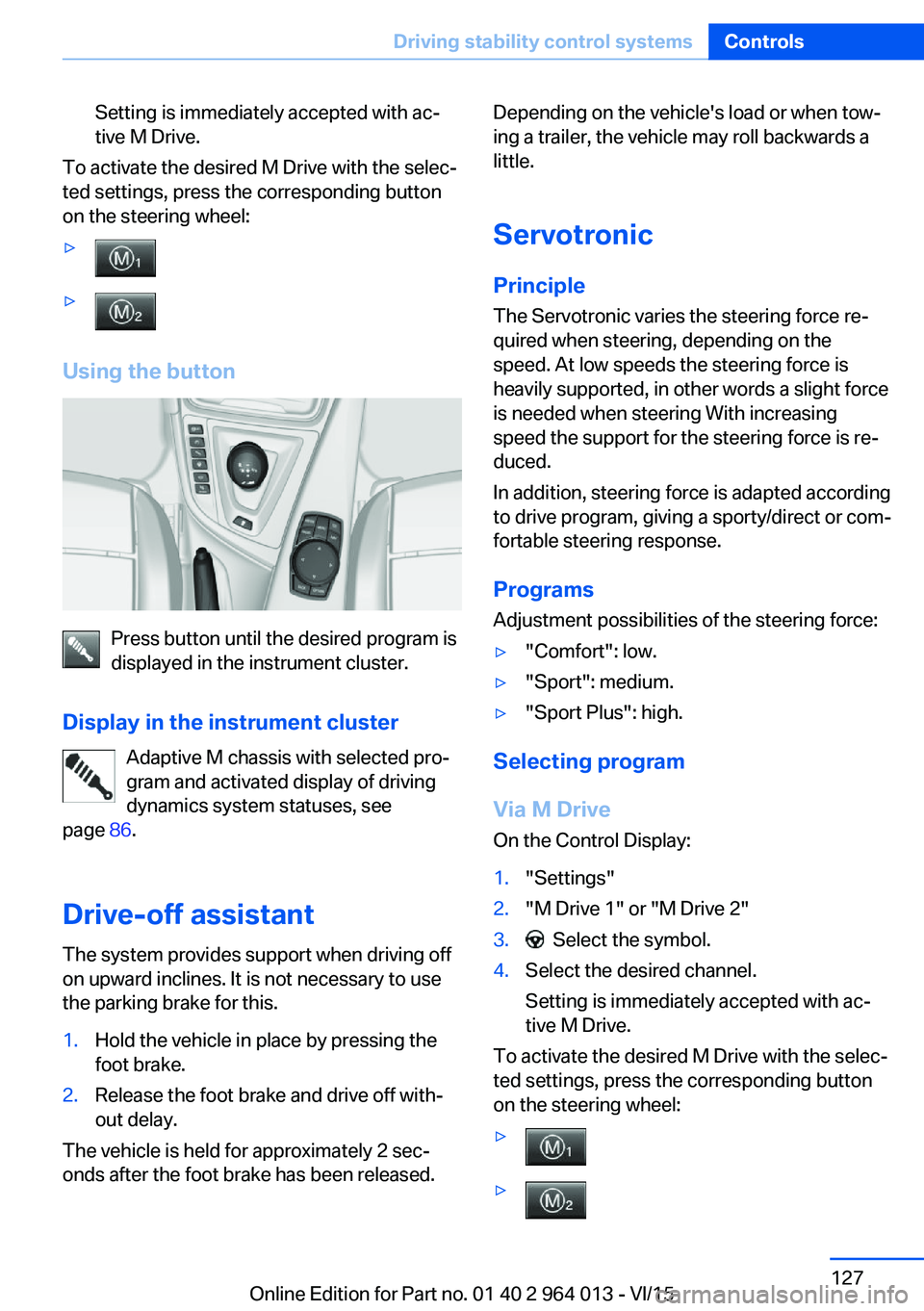
Using the button
Press button until the desired program is
displayed in the instrument cluster.
Display in the instrument cluster Adaptive M chassis with selected pro‐
gram and activated display of driving
dynamics system statuses, see
page 86.
Drive-off assistant The system provides support when driving off
on upward inclines. It is not necessary to use
the parking brake for this.
1.Hold the vehicle in place by pressing the
foot brake.2.Release the foot brake and drive off with‐
out delay.
The vehicle is held for approximately 2 sec‐
onds after the foot brake has been released.
Depending on the vehicle's load or when tow‐
ing a trailer, the vehicle may roll backwards a
little.
Servotronic
Principle The Servotronic varies the steering force re‐
quired when steering, depending on the
speed. At low speeds the steering force is
heavily supported, in other words a slight force
is needed when steering With increasing
speed the support for the steering force is re‐
duced.
In addition, steering force is adapted according
to drive program, giving a sporty/direct or com‐
fortable steering response.
Programs Adjustment possibilities of the steering force:▷"Comfort": low.▷"Sport": medium.▷"Sport Plus": high.
Selecting program
Via M Drive On the Control Display:
1."Settings"2."M Drive 1" or "M Drive 2"3. Select the symbol.4.Select the desired channel.
Setting is immediately accepted with ac‐
tive M Drive.
To activate the desired M Drive with the selec‐
ted settings, press the corresponding button
on the steering wheel:
▷▷Seite 127Driving stability control systemsControls127
Online Edition for Part no. 01 40 2 964 013 - VI/15
Page 129 of 228
Driving comfortVehicle equipment
This chapter describes all standard, national
and special equipment provided in the model
series. Equipment not available in the vehicle is
therefore also described, for example the se‐
lected special equipment or national version.
This also applies to safety-relevant functions
and systems. Comply with the relevant na‐
tional regulations when using the correspond‐
ing functions and systems.
Cruise Control
Principle System keeps to speed set using buttons on
steering wheel. On downhill gradients, the sys‐
tem will brake the vehicle if the braking action
of the engine alone is insufficient.
General Characteristics of Cruise Control may change
in certain areas depending on vehicle setting.
Information WARNING
Using the system in the following situa‐
tions can lead to an increased danger of acci‐
dent:▷On stretches with many corners and
bends.▷In heavy traffic.▷If the road is icy, if there is fog, snow, rain
or a loose road surface.
Danger of accident or damage to property.
Only use the system if it is possible to drive at
a constant speed.◀
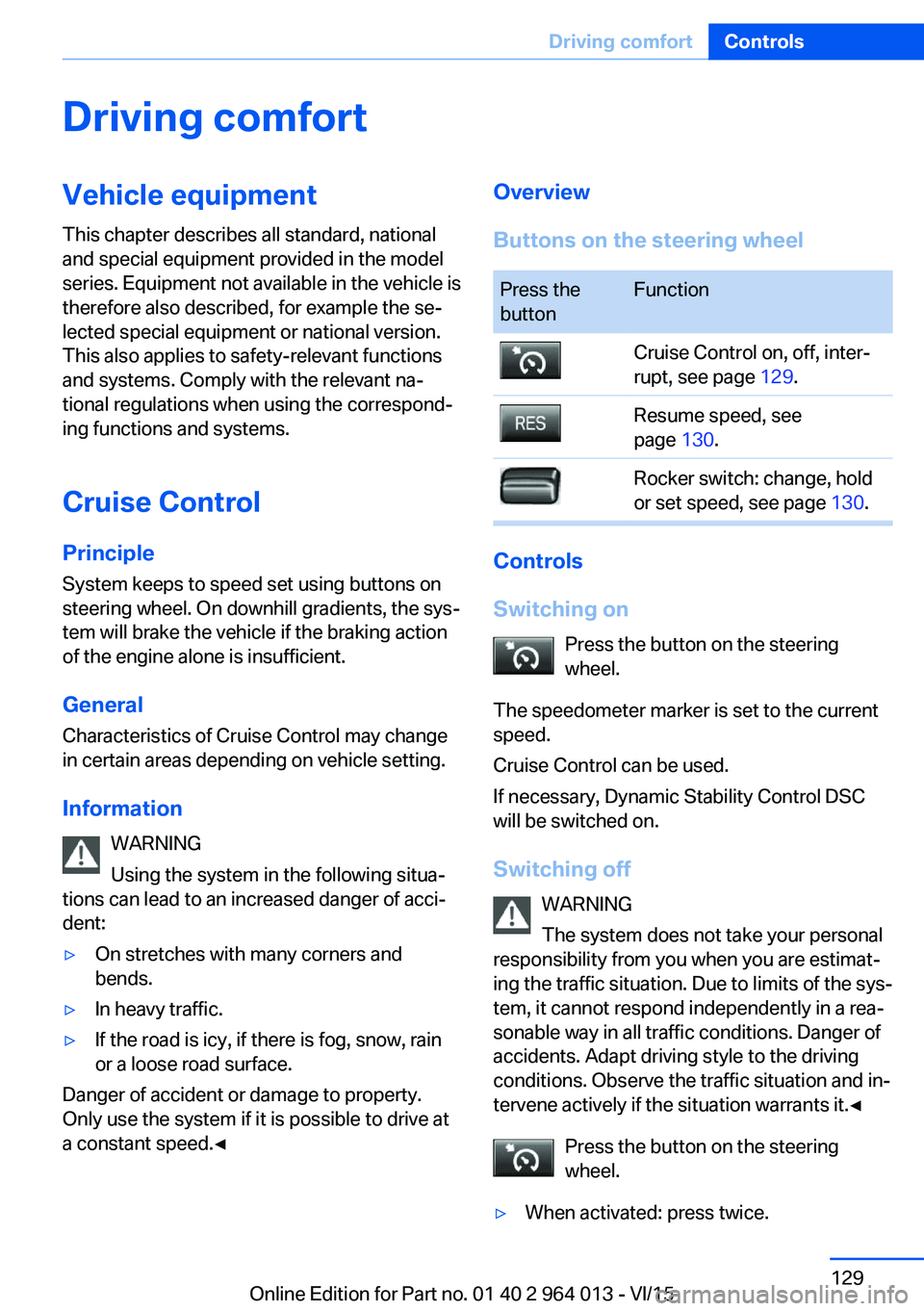
Overview
Buttons on the steering wheelPress the
buttonFunctionCruise Control on, off, inter‐
rupt, see page 129.Resume speed, see
page 130.Rocker switch: change, hold
or set speed, see page 130.
Controls
Switching on Press the button on the steering
wheel.
The speedometer marker is set to the current
speed.
Cruise Control can be used.
If necessary, Dynamic Stability Control DSC
will be switched on.
Switching off WARNING
The system does not take your personal
responsibility from you when you are estimat‐
ing the traffic situation. Due to limits of the sys‐
tem, it cannot respond independently in a rea‐
sonable way in all traffic conditions. Danger of
accidents. Adapt driving style to the driving
conditions. Observe the traffic situation and in‐
tervene actively if the situation warrants it.◀
Press the button on the steering
wheel.
▷When activated: press twice.Seite 129Driving comfortControls129
Online Edition for Part no. 01 40 2 964 013 - VI/15
Page 130 of 228
▷When interrupted: press once.
The indicators turn off. The saved desired
speed is deleted.
Interrupting When the system is activated, press
the button on the steering wheel.
The system interrupts automatically in the
following situations:
▷If the brake is applied.▷If the clutch is depressed for a few seconds
or released with no gear engaged.▷If too high a gear has been engaged for the
speed.▷If MDM is activated or DSC is deactivated.▷If DSC intervenes.
Maintaining, saving, changing speed
Notes WARNING
The desired speed can be inadvertently
set incorrectly or called up. Danger of acci‐
dents. Adapt the desired speed to the driving
conditions. Observe the traffic situation and in‐
tervene actively if the situation warrants it.◀
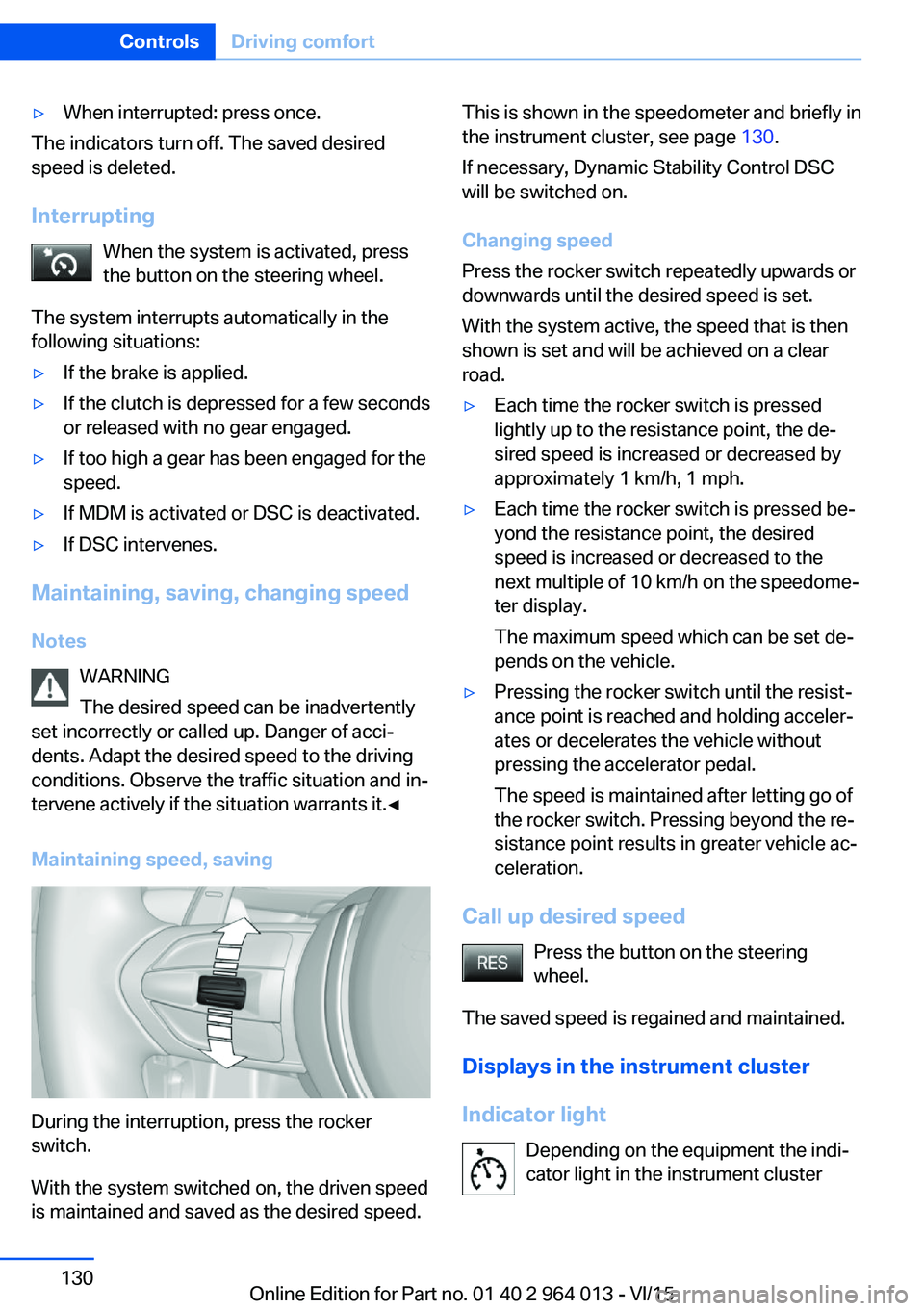
Maintaining speed, saving
During the interruption, press the rocker
switch.
With the system switched on, the driven speed
is maintained and saved as the desired speed.
This is shown in the speedometer and briefly in
the instrument cluster, see page 130.
If necessary, Dynamic Stability Control DSC
will be switched on.
Changing speed
Press the rocker switch repeatedly upwards or
downwards until the desired speed is set.
With the system active, the speed that is then
shown is set and will be achieved on a clear
road.▷Each time the rocker switch is pressed
lightly up to the resistance point, the de‐
sired speed is increased or decreased by
approximately 1 km/h, 1 mph.▷Each time the rocker switch is pressed be‐
yond the resistance point, the desired
speed is increased or decreased to the
next multiple of 10 km/h on the speedome‐
ter display.
The maximum speed which can be set de‐
pends on the vehicle.▷Pressing the rocker switch until the resist‐
ance point is reached and holding acceler‐
ates or decelerates the vehicle without
pressing the accelerator pedal.
The speed is maintained after letting go of
the rocker switch. Pressing beyond the re‐
sistance point results in greater vehicle ac‐
celeration.
Call up desired speed
Press the button on the steering
wheel.
The saved speed is regained and maintained.
Displays in the instrument cluster
Indicator light Depending on the equipment the indi‐
cator light in the instrument cluster
Seite 130ControlsDriving comfort130
Online Edition for Part no. 01 40 2 964 013 - VI/15
Page 140 of 228
Overview
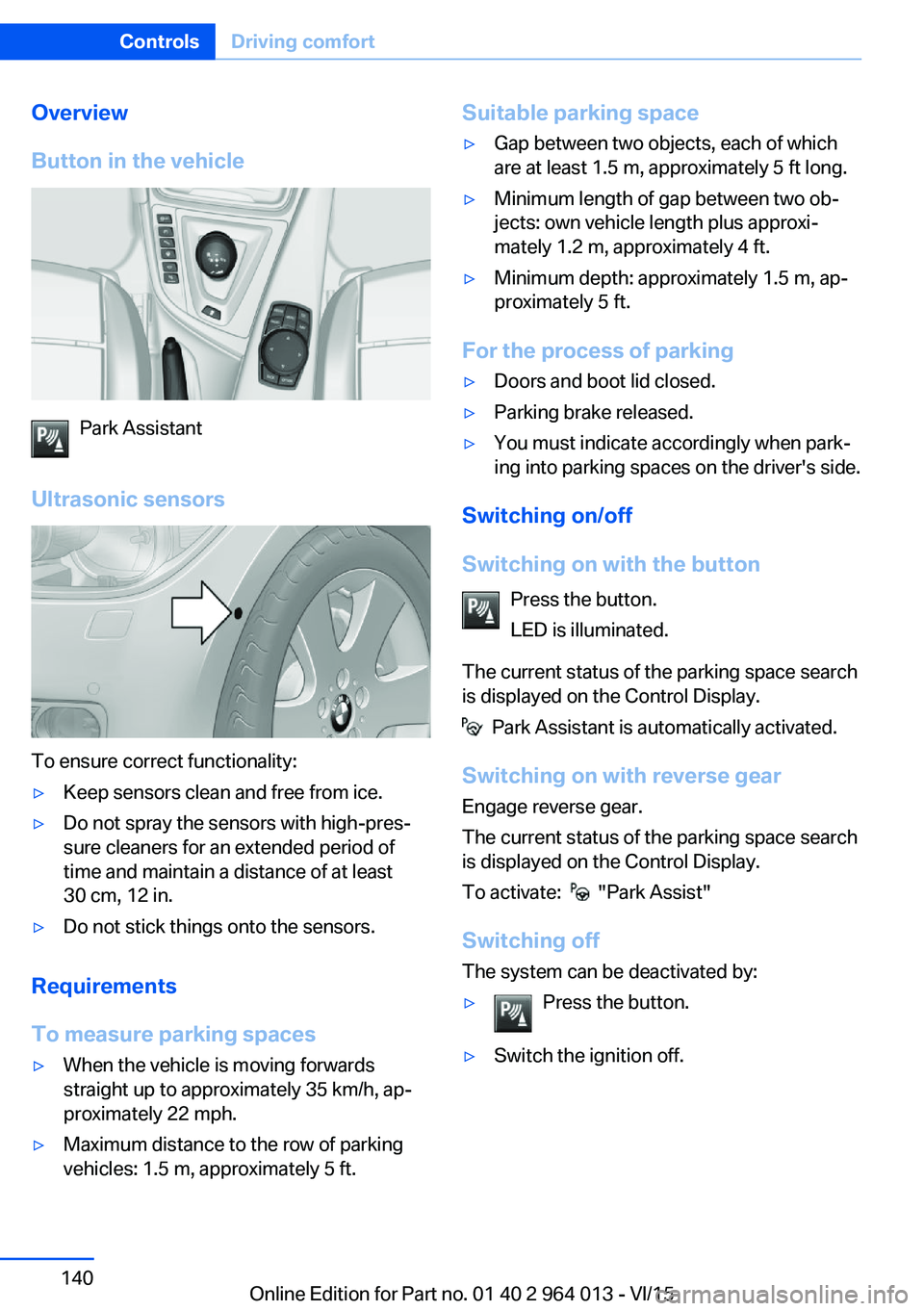
Button in the vehicle
Park Assistant
Ultrasonic sensors
To ensure correct functionality:
▷Keep sensors clean and free from ice.▷Do not spray the sensors with high-pres‐
sure cleaners for an extended period of
time and maintain a distance of at least
30 cm, 12 in.▷Do not stick things onto the sensors.
Requirements
To measure parking spaces
▷When the vehicle is moving forwards
straight up to approximately 35 km/h, ap‐
proximately 22 mph.▷Maximum distance to the row of parking
vehicles: 1.5 m, approximately 5 ft.Suitable parking space▷Gap between two objects, each of which
are at least 1.5 m, approximately 5 ft long.▷Minimum length of gap between two ob‐
jects: own vehicle length plus approxi‐
mately 1.2 m, approximately 4 ft.▷Minimum depth: approximately 1.5 m, ap‐
proximately 5 ft.
For the process of parking
▷Doors and boot lid closed.▷Parking brake released.▷You must indicate accordingly when park‐
ing into parking spaces on the driver's side.
Switching on/off
Switching on with the button Press the button.
LED is illuminated.
The current status of the parking space search
is displayed on the Control Display.
Park Assistant is automatically activated.
Switching on with reverse gear
Engage reverse gear.
The current status of the parking space search
is displayed on the Control Display.
To activate:
"Park Assist"
Switching off The system can be deactivated by:
▷Press the button.▷Switch the ignition off.Seite 140ControlsDriving comfort140
Online Edition for Part no. 01 40 2 964 013 - VI/15