display BMW X3 2023 Owner's Manual

BMW X3 2023 Owner's Manual X3 2023 BMW BMW https://www.carmanualsonline.info/img/1/58659/w960_58659-0.png BMW X3 2023 Owner's Manual

Page 156 of 416
BMW X3 2023 Owners Manual Instrument cluster with
extended features: Widgets
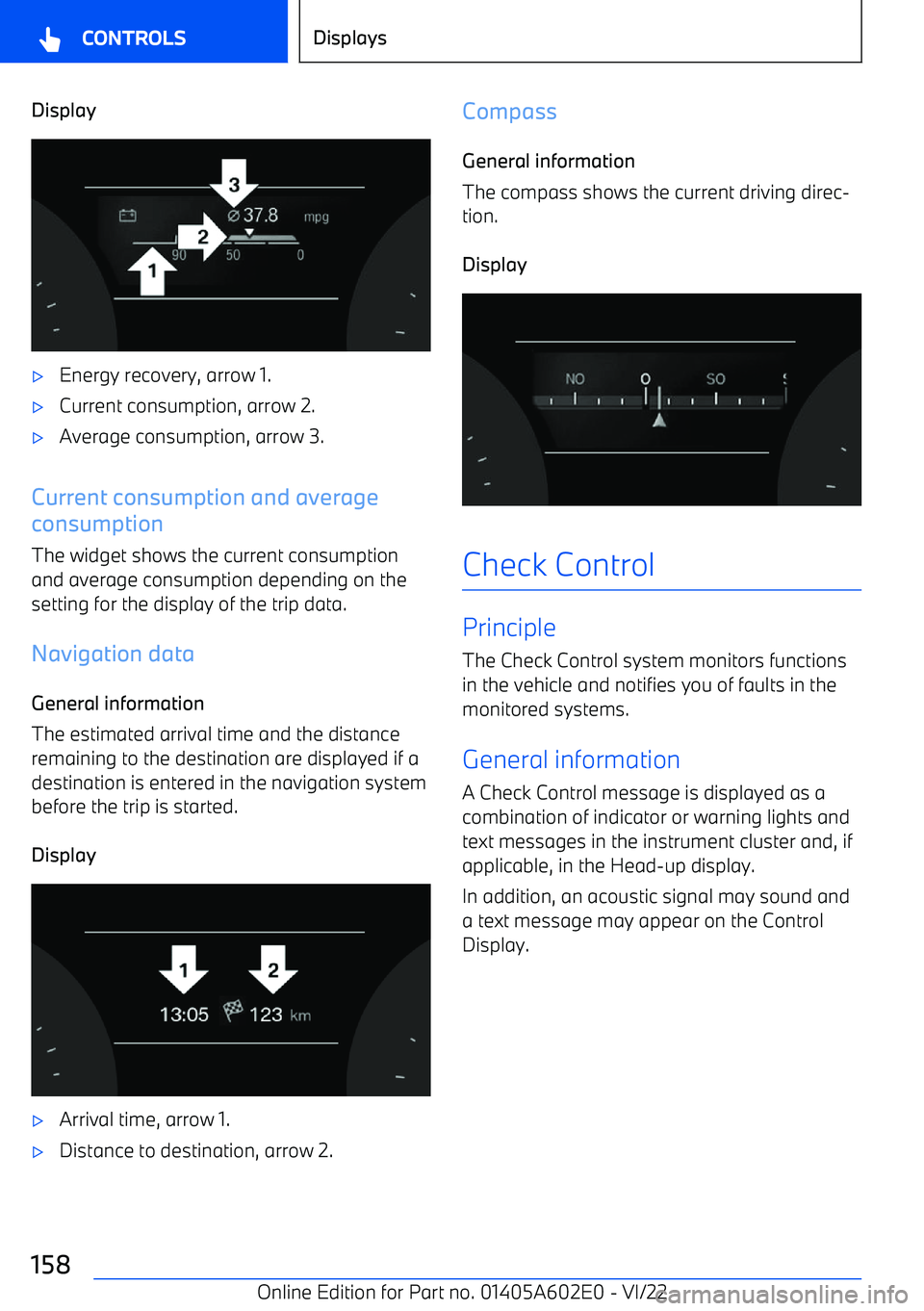
Principle Displays for specific functions can be displayed
in the instrument cluster.
The following displays can be selected:

Page 158 of 416

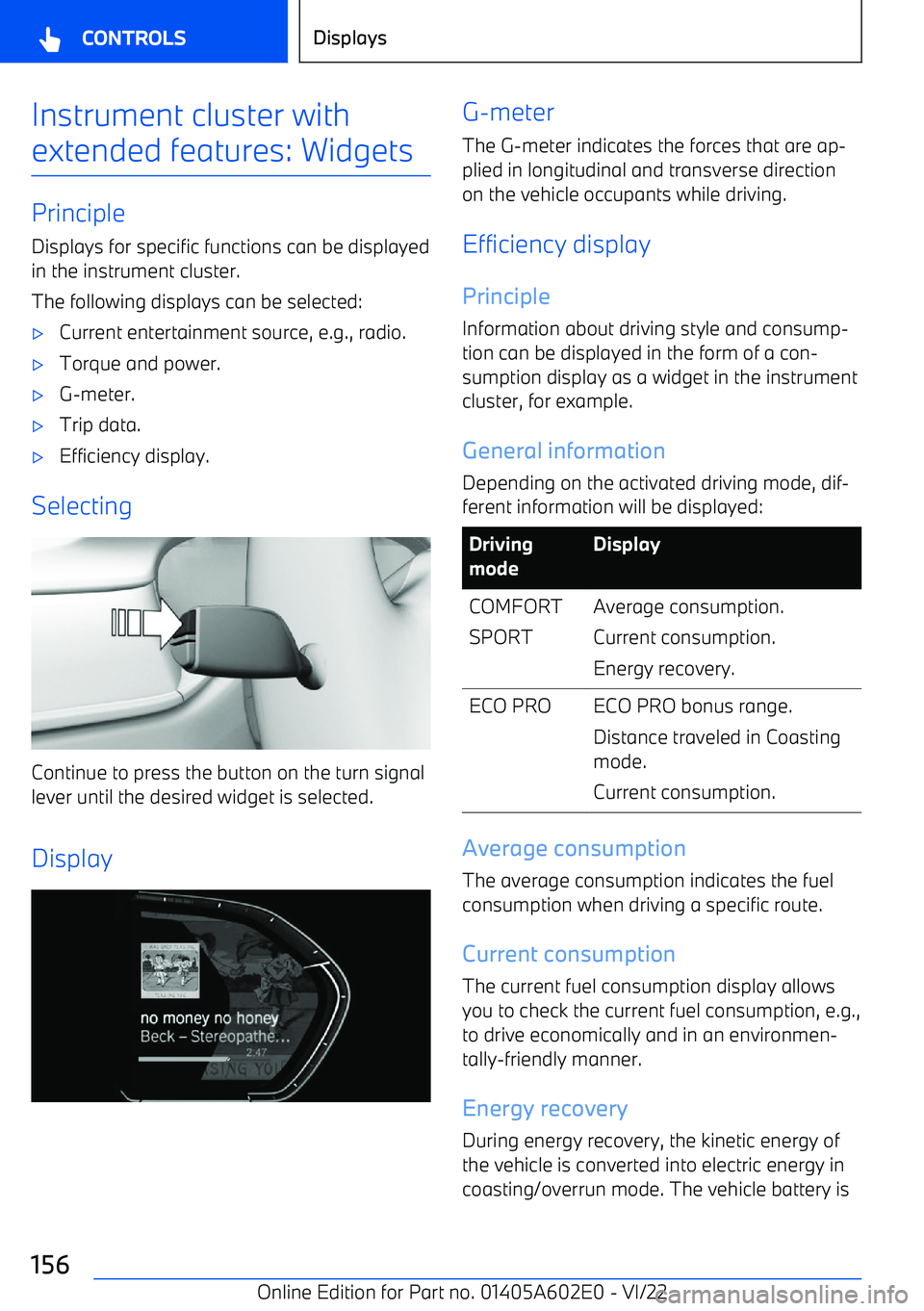
BMW X3 2023 Owners Manual Display

Page 159 of 416

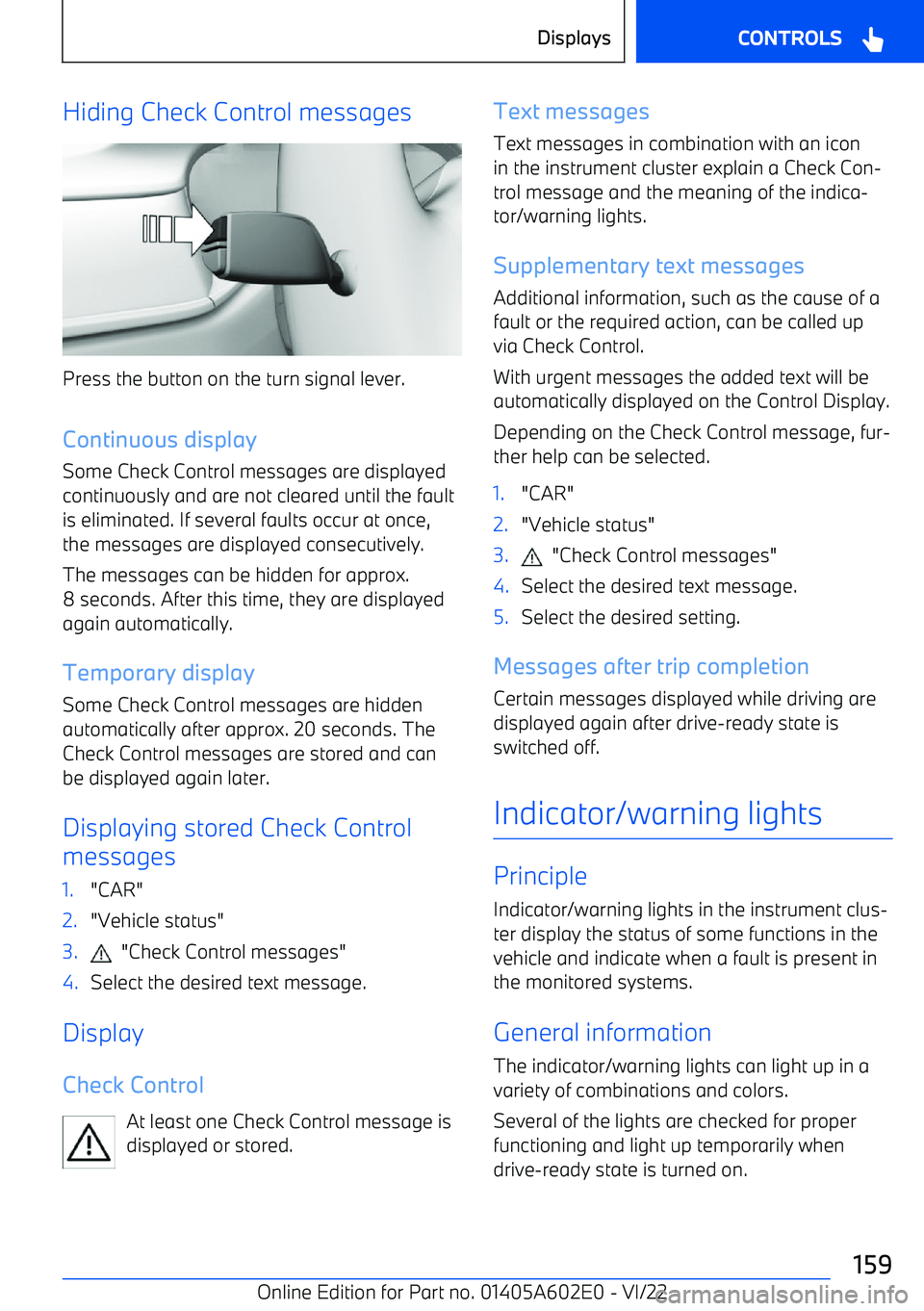
BMW X3 2023 Owners Manual Hiding Check Control messages
Press the button on the turn signal lever.
Continuous display Some Check Control messages are displayed
continuously and are not cleared until the fault is eliminated. If

Page 169 of 416

BMW X3 2023 Owners Manual Display
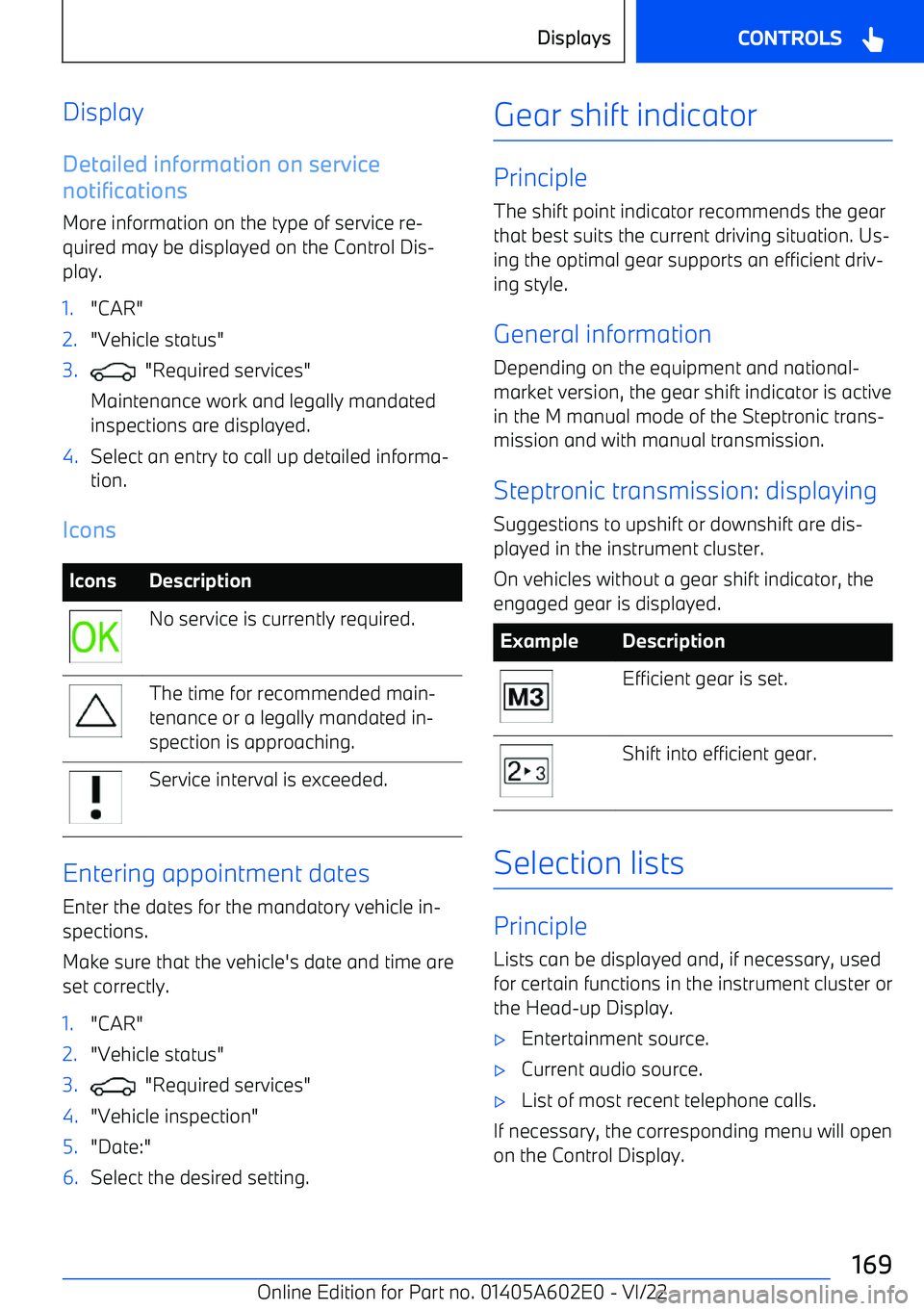
Detailed information on service
notifications
More information on the type of service re

Page 170 of 416

BMW X3 2023 Owners Manual Display
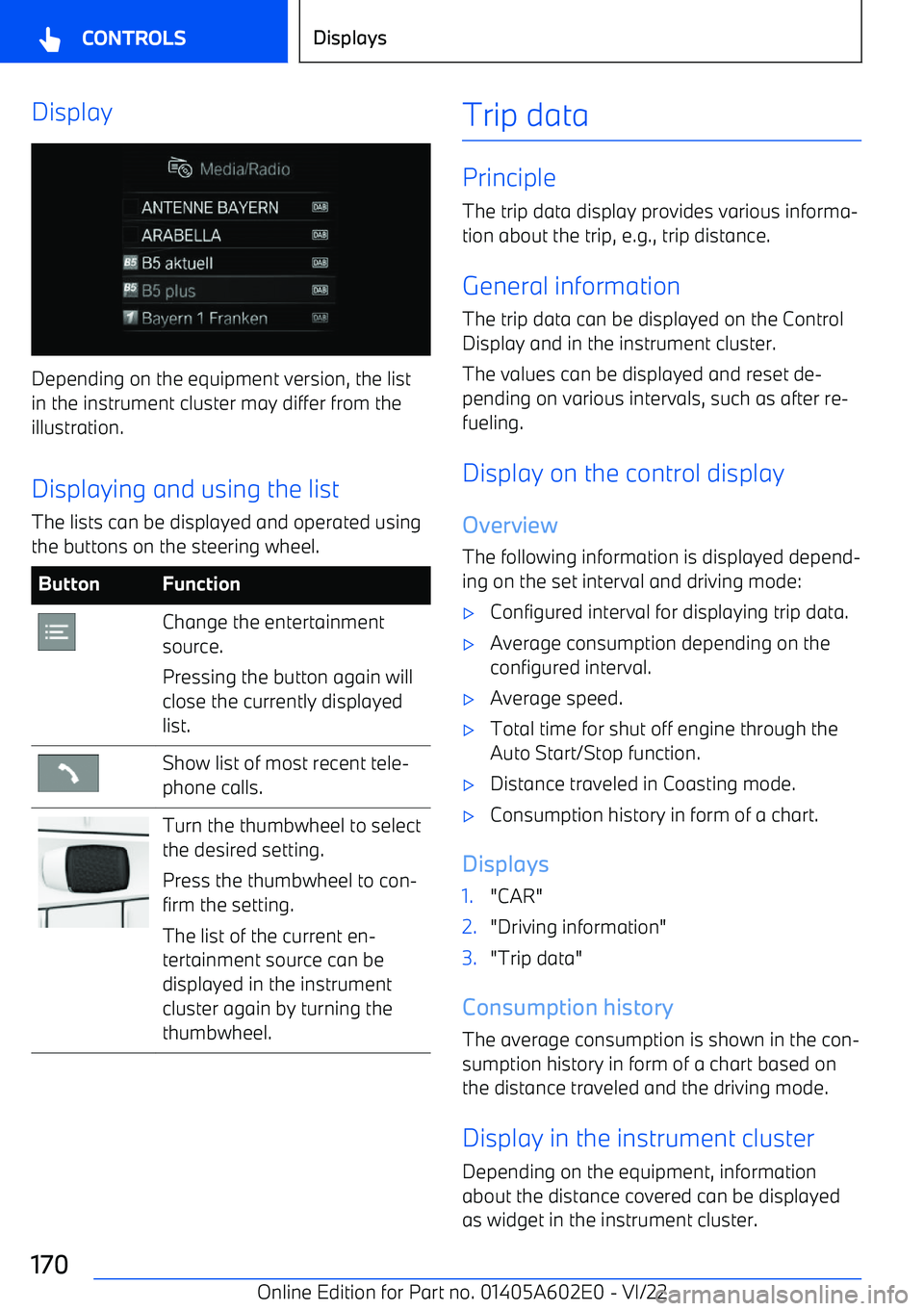
Depending on the equipment version, the list
in the instrument cluster may differ from the illustration.
Displaying and using the list The lists can be displayed and operated using
the buttons

Page 171 of 416

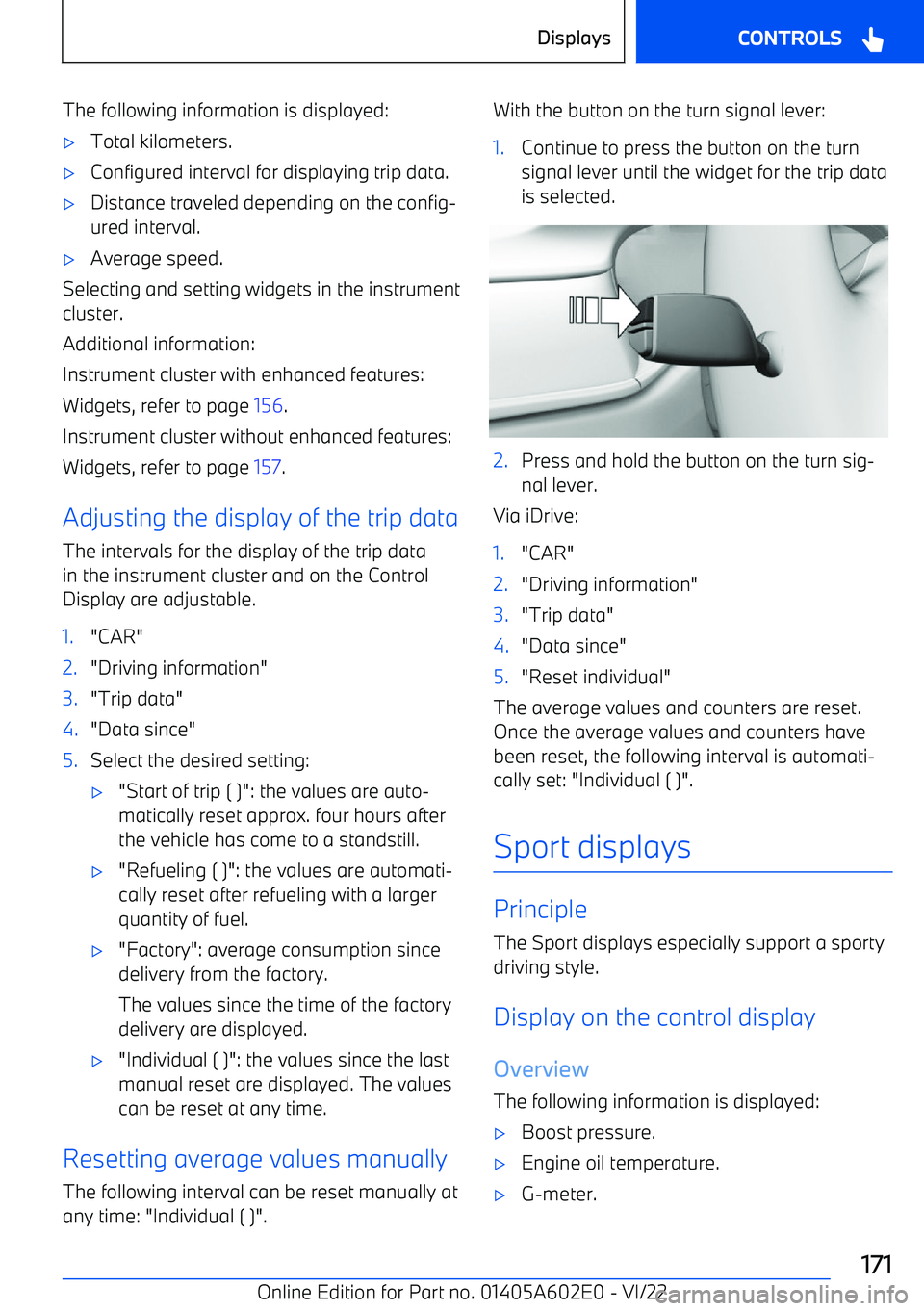
BMW X3 2023 Owners Manual The following information is displayed:

Page 173 of 416

BMW X3 2023 Owners Manual 3."Displays"4."Head

Page 187 of 416

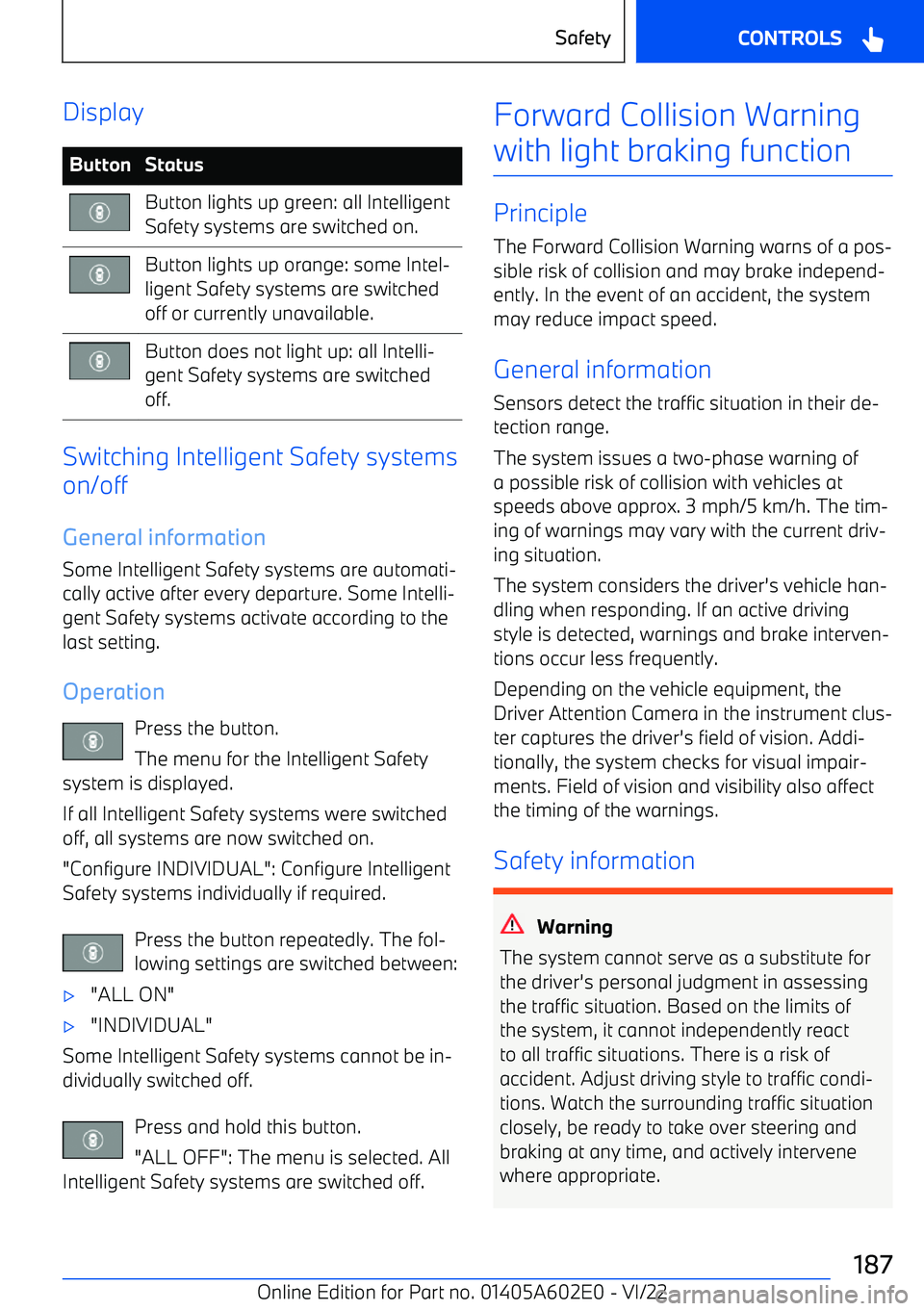
BMW X3 2023 Owners Manual DisplayButtonStatusButton lights up green: all Intelligent
Safety systems are switched on.Button lights up orange: some Intel

Page 189 of 416

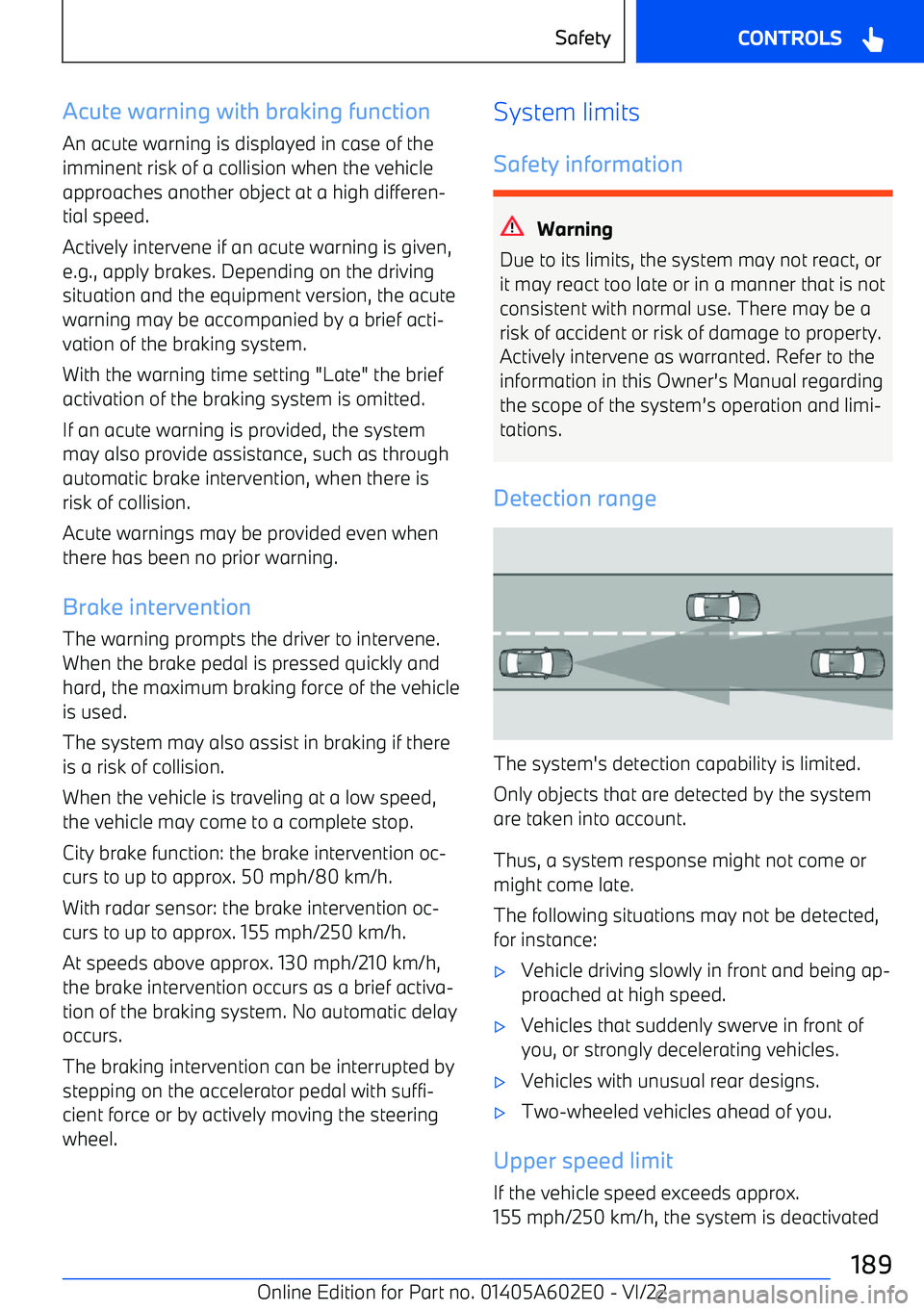
BMW X3 2023 Owners Manual Acute warning with braking functionAn acute warning is displayed in case of the
imminent risk of a collision when the vehicle
approaches another object at a high differen

Page 194 of 416

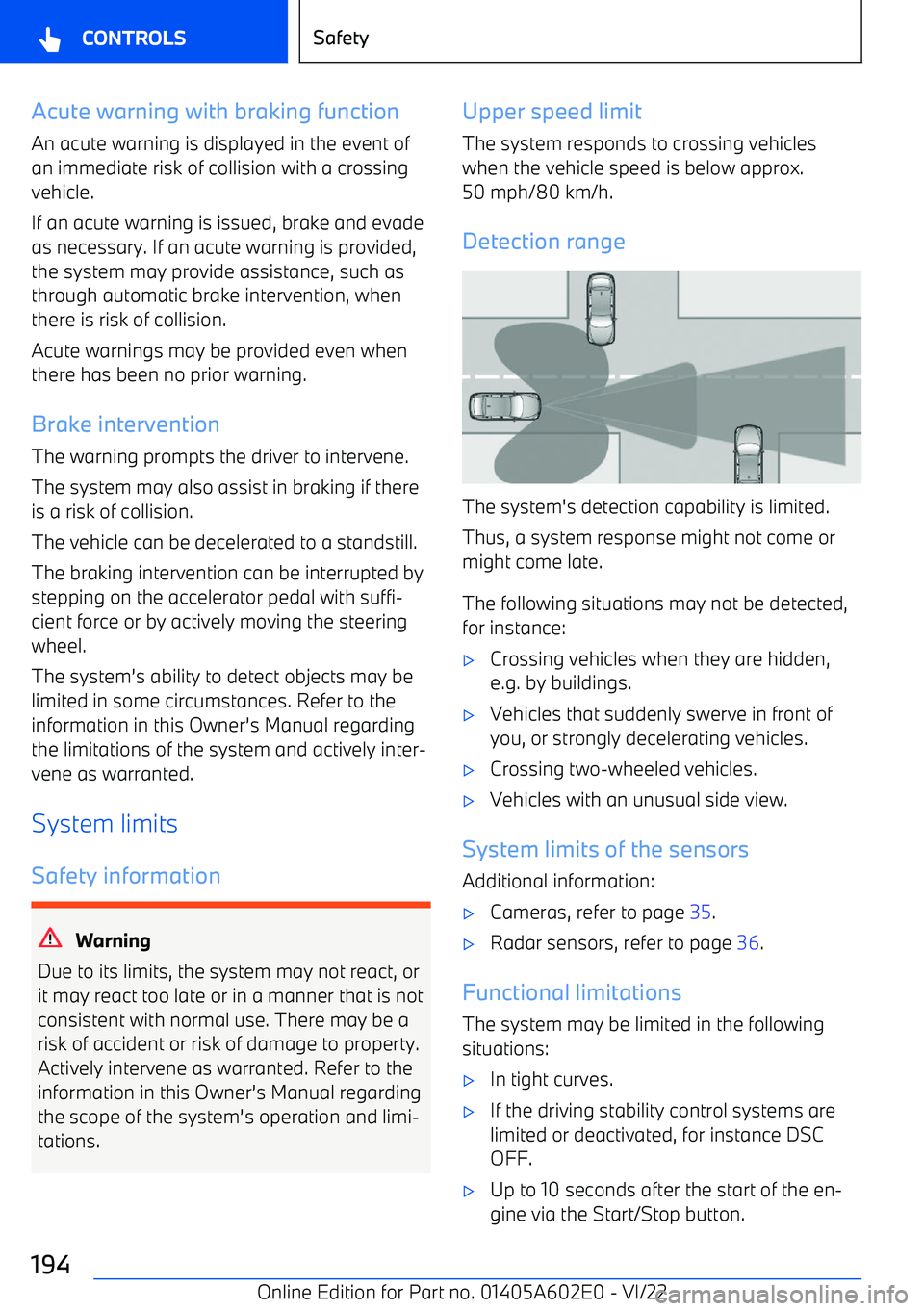
BMW X3 2023 Owners Manual Acute warning with braking functionAn acute warning is displayed in the event of
an immediate risk of collision with a crossing
vehicle.
If an acute warning is issued, brake and evade
as necessary. If
Page:   < prev 1-10 11-20 21-30 31-40 41-50 next >