display BMW X3 2023 User Guide

BMW X3 2023 User Guide X3 2023 BMW BMW https://www.carmanualsonline.info/img/1/58659/w960_58659-0.png BMW X3 2023 User Guide

Page 88 of 416

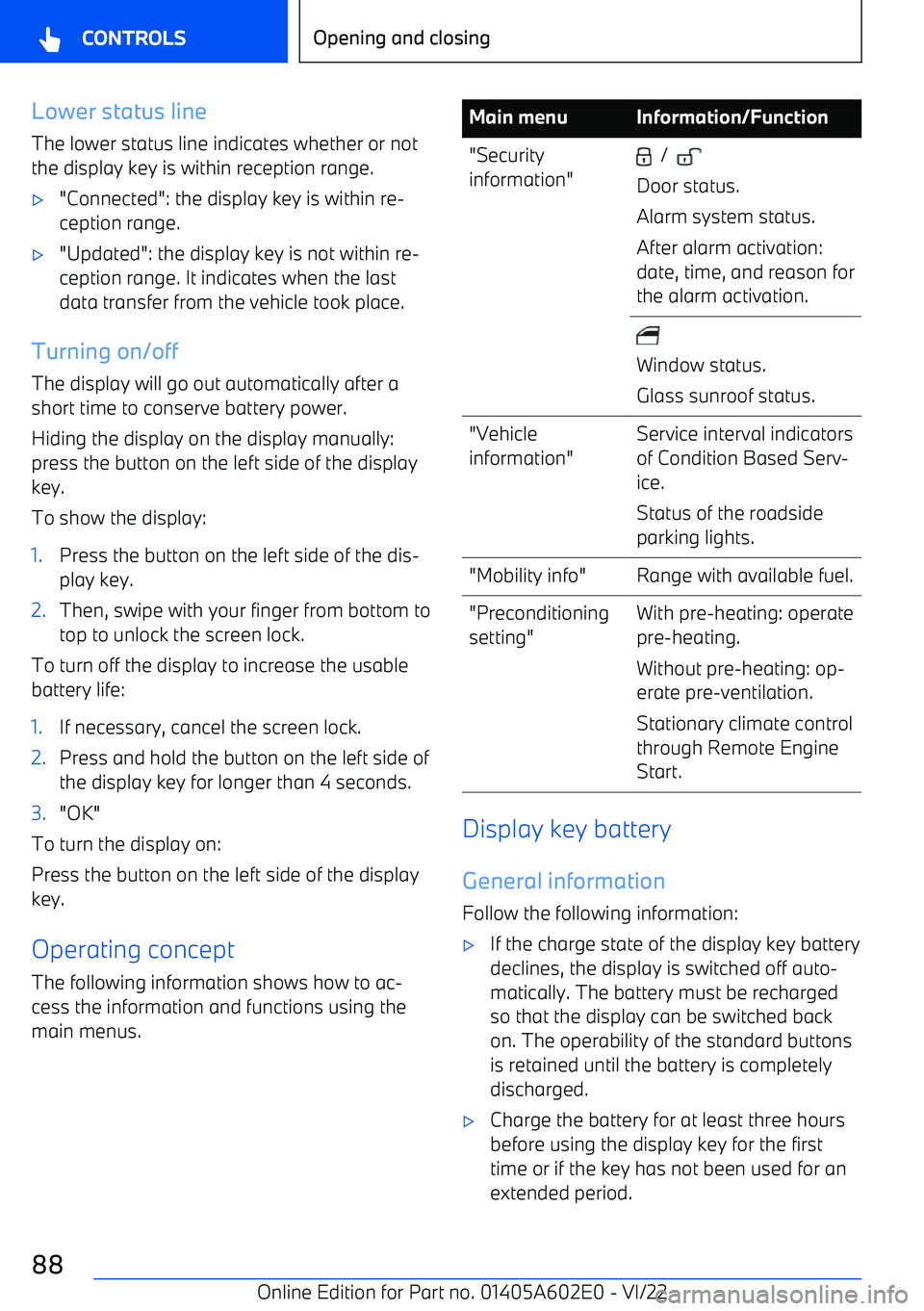
BMW X3 2023 User Guide Lower status lineThe lower status line indicates whether or not
the display key is within reception range.

Page 90 of 416

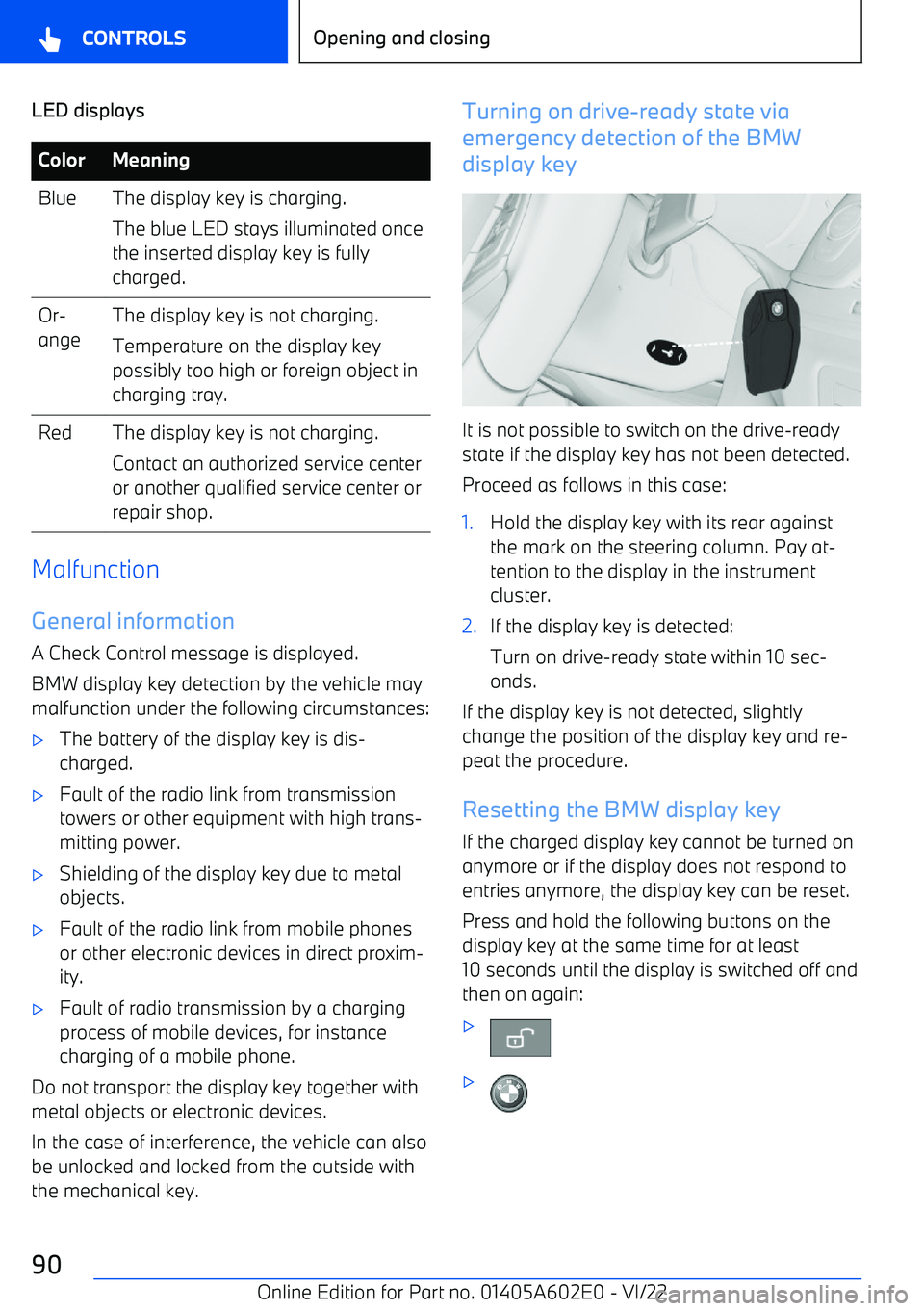
BMW X3 2023 User Guide LED displaysColorMeaningBlueThe display key is charging.
The blue LED stays illuminated once
the inserted display key is fully
charged.Or

Page 115 of 416

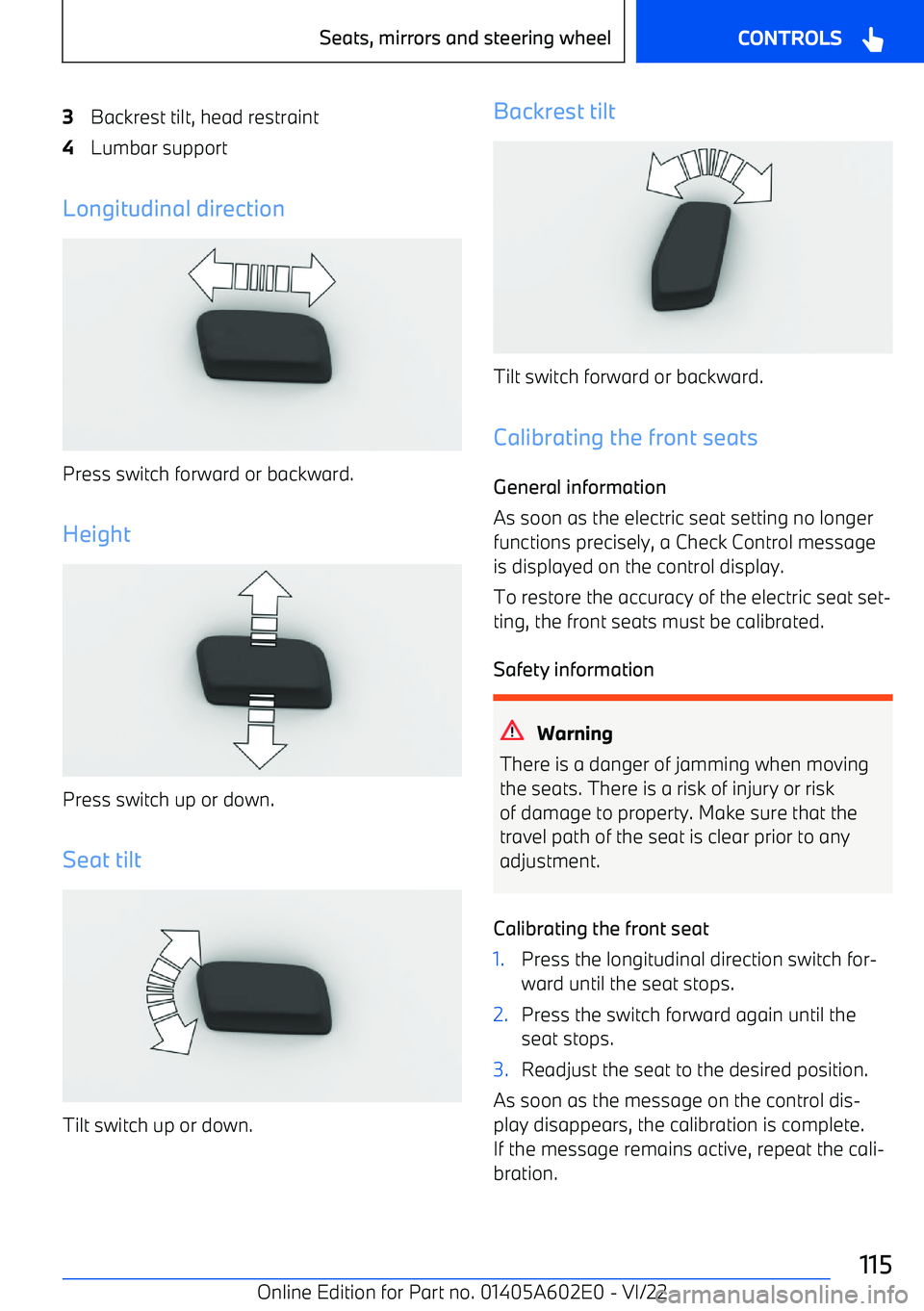
BMW X3 2023 User Guide 3Backrest tilt, head restraint4Lumbar support
Longitudinal direction
Press switch forward or backward.
Height
Press switch up or down.
Seat tilt
Tilt switch up or down.
Backrest tilt
Tilt switch forwa

Page 119 of 416

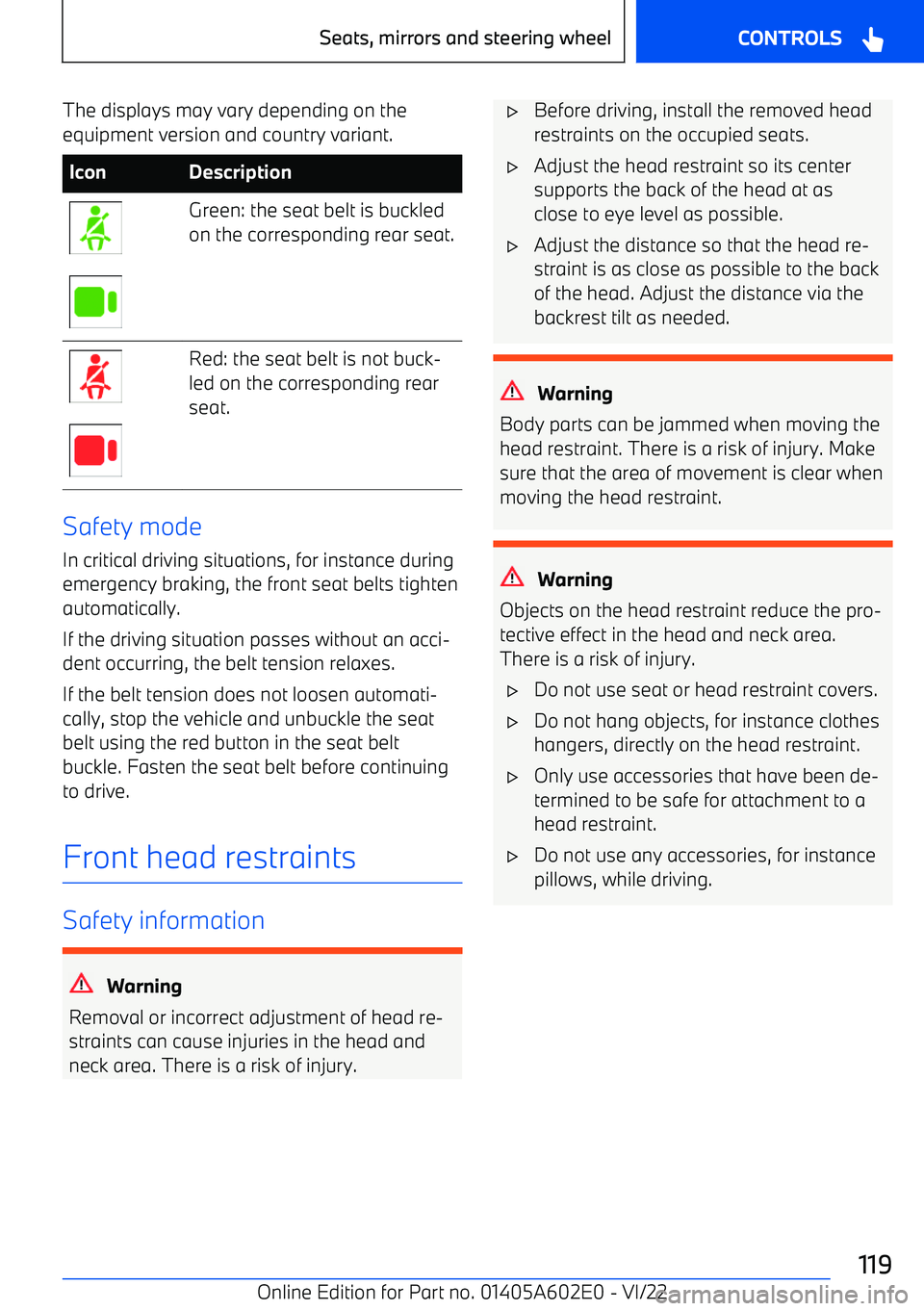
BMW X3 2023 User Guide The displays may vary depending on theequipment version and country variant.IconDescriptionGreen: the seat belt is buckled
on the corresponding rear seat.Red: the seat belt is not buck

Page 138 of 416

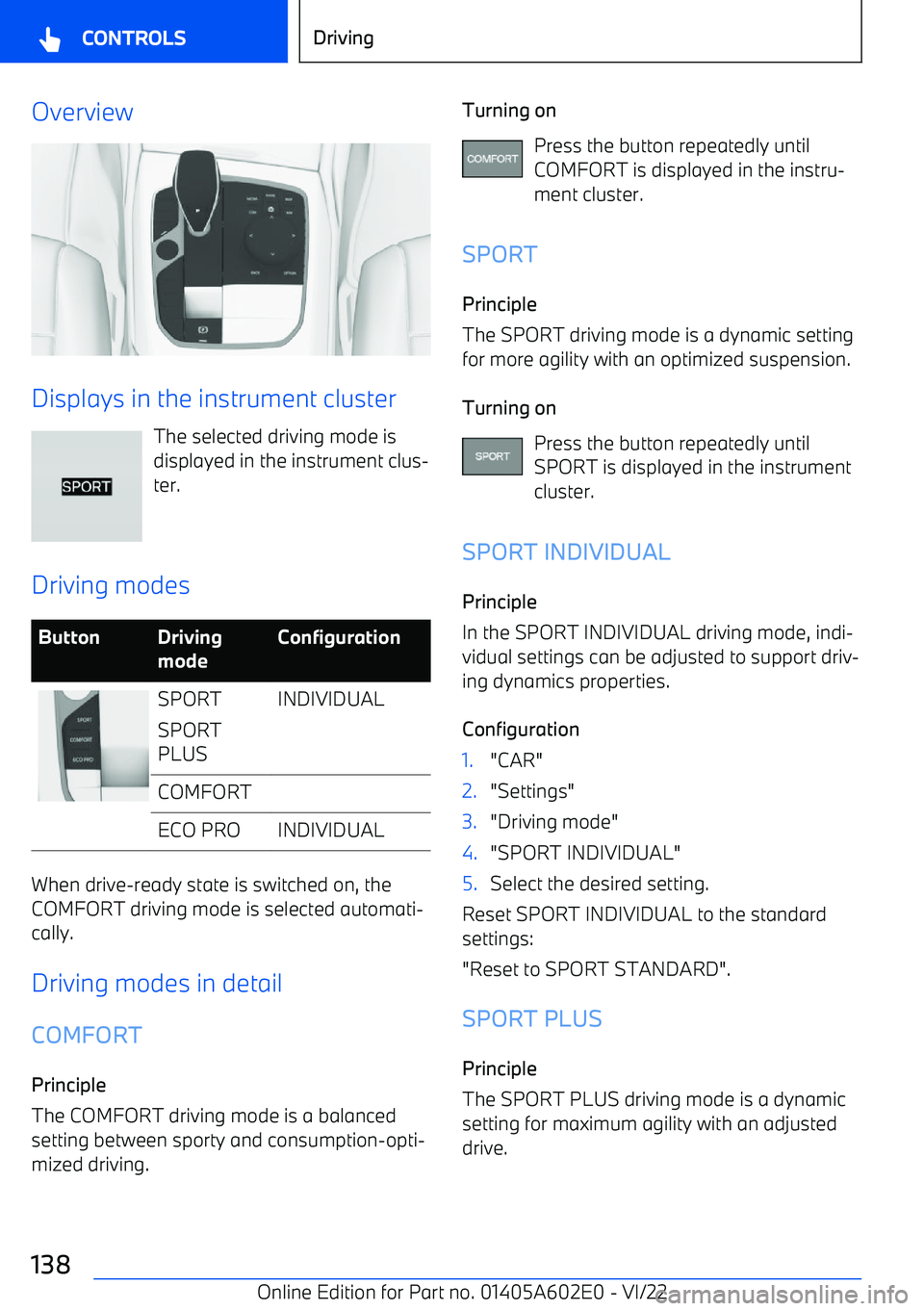
BMW X3 2023 User Guide Overview
Displays in the instrument clusterThe selected driving mode is
displayed in the instrument clus

Page 139 of 416

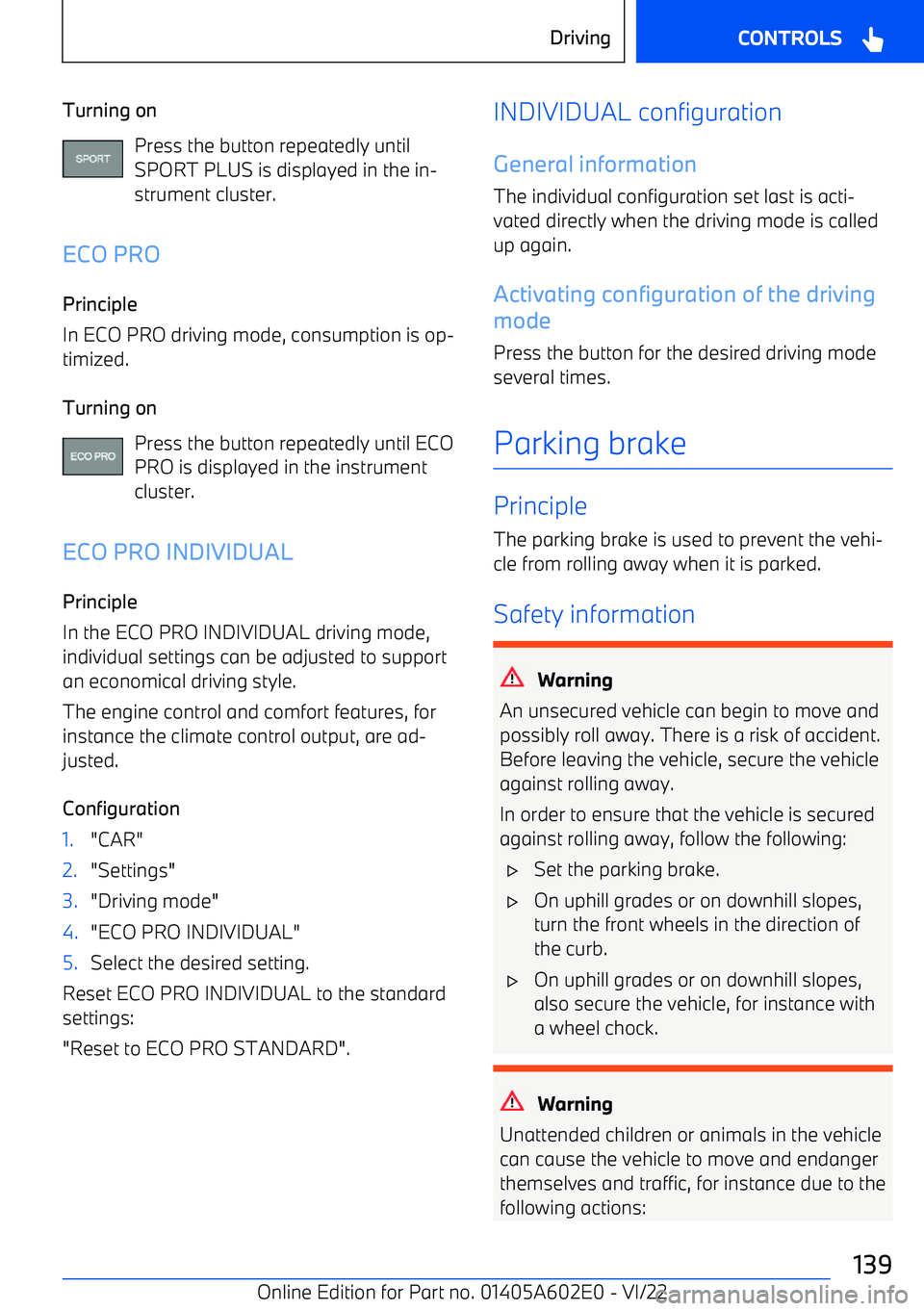
BMW X3 2023 User Guide Turning onPress the button repeatedly untilSPORT PLUS is displayed in the in

Page 150 of 416

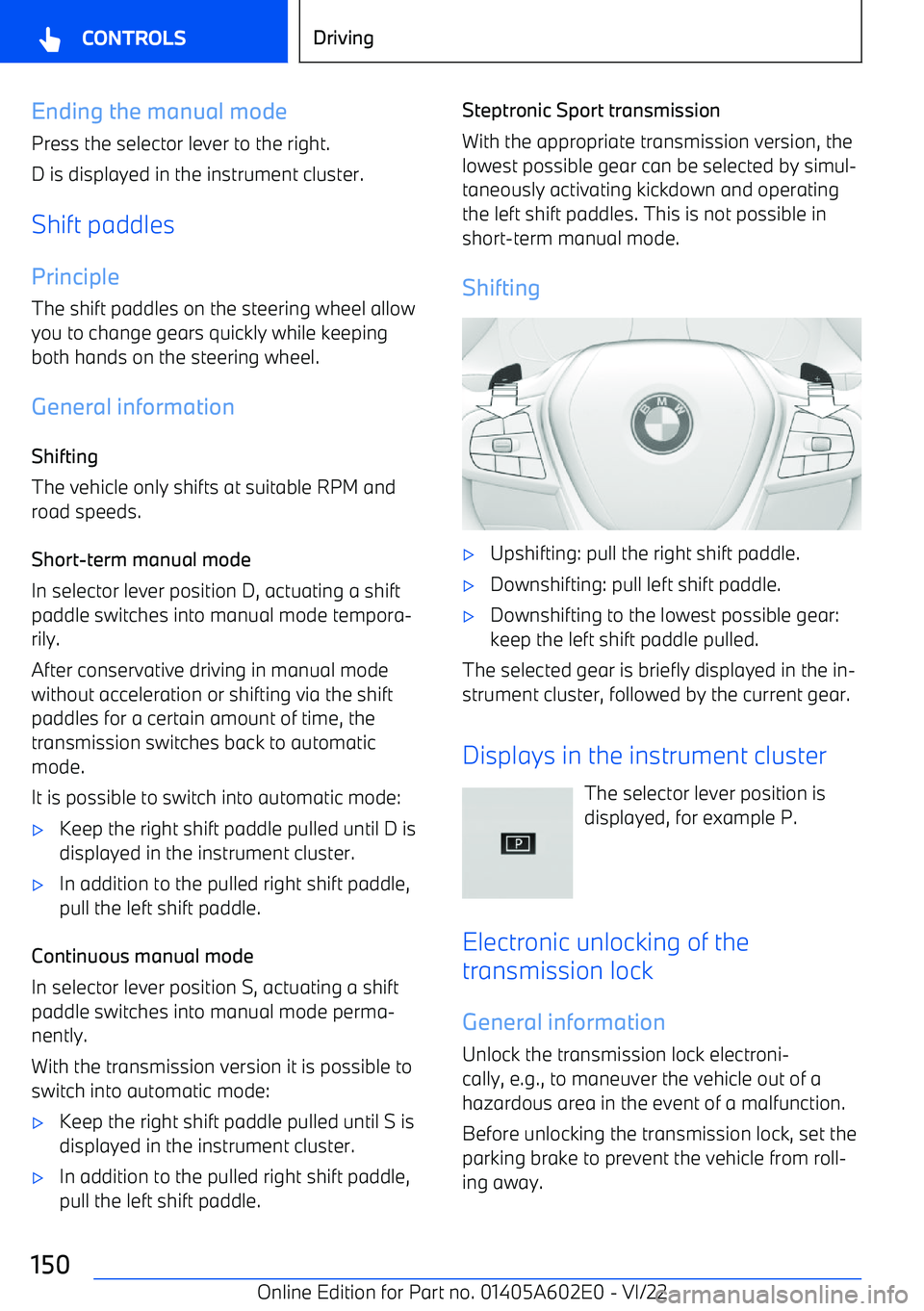
BMW X3 2023 User Guide Ending the manual modePress the selector lever to the right.
D is displayed in the instrument cluster.
Shift paddles Principle
The shift paddles on the steering wheel allow you to change gears quickly

Page 153 of 416

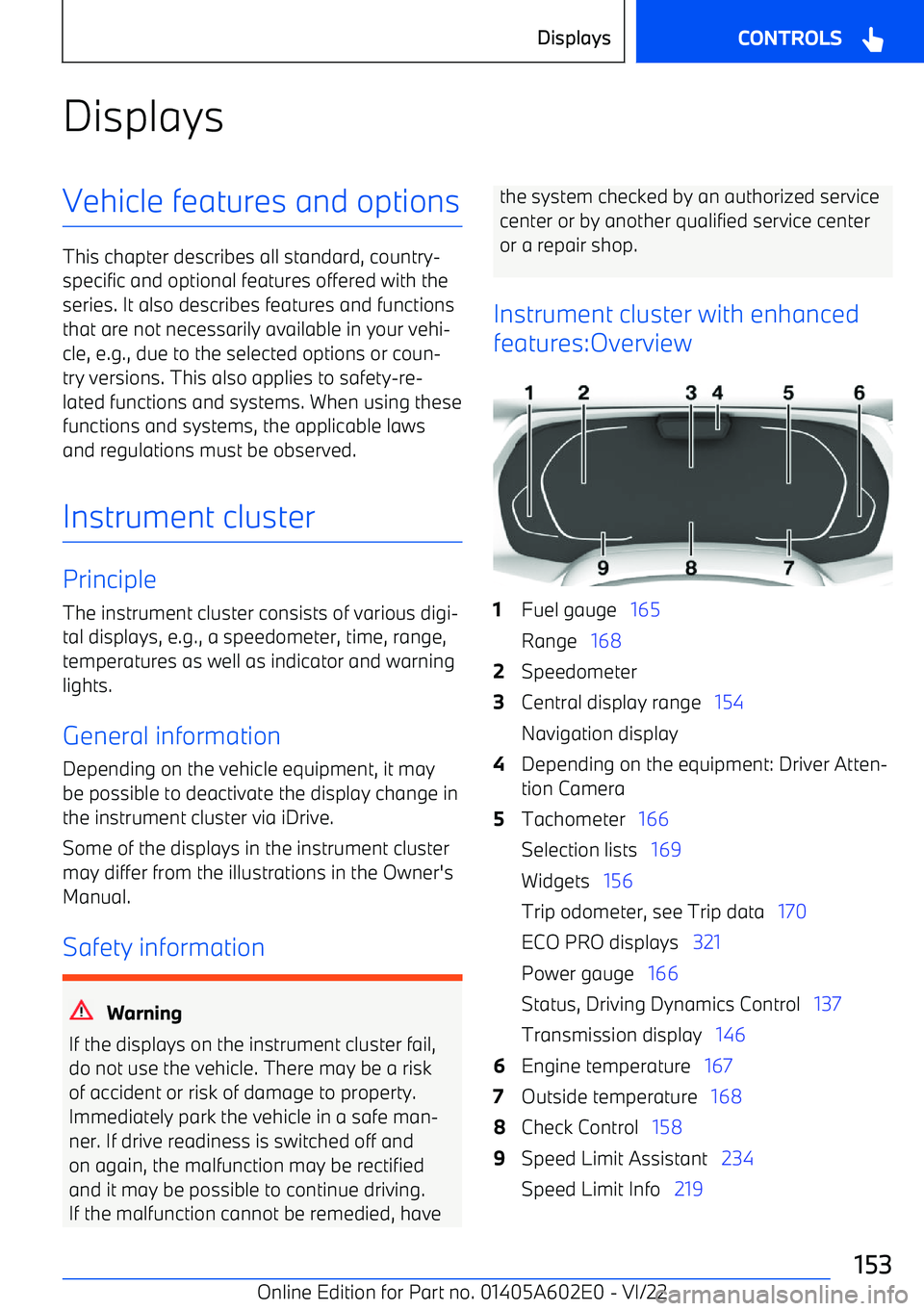
BMW X3 2023 User Guide DisplaysVehicle features and options
This chapter describes all standard, country

Page 154 of 416

BMW X3 2023 User Guide Time   61
Instrument cluster without
enhanced features:Overview
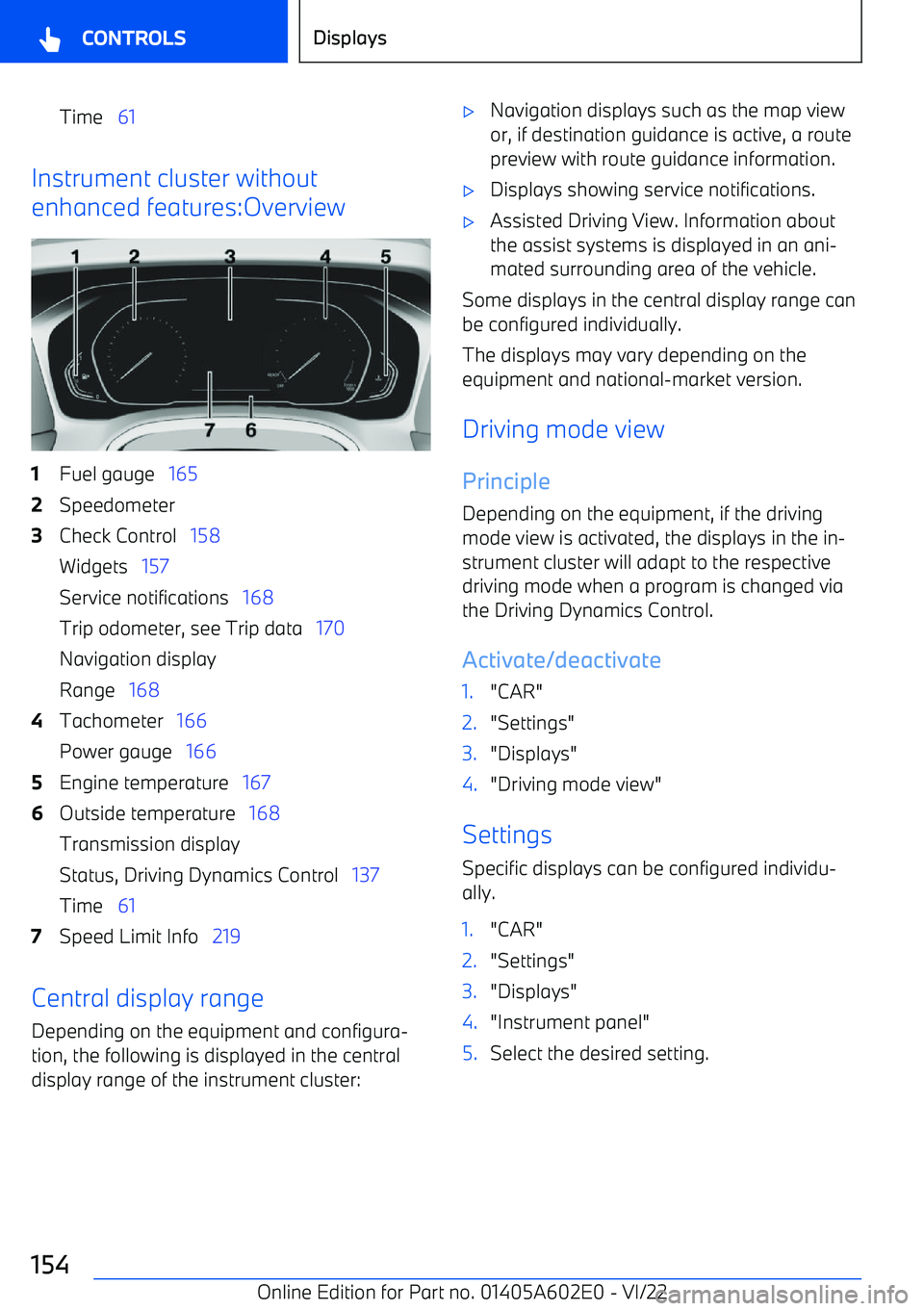
1Fuel gauge    1652Speedometer3Check Control    158
Widgets    157
Service notifications    168
Trip odometer, see Trip data    170
Navi

Page 155 of 416

BMW X3 2023 User Guide Assisted Driving View
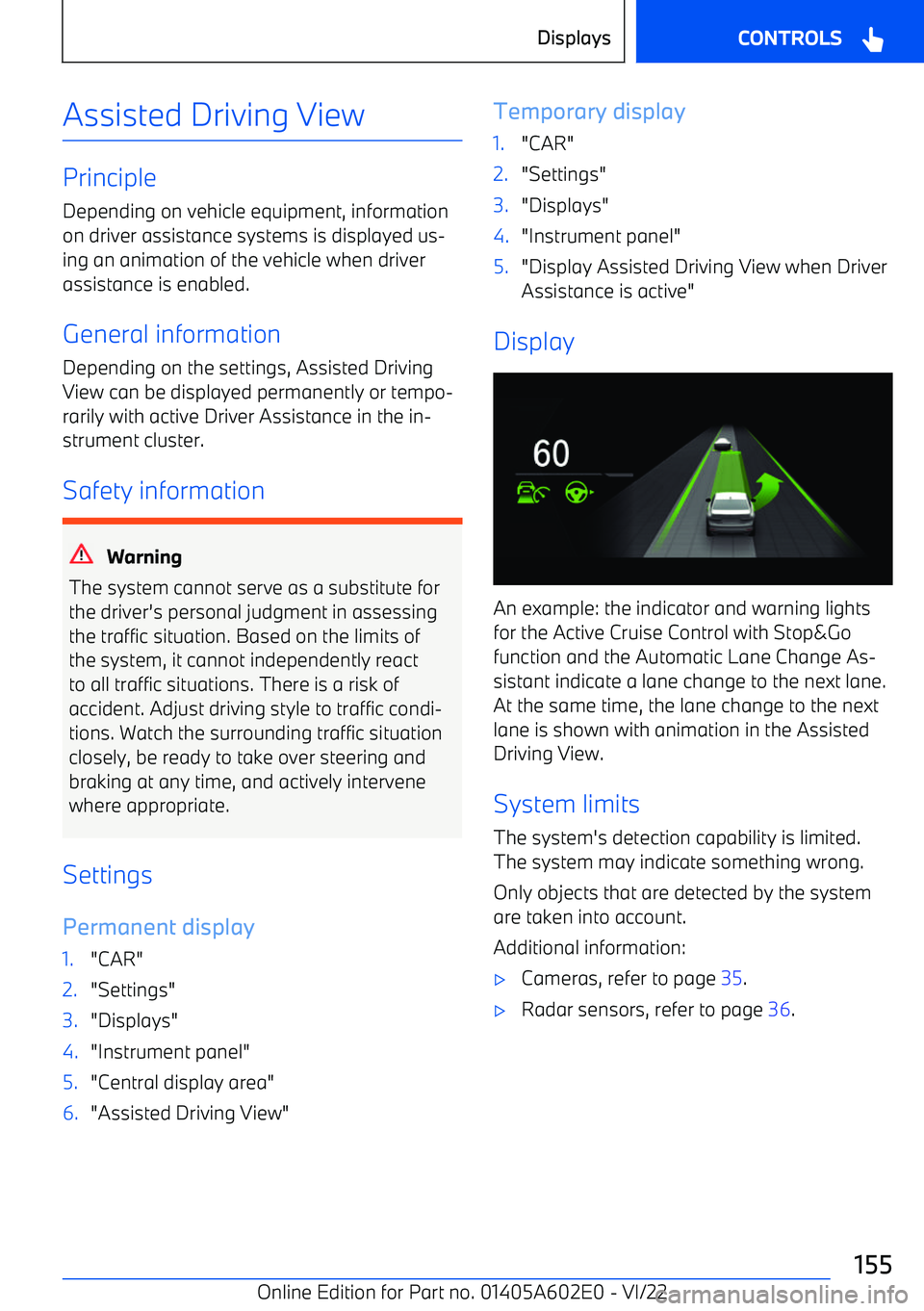
PrincipleDepending on vehicle equipment, information
on driver assistance systems is displayed us
Page:   < prev 1-10 11-20 21-30 31-40 41-50 50 next >