radio BUICK CENTURY 1994 User Guide
[x] Cancel search | Manufacturer: BUICK, Model Year: 1994, Model line: CENTURY, Model: BUICK CENTURY 1994Pages: 308, PDF Size: 16.3 MB
Page 133 of 308
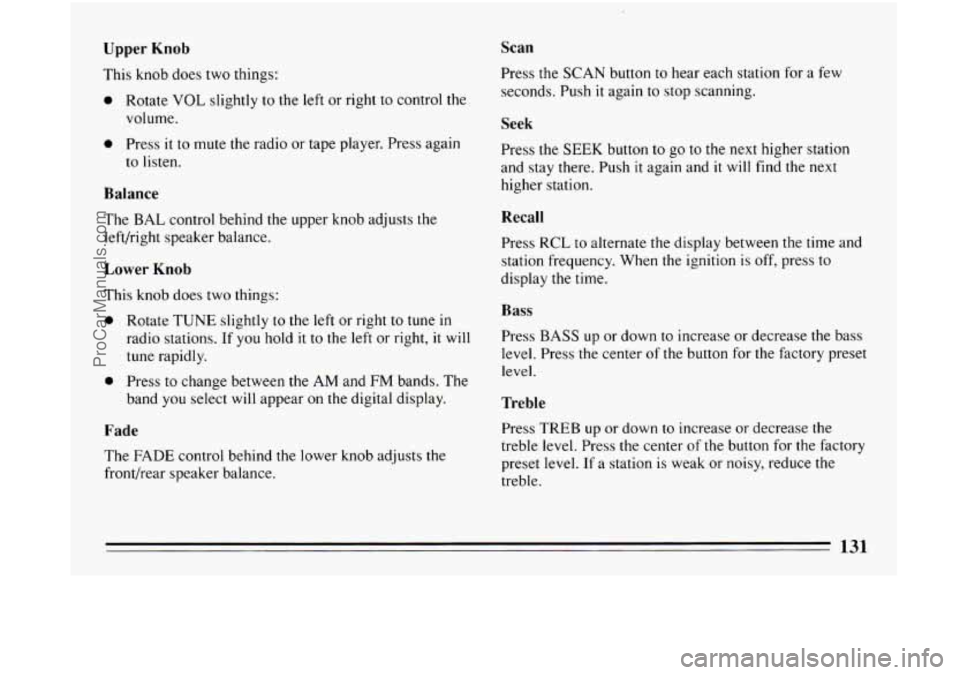
Upper Knob
This knob does two things:
0 Rotate VOL slightly to the left or right to control the
volume.
0 Press it to mute the radio or tape player. Press again
to listen.
Balance
The BAL control behind the upper knob adjusts the
left/right speaker balance.
Lower Knob
This knob does two things:
0 Rotate TUNE slightly to the left or right to tune in
radio stations. If you hold it to the left or right, it will
tune rapidly.
0 Press to change between the AM and FM bands. The
band you select will appear on the digital display.
Fade
The FADE control behind the lower knob adjusts the
front/rear speaker balance.
Scan
Press the SCAN button to hear each station for a few
seconds. Push
it again to stop scanning.
Seek
Press the SEEK button to go to the next higher station
and stay there. Push
it again and it will find the next
higher station.
Recall
Press RCL to alternate the display between the time and
station frequency. When the ignition
is off, press to
display the time.
Bass
Press BASS up or down to increase or decrease the bass
level. Press the center of
the button for the factory preset
level.
Treble
Press TREB up or down to increase or decrease the
treble level. Press
the center of the button for the factory
preset level.
If a station is weak or noisy, reduce the
treble.
131
ProCarManuals.com
Page 134 of 308
Pushbuttons
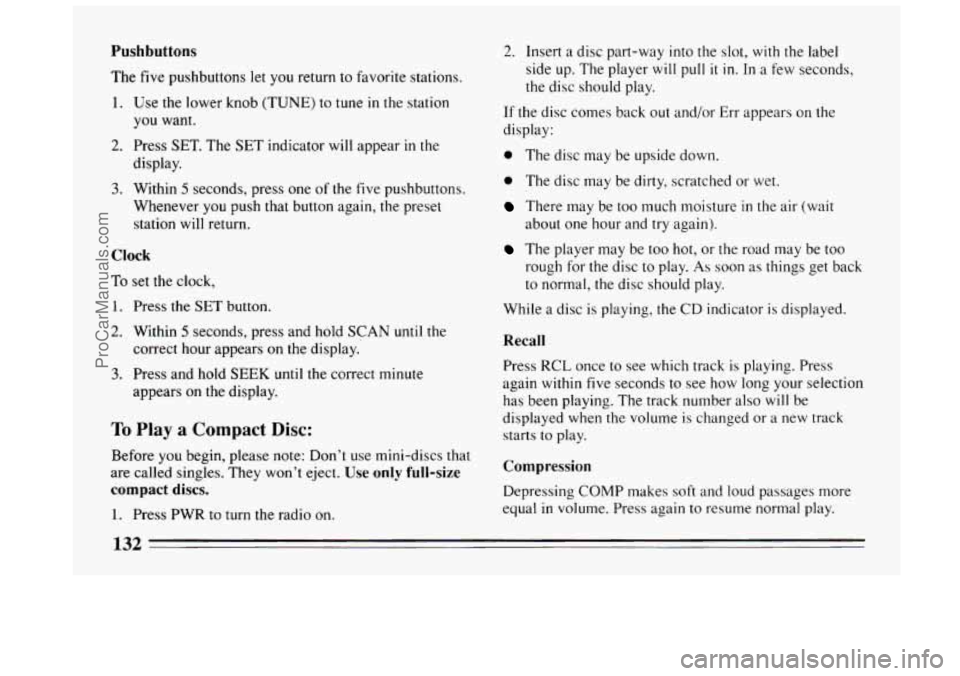
The five pushbuttons let you return to favorite stations.
1. Use the lower knob (TUNE) to tune in the station
you want.
display.
2. Press SET. The SET indicator will appear in the
3. Within 5 seconds, press one of the five pushbuttons.
Whenever
you push that button again, the preset
station
will return.
Clock
To set the clock,
1. Press the SET button.
2. Within 5 seconds, press and hold SCAN until the
correct hour appears on the display.
3. Press and hold SEEK until the correct minute
appears on the display.
To Play a Compact Disc:
Before you begin, please note: Don’t use mini-discs that
are called singles. They won’t eject.
Use only full-size
compact discs.
1. Press PWR to turn the radio on.
2. Insert a disc part-way into the slot, with the label
side up. The player will
pull it in. In a few seconds,
the disc should play.
If the disc comes back out and/or Err appears
on the
display:
0 The disc may be upside down.
0 The disc may be dirty, scratched or wet.
There may be too much moisture in the air (wait
The player may be too hot, or the road may be too
about
one hour and try again).
rough for the disc to play.
As soon as things get back
to normal, the disc should play.
While
a disc is playing, the CD indicator is displayed.
Recall
Press RCL once to see which track is playing. Press
again within five seconds to see how long your selection
has been playing. The track number also will be
displayed when
the volume is changed or a new track
starts to play.
Compression
Depressing COMP makes soft and loud passages more
equal
in volume. Press again to resume normal play.
132
ProCarManuals.com
Page 135 of 308
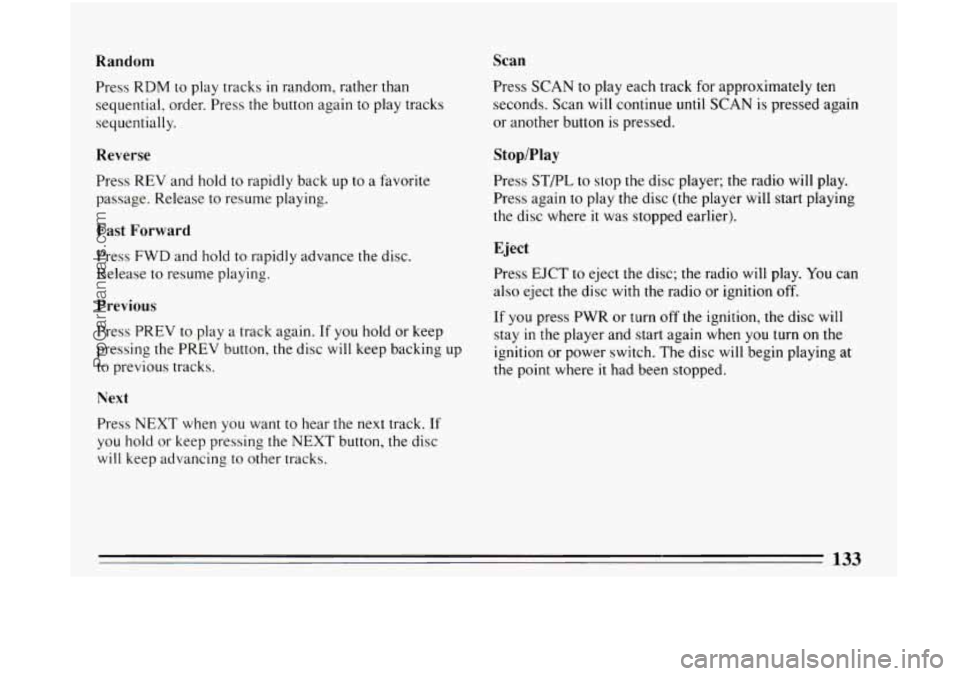
Random Scan
Press
RDM to play tracks in random, rather than
sequential, order. Press the button again to play tracks
sequentially.
Reverse
Press REV and hold to rapidly back up to a favorite
passage. Release to resume playing.
Fast Forward
Press FWD and hold to rapidly advance the disc.
Release to resume playing.
Previous
Press PREV to play a track again. If you hold or keep
pressing the PREV button, the disc will keep backing
up
to previous tracks.
Next
Press NEXT when you want to hear the next track. If
you hold or keep pressing the NEXT button, the disc
will keep advancing to other tracks. Press SCAN
to play each track for approximately ten
seconds. Scan will continue until SCAN is pressed again
or another button is pressed.
Stop/Play
Press STPL to stop the disc player; the radio will play.
Press again
to play the disc (the player will start playing
the disc where
it was stopped earlier).
Eject
Press EJCT to eject the disc; the radio will play. You can
also eject the disc with the radio
or ignition off.
If you press PWR or turn off the ignition, the disc will
stay
in the player and start again when you turn on the
ignition or power switch. The disc will begin playing at
the point where
it had been stopped.
133
ProCarManuals.com
Page 136 of 308
CD Player Anti-Theft Feature
Delco LOC I1 is a security feature for the compact disc
player.
It can be used or ignored. If ignored, the system
plays normally. If it is used, your player won’t be usable
if
it is ever stolen, because it will go to LOC mode any
time battery power
is removed. Until an unlock code is
entered, it will
not turn on.
The instructions below tell you how to enter a secret
code into the system. If your vehicle loses battery power
for any reason, you must unlock the system with the
secret code before the radio will turn on. Be sure to read
through
the entire procedure and become familiar with
the appropriate buttons and knobs before starting.
1. Write down any six-digit number and keep it in
a
safe place.
2. Turn the ignition to the ACC or RUN position.
3. Press the PWR button to turn the radio off.
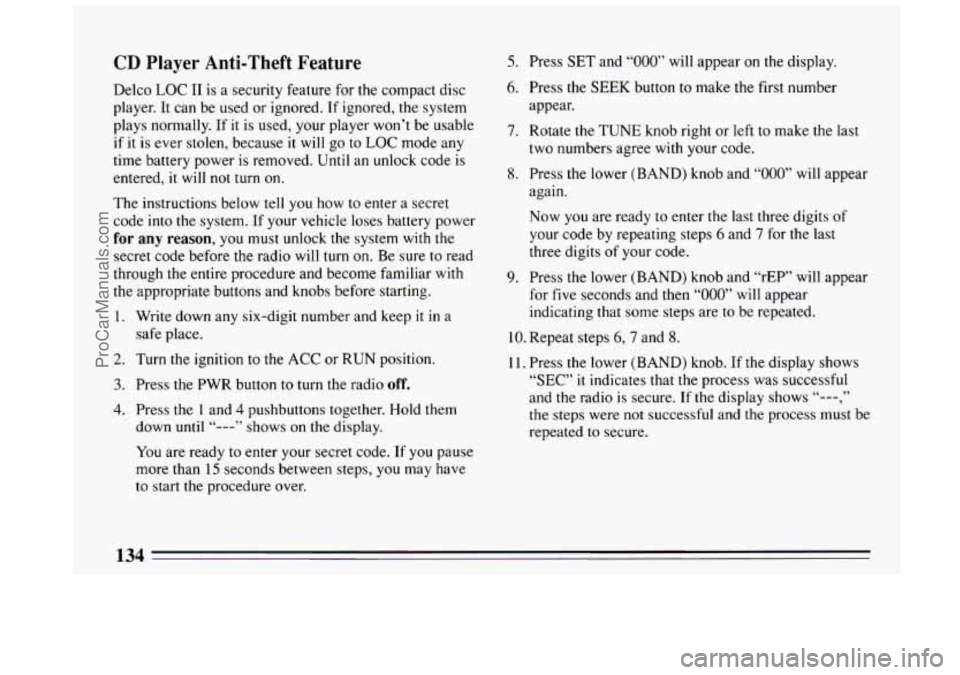
4. Press the 1 and 4 pushbuttons together. Hold them
down
until “---” shows on the display.
You are ready to enter your secret code. If you pause
more than
15 seconds between steps, you may have
to start the procedure over.
5. Press SET and “000” will appear on the display.
6. Press the SEEK button to make the first number
appear.
7. Rotate the TUNE knob right or left to make the last
two numbers agree with your code.
8. Press the lower (BAND) knob and “000” will appear
again.
Now you are ready to enter the last three digits of
your code by repeating steps
6 and 7 for the last
three digits
of your code.
9. Press the lower (BAND) knob and “rEP” will appear
for
five seconds and then “000” will appear
indicating that some steps are to be repeated.
10. Repeat steps 6,7 and 8.
11. Press the lower (BAND) knob. If the display shows
“SEC” it indicates that the process was successful
and the radio is secure. If
the display shows “---,”
the steps were not successful and the process must be
repeated
to secure.
134
ProCarManuals.com
Page 137 of 308
To Unlock the System After a Power Loss
When battery power is reapplied to a secured radio, the
radio won’t turn on and “LOC” will appear on the
display. Enter your secret code as follows; pause no
more than
15 seconds between steps.
1. Turn the ignition on. (Radio off.)
2. Press the SET button. The display will show “000.”
3. Enter the six digits of your code following steps 6-9
on the preceding. The display will show the numbers
as entered.
4. Press the lower (BAND) knob and SEC appears,
then the time, indicating that the disabling sequence
was successful.
Disabling the Anti-Theft System:
1.
2.
3.
4.
5.
6.
Press the I and 4 buttons together for five seconds with
ignition on and radio power off. The display will show
“SEC,” indicating the unit is in the secure mode.
Press the
SET button. The display will show “OOO.”
Enter the first three digits of your code following
step
6 and 7of the preceding paragraphs. The display
will show the numbers as entered.
Press the lower (BAND) knob. The radio will
display
“000.”
Enter the second three digits of the code. The display
will show
the numbers as entered.
Press the lower (BAND) knob.
If the display shows
numbers matched the user-selected code or
the
factory back-up code) and the unit is in the
UNSECURED mode. If
the display shows “SEC,”
the disabling sequence was unsuccessful and the numbers did
not match either of the codes and the
unit will remain in the SECURED mode.
“--- , ” the disabling sequence was successful (the
135
ProCarManuals.com
Page 139 of 308
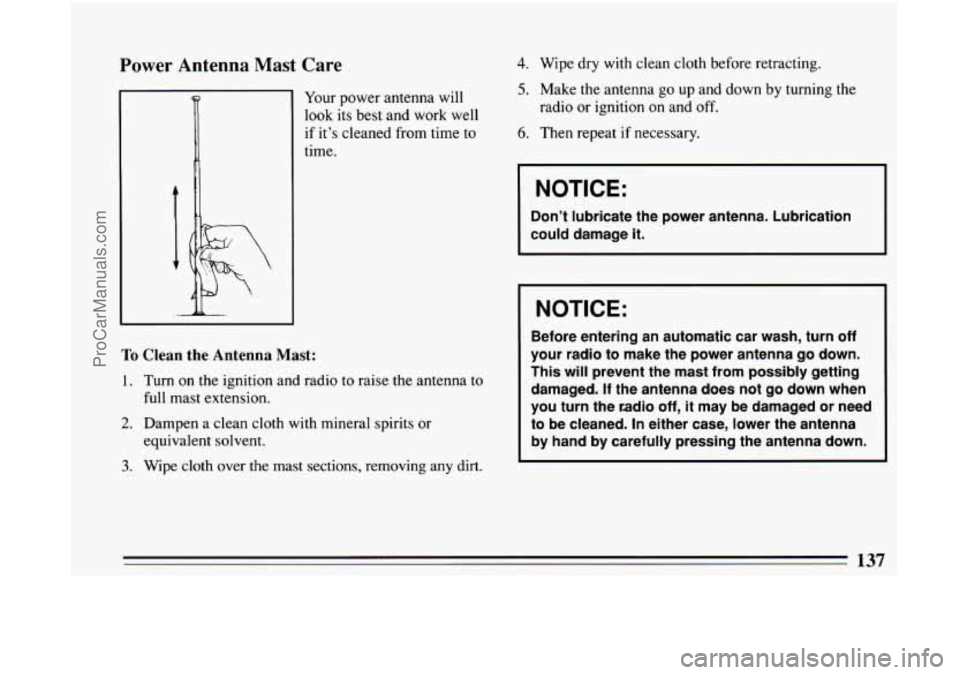
Power Antenna Mast Care
Your power antenna will
look its best and work well
if it’s cleaned from time
to
time.
To Clean the Antenna Mast:
1. Turn on the ignition and radio to raise the antenna to
full mast extension.
2. Dampen a clean cloth with mineral spirits or
3. Wipe cloth over the mast sections, removing any dirt.
equivalent
solvent.
4. Wipe dry with clean cloth before retracting.
5. Make the antenna go up and down by turning the
6. Then repeat if necessary.
radio
or ignition on and
off.
NOTICE:
Don’t lubricate the power antenna. Lubrication
could damage
it. I
NOTICE:
Before entering an automatic car wash, turn off
your radio to make the power antenna go down.
This will prevent the mast from possibly getting
damaged. If the antenna does
not go down when
you turn the radio
off, it may be damaged or need
to be cleaned.
In either case, lower the antenna
by hand by carefully pressing the antenna down.
137
ProCarManuals.com
Page 176 of 308
NOTICE:
Ignoring these steps could result in costly
damage to your vehicle that wouldn’t be covered
by your warranty.
Trying to start your Buick by pushing or pulling
it
won’t work, and it could damage your vehicle.
To Jump Start Your Buick:
1. Check the other vehicle. It must have a 12-volt
battery with a negative ground system.
I NOTICE:
I
If the other system isn’t a 12-volt system with a
negative ground, both vehicles can be damaged.
2. Get the vehicles close enough so the jumper cables
can reach, but be sure the vehicles aren’t touching
each other.
If they are, it could cause a ground
connection
you don’t want. You wouldn’t be able to
start your car, and the bad grounding could damage
the electrical systems.
3. Turn off the ignition on both vehicles. Turn off all
lights that aren’t needed, and radios. This will avo
sparks and help save both batteries. And it could
save your radio! ‘id
I NOTICE:
If you
leave your radio on, it could be badly
damaged. The repairs wouldn’t be covered by
your warranty.
4. Open the hoods and locate the batteries.
Find the positive
(+) and nenative (-) terminals on each
battery.
174
ProCarManuals.com
Page 257 of 308
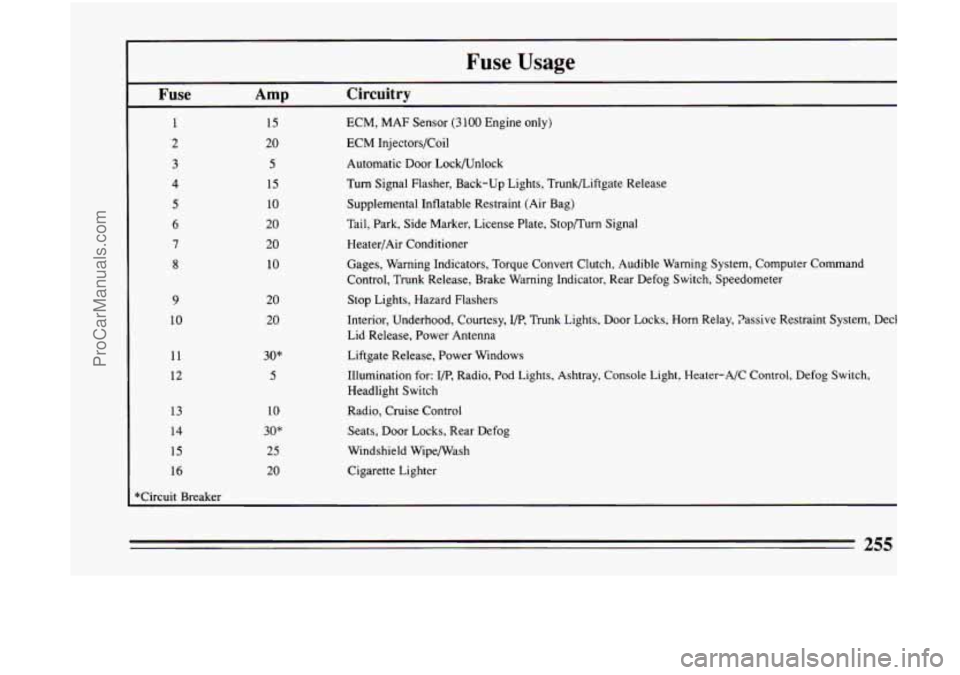
r Fuse Usage
I
Fuse Amp Circuitry
1 15 ECM, MAF Sensor (3 100 Engine only)
2 20 ECM Injectors/Coil
3
4
5
6
7
8
9
10
11
12
13
14
15
I 16
5
15
10
20
20
10
20 20
30"
5
10
30"
25
20
Automatic Door LockAJnlock
Turn Signal Flasher, Back-up Lights, Trunkbiftgate Release
Supplemental Inflatable Restraint (Air Bag)
Tail, Park, Side Marker, License Plate, Stop/Turn Signal Heater/Air Conditioner
Gages, Warning Indicators, Torque Convert Clutch, Audible Warning\
System, Computer Command
Control, Trunk Release, Brake Warning Indicator, Rear Defog Swit\
ch, Speedometer
Stop Lights, Hazard Flashers
Interior, Underhood, Courtesy,
I/P, Trunk Lights, Door Locks, Horn Relay, Passive Restraint System, \
Deck
Lid Release, Power Antenna
Liftgate Release, Power Windows
Illumination for:
I/P, Radio, Pod Lights, Ashtray, Console Light, Heater-A/C Control, D\
efog Switch,
Headlight Switch
Radio, Cruise Control
Seats, Door Locks, Rear Defog
Windshield WipefWash
Cigarette Lighter
255
ProCarManuals.com
Page 294 of 308
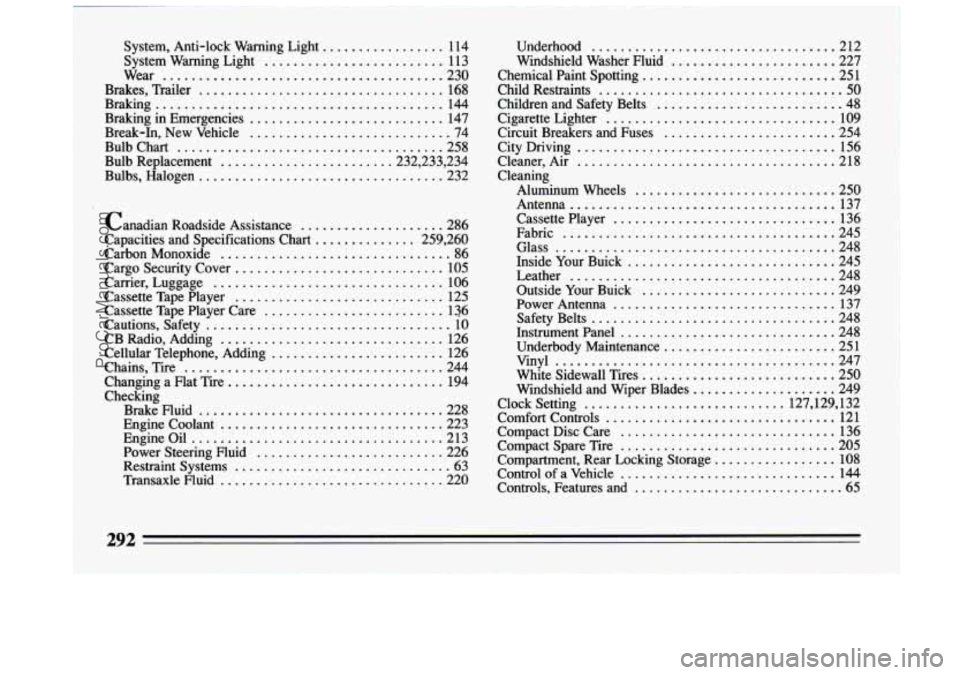
System. Anti-lock Warning Light ................. 114
System Warning Light
......................... 113
Wear
....................................... 230
Brakes. Trailer
.................................. 168
Braking in Emergencies
........................... 147
Break-In. New Vehicle ............................ 74
Bulb Chart
...................................... 258
Bulb Replacement ....................... .232.233. 234
Bulbs. Halogen
.................................. 232
Braking
........................................ 144
Canadian Roadside Assistance
................... -286
Capacities and Specifications Chart
.............. 259. 260
Carbon Monoxide
................................ 86
Cargo Security Cover
............................. 105
Carrier. Luggage
................................ 106
Cassette Tape Player
............................. 125
Cassette Tape Player Care
......................... 136
Cautions. Safety
.................................. 10
CB Radio. Adding
............................... 126
Cellular Telephone. Adding
........................ 126
Chains. Tire
.................................... 244
Changing a Flat Tire
.............................. 194
Checking Brake Fluid
.................................. 228
Engine Coolant
............................... 223
Engineoil
................................... 213
Power Steering Fluid
.......................... 226
Restraint Systems
.............................. 63
Transaxle Fluid
............................... 220 Underhood
.................................. 212
Windshield Washer Fluid
....................... 227
Chemical Paint Spotting
........................... 251
Child Restraints
.................................. 50
Children and Safety Belts ......................... -48
Circuit Breakers and Fuses ........................ 254
City Driving
.................................... 156
Cleaner. Air .................................... 218
Cleaning Aluminum Wheels
............................ 250
Antenna
..................................... 137
Cassette Player
............................... 136
Fabric
...................................... 245
Glass ....................................... 248
Inside Your Buick
............................. 245
Leather
..................................... 248
Outside Your Buick
........................... 249
Power Antenna
............................... 137
Safety Belts
.................................. 248
Instrumentpanel
.............................. 248
Underbody Maintenance
........................ 251
vinyl
....................................... 247
White Sidewall Tires
........................... 250
Windshield and Wiper Blades
.................... 249
Clock Setting
............................ 127.129. 132
Comfort Controls
................................ 121
Compact Disc Care
.............................. 136
Compact Spare Tire
.............................. 205
Compartment. Rear Locking Storage
................. 108
Control of a Vehicle
.............................. 144
Controls. Features and
............................. 65
Cigarette Lighter
................................ 109
292
..... _- ...
ProCarManuals.com
Page 298 of 308
Methanol in Gasoline ............................. 209
Mirrors
........................................ 102
Mountain Driving ................................ 160
Net. Convenience ............................... 105
Neutral Gear Position
.............................. 80
New Vehicle Break-In
............................. 74
NightDriving
................................... 152
Octane Requirements
........................... 209
Odometer
...................................... 110
Off-Road Recovery
.............................. 149
Oil. Engine
..................................... 213
Change
................................. 217. 261
Quality
..................................... 215
Warning Light
................................ 11 7
Overdrive. Automatic
............................. 8 1
Overheated Engine ............................... 184
Paint Spotting
.................................. 251
Park
........................................... 77
Park. Shifting Into
................................ 83
Parking Brake
........................................ 82
Over Things That Burn
.......................... 85
With a Trailer
................................ 165
With the Engine Running
........................ 86
Passing
........................................ 150 Polishing
and Waxing
............................ 249
Power
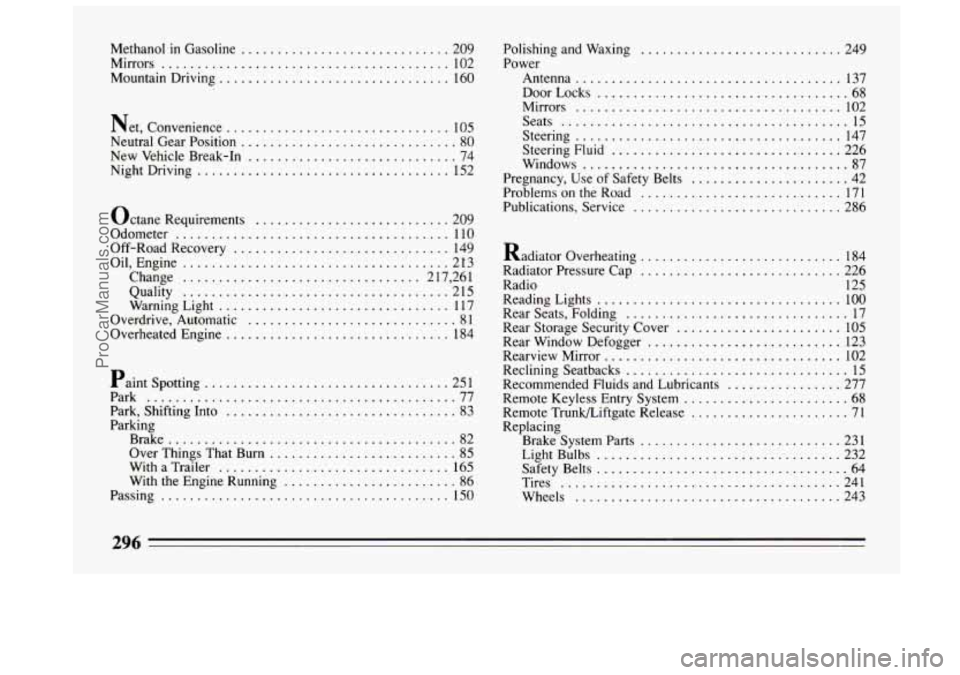
Antenna
..................................... 137
DoorLocks
................................... 68
Mirrors
..................................... 102
Seats
........................................ 15
Steering
..................................... 147
Steering Fluid
................................ 226
Windows
..................................... 87
Pregnancy. Use of Safety Belts
...................... 42
Problems on the Road ............................ 171
Publications. Service
............................. 286
Radiator Overheating
............................ 184
Radiator Pressure Cap
............................ 226
Radio 125
Reading Lights
.................................. 100
Rear Seats. Folding ............................... 17
Rear Storage Security Cover
....................... 105
Rear Window Defogger
........................... 123
Rearview Mirror
................................. 102
Reclining Seatbacks
............................... 15
Recommended Fluids and Lubricants
................ 277
Remote Keyless Entry System
....................... 68
Remote Trunkbiftgate Release ...................... 71
Replacing
BrakeSystemParts
............................ 231
Safety Belts
................................... 64
Tires
....................................... 241
Wheels
..................................... 243
Light Bulbs
.................................. 232
296
ProCarManuals.com