instrument panel BUICK CENTURY 1994 Owners Manual
[x] Cancel search | Manufacturer: BUICK, Model Year: 1994, Model line: CENTURY, Model: BUICK CENTURY 1994Pages: 308, PDF Size: 16.3 MB
Page 28 of 308
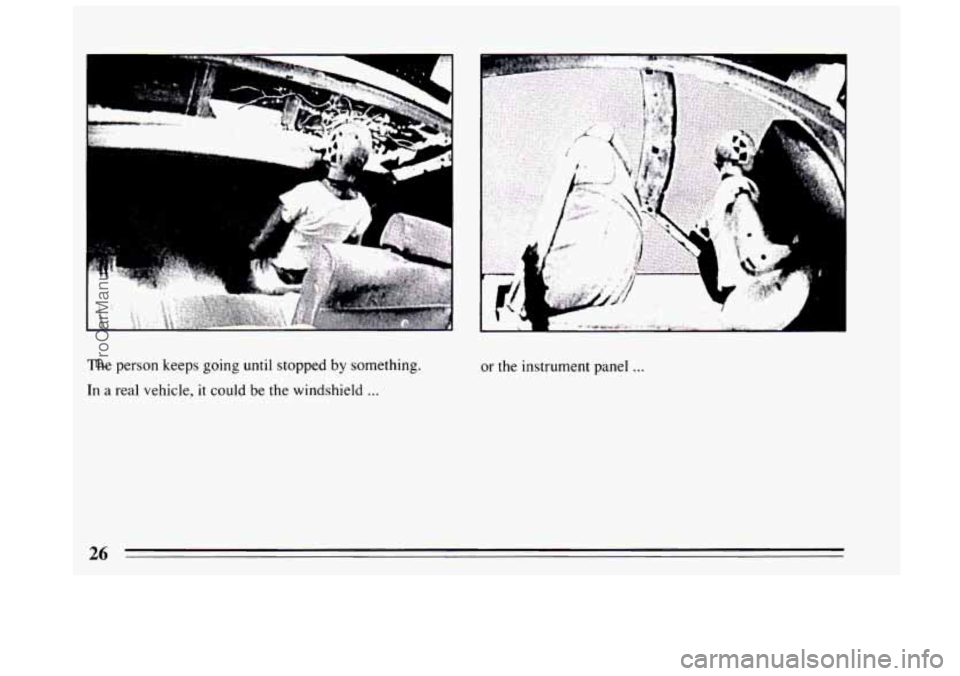
The person keeps going until stopped by something.
In
a real vehicle, it could be the windshield ...
or the instrument panel ...
26
ProCarManuals.com
Page 40 of 308
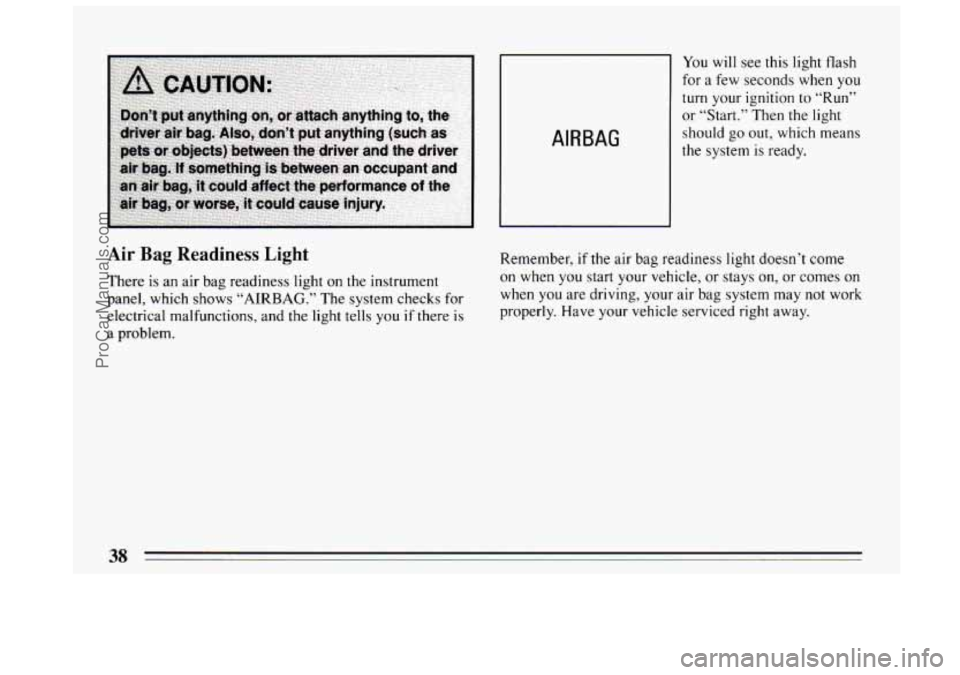
AIR BAG
You will see this light flash
for a few seconds when you
turn your ignition to “Run”
or “Start.” Then the light
should go out, which means
the system is ready.
Air Bag Readiness Light
There is an air bag readiness light on the instrument
panel, which shows
“AIRBAG.” The system checks for
electrical malfunctions, and the light tells
you if there is
a problem. Remember,
if the air bag readiness light doesn’t come
on when you start your vehicle, or stays
on, or comes on
when
you are driving, your air bag system may not work
properly. Have your vehicle serviced right away.
38
ProCarManuals.com
Page 67 of 308
?art 2 Features and Controls
Here you can learn about the many standard and optional features on your Buick. and information on starting. shifting
and braking
. Also explained are the instrument panel and the warning systems that tell you if everything is working
properly
.. and what to do if you have a problem .
Part 2 includes:
Keys ........................................................................\
.. 66
DoorLocks .............................. ................................... 67
New Vehicle Break-In ..................... ..................................... 74
StartingtheEngine
................................................................. 76
ShiftingtheTransaxle ............................................................ 79
Windows ....................................................................... \
87
TiltSteeringWheel
................................................................ 88
Turn Signal/Headlight Beam Lever .................................................... 89
Headlight High-Low Beam Changer
.............................................. 91
Windshield Wipermasher ...................................................... 91
CruiseControl
................................................................ 94
Headlights
........................................................................\
98
Mirrors ........................................................................\
.. 102
Instrumentpanel ................................................................... 110
Speedometer and Odometer ..................................................... 110
Warning Lights . Gages and Indicators ............................................. 111
65
ProCarManuals.com
Page 77 of 308
Ignition Key Positions
C
9.5 B
A i E
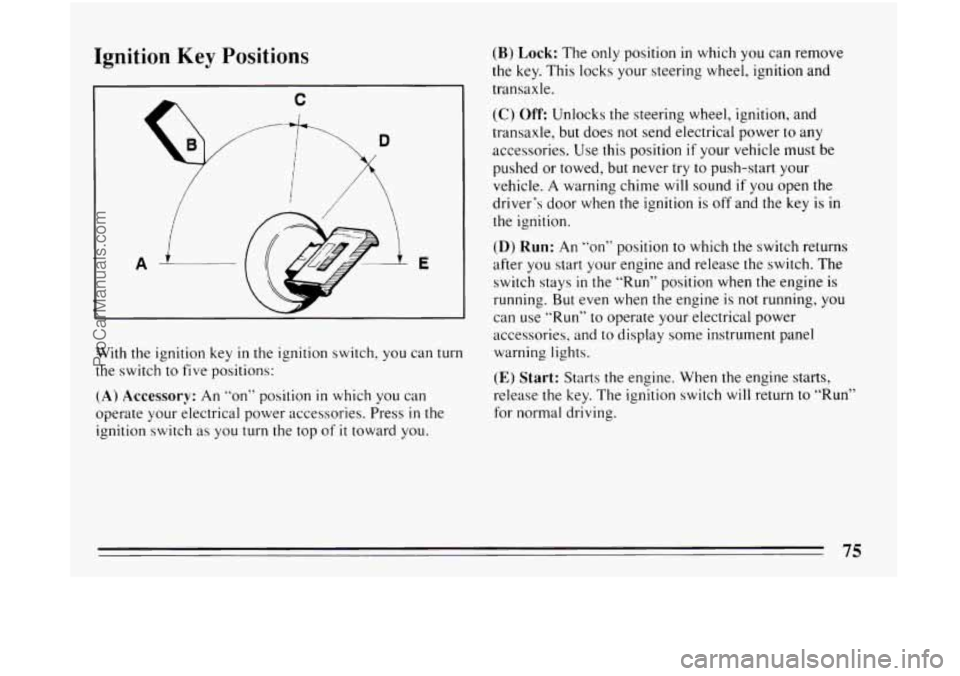
With the ignition key in the ignition switch, you can turn
the switch to five positions:
(A) Accessory: An “on” position in which you can
operate your electrical power accessories. Press
in the
ignition switch as you turn the top
of it toward you.
(B) Lock: The only position in which you can remove
the key. This locks
your steering wheel, ignition and
transaxle.
(C) Off: Unlocks the steering wheel, ignition, and
transaxle, but does not send electrical power
to any
accessories. Use this position
if your vehicle must be
pushed or towed, but never
try to push-start your
vehicle.
A warning chime will sound if you open the
driver’s door when the ignition is off and the
key is in
the ignition.
(D) Run: An ‘‘on’’ position to which the switch returns
after you start your engine and release
the switch. The
switch stays
in the “Run” position when the engine is
running. But even when the engine is
not running, you
can use
“Run” to operate your electrical power
accessories, and to display some instrument panel
warning lights.
(E) Start: Starts the engine. When the engine starts,
release the key. The ignition switch will return
to “Run”
for normal driving.
ProCarManuals.com
Page 92 of 308
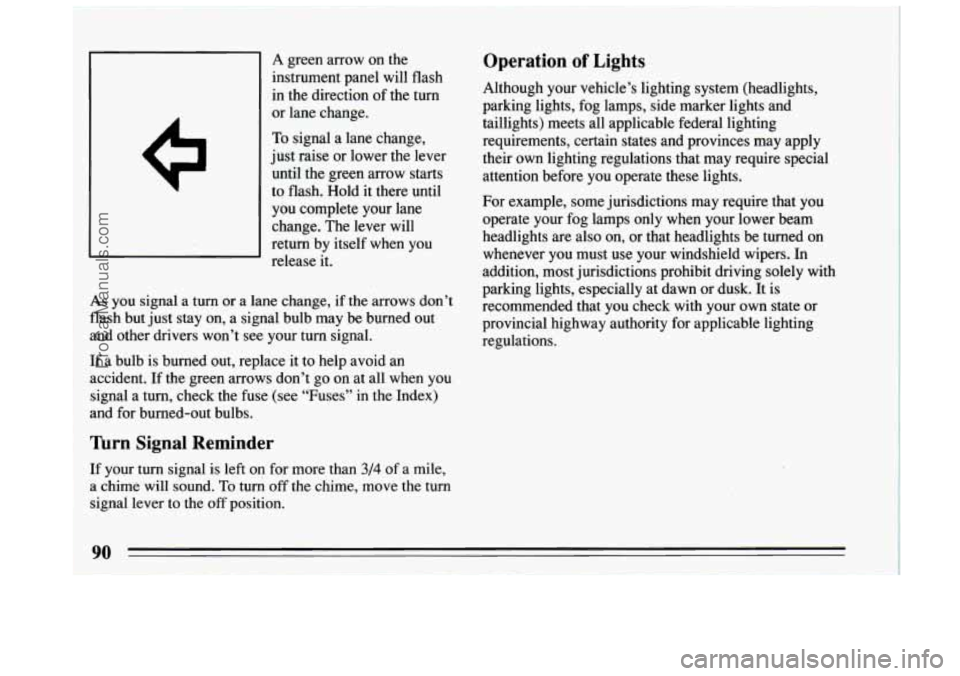
I I A green arrow on the
instrument panel will flash
in the direction of the turn
or lane change.
To signal a lane change,
just raise
or lower the lever
until the green arrow starts
to flash. Hold
it there until
you complete your lane
change. The lever will
return by itself when you
release it.
As you signal a turn or a lane change, if the arrows don’t
flash but just stay on, a signal bulb may be burned out
and other drivers won’t see your turn signal.
If a bulb is burned out, replace
it to help avoid an
accident. If the green arrows don’t go on at all when you
signal a turn, check the fuse (see “Fuses” in the Index)
and for burned-out bulbs.
nrn Signal Reminder
If your turn signal is left on for more than 3/4 of a mile,
a chime will sound.
To turn off the chime, move the turn
signal lever
to the off position.
Operation of Lights
Although your vehicle’s lighting system (headlights,
parking lights, fog lamps, side marker lights and
taillights) meets all applicable federal lighting
requirements, certain states and provinces may apply
their own lighting regulations that may require special
attention before you operate these lights.
For example, some jurisdictions may require that you
operate your fog lamps only when your lower beam
headlights are also on, or that headlights be turned on
whenever you must use your windshield wipers. In
addition, most jurisdictions prohibit driving solely with
parking lights, especially at dawn
or dusk. It is
recommended that you check with your own state or
provincial highway authority for applicable lighting
regulations.
90
ProCarManuals.com
Page 93 of 308
Headlight High-Low Beam
BRIGHT
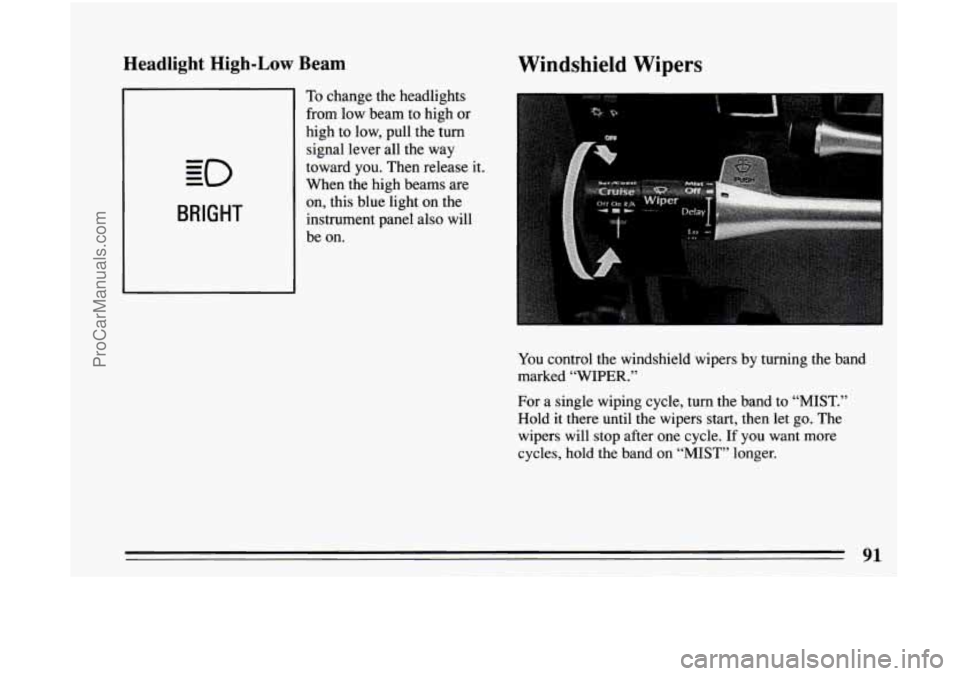
To change the headlights
from low beam to high
or
high to low, pull the turn
signal lever all the way
toward you. Then release it.
When the high beams are
on, this blue light on the
instrument panel also will
be on.
Windshield Wipers
You control the windshield wipers by turning the band
marked “WIPER.”
For a single wiping cycle, turn the band to “MIST.”
Hold it there until the wipers start, then let go. The
wipers will stop after one cycle.
If you want more
cycles, hold the band on
“MIST” longer.
91
ProCarManuals.com
Page 95 of 308
NOTICE:
When using concentrated washer fluid,
follow the manufacturer’s instructions for
adding water.
a Don’t mix water with ready-to-use washer
fluid. Water can cause the solution to
freeze and damage your washer fluid tank
and other parts of the washer system.
Also,
water doesn’t clean as well as washer fluid.
0 Fill your washer fluid tank only 3/4 full
when it’s very
cold. This allows for
expansion, which could damage the tank
if
it is completely full.
windshield washer. It can damage your
washer system and paint.
Don’t use radiator antifreeze in your
Wagon Rear Window Washedwiper
(Option)
The rear window
washer/wiper switch is at
the center
of the instrument
panel. Press the top
of the
switch labeled
“WASH”
and the rear wiper will run
at a constant speed.
Press the switch further and hold
to spray washer fluid
while
the wiper continues to run. The wiper will
continue
to run until you press the switch to “OFF.”
The rear window washer fluid reservoir is the smaller
reservoir next to the coolant reservoir.
93
ProCarManuals.com
Page 97 of 308
To Set Cruise Control
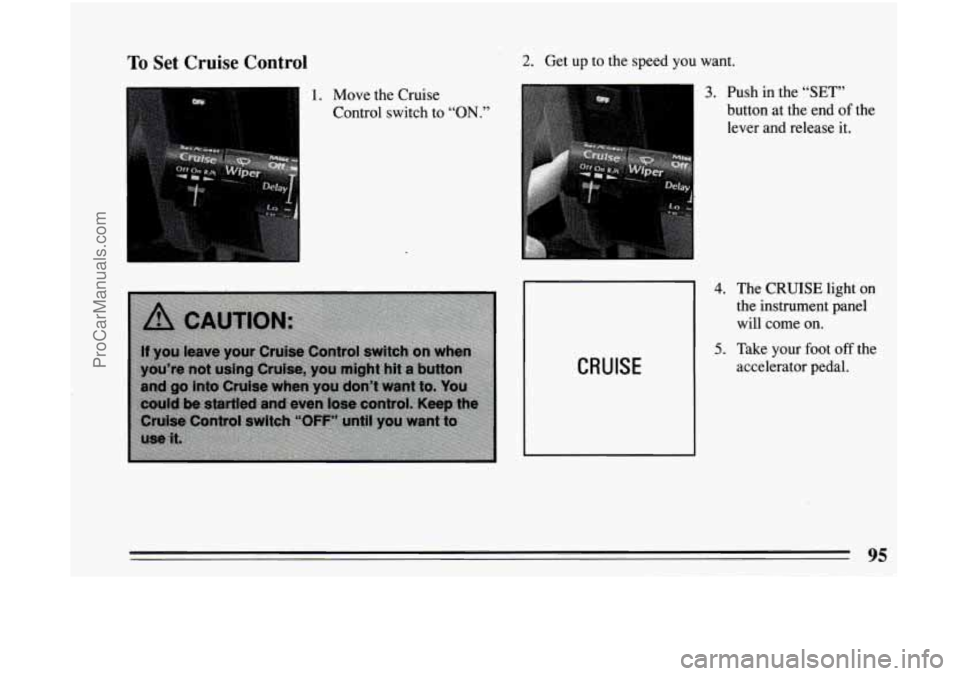
1. Move the Cruise
Control switch
to “ON.”
2. Get up to the speed you want.
CRUISE
3. Push in the “SET”
button at the end of the
lever and release it.
4.
5.
The CRUISE light on
the instrument panel
will come on.
Take your foot
off the
accelerator pedal.
95
ProCarManuals.com
Page 100 of 308
To Get Out of Cruise Control
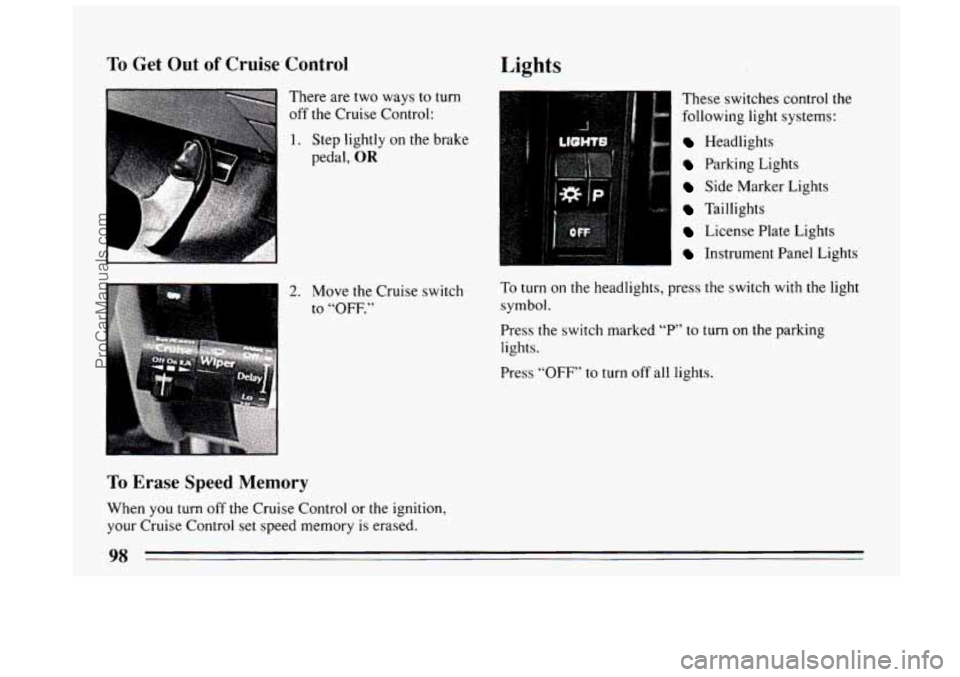
There are two ways to turn
off the Cruise Control:
-
1. Step lightly on the brake
pedal,
OR
2. Move the Cruise switch
to
“OFF.”
To Erase Speed Memory
When you turn off the Cruise Control or the ignition,
your Cruise Control set speed memory is erased.
Lights
I These switches control the
following light systems:
Headlights
Parking Lights
Side Marker Lights
Taillights
License Plate Lights
Instrument Panel Lights
To turn on the headlights, press the switch with the light
symbol.
Press the switch marked
“P’ to turn on the parking
lights.
Press
“OFF” to turn off all lights.
98
ProCarManuals.com
Page 101 of 308
Interior/Instrument Panel Lights
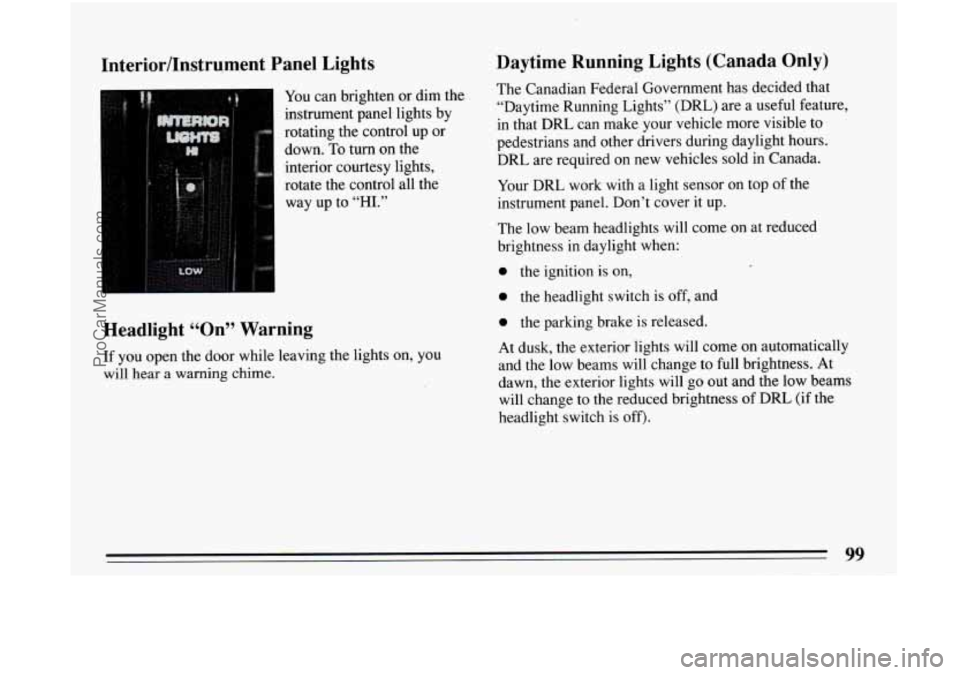
You can brighten or dim the
instrument panel lights by
rotating the control up or
down. To turn on the
interior courtesy lights,
rotate the control all the
way up to
“HI.”
Headlight ccOn99 Warning
If you open the door while leaving the lights on, you
will hear
a warning chime.
Daytime Running Lights (Canada Only)
The Canadian Federal Government has decided that
“Daytime Running Lights” (DRL) are a useful feature,
in that DRL can make your vehicle more visible to
pedestrians and other drivers during daylight hours.
DRL are required on new vehicles sold in Canada.
Your DRL work with a light sensor on top of the
instrument panel. Don’t cover it up.
The low beam headlights will come on at reduced
brightness in daylight when:
0 the ignition is on,
0 the headlight switch is off, and
0 the parking brake is released.
At dusk, the exterior lights will come on automatically
and the low beams will change to full brightness. At
dawn, the exterior lights will go out and the low beams
will change to the reduced brightness
of DRL (if the
headlight switch is off).
99
ProCarManuals.com