ignition BUICK LACROSSE 2006 Service Manual
[x] Cancel search | Manufacturer: BUICK, Model Year: 2006, Model line: LACROSSE, Model: BUICK LACROSSE 2006Pages: 444, PDF Size: 2.66 MB
Page 166 of 444
Traction Control System (TCS)
Warning Light
Your vehicle may be
equipped with the Traction
Control System (TCS), if
this warning light comes
on and stays on, there
may be a problem with the
TCS and, if equipped, the
StabiliTrak
®system.
The TCS warning light will come on briey when you turn
the ignition to RUN. If it does not come on then, have it
xed so it will be ready to warn you if there is a problem.
The light will also come on if you turn the TCS off using
the TCS on/off button located near the shift lever.
If the TCS warning light stays on or comes on while
you are driving, pull off the road as soon as possible and
stop carefully. Try resetting the system by turning the
ignition off then back on. If the light still stays on
or comes back on again while you are driving, your
vehicle needs service. Have the traction control system
and, if equipped, the StabiliTrak
®system inspected
as soon as possible. SeeTraction Control System (TCS)
on page 4-10andStabiliTrak
®System on page 4-11
for more information.
Engine Coolant Temperature
Warning Light
This light tells you that
your engine is very hot.
This light will come on when you rst start the vehicle as
a check to let you know that the light is working. It will go
out after a few seconds. If the light does not come on, the
bulb may be burned out. See your GM dealer to have it
corrected.
If the light does not go out or if the light comes on and
stays on while you are driving, your vehicle may have a
problem with the cooling system. You should stop the
vehicle and turn off the engine as soon as possible to
avoid damage to the engine. A warning chime will sound
when this light is on, also.
SeeEngine Overheating on page 5-27.
3-40
Page 167 of 444
Engine Coolant Temperature Gage
The vehicle has a gage
that shows the engine
coolant temperature.
If the gage pointer moves towards the H, the engine is
too hot.
This reading indicates the same thing as the warning
light. It means that the engine coolant has overheated.
If the vehicle has been operating under normal driving
conditions, pull off the road, stop the vehicle, and turn off
the engine as soon as possible. SeeEngine Overheating
on page 5-27.
Low Coolant Warning Light
If equipped, this light
comes on briey when
you turn your ignition on
as a bulb check only.
Malfunction Indicator Lamp
Check Engine Light
Your vehicle has a
computer which monitors
operation of the fuel,
ignition, and emission
control systems.
This system is called OBD II (On-Board
Diagnostics-Second Generation) and is intended to
assure that emissions are at acceptable levels for the life
of the vehicle, helping to produce a cleaner environment.
3-41
Page 168 of 444
The check engine light comes on to indicate that there
is a problem and service is required. Malfunctions often
will be indicated by the system before any problem is
apparent. This may prevent more serious damage to your
vehicle. This system is also designed to assist your
service technician in correctly diagnosing any
malfunction.
Notice:If you keep driving your vehicle with this
light on, after awhile, your emission controls may not
work as well, your fuel economy may not be as good,
and your engine may not run as smoothly. This could
lead to costly repairs that may not be covered by
your warranty.
Notice:Modications made to the engine,
transaxle, exhaust, intake, or fuel system of your
vehicle or the replacement of the original tires with
other than those of the same Tire Performance
Criteria (TPC) can affect your vehicle’s emission
controls and may cause this light to come on.
Modications to these systems could lead to costly
repairs not covered by your warranty. This may
also result in a failure to pass a required Emission
Inspection/Maintenance test. SeeAccessories
and Modifications on page 5-3.This light should come on, as a check to show you it
is working, when the ignition is on and the engine is not
running. If the light does not come on, have it repaired.
This light will also come on during a malfunction in
one of two ways:
Light Flashing— A misre condition has been
detected. A misre increases vehicle emissions
and may damage the emission control system
on your vehicle. Diagnosis and service may
be required.
Light On Steady— An emission control system
malfunction has been detected on your vehicle.
Diagnosis and service may be required.
If the Light is Flashing
The following may prevent more serious damage to
your vehicle:
Reducing vehicle speed
Avoiding hard accelerations
Avoiding steep uphill grades
If you are towing a trailer, reduce the amount of
cargo being hauled as soon as it is possible
3-42
Page 170 of 444
Emissions Inspection and Maintenance
Programs
Some state/provincial and local governments have or
may begin programs to inspect the emission control
equipment on your vehicle. Failure to pass this
inspection could prevent you from getting a vehicle
registration.
Here are some things you need to know to help your
vehicle pass an inspection:
Your vehicle will not pass this inspection if the check
engine light is on or not working properly.
Your vehicle will not pass this inspection if the OBD
(on-board diagnostic) system determines that critical
emission control systems have not been completely
diagnosed by the system. The vehicle would be
considered not ready for inspection. This can happen if
you have recently replaced your battery or if your battery
has run down. The diagnostic system is designed to
evaluate critical emission control systems during normal
driving. This may take several days of routine driving. If
you have done this and your vehicle still does not pass
the inspection for lack of OBD system readiness, your
GM dealer can prepare the vehicle for inspection.
Oil Pressure Light
Your vehicle may have this
feature. If the vehicle has
an oil problem, this light
may stay on after the
engine is started, or come
on while you are driving.
This light indicates that oil is not going through the engine
quickly enough to keep it lubricated. The engine could be
low on oil or could have some other oil problem. Have it
xed right away.
The oil light could also come on in the following
situations:
The light will come on briey when the ignition is
turned on to show that it is working properly. If it
does not come on with the ignition on, there may
be a problem with the fuse or bulb. Have it xed
right away.
Sometimes when the engine is idling at a stop, a
chime will sound and the light may blink on and off.
This is normal.
3-44
Page 173 of 444
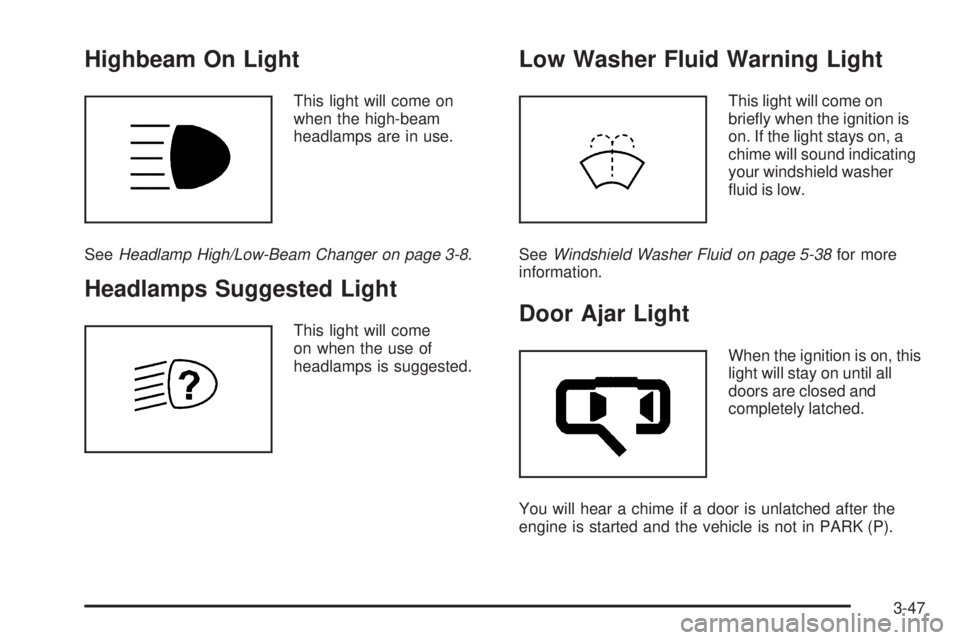
Highbeam On Light
This light will come on
when the high-beam
headlamps are in use.
SeeHeadlamp High/Low-Beam Changer on page 3-8.
Headlamps Suggested Light
This light will come
on when the use of
headlamps is suggested.
Low Washer Fluid Warning Light
This light will come on
briey when the ignition is
on. If the light stays on, a
chime will sound indicating
your windshield washer
uid is low.
SeeWindshield Washer Fluid on page 5-38for more
information.
Door Ajar Light
When the ignition is on, this
light will stay on until all
doors are closed and
completely latched.
You will hear a chime if a door is unlatched after the
engine is started and the vehicle is not in PARK (P).
3-47
Page 174 of 444
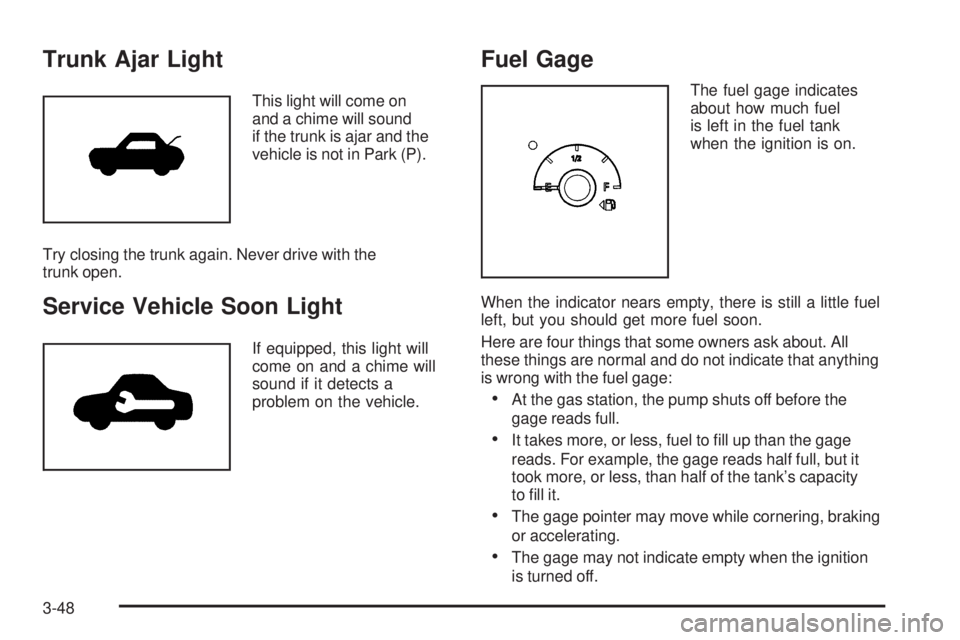
Trunk Ajar Light
This light will come on
and a chime will sound
if the trunk is ajar and the
vehicle is not in Park (P).
Try closing the trunk again. Never drive with the
trunk open.
Service Vehicle Soon Light
If equipped, this light will
come on and a chime will
sound if it detects a
problem on the vehicle.
Fuel Gage
The fuel gage indicates
about how much fuel
is left in the fuel tank
when the ignition is on.
When the indicator nears empty, there is still a little fuel
left, but you should get more fuel soon.
Here are four things that some owners ask about. All
these things are normal and do not indicate that anything
is wrong with the fuel gage:
At the gas station, the pump shuts off before the
gage reads full.
It takes more, or less, fuel to ll up than the gage
reads. For example, the gage reads half full, but it
took more, or less, than half of the tank’s capacity
to ll it.
The gage pointer may move while cornering, braking
or accelerating.
The gage may not indicate empty when the ignition
is turned off.
3-48
Page 175 of 444
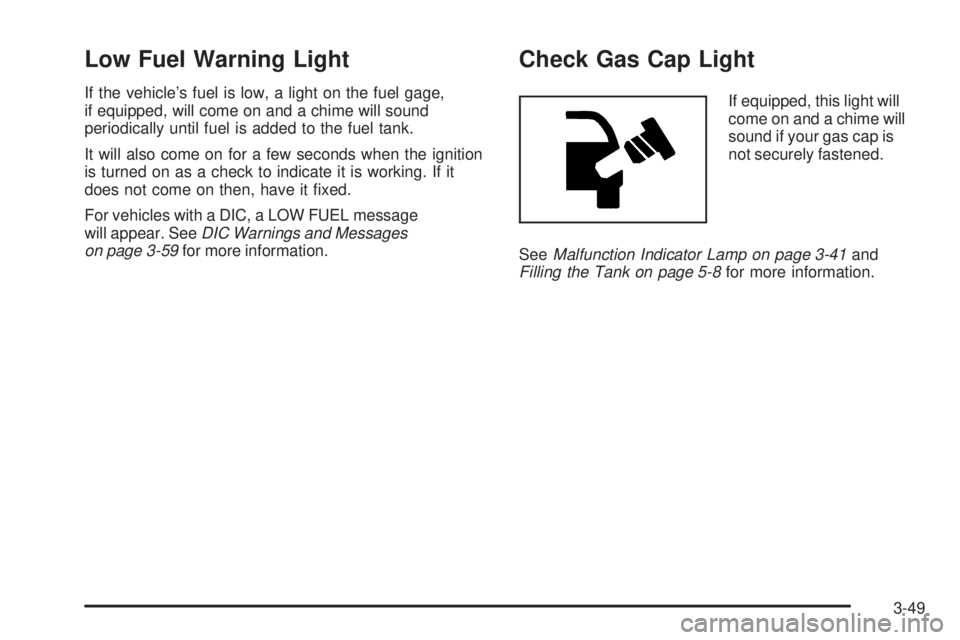
Low Fuel Warning Light
If the vehicle’s fuel is low, a light on the fuel gage,
if equipped, will come on and a chime will sound
periodically until fuel is added to the fuel tank.
It will also come on for a few seconds when the ignition
is turned on as a check to indicate it is working. If it
does not come on then, have it xed.
For vehicles with a DIC, a LOW FUEL message
will appear. SeeDIC Warnings and Messages
on page 3-59for more information.
Check Gas Cap Light
If equipped, this light will
come on and a chime will
sound if your gas cap is
not securely fastened.
SeeMalfunction Indicator Lamp on page 3-41and
Filling the Tank on page 5-8for more information.
3-49
Page 176 of 444
Driver Information Center (DIC)
Your vehicle may have a Driver Information Center (DIC).
All messages will appear in the DIC display located in the
instrument panel cluster, below the speedometer. The
DIC buttons are located on the center of the instrument
panel, below the center outlets.
The DIC comes on when the ignition is on. After a
short delay, the DIC on the uplevel vehicle will display the
WELCOME DRIVER (1 or 2) if a personalized key 1 or 2
is used, and then the information that was last displayed
before the engine was turned off.
The DIC on the base level vehicle displays the odometer
and trip odometers only.
The DIC on the uplevel vehicle displays the odometer,
trip odometers, fuel economy, trip computer, vehicle
system, and compass display information. It also displays
warning messages if a system problem is detected. In
addition, the DIC on the uplevel vehicle displays phone
numbers that are called using the OnStar
®system, if
equipped. SeeOnStar®System on page 2-38.The outside air temperature automatically appears in
the bottom right corner of the uplevel DIC display when
viewing the trip/odometer screens, fuel screens and
some of the gages screens. If the outside air temperature
is at or below 37°F (3°C), the temperature reading will
toggle between displaying the outside temperature and
the word ICE for two minutes. If there is a problem with
the system that controls the temperature display, the
letters OC (open circuit) or SC (short circuit) will appear
on the display. If this occurs, have the vehicle serviced
by your GM dealer.
The DIC on the uplevel vehicle also allows some
features to be customized or personalized. See
DIC Vehicle Personalization on page 3-75for
more information.
3-50
Page 179 of 444
There is also a retroactive trip odometer function that
performs the following for each trip odometer:
If the vehicle’s speed has exceeded 3 mph (5 km/h)
during the current ignition cycle, this function will
set the trip odometer to the distance driven
during the current ignition cycle.
If the vehicle’s speed has not exceeded 3 mph
(5 km/h), this function will set the trip odometer
to the distance driven during the previous ignition
cycle plus the distance driven during the current
ignition cycle.
Press and hold the set/reset button on the uplevel
vehicle or the trip/odometer button on the base level
vehicle for three seconds, then release the button.
The retroactive trip odometer value will be set into the
currently displayed trip odometer.
Time Elapsed (Uplevel Only)
Press the trip/odometer button until TIME ELAPSED :00
displays. This mode is like a stopwatch, in that you
can clock the time it takes to get from one point
to another. Each of the elds for the hours, minutes,
and seconds are two numeric digits.Once TIME ELAPSED :00 is displayed, press the
set/reset button on the uplevel vehicle to start the timing
feature. Press the set/reset button again to stop it. If
you will be starting and stopping your vehicle, during a
trip for instance, the TIME ELAPSED feature will
automatically start timing where it left off when you last
stopped. To reset it, press and hold the set/reset
button for approximately 1.5 seconds. The display will
return to zero. Press the trip/odometer button to
exit from the TIME ELAPSED display.
Average Speed (Uplevel Only)
Press the trip/odometer button until AVERAGE SPEED
displays. This mode shows the average speed of the
vehicle in miles per hour (mph) or kilometers per hour
(km/h). This average is calculated based on the various
vehicle speed recorded since the last reset of this value.
To reset the value, press the trip/odometer button to
display AVERAGE SPEED, then press and hold the
set/reset button on the uplevel vehicle. The display will
return to zero.
3-53
Page 185 of 444
DIC Warnings and Messages
Messages are displayed on the uplevel DIC to notify the
driver that the status of the vehicle has changed and that
some action may be needed by the driver to correct the
condition. Multiple messages may appear one after
another.
Some messages may not require immediate action,
but you can press any of the DIC buttons on the uplevel
vehicle to acknowledge that you received the message
and clear it from the DIC display.
Some messages cannot be cleared from the DIC display
because they are more urgent. These messages require
action before they can be cleared.
If there are any active warning messages when the
vehicle is turned off, two chimes will sound and the
DIC will go into a reminder mode. The reminder mode
displays any active message. If there are multiple
messages, the DIC will display each message for
ve seconds. After each active message is displayed
once, the reminder mode will turn off.
You should take any messages that appear on the
display seriously and remember that clearing the
messages will only make the messages disappear,
not correct the problem.
The following are the possible messages that can be
displayed and some information about them.
A/C OFF FOR ENGINE PROTECTION
This message will display when the engine coolant
becomes hotter than the normal operating temperature.
SeeEngine Coolant Temperature Gage on page 3-41.
To avoid added strain on a hot engine, the air
conditioning compressor is automatically turned off.
When the coolant temperature returns to normal, the air
conditioning compressor will turn back on. You can
continue to drive your vehicle.
This message will come on while the ignition is in RUN.
Press any of the DIC buttons to acknowledge this
warning message and to clear it from the screen.
This message will continue to display for two seconds
if it has not been acknowledged when the engine is
turned off. It will also re-display for two seconds if the
message has been acknowledged, but the condition still
exists when the engine is turned off.
If the condition still exists, the message will re-appear
when the engine is turned on. If this message continues
to appear, have the system repaired by your GM dealer
as soon as possible to avoid damage to your engine.
3-59