Driver information center BUICK LACROSSE 2008 User Guide
[x] Cancel search | Manufacturer: BUICK, Model Year: 2008, Model line: LACROSSE, Model: BUICK LACROSSE 2008Pages: 440
Page 145 of 440

Delayed Entry Lighting
Delayed entry lighting lights the vehicle’s interior for a
period of time after all the doors have been closed.
After all the doors have been closed, the delayed entry
lighting feature will continue to work until one of the
following occurs:
The ignition is in ON/RUN.
The doors are locked.
25 seconds has passed.
If during the illumination period a door is opened, the
timed illumination period will be canceled and the interior
lamps will remain on.
Theater Dimming
This feature allows for a three to ve second fade out of
the courtesy lamps instead of immediate turn off.
Delayed Exit Lighting
This feature can be programmed either on or off using
the Driver Information Center. SeeDIC Vehicle
Personalization on page 3-76under INT (Interior)
LIGHTS KEYS REMOVED. When activated, the interior
will be lit for a short period of time after the ignition
key is removed from the ignition.The ignition must be off and the interior lamp control
must be in the door position for delayed exit lighting to
work. When the ignition key is removed, interior
illumination will activate and remain on until one of the
following occurs:
The ignition is in ON/RUN.
The power door locks are activated.
25 seconds has passed.
If during the illumination period a door is opened, the
timed illumination period will be canceled and the interior
lamps will remain on.
Perimeter Lighting
Perimeter lighting provides a period of exterior vehicle
lighting. Perimeter lighting activates when the key
is removed from the ignition or the vehicle is unlocked
using the Remote Keyless Entry (RKE) transmitter.
The amount of time the exterior lamps will remain on
can be programmed using the Driver Information
Center (DIC). See “EXIT LIGHT DELAY” underDIC
Vehicle Personalization on page 3-76for additional
information.
3-17
Page 146 of 440
Overhead Console Reading Lamps
Your vehicle may have reading lamps located on
the overhead console. Press the lens to turn them on
and off.
Rear Assist Handle Reading Lamps
Your vehicle may have reading lamps located near
the rear assist handles. Press the lens to turn them on
and off.
Electric Power Management
The vehicle has Electric Power Management (EPM) that
estimates the battery’s temperature and state of
charge. It then adjusts the voltage for best performance
and extended life of the battery.
When the battery’s state of charge is low, the voltage is
raised slightly to quickly put the charge back in. When the
state of charge is high, the voltage is lowered slightly to
prevent overcharging. If the vehicle has a voltmeter gage
or voltage display on the Driver Information Center (DIC),
you may see the voltage move up or down. This is
normal. If there is a problem, an alert will be displayed.The battery can be discharged at idle if the electrical
loads are very high. This is true for all vehicles. This is
because the generator (alternator) may not be
spinning fast enough at idle to produce all the power
that is needed for very high electrical loads.
A high electrical load occurs when several of the
following loads are on: headlamps, high beams, fog
lamps, rear window defogger, climate control fan at high
speed, heated seats, engine cooling fans, trailer
loads, and loads plugged into accessory power outlets.
EPM works to prevent excessive discharge of the
battery. It does this by balancing the generator’s output
and the vehicle’s electrical needs. It can increase
engine idle speed to generate more power, whenever
needed. It can temporarily reduce the power demands of
some accessories.
Normally, these actions occur in steps or levels, without
being noticeable. In rare cases at the highest levels
of corrective action, this action may be noticeable to the
driver. If so, the Driver Information Center (DIC)
message might display Battery Saver Active. If this
message is displayed, it is recommended that the driver
reduce the electrical loads as much as possible. See
DIC Warnings and Messages on page 3-58.
3-18
Page 152 of 440
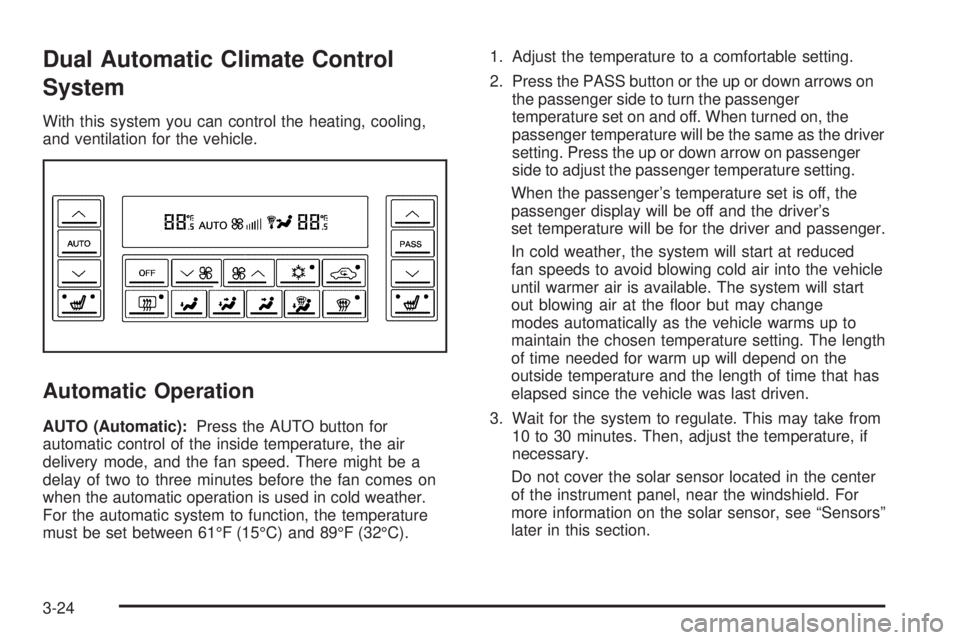
Dual Automatic Climate Control
System
With this system you can control the heating, cooling,
and ventilation for the vehicle.
Automatic Operation
AUTO (Automatic):Press the AUTO button for
automatic control of the inside temperature, the air
delivery mode, and the fan speed. There might be a
delay of two to three minutes before the fan comes on
when the automatic operation is used in cold weather.
For the automatic system to function, the temperature
must be set between 61°F (15°C) and 89°F (32°C).1. Adjust the temperature to a comfortable setting.
2. Press the PASS button or the up or down arrows on
the passenger side to turn the passenger
temperature set on and off. When turned on, the
passenger temperature will be the same as the driver
setting. Press the up or down arrow on passenger
side to adjust the passenger temperature setting.
When the passenger’s temperature set is off, the
passenger display will be off and the driver’s
set temperature will be for the driver and passenger.
In cold weather, the system will start at reduced
fan speeds to avoid blowing cold air into the vehicle
until warmer air is available. The system will start
out blowing air at the oor but may change
modes automatically as the vehicle warms up to
maintain the chosen temperature setting. The length
of time needed for warm up will depend on the
outside temperature and the length of time that has
elapsed since the vehicle was last driven.
3. Wait for the system to regulate. This may take from
10 to 30 minutes. Then, adjust the temperature, if
necessary.
Do not cover the solar sensor located in the center
of the instrument panel, near the windshield. For
more information on the solar sensor, see “Sensors”
later in this section.
3-24
Page 160 of 440
Speedometer and Odometer
Your speedometer lets you see your speed in both
miles per hour (mph) and kilometers per hour (km/h).
Your vehicle’s odometer works together with the driver
information center. You can set a Trip A and Trip B
odometer. See “Trip Information” underDIC Operation
and Displays on page 3-50.
The odometer mileage can be checked without the
vehicle running. Simply press the odometer/trip switch
on the instrument panel cluster.
If your vehicle ever needs a new odometer installed, the
new one will be set to the correct mileage total of the
old odometer.
Tachometer
Your tachometer displays the engine speed in
revolutions per minute (rpm).
Safety Belt Reminders
Safety Belt Reminder Light
When the engine is started, a chime will come on for
several seconds to remind people to fasten their safety
belts, unless the driver’s safety belt is already buckled.
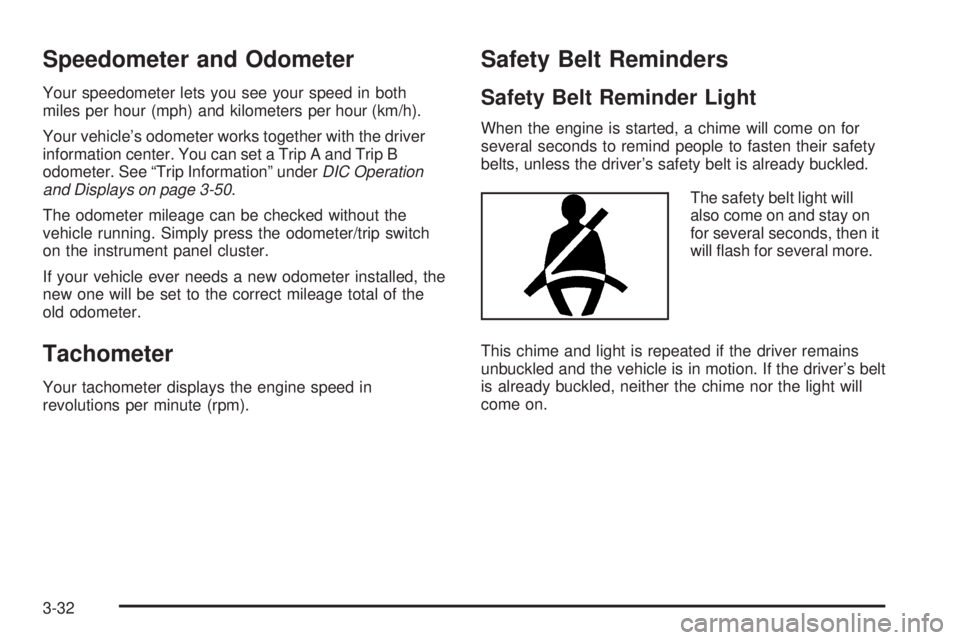
The safety belt light will
also come on and stay on
for several seconds, then it
will ash for several more.
This chime and light is repeated if the driver remains
unbuckled and the vehicle is in motion. If the driver’s belt
is already buckled, neither the chime nor the light will
come on.
3-32
Page 162 of 440
If the airbag readiness light stays on after you start the
vehicle or comes on when you are driving, your
airbag system may not work properly. Have your vehicle
serviced right away.
{CAUTION:
If the airbag readiness light stays on after you
start your vehicle, it means the airbag system
may not be working properly. The airbags in
your vehicle may not inate in a crash, or they
could even inate without a crash. To help avoid
injury to yourself or others, have your vehicle
serviced right away if the airbag readiness light
stays on after you start your vehicle.
The airbag readiness light should ash for a few
seconds when you start the engine. If the light does not
come on then, have it xed immediately. If there is a
problem with the airbag system, an airbag Driver
Information Center (DIC) message may also come on.
SeeDIC Warnings and Messages on page 3-58for
more information.
Passenger Airbag Status Indicator
Your vehicle has the passenger sensing system.
Your instrument panel has a has a passenger airbag
status indicator.
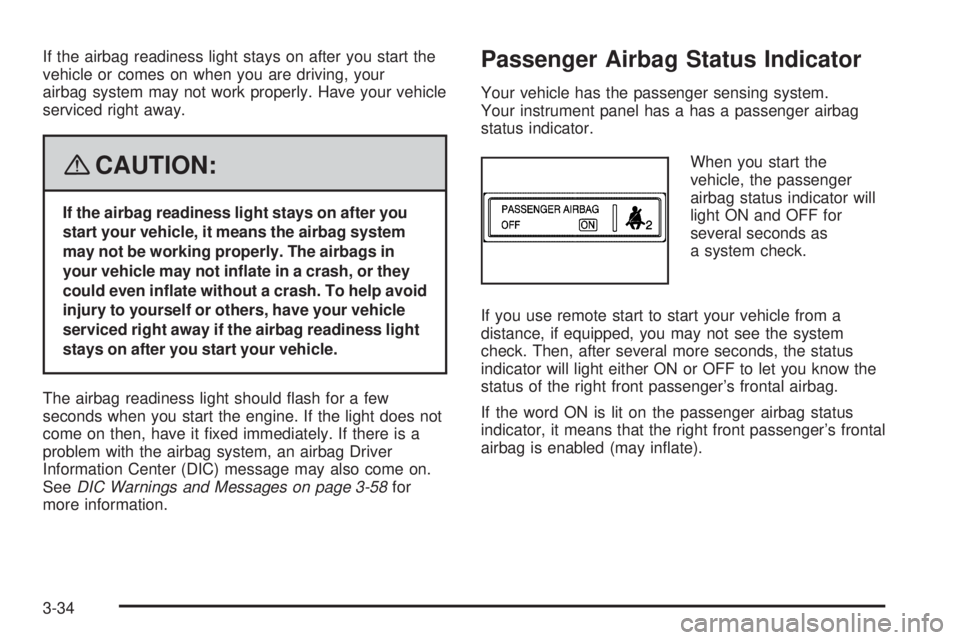
When you start the
vehicle, the passenger
airbag status indicator will
light ON and OFF for
several seconds as
a system check.
If you use remote start to start your vehicle from a
distance, if equipped, you may not see the system
check. Then, after several more seconds, the status
indicator will light either ON or OFF to let you know the
status of the right front passenger’s frontal airbag.
If the word ON is lit on the passenger airbag status
indicator, it means that the right front passenger’s frontal
airbag is enabled (may inate).
3-34
Page 164 of 440
If, after several seconds, both status indicator lights
remain on, or if there are no lights at all, there may be a
problem with the lights or the passenger sensing
system. See your dealer/retailer for service.
{CAUTION:
If the airbag readiness light in the instrument
panel cluster ever comes on and stays on, it
means that something may be wrong with the
airbag system. If this ever happens, have the
vehicle serviced promptly, because an
adult-size person sitting in the right front
passenger’s seat may not have the protection
of the airbag(s). SeeAirbag Readiness Light
on page 3-33for more on this, including
important safety information.
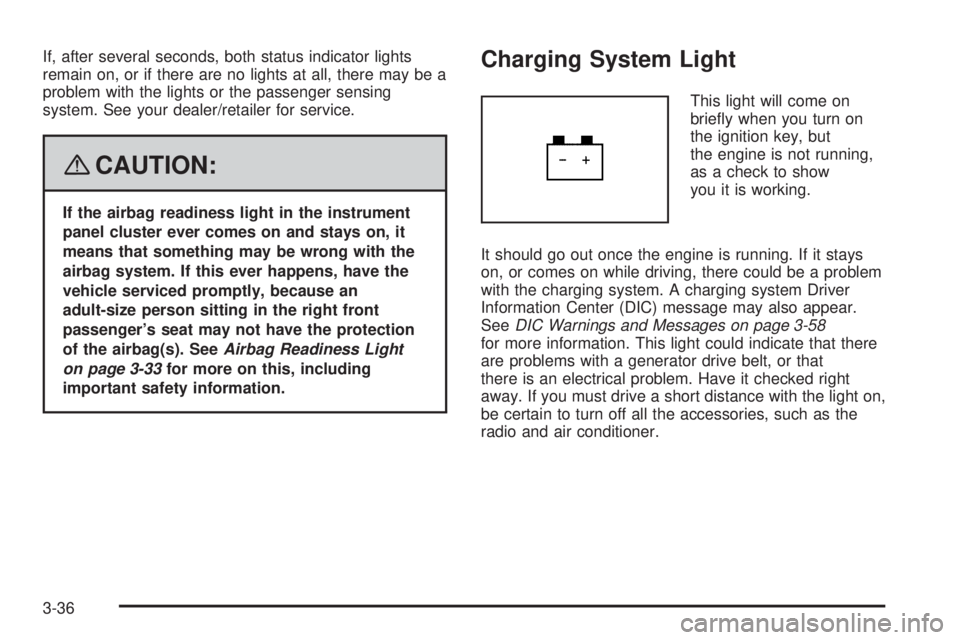
Charging System Light
This light will come on
briey when you turn on
the ignition key, but
the engine is not running,
as a check to show
you it is working.
It should go out once the engine is running. If it stays
on, or comes on while driving, there could be a problem
with the charging system. A charging system Driver
Information Center (DIC) message may also appear.
SeeDIC Warnings and Messages on page 3-58
for more information. This light could indicate that there
are problems with a generator drive belt, or that
there is an electrical problem. Have it checked right
away. If you must drive a short distance with the light on,
be certain to turn off all the accessories, such as the
radio and air conditioner.
3-36
Page 166 of 440
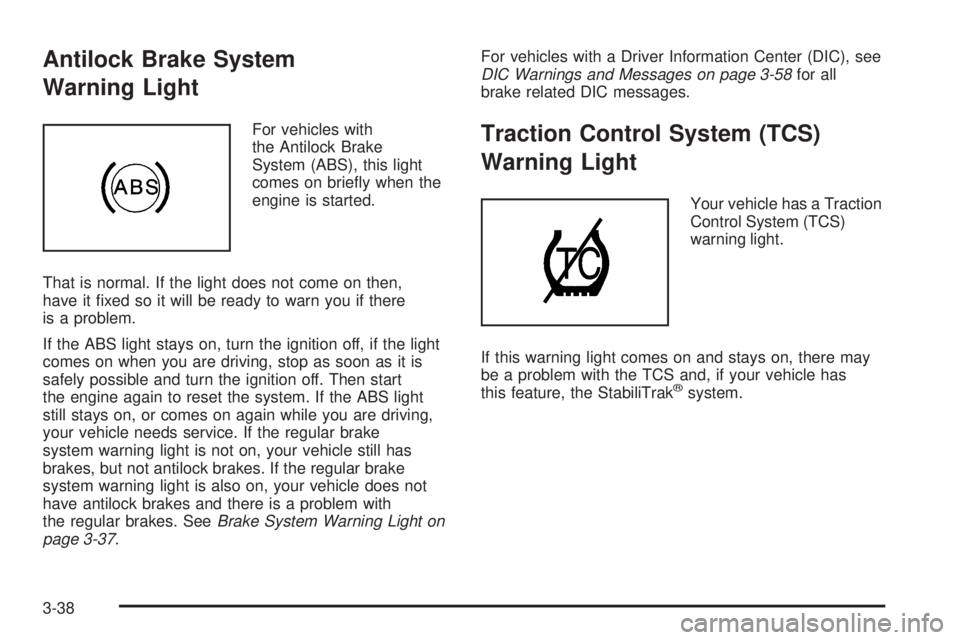
Antilock Brake System
Warning Light
For vehicles with
the Antilock Brake
System (ABS), this light
comes on briey when the
engine is started.
That is normal. If the light does not come on then,
have it xed so it will be ready to warn you if there
is a problem.
If the ABS light stays on, turn the ignition off, if the light
comes on when you are driving, stop as soon as it is
safely possible and turn the ignition off. Then start
the engine again to reset the system. If the ABS light
still stays on, or comes on again while you are driving,
your vehicle needs service. If the regular brake
system warning light is not on, your vehicle still has
brakes, but not antilock brakes. If the regular brake
system warning light is also on, your vehicle does not
have antilock brakes and there is a problem with
the regular brakes. SeeBrake System Warning Light on
page 3-37.For vehicles with a Driver Information Center (DIC), see
DIC Warnings and Messages on page 3-58for all
brake related DIC messages.Traction Control System (TCS)
Warning Light
Your vehicle has a Traction
Control System (TCS)
warning light.
If this warning light comes on and stays on, there may
be a problem with the TCS and, if your vehicle has
this feature, the StabiliTrak
®system.
3-38
Page 169 of 440
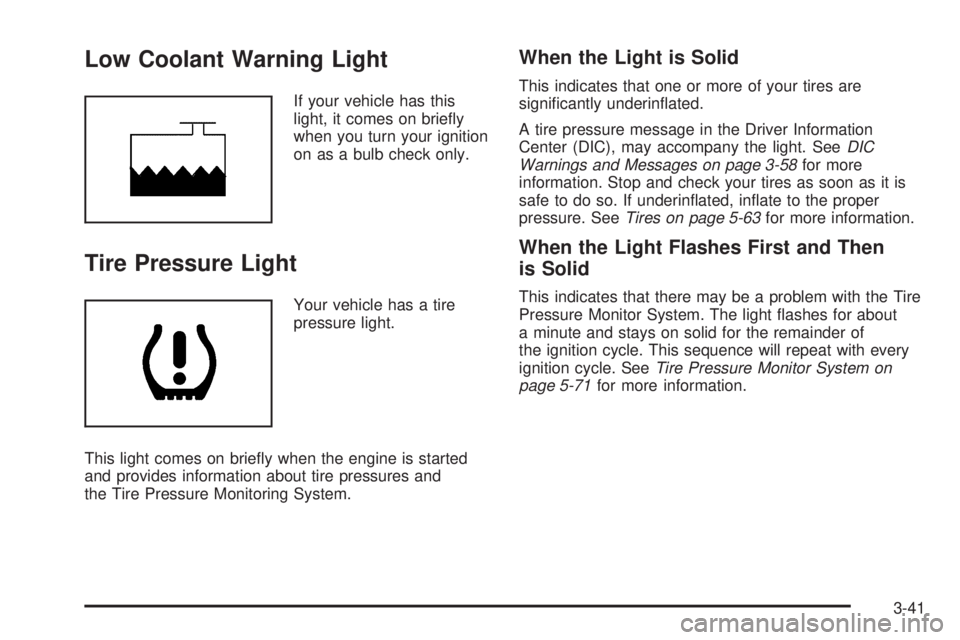
Low Coolant Warning Light
If your vehicle has this
light, it comes on briey
when you turn your ignition
on as a bulb check only.
Tire Pressure Light
Your vehicle has a tire
pressure light.
This light comes on briey when the engine is started
and provides information about tire pressures and
the Tire Pressure Monitoring System.
When the Light is Solid
This indicates that one or more of your tires are
signicantly underinated.
A tire pressure message in the Driver Information
Center (DIC), may accompany the light. SeeDIC
Warnings and Messages on page 3-58for more
information. Stop and check your tires as soon as it is
safe to do so. If underinated, inate to the proper
pressure. SeeTires on page 5-63for more information.
When the Light Flashes First and Then
is Solid
This indicates that there may be a problem with the Tire
Pressure Monitor System. The light ashes for about
a minute and stays on solid for the remainder of
the ignition cycle. This sequence will repeat with every
ignition cycle. SeeTire Pressure Monitor System on
page 5-71for more information.
3-41
Page 176 of 440
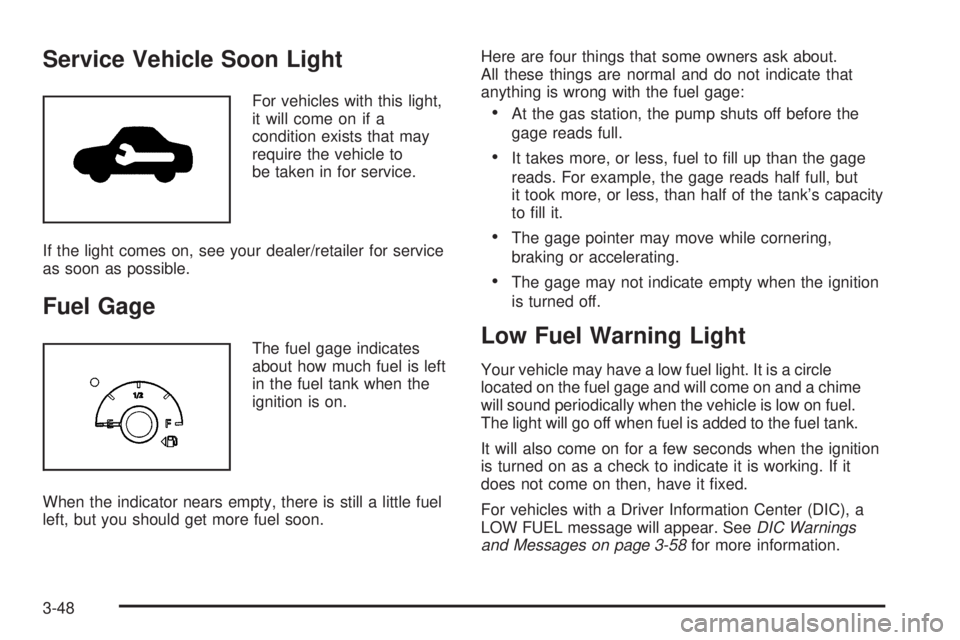
Service Vehicle Soon Light
For vehicles with this light,
it will come on if a
condition exists that may
require the vehicle to
be taken in for service.
If the light comes on, see your dealer/retailer for service
as soon as possible.
Fuel Gage
The fuel gage indicates
about how much fuel is left
in the fuel tank when the
ignition is on.
When the indicator nears empty, there is still a little fuel
left, but you should get more fuel soon.Here are four things that some owners ask about.
All these things are normal and do not indicate that
anything is wrong with the fuel gage:
At the gas station, the pump shuts off before the
gage reads full.
It takes more, or less, fuel to ll up than the gage
reads. For example, the gage reads half full, but
it took more, or less, than half of the tank’s capacity
to ll it.
The gage pointer may move while cornering,
braking or accelerating.
The gage may not indicate empty when the ignition
is turned off.
Low Fuel Warning Light
Your vehicle may have a low fuel light. It is a circle
located on the fuel gage and will come on and a chime
will sound periodically when the vehicle is low on fuel.
The light will go off when fuel is added to the fuel tank.
It will also come on for a few seconds when the ignition
is turned on as a check to indicate it is working. If it
does not come on then, have it xed.
For vehicles with a Driver Information Center (DIC), a
LOW FUEL message will appear. SeeDIC Warnings
and Messages on page 3-58for more information.
3-48
Page 177 of 440
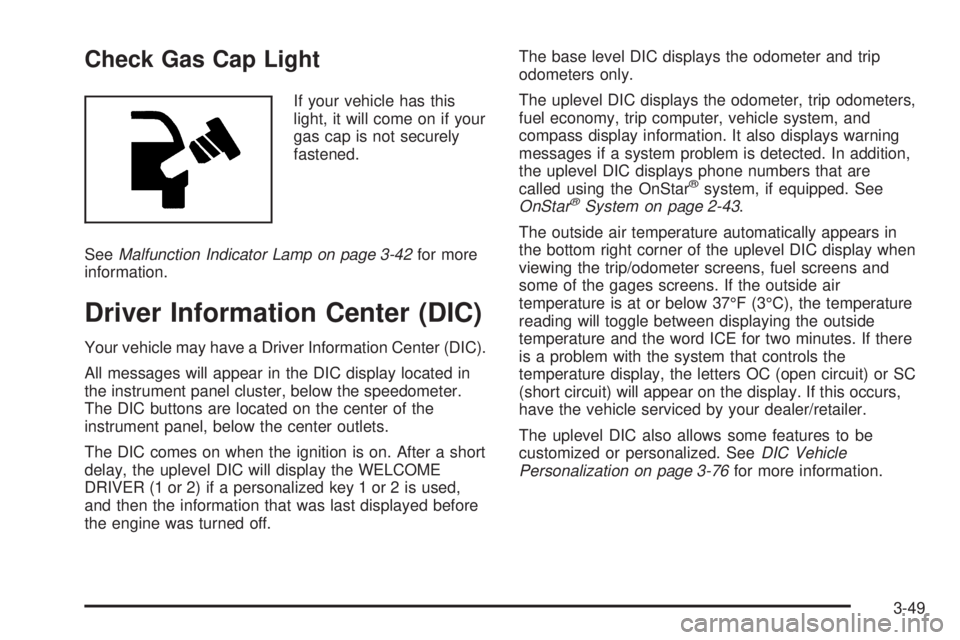
Check Gas Cap Light
If your vehicle has this
light, it will come on if your
gas cap is not securely
fastened.
SeeMalfunction Indicator Lamp on page 3-42for more
information.
Driver Information Center (DIC)
Your vehicle may have a Driver Information Center (DIC).
All messages will appear in the DIC display located in
the instrument panel cluster, below the speedometer.
The DIC buttons are located on the center of the
instrument panel, below the center outlets.
The DIC comes on when the ignition is on. After a short
delay, the uplevel DIC will display the WELCOME
DRIVER (1 or 2) if a personalized key 1 or 2 is used,
and then the information that was last displayed before
the engine was turned off.The base level DIC displays the odometer and trip
odometers only.
The uplevel DIC displays the odometer, trip odometers,
fuel economy, trip computer, vehicle system, and
compass display information. It also displays warning
messages if a system problem is detected. In addition,
the uplevel DIC displays phone numbers that are
called using the OnStar
®system, if equipped. See
OnStar®System on page 2-43.
The outside air temperature automatically appears in
the bottom right corner of the uplevel DIC display when
viewing the trip/odometer screens, fuel screens and
some of the gages screens. If the outside air
temperature is at or below 37°F (3°C), the temperature
reading will toggle between displaying the outside
temperature and the word ICE for two minutes. If there
is a problem with the system that controls the
temperature display, the letters OC (open circuit) or SC
(short circuit) will appear on the display. If this occurs,
have the vehicle serviced by your dealer/retailer.
The uplevel DIC also allows some features to be
customized or personalized. SeeDIC Vehicle
Personalization on page 3-76for more information.
3-49