ESP BUICK LACROSSE 2009 Owner's Guide
[x] Cancel search | Manufacturer: BUICK, Model Year: 2009, Model line: LACROSSE, Model: BUICK LACROSSE 2009Pages: 428
Page 231 of 428
Sending a Number During a Call
1. Pressb>. The system responds with “Ready”
followed by a tone.
2. Say “Dial”. The system responds with “Say a
number to send tones” followed by a tone.
3. Say the number to send.
If the system clearly recognizes the number it
responds with “OK, Sending Number” and the
dial tones are sent and the call continues.
If the system is not sure it recognized the
number properly, it responds “Dial Number,
Please say yes or no?” followed by a tone.
If the number is correct, say “Yes”. The system
responds with “OK, Sending Number” and
the dial tones are sent and the call continues.
Sending a Stored Name Tag During a Call
1. Pressb>. The system responds with “Ready”
followed by a tone.
2. Say “Send name tag.” The system responds with
“Say a name tag to send tones” followed by a tone.3. Say the name tag to send.
If the system clearly recognizes the name tag it
responds with “OK, Sending
the dial tones are sent and the call continues.
If the system is not sure it recognized the name
tag properly, it responds “Dial
Please say yes or no?” followed by a tone.
If the name tag is correct, say “Yes”. The system
responds with “OK, Sending
the dial tones are sent and the call continues.
Clearing the System
Unless information is deleted out of the in-vehicle
Bluetooth system, it will be retained indenitely.
This includes all saved name tags in the phonebook
and phone pairing information. For information on how
to delete this information, see the above sections
on Deleting a Paired Phone and Deleting Name Tags.
3-109
Page 232 of 428
Other Information
The Bluetooth®word mark and logos are owned by
the Bluetooth®SIG, Inc. and any use of such marks by
General Motors is under license. Other trademarks and
trade names are those of their respective owners.
This device complies with Part 15 of the FCC Rules.
Operation is subject to the following two conditions:
1. This device may not cause harmful interference.
2. This device must accept any interference received,
including interference that may cause undesired
operation.
This device complies with RSS-210 of Industry Canada.
Operation is subject to the following two conditions:
1. This device may not cause interference.
2. This device must accept any interference received,
including interference that may cause undesired
operation of the device.
Changes or modications to this system by other than
an authorized service facility could void authorization to
use this equipment.
Theft-Deterrent Feature
THEFTLOCK®is designed to discourage theft of the
vehicle’s radio by learning a portion of the Vehicle
Identication Number (VIN). The radio does not operate
if it is stolen or moved to a different vehicle.
Audio Steering Wheel Controls
Vehicles with audio
steering wheel controls
could differ depending
on the vehicle’s options.
Some audio controls can
be adjusted at the steering
wheel.
w(Next):Press to go to the next radio station.
The radio seeks stations only with a strong signal
that are in the selected band.
To scan stations, press and hold
wfor two seconds
until a beep sounds. The radio goes to a station, play
for a few seconds, then goes to the next station.
Press
wagain to stop scanning.
While a CD is playing, press
wto go to the next track.
3-110
Page 234 of 428
Radio Reception
Frequency interference and static can occur during
normal radio reception if items such as cell phone
chargers, vehicle convenience accessories, and external
electronic devices are plugged into the accessory power
outlet. If there is interference or static, unplug the item
from the accessory power outlet.
AM
The range for most AM stations is greater than for FM,
especially at night. The longer range can cause station
frequencies to interfere with each other. For better radio
reception, most AM radio stations boost the power levels
during the day, and then reduce these levels during the
night. Static can also occur when things like storms and
power lines interfere with radio reception. When this
happens, try reducing the treble on the radio.
FM Stereo
FM signals only reach about 10 to 40 miles
(16 to 65 km). Although the radio has a built-in
electronic circuit that automatically works to reduce
interference, some static can occur, especially around
tall buildings or hills, causing the sound to fade in
and out.
XM™ Satellite Radio Service
XM Satellite Radio Service gives digital radio reception
from coast-to-coast in the 48 contiguous United States,
and in Canada. Just as with FM, tall buildings or hills can
interfere with satellite radio signals, causing the sound to
fade in and out. In addition, traveling or standing under
heavy foliage, bridges, garages, or tunnels may cause
loss of the XM signal for a period of time.
Cellular Phone Usage
Cellular phone usage may cause interference with the
vehicle’s radio. This interference may occur when making
or receiving phone calls, charging the phone’s battery,
or simply having the phone on. This interference causes
an increased level of static while listening to the radio.
If static is received while listening to the radio, unplug
the cellular phone and turn it off.
3-112
Page 239 of 428
Drunk Driving
{CAUTION:
Drinking and then driving is very dangerous. Your
reexes, perceptions, attentiveness, and judgment
can be affected by even a small amount of alcohol.
You can have a serious — or even fatal — collision
if you drive after drinking. Do not drink and drive or
ride with a driver who has been drinking. Ride home
in a cab; or if you are with a group, designate a
driver who will not drink.
Death and injury associated with drinking and driving is
a global tragedy.
Alcohol affects four things that anyone needs to drive a
vehicle: judgment, muscular coordination, vision, and
attentiveness.
Police records show that almost 40 percent of all motor
vehicle-related deaths involve alcohol. In most cases,
these deaths are the result of someone who was
drinking and driving. In recent years, more than
17,000 annual motor vehicle-related deaths have been
associated with the use of alcohol, with about
250,000 people injured.For persons under 21, it is against the law in
every U.S. state to drink alcohol. There are good
medical, psychological, and developmental reasons
for these laws.
The obvious way to eliminate the leading highway
safety problem is for people never to drink alcohol and
then drive.
Medical research shows that alcohol in a person’s
system can make crash injuries worse, especially
injuries to the brain, spinal cord, or heart. This means
that when anyone who has been drinking — driver
or passenger — is in a crash, that person’s chance of
being killed or permanently disabled is higher than if the
person had not been drinking.
Control of a Vehicle
The following three systems help to control the vehicle
while driving — brakes, steering, and accelerator.
At times, as when driving on snow or ice, it is easy to
ask more of those control systems than the tires
and road can provide. Meaning, you can lose control of
the vehicle. SeeTraction Control System (TCS) on
page 4-7,Enhanced Traction System (ETS) on
page 4-8, andStabiliTrak
®System on page 4-6.
Adding non-dealer/non-retailer accessories can affect
vehicle performance. SeeAccessories and Modifications
on page 5-3.
4-3
Page 243 of 428
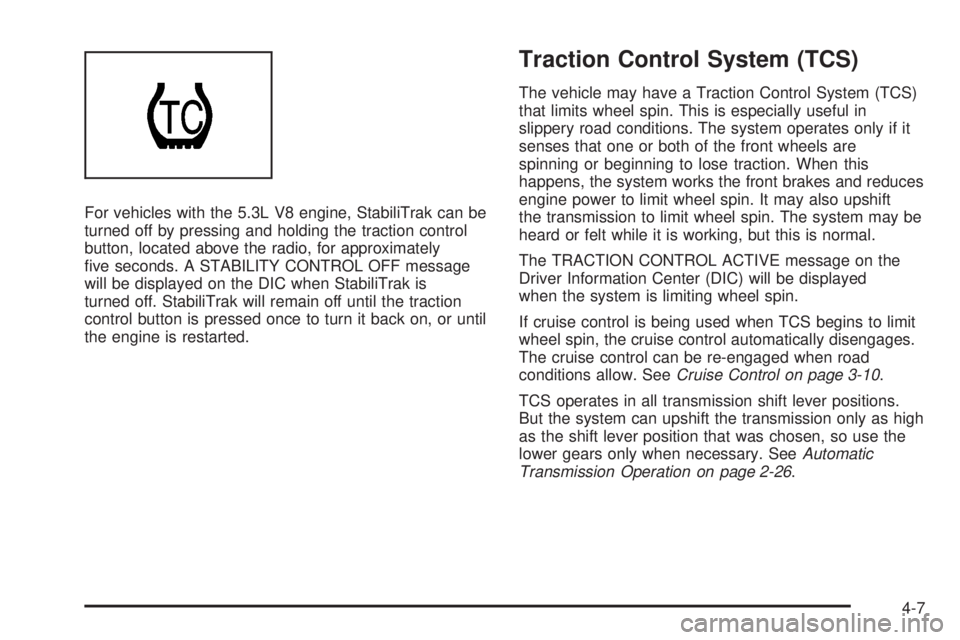
For vehicles with the 5.3L V8 engine, StabiliTrak can be
turned off by pressing and holding the traction control
button, located above the radio, for approximately
ve seconds. A STABILITY CONTROL OFF message
will be displayed on the DIC when StabiliTrak is
turned off. StabiliTrak will remain off until the traction
control button is pressed once to turn it back on, or until
the engine is restarted.
Traction Control System (TCS)
The vehicle may have a Traction Control System (TCS)
that limits wheel spin. This is especially useful in
slippery road conditions. The system operates only if it
senses that one or both of the front wheels are
spinning or beginning to lose traction. When this
happens, the system works the front brakes and reduces
engine power to limit wheel spin. It may also upshift
the transmission to limit wheel spin. The system may be
heard or felt while it is working, but this is normal.
The TRACTION CONTROL ACTIVE message on the
Driver Information Center (DIC) will be displayed
when the system is limiting wheel spin.
If cruise control is being used when TCS begins to limit
wheel spin, the cruise control automatically disengages.
The cruise control can be re-engaged when road
conditions allow. SeeCruise Control on page 3-10.
TCS operates in all transmission shift lever positions.
But the system can upshift the transmission only as high
as the shift lever position that was chosen, so use the
lower gears only when necessary. SeeAutomatic
Transmission Operation on page 2-26.
4-7
Page 244 of 428
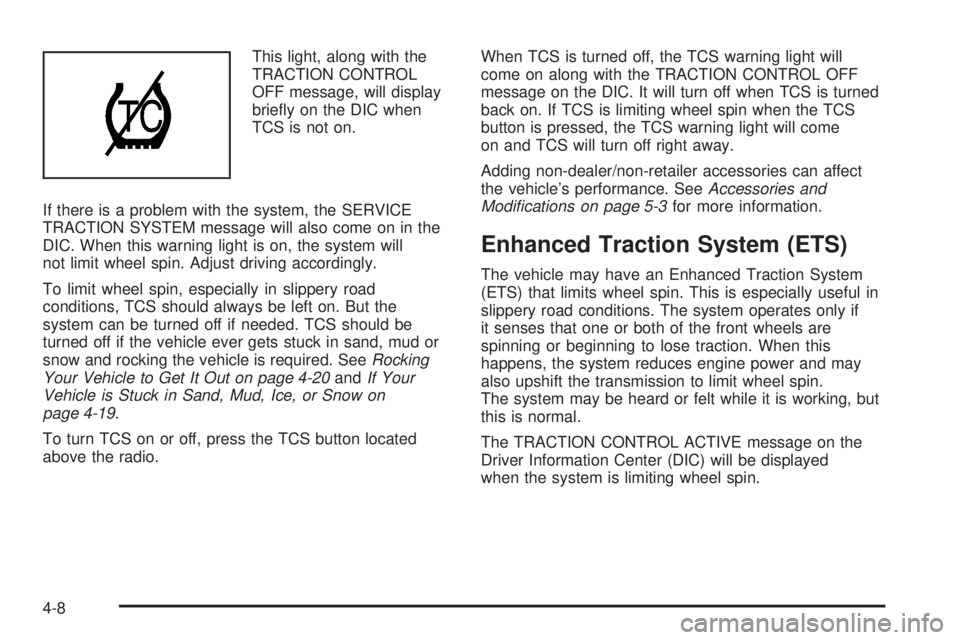
This light, along with the
TRACTION CONTROL
OFF message, will display
briey on the DIC when
TCS is not on.
If there is a problem with the system, the SERVICE
TRACTION SYSTEM message will also come on in the
DIC. When this warning light is on, the system will
not limit wheel spin. Adjust driving accordingly.
To limit wheel spin, especially in slippery road
conditions, TCS should always be left on. But the
system can be turned off if needed. TCS should be
turned off if the vehicle ever gets stuck in sand, mud or
snow and rocking the vehicle is required. SeeRocking
Your Vehicle to Get It Out on page 4-20andIf Your
Vehicle is Stuck in Sand, Mud, Ice, or Snow on
page 4-19.
To turn TCS on or off, press the TCS button located
above the radio.When TCS is turned off, the TCS warning light will
come on along with the TRACTION CONTROL OFF
message on the DIC. It will turn off when TCS is turned
back on. If TCS is limiting wheel spin when the TCS
button is pressed, the TCS warning light will come
on and TCS will turn off right away.
Adding non-dealer/non-retailer accessories can affect
the vehicle’s performance. SeeAccessories and
Modifications on page 5-3for more information.
Enhanced Traction System (ETS)
The vehicle may have an Enhanced Traction System
(ETS) that limits wheel spin. This is especially useful in
slippery road conditions. The system operates only if
it senses that one or both of the front wheels are
spinning or beginning to lose traction. When this
happens, the system reduces engine power and may
also upshift the transmission to limit wheel spin.
The system may be heard or felt while it is working, but
this is normal.
The TRACTION CONTROL ACTIVE message on the
Driver Information Center (DIC) will be displayed
when the system is limiting wheel spin.
4-8
Page 245 of 428
If cruise control is being used when ETS begins to limit
wheel spin, the cruise control automatically disengages.
The cruise control can be reengaged when road
conditions allow. SeeCruise Control on page 3-10for
more information.
ETS operates in all transmission shift lever positions. But
the system can upshift the transmission only as high as
the chosen shift lever position, so use the lower gears
only when necessary. SeeAutomatic Transmission
Operation on page 2-26for more information.
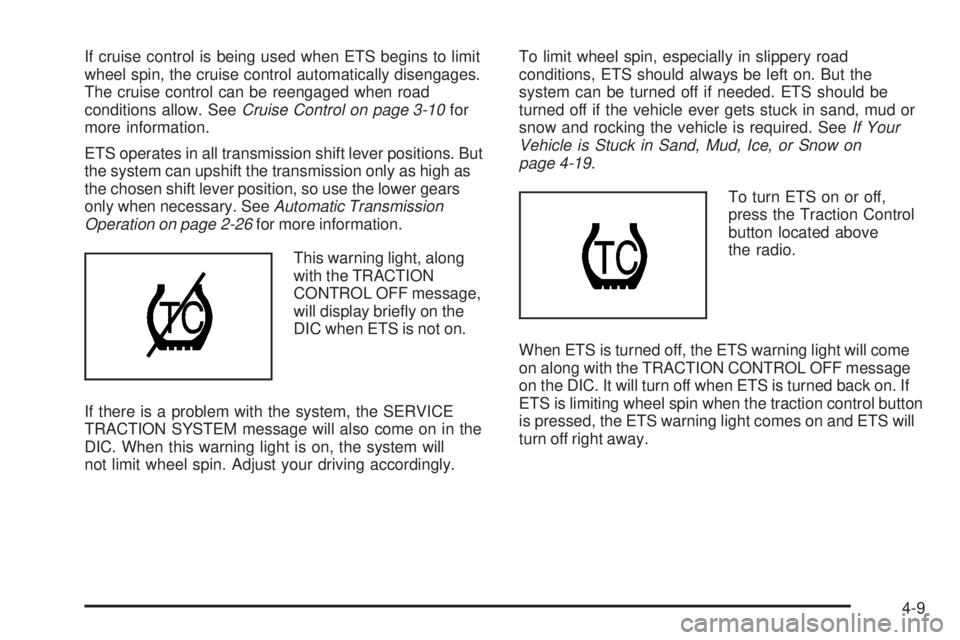
This warning light, along
with the TRACTION
CONTROL OFF message,
will display briey on the
DIC when ETS is not on.
If there is a problem with the system, the SERVICE
TRACTION SYSTEM message will also come on in the
DIC. When this warning light is on, the system will
not limit wheel spin. Adjust your driving accordingly.To limit wheel spin, especially in slippery road
conditions, ETS should always be left on. But the
system can be turned off if needed. ETS should be
turned off if the vehicle ever gets stuck in sand, mud or
snow and rocking the vehicle is required. SeeIf Your
Vehicle is Stuck in Sand, Mud, Ice, or Snow on
page 4-19.
To turn ETS on or off,
press the Traction Control
button located above
the radio.
When ETS is turned off, the ETS warning light will come
on along with the TRACTION CONTROL OFF message
on the DIC. It will turn off when ETS is turned back on. If
ETS is limiting wheel spin when the traction control button
is pressed, the ETS warning light comes on and ETS will
turn off right away.
4-9
Page 248 of 428
Passing
Passing another vehicle on a two-lane road can be
dangerous. To reduce the risk of danger while passing:
Look down the road, to the sides, and to crossroads
for situations that might affect a successful pass. If
in doubt, wait.
Watch for traffic signs, pavement markings, and
lines that could indicate a turn or an intersection.
Never cross a solid or double-solid line on your side
of the lane.
Do not get too close to the vehicle you want to
pass. Doing so can reduce your visibility.
Wait your turn to pass a slow vehicle.
When you are being passed, ease to the right.
Loss of Control
Let us review what driving experts say about what
happens when the three control systems — brakes,
steering, and acceleration — do not have enough friction
where the tires meet the road to do what the driver has
asked.
In any emergency, do not give up. Keep trying to steer
and constantly seek an escape route or area of less
danger.
Skidding
In a skid, a driver can lose control of the vehicle.
Defensive drivers avoid most skids by taking reasonable
care suited to existing conditions, and by not overdriving
those conditions. But skids are always possible.
The three types of skids correspond to the vehicle’s
three control systems. In the braking skid, the wheels
are not rolling. In the steering or cornering skid, too
much speed or steering in a curve causes tires to slip
and lose cornering force. And in the acceleration
skid, too much throttle causes the driving wheels
to spin.
Remember: Any traction control system helps avoid only
the acceleration skid. If the traction control system is
off, then an acceleration skid is best handled by easing
your foot off the accelerator pedal.
If the vehicle starts to slide, ease your foot off the
accelerator pedal and quickly steer the way you want
the vehicle to go. If you start steering quickly enough,
the vehicle may straighten out. Always be ready for
a second skid if it occurs.
Of course, traction is reduced when water, snow, ice,
gravel, or other material is on the road. For safety, slow
down and adjust your driving to these conditions. It is
important to slow down on slippery surfaces because
stopping distance will be longer and vehicle control more
limited.
4-12
Page 249 of 428
While driving on a surface with reduced traction, try
your best to avoid sudden steering, acceleration, or
braking, including reducing vehicle speed by shifting
to a lower gear. Any sudden changes could cause the
tires to slide. You may not realize the surface is slippery
until the vehicle is skidding. Learn to recognize warning
clues — such as enough water, ice, or packed snow on
the road to make a mirrored surface — and slow down
when you have any doubt.
Remember: Any Antilock Brake System (ABS) helps
avoid only the braking skid.
Driving at Night
Night driving is more dangerous than day driving
because some drivers are likely to be impaired — by
alcohol or drugs, with night vision problems, or by
fatigue.Night driving tips include:
Drive defensively.
Do not drink and drive.
Reduce headlamp glare by adjusting the inside
rearview mirror.
Slow down and keep more space between you and
other vehicles because headlamps can only light up
so much road ahead.
Watch for animals.
When tired, pull off the road.
Do not wear sunglasses.
Avoid staring directly into approaching headlamps.
Keep the windshield and all glass on your vehicle
clean — inside and out.
Keep your eyes moving, especially during turns or
curves.
No one can see as well at night as in the daytime. But,
as we get older, these differences increase. A
50-year-old driver might need at least twice as much
light to see the same thing at night as a 20-year-old.
4-13
Page 254 of 428
Blizzard Conditions
Being stuck in snow can be in a serious situation. Stay
with the vehicle unless there is help nearby. If possible,
use theRoadside Assistance Program on page 7-7.To
get help and keep everyone in the vehicle safe:
Turn on theHazard Warning Flashers on page 3-6.
Tie a red cloth to an outside mirror.
{CAUTION:
Snow can trap engine exhaust under the vehicle.
This may cause exhaust gases to get inside.
Engine exhaust contains carbon monoxide (CO)
which cannot be seen or smelled. It can cause
unconsciousness and even death.
If the vehicle is stuck in the snow:
Clear away snow from around the base of
your vehicle, especially any that is blocking
the exhaust pipe.
CAUTION: (Continued)
CAUTION: (Continued)
Check again from time to time to be sure
snow does not collect there.
Open a window about two inches (5 cm) on
the side of the vehicle that is away from the
wind to bring in fresh air.
Fully open the air outlets on or under the
instrument panel.
Adjust the Climate Control system to a setting
that circulates the air inside the vehicle and
set the fan speed to the highest setting. See
Climate Control System in the Index.
For more information about carbon monoxide, see
Engine Exhaust on page 2-33.
Snow can trap exhaust gases under your vehicle.
This can cause deadly CO (carbon monoxide) gas
to get inside. CO could overcome you and kill you.
You cannot see it or smell it, so you might not
know it is in your vehicle. Clear away snow from
around the base of your vehicle, especially any
that is blocking the exhaust.
4-18