Vehicle Damage Warnings
Also, in this book you will find these notices:
NOTICE:
In the notice area, we tell you about something that can
damage your vehicle. Many times, this damage would
not be covered by your warranty, and it could be costly.
But the notice will tell you what to do to help avoid the
damage.
When you read other manuals, you might
see
CAUTION and NOTICE warnings in different colors or
in different words.
You’ll also see warning labels on your vehicle. They use
yellow for cautions, blue for notices and the words
CAUTION or NOTICE.
11
ProCarManuals.com
Headlight High-Low Beam
BRIGHT
Windshield Wipers
To change the headlights
from low beam to high or
high to low,
pull the turn
signal lever toward you.
Then release
it. When the
high beams are on, this blue
light on the instrument
panel also will be on. You
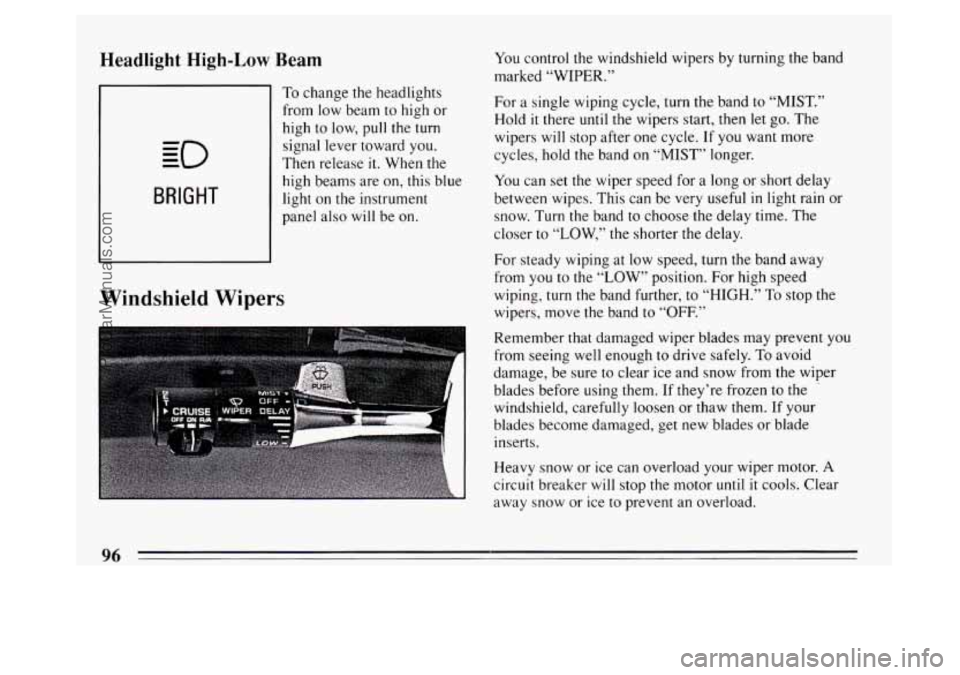
control the windshield wipers by turning the band
marked
“WIPER.”
For a single wiping cycle, turn the band to “MIST.”
Hold
it there until the wipers start, then let go. The
wipers will stop after one cycle. If you want more
cycles, hold the band on “MIST” longer.
You can set the wiper speed for a long or short delay
between wipes. This can be very useful
in light rain or
snow. Turn the band to choose the delay time. The
closer to
“LOW,” the shorter the delay.
For steady wiping at low speed, turn the band away
from you to the
“LOW” position. For high speed
wiping, turn the band further,
to “HIGH.” To stop the
wipers, move the band to “OFF.”
Remember that damaged wiper blades may prevent you
from seeing well enough to drive safely.
To avoid
damage, be sure to clear ice and snow from the wiper
blades before using them. If they’re frozen to
the .
windshield, carefully loosen or thaw them. If your
blades become damaged, get new blades or blade
inserts.
Heavy snow or ice can overload your wiper motor.
A
circuit breaker will stop the motor until it cools. Clear
away snow or ice to prevent an overload.
96
ProCarManuals.com