brakes BUICK PARK AVENUE 1994 Owners Manual
[x] Cancel search | Manufacturer: BUICK, Model Year: 1994, Model line: PARK AVENUE, Model: BUICK PARK AVENUE 1994Pages: 324, PDF Size: 17.01 MB
Page 86 of 324
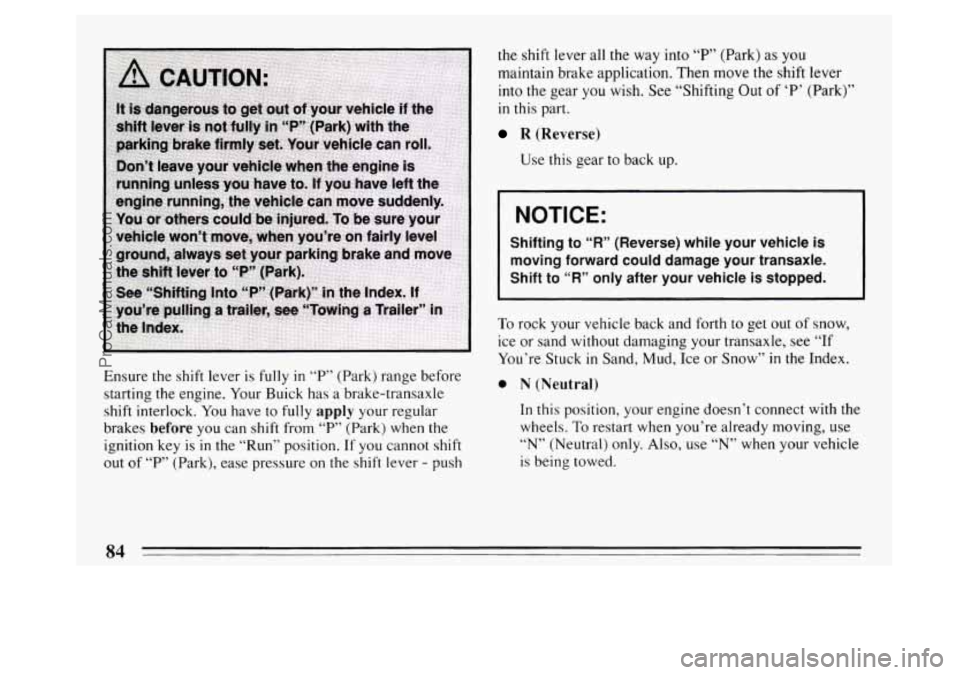
Ensure the shift lever is fully in T’ (Park) range before
starting the engine. Your Buick has a brake-transaxle
shift interlock. You have
to fully apply your regular
brakes
before you can shift from “P” (Park) when the
ignition key
is in the “Run” position. If you cannot shift
out of “P’ (Park), ease pressure on the shift lever - push the
shift lever all the way into
“P’ (Park) as you
maintain brake application. Then move the shift lever
into the gear
you wish. See “Shifting Out of ‘P’ (Park)”
in this part.
R (Reverse)
Use this gear to back up.
NOTICE:
Shifting to “R” (Reverse) while your vehicle is
moving forward could damage your transaxle.
Shift to “R” only after your vehicle is stopped.
I
To rock your vehicle back and forth to get out of snow,
ice or sand without damaging your transaxle, see
“If
You’re Stuck in Sand, Mud, Ice or Snow” in the Index.
0 N (Neutral)
In this position, your engine doesn t connect with the
wheels.
To restart when you’re already moving, use
“N” (Neutral) only. Also, use “N” when your vehicle
is being towed.
84
ProCarManuals.com
Page 87 of 324
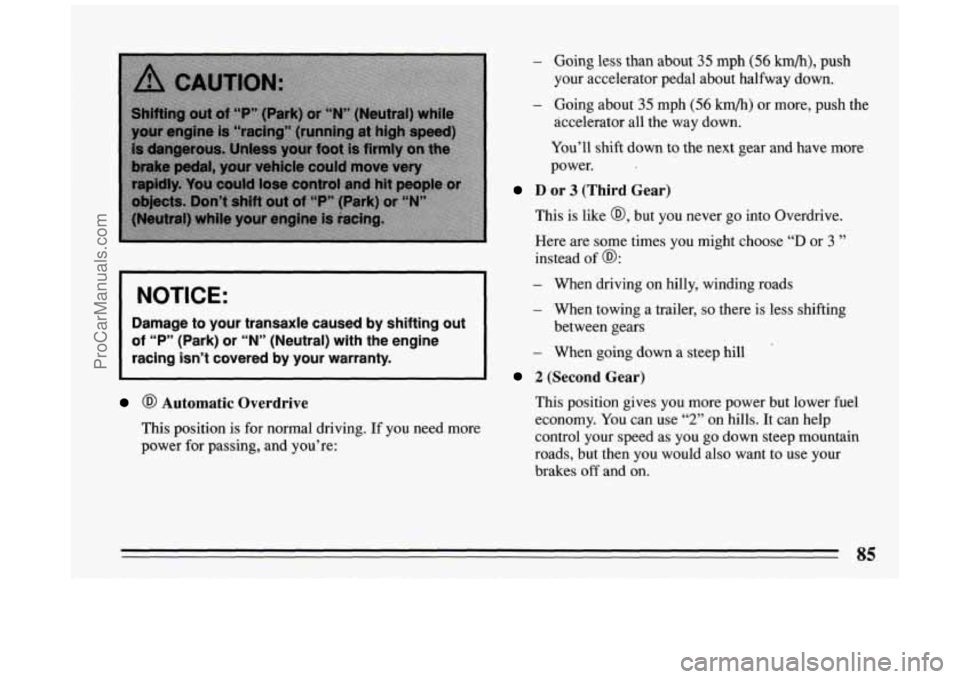
NOTICE:
Damage to your transaxle caused by shifting out
of “P” (Park) or “N” (Neutral) with the engine
racing isn’t covered by your warranty.
@ Automatic Overdrive
This position is for normal driving. If you need more
power for passing, and you’re:
- Going less than about 35 mph (56 km/h), push
your accelerator pedal about halfway down.
- Going about 35 mph (56 km/h) or more, push the
accelerator all the way down.
You’ll shift down to the next gear and have more
power.
D or 3 (Third Gear)
This is like @, but you never go into Overdrive.
Here are some times you might choose
“D or 3 ”
instead of @:
- When driving on hilly, winding roads
- When towing a trailer, so there is less shifting
- When going down a steep hill
between
gears
2 (Second Gear)
This position gives you more power but lower fuel
economy.
You can use “2” on hills. It can help
control your speed as you go down steep mountain
roads,
but then you would also want to use your
brakes
off and on.
QL
ProCarManuals.com
Page 88 of 324
NOTICE:
Don’t drive in “2” (Second Gear) for more than 5
miles (8 km), or at speeds over 55 mph (88 km/h),
or you can damage your transaxle. Use
“@” or
“@ or 3” as much as possible.
Don’t shift into
“2” unless you are going slower
than
65 mph (105 km/h), or you can damage your
engine.
1 (First Gear)
This position gives you even more power (but lower
fuel economy) than
“2.” You can use it on very steep
hills, or in deep snow or mud. If the selector lever is
put in
“1,” the transaxle won’t shift into first gear
until the vehicle is going slowly enough.
NOTICE:
If your front wheels can’t rotate, don’t try to
drive. This might happen if you were stuck in
very deep sand
or mud or were up against a solid
object. You could damage your transaxle.
Also, if you stop when going uphill, don’t hold
your vehicle there
with only the accelerator
pedal. This could overheat and damage the
transaxle. Use your brakes or shift into
“P” Park
to hold your vehicle in position on a hill.
ProCarManuals.com
Page 89 of 324
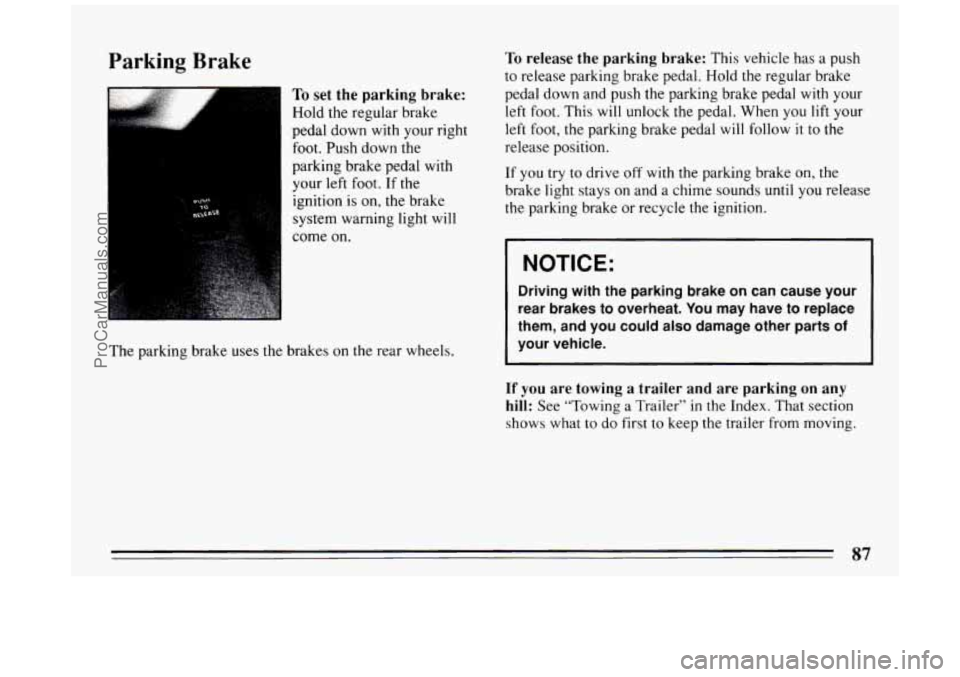
Parking Brake
To set the parking brake:
Hold the regular brake
pedal down with your right
foot. Push down the
parking brake pedal with
your
left foot. If the
ignition is on, the brake
system warning light will
come on.
The parking brake uses
the brakes on the rear wheels.
To release the parking brake: This vehicle has a push
to release parking brake pedal. Hold
the regular brake
pedal down and push the parking brake pedal with your
left foot. This
will unlock the pedal. When you lift your
left
foot, the parking brake pedal will follow it to the
release position.
If
you try to drive off with the parking brake on, the
brake light stays on and a chime sounds until you release
the parking brake or recycle the ignition.
I NOTICE:
Driving with the parking brake on can cause your
rear brakes to overheat.
You may have to replace
them, and you could
also damage other parts of
your vehicle.
If you are towing a trailer and are parking on any
hill:
See “Towing a Trailer” in the Index. That section
shows what to
do first to keep the trailer from moving.
87
ProCarManuals.com
Page 100 of 324
NOTICE:
When using concentrated washer fluid,
follow the manufacturer’s instructions for
adding water.
0 Don’t mix water with ready-to use washer
fluid. Water can cause the solution to
freeze and damage your washer fluid tank
and other parts
of the washer system. Also,
water doesn’t clean as well as washer fluid.
0 Fill your washer fluid tank only 3/4 full
when it’s very cold. This allows for
expansion, which could damage the tank
if
it is completely full.
windshield washer. It can damage your
paint.
Don’t use radiator antifreeze in your
Cruise Control
1
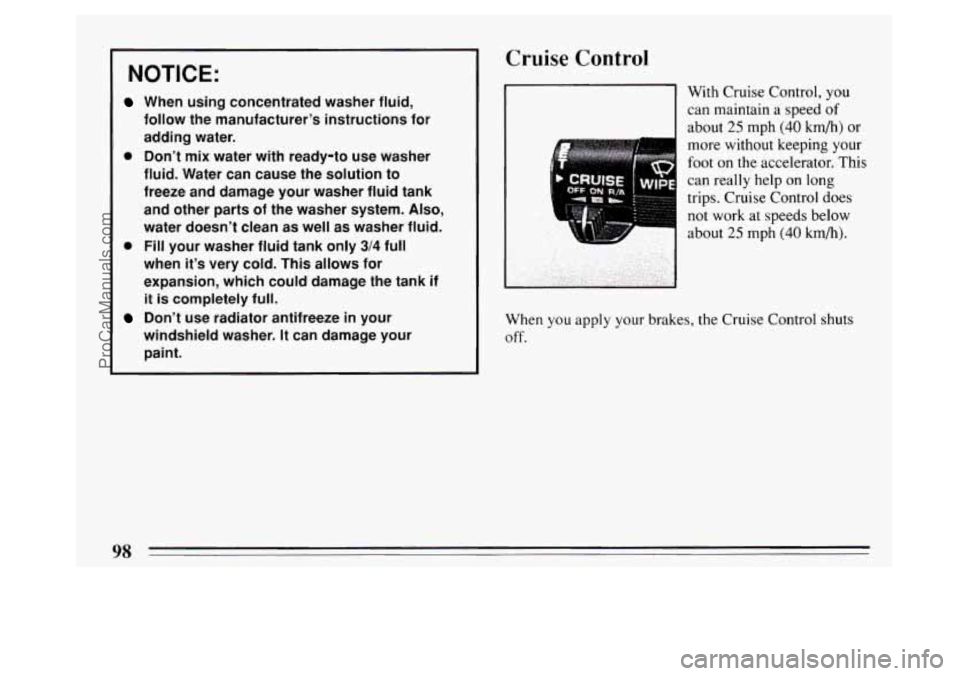
With Cruise Control, you
can maintain a speed
of
about 25 mph (40 km/h) or
more without keeping your
foot on the accelerator. This
can really help on long
trips. Cruise Control does
not work at speeds below
about
25 mph (40 km/h).
When you apply your brakes, the Cruise Control shuts
off.
98
ProCarManuals.com
Page 125 of 324
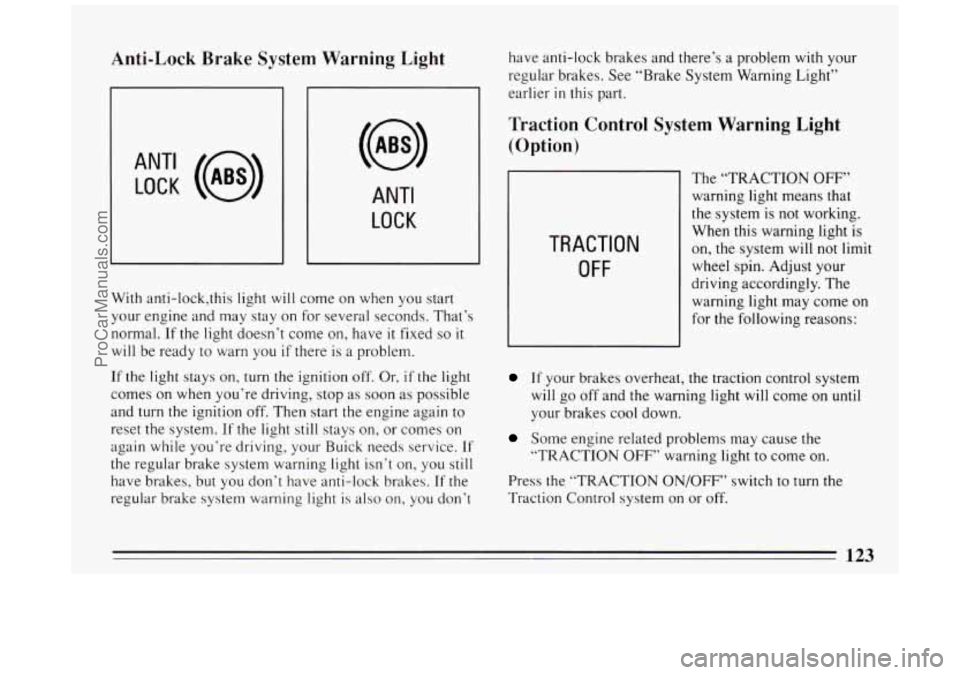
Anti-Lock Brake System Warning Light
ANT‘ LOCK (a)
ANTI
LOCK
J
With anti-lock,this light will come on when you start
your engine and may stay on for several seconds. That’s
normal.
If the light doesn’t come on, have it fixed so it
will be ready to warn you if there is a problem.
If the light stays on, turn the ignition
off, Or, if the light
comes on when you’re driving, stop as soon as possible
and
turn the ignition off. Then start the engine again to
reset the system.
If the light still stays on, or comes on
again while you’re driving, your Buick needs service.
If
the regular brake system warning light isn’t on, you still
have brakes, but you don’t have anti-lock brakes. If the
regular brake system warning light is also on, you don’t have
anti-lock brakes and there’s a problem
with your
regular brakes. See “Brake System Warning Light”
earlier
in this part.
Traction Control System Warning Light
(Option)
TRACTION
OFF
The “TRACTION OFF”
warning light means that
the system is not working.
When this warning light is
on, the system will not limit
wheel spin. Adjust your
driving accordingly. The
warning light may come on
for the following reasons:
If your brakes overheat, the traction control system
will go off and the warning light will come on
until
your brakes cool down.
Some engine related problems may cause the
“TRACTION
OFF’’ warning light to come on.
Press the “TRACTION ON/OFF” switch to turn the
Traction Control system on or off.
123
ProCarManuals.com
Page 167 of 324
There’s something else about drinking and driving that
many people don’t know. Medical research shows that
alcohol in a person’s system can make crash injuries
worse. That’s especially true for brain, spinal cord and
heart injuries. That means that if anyone who has been
drinking
-- driver or passenger -- is in a crash, the
chance
of being killed or permanently disabled is higher
than if that person had not been drinking. And we’ve
already seen that the chance of a crash itself is higher for
drinking drivers.
Control of a Vehicle
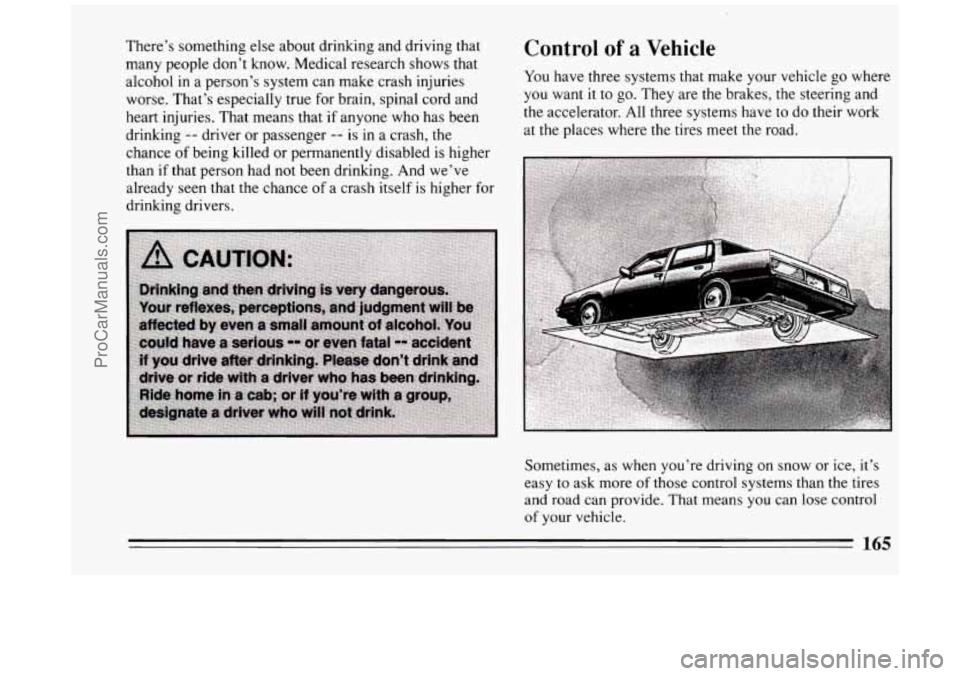
You have three systems that make your vehicle go where
you want it to go. They are the brakes, the steering and
the accelerator. All three systems have
to do their work
at the places where the tires meet the road.
Sometimes, as when you’re driving on snow or ice, it’s
easy to ask more of those control systems than the tires
and road can provide. That means you can lose control
of your vehicle.
165
ProCarManuals.com
Page 168 of 324
Braking
Braking action involves perception time and reaction
time.
First, you have to decide to push on the brake pedal.
That’s perception time. Then you have
to bring up your
foot and do it. That’s reaction time.
Average reaction time is about
3/4 of a second. But
that’s only an average. It might be less with one driver
and as long as two or three seconds or more with
another. Age, physical condition, alertness,
coordination, and eyesight all play
a part. So do alcohol,
drugs and frustration. But even in
3/4 of a second, a
vehicle moving at
60 mph (100 km/h) travels 66 feet
(20 m). That could be a lot of distance in an emergency,
so keeping enough space between your vehicle and
others is important.
And, of course, actual stopping distances vary greatly
with the surface of the road (whether it’s pavement or
gravel); the condition
of the road (wet, dry, icy); tire
tread; and the condition of your brakes. Avoid
needless heavy braking. Some people drive in
spurts
-- heavy acceleration followed by heavy braking
-- rather than keeping pace with traffic. This is a
mistake. Your brakes may not have time to cool between
hard stops. Your brakes will wear
out much faster if you
do a lot of heavy braking. If you keep pace with the
traffic and allow realistic following distances, you will
eliminate a lot of unnecessary braking. That means
better braking and longer brake life.
If your engine ever stops while you’re driving, brake
normally but don’t pump your brakes. If you do, the
pedal may get harder to push down. If your engine
stops, you will still have some power brake assist. But
you will use it when you brake. Once the power assist is
used up, it may take longer
to stop and the brake pedal
will beharder
to push.
166
ProCarManuals.com
Page 169 of 324
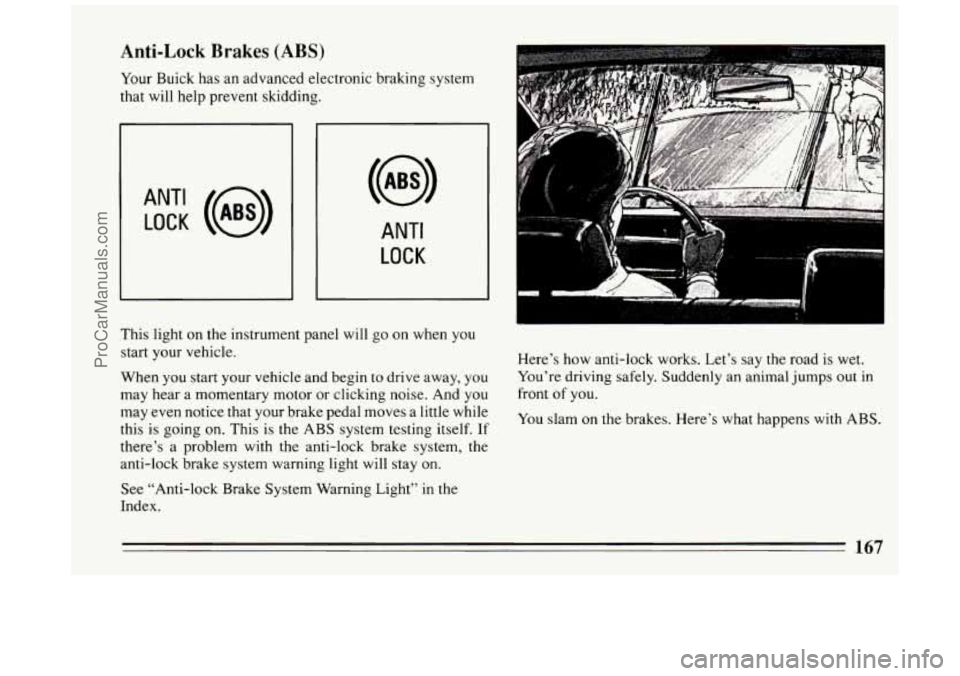
Anti-Lock Brakes (ABS)
Your Buick has an advanced electronic braking system
that will help prevent skidding.
ANT‘ LOCK (@)
ANTI
LOCK
This light on the instrument panel will go on when you
start your vehicle.
When you start your vehicle and begin to drive away, you
may hear a momentary motor or clicking noise. And you
may even notice that your brake pedal moves a little while
this is going
on. This is the ABS system testing itself. If
there’s a problem with the anti-lock brake system, the
anti-lock brake system warning light will stay on.
See “Anti-lock Brake System Warning Light”
in the
Index. Here’s how
anti-lock works. Let’s say the road is wet.
You’re driving safely. Suddenly an animal jumps out in
front of you.
You slam
on the brakes. Here’s what happens with ABS.
167
ProCarManuals.com
Page 170 of 324
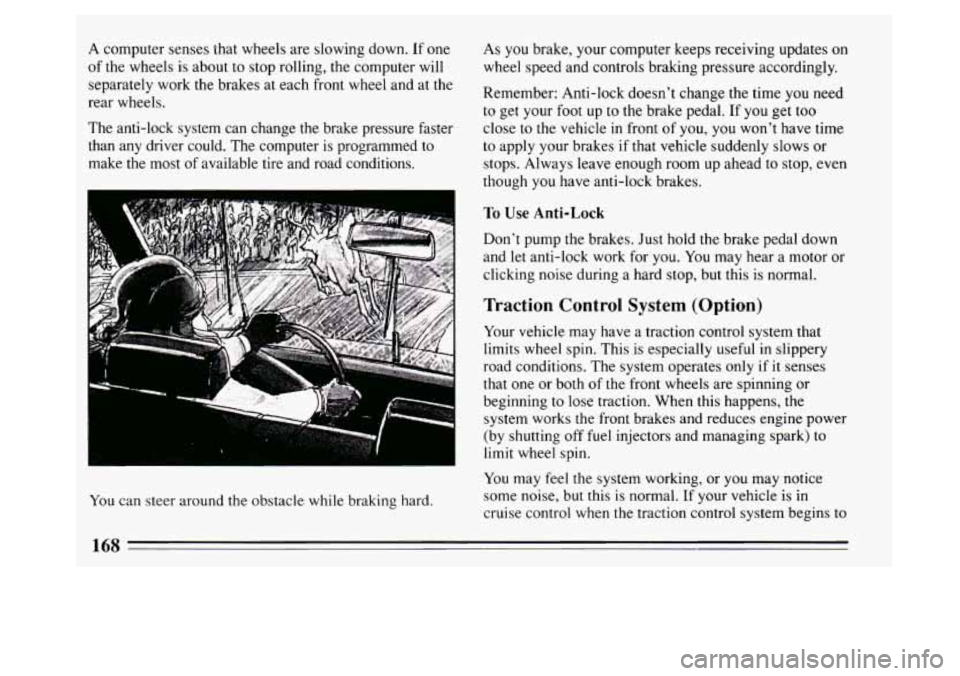
A computer senses that wheels are slowing down. If one
of the wheels is about to stop rolling, the computer will
separately work the brakes at each front wheel and at the
rear wheels.
The anti-lock system can change the brake pressure faster
than any driver could. The computer is programmed to
make the most of available tire and road conditions.
m
b r
You can steer around the obstacle while braking hard. As you
brake, your computer keeps receiving updates on
wheel speed and controls braking pressure accordingly.
Remember: Anti-lock doesn’t change the time you need
to get your foot up to the brake pedal. If you get too
close to the vehicle in front of you, you won’t have time
to apply your brakes if that vehicle suddenly slows or
stops. Always leave enough room up ahead to stop, even
though you have anti-lock brakes.
To Use Anti-Lock
Don’t pump the brakes. Just hold the brake pedal down
and let anti-lock work for you.
You may hear a motor or
clicking noise during a hard stop, but this is normal.
Traction Control System (Option)
Your vehicle may have a traction control system that
limits wheel spin. This is especially useful in slippery
road conditions. The system operates only
if it senses
that one or both of the front wheels are spinning or
beginning to lose traction. When
this happens, the
system works the front brakes and reduces engine power
(by shutting off fuel injectors and managing spark) to
limit wheel spin.
You may feel the system working, or you may notice
some noise, but this
is normal. If your vehicle is in
cruise control when the traction control system begins to
168
ProCarManuals.com