change time BUICK PARK AVENUE 1996 User Guide
[x] Cancel search | Manufacturer: BUICK, Model Year: 1996, Model line: PARK AVENUE, Model: BUICK PARK AVENUE 1996Pages: 388, PDF Size: 20.04 MB
Page 145 of 388
Manual Operation
You may also manually adjust the air delivery or
fan speed.
AIR FLOW: This button is used to change the direction
of the arflow. The airflow choices available are FLOOR,
FLOOR-MID,
MID and WINDSHIELD-FLOOR. If the
system is set for
AUTO, pressing the AIR FLOW button
will display the current airflow direction and the comfort
setting. Press the
AIR FLOW up or down button again to
change the direction of the airflow.
If the
AIR FLOW up button is selected while in the
FRONT defrost mode, the system will direct the air
toward the WINDSHIELD-FLOOR. If the AIR FLOW
down button is selected while in the FRONT defrost
mode, the system will direct the air toward the FLOOR,
and the FRONT defrost mode will cancel. Notice the
arrows in the display.
OFF: If the passenger comfort control is turned on, it
can be turned
off by pressing the OFF button once.
Pressing the
OFF button a second time will turn off the
main system. Turning off the main system causes the fan
to turn
off and the airflow to be directed to the FLOOR.
The system will still try to keep the interior of the
vehicle at the previous chosen comfort setting. The
outside temperature will show on the display when the
system is
OFF.
The ventilation system always allows fresh air to flow
through your Buick when the vehicle is moving even
with the system in the OFF mode.
VENT The VENT button allows outside air to flow
through your Buick without the air conditioning
compressor working. Selecting VENT and the
AUTO
button at the same time allows the system to control
automatically without the use of the air conditioning
compressor or the use of the RECIRC mode. To
turn off
the VENT selection, push the VENT button again.
RECIRC: When RECIRC is selected, the system will
limit the amount
of outside air entering your vehicle.
This
is helpful when you are trying to cool the interior
of the vehicle quickly or limit the amount of outside air
entering your vehicle for some other reason. RECIRC
and AUTO may be selected at the same time. The
system will remain in RECIRC for
12 minutes or
until the ignition is turned off, then the system will
return back to the previously selected mode. RECIRC
can be selected in all manual airflow modes except
FRONT defrost. RECIRC cannot be selected with
the VENT button.
3-5
ProCarManuals.com
Page 146 of 388
FRONT This selection is used to defrost the
windshield by directing the airflow toward the windshield.
If
FRONT is selected while in the AUTO mode, the fan
speed and the air temperature from the front defroster will
vary. If a manual
fan speed setting is selected, the fan
speed will remain at that selection until another fan speed
selection is made or the AUTO mode
is selected. To turn
off FRONT, press the AUTO or AIR FLOW button.
FRONT defrost will work better if any ice or snow is
cleared from the hood and the air inlet area between the
base
of the windshield and the hood.
Air Condi,,.
On hot days, open the windows long enough to let hot
inside air escape. This reduces the time it takes for your
vehicle to cool down. Then keep your windows closed
for the air conditioner to work its best.
If you have the electronic touch system, for quick
cool-down on very
hot days, use MAX with the
temperature and fan speed adjusted to COOL and
HIGH.
For normal cooling on hot days, use NORM and adjust the
temperature and fan speed for your comfort. If REClRC is
selected while
in the NORM air conditioning mode, the
system works like
MAX and recirculates the air. Use
BI-LEV to deliver warm air to the floor and cooler air to
the middle instrument panel outlets.
If you have the dual automatic comfortemp system and
on very hot days using the AUTO mode, the system will
automatically enter the RECIRC mode and the
temperature door will be positioned at the full cold
position for maximum cooling. If the system
is not in
the AUTO mode, RECIRC should be selected to provide
maximum cooling. You can choose the extreme comfort
setting of
60°F (16"C), but the system will not cool any
faster by choosing the extreme comfort setting.
When the air conditioner is on, you may sometimes notice
slight changes in your vehicle's engine speed and power.
This is normal because
the system is designed to cycle the
compressor on and
off to keep the desired temperature.
ProCarManuals.com
Page 152 of 388
Audio Systems
Your Delco@ audio system has been designed to operate
easily and give years
of listening pleasure. You will get
the most enjoyment out of
it if you acquaint yourself
with it first. Find out what your Delco system can do
and how to operate all its controls, to be sure you’re
getting the most out of the advanced engineering that
went into it.
Setting the Clock
Press and hold HRS until the correct hour appears. Press
and hold
MIN until the correct minute appears.
You may set the clock with the ignition
off if you
press
RECALL first and follow the same procedure
described above.
AM-FM Stereo with Cassette Tape Player
Playing the Radio
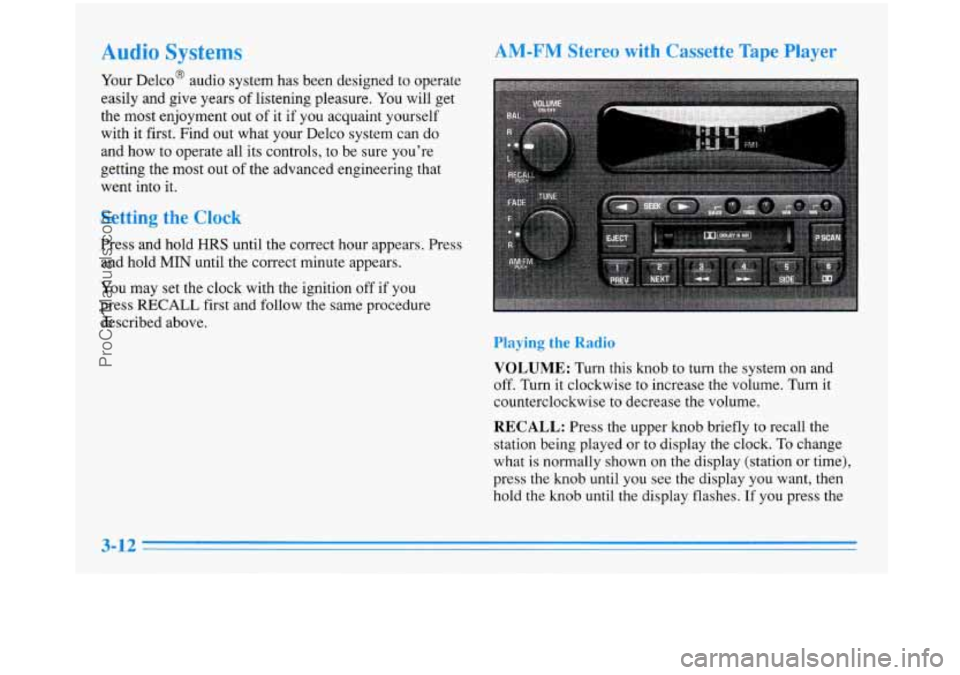
VOLUME: Turn this knob to turn the system on and
off. Turn it clockwise to increase the volume. Turn it
counterclockwise to decrease the volume.
RECALL: Press the upper knob briefly to recall the
station being played or to display the clock.
To change
what
is normally shown on the display (station or time),
press the knob until you see the display you want, then
hold the knob until the display flashes.
If you press the
3-12
ProCarManuals.com
Page 155 of 388
AM-FM Stereo with Cassette Tape Player
and Automatic Tone Control
Playing the Radio
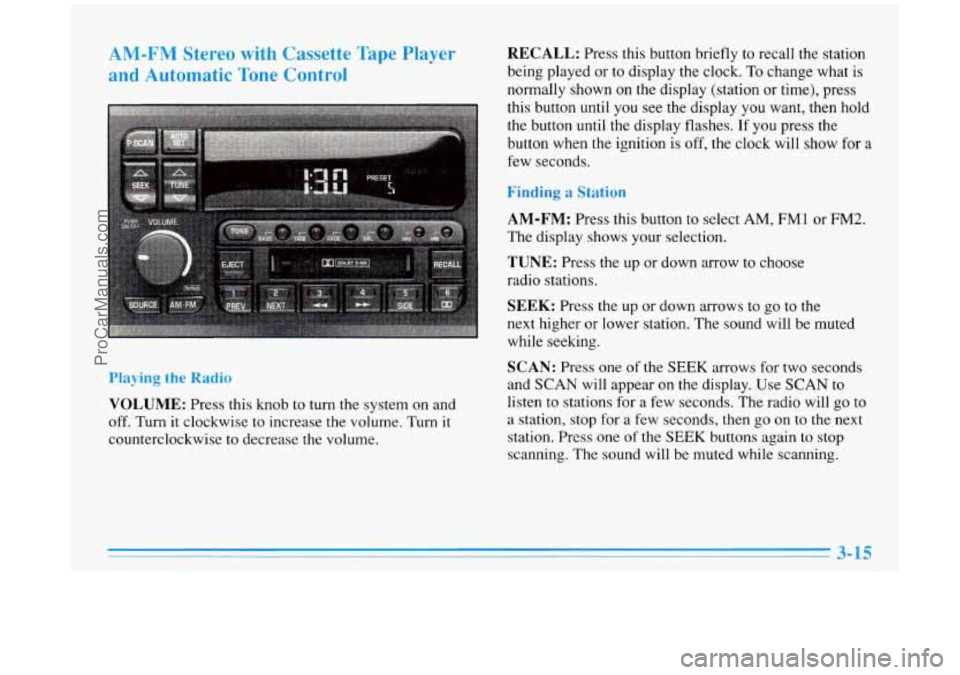
VOLUME: Press this knob to turn the system on and
off.
Turn it clockwise to increase the volume. Turn it
counterclockwise to decrease the volume.
RECALL: Press this button briefly to recall the station
being played or to display the clock. To change what is
normally shown on the display (station or time), press
this button until you see the display you want, then hold
the button until the display flashes.
If you press the
button when the ignition is
off, the clock will show for a
few seconds.
Finding a Station
AM-FM:
Press this button to select AM, FMl or FM2.
The display shows your selection.
TUNE: Press the up or down arrow to choose
radio stations.
SEEK: Press the up or down arrows to go to the
next higher or lower station. The sound will be muted
while seeking.
SCAN: Press one of the SEEK arrows for two seconds
and SCAN will appear on the display. Use SCAN
to
listen to stations for a few seconds. The radio will go to
a station, stop for a few seconds, then go on
to the next
station. Press one
of the SEEK buttons again to stop
scanning. The sound will be muted while scanning.
ProCarManuals.com
Page 159 of 388
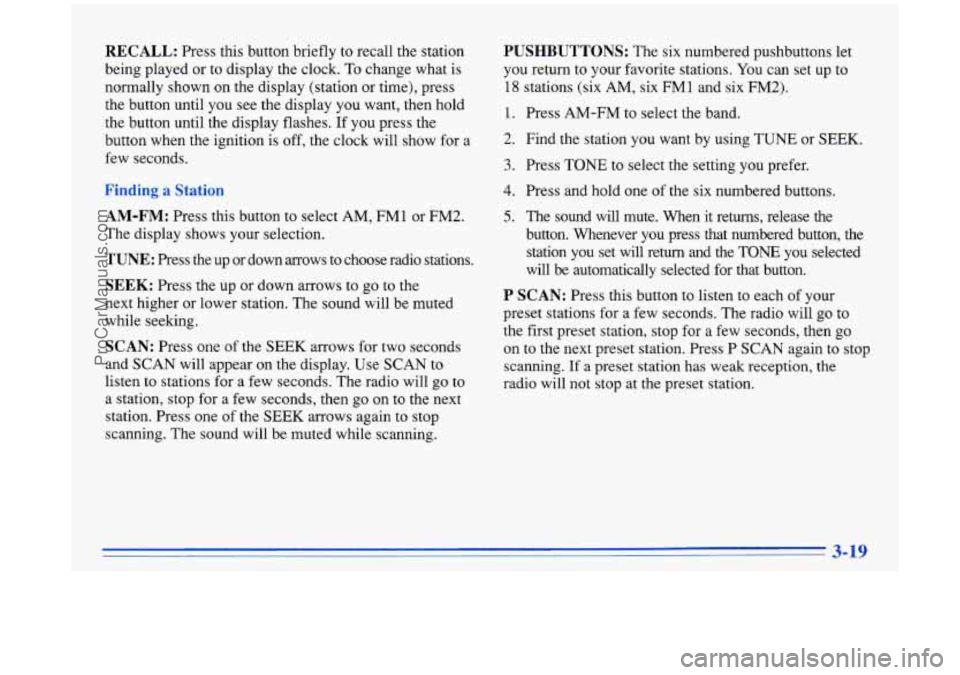
RECALL: Press this button briefly to recall the station
being played or to display the clock.
To change what is
normally shown on the display (station or time), press
the button until you see the display you want, then hold
the button until the display flashes. If you press the
button when the ignition is off, the clock will show for a
few seconds.
,a!
AM-FM: Press this button to select AM, FM1 or FM2.
The display shows your selection.
TUNE: Press the up or down arrows to choose radio stations.
SEEK: Press the up or down arrows to go to the
next higher or lower station. The sound will be muted
while seeking.
SCAN: Press one of the SEEK arrows for two seconds
and SCAN will appear on the display. Use SCAN
to
listen to stations for a few seconds. The radio will go to
a station, stop for a few seconds, then go on to the next
station. Press one of the SEEK arrows again to stop
scanning. The sound will be muted while scanning.
PUSHBUTTONS: The six numbered pushbuttons let
you return to your favorite stations. You can set up to
18 stations (six AM, six FMl and six FM2).
1.
2.
3.
4.
5.
Press AM-FM to select the band.
Find the station you want by using TUNE or SEEK.
Press TONE to select the setting you prefer.
Press and hold one of the six numbered buttons.
The sound will mute. When it returns, release the
button. Whenever you press that numbered button, the station you set will return and the TONE you selected
will be automatically selected for that button.
P SCAN: Press this button to listen to each of your
preset stations for a few seconds. The radio will go to
the first preset station, stop for a few seconds, then go
on to the next preset station. Press P SCAN again to stop
scanning.
If a preset station has weak reception, the
radio will not stop at the preset station.
3-19
ProCarManuals.com
Page 160 of 388
I_r____ the TC-.
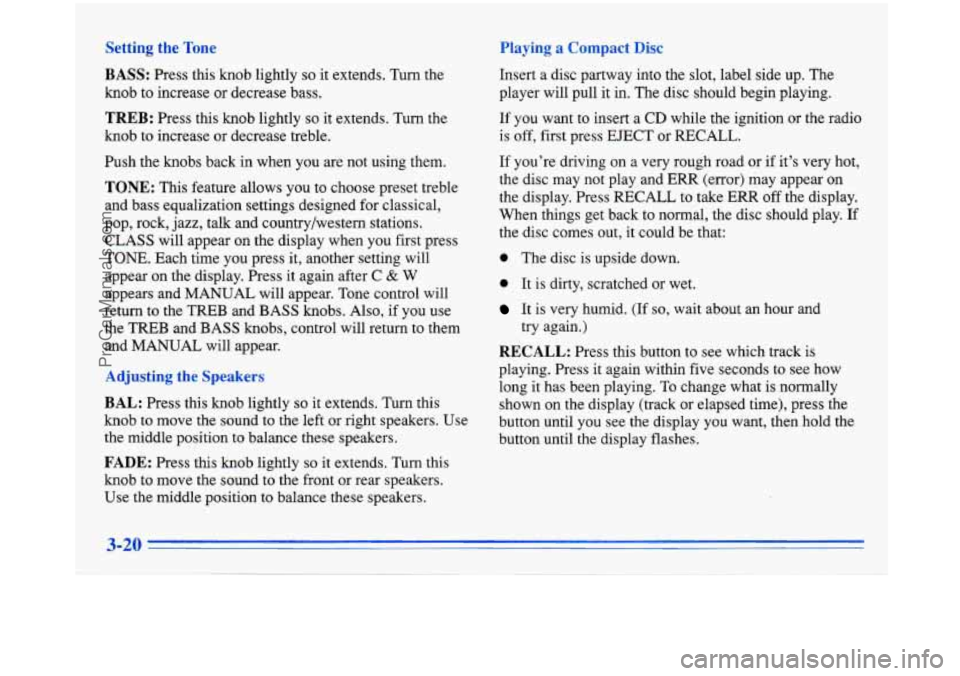
BASS:
Press this knob lightly so it extends. Turn the
knob to increase or decrease bass.
b --d ‘-7 d a Corn1
Insert a disc partway into the slot, label side up. The
player will pull it in. The disc should begin playing.
TREB: Press this knob lightly so it extends. Turn the
knob to increase or decrease treble.
Push the knobs back in when you are not using them.
TONE: This feature allows you to choose preset treble
and bass equalization settings designed for classical,
pop, rock, jazz, talk and country/western stations.
CLASS will appear on the display when you first press
TONE. Each time you press it, another setting will
appear
on the display. Press it again after C & W
appears and MANUAL will appear. Tone control will
return to the TREB and BASS knobs. Also, if you use
the
TREB and BASS knobs, control will return to them
and MANUAL will appear.
BAL: Press this knob lightly so it extends. Turn this
knob to move the sound to the left or right speakers. Use
the middle position to balance these speakers.
FADE: Press this knob lightly so it extends. Turn this
knob to move the sound to the front or rear speakers.
Use the middle position to balance these speakers. If
you want
to insert a CD while the ignition or the radio
is off, first press EJECT or RECALL.
If you’re driving on a very rough road or if it’s very hot,
the disc may not play and ERR (error) may appear on
the display. Press RECALL to take ERR off the display.
When things get back to normal, the disc should play. If
the disc comes out,
it could be that:
0 The disc is upside down.
0 It is dirty, scratched or wet.
It is very humid. (If so, wait about an hour and
try again.)
RECALL: Press this button to see which track is
playing. Press
it again within five seconds to see how
long it has been playing. To change what is normally
shown on the display (track or elapsed time), press the
button until you see the display you want, then hold the
button until the display flashes.
ProCarManuals.com
Page 162 of 388
AM-FM Stereo with Cassette Tape and
Compact Disc PIayers and Automatic
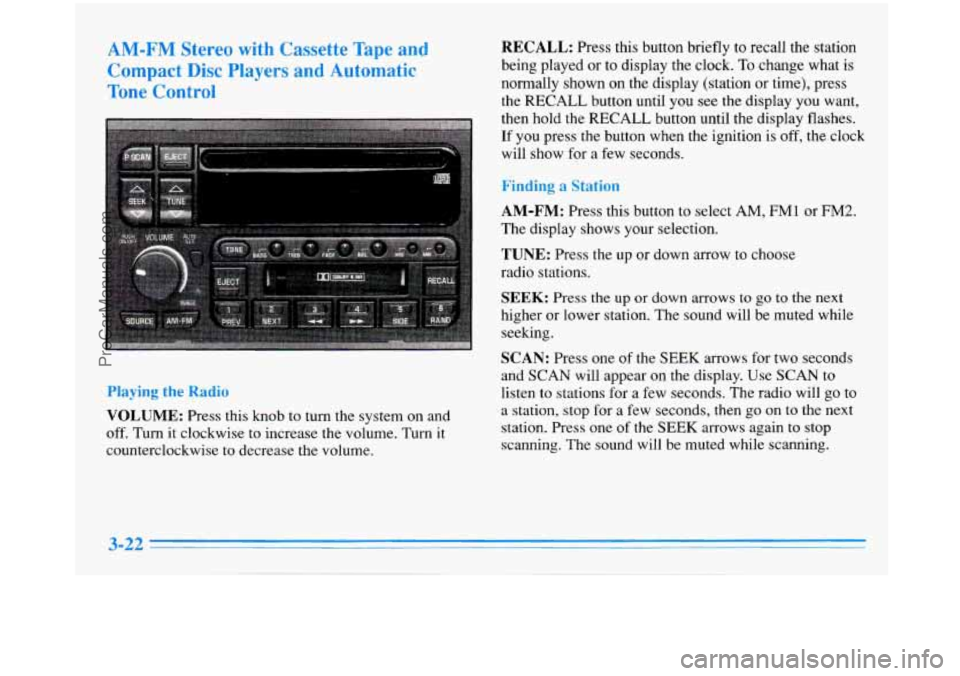
Tone Control RECALL: Press this button briefly to recall the station
being played or to display the clock. To change what is
normally shown on the display (station
or time), press
the RECALL button until you see the display you want,
then hold the RECALL button until the display flashes.
If you press the button when the ignition is off, the clock
will show for
a few seconds.
Finding a Station
Playing the
Radio
VOLUME: Press this knob to turn the system on and
off. Turn
it clockwise to increase the volume. Turn it
counterclockwise
to decrease the volume.
AM-FM: Press this button to select AM, FMl or FM2.
The display shows your selection.
TUNE: Press the up or down arrow to choose
radio stations.
SEEK: Press the up or down arrows to go to the next
higher or lower station. The sound will be muted while
seeking.
SCAN: Press one of the SEEK arrows for two seconds
and SCAN will appear on the display. Use SCAN
to
listen to stations for a few seconds. The radio will go to
a station, stop for a few seconds, then go on to the next
station. Press one
of the SEEK arrows again to stop
scanning. The sound will be muted while scanning.
3-22
ProCarManuals.com
Page 165 of 388
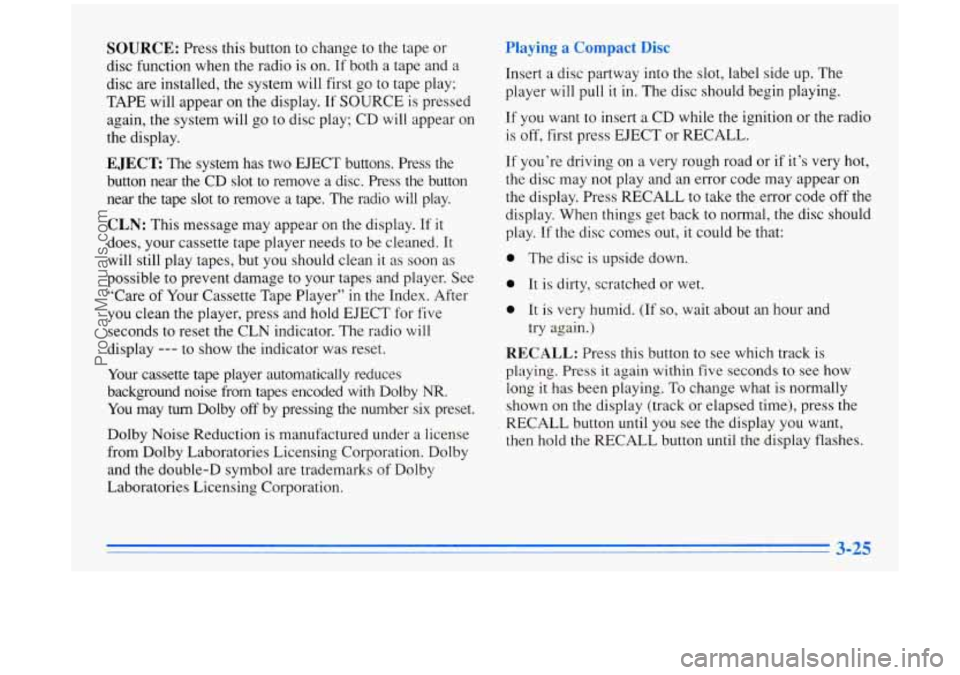
SOURCE: Press this button to change to the tape or
disc function when the radio is on. If both a tape and a
disc are installed, the system will first go to tape play;
TAPE will appear on the display. If SOURCE is pressed
again, the system will go to disc play; CD will appear on
the display.
EJECT The system has two EJECT buttons. Press the
button near the CD slot
to remove a disc. Press the button
near the tape slot to remove a tape. The radio will play.
CLN: This message may appear on the display. If it
does, your cassette tape player needs to be cleaned.
It
will still play tapes, but you should clean it as soon as
possible to prevent damage to your tapes and player. See
“Care of Your Cassette Tape Player”
in the Index. After
you clean the player, press and hold EJECT for five
seconds to reset the CLN indicator. The radio
will
display --- to show the indicator was reset.
Your cassette tape player automatically reduces
background noise from tapes encoded with Dolby
NR.
You may turn Dolby off by pressing the number six preset.
Dolby Noise Reduction is manufactured under a license
from Dolby Laboratories Licensing Corporation. Dolby
and the double-D symbol are trademarks of Dolby
Laboratories Licensing Corporation,
Playing a Campact Disc
Insert a disc partway into the slot, label side up. rne
player will pull it in. The disc should begin playing.
If you want to insert a CD while the ignition or the radio
is off, first press EJECT or RECALL.
If you’re driving on a very rough road or if it’s very hot,
the disc may not play and an error code may appear
on
the display. Press RECALL to take the error code off the
display. When things get back to normal, the disc should
play. If the disc comes out,
it could be that:
0 The disc is upside down.
0 It is dirty, scratched or wet.
0 It is very humid. (If so, wait about an hour and
try again.)
RECALL: Press this button to see which track is
playing. Press
it again within five seconds to see how
long it has been playing. To change what is normally
shown on the display (track or elapsed time), press the
RECALL button until you see the display you want,
then hold the RECALL button until the display flashes.
3-25
ProCarManuals.com
Page 182 of 388
Remember: Anti-lock doesn’t change the time you need
to get your foot up to the brake pedal or always decrease
stopping distance. If
you get too close to the vehicle in
front of you, you won’t have time to apply your brakes
if that vehicle suddenly slows or stops. Always leave
enough room up ahead to stop, even though you have
anti-lock brakes.
Using Anti-Lock
Don’t pump the brakes. Just hold the brake pedal down and let anti-lock work for you. You may feel the system
working, or you may notice some noise, but this is normal.
Traction Control System (Option)
Your vehicle may have a traction control system that
limits wheel spin. This is especially useful in slippery
road conditions. The system operates only if it senses
that one or both of the front wheels are spinning or
beginning to lose traction. When this happens, the
system works the front brakes and reduces engine power
to
limit wheel spin.
You may feel or hear the system working, but this
is normal.
If your vehicle is in cruise control when the traction
control system begins to limit wheel spin,
the cruise
control will automatically disengage. When road conditions allow
you to safely use it again, you may
re-engage the cruise control. (See “Cruise Control” in
the Index.)
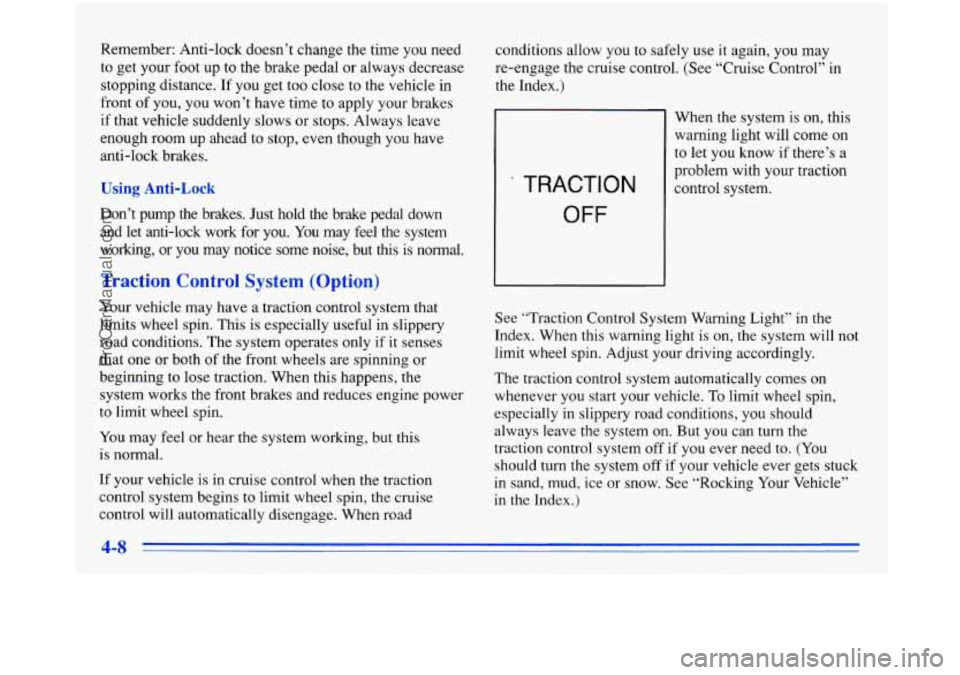
TRACTION
OFF
When the system is on, this
warning light will come on
to let you know if there’s a
problem with your traction
control system.
See “Traction Control System Warning Light” in the
Index. When this warning light
is on, the system will not
limit wheel spin. Adjust your driving accordingly.
The traction control system automatically comes on
whenever you start your vehicle.
To limit wheel spin,
especially in slippery road conditions, you should always leave the system on. But you can turn the
traction control system off
if you ever need to. (You
should turn the system
off if your vehicle ever gets stuck
in sand, mud, ice or snow. See “Rocking Your Vehicle”
in the Index.)
ProCarManuals.com
Page 183 of 388
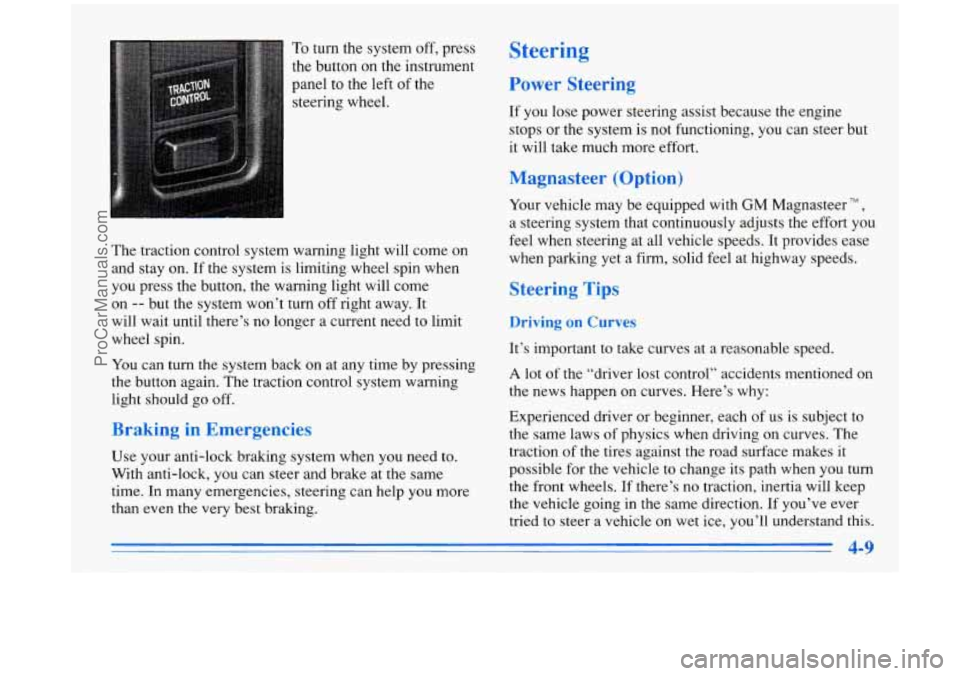
To turn the system off, press
the button on the instrument
panel to the left of the
steering wheel.
The traction control system warning light will come
on
and stay on. If the system is limiting wheel spin when
you press the button, the warning light will come
on
-- but the system won’t turn off right away. It
will wait until there’s no longer a current need to limit
wheel spin.
You can turn the system back on at any time by pressing
the button again. The traction control system warning
light should go off.
Braking in Emergencies
Use your anti-lock braking system when you need to.
With anti-lock,
you can steer and brake at the same
time. In many emergencies, steering can help you more
than even
the very best braking.
Steering
Power Steering
If you lose power steering assist because the engine
stops or the system is not functioning, you can steer but
it will take much more effort.
Magnasteer (Option)
Your vehicle may be equipped with GM Magnasteer TM ,
a steering system that continuously adjusts the effort you
feel when steering at all vehicle speeds. It provides ease
when parking yet a firm, solid feel at highway speeds.
Steering Tips
Driving on Curves
It’s important to take curves at a reasonable speed.
A lot of the “driver lost control” accidents mentioned on
the news happen on curves. Here’s why:
Experienced driver or beginner, each of
us is subject to
the same laws of physics when driving on curves. The
traction of the tires against the road surface makes it
possible for the vehicle to change its path when
you turn
the front wheels.
If there’s no traction, inertia will keep
the vehicle going in the same direction. If you’ve ever
tried to steer a vehicle on wet ice, you’ll understand
this.
4-9
-
ProCarManuals.com