wheel BUICK PARK AVENUE 1997 User Guide
[x] Cancel search | Manufacturer: BUICK, Model Year: 1997, Model line: PARK AVENUE, Model: BUICK PARK AVENUE 1997Pages: 420, PDF Size: 21.93 MB
Page 86 of 420
SECOND (2): This position gives you more power but
lower fuel economy. You can
use SECOND (2) on hills.
It
can help control your speed as you go down steep
mountain roads, but then
you would also want to use
your brakes off and on.
NOTICE:
Don’t drive in SECOND (2) for more than
5 miles (8 km), or at speeds over 55 mph
(88 km/h), or you can damage your transaxle.
Use AUTOMATIC OVERDRIVE
(a) or
THIRD
(3) as much as possible.
Don’t shift into SECOND
(2) unless you are going
slower than
65 mph (105 km/h), or you can
damage your engine.
FIRST (1): This position gives you even more power (but
lower fuel economy) than
SECOND (2). You can use it on
very steep hills, or in deep snow or mud, If the selector
lever is put in
FIRST (l), the transaxle won’t shift into
first gear until
the vehicle is going slowly enough.
NOTICE:
If your front wheels can’t rotate, don’t try to
drive. This might happen
if you were stuck in
very deep sand or mud or were up against
a solid
object. You could damage your transaxle.
Also,
if you stop when going uphill, don’t hold
your vehicle there with only the accelerator
pedal. This could overheat and damage the
transaxle. Use your brakes or shift into PARK
(P)
to hold your vehicle in position on a hill.
2-26
ProCarManuals.com
Page 87 of 420
Parking Brake
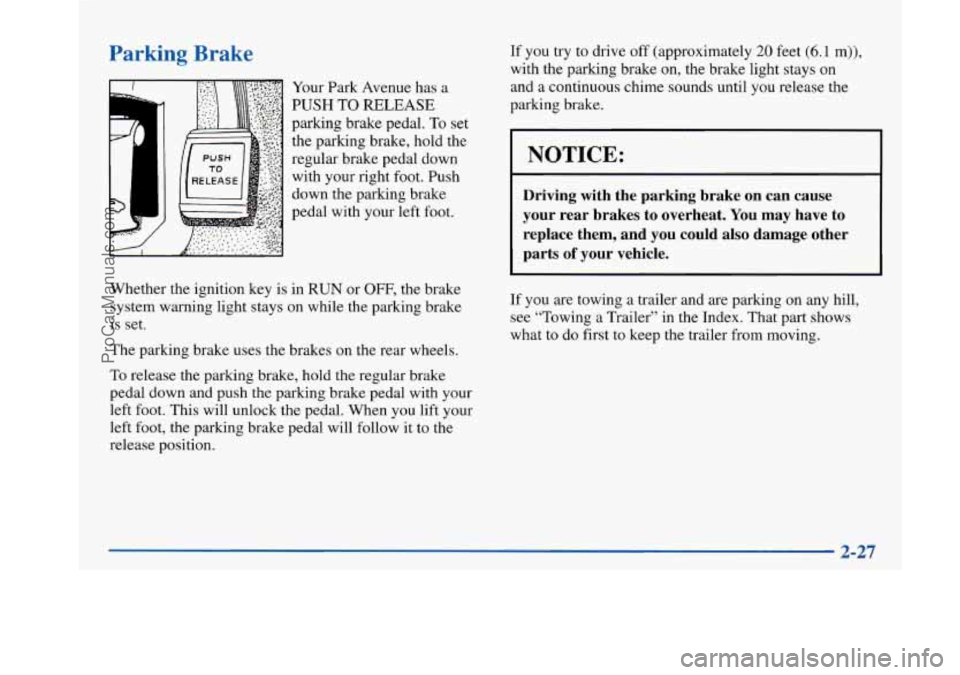
Your Park Avenue has a
PUSH TO RELEASE
parking brake pedal. To set
the parking brake, hold the
regular brake pedal down
with your right foot. Push
down the parking brake
pedal with your left foot.
~___
Whether the ignition key is
in RUN or OFF, the brake
system warning light stays on while the parking brake
is set.
The parking brake uses the brakes on the rear wheels.
To release the parking brake, hold the regular brake
pedal down and push the parking brake pedal with your
left foot. This will unlock the pedal. When you lift your
left foot, the parking brake pedal will follow it to the
release position. If you
try to drive
off (approximately 20 feet (6.1 m)),
with the parking brake on, the brake light stays on and a continuous chime sounds until you release the
parking brake.
I NOTICE:
Driving with the parking brake on can cause
your rear brakes to overheat.
You may have to
replace them, and you could also damage other
parts
of your vehicle.
If you are towing a trailer and are parking on any hill,
see “Towing a Trailer” in the Index. That part shows
what to do first to keep the trailer from moving.
2-27
ProCarManuals.com
Page 94 of 420
Horn
Nearly the entire surface of the center pad of the
steering wheel is an active horn switch. Press anywhere
on the pad to sound the horn.
Tilt Wheel
A tilt steering wheel allows
you to adjust the steering
wheel before you drive.
You can also raise it to the highest level to give your
legs more room when you exit and enter the vehicle.
To tilt the wheel, hold the steering wheel and pull the
lever toward you. Move the steering wheel to a
comfortable position, then release the lever to lock the
wheel in place.
'hrn SignaVMultifunction Lever
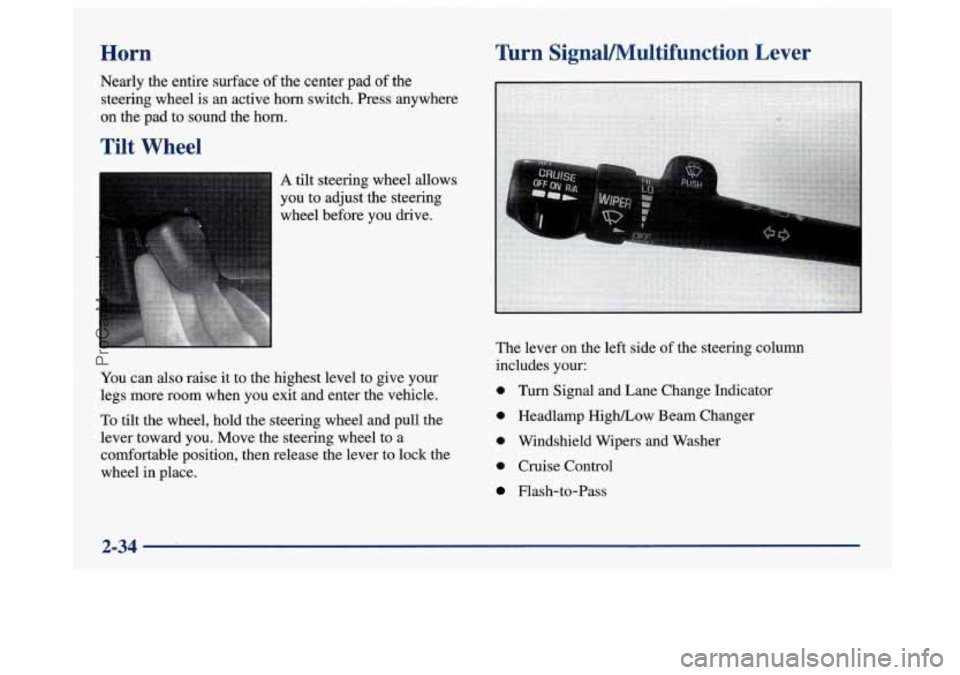
The lever on the left side of the steering column
includes your:
0 Turn Signal and Lane Change Indicator
0 Headlamp High/Low Beam Changer
0 Windshield Wipers and Washer
0 Cruise Control
Flash-to-Pass
2-34
ProCarManuals.com
Page 100 of 420
0
0
Cruise control can be dangerous where you
can’t drive safely at a steady speed.
So,
don’t use your cruise control on winding
roads or in heavy traffic. Cruise control can be dangerous on
slippery roads. On such roads, fast changes
in tire traction can cause needless wheel
spinning, and you could lose control. Don’t
use cruise control on slippery roads.
~~~ ~~ ~
If your vehicle is in cruise control when the optional
traction control system begins to limit wheel spin, the
cruise control will automatically disengage. (See
“Traction Control System”
in the Index.) When road
conditions allow you
to safely use it again, you may turn
the cruise control back
on.
Setting Cruise Control
I A CAUTION:
If you leave your cruise control
you’re not using cruise, you might hit a button
and go into cruise when you don’t want
to. You
could be startled and even lose control. Keep the
cruise control switch off until you want
to use it.
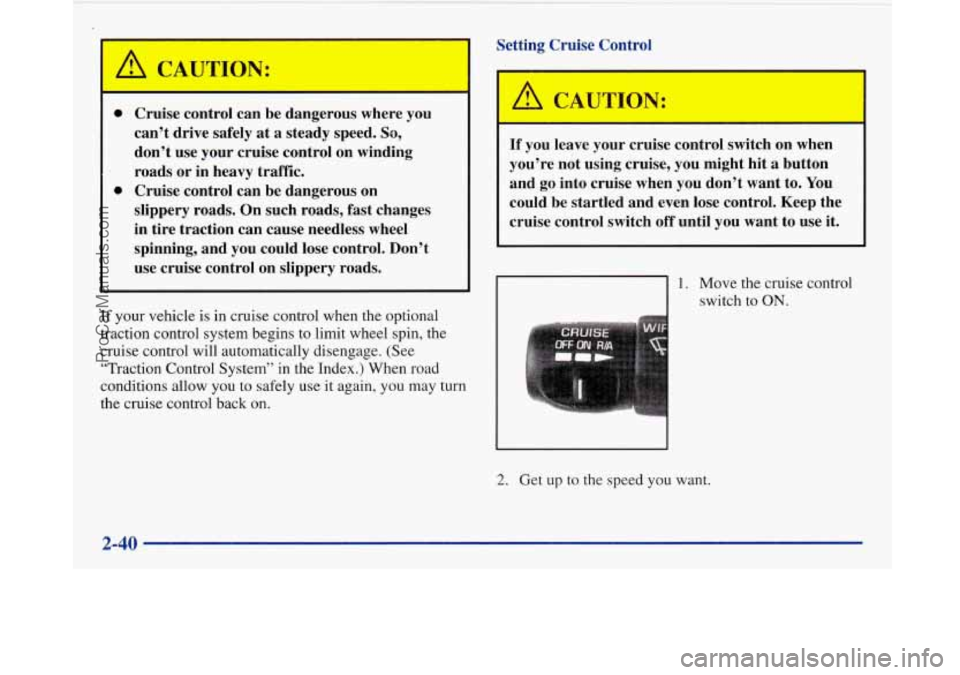
1. Move the cruise control
switch to
ON.
2. Get up to the speed you want.
2-40
ProCarManuals.com
Page 123 of 420
To block out glare, swing down the visors. The larger
sun visor can be removed from the center mount and
moved to the side, while the auxiliary sun visor remains
to block glare from the front.
Auxiliary Power Outlets
Your vehicle may have one or two power outlets
depending on the type of front seat you have. If your
front seat has a fold-down armrest, the power outlet is
located in the center of the front seat below the cushion.
If your vehicle has front bucket seats with a center
console, you will find one outlet inside the storage
compartment and the other on the lower front edge
of the console.
These power outlets can be used to plug in electrical
equipment such as a cellular telephone or
CB radio.
Follow the proper installation instructions that are
included with the equipment you install.
Garment Hooks
For your convenience, you will find a two-hanger
capacity garment hook above each rear
door near the
reading lamps.
Cellular Phone Readiness Package
(If Equipped)
If you have this option, your vehicle has been prewired
for dealer installation of a portable phone. This system
will have steering wheel controls for volume only, and
infomation output through the
DIC. Voice activation
and hands-free operation are standard features. For more
information, contact your dealer.
A user’s guide will be
provided with the telephone completion lut.
2-63
ProCarManuals.com
Page 129 of 420
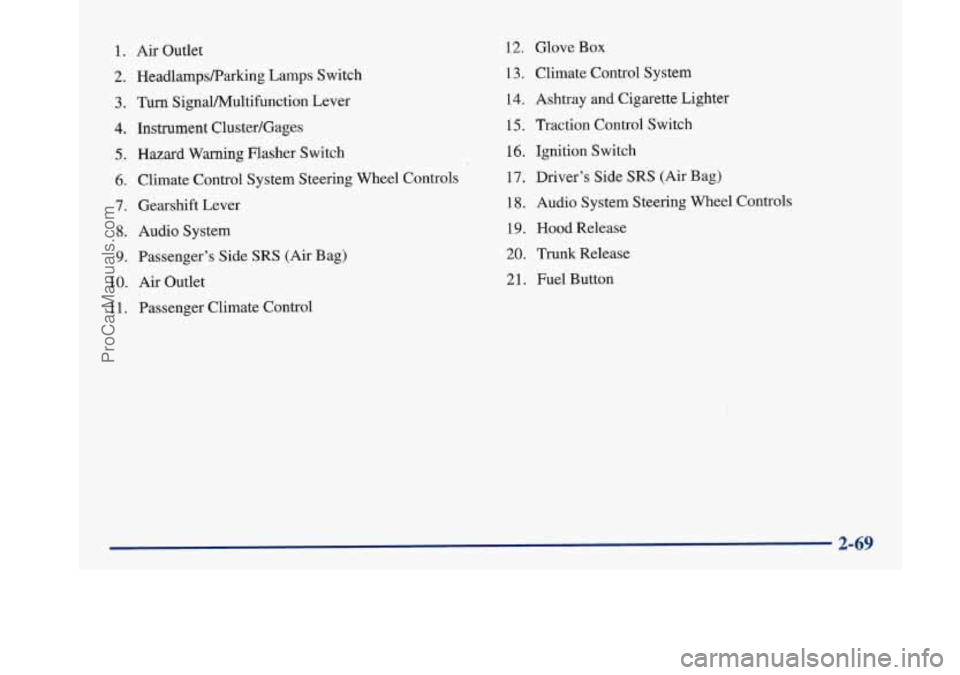
1. Air Outlet
2. HeadlampsRarking Lamps Switch
3. Turn SignaVPv4ultifunction Lever
4. Instrument Cluster/Gages
5. Hazard Warning Flasher Switch
6. Climate Control System Steering Wheel Controls
7. Gearshift Lever
8. Audio System
9. Passenger’s Side SRS (Air Bag)
10.
Air Outlet
1 1. Passenger Climate Control
12. Glove Box
13. Climate Control System
14. Ashtray
and Cigarette Lighter
15, Traction Control Switch
16. Ignition Switch
17. Driver’s Side
SRS (Air Bag)
18. Audio System Steering Wheel Controls
19. Hood Release
20. Trunk Release
21. Fuel Button
ProCarManuals.com
Page 136 of 420
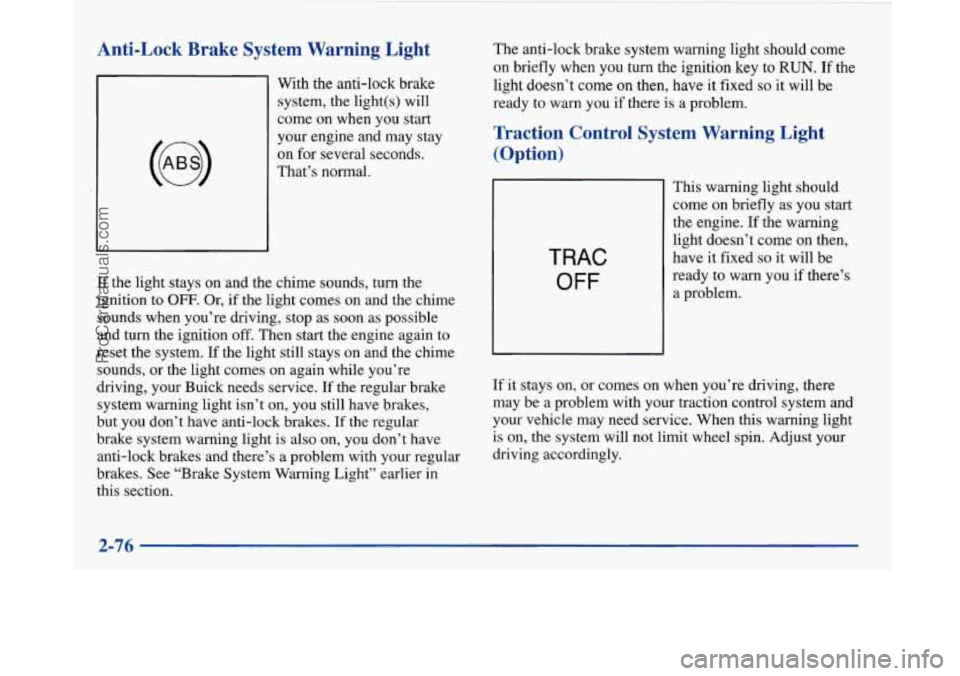
Anti-Lock Brake System Warning Light
With the anti-lock brake
system, the light(s) will
come on when you start
your engine and may stay
on for several seconds.
That’s normal.
If the light stays on and the chime sounds, turn the
ignition to
OFF. Or, if the light comes on and the chime
sounds when you’re driving, stop as soon as possible
and turn the ignition
off. Then start the engine again to
reset the system. If the light still stays on and the chime
sounds, or the light comes on again while you’re
driving, your Buick needs service.
If the regular brake
system warning light isn’t on, you still have brakes,
but you don’t have anti-lock brakes. If the regular
brake system warning light is also on, you don’t have
anti-lock brakes and there’s a problem with your regular
brakes. See “Brake System Warning Light” earlier in
this section. The
anti-lock brake system warning light should come
on briefly when you turn the ignition
key to RUN. If the
light doesn’t
come on then, have it fixed so it will be
ready
to warn you if there is a problem.
Traction Control System Warning Light
(Option)
TRAC
OFF
This warning light should
come
on briefly as you start
the engine. If the warning
light doesn’t come
on then,
have it fixed
so it will be
ready to warn you if there’s
a problem.
If it stays on, or comes on when you’re driving, there
may be a problem with your traction control system and
your vehicle may need service. When this warning light
is on, the system will not limit wheel spin. Adjust your
driving accordingly.
2-76
~
ProCarManuals.com
Page 153 of 420
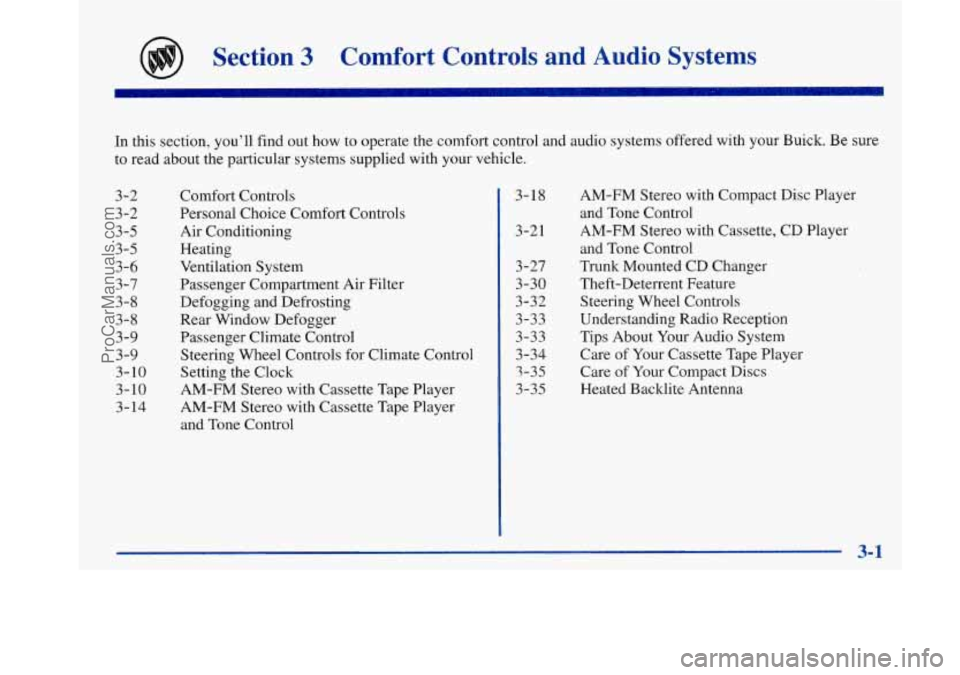
Section 3 Comfort Controls and Audio Systems
In this section, you’ll find out how to operate the comfort control and audio systems offered with your Buick. Be sure
to read about the particular systems supplied with your vehicle.
3-2
3-2
3-5
3-5
3-6
3-7 3-8
3-8
3-9
3-9
3-10
3-10
3- 14 Comfort Controls
Personal Choice Comfort Controls
Air Conditioning
Heating
Ventilation System
Passenger Compartment Air Filter
Defogging and Defrosting
Rear Window Defogger
Passenger Climate Control Steering Wheel Controls for Climate Control
Setting the Clock
AM-FM Stereo with Cassette Tape Player
AM-FM Stereo with Cassette Tape Player
and Tone Control 3-18
3-21
3 -27
3-30
3-32
3-33
3-33
3-34 3-35
3-35 AM-FM Stereo
with Compact Disc Player
and Tone Control
AM-FM Stereo with Cassette, CD Player
and Tone Control
Trunk Mounted CD Changer
Theft-Deterrent Feature
Steering Wheel Controls
Understanding Radio Reception
Tips About Your Audio System
Care of Your Cassette Tape Player
Care
of Your Compact Discs
Heated Backlite Antenna
ProCarManuals.com
Page 161 of 420
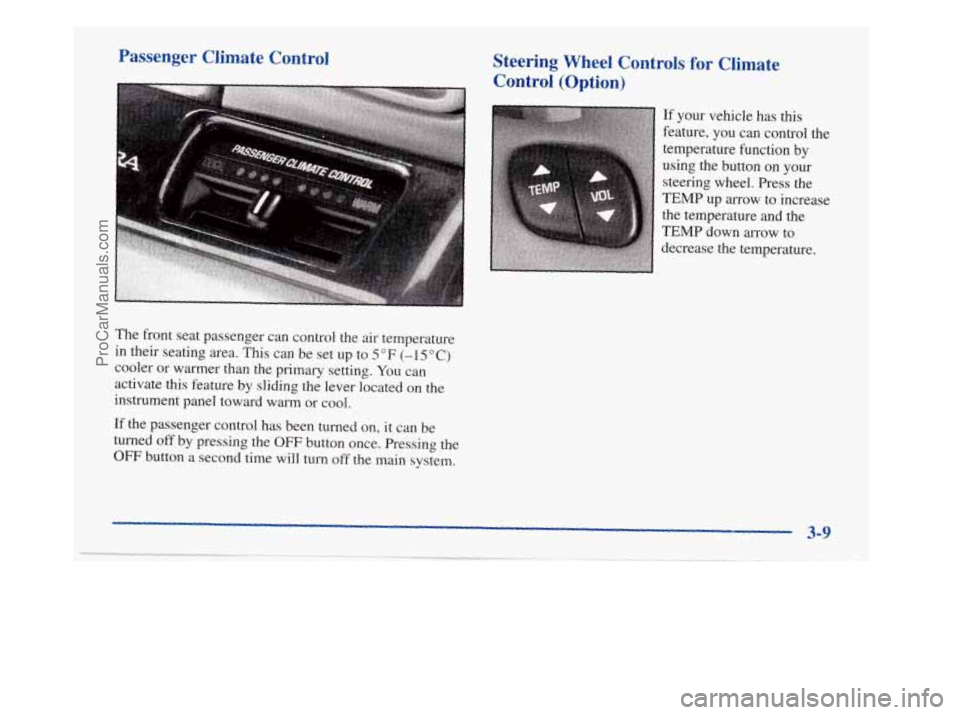
Passenger Climate Control Steering Wheel Controls for Climate
Control
(Option)
If your vehicle has this
feature, you can control the
temperature function by
using the button
on your
steering wheel. Press the
TEMP up arrow to increase
the temperature and the
TEMP down arrow to
, decrease the temperature.
The front seat passenger can control the air temperature
in their seating area.
Tlus can be set up to 5 OF (-1 5 O C)
cooler or warmer than the primary setting. You can
activate this feature
by sliding the lever located on the
instrument panel toward warm
or cool.
If the passenger control has been turned on, it can be
turned
off by pressing the OFF button once. Pressing the
OFF button a second time will turn off the main system.
3-9
ProCarManuals.com
Page 184 of 420
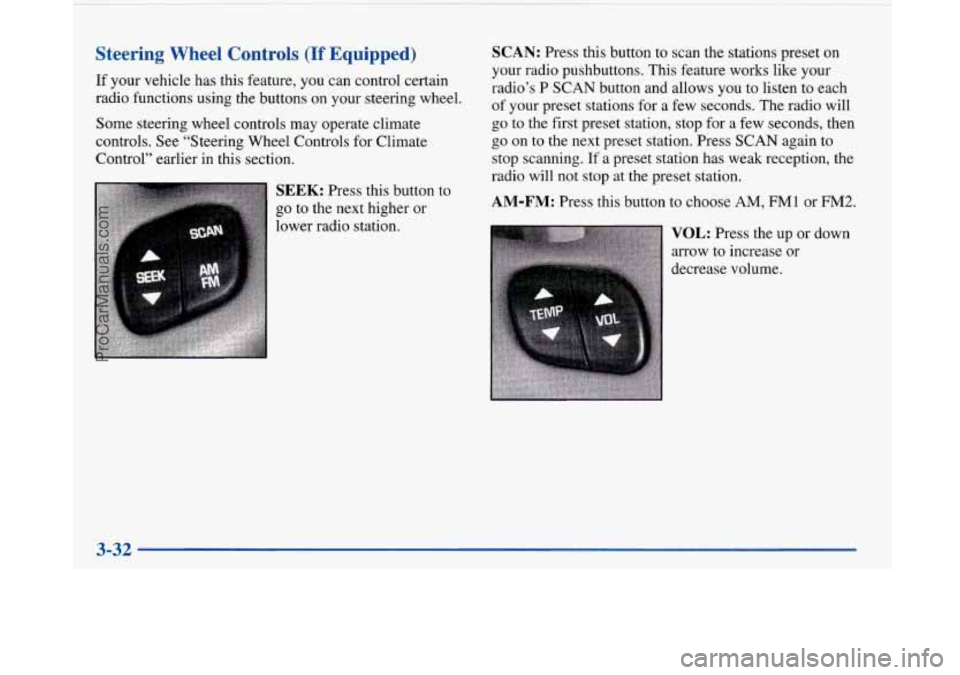
Steering Wheel Controls (If Equipped)
If your vehicle has this feature, you ‘can control certain
radio functions using the buttons on your steering wheel.
Some steering wheel controls may operate climate
controls. See “Steering Wheel Controls for Climate
Control” earlier in this section.
SEEK: Press this button to
go to the next higher or
lower radio station.
SCAN: Press this button to scan the stations preset on
your radio pushbuttons. This feature works like your
radio’s P SCAN button and allows you to listen to each
of your preset stations for a few seconds. The radio will
go to the first preset station, stop for a few seconds, then
go on
to the next preset station. Press SCAN again to
stop scanning.
If a preset station has weak reception, the
radio will not stop at the preset station.
AM-FM: Press this button to choose AM, FMl or FM2.
VOL: Press the up or down
arrow to increase or
decrease volume.
3-32
ProCarManuals.com