light BUICK PARK AVENUE 1997 Owner's Guide
[x] Cancel search | Manufacturer: BUICK, Model Year: 1997, Model line: PARK AVENUE, Model: BUICK PARK AVENUE 1997Pages: 420, PDF Size: 21.93 MB
Page 125 of 420
It will operate garage doors and gates, or other devices
controlled by radio frequency such as home/office
lighting systems.
The transmitter will learn and transmit the frequencies
of most current transmitters and is powered by your
vehicle’s battery and charging system.
This device complies with Part
15 of the FCC Rules.
Operation is subject to the following two conditions:
(1) This device may not cause harmful interference,
and
(2) This device must accept any interference
received, including interference that may cause
undesired operation.
Programming the Transmitter
Do not use the universal transmitter with any garage
door opener that does not have the “stop and reverse”
safety feature. This includes any garage door opener
model manufactured before April 1, 1982.
Be sure that people and objects are clear of the garage
door
you are programming!
Your vehicle’s engine should be turned off while
programming your transmitter. Follow these steps to
program up to three channels:
1.
2.
3.
4.
If you have previously programmed a universal
transmitter channel, proceed to Step
2. Otherwise,
hold down the two outside buttons on the universal
transmitter until the amber light begins to flash
rapidly (approximately
20 seconds). Then release the
buttons. This procedure initializes the memory and
erases any previous settings for all three channels.
Hold the end of your hand-held transmitter against
the bottom surface of the universal transmitter
so
that you can still see the amber light.
Decide which one of the three channels you want to
program. Using both hands, press the hand-held
transmitter button and the desired button on the
universal transmitter. Continue to hold both buttons
through Step
4.
Hold down both buttons until you see the amber light
on the universal transmitter first flash slowly, then
rapidly. The rapid flashing, which could take up to
90 seconds, indicates that the universal transmitter
has been programmed. Release both buttons once the
light starts
to flash rapidly.
2-65
ProCarManuals.com
Page 126 of 420
If you have trouble programming the universal
transmitter, make sure that you have followed the
directions exactly as described and that the batteries in
the hand-held transmitter are not dead. If you still
cannot program it, rotate your hand-held transmitter end
over end and
try again. The universal transmitter may
not be compatible with a limited number of older
installations due to legislated changes in transmission
frequencies. If you cannot program the transmitter after
repeated attempts, consult your Buick dealer.
Be sure to keep your original hand-held transmitter
in case you need to erase and reprogram the
universal transmitter.
Note to Canadian Owners: During programming, your
hand-held transmitter may stop transmitting after one or
two seconds. If you
are programming from one of these
transmitters, you should press and re-press the button on
the hand-held transmitter every two seconds without
ever releasing the button on the universal transmitter.
Release both buttons when the amber light on the
universal transmitter begins to flash rapidly.
Operating the Transmitter
Press and hold the appropriate button on the universal
transmitter. The amber light comes on while the signal
is
being transmitted.
Note that the effective transmission range of the
universal transmitter may differ from your hand-held
transmitter and from one channel to another.
Training a Garage Door Opener Equipped
with “Rolling Codes”
If you programmed the universal transmitter, but the
garage door will not open, and if your garage door opener was manufactured after
1995, your garage door may have
a security feature that changes the “code”
of your garage
door opener every time
it is opened or closed.
To determine if your garage door opener has this rolling
code feature, press the appropriate button on the
universal transmitter that was programmed. If the amber
light flashes rapidly for one to two seconds, then turns
solid, your garage door opener has this feature.
2-66
ProCarManuals.com
Page 127 of 420
To program a garage door opener with the rolling code
feature, do the following:
1.
2.
3.
4.
5.
6.
Program your hand-held transmitter to the universal
transmitter by following the steps provided under
“Programming the Transmitter” earlier.
Remove the cover panel from the garage
door
opener receiver. It is located near the garage door
opener motor.
Locate the training button on the garage door opener
receiver. The exact location and color will vary
among brands.
Press the training button on the garage door opener
receiver for one to two seconds.
Return to your vehicle and press the programmed
button on the universal transmitter until the amber
light flashes rapidly (about two seconds).
Release the button, then press it again to confirm it
was programmed to the garage door opener receiver. You
may now use either the universal transmitter or the
hand-held transmitter to open your garage door.
If you
still have difficulty in programming and require
assistance, please call your Buick dealer.
Erasing Channels
To erase all three programmed channels, hold down the
two outside buttons until the amber light begins to flash.
Individual channels cannot be erased, but can be
reprogrammed using the procedure for programming the
transmitter explained earlier.
Accessories
Accessories for your universal transmitter are available
from the manufacturer of the unit. If you would like
additional information, please call 1-800-355-3515.
2-67
ProCarManuals.com
Page 129 of 420
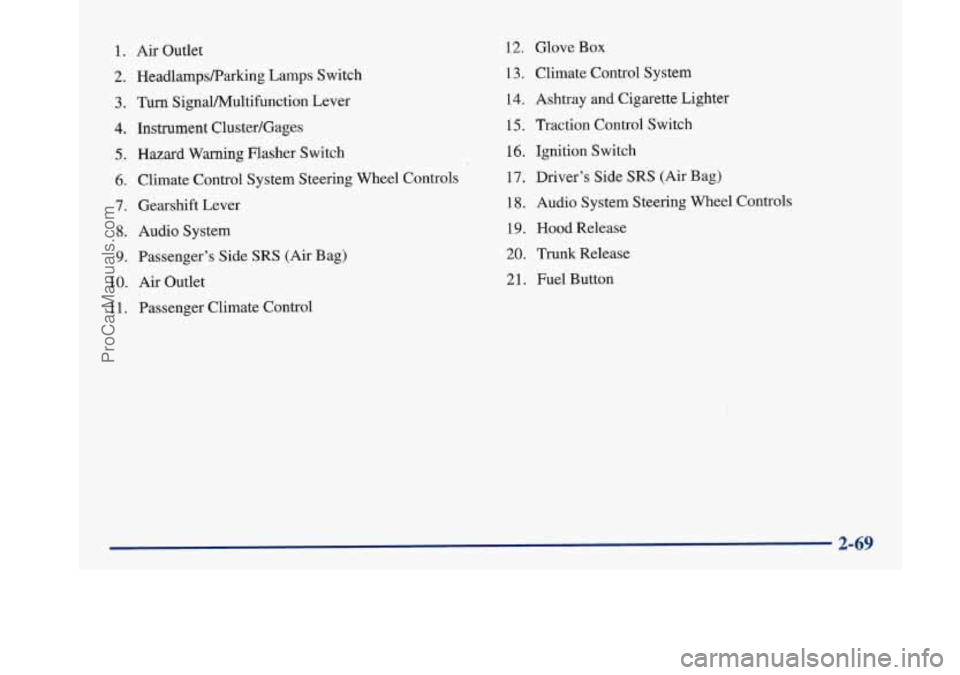
1. Air Outlet
2. HeadlampsRarking Lamps Switch
3. Turn SignaVPv4ultifunction Lever
4. Instrument Cluster/Gages
5. Hazard Warning Flasher Switch
6. Climate Control System Steering Wheel Controls
7. Gearshift Lever
8. Audio System
9. Passenger’s Side SRS (Air Bag)
10.
Air Outlet
1 1. Passenger Climate Control
12. Glove Box
13. Climate Control System
14. Ashtray
and Cigarette Lighter
15, Traction Control Switch
16. Ignition Switch
17. Driver’s Side
SRS (Air Bag)
18. Audio System Steering Wheel Controls
19. Hood Release
20. Trunk Release
21. Fuel Button
ProCarManuals.com
Page 130 of 420
Instrument Panel Cluster
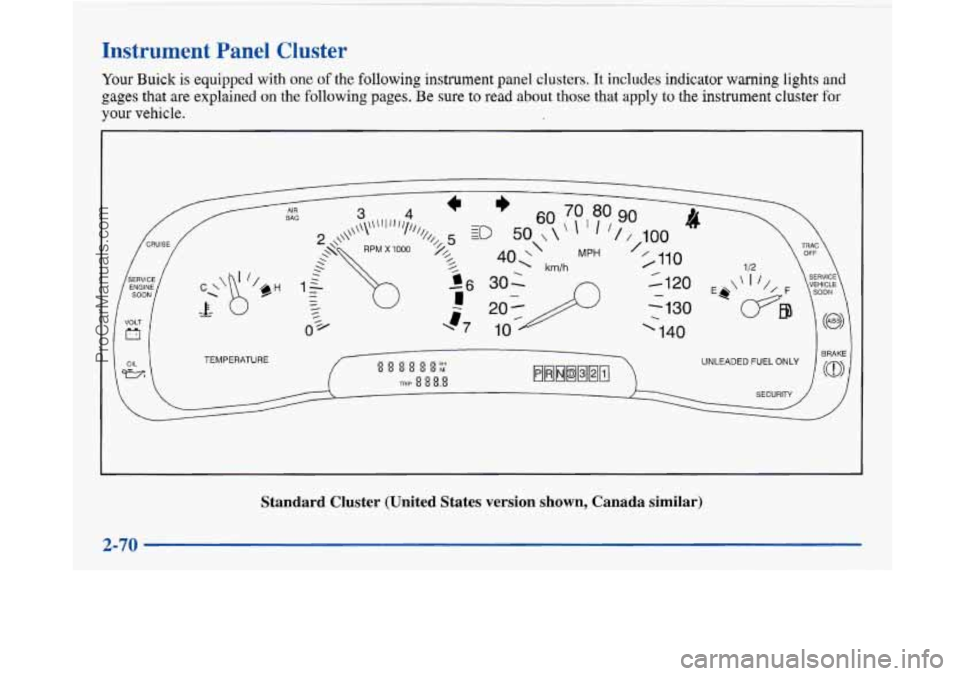
Your Buick is equipped with one of the following instrument panel clusters. It includes indicator warning lights and
gages that are explained on the following pages. Be sure to read about those that apply to the instrument cluster for
your vehicle.
TEMPERATURE
Standard Cluster (United States version shown, Canada similar) \
2-70
~~ ._
ProCarManuals.com
Page 133 of 420
Warning Lights, Gages and Indicators
This part describes the warning lights and gages that may
be on your vehicle. The pictures will help you locate them.
Warning lights and gages can signal that something is
wrong before it becomes serious enough to cause an
expensive repair or replacement. Paying attention to
your warning lights and gages could also save you or
others from injury.
Warning lights come on when there may be or is a
problem with one of your vehicle’s functions.
As you will
see
in the details on the next few pages, some warning
lights come on briefly when you
start the engine just to let
you know they’re working.
If you are familiar with this
section, you should not be alarmed when this happens.
Gages can indicate when there may be or is a problem
with one of your vehicle’s functions. Often gages and
warning lights work together to let you know when
there’s a problem with your vehicle.
When one of the warning lights comes on and stays on
when you
are driving, or when one of the gages shows
there may be a problem, check the section that tells you
what to do about
it. Please follow this manual’s advice.
Waiting to do repairs can be costly
-- and even
dangerous.
So please get to know your warning lights
and gages. They’re a big help. Your
vehicle may also have a driver information system
that works along with the warning lights and gages. See
“Driver Information System” in the Index.
Safety Belt Reminder Light
When the key is turned to RUN or START, a chime will
come on for about eight seconds to remind people to
fasten their safety belts, unless the driver’s safety belt is
already buckled.
The safety belt light will
also come on and stay on
for about
20 seconds,
then
it will flash for about
55 seconds. If the driver’s
belt is already buckled,
neither the chime nor the
light will come on.
ProCarManuals.com
Page 134 of 420
Air Bag Readiness Light
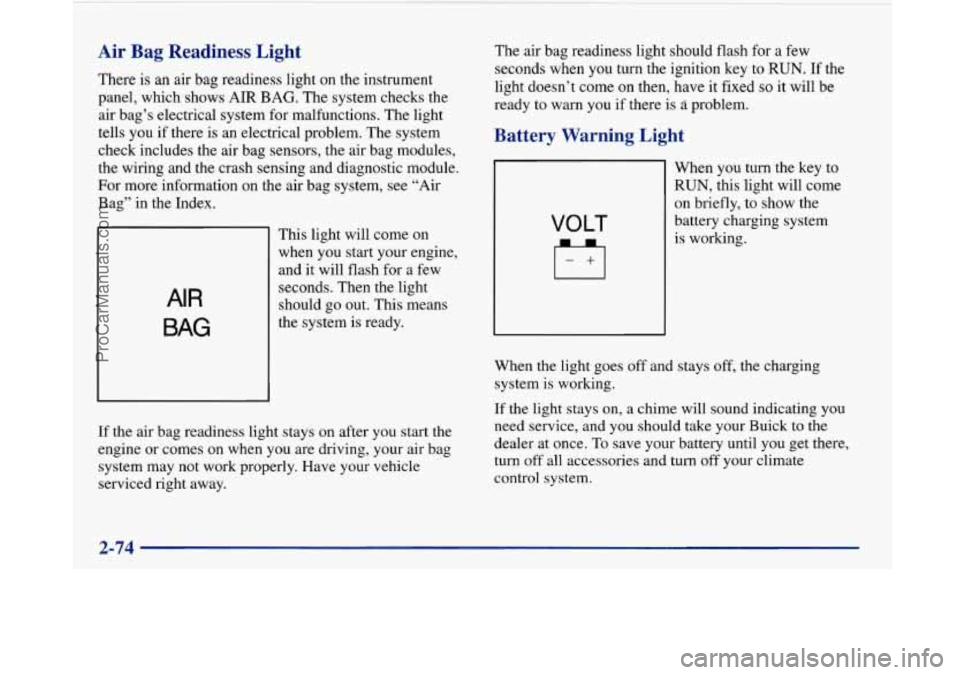
There is an air bag readiness light on the instrument
panel, which shows
AIR BAG. The system checks the
air bag’s electrical system for malfunctions. The light
tells you if there is an electrical problem. The system
check includes the air bag sensors, the air bag modules,
the wiring and the crash sensing and diagnostic module.
For more information on the air bag system, see “Air
Bag” in the Index.
AIR
BAG
This light will come on
when you start your engine,
and it will flash for a few
seconds. Then the light
should
go out. This means
the system is ready.
If the air bag readiness light stays on after you start the
engine or comes on when you are driving, your air bag
system may not work properly. Have your vehicle
serviced right away. The
air bag readiness light should flash for a few
seconds when you turn the ignition key to
RUN. If the
light doesn’t
come on then, have it fixed so it will be
ready to
warn you if there is problem.
Battery Warning Light
VOLT
When you turn the key to
RUN, this light will come
on briefly, to show the
battery charging system
is working.
When the light goes off and stays off, the charging
system is working.
If the light stays on, a chime will sound indicating you
need service, and you should take your Buick
to the
dealer at once. To save your battery until you
get there,
turn off all accessories and turn
off your climate
control system.
2-74
~
ProCarManuals.com
Page 135 of 420
Brake System Warning Light
Your Buick’s hydraulic brake system is divided into two
parts. If one part isn’t working, the other part can still
work and stop you. For good braking, though, you need
both parts working well.
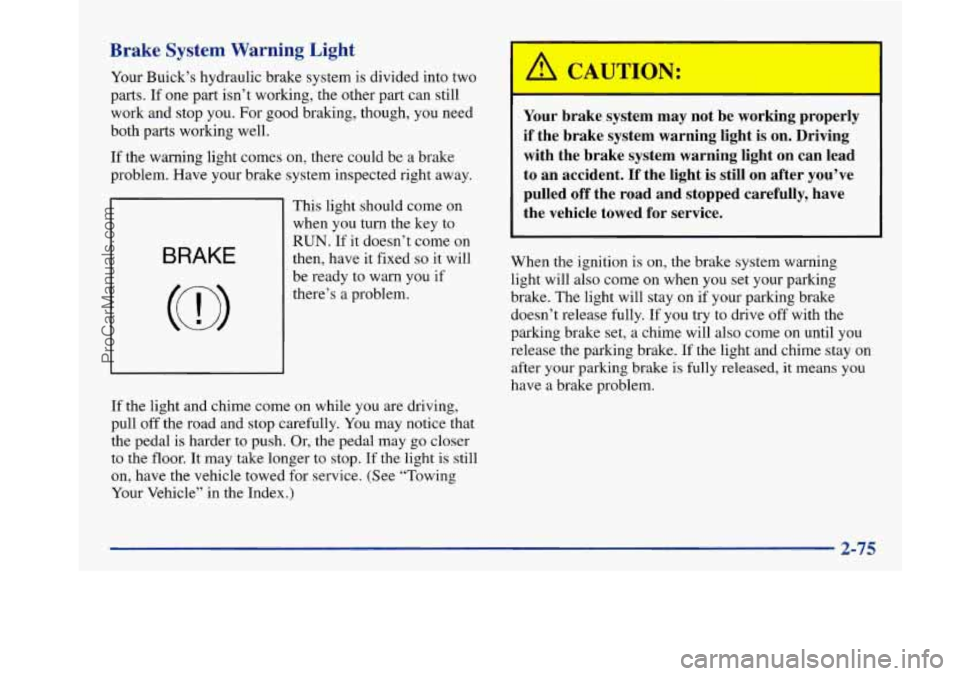
If the warning light comes on, there could be a brake
problem. Have your brake system inspected right away.
BRAKE
This light should come on
when you turn the key to
RUN. If it doesn’t come on
then, have
it fixed so it will
be ready to warn you if
there’s a problem.
I I
Your brake system may not be working properly
if the brake system warning light is on. Driving with the brake system warning light on can lead
to an accident. If the light is still on after you’ve pulled off the road and stopped carefully, have
the vehicle towed for service.
When the ignition is on, the brake system warning light will also come on when you set your parking
brake. The light will stay on if your parking brake
doesn’t release fully. If you try to drive off with the
parking brake set, a chime will also come on until you
release the parking brake.
If the light and chime stay on
after your parking brake
is fully released, it means you
have a brake problem.
If the light and chime come on while you are driving,
pull
off the road and stop carefully. You may notice that
the pedal is harder to push. Or, the pedal may go closer
to the floor. It may take longer to stop. If the light is still
on, have the vehicle towed for service. (See “Towing
Your Vehicle” in the Index.)
2-75
ProCarManuals.com
Page 136 of 420
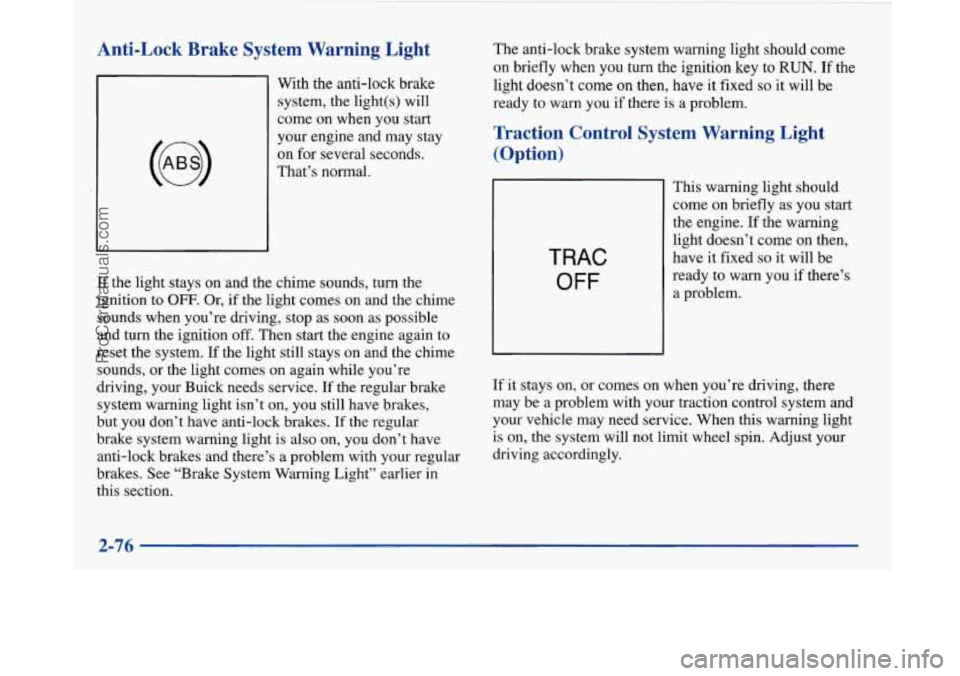
Anti-Lock Brake System Warning Light
With the anti-lock brake
system, the light(s) will
come on when you start
your engine and may stay
on for several seconds.
That’s normal.
If the light stays on and the chime sounds, turn the
ignition to
OFF. Or, if the light comes on and the chime
sounds when you’re driving, stop as soon as possible
and turn the ignition
off. Then start the engine again to
reset the system. If the light still stays on and the chime
sounds, or the light comes on again while you’re
driving, your Buick needs service.
If the regular brake
system warning light isn’t on, you still have brakes,
but you don’t have anti-lock brakes. If the regular
brake system warning light is also on, you don’t have
anti-lock brakes and there’s a problem with your regular
brakes. See “Brake System Warning Light” earlier in
this section. The
anti-lock brake system warning light should come
on briefly when you turn the ignition
key to RUN. If the
light doesn’t
come on then, have it fixed so it will be
ready
to warn you if there is a problem.
Traction Control System Warning Light
(Option)
TRAC
OFF
This warning light should
come
on briefly as you start
the engine. If the warning
light doesn’t come
on then,
have it fixed
so it will be
ready to warn you if there’s
a problem.
If it stays on, or comes on when you’re driving, there
may be a problem with your traction control system and
your vehicle may need service. When this warning light
is on, the system will not limit wheel spin. Adjust your
driving accordingly.
2-76
~
ProCarManuals.com
Page 137 of 420
The traction control system warning light may come on
for the following reasons:
e
0
e
If you turn the system off by pressing the button
located on the end of the shift lever, the warning
light will come on and stay on. To turn the system
back on, press the button again. The warning light
should go
off. (See “Traction Control System” in
the Index for more information.)
If there’s a brake system problem that
is specifically
related
to traction control, the traction control system
will turn
off, the warning light will come on and the
chime will sound.
If the traction control system is affected by an
engine related problem, the system will turn off,
the warning light will come on and the chime
will sound.
If the traction control system warning light comes on
and stays on for an extended period
of time when the
system
is turned on, your vehicle needs service.
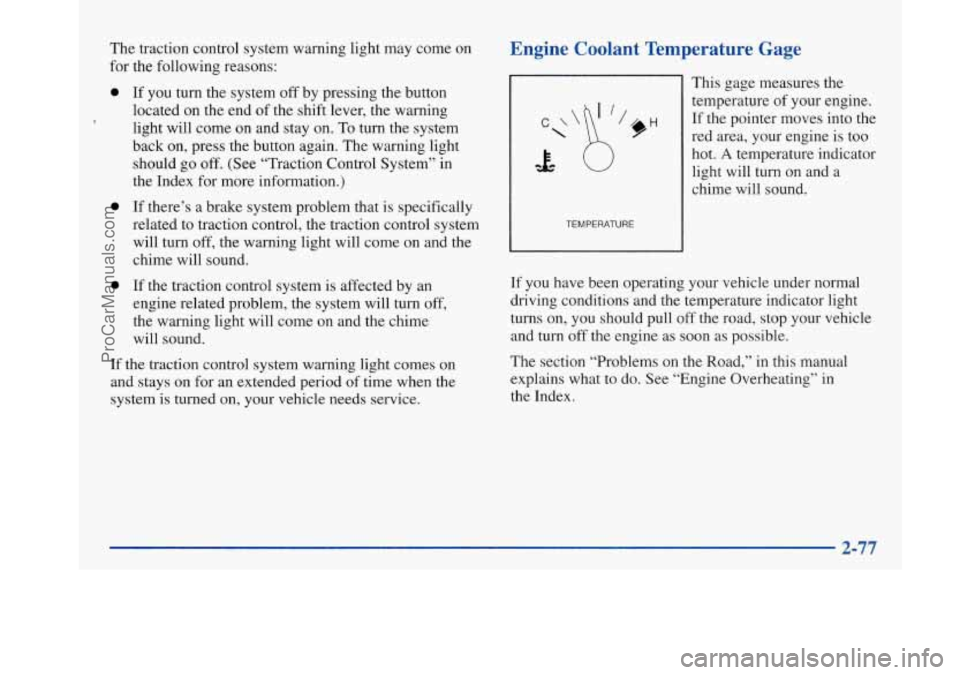
Engine Coolant Temperature Gage
TEMPERATURE
This gage measures the
temperature of your engine.
If the pointer moves into the
red area, your engine is too
hot.
A temperature indicator
light will turn on and a
chime will sound.
If you have been operating your vehicle under normal
driving conditions and the temperature indicator light
turns on, you should pull off the road, stop your vehicle
and turn off the engine as soon as possible.
The section “Problems on the Road,” in this manual
explains what to do. See “Engine Overheating” in
the Index.
ProCarManuals.com