display BUICK PARK AVENUE 1998 User Guide
[x] Cancel search | Manufacturer: BUICK, Model Year: 1998, Model line: PARK AVENUE, Model: BUICK PARK AVENUE 1998Pages: 426, PDF Size: 23.59 MB
Page 154 of 426
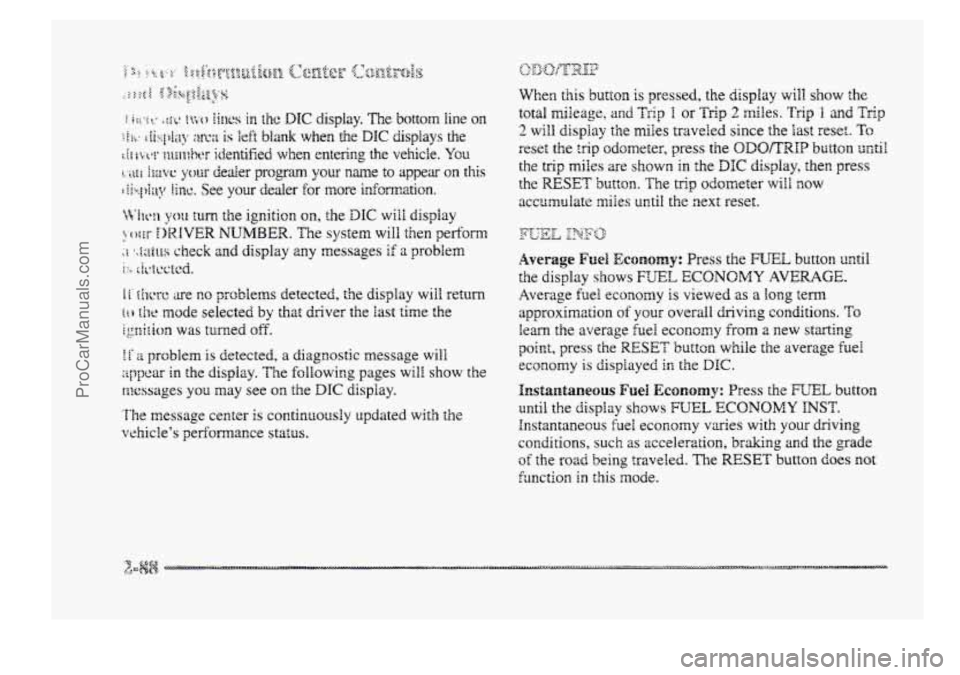
it ~hcre are no problems detected, the display will return
[ti he mode selected by that driver the last time the
ignition was turned off.
1 f 2 problem is detected, a diagnostic message will
appear in the display. The following pages will show the
messages you may see on the DIC display.
The message center is continuously updated with the
vehicle's performance status.
When this button is pressed, the display will show the
total mileage, an;d Trip T or Trig 2 miles. Trip I and Trip
2 will display the miles traveled since the last reset. To
reset the trig odometer, press the ODOKMP button until
the trig miles are shown in the DIC display, then press
the RESET button. The trip odometer will f~ow
accumulate miles until the next reset.
Average Fue% ECCD~Q~Y: Press the WEE button mtil
the display shows FUEL ECONOMY AVERAGE.
Average fuel economy is viewed as a long term
approximation of your overall driving conditions. To
learn the average fuel econcrny from a new starting
point, press the RESET button while the average fuel
economy is displayed in the D6C.
F~S~UI&~IEQUS Fuel ECQKIOH~~: Press the FUEL button
until the display shows FUEL ECONOMY INST.
Instantaneous fuel economy varies with your driving
conditions, such as acceleration,
braking and the grade
of the road being traveled. The RESET button does not
hnction
in this mode.
ProCarManuals.com
Page 155 of 426
Fuel Range: Press the FUEL button until the display
shows
FUEL RANGE. The fuel range will calculate the
remaining distance you can chive without refueling. This
calculation is based on the average fuel economy for the
last 25 miles (40.25 km) driven, and the fuel remaining
in the fuel
tank. The RESET button does not function in
this mode.
Fuel Used: Press the mTEk button until the display
shows
IFCTIEL USED. This display will show you how
much fuel has been used since the last reset.
TQ learn
how much fuel is used from a new starting point, press
the RESET button while the fbel used is displayed
-h
the DIC.
Oil Pressure: Press the GAGES button until OIL
PRESSURE appears in the display. If there are no
problems detected with the oil pressure, the display
will
show OIL PRESSURE NORMAL. If a low oil pressure
condition is detected, the display
will show OIL
PRESSURE LOW. If you see the OIL PRESSURE
LOW message, you could be low on oil or your oil is
not going through the engine properly. See your dealer
for service.
Coolant Temperature: Press the GAGES button until
COOLANT TEMB appears in the display. If there are no
problems detected with the temperature, C~C&4NI’
TEMP NORMAL will appear in the display. If the
temperature is too
high, COOLANT TEMP HOT will
appear in the display. If you see the COOLANT TEMP
HOT message, your engine is overheated. You should
pull off the road, stop your vehicle and turn off your
engine as soon as possible.
This manual explains what to
do. See “Engine Overheating” in the Index.
Battery Volts: Press the GAGES button until the
display shows BATTERY STAm.
If the voltage is
normal the display will show BATTERY STATE
NORMAE. If the voltage drops below 10.5 volts, the
display will show
BATTERY STAm LOW. If the
voltage
is above 16 volts, the display will show
BATTERY STATE
HIGH. If the display shows the high
or low message, you need
to have your battery checked.
ProCarManuals.com
Page 156 of 426
Oil Life Monitor (Index): Psess the GAGES button
until OIL LIFE INDEX appears in the display. The OIL
LEE INDEX NORMAL display will show an estimate
of the oil’s remaining useful Me. When the oil life index
is less
than IO%, the display will show OIL LIFE
INDEX CHANGE OIL. When you have the oil changed
according
to the maintenance schedule (see
“Maintenance Schedule” in the Index), you will have to
reset the oil We monitor.
To do this, press and hold the
RESET’
button for more than five seconds while the oil
life index
is being displayed on the DPC. The oil life will
change to
100%.
Tire Psessure Status: Press the GAGES button until
‘FWE IPWSSUWE appears in the display. TWE
PRESSUWE NORMAL is displayed when the Check
Tire Pressure System believes your ve~cle’s tire
pressures are normal. If a potential tire pressure problem
is detected, the display will show gIRE PRESSURE
LOW CHECK TIRES. If you see the azRE
PRESSURE LOW: CHECK TIRES message, you
should
st~p as soon as you can and check all your tires
for damage. (If a tire is flat, see ‘‘If a Tire Goes Flat” in
the Index.)
Also check the tire pressure in all four tires
as
soon as you can. See “Inflation - Tire Pressure” and
“Check Tire Pressure System” in the Index. mere
are
times when you will have to reset (calibrate)
the
Check Tire Pressure System. See “Check Tire
Pressure System” in
the Index.
jJ&m&qgs sj& &ssag@j
Other messages or warnings may appear in the DE
display such as:
0 WINDSHIELD WASHER FLUID LOW
ENG COOLANT LOW - CHECK LEVEL
ENGINE OIL LOW - CHECK LEVEL
0 CHANGE ENGINE OIL SOON
0 TRACTION CONTROL SYSTEM ACTIVE
0 DOOR AJAR
0 TRUNKAJAR
Pressing any of the DIC control buttons will remove the
above messages or warnings
from the DIC display.
ProCarManuals.com
Page 157 of 426
The DIC can be used $0 program the following personal
choice
features available with your vehicle:
@ Melnosy Seats
Memory Door Locks
Security Feedback
@ Delayed hcking
See ‘‘Personal Choice Features” In the Index.
T’ne DTC is used to program the personal choices of two
drivers. The driver’s are recognized by
DRIVER #I and
DRIVER #2. You will kt the DIC know which driver
you are by using your remote keyless entry transmitter
or
by pressing the appropriate memory seat control
buttorm located on the driver’s door. The remote
transmitter was pre-programmed to belong to
DRIVER # 9 or DRIVER #2.
The last driver number remembered by the DIC will
show on the display each time the UNLOCK button on
the same transmitter is pressed, and the ignition is
turned OE.
When you press UNLOCK en your transmitter, the DIC
will automaticaihy change driver numbers 2nd the
vehicle will recall the persod choice settings that were
last made to correspond to your transmitter.
if you unlock the vehicle using your door key instead sf
your zransmitter, the DIC will not change drivers 2nd
will recall the infomation from the last transmitter use
or the last driver change using the men~ory seat controls.
If this happens and you were not the last driver of the
vehicle, simply
press your correct driver number on the
memory seat controls OH press the UNLOCK button on
your transmitter.
ProCarManuals.com
Page 158 of 426
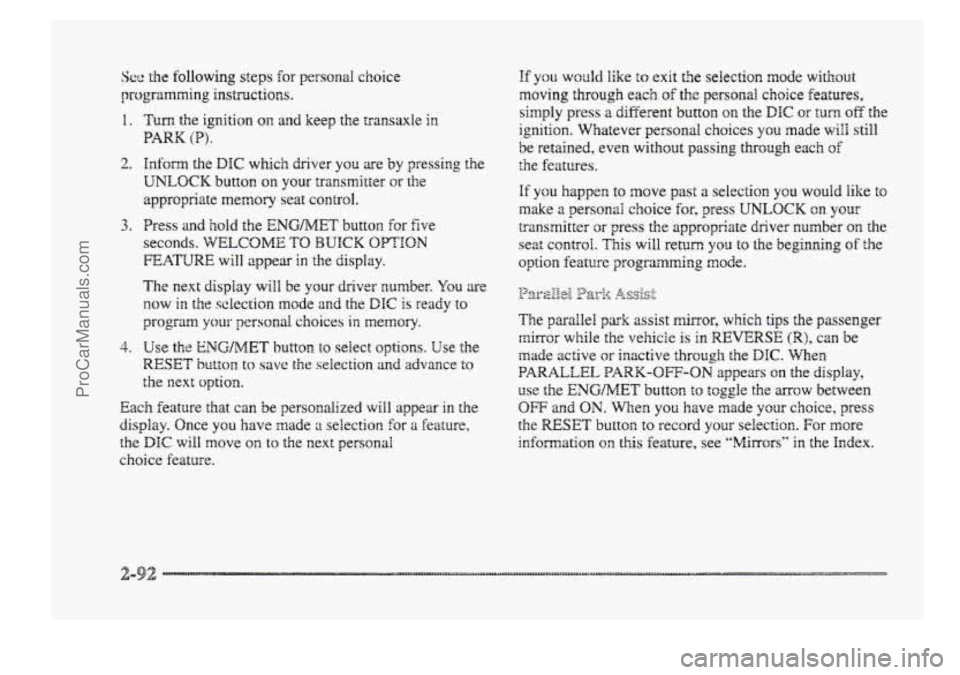
See the following steps for personab. choice
progrinmrning instructions.
1.
2.
3.
4.
Turn the ignition on and keep the transaxle in
PARK (P).
hfom the DIC which driver you are by pressing the
UNLOCK button on your transmitter or the
appropriate
memory seat control.
Press and hold the ENGMET button for five
seconds. WELCOME TO BUICK OPTION
FEATURE will appear in the display.
T& next display will be your driver number. You are
now in the sclection mode and the DIC is ready to
program your personal choices in memory.
Use the ENG/MET button PO sehect options. Use the
RESET button to save the selection and advance to
the next option.
Each feature that can be personalized will appear in the
display. Once
you have made ;1 selection for a feature,
alae DEC will MOW on to the next pers~nal
choice feature.
If YOU would like to exit the seiection mode without
moving through each
of the personal choice features,
simply press
a different button on the DIC or turn off the
ignition. Whatever personal choices you made will still
be retained, even without passing through each of
the features.
If you happen to move past a seiectiora YOU would like to
make a personal choice for, press UNLOCK on your
transmitter
c)r press the appropriate driver r,umber on the
seat control. This will return you to the beginning of the
option feature programing mode.
The
parakl park assist mirror, which tips the passenger
mirror while the vehick is in REVERSE (W), can be
made
active or inactive through the DIC. %berm
PARALLEL PARK-OFF-ON appears on the display,
use
the ENGMET button t~ toggle the arrow between
OW and ON. When you have made your choice, press
the RESET button to record your selection. For more
idormation on this feature, see “Mirrors” in the Index.
ProCarManuals.com
Page 161 of 426
pep&Q_@ier- L&.$%gqg
When the UNLOCK button on the transmitter is
pressed, the
DRL lamps (high-beams at reduced
intensity), parking
lmps and back-up laps will turn on
if it is dark enough according to the twilight sentinel.
You can control activation of this feature by choosing
OFF QI- ON when the PERIMETER LIGHTS choice is
displayed
on the DIC. Make your choice by pressing the
ENG/M.ET button and record your choice by pressing
the
RESET button.
NOTE: If you want to choose PERIMETER LIGHTS
ON, you must also choose LIGMTS for UNLOCK
FEEDBACK while making the security
feedback choices.
For more information on this feature, see “Perimeter
Lighting”
in the Index.
ProCarManuals.com
Page 162 of 426
%fetnory Position: Choose ON when the SEAT
RECALL choice appears, and then choose
MEMORY when the RECALL POSITION
choice appears.
0 Exit Position: Choose ON when the SEAT RECALL
choice appears, and then choose EXIT when the
RECALL POSITION choice aslpears and your seat
will move all the way down anh back for easy exit.
’he seat will also move when
you enter the vehicle
after unlocking it with a remote keyless entry
transmitter. This
will allow for easy entry as well.
fbr more information on this feature, see “Memory
Scats” in the Index. The
number
of passenger windows locked out by the
WINDOW LQCK switch can be programmed through
the
DIC.
If you choose ALL PASS, all three passenger window
switches will be inactive when the WINDOW LOCK
switch is enabled.
If you choose MAR, only the two rear passenger
window switches will
be locked out when the
WINDOW LOCK switch is enabled.
To change modes:
1. Move the ~QW OR the display betweer, ALL PASS
and REAR by pressing the ENGMET button.
2. Once you have made your selection, press the
RESET button. Your choice will be retained
in memory.
For more information on this feature, see “Window
Lock” in the Index.
ProCarManuals.com
Page 166 of 426

'Ms section tells you how to operate your comfort
ctrrtt.ro8s. Your comfort control system uses
trxone-friendIy
hi- B 348 refrigerant.
With these systems, you can control the heating, cooling
and ventilation in your vehicle. Your vehicle also has a
flow-through ventilation system described
Eater in
this section.
This feature allows two different drivers to store and
recall their own climate control settings for temperature,
air delivery node, fan and passenger climate COXI~FO~
fdom status. The Personal Choice settings recalled are
determined by the transmitter used to enter the vehicle.
After the UNLOCK button of a remote keyless entry
transmitter
is pressed, and the igrrition is in RUN, the
climate
control will adjust to the last settings of the
identified driver.
The settings can also be changed by
briefly pressing one
of the MEMORY seat switches
located on the
driver's door panel. When adjustments
are made, the new settings are automatically saved for
the
driver.
Your vehicle has the dual automatic cornfortemp climate
control system. The fdowing
infomation tells you how
1: works.
Yorr will hear a beep each time a button is pushed and a
small light orr the button will indicate which buttons lire
active.
The lights are QIP ali buttons except EMP, FAN
and AIR FLOW. The display will show fm speed,
comfort level setting
and airf'~ direction for a few
seconds whenever any button,
except for the rear defog,
is pushed, and then it will display the outside
temperature. The outside temperature reading
is most
accurate when the vehicle
is movi~g.
During stops, when drivkg slow, QF when the engine is
first sta-ted after a short trip, the outside temperature
reading can be affected by road or engine heat. In order
to enswe proper automatic climate control operation, the
outside temperature
display may not update BS quickly
as expected.
ProCarManuals.com
Page 168 of 426
in cold weather, the system will delay turning t5 re f anon
high, to avoid blowing cold air. The Iength of the delay
depends on the engine coolant temperature and the
outside temperature.
Pushing the FAN, AIR FLOW or
FRONT buttons will override this delay, turn off the
AUTO setting and change the fan speed.
You may also manually adjust the air delivery or
fan speed.
AIR FLOW This button is used to change the direction
of the airflow. The airflow choices available are
WINDSHIELD-FIBOR. If the systen is set for AUTO,
pressing the AIR FLOW button will display the current
airflow direction, the comfort setting and the fan
speed.
Press the AIR FLOW up or down button again to
change the direction of the airflow.
FLOOR, FLOOR-MID, MID and
OFF: If the passenger comfort CQII~~O~ is tuned on, It
can be turned off by pressing the OW button once.
Pressing the
OFF button a second time wiil turn off the
main system. Turning off the main system causes the fan
to turn off and the airflow to be directed to the FLOOR.
The system will still try to keep the interior of the
vehicle at
the previous chosen comfsrt settifig. The
outside temperature
will show on the display when the
system is off.
The ventilation system always allows fresh air t~ flow
through your vehicle when the vehicle is moving even
with
the system in the OFF mode.
VENT: The VENT button aEIows outside air to flow
through your vehicle without the air conditioning
compressor
working. Selecting VENT and the AUTO
button at the same time allows the system to contsoi
automatically without
the use of the ais: conditioning
compressor or the use of the MCIRC mode. To turn off
the VENT selection, push the VENT button again.
ProCarManuals.com
Page 176 of 426
BASS: Press this knob lightly so it extends. Tun the
knob to increase
or decrease bass.
TREB: Press this knob lightly so it extends. Turn the
knob to increase or decrease treble. If a station is weak
or noisy, you may want to decrease the treble.
Push these hobs back into their stored positions when
you're
not using them.
BAL: Turn the control behind the upper knob to move
the
somi to the left or right speakers. The middle
position balances the sound between
the speakers.
FADE: Turn the control behind the lower knob to move
the
sound to thc front or rear speakers. The middle
position
balmces the sound between the speakers.
7-. . L.. (..,I &F$i 7:.
The longer side with the tape visible should face to the
right.
If the ignition and the radio are on, the tape can be
inserted
and will begin playing. If you hear nothing or
hear
a garbled sound, the tape may not be in squarely.
Press
EJECT to remove the tape and start over.
&Lag 2 *." ::,4~y&~~$~ - ''-.:.:%.A V' L+&
Mile the tape is playing, use the VOLUME, FADE,
BAL, BASS and TBZEB controls just as you do for the
radio. Other controk may have different functions when
a tape
is inserted. The display will show an mow to
show which side of the tape is playing.
If you want to insert a tape when the ignition or radio is
off, first press EJECT or RECALL. Note that the
cassette tape adapter
kits for portable compact disc
players will work in your cassette tape player.
Your tape bias is set automatical2y.
If E and a number appear on the radio display, the tape
won't play because
of an error.
e EdO: The tape is tight and the player can't turn the
tape
hubs. Remove the tape. Hold the tape with the
open end down
and try to turn the right hub to the
left with a pencil. Turn the tape over and repeat. If
the hubs do not turn easily, your tape may be
damaged
and shoutct not be used in the player.
Try a new tape to make sure your player is
working properly.
Ell: The tape is broken. Try a new tape.
ProCarManuals.com