ignition BUICK REGAL 1993 User Guide
[x] Cancel search | Manufacturer: BUICK, Model Year: 1993, Model line: REGAL, Model: BUICK REGAL 1993Pages: 308, PDF Size: 16.35 MB
Page 82 of 308
from opening and closing the windows. The driver can
still control all the windows with the switch
in the locked
position. Press it again to enable the passenger window
switches.
Astroroof (Option)
The control is on the roof between the windshield and
the sunroof. The ignition switch must be in the
“RUN”
position for the sunroof to operate.
The sunshade can be opened by grasping the handle at
the front
of the shade and sliding it to the rear. It will
open automatically with the sliding glass panel. It must
be closed manually.
To open the glass to an angled venting position, press
and hold
the forward portion of the switch until it stops.
To close it, press and hold the rear portion of the switch
until it stops.
To open the sliding glass sunroof completely, press and
hold the rear portion of the switch.
To close the sunroof,
press
and hold the front portion of the switch until it
stops.
Horn
To sound the horn, press the center of the steering
wheel.
Tilt Wheel
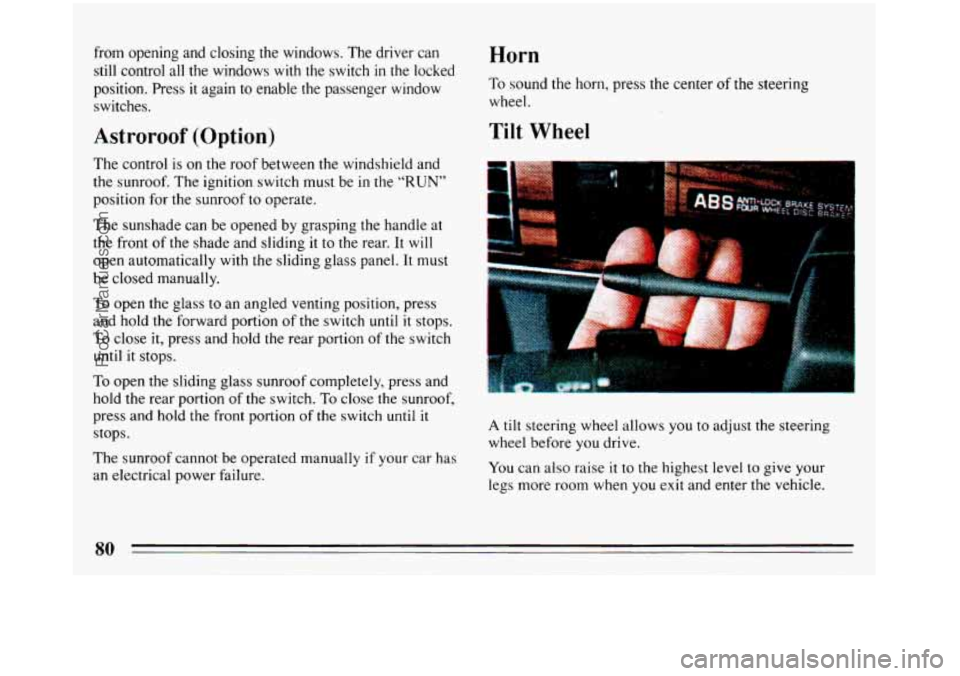
A tilt steering wheel allows you to adjust the steering
wheel before
you drive.
The sunroof cannot be operated manually
if your car has
an electrical power failure. You can also raise it to the highest level to give your
legs more room when you exit and enter the vehicle.
ProCarManuals.com
Page 93 of 308
To Get Out of Cruise Control To Erase Speed Memory
When you turn off the Cruise Control or the ignition, or
shift into “P” (Park)
or “N” (Neutral) your Cruise
Control set speed memory
is erased.
Lights
The light controls are on the instrument panel.
It controls these light systems:
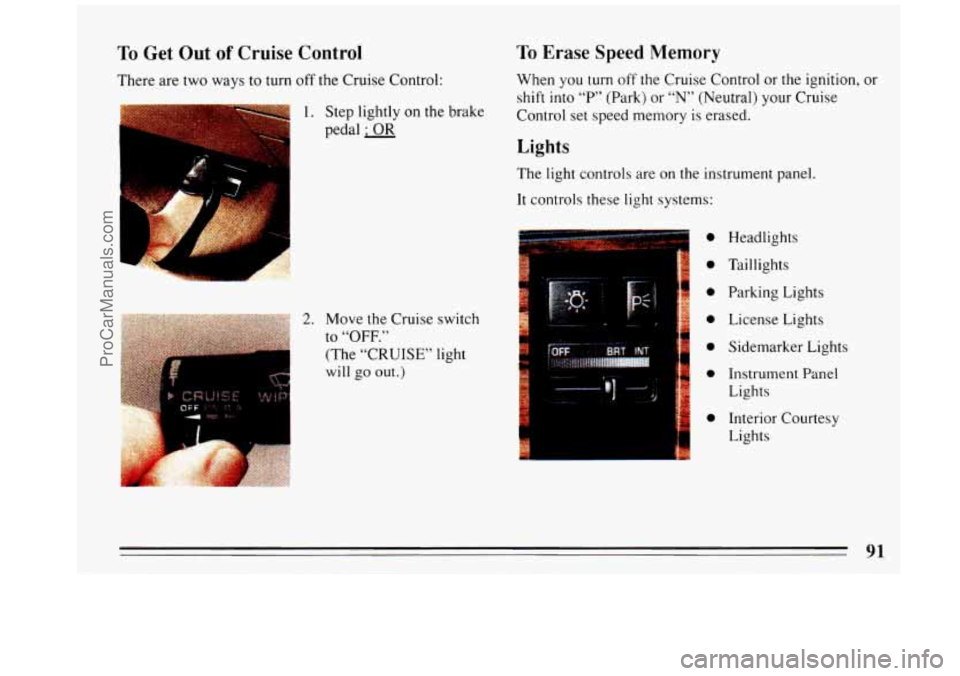
There are two
ways to turn
off the Cruise Control:
1. Step lightly on the brake
pedal
; OR
Headlights
Taillights
Parking Lights License Lights
Sidemarker Lights
Instrument Panel
Lights
Interior Courtesy
Lights 0
;o
:o
io 2. Move the Cruise switch
to “OFF.” 10 I (The “CRUISE” light
will go out.)
io
i
91
ProCarManuals.com
Page 94 of 308
Headlight “On” Warning
If the light switch is left on you’ll hear a warning tone
when you turn the ignition
off and open the driver’s
door.
Fog Eights (GS Only Option)
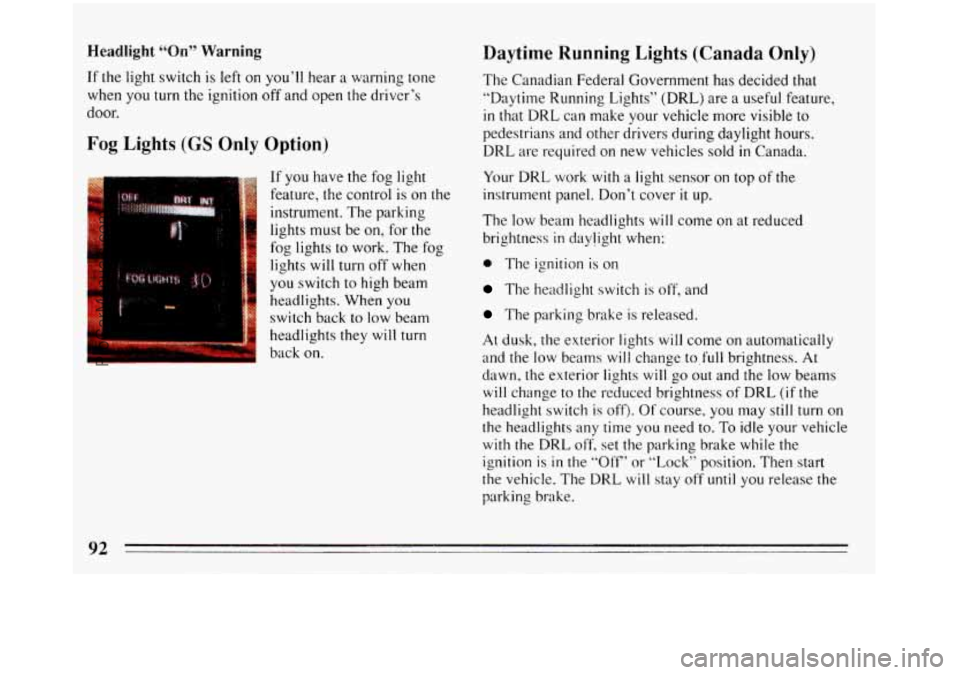
If you have the fog light
feature, the control is on the
instrument. The parking
lights must be on, for the
fog lights to work. The fog
lights will turn off
when
you switch to high beam
headlights. When you
switch back to
low beam
headlights they
will turn
back on.
Daytime Running Lights (Canada Only)
The Canadian Federal Government has decided that
“Daytime Running Lights”
(DRL) are a useful feature,
in that DRL can make your vehicle more visible to
pedestrians and other drivers during daylight hours.
DRL are required on new vehicles sold
in Canada.
Your DRL work
with a light sensor on top of the
instrument panel. Don’t cover
it up.
The low beam headlights will come on at reduced
brightness
in daylight when:
0 The ignition is on
The headlight switch is off, and
The parking brake is released.
At dusk, the exterior lights will come on automatically
and the low beams will change to.full brightness.
At
dawn, the exterior lights will go out and the low beams
will change to the reduced brightness of DRL (if the
headlight switch
is off>. Of course, you may still turn on
the headlights any time you need to. To idle your vehicle
with the DRL off. set the parking brake while the
ignition
is in the “Off“ or “l,ock” position. Then start
the vehicle. The DRL
will stay off until you release the
parking brake.
92
ProCarManuals.com
Page 102 of 308
the numbers, probably someone has tried to turn it back.
The numbers may not be true.
You may wonder what happens if a car has to have a
new odometer installed. If possible, the new one has to
be set to the same reading the old one had. If it can’t be,
then it’s set at zero, but
a label on the driver’s door must
show the old reading and when the new one was
installed.
Trip Odometer
TRIP
SET 90
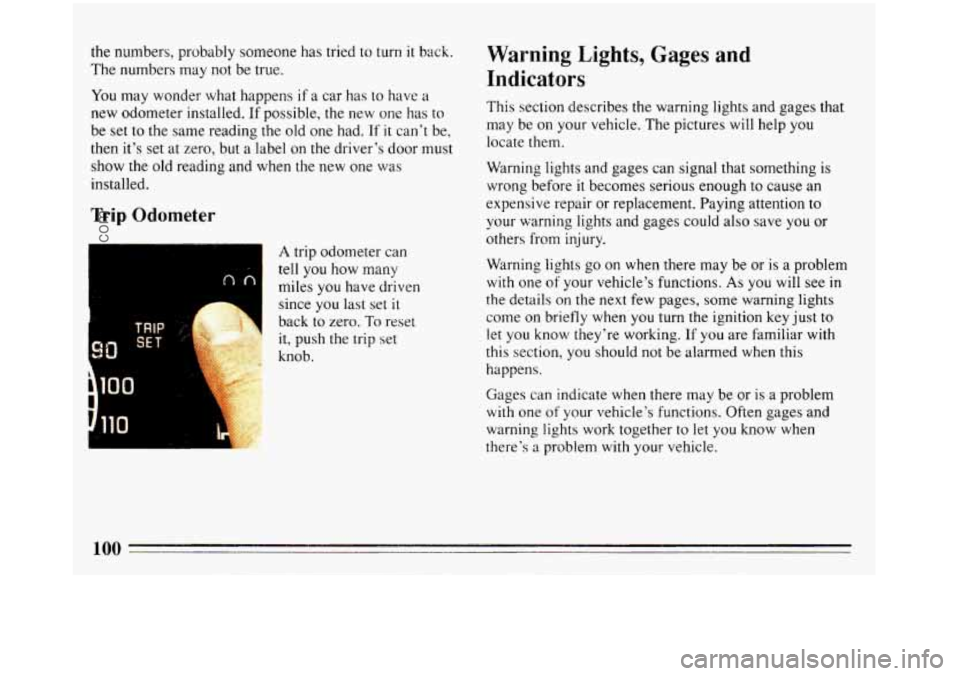
A trip odometer can
tell
you how many
miles you have driven
since you last set
it
back to zero. To reset
it, push the trip set
knob.
Warning Lights, Gages and
Indicators
This section describes the warning lights and gages that
may be on your vehicle. The pictures will help you
locate them.
Wdrning lights and gages can signal that something
is
wrong before it becomes serious enough to cause an
expensive re,pair or replacement. Paying attention to
your warning lights and gages could also save you or
others from injury.
Warning lights go on when there may be or
is a problem
with one of your vehicle’s functions. As you will see in
the details on the next few pages, some warning lights
come on briefly when you turn
the ignition key just to
let you know they’re working.
If you are familiar with
this section, you should not be alarmed when this
happens.
Gages
can indicate when there may be or is a problem
with one of your vehicle’s functions. Often gages and
warning lights work together
to let you know when
there’s a problem with your vehicle.
100
ProCarManuals.com
Page 109 of 308
Malfunction Indicator Lamp
(Service Engine Soon Light)
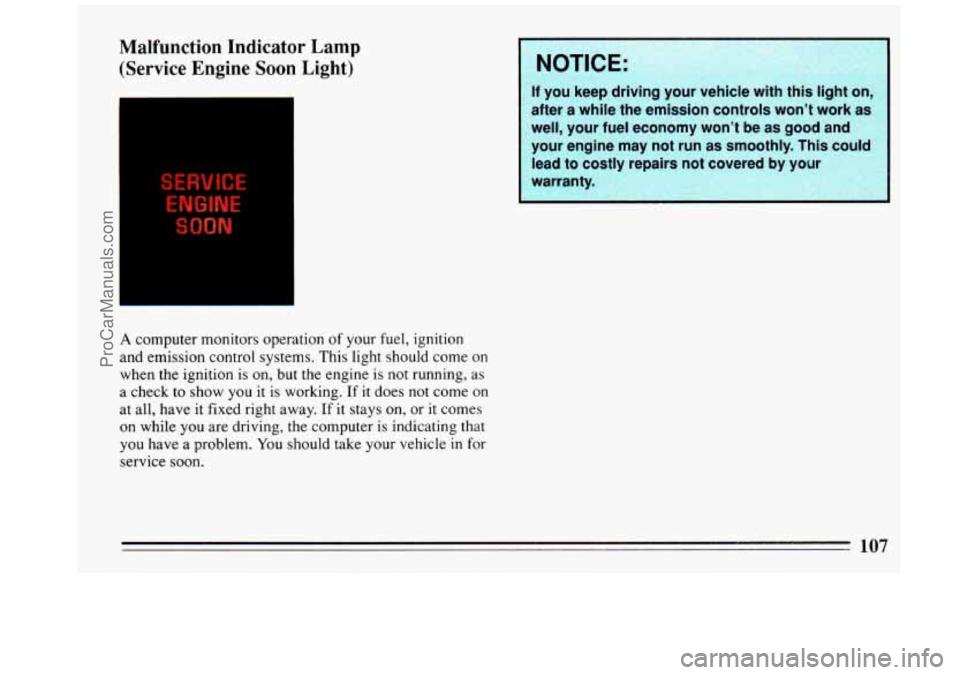
A computer monitors operation of your fuel, ignition
and emission control systems. This light should come
on
when the ignition is on, but the engine is not running, as
a check
to show you it is working. If it does not come on
at all, have it fixed right away.
If it stays on, or it comes
on while you are driving, the computer is indicating that
you have a problem. You should take your vehicle in for
service soon.
NOTICE:
If you keep drivln
after a while the em-ission controls won’t work as
well, your fuel economy won’t be
as good and
your engine may not run as smoothly. This could
I
lead to costly repairs not covered by yo
warranty. I
I
107
ProCarManuals.com
Page 117 of 308
To Play This Radio
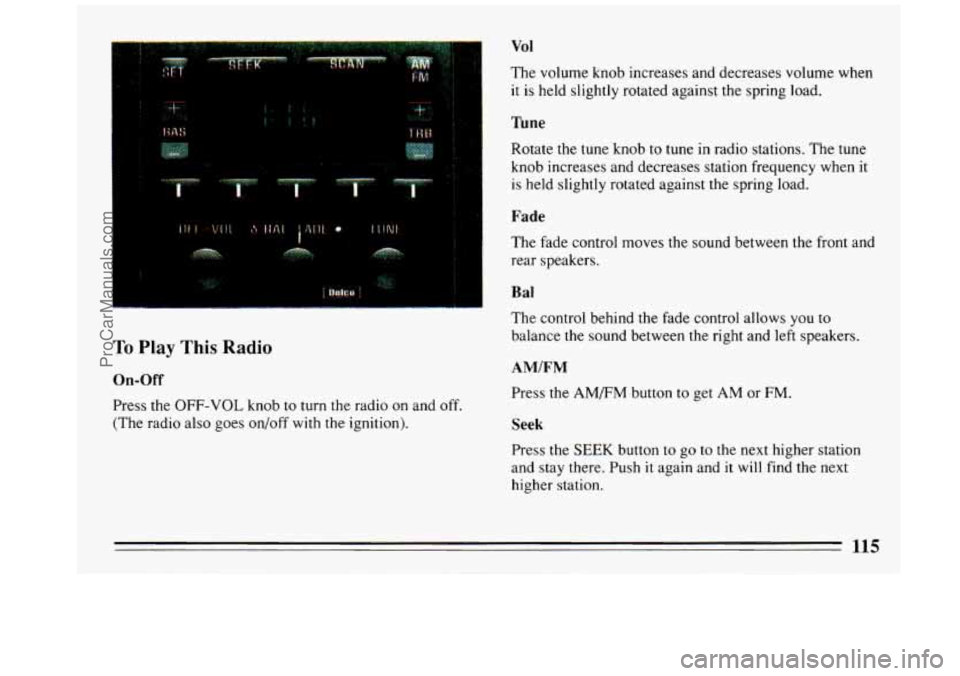
On-Off
Press the OFF-VOL knob to turn the radio on and off.
(The radio also goes on/off with the ignition).
Vol
The volume knob increases and decreases volume when
it is held slightly rotated against the spring load.
Tune
Rotate the tune knob to tune in radio stations. The tune
knob increases and decreases station frequency when it
is held slightly rotated against the spring load.
Fade
The fade control moves the sound between the front and
rear speakers.
B a1
The control behind the fade control allows you to
balance
the sound between the right and left speakers.
AM/FM
Press the AM/FM button to get AM or FM.
Seek
Press the SEEK button to go to the next higher station
and stay there. Push
it again and it will find the next
higher station.
115
ProCarManuals.com
Page 120 of 308
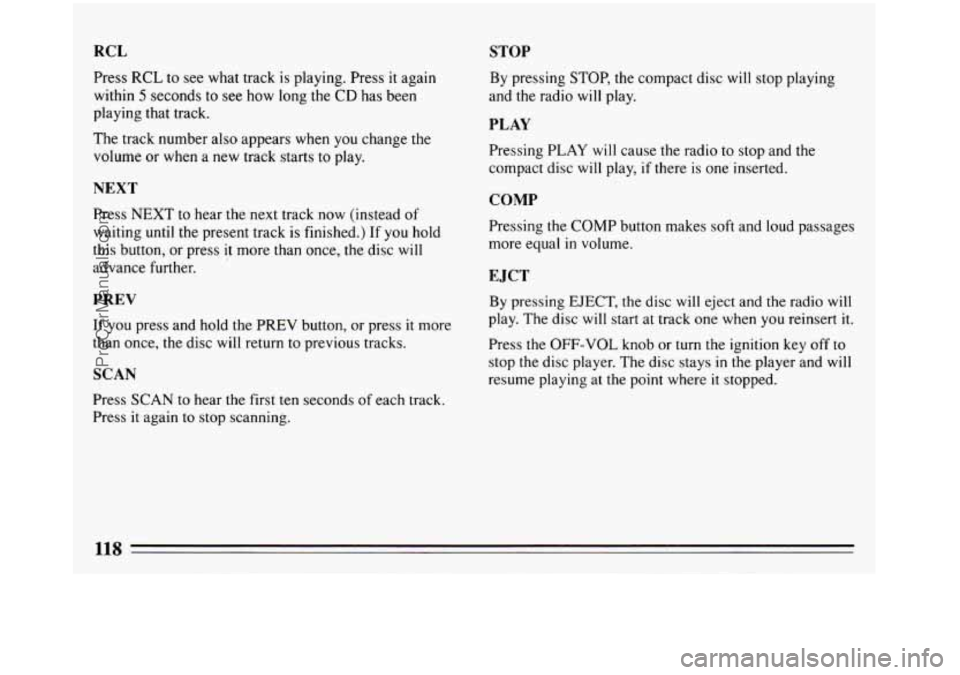
RCL STOP
Press RCL to see what track is playing. Press it again
within
5 seconds to see how long the CD has been
playing that track.
The track number also appears when you change the
volume or when a new track starts to play.
NEXT
Press NEXT to hear the next track now (instead of
waiting until the present track is finished.) If you hold
this button, or press
it more than once, the disc will
advance further.
PREV
If you press and hold the PREV button, or press it more
than once, the disc will return to previous tracks.
SCAN
Press SCAN to hear the first ten seconds of each track.
Press
it again to stop scanning. By
pressing STOP, the compact disc
will stop playing
and the radio will play.
PLAY
Pressing PLAY will cause the radio to stop and the
compact disc will play,
if there is one inserted.
COMP
Pressing the COMP button makes soft and loud passages
more equal
in volume.
E JCT
By pressing EJECT, the disc will eject and the radio will
play. The disc will start at track one when you reinsert it.
Press the OFF-VOL knob or turn the ignition key off to
stop the disc player. The disc stays
in the player and will
resume playing at the point where
it stopped.
118
ProCarManuals.com
Page 121 of 308
To Play This Radio
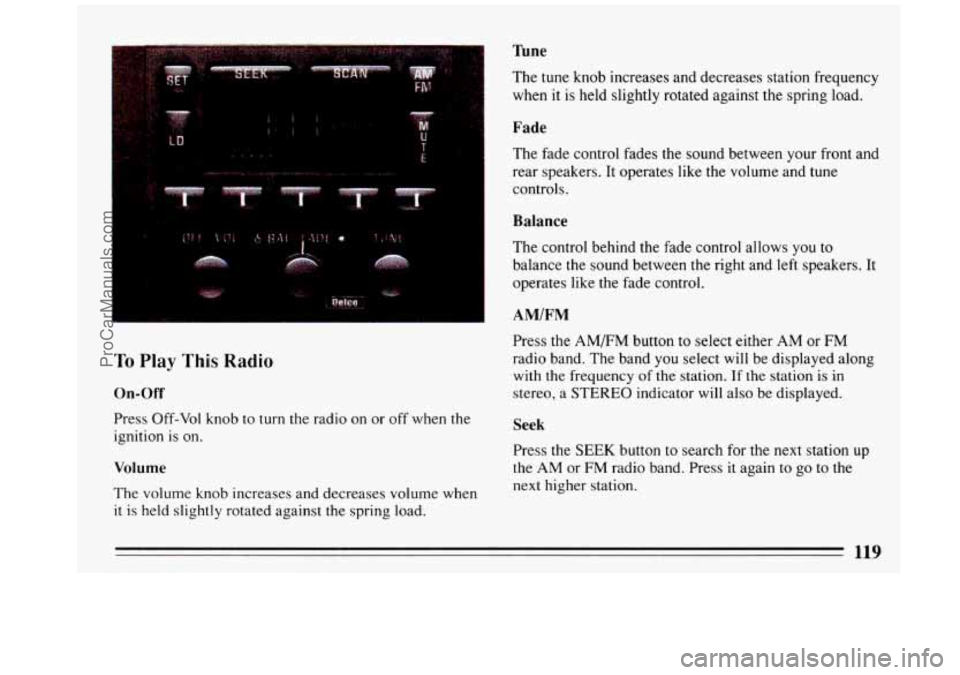
On-Off
Press Off-Vol knob to turn the radio on or off when the
ignition is on.
Volume
The volume knob increases and decreases volume when
it is held slightly rotated against the spring load.
%ne
The tune knob increases and decreases station frequency
when it is held slightly rotated against the spring load.
Fade
The fade control fades the sound between your front and
rear speakers. It operates like the volume and tune
controls.
Balance
The control behind the fade control allows you to
balance the sound between the right and
left speakers. It
operates like the fade control.
AMIFM
Press the AM/FM button to select either AM or FM
radio band. The band you select will be displayed along
with
the frequency of the station. If the station is in
stereo, a
STEREO indicator will also be displayed.
Seek
Press the SEEK button to search for the next station up
the AM or FM radio band. Press it again to go to the
next higher station.
119
ProCarManuals.com
Page 122 of 308
Scan
Press the SCAN button to hear each station for a few
seconds. Push it again to stop scanning.
Pushbuttons
The five buttons can be used to preset ten radio stations
(5 AM and 5 FM stations.)
0
0
0
0
Tune in the desired station.
Press SET. (The SET indicator will appear on the
screen for five seconds.)
While the
SET indicator is displayed, press one of
the five buttons. Whenever you press that button
again,
the preset station will return.
Repeat these steps for each
of 5 AM and 5 FM
stations.
Loud
Press LD to increase the bass response.
Mute
Pressing Mute allows you to silence the radio or tape
player; press again to listen. During mute, only volume
up works.
Clock
With the ignition on and the radio off, press SET. The
set indicator will appear on the display for five seconds.
During that five seconds, press SCAN to set the
0 Press SET again. Within 5 seconds, press SEEK to
minute.
set the hour.
To Play A Cassette Player
To turn the system on, the radio power must be on. The
radio will play until a cassette is pushed into the cassette
entry door
(the tape side goes in first). Do not use tapes
that are longer than
92 minutes (46 minutes on each
side.)
120
___ ~ -
ProCarManuals.com
Page 126 of 308
Care of Your Compact Discs
Handle discs carefully. Store them in their original cases
or other protective cases and away from direct sunlight
and dust. If the surface of a disc is soiled, dampen a
clean, soft cloth in a mild, neutral detergent solution and
clean it, wiping from the center to the edge.
Be sure never to touch the signal surface when handling
discs. Pick up discs by grasping the outer edges or the
edge
of the hole and the outer edge.
Fixed Mast Antenna
The fixed mast antenna can withstand most car washes
without being damaged. If the mast should ever become
slightly bent, you can straighten it
out by hand. If the
mast is badly bent, as it might be by vandals,
you should
replace it.
Power Antenna Mast Care
Your power antenna will look its best and work well if
it’s cleaned from time to time.
To Clean the Antenna Mast:
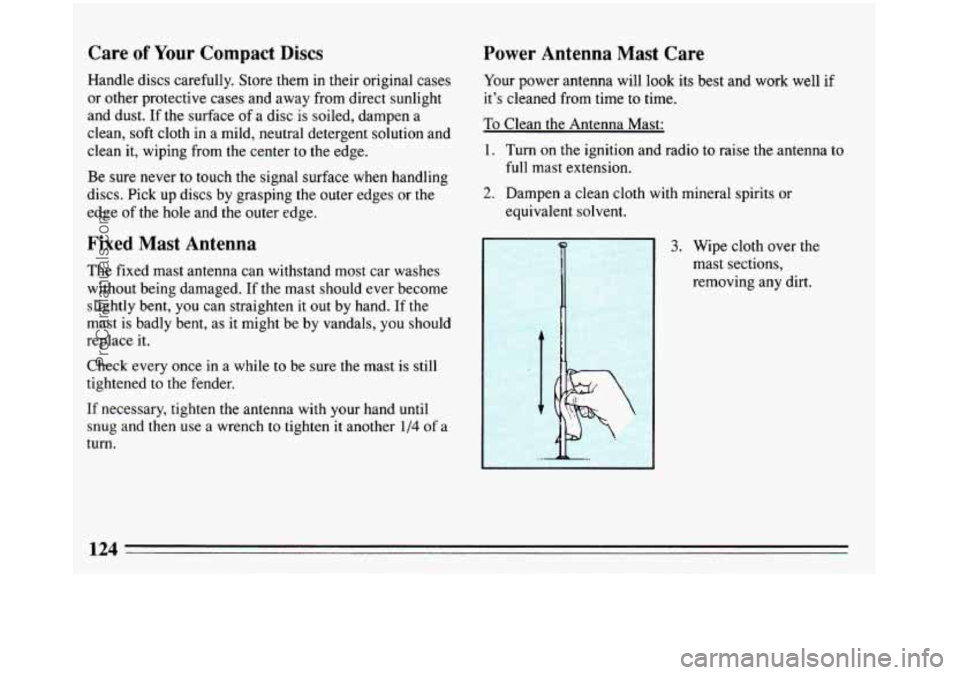
1. Turn on the ignition and radio to raise the antenna to
full mast extension.
2. Dampen a clean cloth with mineral spirits or
equivalent solvent.
3. Wipe cloth over the
mast sections,
removing any dirt.
Check every once in a while
to be sure the mast is still
tightened to the fender,
If necessary, tighten the antenna with your hand until
snug and then use a wrench to tighten it another
1/4 of a
turn.
124
ProCarManuals.com