light BUICK REGAL 2004 Owner's Guide
[x] Cancel search | Manufacturer: BUICK, Model Year: 2004, Model line: REGAL, Model: BUICK REGAL 2004Pages: 354, PDF Size: 4.16 MB
Page 120 of 354
9FAN:Press the up arrow on the FAN control to
increase fan speed and the down arrow to decrease fan
speed. Pressing the arrows cancels the automatic
operation and places the system in manual mode. Press
the AUTO button to return to automatic operation. If
the airow seems low when the fan is at the highest
setting, the passenger compartment air lter, if
equipped, may need to be replaced. For more
information seePassenger Compartment Air Filter on
page 3-25andScheduled Maintenance on page 6-4.
AIR FLOW:This control has several settings to control
the direction of airow when the system is not in AUTO.
To access the various modes available, continue to press
the AIR FLOW up or down arrows until the desired mode,
listed below, appears in the display.
WINDSHIELD/FLOOR:This setting directs some of the
air to the oor outlets and some to the defroster and
side window outlets. The air-conditioning compressor will
run automatically in this setting unless the outside
temperature is below 40°F (4°C).
MID/FLOOR:This mode directs airow through both
the oor and the instrument panel outlets. A small
amount of air is directed to the windshield and the side
window outlets.
MID (Instrument Panel):This mode directs air through
the instrument panel outlets.FLOOR:This setting sends most of the air through the
outlets near the oor. The rest comes out of the
defroster and side window outlets.
VENT:Press this button to turn the air-conditioning
compressor on or off. The indicator light on the VENT
mode is lit when the compressor is turned off. The
interior brightness control might have to be adjusted to
the highest setting during the day in order to see
the indicator lamp.
VENT does not operate in the FRONT defrost mode.
RECIRC (Recirculation):Press this button to turn this
mode on or off. RECIRC limits the amount of outside
air coming into the vehicle and recirculates most of the
air inside your vehicle. It can be use to prevent
outside air and odors from entering the vehicle or to
quickly heat or cool the air inside the vehicle. When this
button is pressed an indicator light will come on. The
interior brightness control might have to be adjusted to
the highest setting during the day in order to see the
indicator lamp.
This setting is not permitted in FRONT defrost mode
and is only permitted in WINDSHIELD/FLOOR mode if
the compressor is turned on.
On hot days, open the windows to let hot air inside
escape; then close them. This helps to reduce the time
it takes for the vehicle to cool down. It also helps the
system to operate more efficiently.
3-22
Page 121 of 354

For quick cool down on hot days, press the AUTO
button. The system will automatically enter the
recirculation mode where the temperature will be at the
full cold position for maximum cooling.
The air-conditioning system removes moisture from the
air, so a small amount of water dripping underneath
the vehicle while it is idling or after the engine is turned
off is normal.
Operating the climate control system in the RECIRC
mode may cause fogging of the vehicle’s windows when
the weather is cold and damp. To clear the fog, select
either WINDSHIELD/FLOOR or defrost mode and
increase the speed.
Sensors
The solar sensor on the vehicle monitors the solar heat
and the air inside of the vehicle. This information is
used to maintain the selected temperature by regulating
adjustments to the temperature, the fan speed, and
the air delivery system. The system may also supply
cooler air to the side of the vehicle facing the sun. The
recirculation mode will also be activated, as necessary.
Do not cover the solar sensor located in the center
of the instrument panel, near the windshield, or
the system will not work properly.
Passenger Control
The arrow buttons to control the temperature on the
passenger side of the vehicle are located to the right of
the PASSENGER CONTROL window. Press the
DUAL button so that the indicator light is on. Press the
right arrow to raise the temperature and press the
left arrow to lower the temperature on the passenger
side of the vehicle.
If the indicator light below the arrows is amber this
indicates that the passenger side temperature is
set the same as the driver’s side.
If the indicator light below the arrows is red, this
indicates that the passenger side temperature is
set warmer than that of the driver’s side.
If the indicator light below the arrows is blue this
indicates that the passenger side temperature is
set cooler than that of the driver’s side.
Defogging and Defrosting
Fog on the outside of the windows is a result of high
humidity causing moisture to form and condense on the
cool window glass. This can be minimized if the climate
control system is used properly. There are two modes to
clear fog or frost from the windshield and side windows.
3-23
Page 122 of 354
Use the WINDSHIELD/FLOOR mode to clear the
windows of fog or moisture and warm the passengers.
Use the defrost mode to remove fog or frost from the
windshield more quickly. For best results, clear all snow
and ice from the windshield before defrosting.
1FRONT (Defrost):This setting brings in outside air
and directs most of the air through the defrost outlet.
Some of the air also goes to the oor vents and the side
window outlets. The indicator light on the button will
come on and WINDSHIELD will be seen on the display.
To defrost the windows quickly, press the FRONT
button, set the temperature to 90°F (32°C), select a high
fan speed, and turn the DUAL button off.
To warm passengers while keeping the window clear,
push the AIR FLOW button to select
WINDSHIELD/FLOOR which will appear on the display.
Select a fan speed.
The air-conditioning compressor will run automatically in
this setting unless the outside temperature is below
40°F (4°C).
Do not drive the vehicle until all windows are clear.
Rear Window Defogger
The rear window defogger uses a warming grid to
remove fog or frost from the rear window.
=REAR:Press this button to turn the rear window
defogger on or off. It will initially turn off after about
15 minutes. If it is turned on again, it will only run for
about seven and one half minutes before turning off.
Do not drive the vehicle until all the windows are clear.
Notice:Using a razor blade or sharp object to
clear the inside rear window may damage the rear
window defogger. Repairs would not be covered
by your warranty. Do not clear the inside of the rear
window with sharp objects.
Outlet Adjustment
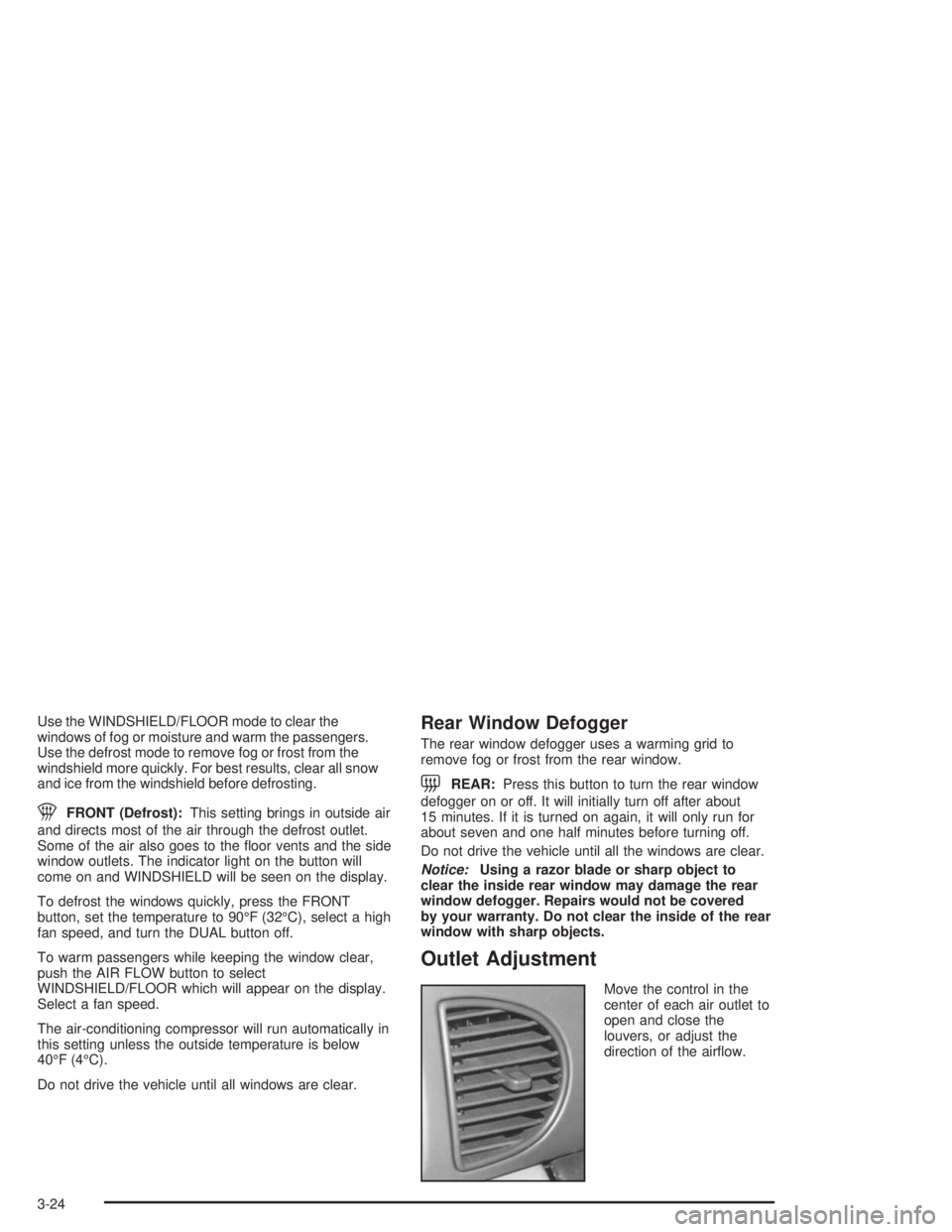
Move the control in the
center of each air outlet to
open and close the
louvers, or adjust the
direction of the airow.
3-24
Page 124 of 354
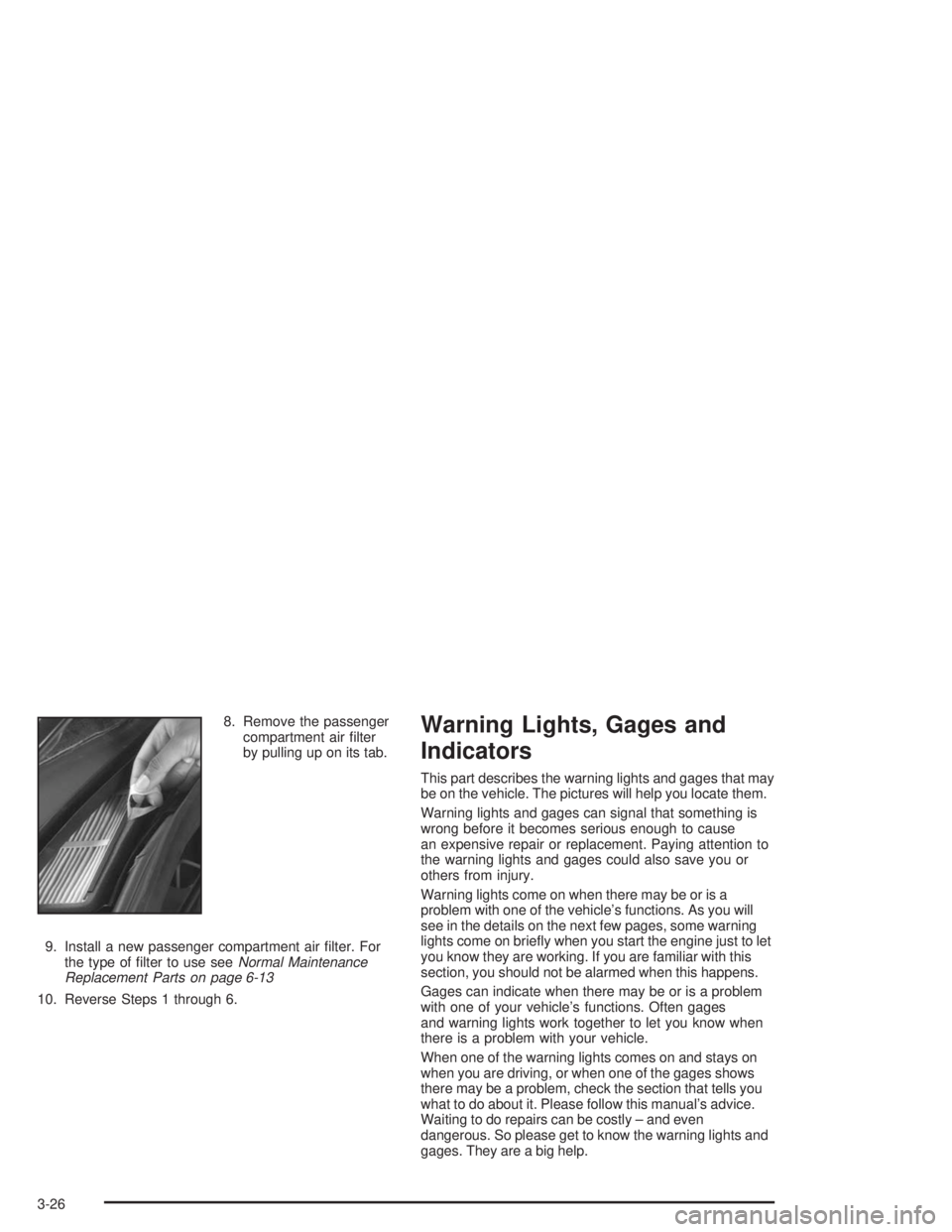
8. Remove the passenger
compartment air lter
by pulling up on its tab.
9. Install a new passenger compartment air lter. For
the type of lter to use seeNormal Maintenance
Replacement Parts on page 6-13
10. Reverse Steps 1 through 6.Warning Lights, Gages and
Indicators
This part describes the warning lights and gages that may
be on the vehicle. The pictures will help you locate them.
Warning lights and gages can signal that something is
wrong before it becomes serious enough to cause
an expensive repair or replacement. Paying attention to
the warning lights and gages could also save you or
others from injury.
Warning lights come on when there may be or is a
problem with one of the vehicle’s functions. As you will
see in the details on the next few pages, some warning
lights come on briey when you start the engine just to let
you know they are working. If you are familiar with this
section, you should not be alarmed when this happens.
Gages can indicate when there may be or is a problem
with one of your vehicle’s functions. Often gages
and warning lights work together to let you know when
there is a problem with your vehicle.
When one of the warning lights comes on and stays on
when you are driving, or when one of the gages shows
there may be a problem, check the section that tells you
what to do about it. Please follow this manual’s advice.
Waiting to do repairs can be costly – and even
dangerous. So please get to know the warning lights and
gages. They are a big help.
3-26
Page 127 of 354

Tachometer
If the vehicle has a
tachometer, it displays the
engine speed in
thousands of revolutions
per minute (rpm).
Notice:If you operate the engine with the
tachometer in the shaded warning area, your vehicle
could be damaged, and the damages would not
be covered by your warranty. Do not operate
the engine with the tachometer in the shaded
warning area.
Safety Belt Reminder Light
When the ignition key is turned to RUN or START, a
chime will come on for several seconds to remind
occupants to fasten their safety belts.
The safety belt light will
also come on and stay on
for several seconds,
then it will ash for several
more.
If the driver’s belt is already buckled, neither the chime
nor the light will come on.
3-29
Page 128 of 354
Air Bag Readiness Light
There is an air bag readiness light on the instrument
panel, which shows the air bag symbol. The system
checks the air bag’s electrical system for malfunctions.
The system check includes the air bag modules, the
wiring and the crash sensing and diagnostic module. For
more information on the air bag system, seeAir Bag
Systems on page 1-46.
This light will come on
when the vehicle is
started, and it will ash for
a few seconds. Then
the light should go out.
This means the system is
functioning properly.
If the air bag readiness light stays on after the vehicle is
started, or comes on as the vehicle is being driven,
there may be an electrical problem and the air
bag system may not work properly. Have the vehicle
serviced right away.{CAUTION:
If the air bag readiness light stays on after you
start your vehicle, it means the air bag system
may not be working properly. The air bags in
your vehicle may not inate in a crash, or they
could even inate without a crash. To help
avoid injury to yourself or others, have your
vehicle serviced right away if the air bag
readiness light stays on after you start your
vehicle.
The air bag readiness light should ash for a few
seconds when you turn the ignition key to RUN. If the
light does not come on then, have it xed so it will
be ready to warn you if there is a problem.
3-30
Page 129 of 354
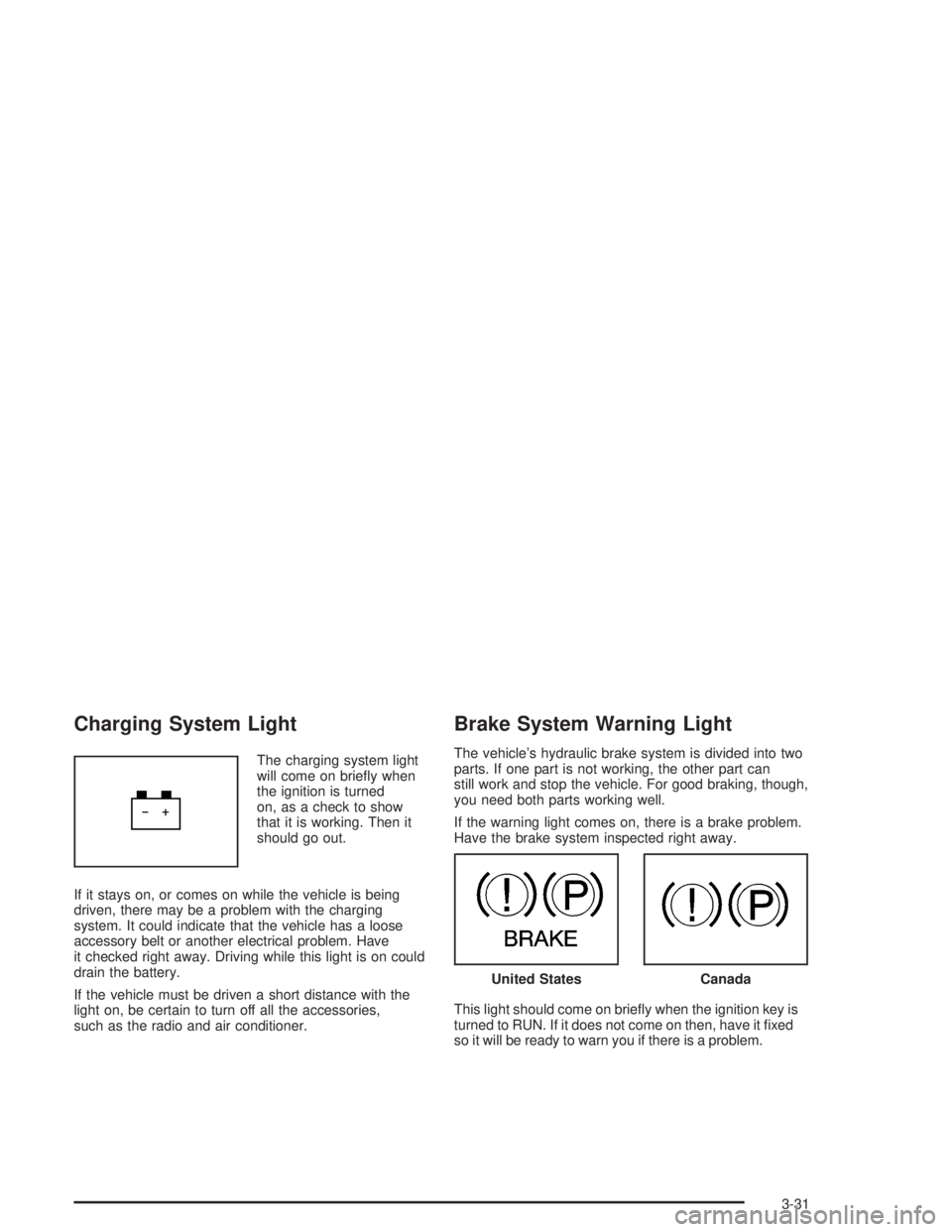
Charging System Light
The charging system light
will come on briey when
the ignition is turned
on, as a check to show
that it is working. Then it
should go out.
If it stays on, or comes on while the vehicle is being
driven, there may be a problem with the charging
system. It could indicate that the vehicle has a loose
accessory belt or another electrical problem. Have
it checked right away. Driving while this light is on could
drain the battery.
If the vehicle must be driven a short distance with the
light on, be certain to turn off all the accessories,
such as the radio and air conditioner.
Brake System Warning Light
The vehicle’s hydraulic brake system is divided into two
parts. If one part is not working, the other part can
still work and stop the vehicle. For good braking, though,
you need both parts working well.
If the warning light comes on, there is a brake problem.
Have the brake system inspected right away.
This light should come on briey when the ignition key is
turned to RUN. If it does not come on then, have it xed
so it will be ready to warn you if there is a problem.
United StatesCanada
3-31
Page 130 of 354
When the ignition is on, the brake system warning light
will also come on when the parking brake is set.
The light will stay on if the parking brake does not
release fully. If it stays on after the parking brake is fully
released, it means there is a brake problem.
If the light comes on while the vehicle is being driven,
pull off the road and stop carefully. The pedal may
be harder to push. or it may go closer to the oor. It may
take longer to stop. If the light is still on, have the
vehicle towed for service. SeeTowing Your Vehicle on
page 4-31.
{CAUTION:
Your brake system may not be working
properly if the brake system warning light is
on. Driving with the brake system warning light
on can lead to an accident. If the light is still
on after you have pulled off the road and
stopped carefully, have the vehicle towed for
service.
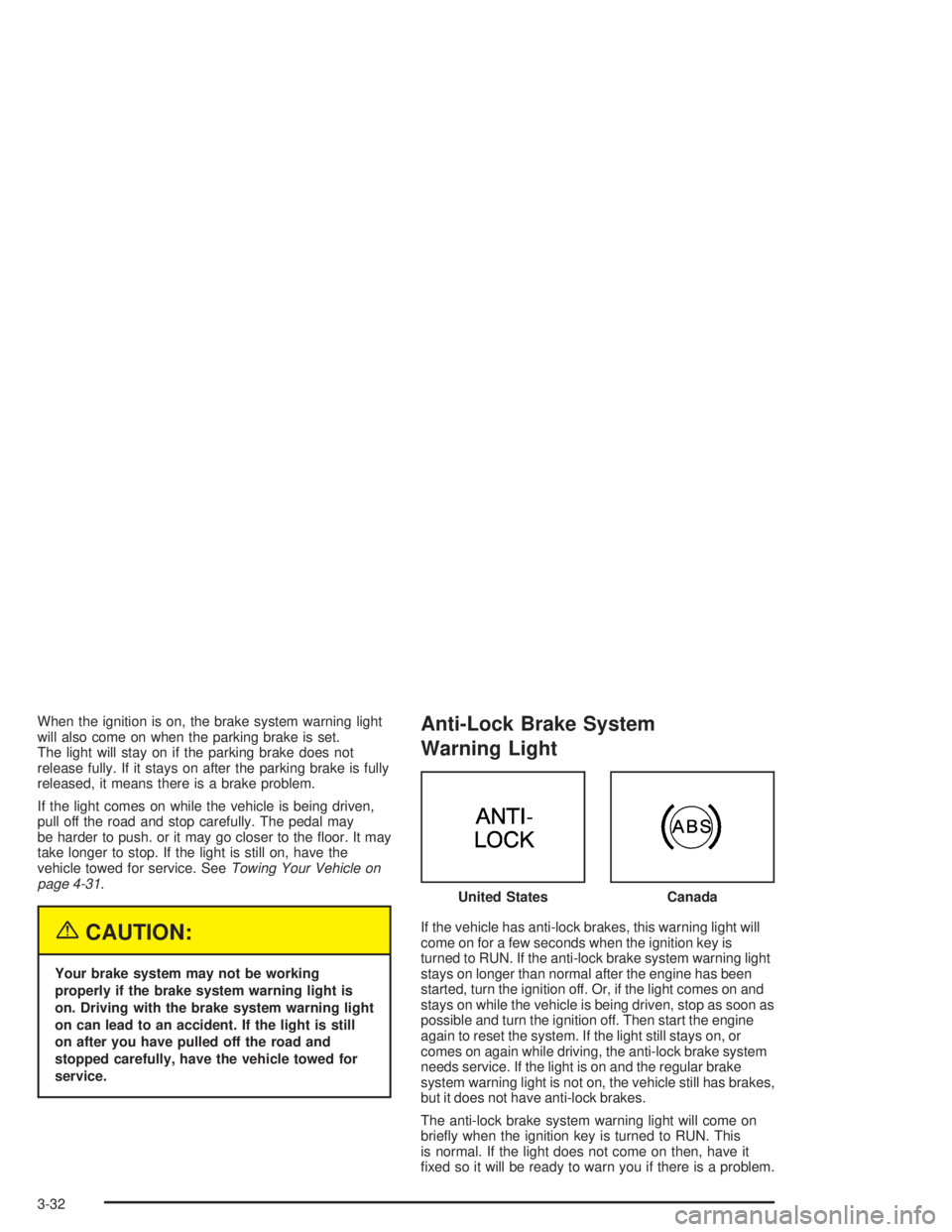
Anti-Lock Brake System
Warning Light
If the vehicle has anti-lock brakes, this warning light will
come on for a few seconds when the ignition key is
turned to RUN. If the anti-lock brake system warning light
stays on longer than normal after the engine has been
started, turn the ignition off. Or, if the light comes on and
stays on while the vehicle is being driven, stop as soon as
possible and turn the ignition off. Then start the engine
again to reset the system. If the light still stays on, or
comes on again while driving, the anti-lock brake system
needs service. If the light is on and the regular brake
system warning light is not on, the vehicle still has brakes,
but it does not have anti-lock brakes.
The anti-lock brake system warning light will come on
briey when the ignition key is turned to RUN. This
is normal. If the light does not come on then, have it
xed so it will be ready to warn you if there is a problem.United States
Canada
3-32
Page 131 of 354

Traction Control System (TCS)
Warning Light
If the vehicle has a
Traction Control System
(TCS), the traction
control system warning
light may come on for the
following reasons:
When the system is turned off by pressing the
traction control button located on the panel directly
behind the automatic transaxle shift lever. To
turn the system back on, press the button again.
The warning light should go off. SeeTraction
Control System (TCS) on page 4-10for more
information.
If there is a brake system problem that is specically
related to traction control. If the brakes begin to
overheat, the traction control system will turn off and
the warning light will come on until the brakes
cool down.
If the traction control system is affected by an
engine-related problem.
If there is a base brake problem with Full-Range
Traction Control.
If the traction control system warning light comes on
and stays on for an extended period of time when the
system is turned on, the vehicle needs service.
Low Traction Light
If the vehicle has the
Traction Control System
(TCS), this light will
come on when the system
is limiting wheel spin.
You may feel or hear the traction control system
working, but this is normal. Slippery road conditions
may exist if the low traction light comes on, so adjust
your driving accordingly. The light will stay on for a
few seconds after the traction control system stops
limiting wheel spin. SeeTraction Control System (TCS)
on page 4-10orFull-Range Traction Control System
on page 4-9.
3-33
Page 132 of 354

The low traction light also comes on briey when the
ignition key is turned to RUN. If the light does not come
on then, have it xed so it will function properly and
indicate when the traction control system is active.
Engine Coolant Temperature
Warning Light
This light indicates that the
engine coolant has
overheated or the radiator
cooling fan is not
working.
The light will come on briey when the ignition is turned
on to show that it is working.
If the vehicle has been operating under normal driving
conditions, pull off the road, stop the vehicle and turn off
the engine as soon as possible. SeeEngine
Overheating on page 5-29.
Engine Coolant Temperature Gage
The vehicle has a gage
that shows the engine
coolant temperature. If the
gage pointer moves into
the red area, the engine is
too hot.
This reading indicates the same thing as the warning
light. It means that the engine coolant has overheated. If
the vehicle has been operating under normal driving
conditions, pull off the road, stop the vehicle, and turn off
the engine as soon as possible. SeeEngine
Overheating on page 5-29.
3-34