lock BUICK REGAL 2004 Service Manual
[x] Cancel search | Manufacturer: BUICK, Model Year: 2004, Model line: REGAL, Model: BUICK REGAL 2004Pages: 354, PDF Size: 4.16 MB
Page 111 of 354
This feature can be turned on and off by doing the
followihg:
1. Turn the ignition key to RUN.
2. Close all the doors.
3. Press and hold the LOCK position on the power
door lock switch while turning the exterior lamps
control on and off two times.
4. Release the LOCK position on the power door lock
switch. These operations must be carried out in a
time period of less than 10 seconds, followed
by a delay period of no more than 10 seconds.
5. Then, press and hold the unlock position on the
power door switch while turning the exterior
lamps control on and then off two times. Release
the unlock position on the power door lock
switch. These steps must be carried out in a time
period of less than 10 seconds.
After releasing the unlock position on the power door
lock switch, a single chime will be heard if the delayed
headlamp illumination function has been turned off.
Two chimes will be heard if the feature has been turned
on. Disconnecting the vehicle’s battery for up to a
year will not change the programmed operation for this
feature.Fog Lamps
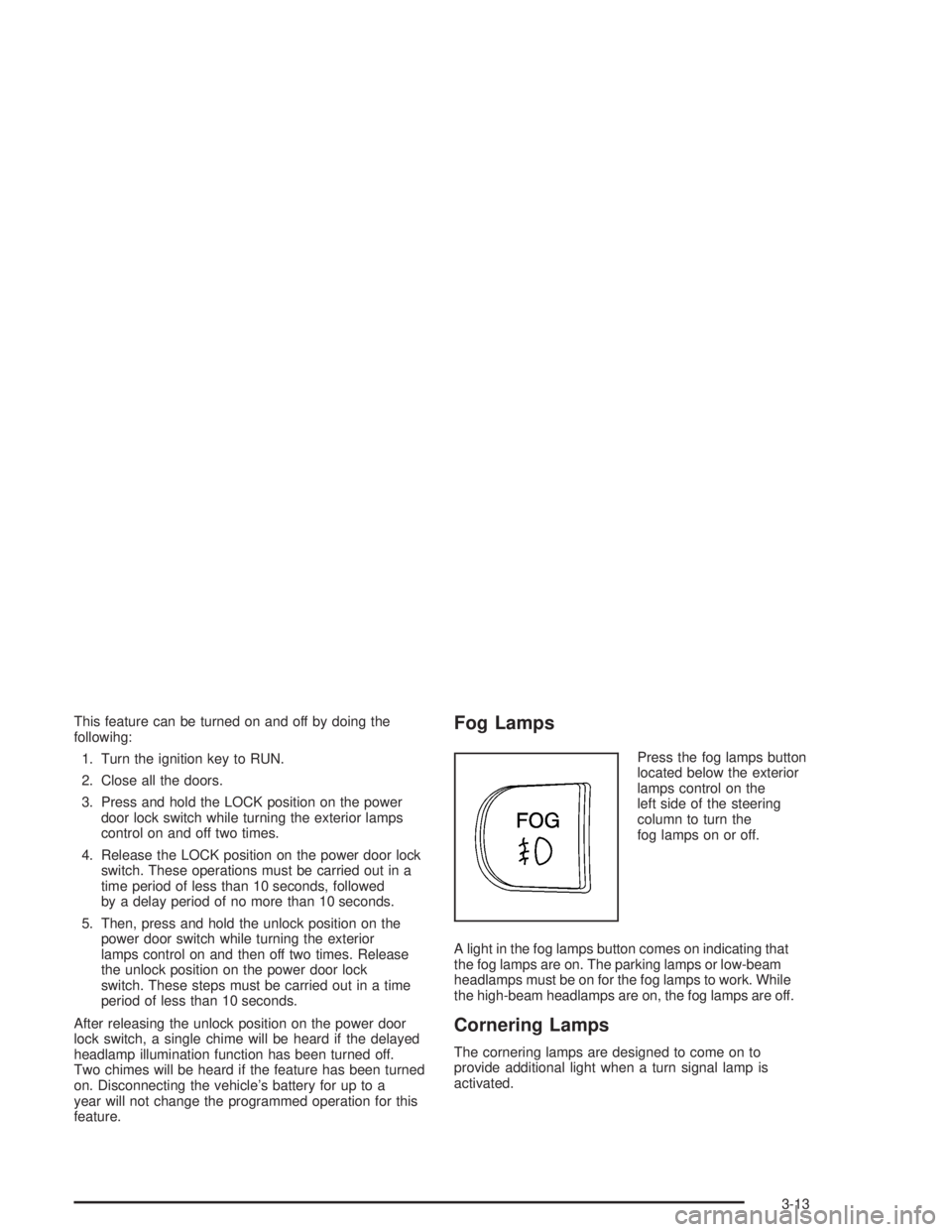
Press the fog lamps button
located below the exterior
lamps control on the
left side of the steering
column to turn the
fog lamps on or off.
A light in the fog lamps button comes on indicating that
the fog lamps are on. The parking lamps or low-beam
headlamps must be on for the fog lamps to work. While
the high-beam headlamps are on, the fog lamps are off.
Cornering Lamps
The cornering lamps are designed to come on to
provide additional light when a turn signal lamp is
activated.
3-13
Page 112 of 354

Interior Lamps
Instrument Panel Brightness
The instrument panel lights can be brightened or
dimmed by turning the exterior lamp knob. Turning the
knob all the way clockwise turns on the courtesy
lamps.
Courtesy Lamps
When any door is opened, several courtesy lamps come
on to make it easier to enter and exit the vehicle.
These lamps can also be turned on by turning the
exterior lamps control clockwise to MAX.
Entry Lighting
The courtesy lamps will come on and stay on for a set
time whenever the UNLOCK button on the remote
keyless entry transmitter is pressed.
The lamps will stay on while a door is opened and then
turn off automatically about 25 seconds after it is
closed. If the UNLOCK button is pressed and a door is
not opened, the lamps will turn off after about
40 seconds.Entry lighting includes a feature called theater dimming.
With theater dimming, the lamps do not turn off at
the end of the delay time. Instead, they slowly dim after
the delay time and then turn off.
The courtesy lamps turn off when the ignition key is
turned to RUN or START. They will come on again when
a door is opened.
Delayed Entry Lighting
Delayed entry lighting lights the vehicle’s interior for a
period of time after all the doors have been closed.
The ignition must be off for delayed entry lighting
to work. After all the doors have been closed, the
delayed entry lighting feature will continue to work until
one of the following occurs:
The ignition is in RUN.
The doors are locked.
Twenty ve seconds has elapsed.
If during the illumination period a door is opened, the
timed illumination period will be canceled and the interior
lamps will remain on.
3-14
Page 113 of 354
Delayed Exit Lighting
This feature illuminates the interior for a period of time
after the ignition key is removed from the ignition.
When the ignition key is removed, interior illumination
will activate and remain on until one of the following
occurs:
The ignition is in RUN.
The power door locks are activated.
Twenty ve seconds has elapsed.
If during the illumination period a door is opened, the
timed illumination period will be canceled and the interior
lamps will remain on.
Perimeter Lighting
Perimeter lighting provides a period of exterior vehicle
lighting. Perimeter lighting activates when the doors
are closed, the ignition is in OFF and the security
feedback feature is activated in Mode 3 or 4. See
“Security Feedback” underRemote Keyless Entry
System Operation on page 2-4for more information.
The vehicle headlamps and back-up lamps are
then activated for a period of 25 seconds or until the
ignition switch is turned to RUN.Perimeter lighting can be turned on or off when the
driver performs the following sequence with the engine
off and the doors closed:
1. Turn the ignition to RUN.
2. Close all the doors.
3. Apply the brake.
4. Press and hold the LOCK position on the power
door lock switch while pressing and releasing the
remote alarm button on the remote keyless
entry transmitter.
This activates the customization mode. While in the
customization mode, the number of chimes
corresponding to the current mode will sound. One
chime means the feature is turned off. Two chimes
mean that the perimeter lighting feature is turned on.
Each additional press of the power door lock switch will
advance to the next mode. Release the LOCK position
on the power door lock switch to set the mode.
Disconnecting the vehicle’s battery for up to a year will
not change the programmed operation for this feature.
Reading Lamps
The reading lamps are located on the underside of the
rearview mirror. Press the button next to each lamp
to turn it on and off.
3-15
Page 116 of 354

VENT (Ventilation):This mode brings in outside air
and directs it through the instrument panel outlets.
BI-LEV (Bi-Level):This mode directs approximately
half of the air to the instrument panel outlets, and then
directs most of the remaining air to the oor outlets.
Some air may be directed toward the windshield.
HTR (Heater):This mode directs most of the air to the
oor outlets, with some air directed to the outboard
outlets, for the side windows, and some air directed to
the windshield.
BLEND:This mode directs half of the air to go to the
oor outlets and half to the defroster and side window
outlets. The air-conditioning compressor will run
automatically in this setting unless the outside
temperature is below 40°F (4°C).
The right knob can also be used for the defrost mode.
Information on defrosting and defogging can be
found later in this section.
9FAN:The left knob controls the fan speed.
OFF:Turn the knob all the way counterclockwise to
turn off the fan.
LO (Low Fan Speed):This setting creates the lowest
fan speed.HI (High Fan Speed):This setting creates the highest
fan speed.
DRIVER (Driver’s Side Temperature):The lever on
the left adjusts the air temperature for the driver’s
side outlets. Slide the lever up to raise the temperature
and down to lower the temperature.
PASSENGER (Passenger’s Side Temperature):The
lever on the right adjusts the air temperature for the
passenger’s side outlets. Slide the lever up to raise the
temperature and down to lower the temperature.
"(Air Conditioning):Press this button to turn the
air-conditioning on and off. An indicator light above the
button will come on when the air conditioning is on.
During daylight hours the interior lighting control might
need adjustment to the highest setting in order for the
indicator light to be seen. The system will cool and
dehumidify the air inside the vehicle when the A/C
indicator light is on.
On very hot days, open the windows long enough to let
hot, inside air escape. This reduces the time for the
vehicle to cool down.
For a quick cool-down on a very hot day, use MAX with
the temperature levers all the way in the blue area. If this
setting is used for long periods of time, the air in the
vehicle may become too dry.
For normal cooling on hot days, use VENT with the
temperature levers in the blue area. The system will bring
in outside air and cool it.
3-18
Page 123 of 354
Operation Tips
Clear away any ice, snow or leaves from the air
inlets at the base of the windshield that may
block the ow of air into the vehicle.
Use of non-GM approved hood deectors may
adversely affect the performance of the system.
Keep the path under the front seats clear of objects
to help circulate the air inside of the vehicle more
effectively.
If the vehicle has a passenger compartment air lter
and the airow seems low when the fan is at the
highest setting it may need to be replaced. For more
information, seePassenger Compartment Air
Filter on page 3-25andScheduled Maintenance on
page 6-4.
Passenger Compartment Air Filter
The passenger compartment air lter is located in
the engine compartment below the inlet grille, near the
passenger’s side of the windshield wiper arm.
The lter traps most of the pollen from the air entering
the air conditioning module. Like the engine’s air
cleaner/lter, it may need to be changed periodically.
For information on how often to change the passenger
compartment air lter, seeScheduled Maintenance
on page 6-4.To change the passenger compartment air lter, use the
following steps:
1. Put the ignition in ACCESSORY and turn the
windshield wipers on.
2. Turn the ignition to OFF when the windshield
wipers are in the upright position.
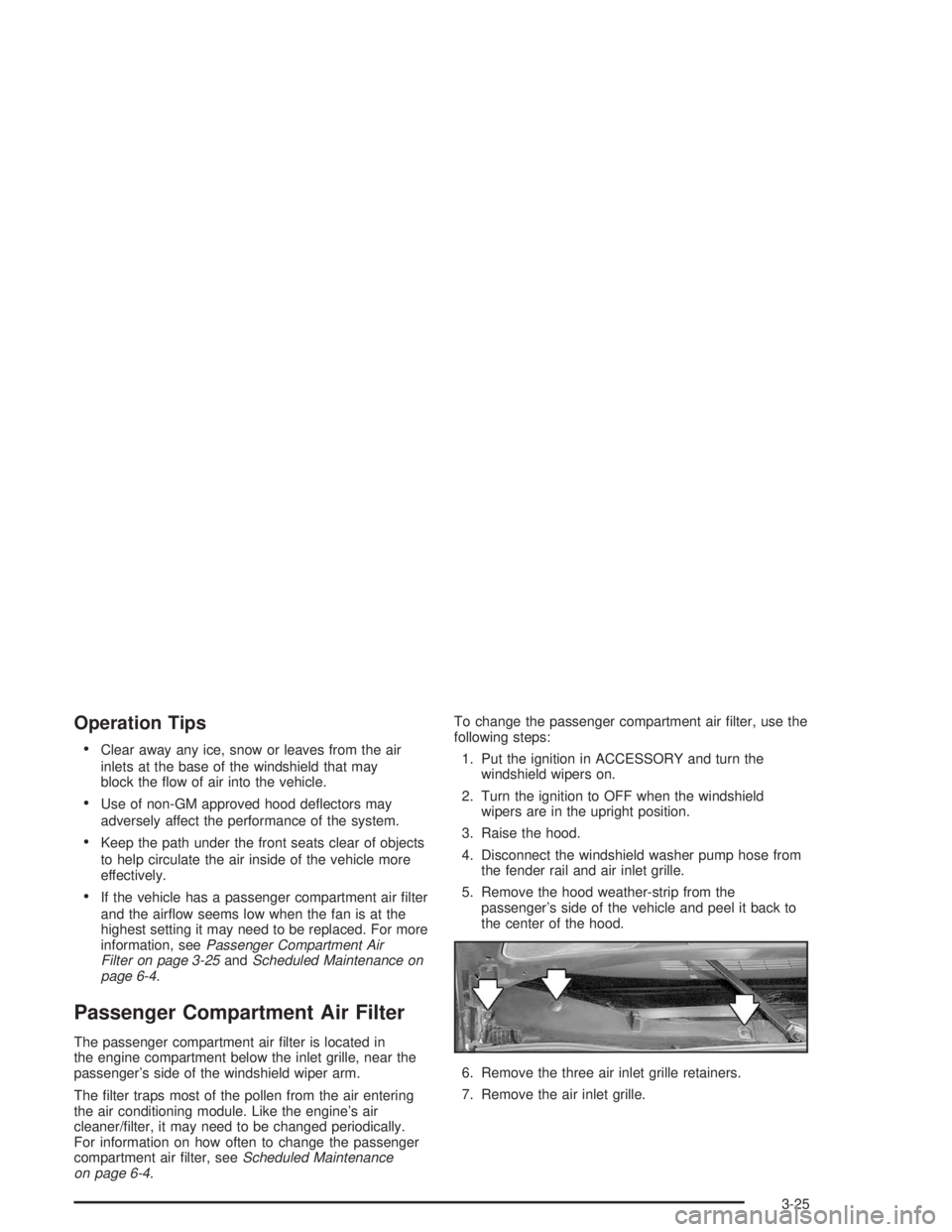
3. Raise the hood.
4. Disconnect the windshield washer pump hose from
the fender rail and air inlet grille.
5. Remove the hood weather-strip from the
passenger’s side of the vehicle and peel it back to
the center of the hood.
6. Remove the three air inlet grille retainers.
7. Remove the air inlet grille.
3-25
Page 130 of 354
When the ignition is on, the brake system warning light
will also come on when the parking brake is set.
The light will stay on if the parking brake does not
release fully. If it stays on after the parking brake is fully
released, it means there is a brake problem.
If the light comes on while the vehicle is being driven,
pull off the road and stop carefully. The pedal may
be harder to push. or it may go closer to the oor. It may
take longer to stop. If the light is still on, have the
vehicle towed for service. SeeTowing Your Vehicle on
page 4-31.
{CAUTION:
Your brake system may not be working
properly if the brake system warning light is
on. Driving with the brake system warning light
on can lead to an accident. If the light is still
on after you have pulled off the road and
stopped carefully, have the vehicle towed for
service.
Anti-Lock Brake System
Warning Light
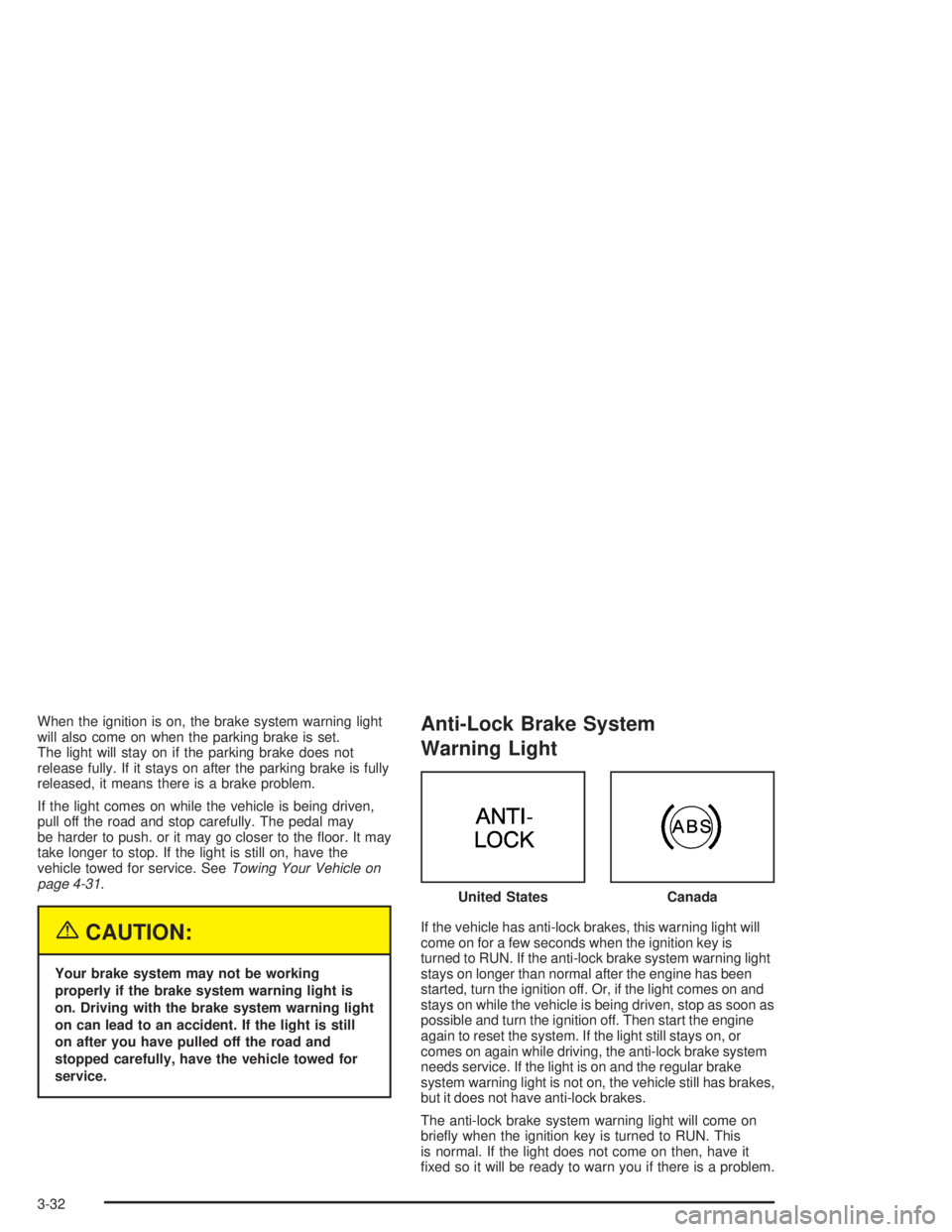
If the vehicle has anti-lock brakes, this warning light will
come on for a few seconds when the ignition key is
turned to RUN. If the anti-lock brake system warning light
stays on longer than normal after the engine has been
started, turn the ignition off. Or, if the light comes on and
stays on while the vehicle is being driven, stop as soon as
possible and turn the ignition off. Then start the engine
again to reset the system. If the light still stays on, or
comes on again while driving, the anti-lock brake system
needs service. If the light is on and the regular brake
system warning light is not on, the vehicle still has brakes,
but it does not have anti-lock brakes.
The anti-lock brake system warning light will come on
briey when the ignition key is turned to RUN. This
is normal. If the light does not come on then, have it
xed so it will be ready to warn you if there is a problem.United States
Canada
3-32
Page 156 of 354

1s(Reverse):Press this pushbutton to reverse
quickly within the tape. The radio will play while the tape
reverses. Press it again to return to playing speed.
2
\(Forward):Press this pushbutton to advance
quickly within the tape. The radio will play while the tape
advances. Press this pushbutton again to return to
playing speed.
6 SIDE:Press this pushbutton to play the other side of
the tape.
©SEEK¨:Your tape must have at least three
seconds of silence between each selection for seek to
work. Press the left or the right arrow to go to the
previous or to the next selection on the tape. SEEK and
a negative or positive number will be displayed.
Pressing the left or right arrow multiple times will
increase the number of selections to be searched up to
-5 or +5. If -5 or +5 is shown on the display the
cassette tape player will fast forward or rewind through
the four selections and stop at the fth selection.
To scan cassette tape selections, press and hold either
SEEK arrow for two seconds until SCN appears on
the display. You will hear a beep. The tape will go to the
next selection, play for a few seconds, then go on to
the next selection. The cassette tape will only scan
forward. Press either SEEK arrow again to stop
scanning.BAND:Press this button to listen to the radio when a
cassette tape or CD is playing. The inactive cassette or
CD will remain safely inside the radio for future
listening.
CD TAPE:Press this button to play a cassette tape or
a CD when listening to the radio.
Z(Eject):Press this button to eject a tape. Eject
may be activated with either the ignition or radio
off. Cassettes may be loaded with the ignition or radio
off if you press this button rst.
Cassette Tape Messages
If an error message appears on the display, it could be
for one of the following reasons:
TIGHT TAPE:The tape is tight and the player
cannot turn the tape hubs. Remove the tape.
Hold the tape with the open end down and try to
turn the right hub counterclockwise with a
pencil. Turn the tape over and repeat. If the hubs
do not turn easily, your tape may be damaged
and should not be used in the player. Try a new
tape to make sure your player is working properly.
BROKEN TAPE:The tape is broken. Try a
new tape.
3-58
Page 159 of 354
CD Messages
CHECK CD:If this message appears on the radio
display, it could be for one of the following reasons:
It is very hot. When the temperature returns to
normal, the CD should play.
You are driving on a very rough road. When the
road becomes smooth, the CD should play.
The CD is dirty, scratched, wet, or upside down.
The air is very humid. If so, wait about an hour and
try again.
There may have been a problem while burning
the CD.
The label may be caught in the CD player.
If the CD is not playing correctly, for any other reason,
try a known good CD.
If any error occurs repeatedly or if an error cannot be
corrected, contact your dealer. If your radio displays an
error message, write it down and provide it to your
dealer when reporting the problem.
Theft-Deterrent Feature
THEFTLOCK®is designed to discourage theft of your
radio. It works by using a secret code to disable all radio
functions whenever battery power is removed and the
radio is placed in a different vehicle. This feature
requires no user input to be activated. It is automatically
armed when it is put into the vehicle for the rst time.
When the ignition is turned off, the blinking red light
indicates that THEFTLOCK
®is armed.
If THEFTLOCK
®is activated, your radio will not operate
if stolen. The radio will display LOCKED and a red
LED indicator light will come on above the key symbol
to indicate a locked condition. If this occurs, the radio will
need to be returned to the dealer.
3-61
Page 169 of 354

Anti-lock Brake System (ABS)
Your vehicle may have anti-lock brakes. ABS is an
advanced electronic braking system that will help
prevent a braking skid.
If your vehicle has anti-lock brakes, this warning light on
the instrument panel will come on briey when you
start your vehicle.
When you start your engine, or when you begin to drive
away, your anti-lock brake system will check itself.
You may hear a momentary motor or clicking noise while
this test is going on, and you may even notice that
your brake pedal moves or pulses a little. This is normal.Let us say the road is wet and you are driving safely.
Suddenly, an animal jumps out in front of you. You slam
on the brakes and continue braking. Here is what
happens with ABS:
A computer senses that wheels are slowing down. If
one of the wheels is about to stop rolling, the computer
will separately work the brakes at each wheel. United States
Canada
4-7
Page 170 of 354
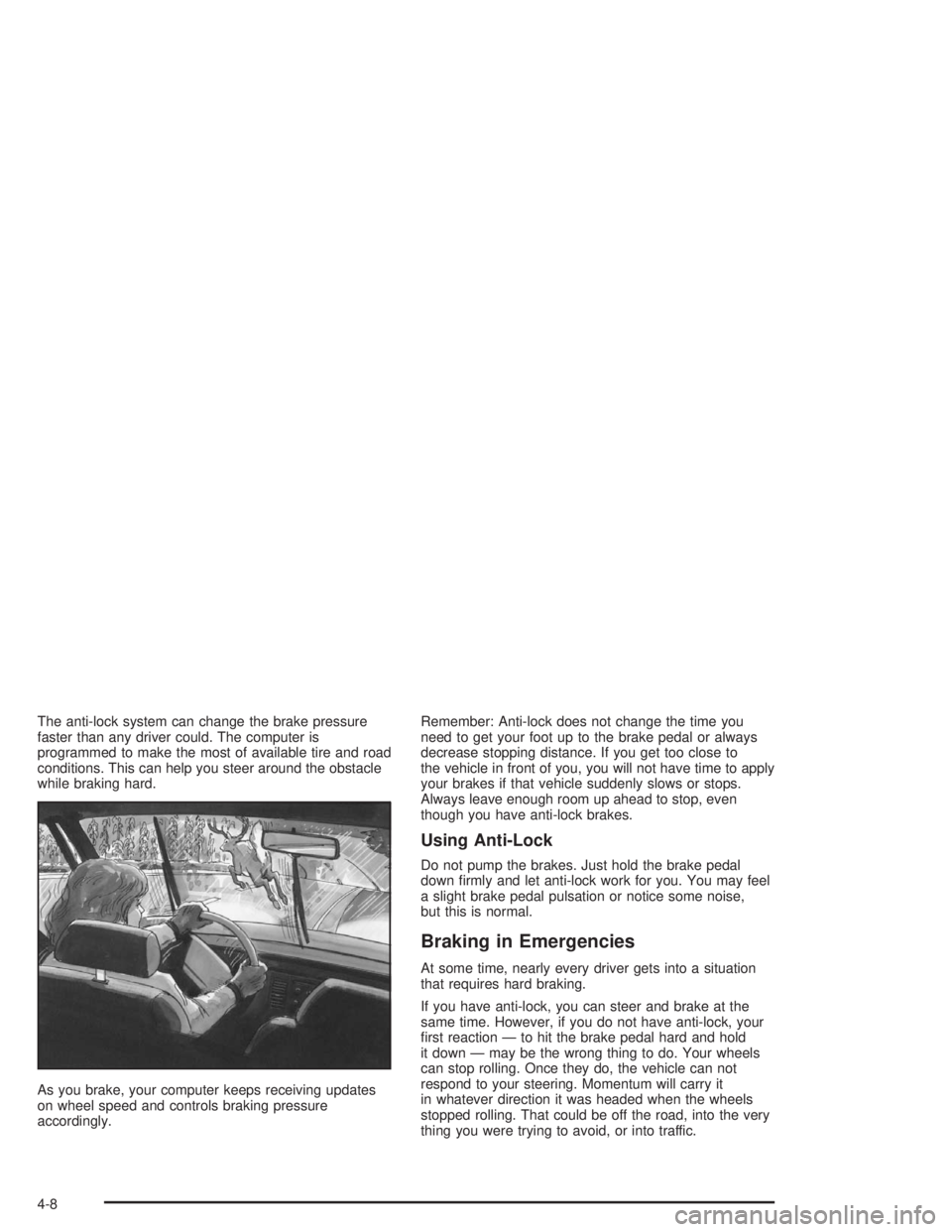
The anti-lock system can change the brake pressure
faster than any driver could. The computer is
programmed to make the most of available tire and road
conditions. This can help you steer around the obstacle
while braking hard.
As you brake, your computer keeps receiving updates
on wheel speed and controls braking pressure
accordingly.Remember: Anti-lock does not change the time you
need to get your foot up to the brake pedal or always
decrease stopping distance. If you get too close to
the vehicle in front of you, you will not have time to apply
your brakes if that vehicle suddenly slows or stops.
Always leave enough room up ahead to stop, even
though you have anti-lock brakes.
Using Anti-Lock
Do not pump the brakes. Just hold the brake pedal
down rmly and let anti-lock work for you. You may feel
a slight brake pedal pulsation or notice some noise,
but this is normal.
Braking in Emergencies
At some time, nearly every driver gets into a situation
that requires hard braking.
If you have anti-lock, you can steer and brake at the
same time. However, if you do not have anti-lock, your
rst reaction — to hit the brake pedal hard and hold
it down — may be the wrong thing to do. Your wheels
can stop rolling. Once they do, the vehicle can not
respond to your steering. Momentum will carry it
in whatever direction it was headed when the wheels
stopped rolling. That could be off the road, into the very
thing you were trying to avoid, or into traffic.
4-8