light BUICK ROADMASTER 1993 Owner's Manual
[x] Cancel search | Manufacturer: BUICK, Model Year: 1993, Model line: ROADMASTER, Model: BUICK ROADMASTER 1993Pages: 340, PDF Size: 18.34 MB
Page 122 of 340
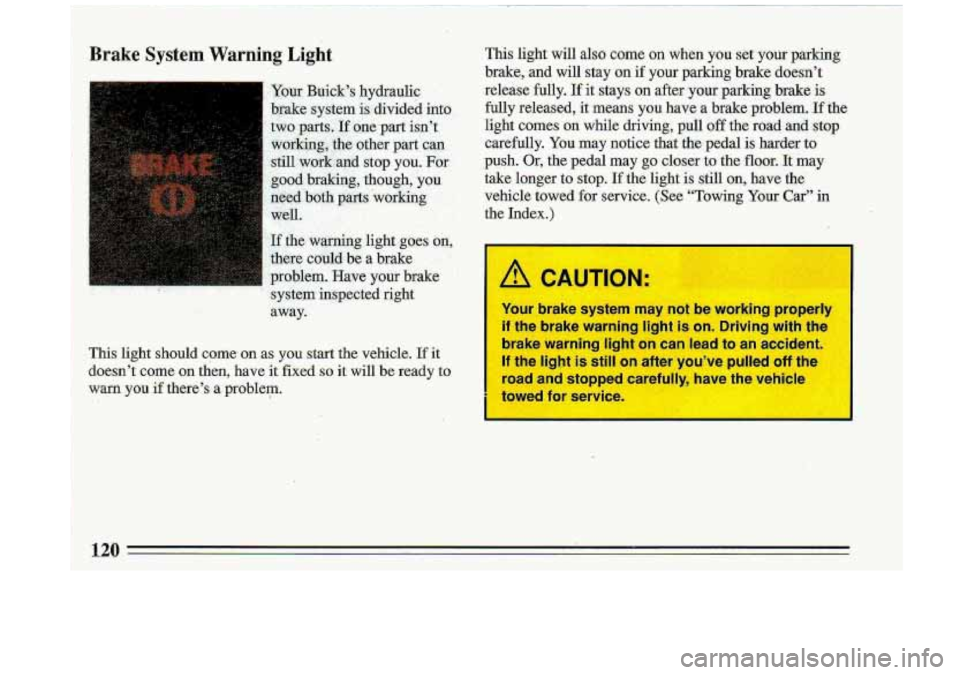
Brake System Warning Light
I Your Buick’s hydraulic .. . -
brake system is divided intd
two parts..If Qne-part isn’t
working, the other
part’ can
stil1,work:aT;lCl stop you. For
g,ood. braking, though, you.
need ‘both parts working,
.. ’.
well. - ’ . i; &. ..
If the. warning light goes an,
there -cbuld be a brake
.L_ ., . - , >.
problem. Have your brake ’
’ system inspected .. . right .. . ,
away.-
. . . , .I
This light should come’ on as you start the vehicle. If it
doesn’t corne on then, have it fixed
so it will be ready to
warn you
if there’s a problem.
This light will also come on when you set your parking
brake,
and will stay on if your parking brake doesn’t
release fully.
If it stays on after. your parking brake is
fully released,
it means you have a brake problem. If the
light comes on while driving, p.d off the- road and stop
carefully. You may notice that the pedal is harder
to
push. Or, the pedal may go closer to the floor. It may
take longer to stop.
If the light is still on, have the-
vehicle towed for service. (See “Towing Your Car” in
the Index.)
/! CAUTION.
Your brake system may not be working properly
if the brake warning light is on. Driving with the
brake warning light on can
lead to an accident.
If the light is still on after you’ve pulled off the
road and stopped carefully, have the vehicle
ta
?d for SE ice
Page 123 of 340
iI
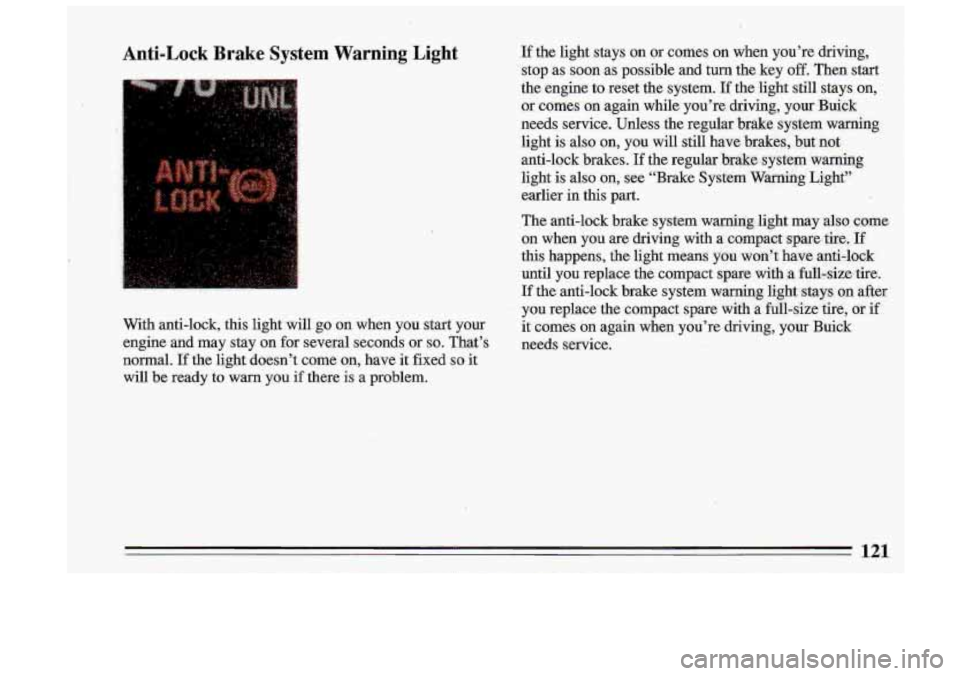
Anti-Lock Brake System Warning Light
. -, i’
.. I. ,:,:
With anti-lock, this light will go on when you start your
engine and may stay on for several seconds or
so. That’s
normal.
If the light doesn’t come on, have it fixed so it
will be ready to warn you if there is a problem.
If the light stays on or comes on when you’re driving,
stop as soon as possible and turn the key
off. Then start
the engine to reset the system.
If the light still stays on,
or comes on again while you’re driving, your Buiek
needs service. Unless the regular ‘brake system warning
light is also
on, you will still have brakes, but not
anti-lock brakes.
If the regular brake system warning
light is also
on, see “Brake System Warning Light”
earlier
in this part.
The anti-lock brake system warning .light may also come
on when you are driving with
a compact spare. tire, If
this happens, the light means you won’t have anti-lo,ck
until you replace the compact spare ,with
.a fuU-simtire.
If the anti-lock brake system warning light stays
on after
you replace the compact spare with a full-size tire, or if
it comes
on again when you’re driving, your Buick
needs service.
121
Page 124 of 340
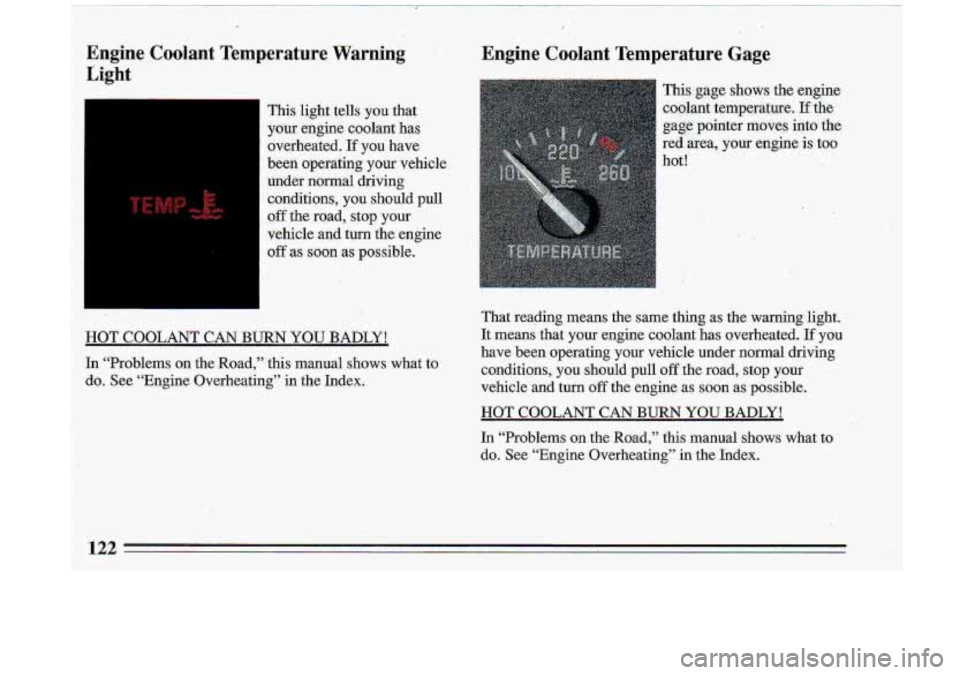
Engine Coolant Temperature Warning: ’ J
Light
1
I
This light tells you that ‘
your engine coolant has
ovetheated.
If you have
been operating your vehicle
under normal driving
.conditions, you should pull
off the road, stop your
vehicle and
turn the engine
-off as soon as possible.
:I
HOT COOLANT CAN BURN YOU-BADLY!
In “Problems on the Road,” this manual shows what to
do. See “Engine Overheating” in the Index.
Engine Coolant Temperature Gage
This gage shows the engine
coolant temperature,
If the
gaie: pointer moves into the
red area, your engine is too
hot!
: y’,
That reading means the same thing as the warning light.
It means that your engine coolant has overheated.
If you
have been operating your vehicle under normal driving.
conditions, you should pull off-the road, stop your
vehicle and
turn off the engine as soon as possible.
HOT COOLANT CAN BURN YOU BADLY!
In “Problems on the Road,” this manual shows what to
do. See “Engine Overheating” in the Index.
133
Page 126 of 340
Yom -w&gon:has 'a &t&A&-
wariiirib.light. It
should
comb:'ori when the tailgate
is dpe;neis as .a door. It will
stay on until the tailgate has
been fully closed. It does
noi.come on when the
tailgate has been opem%i as
a gate.
Page 135 of 340
i
the sun may adequately warm your upper body, but your
lower body may not be warm enough.
The Bi-level settbg directs outside air.into your vehicle
in two ways.-Cool air
is directed 'toward your upper
body through the front instrument panel outlets, ,while
slightly warmed
air is directed through the heater outlet
at
your feet.
.The air conditioner compressor operates in all Air
Conditioning positions, and the Defrost position when
.the outside temperature is above
40 OF (4.5 C).
R
Ventilation
For mild outside temperatures, when little heating ox ,
cooling is needed, slide the upper lever to Vent, Air will,'
flow through the .instrument panel outlets. Use the air
oudets to turn on, adjust and turn
off the air, flow. Adjust.
the lower lever to control the temperature;
'.
.. .
Heating
When outside temperatures are cold, 8liding:the upper .
lever to Heater and the' lower lever to :Warm will send,
heated air though the heater outlets, 'and-some through
the defroster vents. Vent and Heater arelabeled
economy positions. because the
dr conditioner
compres.sor doesn't run in these..two settings. "This . .
reduces engine load, resulting in impioyed I.. fyd.
economy.
Defrosting
The Defrost setting directs most of the- air through the
defroster vents, and some through.the heater outlets. Use
defrost when you want to remove fog
,6r ice from the
windshield.
133
Page 137 of 340
AM Stereo
This means the Delco@ system can receive C-QUAM@
stereo broadcasts. Many
AM stations around the country
use C-QUAM@ to produce stereo, though
some do not.
(C-QUAM@ is
a registered trademark of Motorola, Inc.)
If your Delco@ system can get C-QUAM@, your
“STEREO” light will come on when you’re receiving it.
A CAUTION-
Hearing damage from loud noise is alrk..A
undetectable until it is too late. Your hearing
can adapt to higher volumes
of sound. Sound
that seems normal can be
loud and harmful to I
your hearing. Take precautions by adjusting the
volume control on your radio
to a safe =T)UP~
level before your hearing adapts to it.
To help avoid hearing loss or damage:
@ Adjust the volume control to the Is
setting.
Increase volume
slowly unt ’ou ea! ~
cc for’ Yy clear1
135
Page 142 of 340
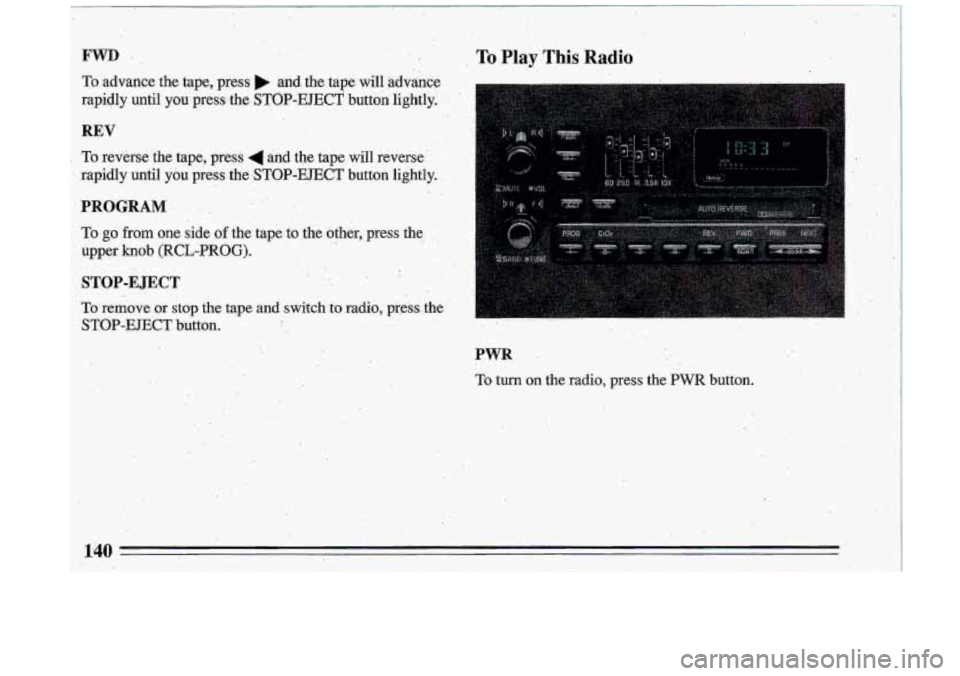
FWD ,, . ,. .
To.advance the tape, press. and. the tape will advance;
rapidly until you press the
STOP-EJECT button lightly. j?:
REV
To reverse the tape, press 4 and the tape will reverse. .
Rnidly until: you press .the :STOP-EJECT button lightly.
!
To go from one side of the tape to $he other, prms'thef- ..!., . .e;. L
upper .. knob (RCL-FROG). . '
STOP-E JECT
.. , . .. .
,. .,
,.
To remove or stop the tape and switch.toradio, press-the'
STOP-EJECT button. ' , , : I, . ,
PWR
To turn on the radio, press the PWR button.
-m
Page 143 of 340
The Upper Knob
The upper knob does these things:
0 It controls the volume. The volume increases and I
I decretises when the knob is held slightly rotated
against the spring load.
e It allows you to.mute the radio or the tape player.
Press to mute; press:again to listen. During
mute;
only volume up will work: .
BAL
The coiltrol behind the upper h0.b allows you 'to
balance-the sound between the right and left'speakers.
The Lower -Knob
' Turn the lower knob to tune radio statians. Turn the .
knob to tune slowly, if you hold it for more than 3
'seconds it will tune rapidly. Push it to get .AM OF .FM.
FADE
The control behind the lower knob moves the sound
between your, front and. rear speakers.
RCL _.
It tells you.the time. (When the,ignition-is off, push RCL
to display the time.); With the radio on, and the time
displayed, push it to, display the frequency.
- .
SEEK &
Pressing the SEEK 4 or button, will cause the
rec-eiver
to seek the.next higher or lower station and
stop.
SCAN
When you press SCAN, the radio will go to .the next
station and pause and keep doing that ,until you press
SCAN again.
Pushbuttons
.The. five. pushbuttons let you return. to favorite stations ..
You can .set the pushbuttons for up to ten stations (5 AM
and 5 FM).
Tune in the desired' station.
0 .Press the SET pushbutton. (The display will show
SET-for abiouf
5 seconds.)
. .. 141
Page 145 of 340
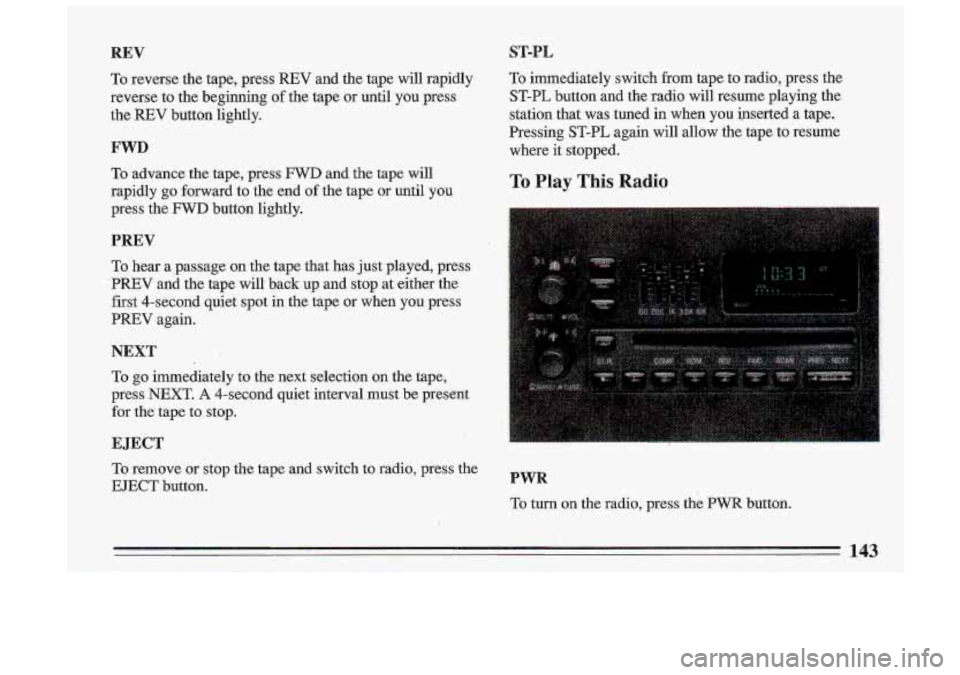
REV
To reverse the tape, press REV and the tape will rapidly
reverse to the beginning
of the tape or until you press
the
REV button lightly.
FWD
To advance the tape, press FWD and the tape will
rapidly
go forward to the end of the tape or until you
press the
FWD button lightly.
PREV
To hear a passage on the tape that has just played, press
' PREV and the tape will back up and stop at either the
first 4-second quiet spot in the tape or when you press
PREV again.
NEXT
To go immediately to the next selection on the tape,
press
NEXT. A 4-second quiet interval must be present
for the- tape to stop.
EJECT
To remove or stop the tape and switch to radio, press the
EJECT button.
ST-PL
To immediately switch from tape to radio, press the
ST-PL button and the radio will resume playing the
station that, was tuned in when you inserted a tape.
Pressing ST-PL again
will allow the tape to resume
where it stopped.
To Play This Radio
PWR
To turn on the radio, press the PWR button.
Page 150 of 340
Step 4. Press the AM-FM button. The radio will display
“000”.
Step 5. Enter the second three digits of the code. The
display shows the numbers as entered.
Step
6. Press the AM-FM button. If the display shows
“- - -”, the disabling sequence was successful. (The
numbers .matched the user-selected code
or the factory
back-up code) and the
unit is in the UNSECURED.
mode. If the display shows “SEC”, the disabling sequence was unsuccessful and the numbers did not
match either of the codes and the unit will remain in the
SECURED mode.
C-are of Your Cassette Tape Player
A tape player that is not cleaned regularly can cause
reduced sound quality, ruined cassettes, or a damaged mechanism. Cassette -tapes should be stored in. their
cases away from contaminants, direct sunlight, and
extreme heat. If they aren’t, they may not operate
properly or cause failure
of the tape player.
I Your tape player should be cleaned regularly each
month or after every
15 hours of use. If you notice a
reduction in sound quality, try a known good cassette to
see
if the tape or the tape player is at fault. .E this other