lock BUICK ROADMASTER 1993 Owner's Manual
[x] Cancel search | Manufacturer: BUICK, Model Year: 1993, Model line: ROADMASTER, Model: BUICK ROADMASTER 1993Pages: 340, PDF Size: 18.34 MB
Page 139 of 340
e Tune in the desired station.
0 Press the SET pushbutton. (SET appears in the
display)
..
Within 5 seconds, push one of the four pushbuttons
to.store the- station. Whenever you press that button
again, the preset station will return.
In addition
to the 4 stations set as above, up to three
additional stations may be preset on each band by
pressing two adjoining buttons at the same time.
T.REBLE
Slide. the TREBLE lever up to increase the TREBLE.
response.
If the station is weak or noisy, slide the treble
lever
down to reduce the noise.
BASS
Tune in the desired station.
0 Press the SET pushbutton. (SET appears in the
display).
e Within 5 seconds, press 'any two adjoining
pushbuttons at the same time. The station- will return
when the. same two pushbuttons are pressed again.
Clock '.'
To set the clock:
0 'Press the SET pushbutton.
0 Within 5 'seconds, press and hold SCAN until the
correct hour appears on the display. Slide the
BASS lever up-to increase the bass response.
Adjust the
BASS lever to give a pleasing sound to your
ear. I
To Play This Radio
o Press and hold SEEK until the correct minute . :, ,,,~ . - ., _..^. , , I
appellss on the display. .- I
137, i
Page 147 of 340
Within 5 seconds, push one of the five pushbuttons.
SET will disappear from the display when the station
is set.
Whenever you press that button, the preset station
will
return.
Clock
To set the clock:
0 Press the SET pushbutton. ..
a Within .5 seconds, press and .hold SCAN until the
Press and hpld SEEK 4.m .until the correct
correct hour appears
on the display.
minute appears on the di,splay.
To Adjust The Tone
Use the'levers next to .the display to set the bass,
midrange and treble until y0.u get the sound you want.
,
The 60 and 250 levers hdjust the. bass; 1K is ,midrange;
and
3.5K and 1OK control the treble.
We suggest you start w.ith the center lever
(1K) in the
midpoint position. Then move the others
up until you
get the. amount .of bass and treble you like.
To Play A Compact Disc
Before you begin, please note: DO NOT use mini-discs
that are called singles. They won't eject. Use full-size
compact discs only.
I1
If the disc player is very hot, or if you're driving on a
very rough road, a disc may come out or just not.play. If
you see the- word HOT on the display, the disc player
is
too hot to play the disc. .Press RCL to make the word
HOT go off the display.
As soon as things get back to normal, the disc should
play again.
Press
PWR to turn the system on.
Insert a disc partway into the slot, label'side up. The
player will pull it in. Wait a few seconds and the disc
should play.
If the disc comes back out, check to see if,
0 The disc is upside down.
It is dirty, scratched, or wet.
There's too much moisture in the air. (If there is,
wait about an hour and try again.) '!
i
.I .
145
Page 149 of 340
Anti-Theft Feature
Delco-Loc I1 is a security feature for the compact disc
player. It can be used or ignored. If ignored, the system
plays normally.
If it is used, your player won’t be usable
if it’s ever stolen, because it won’t turn on.
The instructions below tell you how
to enter your
personal secret code into the system.
If your vehicle
looses battery power for any reason,
you must unlock
the system with the secret code before the system will
turn on.
Be sure to read through the entire procedure and become
familiar with the appropriate buttons and
knobs before
starting.
Step
1. Write down any 6-digit number and keep it in a
safe place.
Step
2. Turn the ignitioin to the ACCESSORY or RUN
position.
Step
3. Press PWR to turn the radio off.
Step 4. Press presets 1 and 4 buttons together. Hold
them until
“- - -” shows on. the display.
You are
now ready to enter your secret code. If you
pause more than
15 seconds between steps you may
have to,start over.
1
Page 171 of 340
If your brake pedal goes down farther man normal, your
rear drum brakes may need adjustment. Adjust them by
backing
up and firmly applying the brakes a few times.
I
Braking in Emergencies I
Use your anti-lock braking sysKem when you need to. .
With anti-lock, you can steer and brake at the same time.
In many emergencies, steering can help you .more. than
even the very best braking.
Steering
Power Steering
If you lose power steering a ssist becau Lse
the engine
stops or the system fails to function, you can steer but
it
will take much more effort.
Steering Tips
Driving on Curves
It’s important to take- curves at a reasonable speed.
A lot of the “driver lost control” accidents mentioned on
the news happen on curves. Here’s why:
Experienced driver or beginner, each
of us is subject to
the same laws of physics. when driviqg on curves. The
traction
of the tires agairist the road s.urface makes it
169
Page 173 of 340
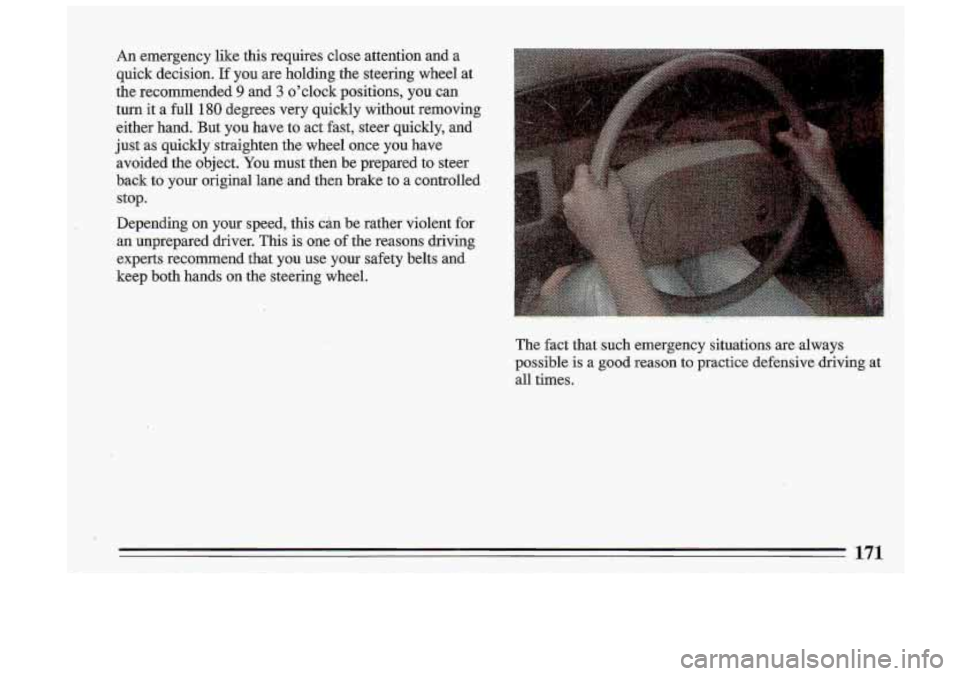
An emergency like this requires close attention and a
quick decision.
If you are holding the steering wheel at
the recommended
9 and 3 o'clock positions, you can
turn it a full 180 degrees very quickly without removing
either hand. But you have to act fast, steer quickly, and
just as quickly straighten the wheel once you have
avoided the object.
You must then be prepared to steer
back to y.our original lane and then brake
to a controlled
stop.
Depending on your speed, this can be rather violent
for
an unprepared driver. This is one of the reasons driving
experts recommend that you use your safety belts and
keep both hands on the steering wheel.
The fact that such emergency situations are .always
possible is a good reason to practice defensive driving at
all times.
171
Page 177 of 340
vehicle is skidding. Learn to recognize warning clues -
such as enough water, ice or packed snow on the road to
make a “mirrored surface’’
- and slow .down when you
.have any doubt.
Remember: Any anti-lock braking system (ABS) helps
avoid only the braking skid. Steer the way you want
to
go-
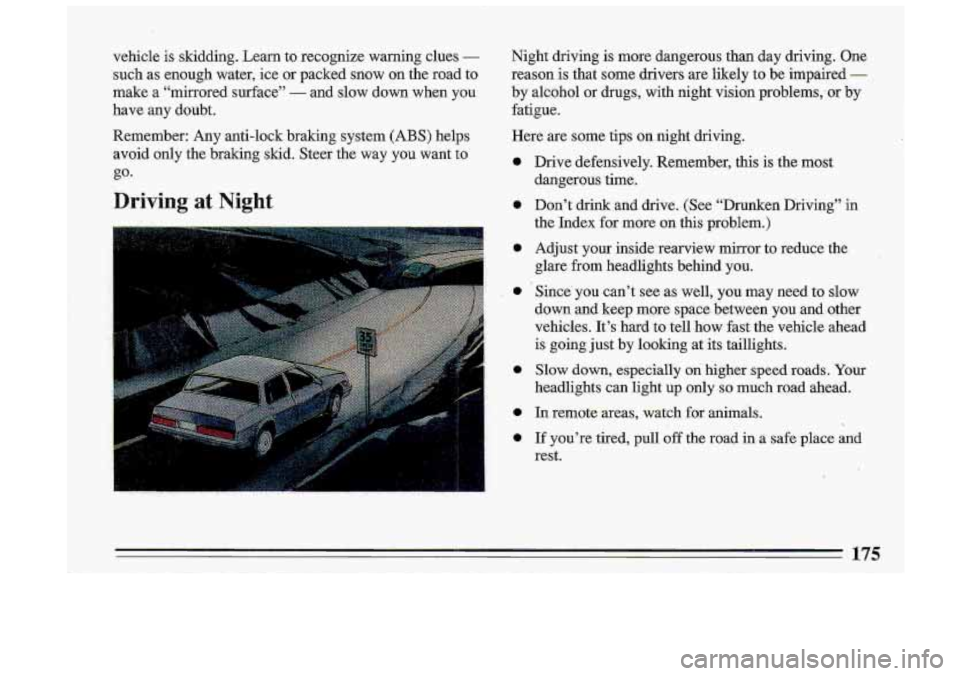
Driving at Night
Night driving is more dangerous than day driving. One
reason is that some drivers are likely to be impaired
-
by alcohol or drugs, with night vision prob1ems;or by
fatigue.
Here are some tips on night driving.
0
0
0
0
a
0
0
Drive defensively. Remember, this is the most
dangerous time.
Don’t drink and drive. (See “Drunken Driving.” in
the Index for more on this problem.)
Adjust your inside rearview mirror to reduce the
glare from headlights behind you.
Since’ you can’t see as well,
you may need to slow
down and
keep more space between you and other
vehicles. It’s hard to tell how fast the vehicle ahead
is going just
by looking at its taillights,
Slow down, especially on higher speed roads. Your
headlights can light up only
so much road ahead.
In remote areas, watch for animals.
If you’re tired, pull
off the road in a safe place and
rest.
175
I
.!
I
Page 178 of 340
Night Vision
'No one can see as we11 at night as in the daytime. But as
we get older these differences increase.
A 50-year-old
driver may require .at least twice as much light
to see the
same thing at night as a 20-year-old.
What you do in the daytime can also affect your night
vision.
For example, if you spend the day in bright
sunshine you are wise to wear sunglasses.
Your eyes will
have less trouble adjusting to night.
But'if you're driving, don't wear sunglasses at night.
They.may cut down on glare from headlights, but they
also make a lot
of things invisible that should remain
yisible
- such as parked cars, obstacles, pedestrians, or
even train5 blocking railway crossings. You mzy want to
put on
your sunglasses -after ,you have pulled into a
brightly-lighted service or refreshment area. Eyes shie1ded.from that glare
may adjust.more quickly to
darkne,ss back on the road. But be sure to remove your
sunglasses before
you leave the service area.
When you .follow another vehicle
on a freeway or
highday, use low beams. True, most vehic1e.s now.have,
day-night mirrors that enable the driver to reduce glare.
But outside mirrors are not
of this type and.high beams
from behind can bother the driver ahead.
176
Page 194 of 340
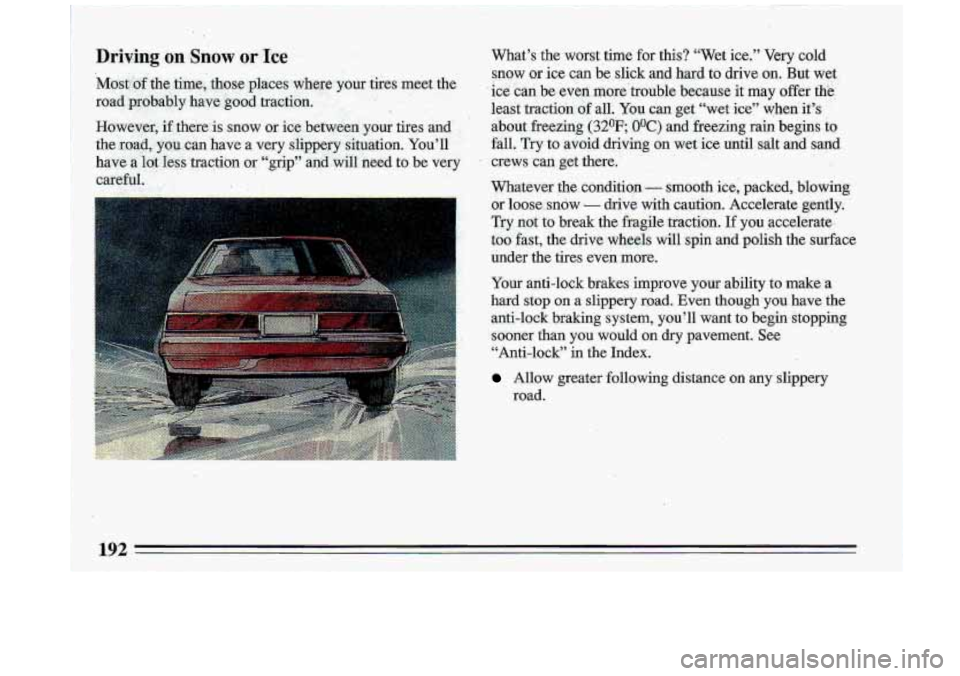
D.riving on Snow or Ice What’s the worst time for this? “Wet ice.” Very cold
snow or ice c.an be slick and hard to drive
on, But wet
ice can be even more’trouble because it may offer
the.
leait traction of all. You can get “wet ice” when’ it’s , ’
about freezing (3ZoF..O0C) and freezing rain begins to
fail. Try to avoid driving on we1 ice until salt and sand
crews can get there.
,.
Whatever the conditio,n - smooth ice, packed, blowing
or loose. snow
.- drive with caution. Accelerate gently.
Try .not
to break the fragile traction. If you accelerate,,
too fast, the drive wheels will spin and polish the surface
under the tires even more.
Your anti-lock brakes improve your ability to make. a
hard stop on a slippery road. Even though you have the
anti-lock braking system, you’ll want to begin-stopping
sooner than you would on dry pavement. See “Anti-lock” in the Index.
Allow greater following distance on any slippery
road.
Page 196 of 340
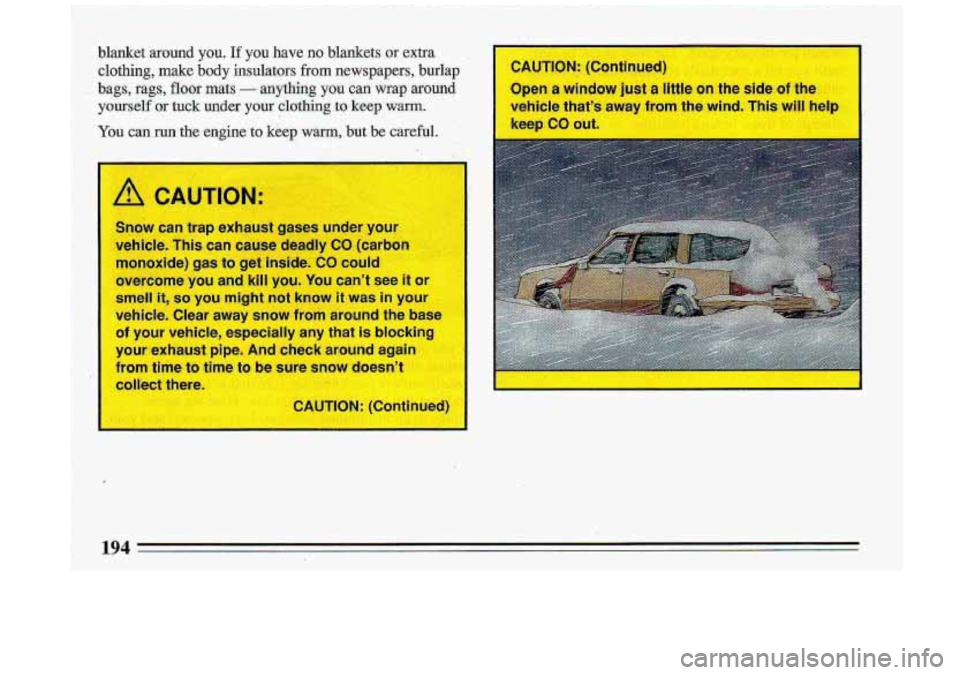
blanket around you. If you have no blankets or extra. II
clothing, make body insulators. from newspapers, burlap I CAUTION: (Continued)
bags, rags, floor math - anything you can wrap around 3pen a window just a Iihz oh &he side of the
yourself OX tuck under your clothing to keep warm. ._ .. ,... r’ ,. . I vehicle that’s away from the wind. This will helr
Yon can run the engine to keep warm, but. be careful.
,. ,
/A CAUTION:
Snow can trap exhaust gases under your
vehicle. This can
cause deadly CO (carbnn
monoxide)
gas to get inside. CQ could
overcome you and kill you. You can’t see it o
smell it, so y~u might not know it was in you1
vehicle. Clear
away snow from around the base
of your vehicle, especially any that is blockina
your exhaust
gibe. And check around again
from time to ti P to be sure snow doesn’t
collect there.
CAUTION: (Continued)
Page 200 of 340
Total Weight on Your Vehicle’s Tires
Be sure your vehicle’s tires are inflated to the limit for
cold tires. You’ll find these numbers on the Certification
label at the rear edge
of the driver’s doqr (or see “Tire
Loading” in the Index). Then be sure you don’t go over
the
GVW limit for your vehicle.
Hitches
It’s important to have the correct hitch equipment.
Crosswinds, large trucks going by, and rough roads are
a
few reasons why you’ll need the right hitch. Here are
some rules to follow:
0
0
If you’ll be pulling a trailer that, when loaded, will
weigh more than
2,000 pounds (900 kg), be sure to
use a properly mounted, weight-distributing hitch
and sway control of the proper size. This equipment
is very important for proper vehicle loading and
good handling when you’re driving.
Will you have to make any holes in the body of your
vehicle when you install
a trailer hitch? If you do,
then be sure to seal the holes later when you remove
the hitch. If you don’t seal them, deadly carbon
monoxide (CO) from your exhaust can get into your
vehicle (see “Carbon Monoxide” in the Index). Dirt
and water can, too.
The bumpers on your vehicle are not intended for
hitches.
Do not attach rental hitches or other
bumper-type hitches to them. Use only a
frame-mounted hitch that does not attach to the
bumper.
Safety Chains
You should always attach chains between your vehicle
and your trailer. Cross the safety chains under the
tongue of the trailer
so that the tongue will not drop to
the road
if it becomes separated from the hitch.
Instructions about safety chains may be provided by the
hitch manufacturer or by the trailer manufacturer.
Follow the manufacturer’s recommendation for
attaching safety chains. Always leave just enough slack
so you can turn with your rig. And, never allow safety
chains
to drag on the ground.
Trailer Brakes
If your trailer weighs more than 1,000 pounds (450 kg)
loaded, then it needs its own brakes
- and they must be
adequate. Be sure to read and follow the instructions for
the trailer brakes
so you’ll be able to install, adjust and
maintain them properly. Because you have anti-lock
brakes, do not try to tap into your vehicle’s brake
system.
If you do, both brake systems won’t work well,
or at all.
198