center console CADILLAC ATS 2016 1.G User Guide
[x] Cancel search | Manufacturer: CADILLAC, Model Year: 2016, Model line: ATS, Model: CADILLAC ATS 2016 1.GPages: 348, PDF Size: 3.38 MB
Page 208 of 348
Cadillac ATS/ATS-V Owner Manual (GMNA-Localizing-MidEast-9369639) -
2016 - crc - 12/9/15
Driving and Operating 207
Adding accessories can affect the
vehicle performance. See
Accessories and
Modifications0245.
Driver Mode Control
Driver Mode Control attempts to add
a sportier feel, provide a more
comfortable ride, or assist in
different weather conditions or
terrain. This system simultaneously
changes the software calibration of
various sub-systems. Depending on
the option package, available
features, and mode selected, the
suspension, steering, and
powertrain will change calibrations
to achieve the desired mode
characteristics. If the vehicle is
equipped with Magnetic Ride
Control, selecting the various Driver
Modes adjusts the ride of the
vehicle to enhance the ride
performance for the road conditions
and the selected mode.
The Driver Mode Control has three
or four modes: Tour, Sport, Snow/
Ice, and Track (LF4 Only). Press
and release the MODE button (ATS) or press the
yorzbutton (ATS-V)
on the center console to activate the
mode menu in the cluster. The first
press of the button will show the
current mode. Subsequent presses
will scroll though the available
modes. The Tour and Sport modes
will feel similar on a smooth road.
Select a new setting whenever
driving conditions change.
Tour Mode
Use for normal city and highway
driving to provide a smooth,
soft ride.
Sport Mode
Use where road conditions or
personal preference demand a more
controlled response.
When selected, the Sport mode
indicator will display in the Driver
Information Center (DIC).
When in Sport or Track mode, the
vehicle will shift automatically but
may hold a lower gear longer than it
would in the normal driving mode
based on braking, throttle input, and vehicle lateral acceleration. See
Automatic Transmission
0198. The
steering will change to provide more
precise control. If the vehicle has
Magnetic Ride Control, the
suspension will change to provide
better cornering performance.
Competitive Driving Mode can be
accessed through this mode.
Snow/Ice Mode
Use when more traction is needed
during slippery conditions. The
transmission will use 2 (Second)
gear instead of 1 (First) gear when
accelerating from a stop. The
vehicle will upshift normally when
the vehicle is moving.
For LF4 only, Snow/Ice mode will
use a different accelerator pedal
map to optimize traction on a
slippery surface. The accelerator
pedal will reduce engine torque at
small pedal inputs. The transmission
will also shift differently to assist in
maintaining traction.
When selected, the Snow/Ice mode
indicator will display in the DIC.
Page 210 of 348
Cadillac ATS/ATS-V Owner Manual (GMNA-Localizing-MidEast-9369639) -
2016 - crc - 12/9/15
Driving and Operating 209
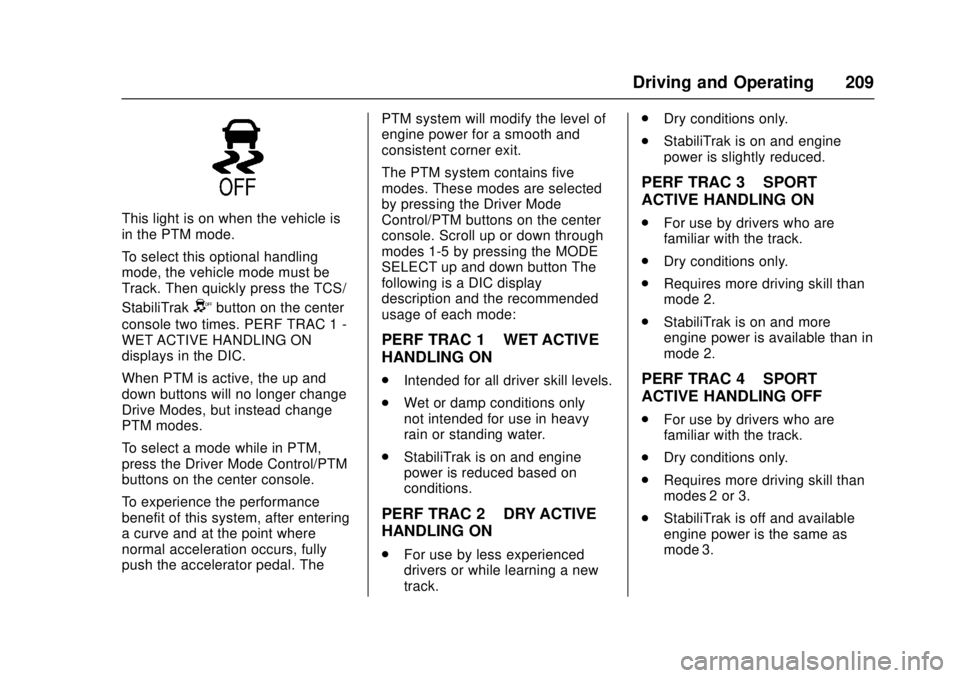
This light is on when the vehicle is
in the PTM mode.
To select this optional handling
mode, the vehicle mode must be
Track. Then quickly press the TCS/
StabiliTrak
Ybutton on the center
console two times. PERF TRAC 1 -
WET ACTIVE HANDLING ON
displays in the DIC.
When PTM is active, the up and
down buttons will no longer change
Drive Modes, but instead change
PTM modes.
To select a mode while in PTM,
press the Driver Mode Control/PTM
buttons on the center console.
To experience the performance
benefit of this system, after entering
a curve and at the point where
normal acceleration occurs, fully
push the accelerator pedal. The PTM system will modify the level of
engine power for a smooth and
consistent corner exit.
The PTM system contains five
modes. These modes are selected
by pressing the Driver Mode
Control/PTM buttons on the center
console. Scroll up or down through
modes 1-5 by pressing the MODE
SELECT up and down button The
following is a DIC display
description and the recommended
usage of each mode:
PERF TRAC 1
–WET ACTIVE
HANDLING ON
. Intended for all driver skill levels.
. Wet or damp conditions only —
not intended for use in heavy
rain or standing water.
. StabiliTrak is on and engine
power is reduced based on
conditions.
PERF TRAC 2 –DRY ACTIVE
HANDLING ON
. For use by less experienced
drivers or while learning a new
track. .
Dry conditions only.
. StabiliTrak is on and engine
power is slightly reduced.
PERF TRAC 3 –SPORT
ACTIVE HANDLING ON
. For use by drivers who are
familiar with the track.
. Dry conditions only.
. Requires more driving skill than
mode 2.
. StabiliTrak is on and more
engine power is available than in
mode 2.
PERF TRAC 4 –SPORT
ACTIVE HANDLING OFF
. For use by drivers who are
familiar with the track.
. Dry conditions only.
. Requires more driving skill than
modes 2 or 3.
. StabiliTrak is off and available
engine power is the same as
mode 3.