steering CADILLAC CATERA 1998 1.G User Guide
[x] Cancel search | Manufacturer: CADILLAC, Model Year: 1998, Model line: CATERA, Model: CADILLAC CATERA 1998 1.GPages: 346, PDF Size: 19.13 MB
Page 104 of 346
Downloaded from www.Manualslib.com manuals search engine Tilt Steering Wheel
1;
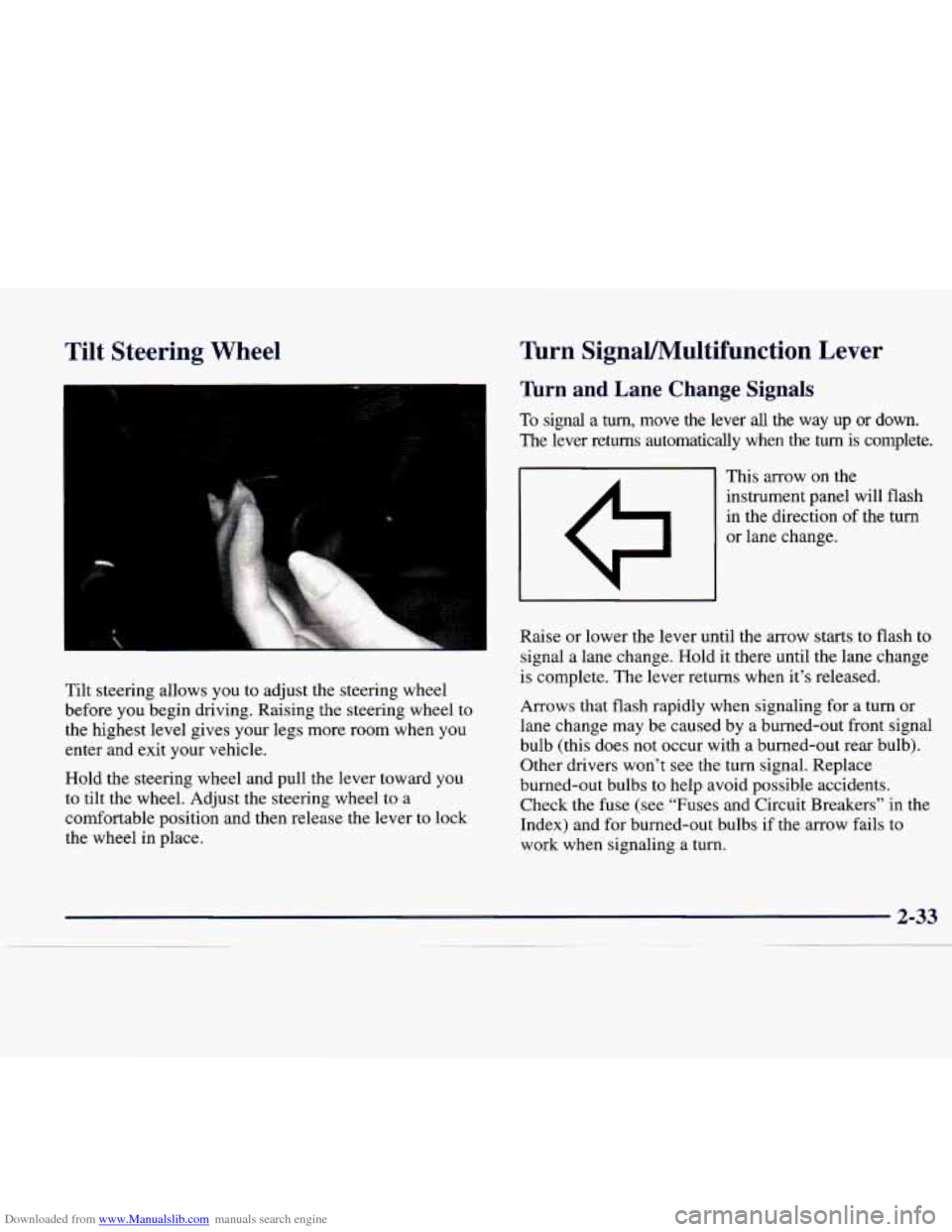
Tilt steering allows you to adjust the steering wheel
before you begin driving. Raising the steering wheel to
the highest level gives your legs more room when you
enter and exit your vehicle.
Hold the steering wheel and pull the lever toward you
to tilt the wheel. Adjust the steering wheel to a
comfortable position and then release the lever
to lock
the wheel in place.
Turn SignaVMultifunction Lever
Turn and Lane Change Signals
To signal a turn, move the lever all the way up or down.
The lever returns automatically when the turn
is complete.
This arrow
on the
instrument panel will flash
in the direction of the turn
or lane change.
Raise or lower the lever until the arrow starts
to flash to
signal a lane change. Hold it there until the lane change
is complete. The lever returns when it’s released.
Arrows that flash rapidly when signaling for a turn or
lane change may be caused by a burned-out front signal
bulb (this
does not occur with a burned-out rear bulb).
Other drivers won’t see the
turn signal. Replace
burned-out bulbs to help avoid possible accidents. Check the fuse
(see “Fuses and Circuit Breakers” in the
Index) and for burned-out bulbs if the arrow fails to
work when signaling a turn.
Page 105 of 346
Downloaded from www.Manualslib.com manuals search engine Headlamp HighLow Beam Windshield Wipers
With the twilight sentinel on or with the lamp control
dial turned to the headlamp position, push the turn
signal lever on the driver’s
side of the steering wheel
away from you to turn on the high-beam headlamps.
This light on the instrument
panel will be on, indicating
high-beam usage.
Pull the lever back to the original position to return to
low-beam headlamps. For more information, see
“Headlamps” later in this section.
Flash-To-Pass
This feature uses the high-beam headlamps to signal the
driver in front of you that you want to pass.
To use, pull the turn signal lever toward you and release.
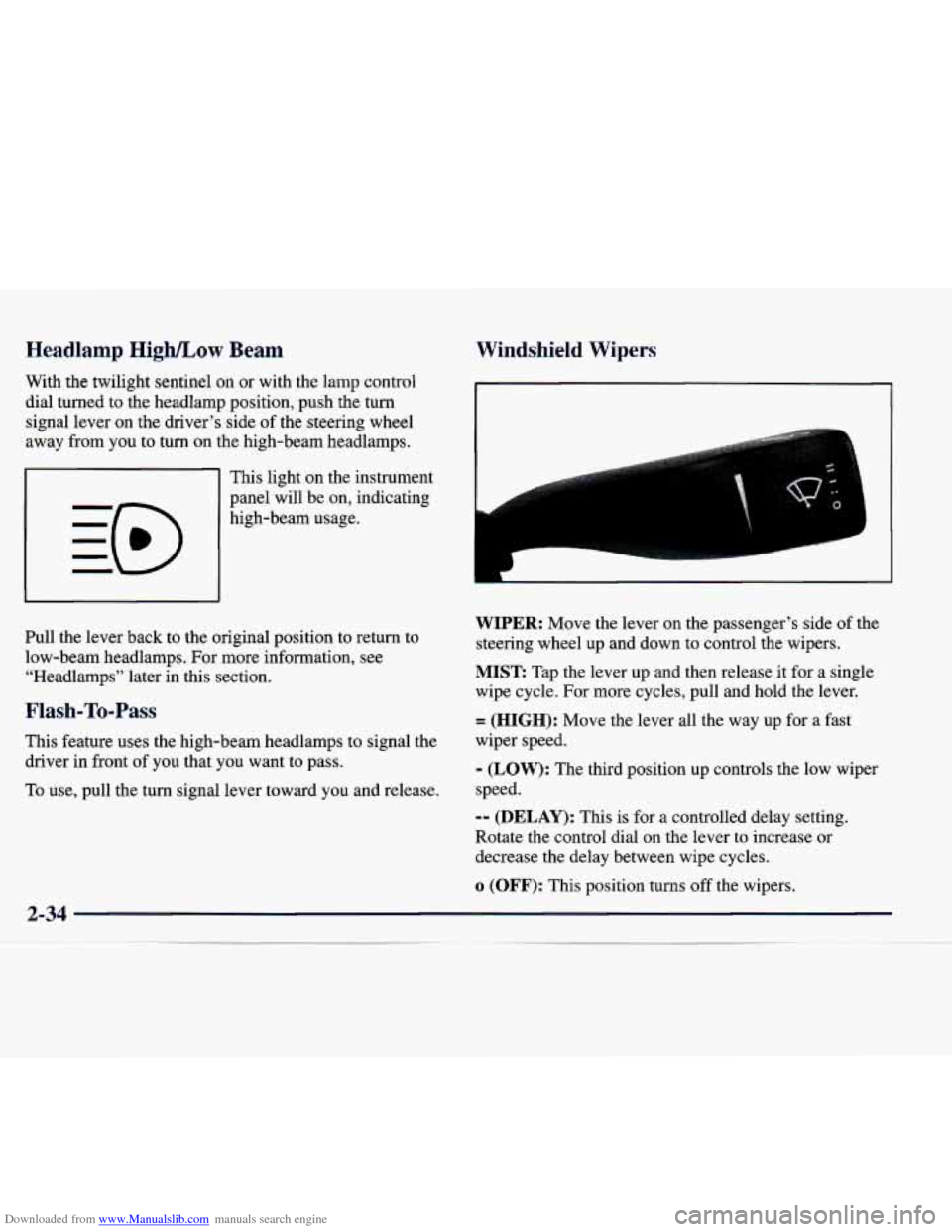
WIPER: Move the lever on the passenger’s side of the
steering wheel up and down to control the wipers.
MIST Tap the lever up and then release it for a single
wipe cycle. For more cycles, pull and hold the lever.
= (HIGH): Move the lever all the way up for a fast
wiper speed.
- (LOW): The third position up controls the low wiper
speed.
-- (DELAY): This is for a controlled delay setting.
Rotate the control dial
on the lever to increase or
decrease the delay between wipe cycles.
o (OFF): This Dosition turns off the wipers.
2-34
Page 111 of 346
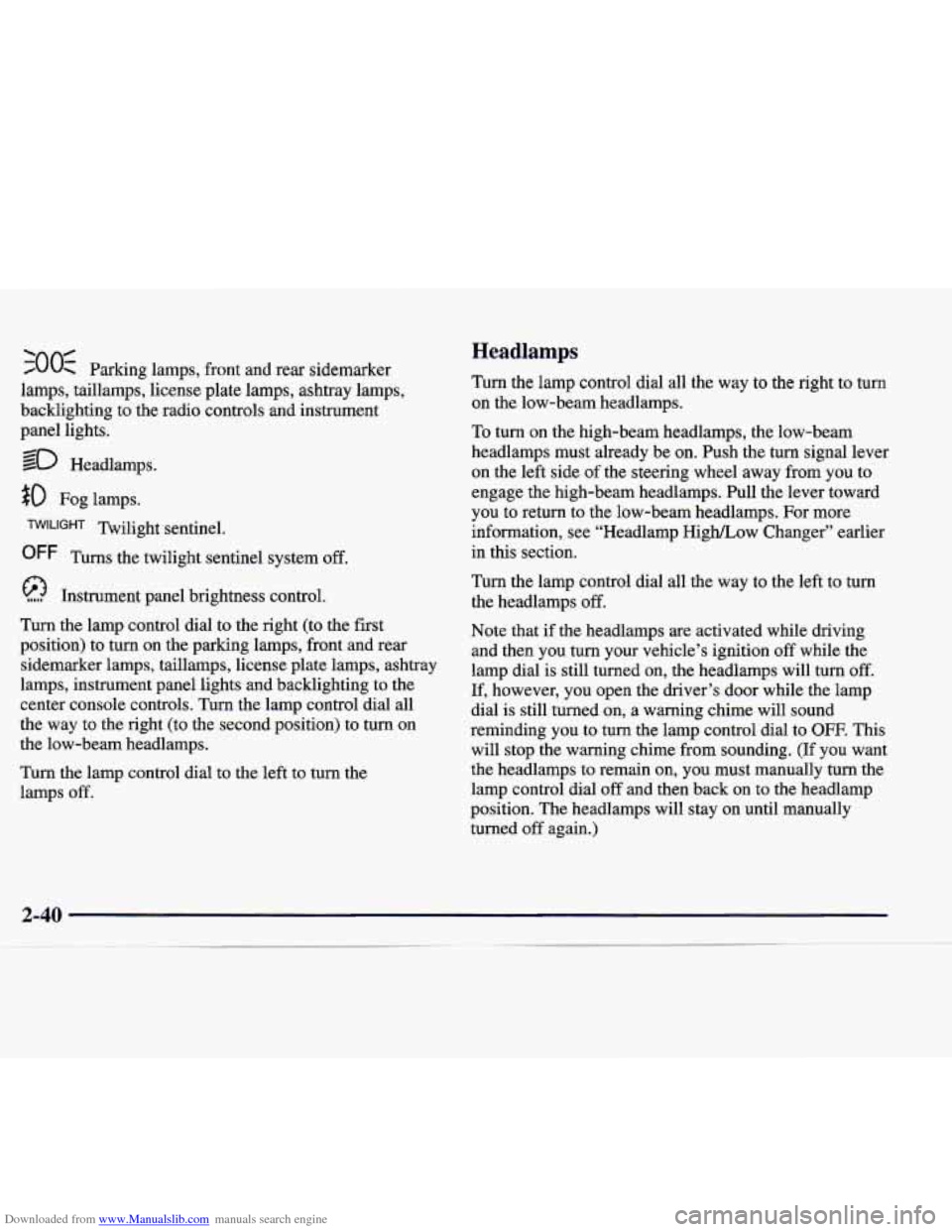
Downloaded from www.Manualslib.com manuals search engine ‘00s 0 Parking lamps, front and rear sidemarker
lamps, taillamps, license plate lamps, ashtray lamps,
backlighting to the radio controls and instrument
panel lights.
so Headlamps.
$0 Fog lamps.
Twilight sentinel.
OFF Turns the twilight sentinel system off.
Instrument panel brightness control.
Turn the lamp control dial to the right (to the first
position) to turn
on the parking lamps, front and rear
sidemarker lamps, taillamps, license plate lamps, ashtray
lamps, instrument panel lights and backlighting to the
center console controls. Turn the lamp control dial all
the way to the right (to the second position) to turn on
the low-beam headlamps.
Turn the lamp control dial
to the left to turn the
lamps off.
Headlamps
Turn the lamp control dial all the way to the right to turn
on the low-beam headlamps.
10 turn on the high-beam headlamps, the low-beam
headlamps must already be on. Push the turn signal lever
on the left side of the steering wheel away from you to
engage the high-beam headlamps. Pull the lever toward
you to return to the low-beam headlamps. For more
information, see “Headlamp High/Low Changer” earlier
in this section.
Turn the lamp control dial all the way to the left to turn
the headlamps
off.
Note that if the headlamps are activated while driving
and then you turn your vehicle’s ignition off while the
lamp dial is still turned
on, the headlamps will turn off.
If, however, you open the driver’s door while the lamp
dial is still turned on, a warning chime will sound
reminding you to turn the lamp control dial to
OFF. This
will stop the warning chime from sounding. (If you want
the headlamps to remain on, you must manually turn the
lamp control dial
off and then back on to the headlamp
position. The headlamps will stay on until manually
turned off again.)
Page 132 of 346
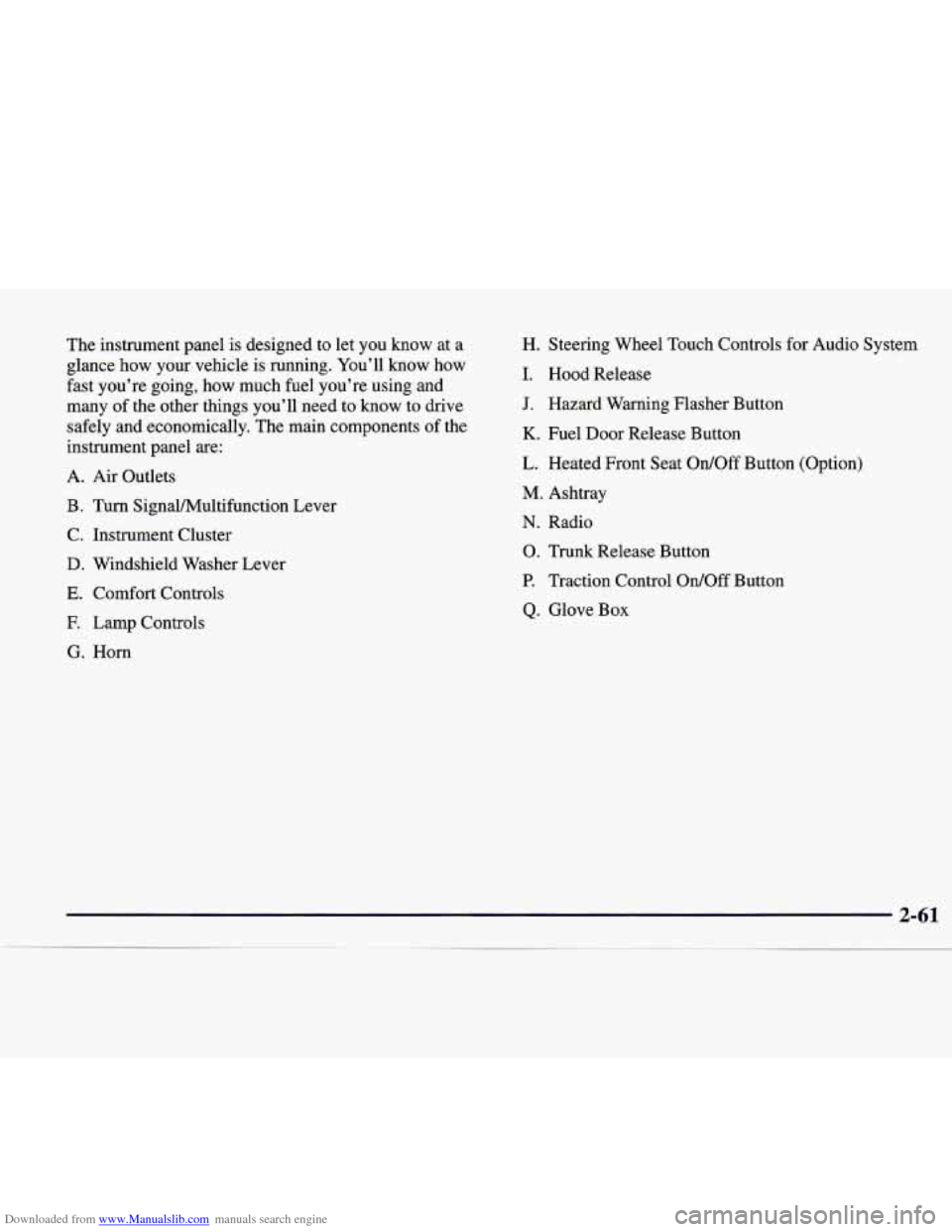
Downloaded from www.Manualslib.com manuals search engine The instrument panel is designed to let you know at a
glance how your vehicle is running. You’ll know how
fast you’re going, how much fuel you’re using and
many of the other things you’ll need to know to drive
safely and economically. The main components of the
instrument panel are:
A. Air Outlets
B. Turn SignalMultifunction Lever
C. Instrument Cluster
D. Windshield Washer Lever
E. Comfort Controls
E Lamp Controls
G. Horn H. Steering Wheel Touch Controls
for Audio System
I. Hood Release
J. Hazard Warning Flasher Button
K. Fuel Door Release Button
L. Heated Front Seat
Ordoff Button (Option)
M. Ashtray
N. Radio
0. Trunk Release Button
P. Traction Control OdOff Button
Q. Glove Box
Page 148 of 346
Downloaded from www.Manualslib.com manuals search engine Section 3 Comfort Controls and Audio Systems
In this section, you’ll find out how to operate the comfort control and audio systems offered with your vehicle. Be
sure to read about the particular systems supplied with your vehicle.
3 -2
3-2 3-3
3-4
3-6
3-6 3 -7
3-8
3-8 3-9
3-9
3-9 3-13 Comfort
Controls
Electronic Climate Control (ECC)
Automatic Operation
Manual Operation Air Conditioning
Heating
Ventilation System
Defrosting
Rear Window Defogger
Audio Systems
Setting the Clock
AM-FM Stereo with Cassette Tape Player
AM-FM Stereo with Cassette Tape and
Compact Disc Player with Radio Data
Systems (RDS)(If Equipped) 3-21
3-22
3-25 3-26
3
-26
3-27 3-27
3-28
3-30
3-30 3-30 Radio Data Systems
(RDS) Program Type
(PTY) Selections
Trunk Mounted CD Changer (Option) CD Adapter Kits
Theft-Deterrent Feature
Audio Steering Wheel Controls
Understanding Radio Reception Tips About Your Audio System
Care of Your Cassette Tape Player
Care of Your Compact Discs
Care
of Your Compact Disc Player
Heated Backlite Antenna
3-1
Page 173 of 346
Downloaded from www.Manualslib.com manuals search engine Theft-Deterrent Feature
THEFTLOCK@ is designed to discourage theft of your
radio. Your vehicle has a “built-in” theft-deterrent
feature
on each radio that is automatic -- there is no
programming required. The radio in your vehicle cannot
be used in any other vehicle. When the radio was
originally installed in your vehicle at the factory, it
stored the Vehicle Identification Number (VIN). Each
time the ignition is turned on, the VIN is verified. If the
vehicle’s VIN does
not match the VIN stored in the
radio, the radio/audio system will not play. If the radio is
removed from your vehicle, the original
VIN in the
radio can be used to trace the radio back to your vehicle.
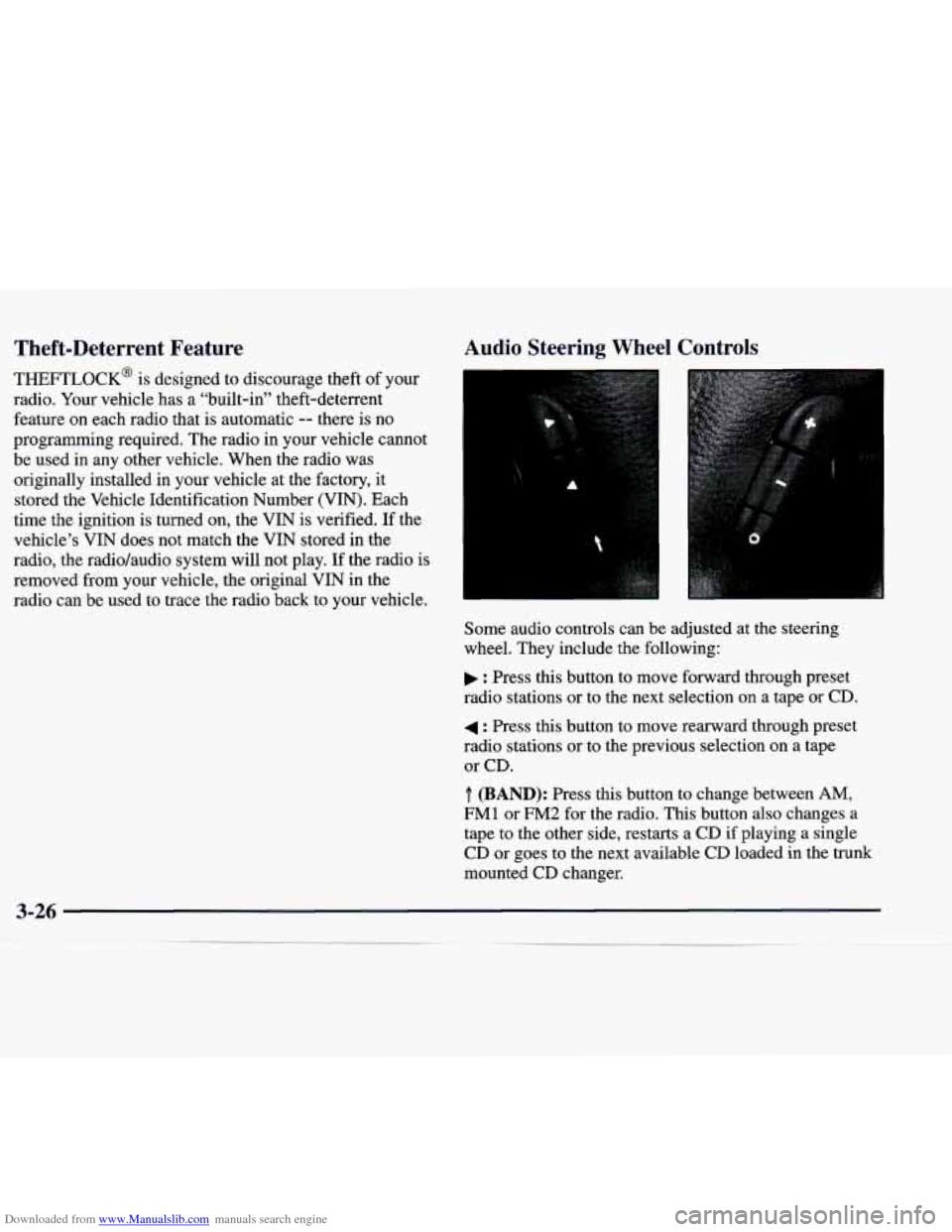
Audio Steering Wheel Controls
Some audio controls can be adjusted at the steering
wheel. They include the following:
: Press this button to move forward through preset
radio stations or to the next selection on a tape
or CD.
4 : Press this button to move rearward through preset
radio stations or to the previous selection
on a tape
or CD.
.T. (BAND): Press this button to change between AM,
FM1 or FM2 for the radio. This button also changes a
tape to the other side, restarts a
CD if playing a single
CD or goes to the next available
CD loaded in the trunk
mounted CD changer.
Page 180 of 346
Downloaded from www.Manualslib.com manuals search engine lc"' -+a
Section 4 Your Driving and the Road
Here you'll find information about driving on different kinds of roads and in varying weather conditions. We've also
included many other useful tips on driving.
4-2
4-3
4-6
4-6
4-7 4- 10
4- 12
4- 12
4-13
4-
15
Defensive Driving
Drunken Driving
Control of a Vehicle
Braking
Anti-Lock Brakes (ABS)
Steering
Off-Road Recovery
Passing
Loss of Control
Driving at Night 4- 16
4-19
4-20
4-2
1
4-22 4-22
4-24
4-28
4-30 Driving in Rain and
on Wet
Roads
City Driving
Freeway Driving
Before Leaving on a Long Trip
Highway Hypnosis
Hill and Mountain Roads
Winter Driving
Loading Your Vehicle
Towing a Trailer
Page 185 of 346
Downloaded from www.Manualslib.com manuals search engine Control of a Vehicle
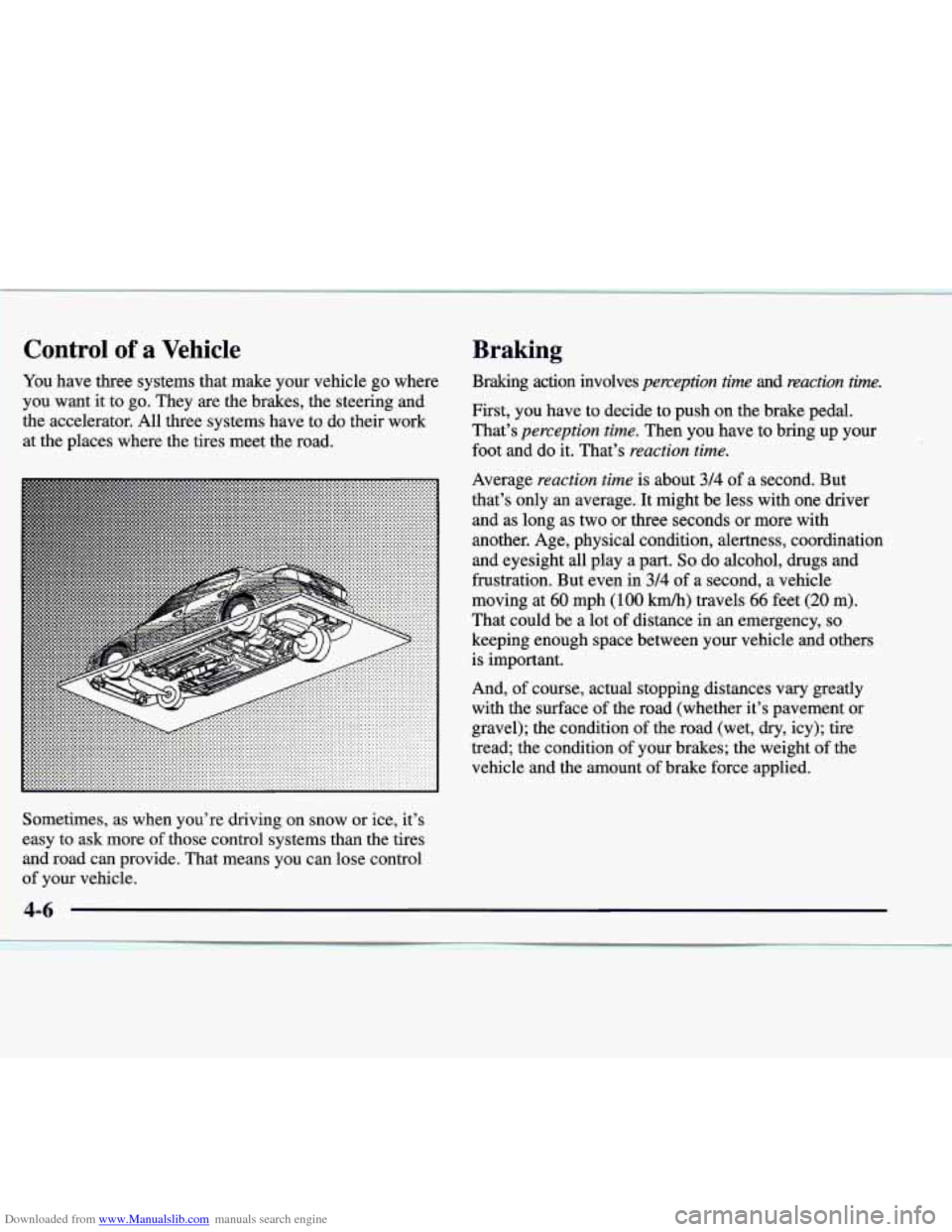
You have three systems that make your vehicle go where
you want it to go. They
are the brakes, the steering and
the accelerator. All three systems have to do their work
at the places where the tires meet the road.
Average
reaction time is about 314 of a second. But
that’s only an average. It might be less with one driver
and as long as two or three seconds or more with
another. Age, physical condition, alertness, coordination
and eyesight
all play a part. So do alcohol, drugs and
frustration.
But even in 3/4 of a second, a vehicle
moving at
60 mph (100 km/h) travels 66 feet (20 m).
That could be a lot
of distance in an emergency, so
keeping enough space between your vehicle and others
is important.
And, of course, actual stopping distances vary greatly
with the surface of the road (whether it’s pavement or
gravel); the condition of the road (wet,
dry, icy); tire
tread; the condition of your brakes; the weight of the
vehicle and the amount of brake force applied.
Sometimes, as when you’re driving on snow or ice, it’s
easy
to ask more of those control systems than the tires
and road can provide. That means you can lose control
of your vehicle.
Braking
Braking action involves perception time and reaction tim.
First, you have to decide to push on the brake pedal.
That’s
perception time. Then you have to bring up your
foot and do it. That’s
reaction time.
Page 188 of 346
Downloaded from www.Manualslib.com manuals search engine Using Anti-Lock
Don’t pump the brakes. Just hold the brake pedal down
firmly and let anti-lock work for you. You may hear the
anti-lock pump or motor operate, and feel the brake
pedal pulsate, but this
is normal.
Traction Control System
Your vehicle has a traction control system that limits
wheel spin. This is especially useful in slippery road
conditions. The system operates only
if it senses that
one or both
of the rear wheels are spinning or beginning
to lose traction. When this happens, the system brakes
the spinning wheel and/or reduces engine power to
limit wheel spin.
You may feel or hear the system working, but this is normal.
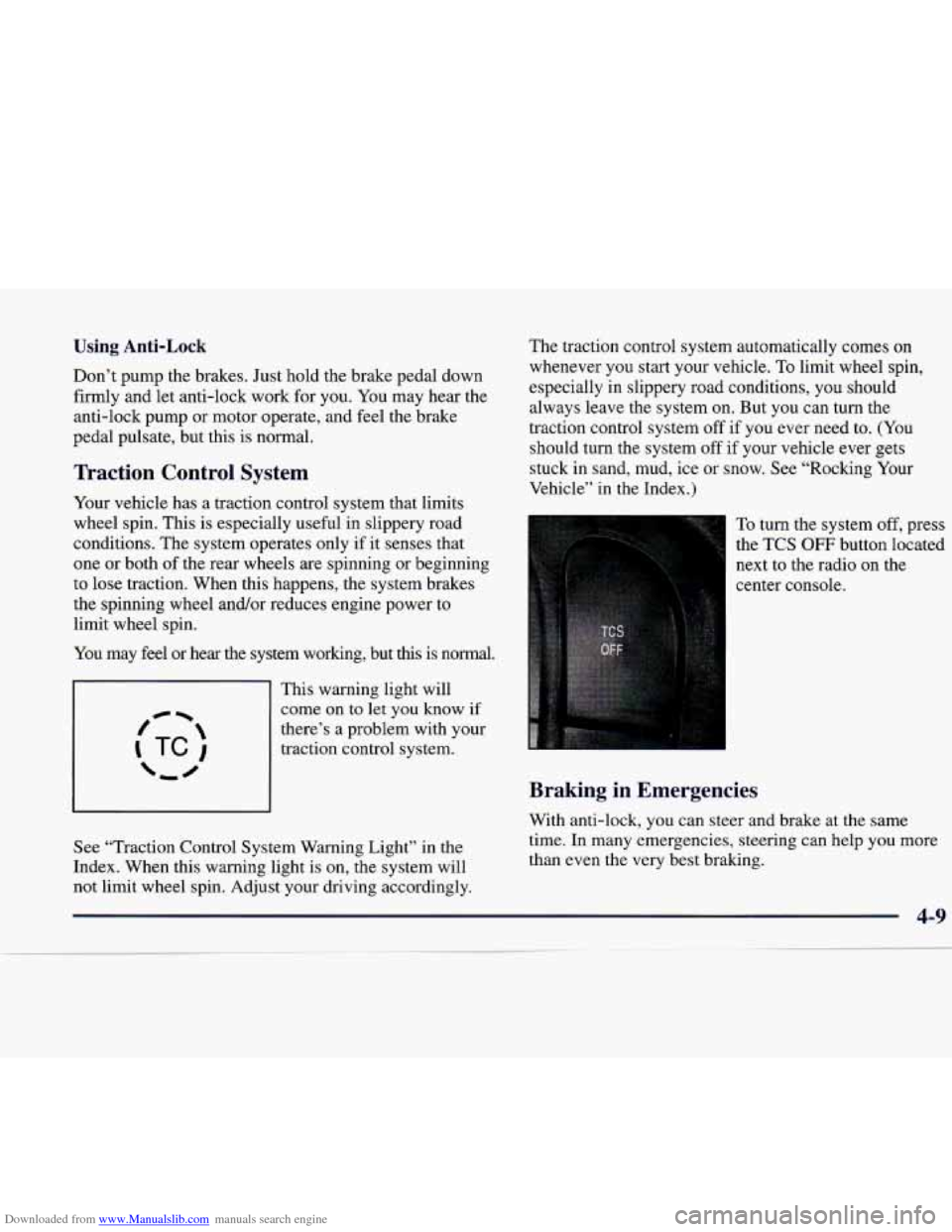
This warning light will
come on to let you know if
there’s a problem with your traction control system.
See “Traction Control System Warning Light” in the
Index. When this warning light is on, the system will
not
limit wheel spin. Adjust your driving accordingly. The
traction control system automatically comes
on
whenever you start your vehicle. To limit wheel spin,
especially in slippery road conditions, you should
always leave the system on. But you can turn the
traction control system off if you ever need to.
(You
should turn the system off if your vehicle ever gets
stuck in sand, mud, ice or snow. See “Rocking Your
Vehicle” in the Index.)
To turn the system off, press the TCS
OFF button located
next to the radio on the
center console.
Braking in Emergencies
With anti-lock, you can steer and brake at the same
time. In many emergencies, steering can help you more
than even the very best braking.
4-9
Page 189 of 346
Downloaded from www.Manualslib.com manuals search engine Steering
Power Steering
If you lose power steering assist because the engine
stops or the system is not functioning, you can steer but
it will take much more effort.
Speed Sensitive Steering (SSS)
This system varies the amount of steering effort in
relation to your vehicle speed. Steering is easier at a
lower speed for maneuvering and parking ease. As your
vehicle speed increases, the steering effort
also increases.
At highway speeds, the amount of steering effort
is
increased to provide manual-like steering for maximum
control and stability.
If your vehicle seems harder to steer
than normal when parking or driving slow, something
may be wrong with the speed sensitive steering system.
You will still have power steering, however, steering will
be stiffer than normal at low speeds.
Steering Tips
Driving on Curves
It’s important to take curves at a reasonable speed.
A lot of the “driver lost control” accidents mentioned on
the news happen on curves. Here’s why: Experienced driver
or beginner, each of
us is subject to
the same laws of physics when driving on curves. The
traction of the tires against the road surface makes it
possible for the vehicle to change its path when
you turn
the front wheels. If there’s no traction, inertia will keep
the vehicle going in the same direction.
If you’ve ever
tried to steer a vehicle
on wet ice, you’ll understand this.
The traction you can get in a curve depends on the condition of your tires and the road surface, the angle at
which the curve is banked, and your speed. While you’re
in a curve, speed is the one factor you can control.
Suppose you’re steering through a sharp curve. Then you suddenly accelerate.
Both control systems -- steering and
acceleration
-- have to do their work where the tires meet
the road. Adding the sudden acceleration can demand too much of those places.
You can lose control. Refer to
“Traction Control System” in the Index.
What should you do if
this ever happens? Ease up on the
accelerator pedal, steer the vehicle the way you want it
to go, and slow down.
Speed
limit signs near curves warn that you should
adjust your speed.
Of course, the posted speeds are
based on good weather and road conditions. Under less
favorable conditions you’ll want to go slower.
4-10