instrument panel CADILLAC CTS 2004 1.G Owner's Guide
[x] Cancel search | Manufacturer: CADILLAC, Model Year: 2004, Model line: CTS, Model: CADILLAC CTS 2004 1.GPages: 454, PDF Size: 2.87 MB
Page 151 of 454

Using recirculation for long periods of time may cause
the air inside your vehicle to become too dry or stuffy.
To prevent this from happening, after the air in your
vehicle has cooled, turn the recirculation mode off.
QPWRR(Power/Driver’s Temperature):Press the
PWR button located on the driver’s side of the
climate control panel to turn the entire climate control
system on or off. Press the up or down arrow on
the switch to increase or decrease the temperature
inside your vehicle.
QPWRR(Power/Passenger’s Temperature):Press
the PWR button located on the passenger’s side of
the climate control panel to turn the passenger’s climate
control system on. Press the up or down arrow on
the switch to increase or decrease the temperature for
the front passenger.
A/C OFF (Air Conditioning):Press this button to
manually turn off the air conditioning compressor. Press
AUTO to return to automatic operation or press the
A/C OFF button again.
Sensors
There is a solar sensor located on the instrument panel,
near the windshield.
3-31
Page 152 of 454

There is also an interior
temperature sensor
located to the right of the
steering wheel on the
instrument panel.
These sensors monitor the solar radiation and the air
inside your vehicle, then use the information to maintain
the selected temperature by initiating needed
adjustments to the temperature, the fan speed and the
air delivery system. The system may also supply
cooler air to the side of the vehicle facing the sun. The
recirculation mode will also be activated, as necessary.
Do not cover the sensors or the automatic climate
control system will not work properly.Defogging and Defrosting
Fog on the inside of windows is a result of high humidity
(moisture) condensing on the cool window glass. This
can be minimized if the climate control system is
used properly. There are two modes to clear fog from
your windshield. Use the defog mode to clear the
windows of fog or moisture and warm the passengers.
Use the defrost mode to remove fog or frost from
the windshield more quickly.
yNz(Mode):Press this button until defog appears
on the display.
-(Defog):This mode directs the air between the
windshield, oor outlets and side windows. When you
select this mode, the system turns off recirculation
and runs the air-conditioning compressor unless
the outside temperature is at or below freezing.
The recirculation mode is cancelled when you enter
defog mode. If you select recirculation while in defog
mode, it will be cancelled after 10 minutes.
3-32
Page 158 of 454

Instrument Panel Cluster
The instrument panel cluster is designed to let you know at a glance how your vehicle is running. You’ll know how
fast you’re going, how much fuel you’re using and many of the other things you’ll need to know to drive safely
and economically.
CTS (United States version shown, Canada similar)
3-38
Page 162 of 454

Airbag Readiness Light
There is an air bag readiness light on the instrument
panel, which shows the air bag symbol. The system
checks the air bag’s electrical system for malfunctions.
The light tells you if there is an electrical problem.
The system check includes the air bag sensors, the air
bag modules, the wiring and the diagnostic module.
For more information on the air bag system, seeAirbag
Systems on page 1-48.
This light will come on
when you start your
vehicle, and it will ash for
a few seconds. Then the
light should go out. This
means the system is ready.
If the air bag readiness light stays on after you start the
vehicle or comes on when you are driving, your air
bag system may not work properly. Have your vehicle
serviced right away.{CAUTION:
If the airbag readiness light stays on after you
start your vehicle, it means the airbag system
may not be working properly. The airbags in
your vehicle may not inate in a crash, or they
could even inate without a crash. To help
avoid injury to yourself or others, have your
vehicle serviced right away if the airbag
readiness light stays on after you start
your vehicle.
The air bag readiness light should ash for a few
seconds when you turn the ignition key to ON. If the
light doesn’t come on then, have it xed so it will
be ready to warn you if there is a problem.
If there is a problem with the air bag system in your
vehicle, the Service Air Bag message will appear on the
DIC display. SeeDIC Warnings and Messages on
page 3-70for more information.
3-42
Page 189 of 454
SEEK LOCAL/DISTANT:This feature instructs the
audio system to seek only local radio stations with the
strongest signal or to seek all radio stations with a strong
signal in a large area. Use LOCAL when you are in
urban areas where there are several strong radio station
signals and you want to limit the number of stations to
those with the strongest signals only. Use DISTANT
when you are in rural areas where there are fewer radio
station signals available.
To switch between LOCAL and DISTANT, press the
TUNE/SEL knob. Your choice will be set when you press
BACK and return to the main menu.
9(English/Metric Units):Use this menu item to
adjust the measurement units.
You can choose between ENGLISH UNITS and
METRIC UNITS. To switch between the two, press the
TUNE/SEL knob. Once your choice is displayed,
turn the knob to set your choice and continue scrolling
through the main menu.
The measurement units that you choose will be reected
on all the vehicle system displays, not just the DIC
information. For example, the climate control panel will
display degrees Celsius if you choose METRIC UNITS.TCS (Traction Control System):You can enable or
disable the traction control system using this menu item.
Press the TUNE/SEL knob to switch between on
and off.
You can also turn the traction control system off using the
traction control button located in the glove box, or by
programming one of the steering wheel controls
(1, 2, 3 or 4) or audio system softkeys to enable/disable
the TCS. SeeRecongurable Steering Wheel Controls
(SWC) (CTS) on page 3-8and “Congurable Radio
Display Keys” underAudio System(s) on page 3-107for
more information.
When you disable the traction control system, the
Traction Suspended message will appear on the DIC and
the traction control system warning light on the instrument
panel cluster will come on. SeeDIC Warnings and
Messages on page 3-70andTraction Control System
(TCS) Warning Light on page 3-45for more information.
8(Clock):Use this menu item to set the time on
the clock.
SeeSetting the Time on page 3-108for
more information.
3-69
Page 196 of 454
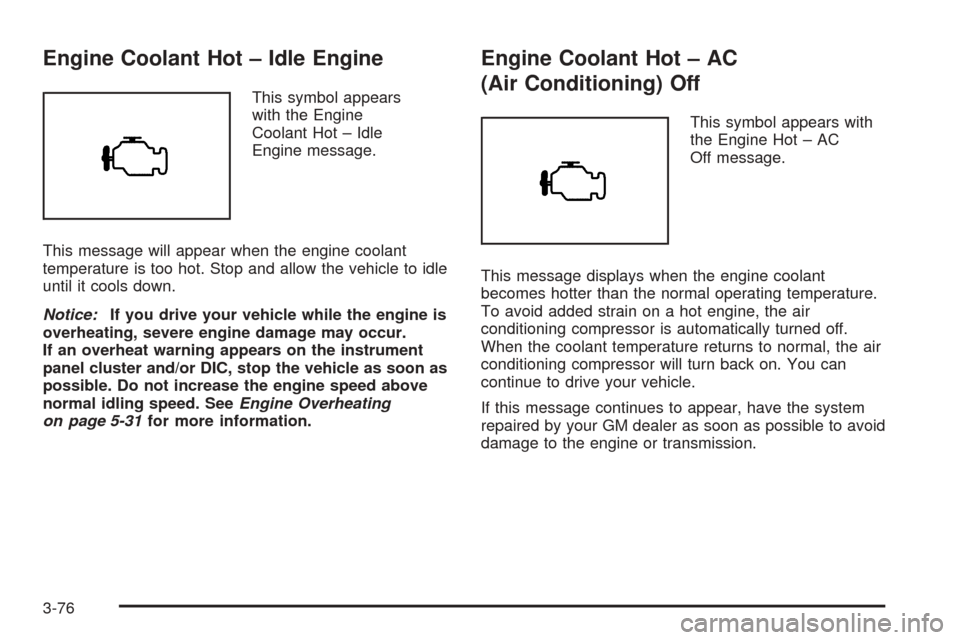
Engine Coolant Hot – Idle Engine
This symbol appears
with the Engine
Coolant Hot – Idle
Engine message.
This message will appear when the engine coolant
temperature is too hot. Stop and allow the vehicle to idle
until it cools down.
Notice:If you drive your vehicle while the engine is
overheating, severe engine damage may occur.
If an overheat warning appears on the instrument
panel cluster and/or DIC, stop the vehicle as soon as
possible. Do not increase the engine speed above
normal idling speed. SeeEngine Overheating
on page 5-31for more information.
Engine Coolant Hot – AC
(Air Conditioning) Off
This symbol appears with
the Engine Hot – AC
Off message.
This message displays when the engine coolant
becomes hotter than the normal operating temperature.
To avoid added strain on a hot engine, the air
conditioning compressor is automatically turned off.
When the coolant temperature returns to normal, the air
conditioning compressor will turn back on. You can
continue to drive your vehicle.
If this message continues to appear, have the system
repaired by your GM dealer as soon as possible to avoid
damage to the engine or transmission.
3-76
Page 197 of 454
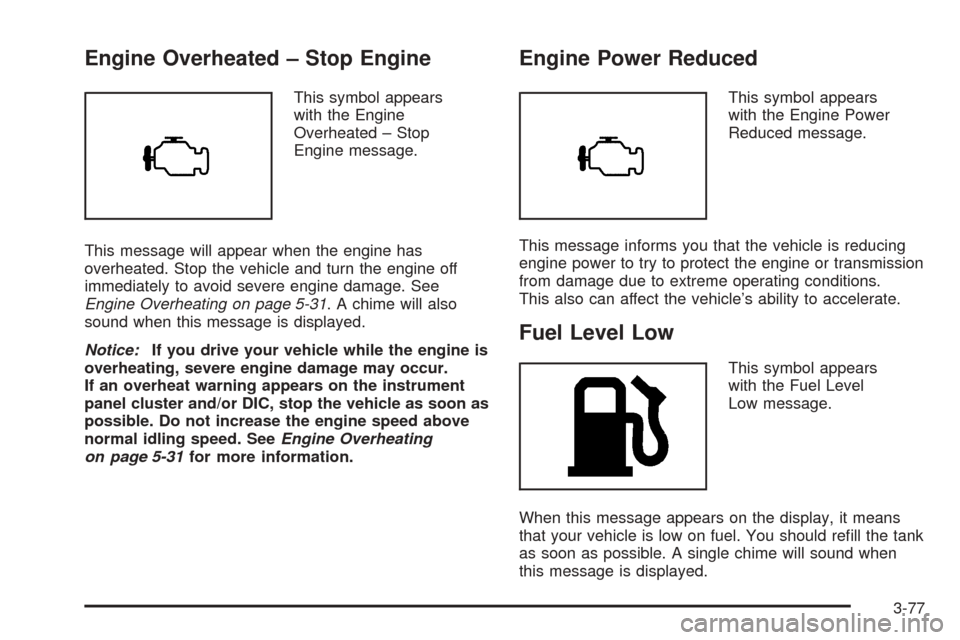
Engine Overheated – Stop Engine
This symbol appears
with the Engine
Overheated – Stop
Engine message.
This message will appear when the engine has
overheated. Stop the vehicle and turn the engine off
immediately to avoid severe engine damage. See
Engine Overheating on page 5-31. A chime will also
sound when this message is displayed.
Notice:If you drive your vehicle while the engine is
overheating, severe engine damage may occur.
If an overheat warning appears on the instrument
panel cluster and/or DIC, stop the vehicle as soon as
possible. Do not increase the engine speed above
normal idling speed. SeeEngine Overheating
on page 5-31for more information.
Engine Power Reduced
This symbol appears
with the Engine Power
Reduced message.
This message informs you that the vehicle is reducing
engine power to try to protect the engine or transmission
from damage due to extreme operating conditions.
This also can affect the vehicle’s ability to accelerate.
Fuel Level Low
This symbol appears
with the Fuel Level
Low message.
When this message appears on the display, it means
that your vehicle is low on fuel. You should rell the tank
as soon as possible. A single chime will sound when
this message is displayed.
3-77
Page 199 of 454
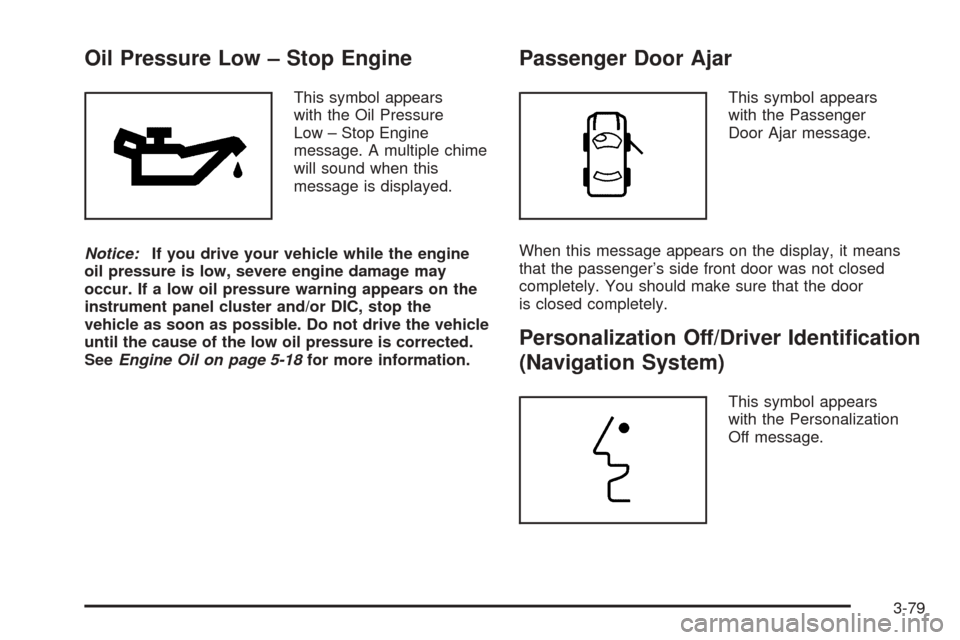
Oil Pressure Low – Stop Engine
This symbol appears
with the Oil Pressure
Low – Stop Engine
message. A multiple chime
will sound when this
message is displayed.
Notice:If you drive your vehicle while the engine
oil pressure is low, severe engine damage may
occur. If a low oil pressure warning appears on the
instrument panel cluster and/or DIC, stop the
vehicle as soon as possible. Do not drive the vehicle
until the cause of the low oil pressure is corrected.
SeeEngine Oil on page 5-18for more information.
Passenger Door Ajar
This symbol appears
with the Passenger
Door Ajar message.
When this message appears on the display, it means
that the passenger’s side front door was not closed
completely. You should make sure that the door
is closed completely.
Personalization Off/Driver Identication
(Navigation System)
This symbol appears
with the Personalization
Off message.
3-79
Page 292 of 454
Turn Signals When Towing a Trailer
When you tow a trailer, your vehicle may need a
different turn signal asher and/or extra wiring. Check
with your dealer. The arrows on your instrument
panel will ash whenever you signal a turn or lane
change. Properly hooked up, the trailer lamps will also
ash, telling other drivers you’re about to turn,
change lanes or stop.
When towing a trailer, the arrows on your instrument
panel will ash for turns even if the bulbs on the trailer
are burned out. Thus, you may think drivers behind
you are seeing your signal when they are not.
It’s important to check occasionally to be sure the
trailer bulbs are still working.
Driving on Grades
Reduce speed and shift to a lower gear before you start
down a long or steep downgrade. If you don’t shift
down, you might have to use your brakes so much
that they would get hot and no longer work well.
On a long uphill grade, shift down and reduce
your speed to around 45 mph (70 km/h) to
reduce the possibility of the engine and the
transmission overheating.
Parking on Hills
{CAUTION:
You really should not park your vehicle, with a
trailer attached, on a hill. If something goes
wrong, your rig could start to move. People
can be injured, and both your vehicle and the
trailer can be damaged.
But if you ever have to park your rig on a hill, here’s
how to do it:
1. Apply your regular brakes, but don’t shift into
PARK (P) for an automatic transmission or into gear
for a manual transmission.
When parking uphill, turn your wheels away from
the curb. When parking downhill, turn your wheels
into the curb.
2. Have someone place chocks behind the
trailer wheels.
4-44
Page 305 of 454

Hood Release
To open the hood, do the following:
1. Pull the hood release lever inside the vehicle.
It is located on the lower left side of the
instrument panel.2. Then go to the front of the vehicle and nd the
secondary hood release lever. The lever is
located under the front edge of the grille near the
center. Move the release lever to the side and raise
the hood.
Before closing the hood, be sure all the ller caps are
on properly. Then pull the hood down and close it rmly.
CTS shown, CTS-Vsimilar
5-11