light CADILLAC DEVILLE 1993 7.G Workshop Manual
[x] Cancel search | Manufacturer: CADILLAC, Model Year: 1993, Model line: DEVILLE, Model: CADILLAC DEVILLE 1993 7.GPages: 406, PDF Size: 20.78 MB
Page 161 of 406
Downloaded from www.Manualslib.com manuals search engine 0 Push the SET button.
0 Push any two of the push buttons that are next to each other.
0 Repeat these steps for each station you select. Whenever you push
those buttons together, you’ll get the station you selected.
Your Cassette Tape Player
Your tape player is built to work best with tapes that are 30 to 45 minutes
long
on each side. Tapes longer than that use such thin tape that they may
not work well in this player.
Tu Play A Cassette Tape
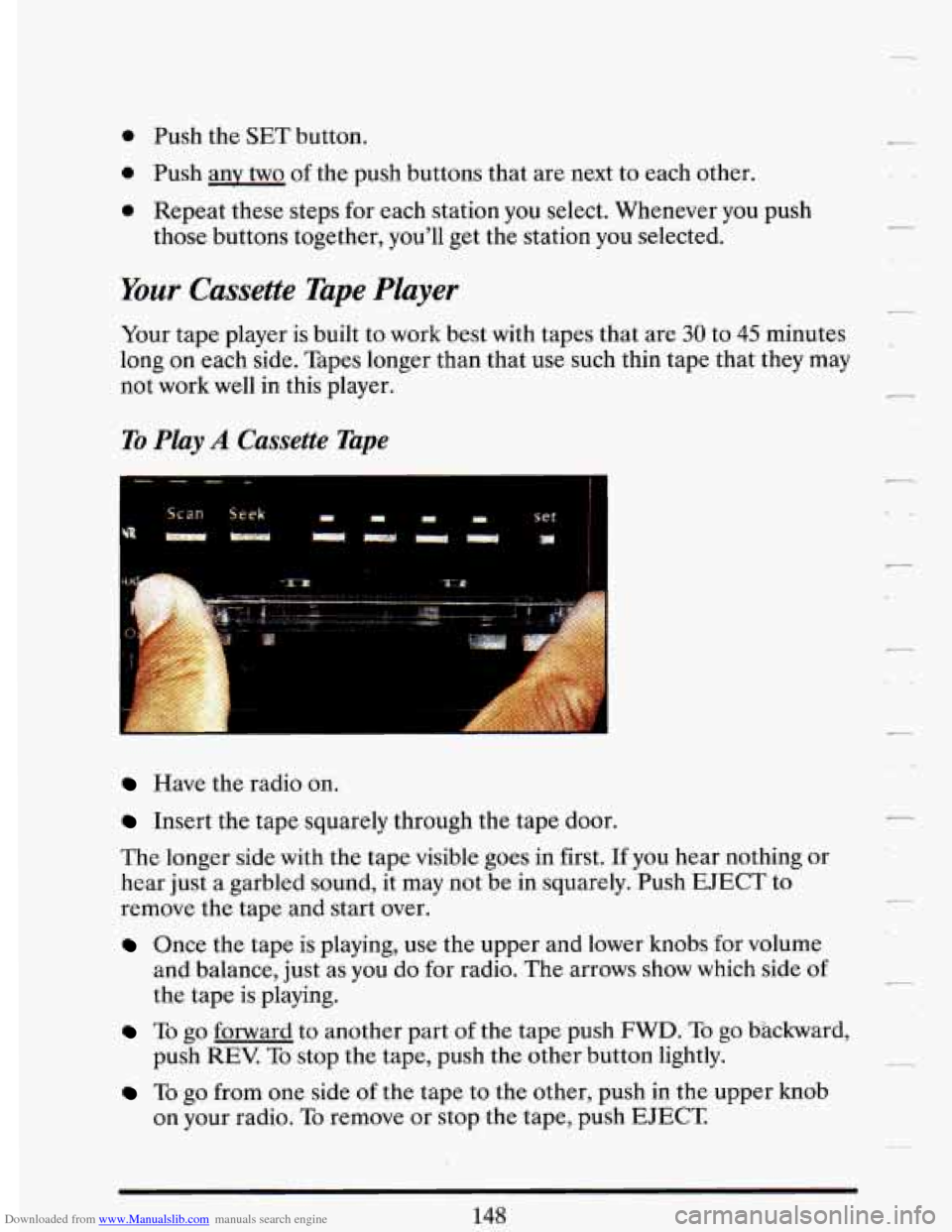
Have the radio on.
A
Insert the tape squarely through the tape door.
The longer side with the tape visible goes in first.
If you hear nothing or
hear just
a garbled sound, it may not be in squarely. Push EJECT to
remove the tape and start over.
Once the tape is playing, use the upper and lower knobs for volume
and balance, just as you do for radio. The arrows show which side
of
the tape is playing.
7
To go forward to another part of the tape push FWD. To go Wackward,
push
REV. To stop the tape, push the other button lightly.
To go from one side of the tape to the other, push in the upper knob
on your radio. To remove or stop the tape, push EJECT
148
Page 162 of 406
Downloaded from www.Manualslib.com manuals search engine If you do not have a Bose system, then please keep reading here. If you
do have a Bose system, then please skip over to the pages that describe
those systems.
Your Graphic Equalizer
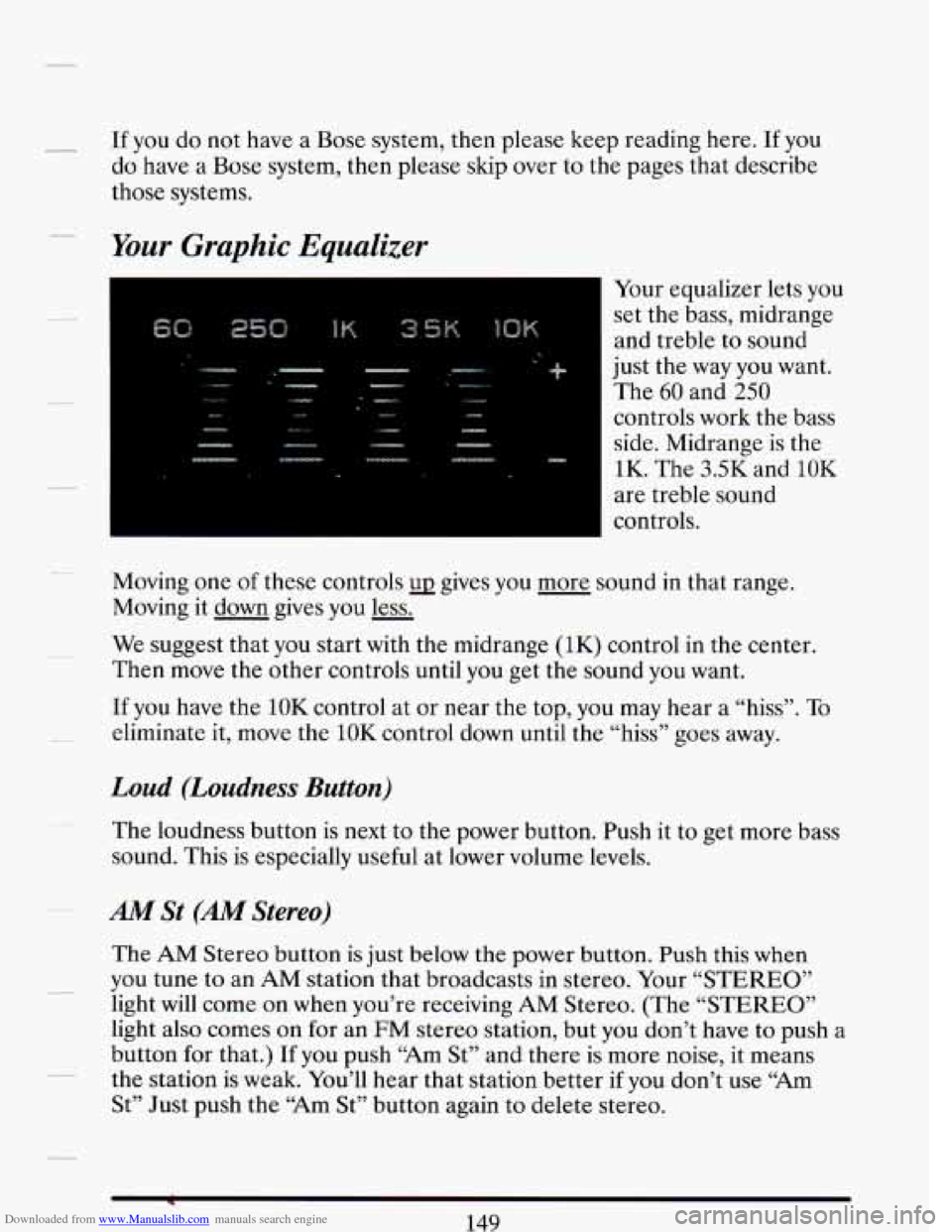
Your equalizer lets you
set the bass, midrange
and treble to sound
just the way you want.
The 60 and 250
controls work the bass
side. Midrange is the
1K. The 3.5K and
10K
are treble sound
controls.
Moving one of these controls
UJ gives you more sound in that range.
Moving it down gives you less.
We suggest that you start with the midrange (1K) control in the center.
Then move the other controls until you get the sound you want.
11 you have the 10K control at or near the top, you may hear a “hiss”. To
eliminate it, move the 10K control down until the “hiss” goes away.
Loud (Loudness Button)
The loudness button is next to the power button. Push it to get more bass
sound. This is especially useful at lower volume levels.
AM St (AM Stereo)
The AM Stereo button is just below the power button. Push this when
you tune to an
AM station that broadcasts in stereo. Your “STEREO”
light will come on when you’re receiving
AM Stereo. (The “STEREO”
light also comes on for an FM stereo station, but you don’t have to push a
button for that.)
If you push “Am St” and there is more noise, it means
the station is weak. You’ll hear that station better if you don’t use
“Am
St” Just push the “Am St” button again to delete stereo.
Page 165 of 406
Downloaded from www.Manualslib.com manuals search engine To Play a Cassette Tape
Have the radio on.
Insert the tape into the door marked “AUTO REVERSE”. The longer
side with the tape visible goes
in first.
Once the tape is playing, the Volume, Treble, Bass, DNR@ and speaker
balance controls work just as they do for the radio.
Cr02/M (Chromium DioxideIMetal)
Choose the right bias (or “equalization”) for your tape. Your tape, on its
label
or box, should say whether its bias (or “equalization”) is 70
microseconds (70 p) or 120 microseconds (120 p). If it doesn’t say,
chrome and metal tapes are
70 1.1 sec and standard iron tapes are 120 p
sec.
For
70, push the Cr02/M button in. For 120, it should be &. If you don’t
do this, the tape will still play, but the sound will not be as good as your
system can provide.
Arrows Below Tape Door
These show which side of the tape is playing. When the lighted arrow
points up
(A), selections listed on top of the cassette are playing. When
the arrow points down
(v), selections on the bottom are playing.
Push-Freq (Program)
To go from one side of the tape to the other, push in the upper knob. The
tape automatically changes sides when tape reaches the end.
Fwd (Forward)
Press this to move the tape forward; press REV to return to playing
speed.
Rev (Reverse)
Press this to move the tape rapidly backward; press FWD to return to
playing speed.
152
Page 166 of 406
Downloaded from www.Manualslib.com manuals search engine - Search (Music Search)
This feature makes it easy to play a tape selection again, or to skip to the
next selection.
To use it, slide Search to the right. You’ll see the Search
indicator light
go on. -
To Play A Tape Selection Again:
With Search on, press Rev. The tape will go back to the beginning of the
selection that is playing.
~
To Play The Next Selection:
With Search on, press Fwd. The tape will stop when it gets to the next
- place with 4 seconds or more of silence.
Dolby @
This feature automatically removes noise on Dolby8 encoded tapes (no
button is required).
-
- To Eject A Tape
To remove or stop the tape, push Eject.
*Dolby3 is a registered trademark
of Dolby Laboratories.
153
Page 167 of 406
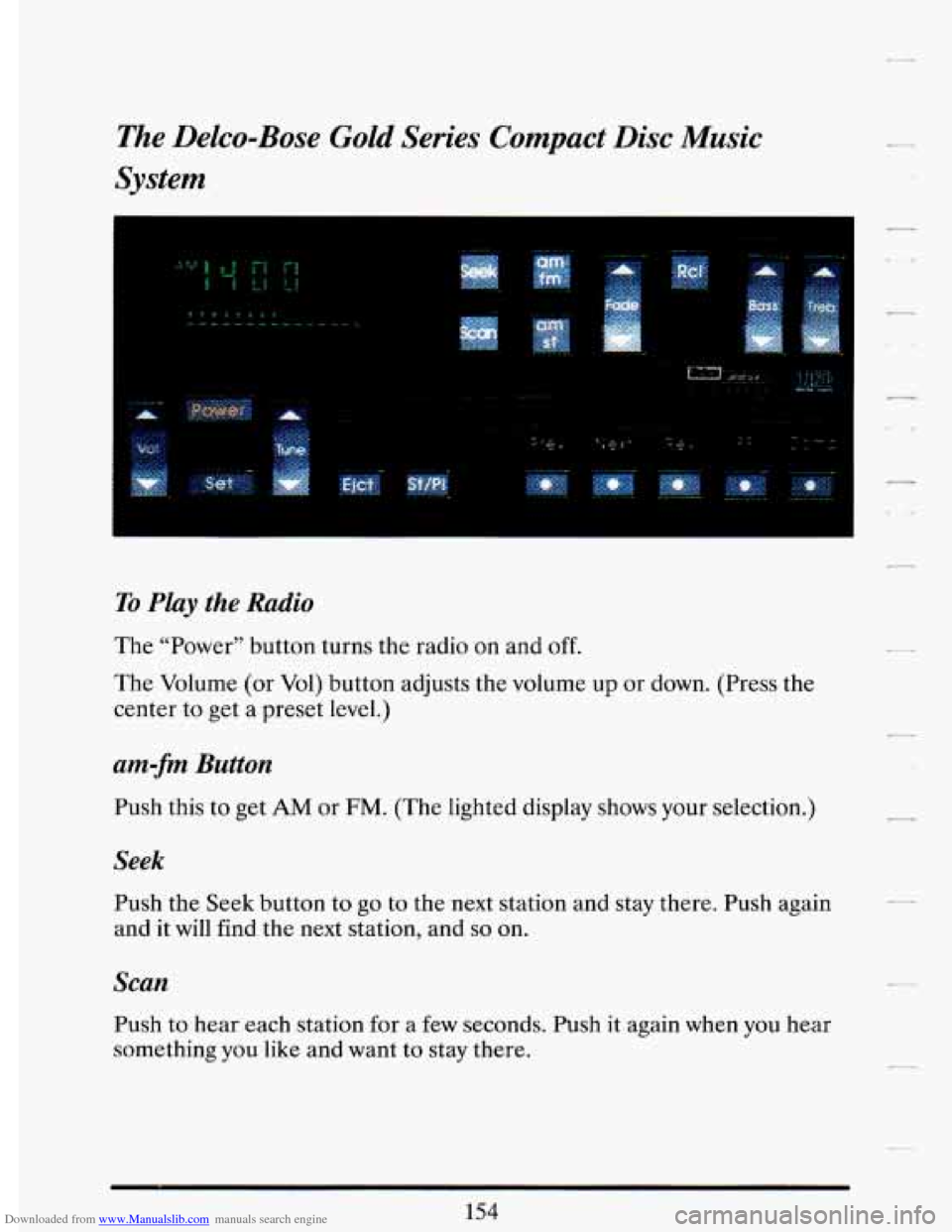
Downloaded from www.Manualslib.com manuals search engine The Delco43ose Gold Series Compact Disc Music
System
1
To Play the Radio
The “Power” button turns the radio on and off.
The Volume (or Vol) button adjusts the volume up or down. (Press the
center to get
a preset level.)
am-fm Button
Push this to get AM or FM. (The lighted display shows your selection.)
Seek
Push the Seek button to go to the next station and stay there. Push again
and it will find the next station, and
so on.
Scan
Push to hear each station for a few seconds. Push it again when you hear
something
you like and want to stay there.
154
Page 173 of 406
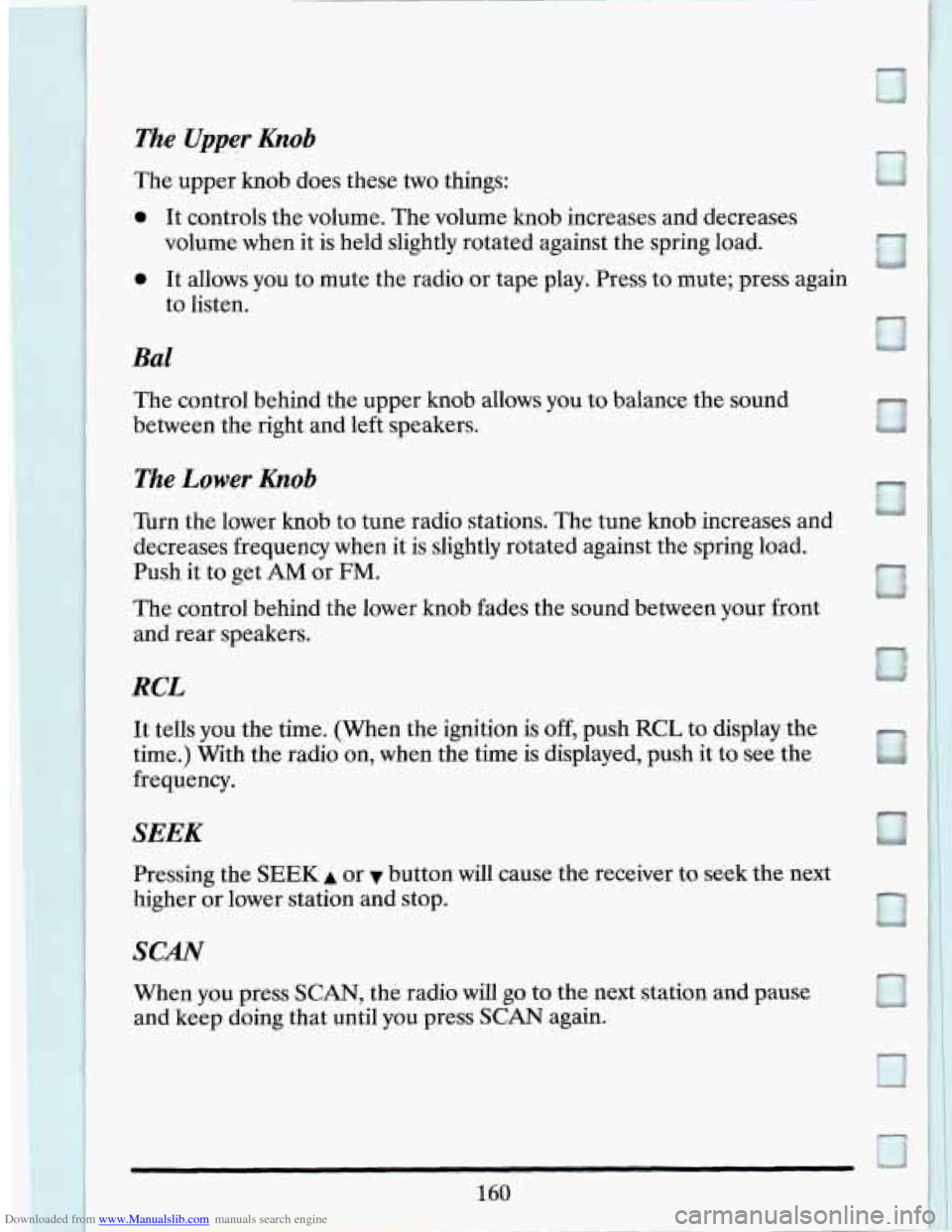
Downloaded from www.Manualslib.com manuals search engine The control behind the upper knob allows you to balance the sound
between the right and left speakers.
The Lower Knob
Turn the lower knob to tune radio stations. The tune knob increases and
decreases frequency when it
is slightly rotated against the spring load.
Push it to get
AM or FM.
The control behind the lower knob fades the sound between your front
and rear speakers.
RCL
It tells you the time. (When the ignition is off, push RCL to display the
time.) With the radio on, when the time is displayed, push it
to see the
frequency.
SEEK
Pressing the SEEK A or v button will cause the receiver to seek the next
higher or lower station and stop.
SCAN
When you press SCAN, the radio will go to the next station and pause
and keep doing that until you press SCAN again.
Page 175 of 406
Downloaded from www.Manualslib.com manuals search engine Once the tape is playing, use the upper and lower knobs for volume,
balance, and fade just as
you did for radio. The arrow in the graphic
display above the word
TAPE indicates which side of the tape is being
played.
PROG
To go from one side of the tape to the other, press the PROG button.
CrOt
This button sets the tape bias. When playing high bias chrome or metal
tapes, press the button to turn the Cr02 on in the graphic display. When
playing standard bias tapes, press again to turn the CrO2
off.
REV
To rapidly reverse the tape, press REV and the tape will rapidly reverse
to the beginning
of the tape or until you press the REV button lightly.
To rapidly advance the tape, press FWD and the tape will rapidly go
forward to the end
of the tape or until you press the FWD button lightly.
PREV
To hear a passage on the tape that has just played, press PREV and the
tape will back up and stop at either the first 4-second quiet spot in the
tape
or when you press PREV again.
NEXT
To go immediately to the next selection on the tape, press NEXT A
4-second quiet interval must be present for the tape to stop.
EJECT
To remove or stop the tape and switch to radio, press the EJECT button.
Page 176 of 406

Downloaded from www.Manualslib.com manuals search engine r
ST-PL
To immediately switch from tape to radio, press the ST-PL button and the
radio will resume playing the station that was tuned in when you inserted
a tape. Pressing
ST-PL again will allow the tape to resume where it
stopped.
Care of Your Cassette Tape Player
A tape player that is not cleaned regularly can cause reduced sound
quality, ruined cassettes, or a damaged mechanism. Cassette tapes should
be stored
in their cases away from contaminants, direct sunlight, and
extreme heat.
If they aren’t, they may not operate properly or cause
failure
of the tape player.
Your tape player should be cleaned regularly each month or after every
15 hours of use. If you notice a reduction in sound quality, try a known
good cassette to see
if the tape or the tape player is at fault. If this other
cassette has no improvement in sound quality, clean the tape player.
Clean your tape player with a wiping-action, non-abrasive cleaning
cassette, and follow the directions provided with it.
Cassettes are subject to wear and the sound quality may degrade over
time. Always make sure that the cassette tape is in
good condition before
you have your tape player serviced.
Care of Your Compact Discs
Handle discs carefully. Store them in their original cases or other
protective cases and away from direct sunlight and dust.
If the surface of
a disc is soiled, dampen a clean, soft cloth in a mild, neutral detergent
solution and clean it, wiping from the center to the edge.
Page 186 of 406
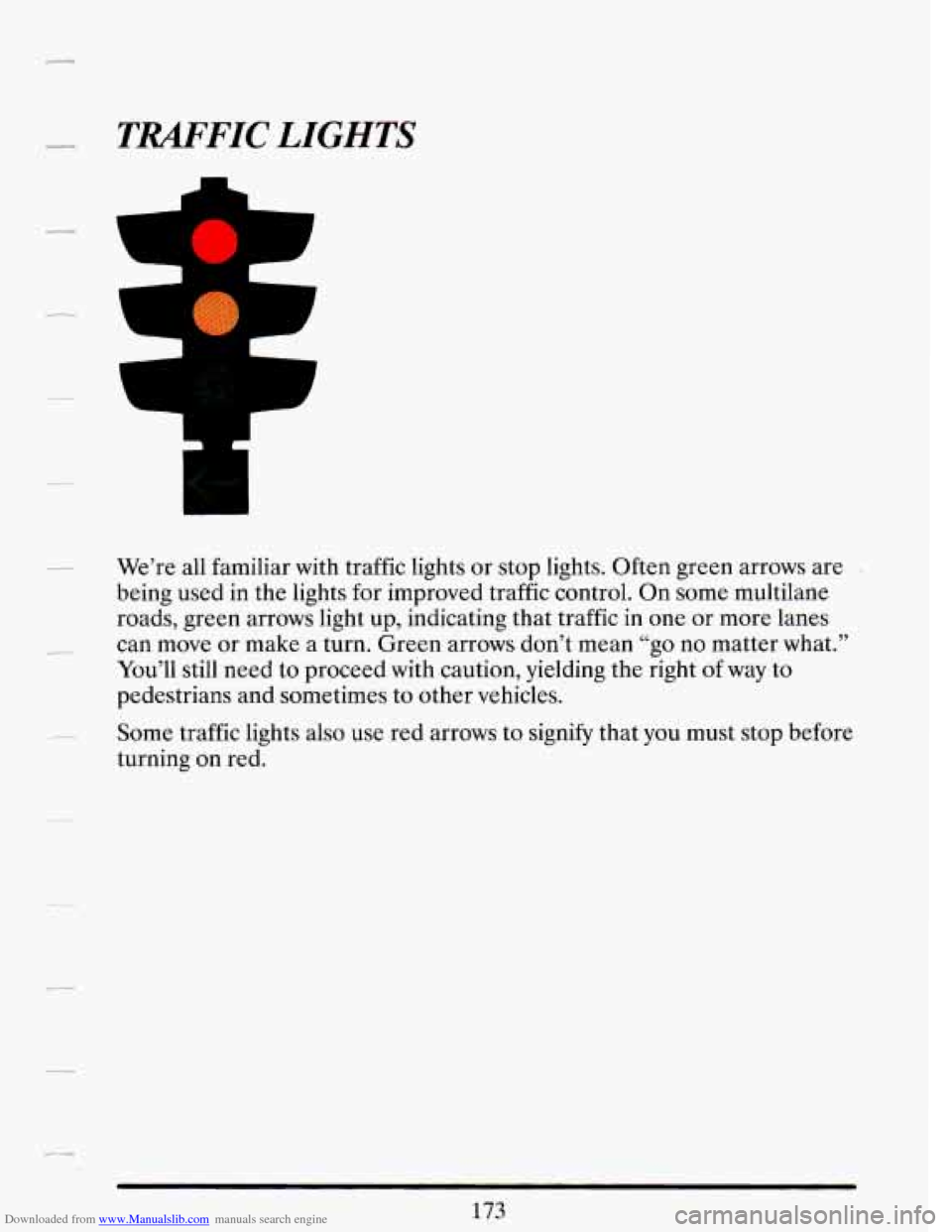
Downloaded from www.Manualslib.com manuals search engine TRAFFIC LIGHTS
m
-1
We’re all familiar with traffic lights or stop lights. Often green arrows are -
being used in the lights for improved traffic control. On some multilane
roads, green arrows light up, indicating that traffic in one or more lanes
can move or make
a turn. Green arrows don’t mean “go no matter what.’’
You’ll still need to proceed with caution, yielding the right
of way to
pedestrians and sometimes to other vehicles.
Some traffic lights also use red arrows to
signify that you must stop before
turning
on red.
Page 187 of 406
Downloaded from www.Manualslib.com manuals search engine L
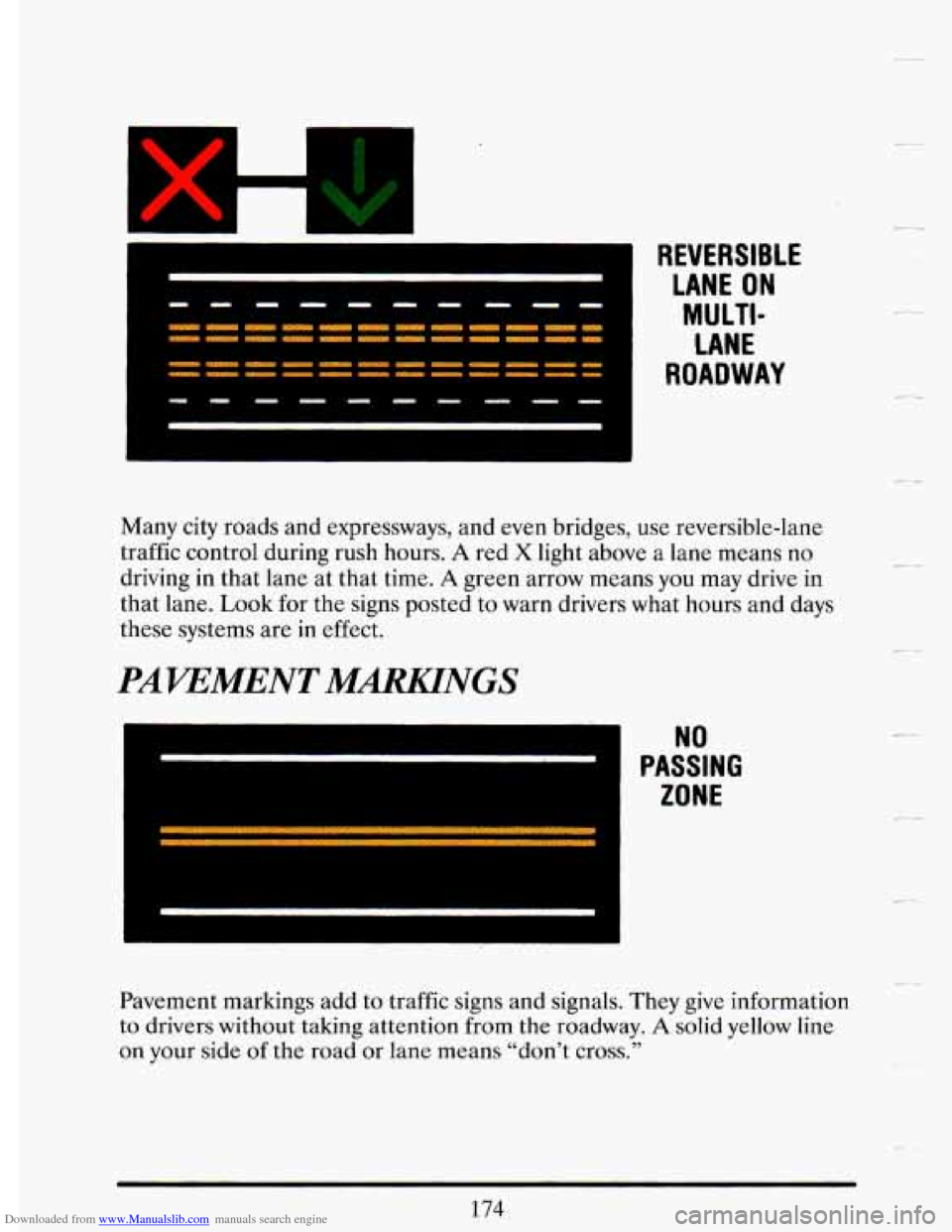
- -- VERSIBLE
LANE ON
MU LTI-
LANE
ROADWAY
Many city roads and expressways, and even bridges, use reversible-lane
traffic control during rush hours.
A red X light above a lane means no
driving in that lane at that time.
A green arrow means you may drive in
that lane.
Look for the signs posted to warn drivers what hours and days
these systems are
in effect.
PAVEMENT MWNGS
Pavement markings add to traffic signs and signals. They give information
to drivers without taking attention from the roadway.
A solid yellow line
on your side of the road
or lane means “don’t cross.”