warning CADILLAC DEVILLE 1995 7.G User Guide
[x] Cancel search | Manufacturer: CADILLAC, Model Year: 1995, Model line: DEVILLE, Model: CADILLAC DEVILLE 1995 7.GPages: 403, PDF Size: 20.69 MB
Page 157 of 403
Downloaded from www.Manualslib.com manuals search engine The RANGE display shows how far the computer thinks you can travel
with the fuel that is in your tank. The computer does not know what
driving conditions will be like for the rest of your trip, so the range is
estimated based on your recent fuel economy. Therefore, your range
reading
may change as your driving habits change. (Going from city to
highway driving may increase the range reading.)
If the range display shows LO, you should stop for fuel as soon as
possible.
Your computer needs enough data
for the RANGE reading to work,
however,
so it will read LO when your vehicle is brand new (under
25 miles). It may also show LO if your battery has been disconnected.
Driver Information Center
Your Driver Information Center (DTC) display gives you the status of
many of your vehicle’s systems. The DTC is used to display driver
selectable information and warninglstatus messages.
If more than one problem is detected, the Driver Information Center will
automatically display all current messages.
&
c
Page 159 of 403
Downloaded from www.Manualslib.com manuals search engine AVG MPH (Average Speed) Reset
Press repeatedly the INFORMATION button to display the AVG MPH,
then press and hold the RESET button until 0.0 AVG MPH is displayed.
MPG AVG (Average Fuel Economy) Reset
Press repeatedly the INFORMATION button to display the MPG AVG,
then press and hold the RESET button until 0.0 AVG MPG is displayed.
c
Fuel Used Reset
Press repeatedly the INFORMATION button to display the FUEL
USED on the Driver Information Center, then press and hold the
RESET button until FUEL USED 0.0 is displayed.
Oil Life Left Reset
Press repeatedly the INFORMATION button to display the OIL LIFE
LEFT, then press and hold the RESET button until 100 OIL LIFE LEFT
is displayed.
DISPLAY ON/OFF Button
Pressing this button will turn off the Driver Information Center,
Electronic Climate Control and Fuel Data Center displays.
If you have
the digital cluster, the fuel gage, trip odometer and odometer will also
turn
off. While displays are off, pressing the INFOKMATION button will
turn on only the Driver Information Center. If anv other button is pressed
or
a driving warning message needs to he displnydd or fuel level falls
below four gallons, all the displays will come back on.
TRIP SET Button
Press and hold this button to set the trip odometer back to zero.
ENGIMET (EnglishiMetric Button)
Press this button to switch from English (miles and Degrees Fahrenheit),
to metric (kilometers and Degrees
L.- Celsius).
Page 161 of 403
Downloaded from www.Manualslib.com manuals search engine BATTERY VOLTS LOW - 06
This message will appear when the electrical system is charging less than
10 volts or if the battery has been drained. If this message appears
immediately after starting,
it is possible that the generator can still
recharge the battery. The battery should recharge after driving a few miles
and the message should go out.
If this message appears while driving or
after starting your vehicle and stays on, have it checked immediately to
determine the
cause of this problem. To help the generator recharge the
battery quicklv
you can reduce the load on the electrical svstem by turning
off your accesbries. You can monitor batten voltage on (he Drivkr
Information Center by toggling the INFORMATION button. The
normal
range is 11.5 to 15.5 volts.
CHANGE TRANS FLUID - 47
This message will appear when it is time to replace the transaxle fluid. See
your maintenance schedule booklet for the proper fluid and change
intervals.
CHECK BRAKE FLUID - 37
This message is displayed to inform the driver that the brake reservoir
fluid level is low. Check the brake reservoir level and add as needed. Have
the brake system serviced
by a Cadillac technician as soon as possible. If
the brake warning light is on, follow the directions in that section.
CHECK COOLANT LEVEL - 04
This message will appear when there is a low level of engine coolant.
Have the
cooling system serviced by a Cadillac technician as soon as
possible.
CHECK FUEL GAGE - 39
This message will appear when your fuel supply is less than four gallons
and your display
is turned off.
2-88
c
Page 163 of 403
Downloaded from www.Manualslib.com manuals search engine ENGINE HOT - A/C COMPRESSOR OFF - 16
This message will appear when thc Climatc Control is in AUTO or
DEFROST and the engine coolant is hotter than the normal operating
temperature.
To avoid added strain on a hot engine the air conditioning
compressor
is automatically turned off. When that happens, air
conditioned air
is not delivered. If the coolant temperature returns to
normal,
you must select AUTO, DEFOG or DEFROST to return to a
normal A/C compressor operation.
FUEL LEVEL VERY LOW - 11
This message serves as a warning that the fuel level in your tank is
critically low. It means you should stop for fuel immediately.
SERVICE A/C SYSTEM A/C COMPRESSOR OFF - 14
This message appears when the electronic sensors that control the A/C
and heating system are no ionger working. Have your Climate Control
system serviced
if you notice a drop in heating and A/C efficiency.
STARTING DISABLED DUE TO THEFT SYSTEM REMOVE
IGNITION KEY - 33
This message will apex when the Personalized Automotive Security
System (PASS-Key”-
11) senses tht ;In improper ignition key is being used
to try
to start the vehicle. Check the ignition key for damage. It’ it is
damaged,
it map need to be replaced. If you see no damage, clean the
pellet contacts
with a soft cloth or napkin. Remove the ignition key and ..I
wait for the Driver Information Center to display WAIT 3 MINUTES.
The instrumcnt panel cluster will then run a timer and change the
messages to WAIT 2 MINUTES, WAIT 1 MINUTE, and then START
CAR. When the START CAR message is displayed, try again to start the
engine.
u
c
c c
SERVICE NOW - REFER TO OWNERS MANUAL - 02
This message appears ifvou have a problem with thc Powertriliu Control
M0d~1le (PCM). To corrict this problem have your vehicle serviced at
your Cadillac dealership.
SERVICE RIDE CONTROL - 84
This message is displayed to indicate that the Suspension System is not
operating properlv. To correct this problem haw your vehicle serviced at
your Cadillac deaiership.
CI
Page 200 of 403
Downloaded from www.Manualslib.com manuals search engine 4nti-Lock Brakes (ABS)
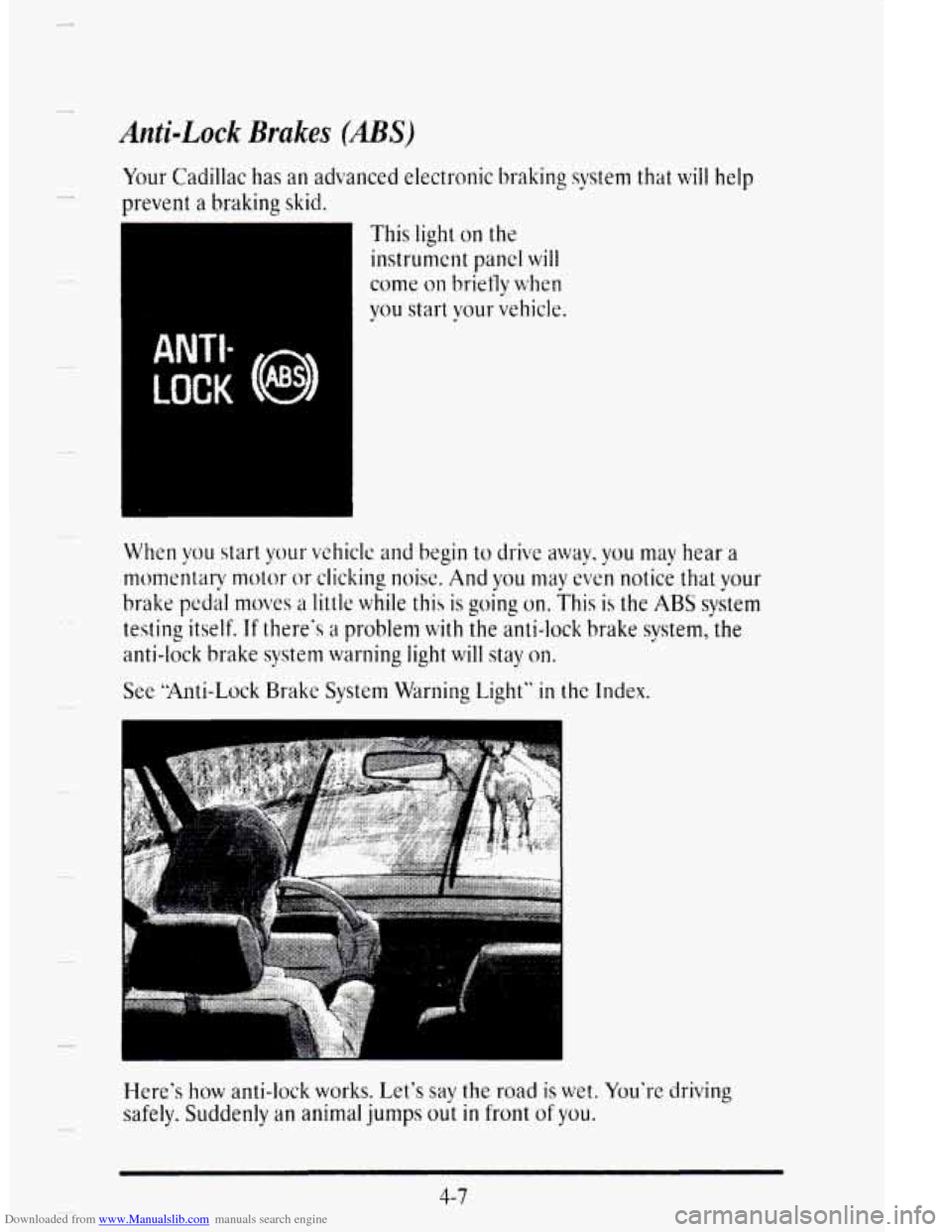
Your Cadillac has an advanced electronic braking system that will help
)revent a braking skid.
This light on the
instrunlent panel will
come on briefiy when
you start your vehicle.
LOCK (!I
ANTI-
When you start your vshiclc and begin to drive away, you may hear a
momentaw motor or cliclcing noise. And you may even notic; that your
brake pedal nloves a little while this is going on. This is the ABS system
testing itself. If there‘s a problem with the anti-lock brake system, the
anti-lock brake
system warning light will stay on.
See “Anti-Lock Brake System Warning Light” in the Index.
Here’s
how anti-lock works. Let‘s say the road is wet. You’re driving
safely. Suddenly an animal jumps out in front of you.
4-7
Page 209 of 403

Downloaded from www.Manualslib.com manuals search engine While driving on a surface with reduced traction, try Vour best to avoid
sudden steering, acceleration?
or braking (including engine braking by
shifting to a lower gear). Any sudden changes could cause the tires to
slide. You may not realize the surfdce is slippery until your vehicle is
skidding.
Leain to recognize warning clues -- such as enough water, ice or
packed snow on the road to make a “mirrored surface” -- and slow down
when
you have any doubt.
Remember:
Any anti-lock brake system (ABS) helps avoid only the
braking L. skid.
DRIVING AT NIGHT
Night driving is more dangerous than day driving. One reason is that some
drivers are likely to be impaired -- by alcohol or drugs, with night vision
problems,
or by fatigue.
Here are some tips on night driving.
0 Drive defensively.
0 Don’t drink and drive.
4-16
.I
Page 214 of 403

Downloaded from www.Manualslib.com manuals search engine CITYDRIVING
P
r I
P I
r
One of the biggest problems with city streets is the amount of traffic on
them. You’ll want to watch out for what the other drivers are doing and
pay attention to traffic signals.
Here are ways to increase your safety
in city driving:
0
F
i
a
a
Know the best way to get to where you are going. Gct a city map and
pian your trip into an unknown part
of the city just as you would for a
cross-country trip.
Try to use the freeways that rim and crisscross most large cities. You’ll
save time and energy. (See the next part, “Freeway Driving.”)
Treat
a green light as a warning signal. A traffic light is there because
the corner
is busy enough to need it. When a light turns green, and just
before you start to move, check both ways for vehicles that have
not
cleared the intersection or may be running the red light.
P
4-21
Page 220 of 403
Downloaded from www.Manualslib.com manuals search engine c
n
P
P
r-
i
c
r
I !
f-
WINTER DWNG
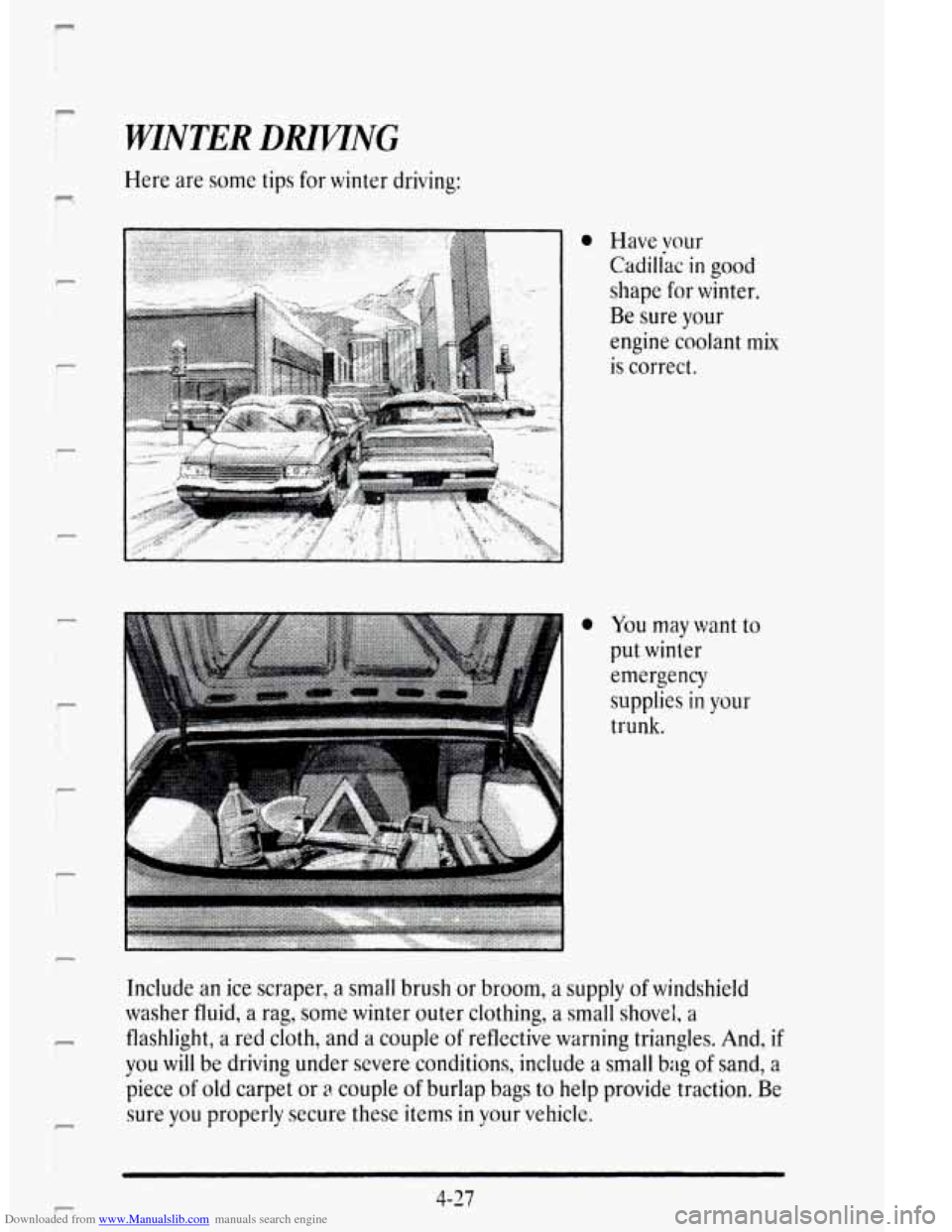
Here are some tips for winter driving:
a Have vour
Cadiliac in good
shape for winter.
Be sure your
engine coolant
mix
is correct.
You may want to
put winter
emergency
supplies
in your
trunk.
Include an ice scraper, a
small brush or broom, a supply of windshield
washer fluid,
a rag, some winter outer clothing, a small shovel, a
flashlight, a red cloth, and a couple of reflective warning triangles. And, if
you will be driving under severe conditions, include a small bag of sand, a
piece
of old carpet or a couple of burlap bags to help provide traction. Be
sure
you properly secure these items in your vehicle.
F
4-27
Page 236 of 403
Downloaded from www.Manualslib.com manuals search engine PROBLEMS ON THE ROAD
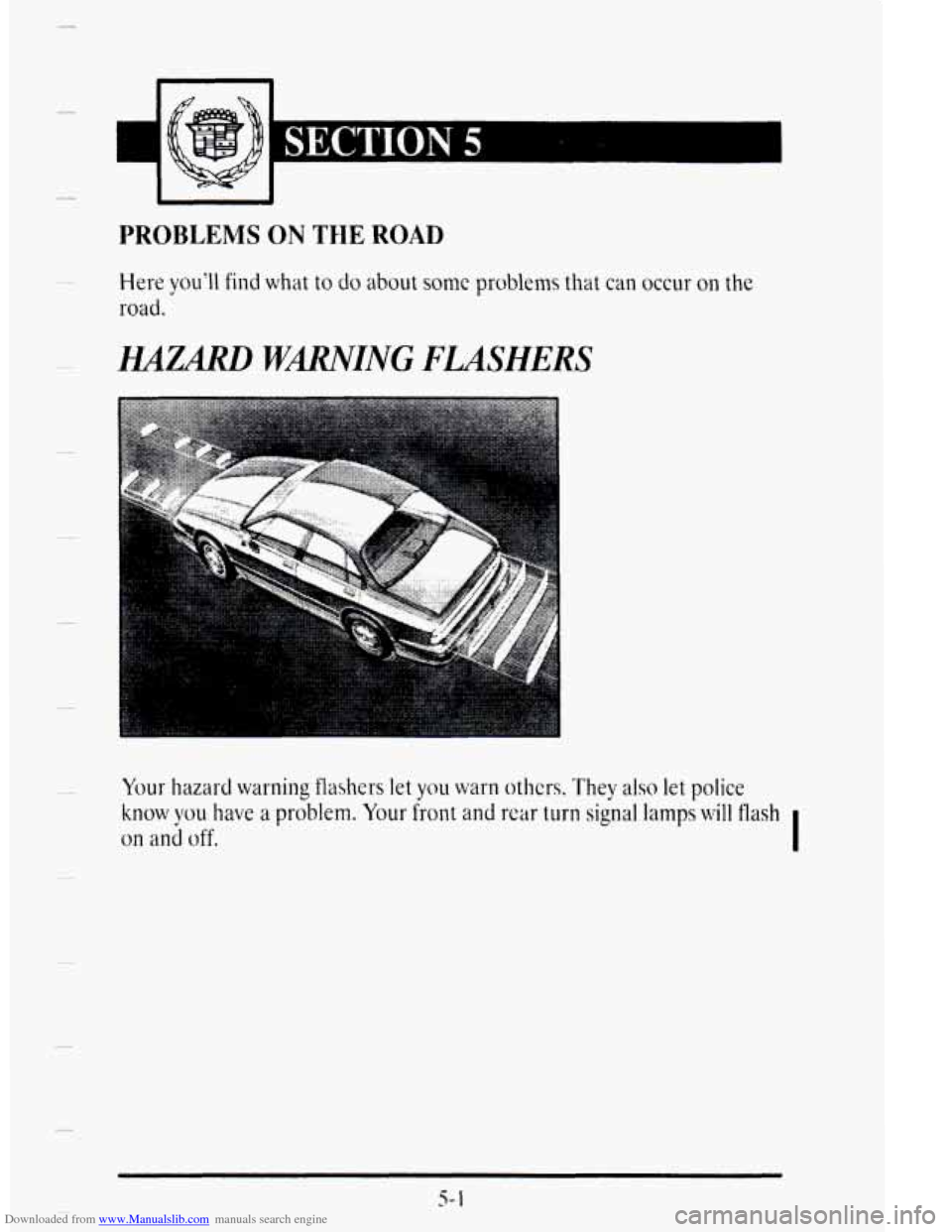
HAZARD WARNING FLASHERS
Your hazard warning flashers let you warn others. They also let police
know WLI have a problem. Your front and rcar turn signal lamps will flash
on ani off. I
s- 1
Page 237 of 403

Downloaded from www.Manualslib.com manuals search engine c’ .?: . . .. .: ... .:
I
The light on your
instrument panel will
flash indicating that the
hazard warning flashers
are on.
Press the button in to
make your front and
rear
turn signal lamps
flash on and off.
Your hazard warning flashers will work once the button is pressed in
regardless of the key position.
5-2