change time CADILLAC DEVILLE 1996 7.G Owners Manual
[x] Cancel search | Manufacturer: CADILLAC, Model Year: 1996, Model line: DEVILLE, Model: CADILLAC DEVILLE 1996 7.GPages: 354, PDF Size: 20.32 MB
Page 3 of 354
Downloaded from www.Manualslib.com manuals search engine GENERAL MOTORS, GM and the GM Emblem,
CADILLAC, the CADILLAC Emblem and the
name DEVILLEDEVILLE CONCOURS
are registered
trademarks
of General Motors Corporation.
This manual includes the latest information at the time it was printed. We reserve the right to make changes in the
product after that time without further notice.
For
vehicles first sold in Canada, substitute the name
“General Motors
of Canada Limited” for Cadillac Motor
Car Division whenever it appears in this manual.
Please keep this manual in your Cadillac,
so it will be
there if
you ever need it when you’re on the road. If you
sell
the vehicle, please leave this manual in it so the new
owner can
use it.
Litho in U.S.A.
Part No. 2563721 1 B 0 First Edition
WE SUPPORT VOLUNTARY TECHNICIAN
CERTIFICATION THROUGH
National Institute for
AUTOMOTIVE
SERVICE
EXCELLENCE
We support voluntary
technician certification.
For Canadian Owners Who Prefer a
French Language Manual:
Aux proprietaires canadiens: Vous pouvez vous
procurer un exemplaire de ce guide en fraqais chez
votre concessionaire
ou au:
DGN Marketing Services Ltd.
1500 Bonhill Rd.
Mississauga, Ontario
L5T 1C7
@Copyright General Motors Corporation 1995
All Rights Reserved
ii
Page 70 of 354
Downloaded from www.Manualslib.com manuals search engine f
r
r
r
r
i
r
Should interference to this system occur, try this:
a
0
a
a
Check to determine if battery replacement is
necessary.
See the instructions on battery
replacement.
Check
the distance. You may be too far from your
vehicle. This product has a maximum range. Check the location. Other vehicles
or objects may be
blocking the signal.
See your Cadillac dealer or
a qualified technician
for service.
Changes
or modifications to this system by other than an
authorized service facility could void authorization to
use this equipment.
Operation
* When you press this symbol to unlock the
driver’s door, the parking lamps on your vehicle will
blink twice. Pressing it again within
five seconds will
unlock the other doors. Pressing this button will also
disarm the optional theft-deterrent system and turn
on the interior lamps at night.
8 When you press this symbol to lock the doors,
the parking lamps
will blink once. This also arms the
optional theft-deterrent system.
Press this symbol to open the
trunk.
@ Press this button to open the fuel door.
The Keyless Entry transmitter can
also be used to recall
the memory seats for up to
two drivers. For more
information see, “Memory Seat”
in the Index.
Note that pressing the transmitter buttons numerous
times (approximately
500 times) out of the vehicle’s
operating range may cause the transmitter not
to work.
Replacing the battery and pressing the transmitter
buttons
10 or more times out of range will also cause
the transmitter not to work.
To reset the transmitter,
you must
be within the.vehicle’s operating range. Press
and hold the
trunk button and within one second
press the lock button. Continue to hold both buttons
for approximately three seconds. See your Cadillac
dealer for service
if your transmitter still doesn’t
work properly.
2-7
Page 71 of 354
Downloaded from www.Manualslib.com manuals search engine Matching Transmitter(s) To Your Vehicle
Each key chain transmitter is coded to prevent another
transmitter
from unlocking yourwehicle. If a transmitter
is lost
or stolen, a replacement can be purchased through
your dealer. Once the
new transmitter is coded, the lost
transmitter will not unlock your vehicle. Each vehicle
can have only two transmitters matched to
it.
Battery Replacement
Under normal use, the battery in your key chain
transmitter should last about
four years.
You can tell the battery is weak
if the transmitter won't
work at the normal range in any location. If you have to
get close to your vehicle before the transmitter works,
it's probably time to change the battery.
, ... ..
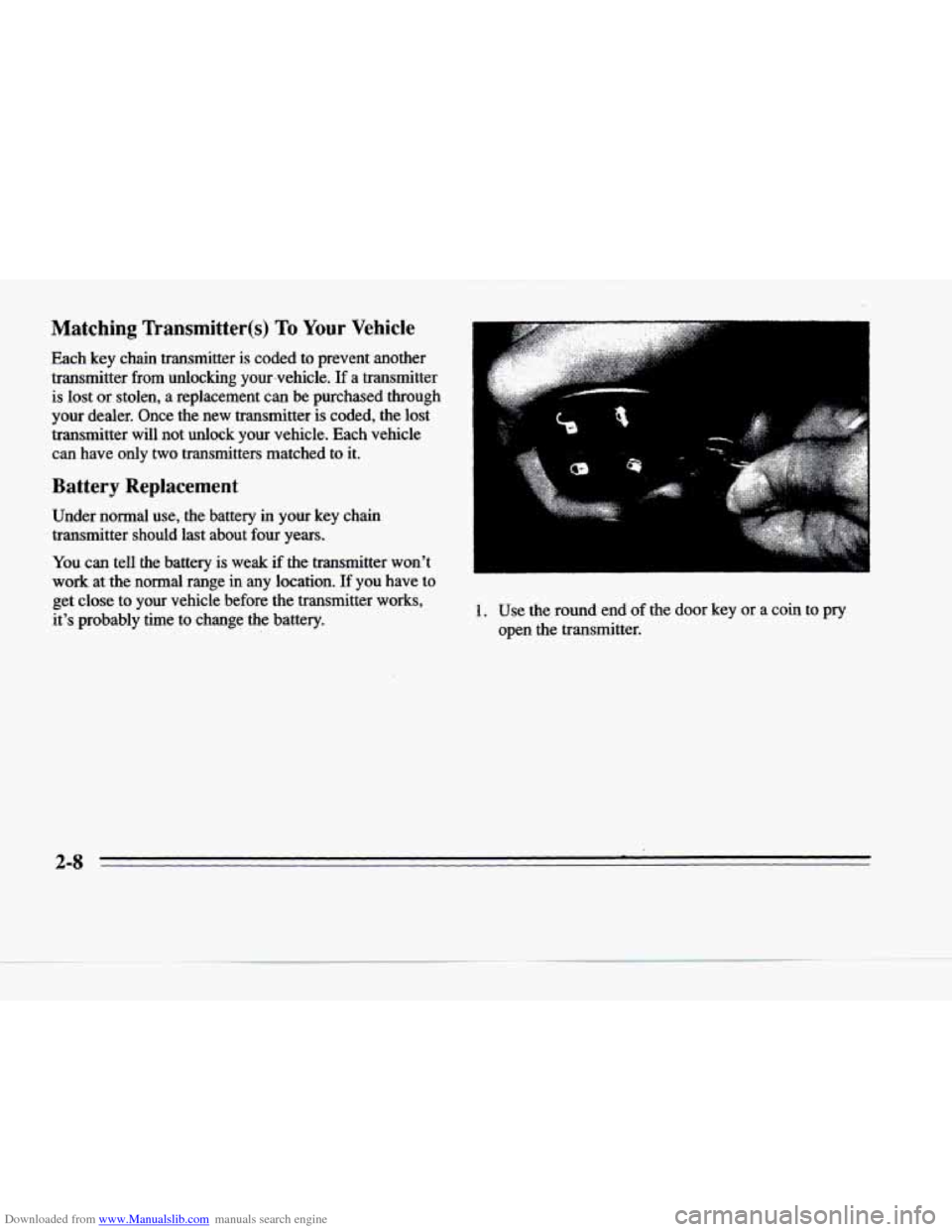
1. Use the round end of the door key or a coin to pry
open the transmitter.
Page 104 of 354
Downloaded from www.Manualslib.com manuals search engine P
c
21
c
P
c
Lamps on Reminder
You will hear a warning chime if you pull the key from
the ignition while leaving the lamps
on, if the manual
headlamp control is activated. An exception to this is
when you’re using twilight sentinel.
Daytime Running Lamps
Daytime Running Lamps (DRL) can make it easier for
others to see the front of your vehicle during
the day.
DRL can be helpful
in many different driving
conditions, but they can be especially helpful in
the
short periods after dawn and before sunset.
A light sensor on top of the instrument panel makes the
DRL work,
so be sure it isn’t covered.
The
DRL system will make the low-beam headlamps
come
on at reduced brightness when:
the ignition is on,
the headlamp switch is off and
the transaxle is not in PARK (P).
When DRL are on, only the low-beam headlamps (at
reduced brightness) will be
on. No other exterior lamps
such as the parking lamps, taillamps, etc. will be on
when the
DRL are being used. Your instrument panel
won’t be
lit up either. When
it’s dark enough outside, the low-beam
headlamps (at reduced intensity) will change
to normal
low-beam headlamp operation. When it’s bright enough
outside, the regular lamps will go
off, and the low-beam
headlamps change to the reduced brightness
of DRL.
To idle your vehicle with the DRL off, tum off the
twilight sentinel switch and shift the transaxle into
PARK (P). Placing your vehicle in PARK (P) disables
the DRL. The DRL will stay
off until you shift out of
PARK (P).
As with any vehicle, you should turn on the regular
headlamp system when you need it.
Cornering Lamps
The cornering lamps come on when the headlamps or
parking lamps are on and you signal a turn. They
provide more light for cornering.
Underhood Lamp
Turn the parking lamps on to operate the underhood lamp. The underhood
lamp will come on when the hood
is open.
2-41
Page 109 of 354
Downloaded from www.Manualslib.com manuals search engine Mirrors
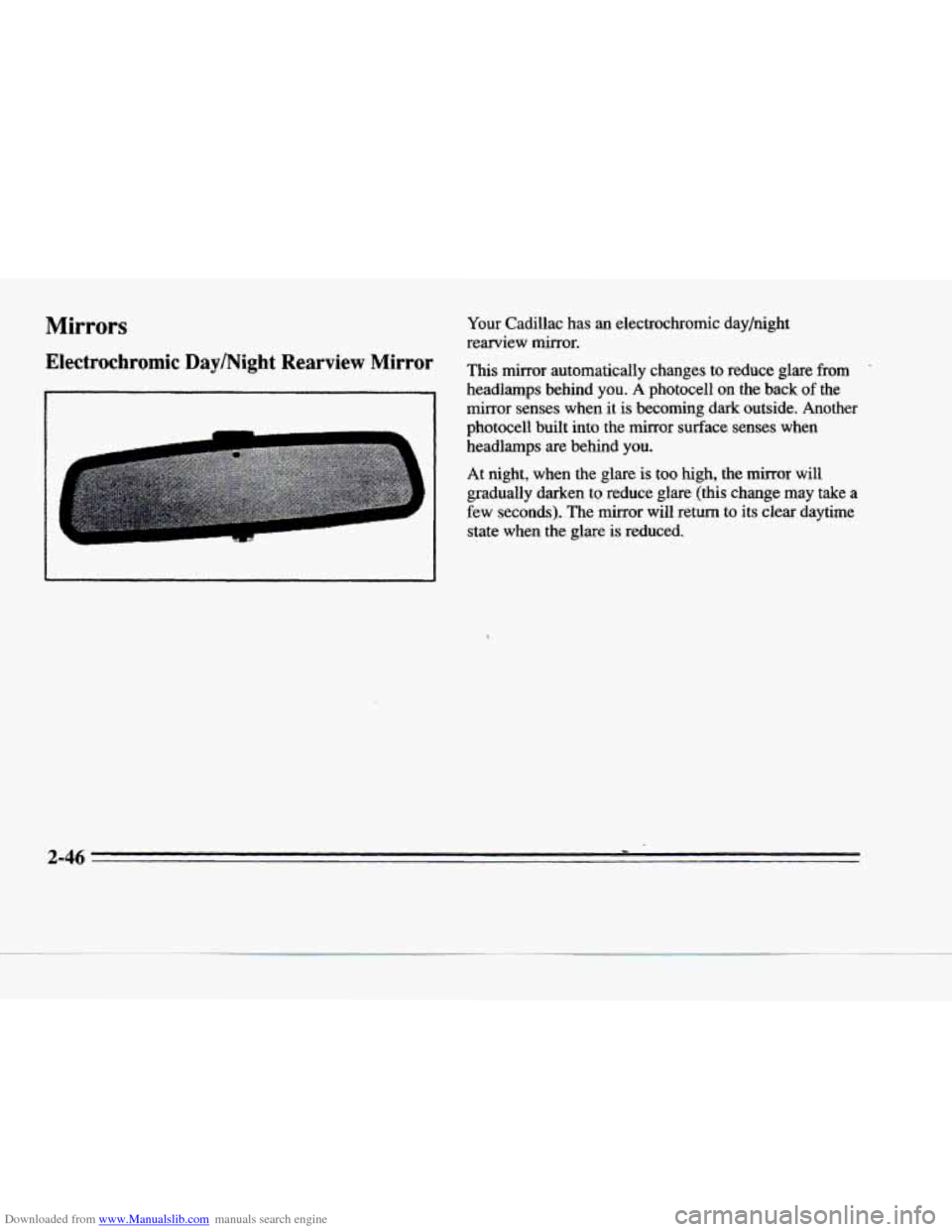
Electrochromic DaylNight Rearview Mirror
Your Cadillac has an electrochromic day/night
rearview mirror.
This mirror automatically changes to reduce glare
from '
headlamps behind you. A photocell on the back of the
mirror senses when it is becoming dark outside. Another
photocell built into the mirror surface senses when
headlamps are behind you.
At night, when the glare is too high, the mirror will
gradually darken
to reduce glare (this change may take a
few seconds). The
mirror will return to its clear daytime
state when the glare is reduced.
3
4
3
Page 110 of 354
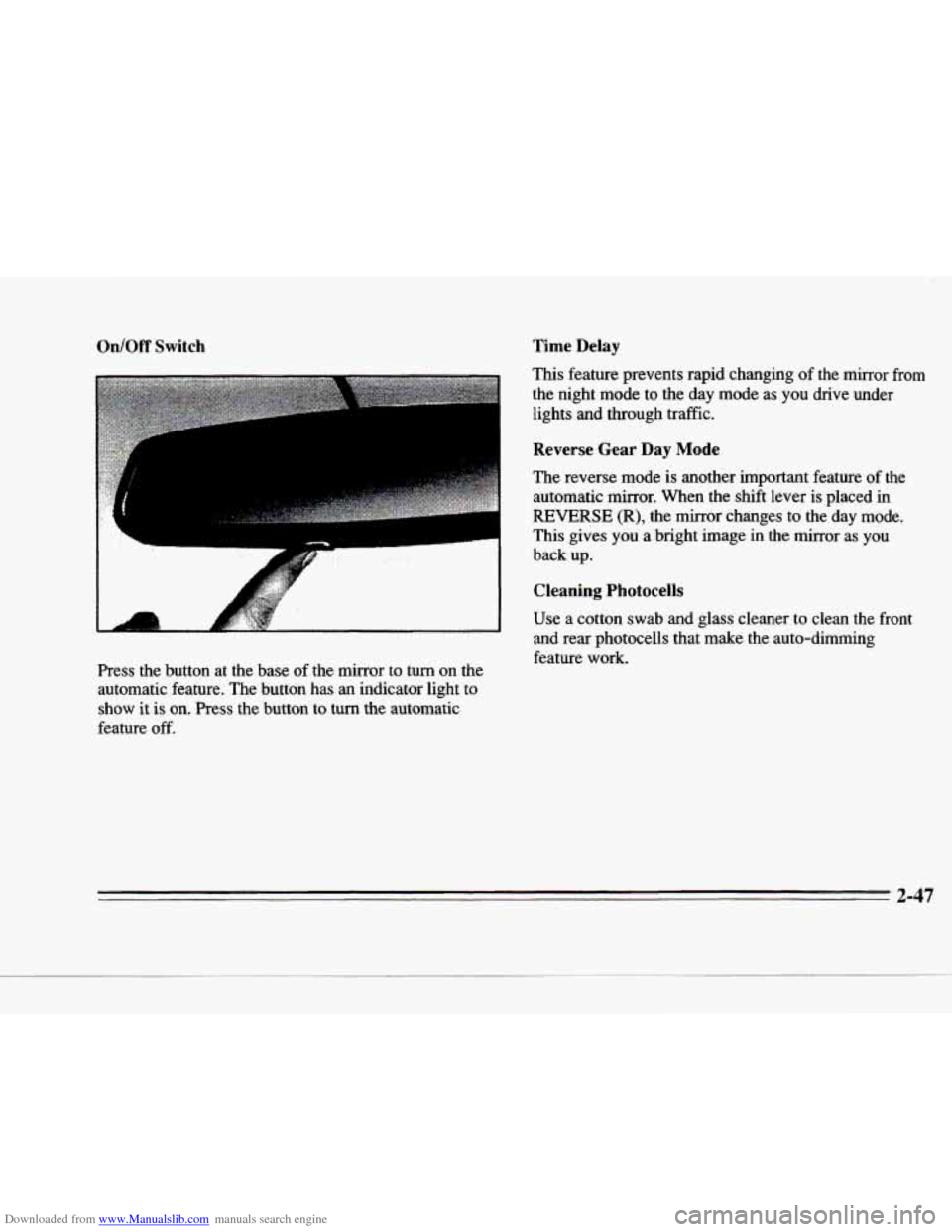
Downloaded from www.Manualslib.com manuals search engine On/Off Switch Time Delay
This feature prevents rapid changing
of the mirror from
the night mode to the day mode as you drive under lights and through traffic.
c I
I
I
Press the button at the base of the mirror to turn on the
automatic feature. The button has
an indicator light to
show it is on. Press the button to turn the automatic
feature
off.
Reverse Gear Day Mode
The reverse mode is another important feature of the
automatic mirror. When the shift lever is placed in
REVERSE (R), the mirror changes to the day mode.
This gives
you a bright image in the mirror as you
back up.
Cleaning Photocells
Use a cotton swab and glass cleaner to clean the front
and rear photocells that make the auto-dimming
feature
work.
2-47
Page 112 of 354
Downloaded from www.Manualslib.com manuals search engine Time Delay
This feature prevents rapid changing of the mirror from
the night mode
to the day mode as you drive under
lights and through traffic.
Compass Calibration
r
r
r
r
Reverse Gear Day Mode
The reverse mode is another important feature of the
automatic mirror. When the shift lever
is placed in
REVERSE (R), the mirror changes to the day mode.
This gives you a bright image in the mirror as you
back up.
Cleaning Photocells
Use a cotton swab and glass cleaner to clean the front
and rear photocells that make the auto-dimming
feature work. Once the compass is calibrated,
it does not need to be
recalibrated. To calibrate
the compass:
1. Set the switch on the mirror control to C/M.
2. Turn the vehicle ignition switch on. The letter C
should be displayed in the mirror compass window.
If not, hold the CAL switch (on the bottom of the
mirror)
for more than 10 seconds, and the letter C
will appear. To hold in the CAL switch, insert a
paper clip into the small hole on the bottom of the
mirror housing. The display will show a number first, but keep holding until the letter
C appears.
3. For quick calibration, drive the vehicle in a
360-degree circle at less than
5 mph (8 km/h) until
the display reads a compass direction.
For nonnal
calibration, drive the vehicle
on your everyday
routine, and the compass will eventually calibrate.
r
2-49
Page 138 of 354
Downloaded from www.Manualslib.com manuals search engine c
c-
rc
Ir
.-
c
DISPLAY ONIOFF: Pressing this button will turn off
the DIC, Electronic Climate Control, fuel data center, the fuel gage, trip odometer and odometer. While the
displays
are off, pressing the INFORMATION button
will only turn on the DIC. If the TRIP SET button
is pressed or the fuel level falls below four gallons
(15.2 L), all the displays will come back on.
ENG/MET (EnglishMetric): You can change the
display from English (miles) to metric (kilometers) by
pressing this button. The same button also changes other
readings (like temperature, fuel and odometer).
TRIP SET By using this button you can tell how far
you’ve gone since you last set the TRIP SET back to
zero.
To reset, press and hold the button until zeros
appear. If your vehicle
is domestic, the trip odometer
will return to zero after 999.9 miles
(1 609 km). If your
vehicle
is Canadian, the trip odometer will return to zero
after
1 999.9 km (1,242 miles).
INFORMATION: Pressing this button repeatedly will
display the AVG
MPG, FUEL USED, AVG MPH, OIL
LIFE LEFT, ENGINE RPM, BATTERY VOLTS and
COOLANT TEMP.
TIMER: This feature is like a stopwatch, in that you
can clock the time it takes to get from one point
to another.
To operate, press the TIMER button until TIMER
0O:OO:OO is displayed on the DIC. Each of the fields for
the hours, minutes and seconds are
two numeric digits.
Once TIMER
OFF 0O:OO:OO is displayed, press the
TIMER button to start the timing feature. Press the
TIMER button again to stop
it, If you will be starting
and stopping
your Cadillac, during a trip for instance,
the TIMER feature will automatically
start timing where
it left off when you last stopped. To reset it, press and
hold the RESET button until the display reads TIMER
0O:OO:OO. Press the INFORMATION button to exit from
the TIMER function.
RESET Pressing this button will reset the MPG AVG,
FUEL USED, AVG MPH and OIL LIFE LEFT. Pressing
RESET when a non-resettable display appears will
cause
a “recall” mode to occur. When this happens, all
DIC warning messages that have been displayed since
the ignition key was turned to RUN will redisplay.
If no
messages were displayed, a MONITORED SYSTEMS
OK message will appear.
2-75
Page 140 of 354
Downloaded from www.Manualslib.com manuals search engine c
I-
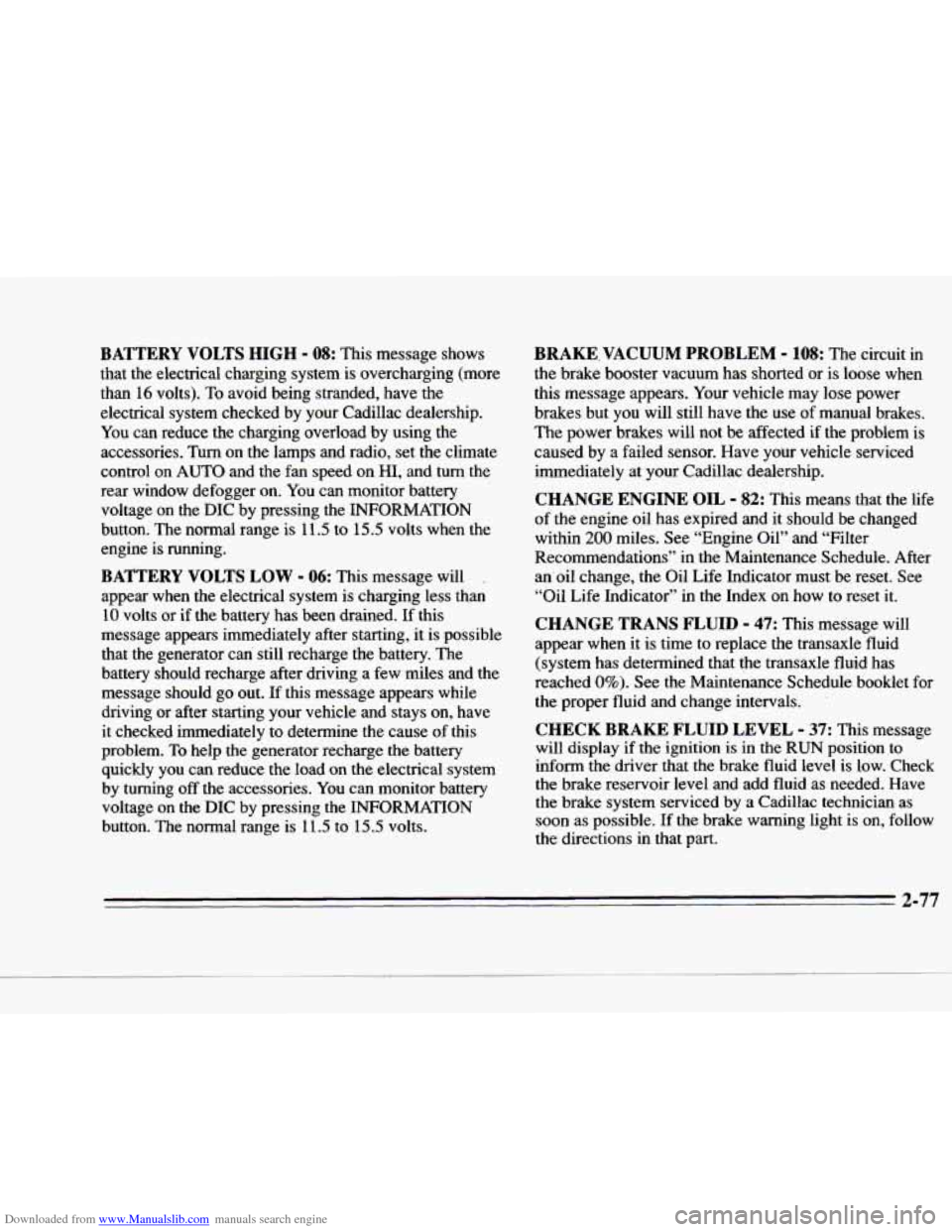
BATTERY VOLTS HIGH - 08: This message shows
that the electrical charging system is overcharging (more
than
16 volts). To avoid being stranded, have the
electrical system checked by your Cadillac dealership.
You can reduce the charging overload by using the
accessories.
Turn on the lamps and radio, set the climate
control on
AUTO and the fan speed on HI, and turn the
rear window defogger on. You can monitor battery
voltage on the DIC by pressing the INFORMATION
button. The normal range is
11.5 to 15.5 volts when the
engine
is running.
BATTERY VOLTS LOW - 06: This message will .
appear when the electrical system is charging less than
10 volts or if the battery has been drained. If this
message appears immediately after starting, it is possible that the generator can stili recharge
the battery. The
battery should recharge after driving a few miles and the
message should go out.
If this message appears while
driving or after starting your vehicle and stays on, have
it checked immediately to determine the cause of this
problem.
To help the generator recharge the battery
quickly
you can reduce the load on the electrical system
by turning off the accessories. You can monitor battery voltage on the
DIC by pressing the INFORMATION
button. The normal range is
11.5 to 15.5 volts.
BRAKE.VACUUM PROBLEM - 108: The circurr in
the brake booster vacuum has shorted or is loose when
this message appears. Your vehicle may lose power
brakes but you will still have the use
of manual brakes.
The power brakes will not be affected if the problem is
caused by a failed sensor. Have your vehicle serviced
immediately at your Cadillac dealership.
CHANGE ENGINE OIL - 82: This means that the life
of the engine oil has expired and it should be changed
within
200 miles. See “Engine Oil” and “Filter
Recommendations” in the Maintenance Schedule. After
an’oil change, the Oil Life Indicator must be reset. See
“Oil Life Indicator’’ in the Index on how to reset
it.
CHANGE TRANS FLUID - 47: This message WUI
appear when it is time to replace the transaxle fluid
(system has determined that the transaxle fluid has
reached
0%). See the Maintenance Schedule booklet for
the proper fluid and change intervals.
’
CHECK BRAKE FLUID LEVEL - 37: This message
will display if the ignition is in the RUN position to
inform the driver that the brake fluid level is low. Check
the brake reservoir level and add fluid as needed. Have the brake system serviced by a Cadillac technician as soon as possible. If the brake warning light is
on, follow
the directions in that part.
3-77
Page 142 of 354
Downloaded from www.Manualslib.com manuals search engine P-
,+
c
c
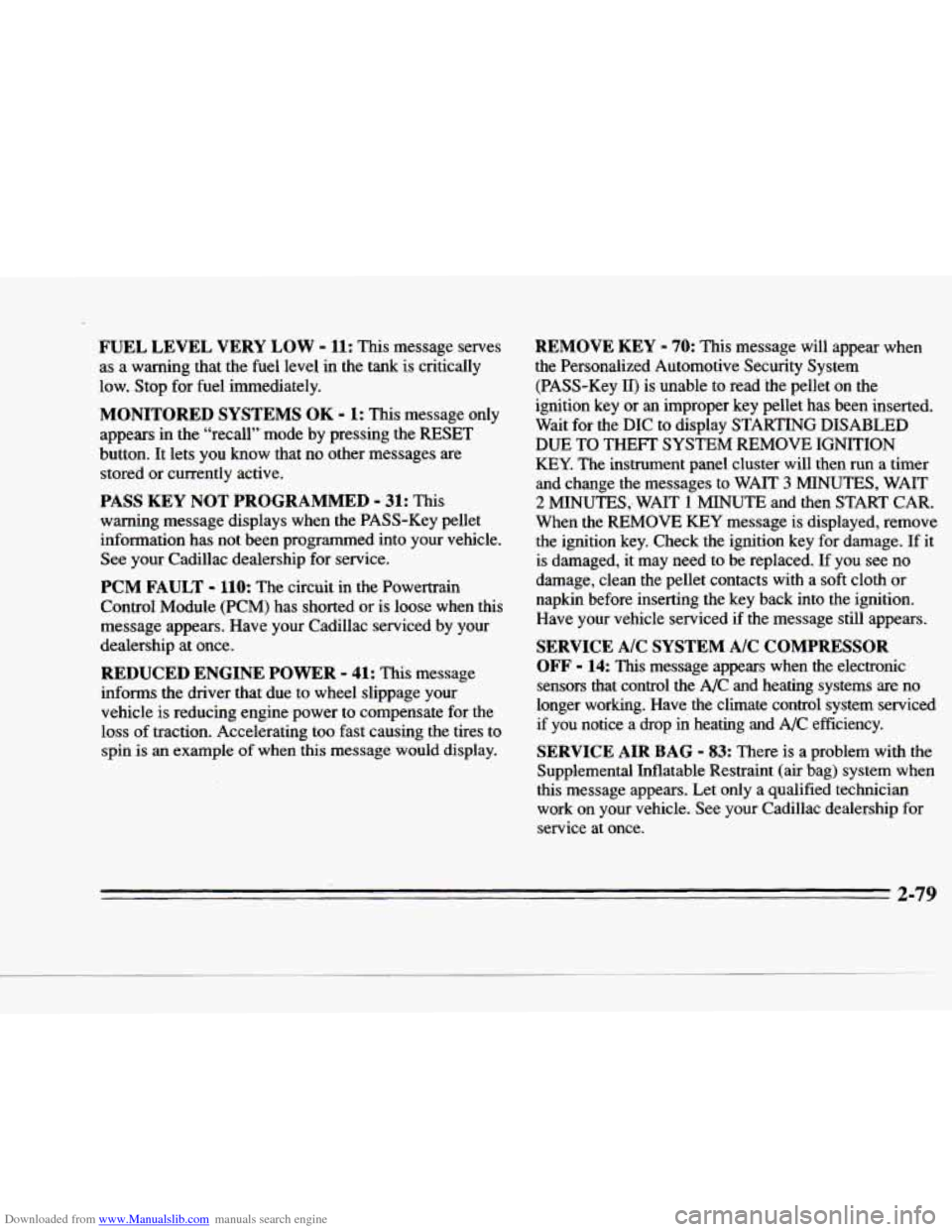
FUEL LEVEL VERY LOW - 11: This message serves
as a warning that the fuel level in the tank is critically
low. Stop for fuel immediately.
MONITORED SYSTEMS OK - I: This message only
appears in the “recall” mode by pressing the
RESET
button. It lets you know that no other messages are
stored or currently active.
PASS KEY NOT PROGRAMMED - 31: This
warning message displays when the PASS-Key pellet information has not been programmed into your vehicle.
See your Cadillac dealership for service.
PCM FAULT - 110: The circuit in the Powertrain
Control Module
(PCM) has shorted or is loose when this
message appears. Have your Cadillac serviced by your
dealership at once.
REDUCED ENGINE POWER - 41: This message
informs
the driver that due to wheel slippage your
vehicle
is reducing engine power to compensate for the
loss of traction. Accelerating too fast causing the tires to
spin
is an example of when this message would display.
REMOVE KEY - 70: This message will appear when
the Personalized Automotive Security System
(PASS-Key
11) is unable to read the pellet on the
ignition key or
an improper key pellet has been inserted.
Wait for the DIC to display STARTING DISABLED
DUE TO THEFT SYSTEM REMOVE IGNITION
KEY. The instrument panel cluster will then
run a timer
and change the messages to WAIT
3 MINUTES, WAIT
2 MINUTES,. WAIT 1 MINUTE and then START CAR.
When the REMOVE
KEY message is displayed, remove
the ignition key. Check the ignition key for damage. If it
is damaged,
it may need to be replaced. If you see no
damage, clean the pellet contacts with a soft cloth
or
napkin before inserting the key back into the ignition.
Have your vehicle serviced if the message still appears.
SERVICE A/C SYSTEM A/C COMPRESSOR
OFF
- 14: This message appears when the electronic
sensors that control the A/C and heating systems are no
longer working. Have the climate control system serviced
if you notice a drop in heating and A/C efficiency.
SERVICE AIR BAG - 83: There is a problem with the
Supplemental Inflatable Restraint (air bag) system when
this message appears. Let only a qualified technician work on your vehicle. See your Cadillac dealership for
service
at once.
2-79