instrument panel CADILLAC DEVILLE 1998 7.G User Guide
[x] Cancel search | Manufacturer: CADILLAC, Model Year: 1998, Model line: DEVILLE, Model: CADILLAC DEVILLE 1998 7.GPages: 386, PDF Size: 22.36 MB
Page 106 of 386
Downloaded from www.Manualslib.com manuals search engine Turn SignaVMultifunction Lever
Tbrn and Lane Change Signals
To signal a turn, move the lever all the way up or down.
The lever returns automatically when the
turn is complete.
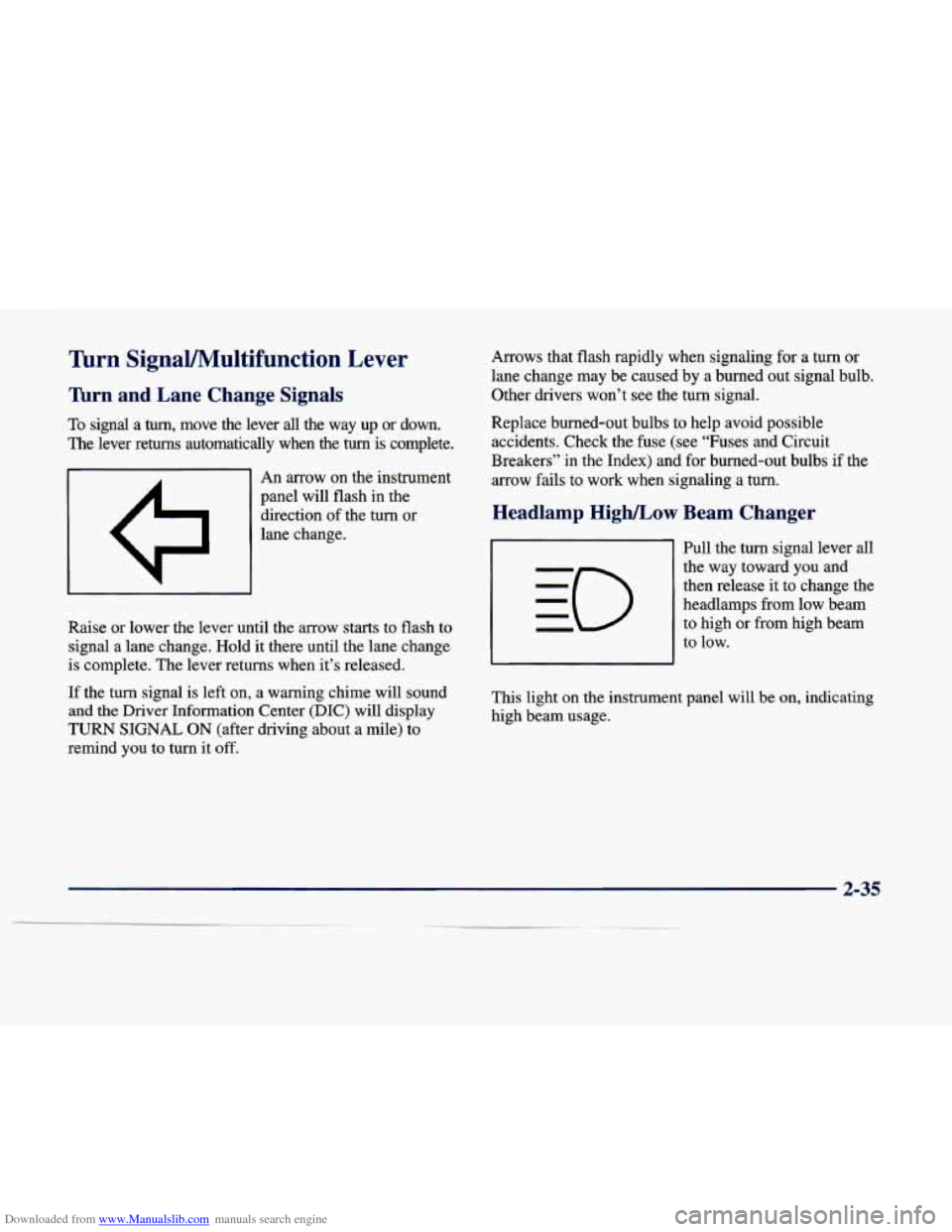
I A I An arrow on the instrument
panel will flash in the
direction of the turn or
lane change.
Raise or lower the lever until the arrow starts
to flash to
signal a lane change. Hold it there until the lane change
is complete. The lever returns when it’s released.
If the turn signal
is left on, a warning chime will sound
and the Driver Information Center (DIC) will display
TURN SIGNAL ON (after driving about a mile) to
remind you to turn it off. Arrows that
flash rapidly when signaling for a turn or
lane change may be caused by a burned out signal bulb.
Other drivers won’t see the turn signal.
Replace burned-out bulbs to help avoid possible accidents. Check the fuse (see “Fuses and Circuit
Breakers” in the Index) and for burned-out bulbs if the
arrow fails
to work when signaling a turn.
Headlamp High/Low Beam Changer
Pull the turn signal lever all
the way toward you and
then release it to change the
headlamps from low beam
to high or from high beam
to low.
This light on the instr..__lent panel will
be on, indicating
high beam usage.
Page 113 of 386
Downloaded from www.Manualslib.com manuals search engine Exterior Lamps
The control on the left side of the instrument
panel controls these
lamp systems:
0 Headlamps
0 Taillamps
Parking Lamps
0 Sidemarker Lamps
0 License Plate Lamp
Underhood Lamp
Fog Lamps (DeVille Concours Only)
Instrument Panel Lights
0 Interior Courtesy Lamps Pull the lamp control knob out to the
first stop to turn on
the parking and taillamps, sidemarker lamps and
instrument panel lights. Pull the knob out all the way to
turn
on the headlamps. Push the control knob all the way
back
in to turn the lamps and lights off.
Cluster lighting as well as instrument panel backlighting
will dim only when
it is dark outside.
Wiper Activated Headlamps
This feature activates the headlamps and parking lamps
after the windshield wipers have been in use for
approximately
20 seconds.
In order to operate the wiper activated headlamps, the
twilight sentinel must be turned on. This feature lights
the way in poor weather and it also makes your vehicle
more visible to other drivers. If the wiper activated
headlamps are on, and the ignition switch is turned off,
the wiper activated headlamps will immediately turn
off.
The wiper activated headlamps will deactivate if you
turn
off the twilight sentinel or if the windshield wipers
have been turned
off for a period of one or two seconds.
2-42
Page 114 of 386
Downloaded from www.Manualslib.com manuals search engine Lamps on Reminder
You will hear a warning chime if you open any door
while leaving the lamps
on, if the manual headlamp
control is activated. An exception to this is when you’re
using twilight sentinel.
Daytime Running Lamps
Daytime Running Lamps (DRL) can make it easier for
others to see the front
o€ your vehicle during the day.
DRL can be helpful in many different driving
conditions, but they can be especially helpful in the
short periods after dawn and before sunset.
The DRL system will make the low-beam headlamps
come on at reduced brightness when:
the ignition is on,
the headlamp switch is off and
0 the transaxle is not in PARK (P).
When DRL are on, only your low-beam headlamps (at
reduced brightness) will be on.
No other exterior lamps
such as the parking lamps, taillamps, etc. will be on
when the DRL are being used. Your instrument panel won’t be lit up either. When
the twilight sentinel switch is on and it’s dark
enough outside, the low-beam headlamps (at reduced
intensity) will turn
off and normal low-beam headlamp
operation will occur. When the twilight sentinel switch
is on and it’s bright enough outside, the regular lamps
will go
off, and the low-beam headlamps at reduced
brightness will take over for the
Dm.
If it’s dark enough outside and the twilight sentinel
control
is off, a HEADLAMPS SUGGESTED message
will display on the Driver Information Center (DIC).
This message informs the driver that turning
on the
exterior lamps is recommended even though the DRL
are still illuminated (it’s become dark enough outside to
require the headlamps and/or other exterior lamps).
Turning on the twilight sentinel, the headlamp switch or
the fog lamp switch will remove the HEADLAMPS
SUGGESTED message.
To idle your vehicle with the DRL off, turn off the
twilight sentinel and shift the transaxle into PARK
(P).
Placing your vehicle in PARK (P) disables the Dm.
The DRL will stay off until you shift out of PARK (P).
To drive your vehicle with the DRL off, turn off the
twilight sentinel and manually
turn on the parking lamps.
As with any vehicle, you should turn on the regular
headlamp system when you need
it.
2-43
Page 117 of 386
Downloaded from www.Manualslib.com manuals search engine -
Exterior Lighting Battery Saver
If the manual parking lamp control has been left on, the
exterior lamps will
turn off approximately 10 minutes
after the ignition is turned to
LOCK or ACCESSORY.
This protects draining the battery in case yoihave
accidently left the headlamps or parking lamps on. If
you need to purposely leave the lamps on for more than
10 minutes with the ignition in LOCK or ACCESSORY,
turn the manual control knob off and then back on. To
delay the lahps from turning off, see "Twilight
Sentinel" earlier in this section.
Interior Lamps
Instrument Panel Brightness Control
Cluster lighting as well as instrument panel lighting
.automatically dims when it becomes dark outside and
your lights are on. When it's dark, the brightness control
can be manually adjusted by turning the lamp control
knob to the left to dimand
to the right to brighten the
lighting. Cluster lighting and instrument panel lighting automatically brighten when
it becomes light outside.
Courtesy Lamps (DeVille Only)
The courtesy lamps are located in the roof in the rear
seat. These lamps come
ofi with the lamp knob or when
any door is opened and it
is dark outside.
Illuminated Entry
The illuminated eptry system turns on the courtesy
lamps and the backlighting to, the 'door switches
and to
the lamp control
knob when a door is opened or if you
press
a remote keyless entry transmitter button. Since
the illuminated entry system has a photocell,
this means
that it must be dark outside
in order for the courtesy
lamps or backlighting to
turn on. The courtesy lamps
turn off approximately 20 seconds after the last door is
closed
or after the ignition key is placed in the ignition.
2-46
Page 118 of 386
Downloaded from www.Manualslib.com manuals search engine Parade Dimming
This feature prohibits backlighting and the dimming of
the instrument panel lights during daylight while the
headlamps are
on. This feature operates with the light
sensor for the twilight sentinel and is fully automatic.
When the light sensor reads darkness outside, the
instrument panel lights can be adjusted. Backlighting to
the instrument panel will also turn
on.
Reading Lamps (DeVille d’Elegance and
DeVille Concours
Only)
The reading lamps are located in the roof. These lamps
come on automatically when any door is opened and it is
dark outside. For manual operation, press the button to
turn them
on. Press it again to turn them off.
If the reading lamps are left on, they automatically shut
off 10 minutes after the ignition has been turned off.
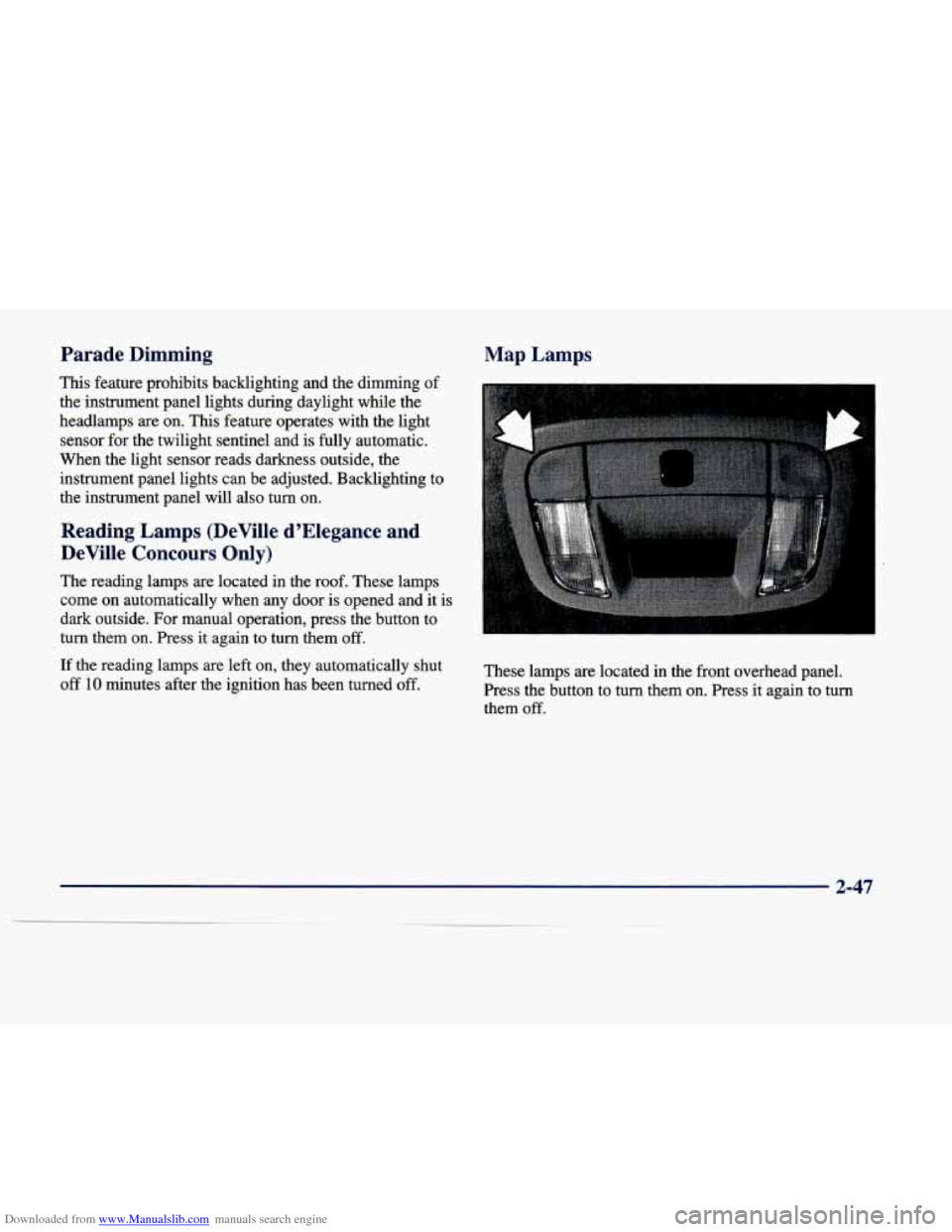
Map Lamps
These lamps are located in the front overhead panel.
Press the button to turn them on. Press it again to turn
them
off.
2-47
Page 133 of 386

Downloaded from www.Manualslib.com manuals search engine Instrument Panel
2-62
Page 134 of 386
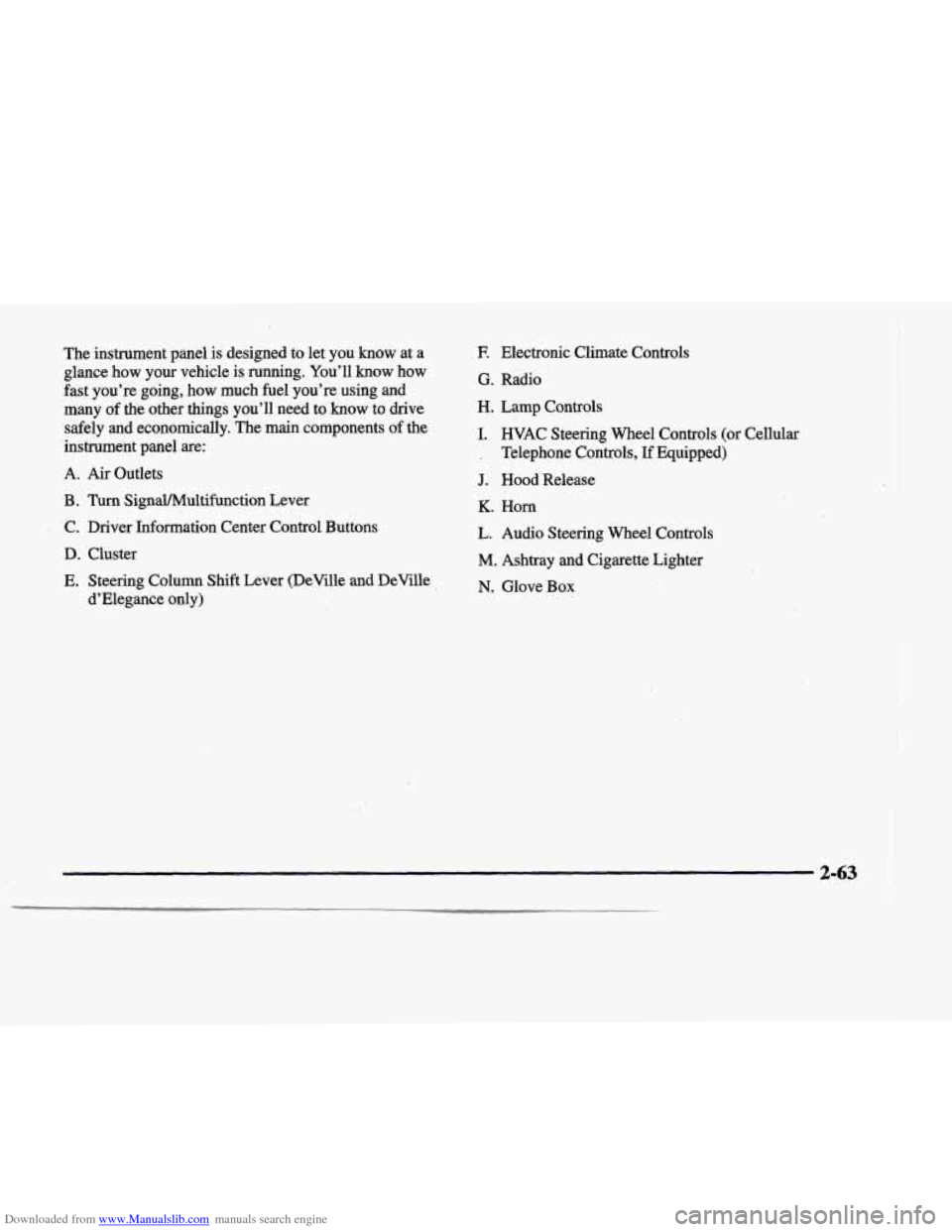
Downloaded from www.Manualslib.com manuals search engine The instrument panel is designed to let you know at a
glance
how your vehicle is running. You’ll know how
fast you’re going, how much fuel you’re using and
many of the other things you’ll need
to know to drive
safely and economically. The main components
of the
instrument panel
are:
A. Air Outlets
B . Turn SignaYMultif’unction Lever
, C. Driver Information Center Control Buttons
D. Cluster
E. Steering Column Shift Lever (DeVille and DeVille
d’Elegance only)
E Electronic Climate Controls
G. Radio
H. Lamp Controls
I. HVAC Steering Wheel Controls (or Cellular
’ , Telephone Controls, If Equipped)
J. Hood Release
K. Horn
L. Audio Steering Wheel Controls
M. Ashtray and Cigarette Lighter
N. Glove Box
2-63
Page 139 of 386
Downloaded from www.Manualslib.com manuals search engine When one of the warningalights comes on and stays on
when you
are driving, or when one of @e gages shows
there.may be a problem, check the section that tells you
, what to do aboyt it. Please follow this manual’s advice.
Waiting to do repairs can be costly
-- and even
dangerous.
So please get to know your warning lights
and gages. They’re a big help.
Your vehicle also has a Driver Information Center that
-works along with the warning lights and gages. See
“Driver Information Center” later in
this section.
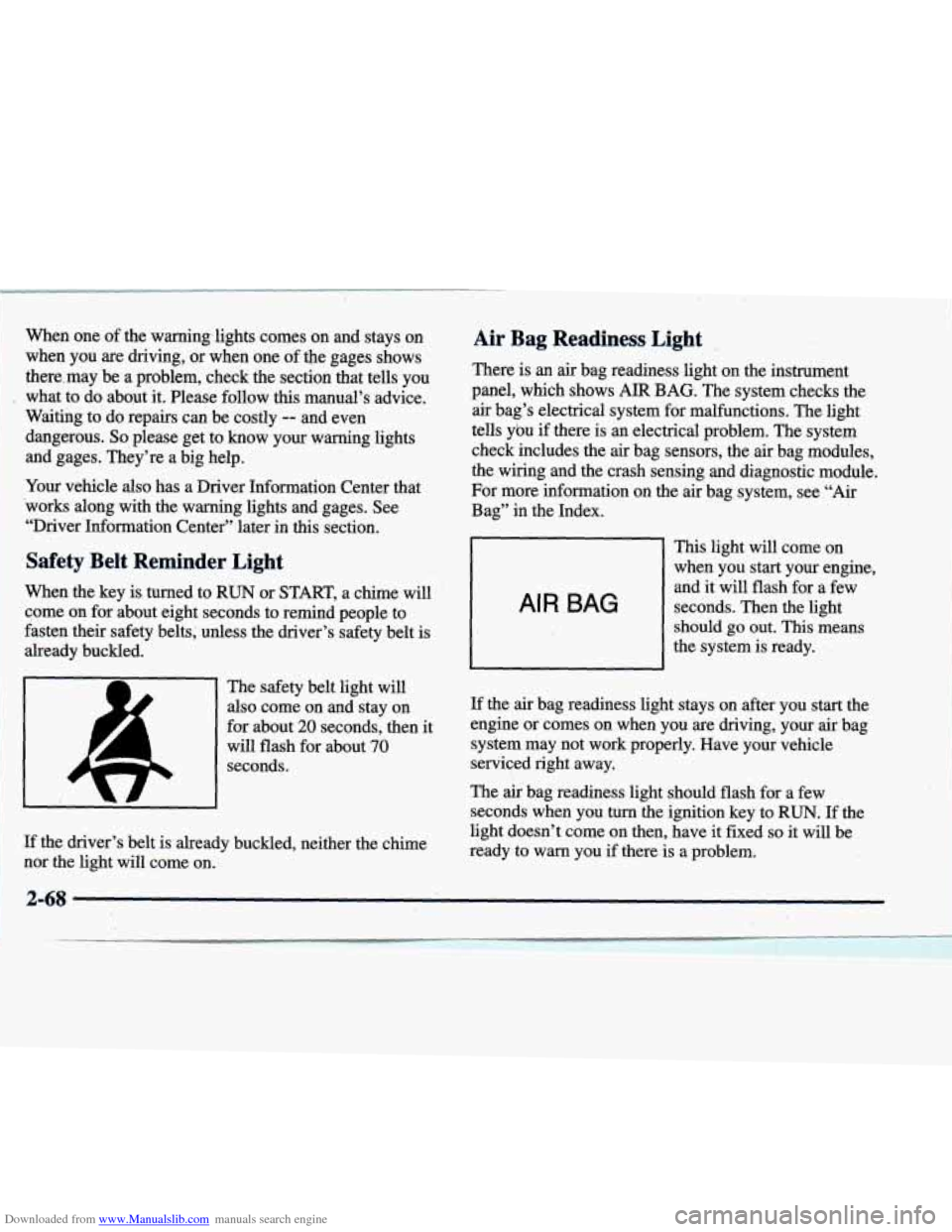
Safety Belt Reminder Light
When the key is turned to RUN or START, a chime will
come
on for about eight seconds to remind people to
fasten their safety belts; unless the driver’s safety belt
is
already buckled.
Air Bag Readiness Light .,
There is an air bag readiness light on the instrument
panel, which shows
AIR BAG. The system checks the
air bag’s electrical system for malfunctions. The light
tells ybu
if there is an electrical problem. The system
check includes the
air bag sensors, the air bag modules,
the wiring and the crash sensing and di-agnostic module.
For more information on the
air bag system, see “Air
Bag” in the Index.
This light will come on
when you start your engine, and
it .will flash for a few
seconds. Then the light
should
go out. This means
the system is ready.
AIR BAG
The safety belt light will
also come on and stay on
for about
20 seconds, then it
will flash for about
70
seconds.
If the driver’s belt is already buckled, neither the chime
nor the light will come on.
If the air bag readiness light stays on after you stat :the
engine or comes on when you are driving, your
air bag
system may not work properly. Have your vehicle
serviced right away.
The
air bag readiness light should flash for a few
seconds when you turn the ignition key to
RUN. If the
light doesn’t come on then, have
it fixed so it will be
ready to warn you if there is a problem.
2-68
i
Page 157 of 386
Downloaded from www.Manualslib.com manuals search engine LOW-REFRIG A/C OFF - 12: This message means
that the air conditioning system detects a refrigerant
level that is low enough to cause damage to the air
conditioning compressor.
To avoid damage, the air
conditioning compressor automatically
turns off and the
electronic climate control system will automatically switch from AUTO to
ECON and remain there.
Have the air conditioning system serviced if this
message appears.
MONITORED SYSTEMS OK - 1: This message only
appears in the “recall” mode by pressing the RESET
(INFO RESET) button. It lets you know that no other
messages are stored or currently active.
OIL PRESSURE LOW STOP ENGINE - 35: If this
message appears while the engine is running, stop the
engine and do not operate
it until the cause of low oil
pressure is corrected. Severe damage to the engine can
result.
A multiple chime will also sound when this
message is displayed.
OPTIONS NOT SET - 99: This message will display if
a fault has occurred in your vehicle’s memory. See your
dealership for service.
PROGRAM PASS KEY - 31: This warning message
displays when the PASS-Key I1 pellet information has
not been programmed into your vehicle. See your dealership for service.
PHONE NOT PRESENT - 126: This message will
appear when the steering wheel controls for the optional
phone system are activated but the phone is not plugged
into the vehicle. Make sure your phone is plugged in.
If
your phone appears to be connected, see your dealership
for service.
REMOVE KEY - 70: This message will appear when
the Personalized Automotive Security System
(PASS-Key
11) is unable to read the pellet on the
ignition key or an improper key pellet has been inserted.
This message typically appears following the display of
STARTING DISABLED,
REMOVE KEY. The
instrument panel cluster will then run a timer and
change the messages to WAIT
3 MINUTES, WAIT
2 MINUTES, WAIT 1 MINUTE and then START CAR.
When the REMOVE KEY message is displayed, remove
the ignition key. Check the ignition key for damage. If it
is damaged, it may need to be replaced. If you see no
damage, clean the pellet contacts with a soft cloth or
napkin before inserting the key back into the ignition.
Have your vehicle serviced if the message still appears.
SERVICE A/C SYSTEM - 14: This message appears
when the electronic sensors that control the air
conditioning and heating systems are no longer working.
Have the climate control system serviced if you notice a
drop in heating and air conditioning efficiency.
Page 159 of 386
Downloaded from www.Manualslib.com manuals search engine STABILITY ENGAGED - 55: You may see the
STABILITY ENGAGED message on the Driver
Information Center. It means that
an advanced,
computer-controlled system has come on to help your
vehicle continue to go in the direction in which you’re
steering. This stability enhancement system activates
when the computer senses that your vehicle is just
starting to spin, as it might if you hit a patch of ice or
other slippery spot on the road. When the system is on,
you may hear- a noise or feel a vibration
in the brake
pedal.
This is normal.
When the STABILITY
SYS ENGAGED message is on,
you should continue to steer in the direction you want to
go. The system is designed to help you in bad weather or
other difficult driving situations by making the most of
whatever road conditions will permit. If the STABILITY
SYS ENGAGED message comes on, you’ll know that
something has caused your vehicle to start to spin,
so
you should consider slowing down.
SERV STABILITY SYS - 54: If you ever see the
SERV STABILITY SYS message, it means there may
be a problem with your stability enhancement system. If
you see
this message, try to reset the system (stop; turn
off the engine; then start the engine again). If the SERV
STABILITY
SYS message still comes on, it means there
is a problem. You should see your dealer for service.
Reduce your speed and drive accordingly.
STARTING DISABLED, REMOVE KEY - 33: This
message will appear when the Personalized Automotive
Security System (PASS-Key
II) senses that an improper
ignition key
is being used to try to start the vehicle.
Check the ignition key for damage.
If it is damaged, it
may need to be replaced.
If you see no damage, clean
the pellet contacts with a soft cloth or napkin. Remove
the ignition key and wait for the Driver Information
Center (DIC) to display WAIT
3 MINUTES. The
instrument panel cluster will then run
a timer and
change the messages to WAIT
2 MINUTES, WAIT 1
MINUTE and then START CAR. When the START
CAR message is displayed,
try again to start the engine.
THEFT SYSTEM PROBLEM, CAR MAY NOT
RESTART
- 34: This message means there is a problem
in the Personalized Automotive Security System (PASS-Key
11). A fault has been detected in the system
which means that the PASS-Key
II system is disabled
and is not protecting the vehicle. The vehicle usually
restarts, however, you may want to take your vehicle to a proper service center before turning
off the engine.
TOP SPEED - FUEL OFF - 111: This message will
appear when the PCM senses that the maximum speed
for your vehicle has been reached. The speed
of your
vehiclebill decrease several mph as the fuel supply is
cutoff. This allows your vehicle
to stay in a stable
operating range.
2-88