wheel CADILLAC DEVILLE 2004 8.G User Guide
[x] Cancel search | Manufacturer: CADILLAC, Model Year: 2004, Model line: DEVILLE, Model: CADILLAC DEVILLE 2004 8.GPages: 460, PDF Size: 2.88 MB
Page 97 of 460
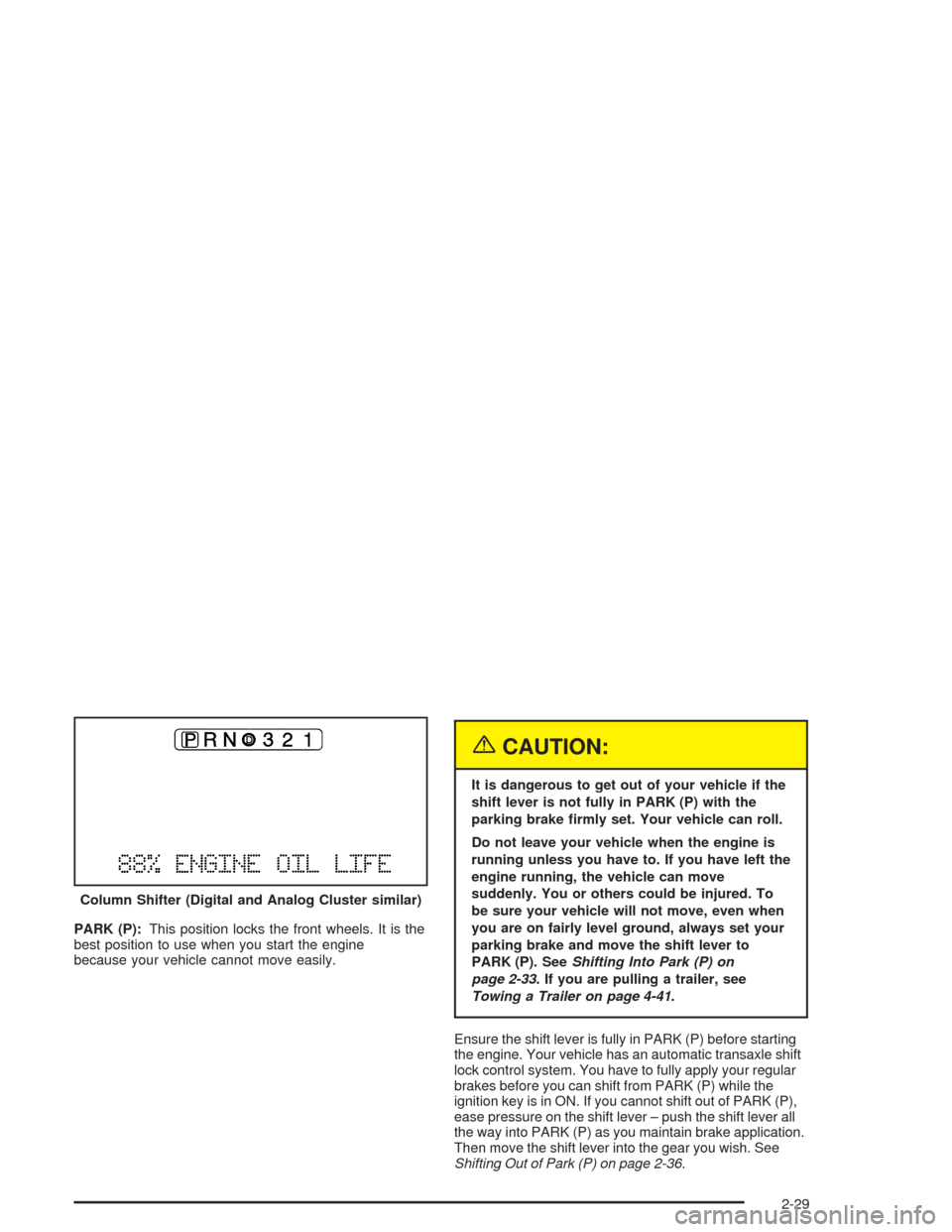
PARK (P):This position locks the front wheels. It is the
best position to use when you start the engine
because your vehicle cannot move easily.
{CAUTION:
It is dangerous to get out of your vehicle if the
shift lever is not fully in PARK (P) with the
parking brake rmly set. Your vehicle can roll.
Do not leave your vehicle when the engine is
running unless you have to. If you have left the
engine running, the vehicle can move
suddenly. You or others could be injured. To
be sure your vehicle will not move, even when
you are on fairly level ground, always set your
parking brake and move the shift lever to
PARK (P). SeeShifting Into Park (P) on
page 2-33. If you are pulling a trailer, see
Towing a Trailer on page 4-41.
Ensure the shift lever is fully in PARK (P) before starting
the engine. Your vehicle has an automatic transaxle shift
lock control system. You have to fully apply your regular
brakes before you can shift from PARK (P) while the
ignition key is in ON. If you cannot shift out of PARK (P),
ease pressure on the shift lever – push the shift lever all
the way into PARK (P) as you maintain brake application.
Then move the shift lever into the gear you wish. See
Shifting Out of Park (P) on page 2-36. Column Shifter (Digital and Analog Cluster similar)
2-29
Page 98 of 460
REVERSE (R):Use this gear to back up.
Notice:Shifting to REVERSE (R) while your vehicle
is moving forward could damage the transaxle.
The repairs would not be covered by your warranty.
Shift to REVERSE (R) only after your vehicle is
stopped.
Also use this gear to rock your vehicle back and forth to
get out of snow, ice or sand without damaging your
transaxle. SeeIf You Are Stuck: In Sand, Mud, Ice or
Snow on page 4-32for additional information.
NEUTRAL (N):In this position, the engine does not
connect with the wheels. To restart when you are
already moving, use NEUTRAL (N) only. Also, use
NEUTRAL (N) when your vehicle is being towed.
{CAUTION:
Shifting into a drive gear while your engine is
running at high speed is dangerous. Unless
your foot is rmly on the brake pedal, your
vehicle could move very rapidly. You could
lose control and hit people or objects. Do not
shift into a drive gear while your engine is
running at high speed.
Notice:Shifting out of PARK (P) or NEUTRAL (N)
with the engine racing may damage the transaxle.
The repairs would not be covered by your warranty.
Be sure the engine is not racing when shifting
your vehicle.
2-30
Page 110 of 460
The mirrors can be manually folded inward to prevent
damage when going through an automatic car wash. To
fold, push the mirror toward the vehicle. To return the
mirror to its original position, push outward. Be sure
to return both mirrors to their original unfolded positions
before driving.
The mirrors also have an arrow on the mirror face that
ashes in the direction of the turn when the turn
signal is used. SeeTurn Signal/Multifunction Lever on
page 3-9.
The mirrors can also be programmed for personalization
and the parallel parking feature if you have the
optional memory package. For more information, see
Memory Seat, Mirrors and Steering Wheel on page 2-55
andDIC Vehicle Personalization on page 3-74.
Outside Automatic Dimming Mirror
If your vehicle is equipped with this feature, the
driver’s side mirror will adjust for the glare of headlamps
behind you. This feature is controlled by the on and
off settings on the automatic dimming rearview mirror.
SeeAutomatic Dimming Rearview Mirror with OnStar
®
on page 2-39.
Outside Curb View Assist Mirror
If your vehicle is equipped with memory mirrors, it will
also be capable of performing the curb view assist mirror
feature. This feature will allow the passenger’s side
mirror to tilt to a factory programmed position when the
vehicle is in REVERSE (R). This feature may be
useful in allowing you to view the curb when you are
parallel parking.
When the vehicle is shifted out of REVERSE (R) and a
ve-second delay has occurred, the passenger’s
side mirror will return to its original position.
If further adjustment is needed after the mirror is tilted,
the mirror switch may be used.
This feature can be enabled/disabled through the Driver
Information Center (DIC). SeeDIC Vehicle
Personalization on page 3-74for more information.
2-42
Page 113 of 460

OnStar®Steering Wheel Controls
You can use the steering wheel controls with OnStar®.
The controls are located
on the left side of the
steering wheel.
Press the top part of the control to access OnStar
®. You
will hear a ready prompt from the system, and then you
can begin your OnStar
®session or begin making calls.If your vehicle has the optional Navigation system or
cellular phone, the ready prompt will come from
that system rst. You must say the word phone to
access OnStar
®.
If your vehicle has both optional systems, the ready
prompt will come from the Navigation system rst. When
you say the word phone after the ready prompt, you
will access the cellular phone.
If you prefer to use OnStar
®to make calls, you must
repeat the word phone again after the cellular
phone ready prompt.
To end a communication session, press the bottom part
of the control that says END.
2-45
Page 119 of 460

Cellular Telephone
Your vehicle may have been prewired for dealer
installation of a portable cellular telephone system. The
system has steering wheel telephone controls and
information output through the Driver Information
Center (DIC). Voice activation with remote record and
hands-free operation are standard features. For more
information, contact your dealer. A user’s guide is
provided with the telephone.
Front Storage Area
If your vehicle is equipped with the front storage area, it
comes with a coinholder, a storage compartment for
CDs or tapes, an optional cellular telephone and a dual
cupholder.
Full Floor Console Storage Area
If your vehicle is equipped with the full oor console, it
has an upper and lower storage area. The upper
storage area is available for the optional cellular
telephone. The lower storage area has two removable
bins that can hold tapes and/or CDs.
To open the console, pull up on either lever to open the
upper or lower storage area.
There is also a removable coinholder that attaches to
the side of one of the bins. A dual cupholder is located in
front of the console. Open and close by pressing on
the cupholder.
Center Console Storage Area
If your vehicle is equipped with the center console, it
comes with a storage tray, a storage compartment
for CDs or tapes, a dual cupholder that unfolds,
a coinholder, an optional phone and an armrest. The
cupholder can be opened by pressing on the surface
panel located in front of the armrest and unfolding
it. Close the lid to secure it.
2-51
Page 123 of 460
Vehicle Personalization
Memory Seat, Mirrors and Steering
Wheel
Your vehicle may be equipped with the memory
package.
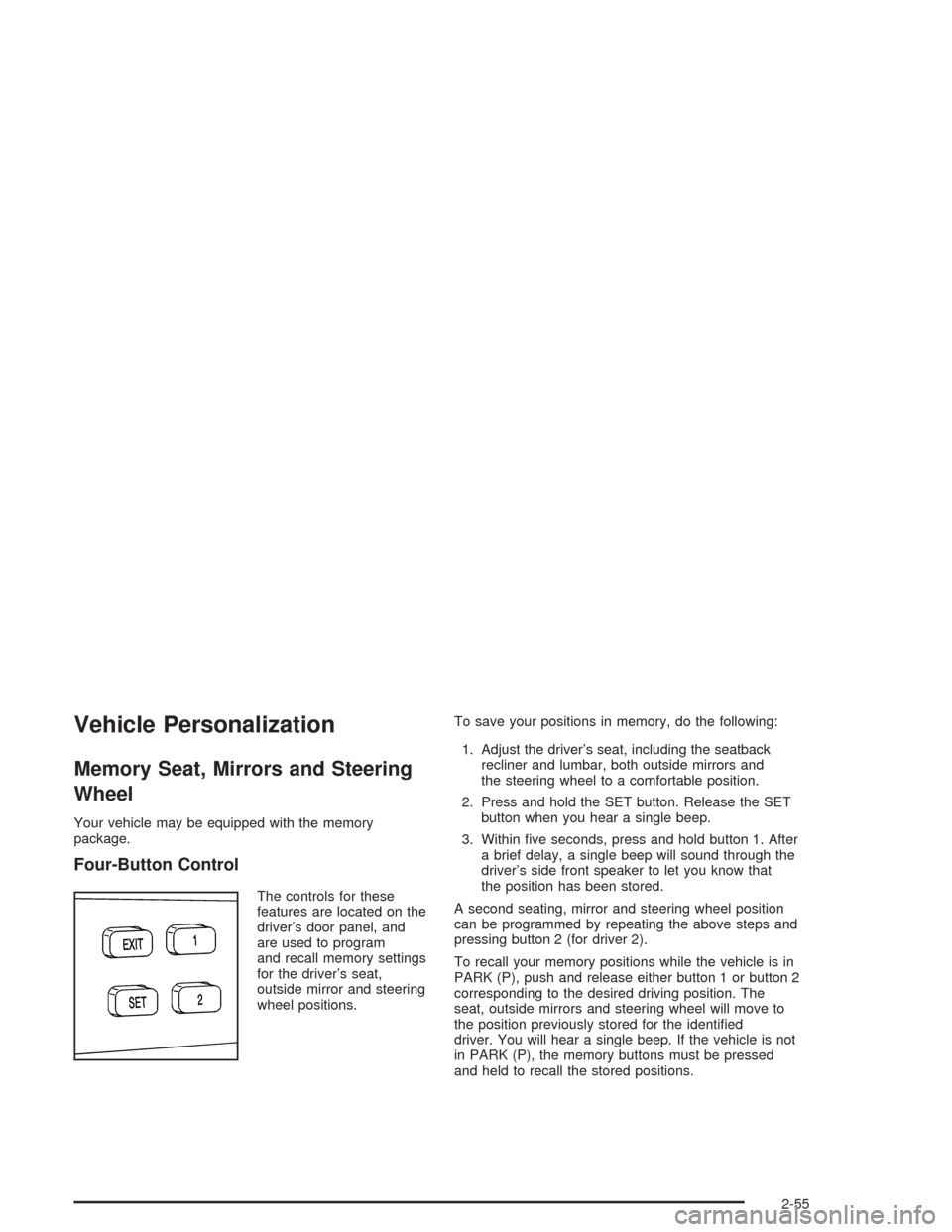
Four-Button Control
The controls for these
features are located on the
driver’s door panel, and
are used to program
and recall memory settings
for the driver’s seat,
outside mirror and steering
wheel positions.To save your positions in memory, do the following:
1. Adjust the driver’s seat, including the seatback
recliner and lumbar, both outside mirrors and
the steering wheel to a comfortable position.
2. Press and hold the SET button. Release the SET
button when you hear a single beep.
3. Within ve seconds, press and hold button 1. After
a brief delay, a single beep will sound through the
driver’s side front speaker to let you know that
the position has been stored.
A second seating, mirror and steering wheel position
can be programmed by repeating the above steps and
pressing button 2 (for driver 2).
To recall your memory positions while the vehicle is in
PARK (P), push and release either button 1 or button 2
corresponding to the desired driving position. The
seat, outside mirrors and steering wheel will move to
the position previously stored for the identied
driver. You will hear a single beep. If the vehicle is not
in PARK (P), the memory buttons must be pressed
and held to recall the stored positions.
2-55
Page 124 of 460
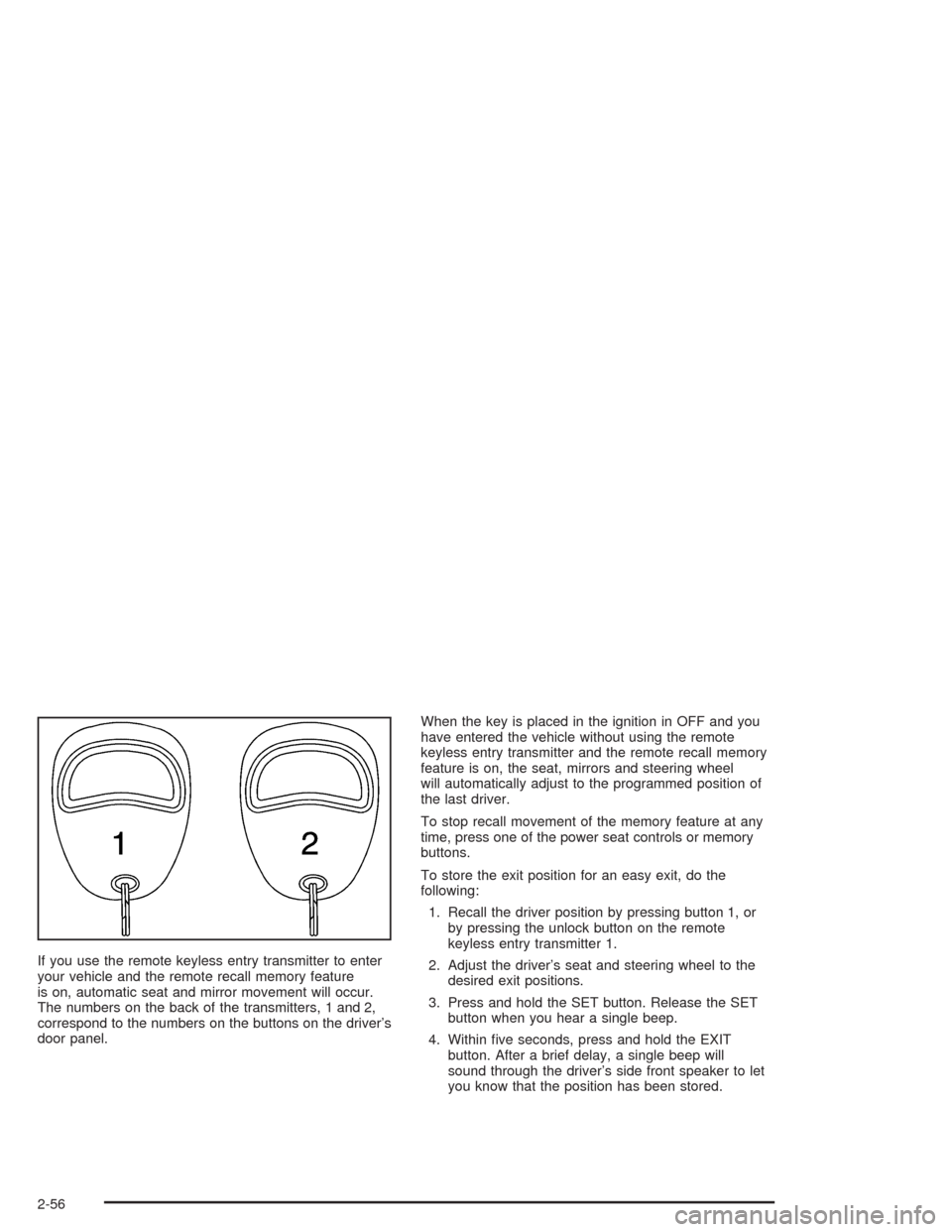
If you use the remote keyless entry transmitter to enter
your vehicle and the remote recall memory feature
is on, automatic seat and mirror movement will occur.
The numbers on the back of the transmitters, 1 and 2,
correspond to the numbers on the buttons on the driver’s
door panel.When the key is placed in the ignition in OFF and you
have entered the vehicle without using the remote
keyless entry transmitter and the remote recall memory
feature is on, the seat, mirrors and steering wheel
will automatically adjust to the programmed position of
the last driver.
To stop recall movement of the memory feature at any
time, press one of the power seat controls or memory
buttons.
To store the exit position for an easy exit, do the
following:
1. Recall the driver position by pressing button 1, or
by pressing the unlock button on the remote
keyless entry transmitter 1.
2. Adjust the driver’s seat and steering wheel to the
desired exit positions.
3. Press and hold the SET button. Release the SET
button when you hear a single beep.
4. Within ve seconds, press and hold the EXIT
button. After a brief delay, a single beep will
sound through the driver’s side front speaker to let
you know that the position has been stored.
2-56
Page 125 of 460

An exit position for driver position 2 can be programmed
by repeating the above steps, pressing button 2 (for
driver 2) and using remote keyless entry transmitter
number 2.
With the vehicle in PARK (P), the exit position for the
previously set driver can be recalled by pressing
the EXIT button. The mirrors and power lumbar positions
will not be stored or recalled.
Further programming for automatic seat and steering
wheel movement can be done using the Driver
Information Center (DIC). You can select or not select
the following:
Automatic seat and steering wheel movement when
the vehicle is unlocked with the remote keyless
entry transmitter, or
automatic seat and steering wheel movement when
a key is placed in the ignition.
For programming information, seeDIC Vehicle
Personalization on page 3-74.
Three-Button Control
The controls for these
features are located on the
driver’s door panel, and
are used to program
and recall memory settings
for the driver’s seat,
outside mirror and steering
wheel positions.
2-57
Page 126 of 460
To save your positions in memory, do the following:
1. Adjust the driver’s seat, including the seatback
recliner and lumbar, both outside mirrors and
the steering wheel to a comfortable position.
2. Press and hold button 1. After a brief delay, two
beeps will sound through the driver’s side front
speaker to let you know that the position has been
stored.
A second seating, mirror and steering wheel position
can be programmed by repeating the above steps and
pressing button 2 (for driver 2).
To recall your memory positions while the vehicle is in
PARK (P), push and release either button 1 or button 2
corresponding to the desired driving position. The
seat, outside mirrors and steering wheel will move to
the position previously stored for the identied
driver. You will hear a single beep. If the vehicle is not
in PARK (P), the memory buttons must be pressed
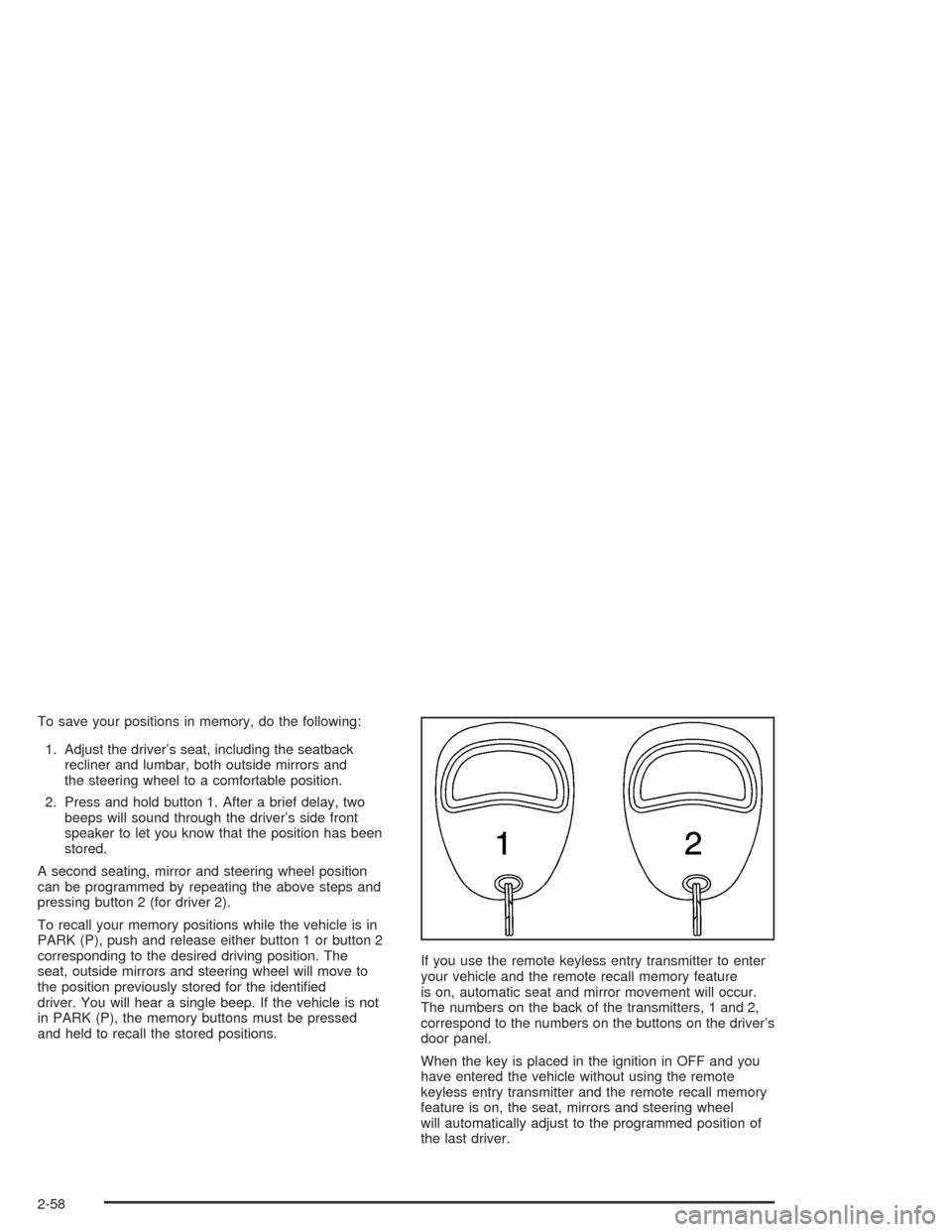
and held to recall the stored positions.If you use the remote keyless entry transmitter to enter
your vehicle and the remote recall memory feature
is on, automatic seat and mirror movement will occur.
The numbers on the back of the transmitters, 1 and 2,
correspond to the numbers on the buttons on the driver’s
door panel.
When the key is placed in the ignition in OFF and you
have entered the vehicle without using the remote
keyless entry transmitter and the remote recall memory
feature is on, the seat, mirrors and steering wheel
will automatically adjust to the programmed position of
the last driver.
2-58
Page 127 of 460

To stop recall movement of the memory feature at any
time, press one of the power seat controls or memory
buttons.
To store the exit position for an easy exit, do the
following:
1. Recall the driver position by pressing button 1, or
by pressing the unlock button on the remote
keyless entry transmitter 1.
2. Adjust the driver’s seat and steering wheel to the
desired exit positions.
3. Press and hold the EXIT button. After a brief delay,
two beeps will sound through the driver’s side front
speaker to let you know that the position has
been stored.
An exit position for driver position 2 can be programmed
by repeating the above steps, pressing button 2 (for
driver 2) and using remote keyless entry transmitter
number 2.With the vehicle in PARK (P), the exit position for the
previously set driver can be recalled by pressing the EXIT
button. You will hear a single beep. The mirrors and
power lumbar positions will not be stored or recalled.
Further programming for automatic seat and steering
wheel movement can be done using the Driver
Information Center (DIC). You can select or not select
the following:
Automatic seat and steering wheel movement when
the vehicle is unlocked with the remote keyless
entry transmitter, or
automatic seat and steering wheel movement when
a key is placed in the ignition.
For programming information, seeDIC Vehicle
Personalization on page 3-74.
2-59