cruise control CADILLAC DTS 2006 1.G Owner's Guide
[x] Cancel search | Manufacturer: CADILLAC, Model Year: 2006, Model line: DTS, Model: CADILLAC DTS 2006 1.GPages: 450, PDF Size: 2.55 MB
Page 218 of 450
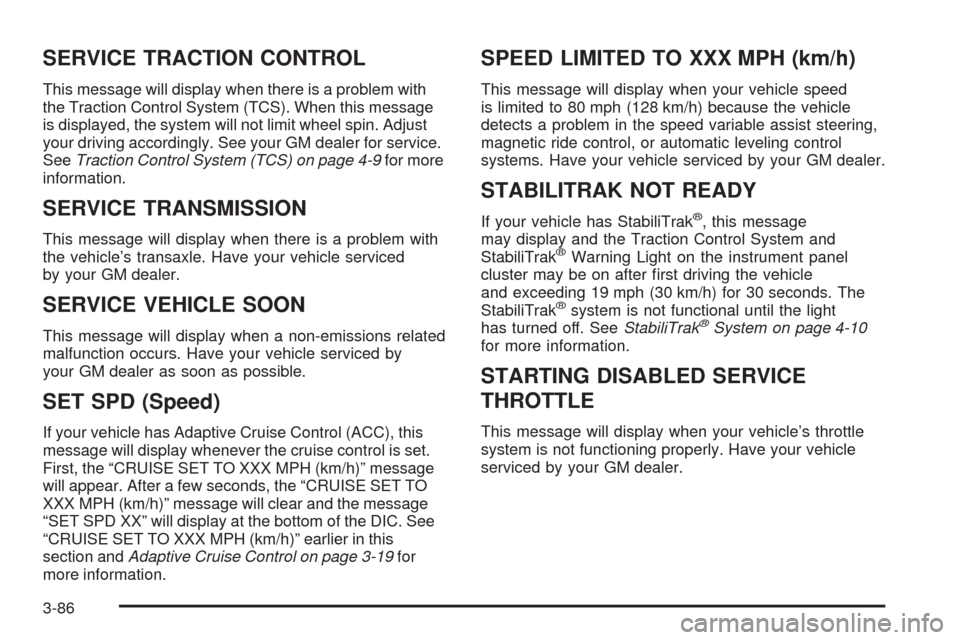
SERVICE TRACTION CONTROL
This message will display when there is a problem with
the Traction Control System (TCS). When this message
is displayed, the system will not limit wheel spin. Adjust
your driving accordingly. See your GM dealer for service.
SeeTraction Control System (TCS) on page 4-9for more
information.
SERVICE TRANSMISSION
This message will display when there is a problem with
the vehicle’s transaxle. Have your vehicle serviced
by your GM dealer.
SERVICE VEHICLE SOON
This message will display when a non-emissions related
malfunction occurs. Have your vehicle serviced by
your GM dealer as soon as possible.
SET SPD (Speed)
If your vehicle has Adaptive Cruise Control (ACC), this
message will display whenever the cruise control is set.
First, the “CRUISE SET TO XXX MPH (km/h)” message
will appear. After a few seconds, the “CRUISE SET TO
XXX MPH (km/h)” message will clear and the message
“SET SPD XX” will display at the bottom of the DIC. See
“CRUISE SET TO XXX MPH (km/h)” earlier in this
section andAdaptive Cruise Control on page 3-19for
more information.
SPEED LIMITED TO XXX MPH (km/h)
This message will display when your vehicle speed
is limited to 80 mph (128 km/h) because the vehicle
detects a problem in the speed variable assist steering,
magnetic ride control, or automatic leveling control
systems. Have your vehicle serviced by your GM dealer.
STABILITRAK NOT READY
If your vehicle has StabiliTrak®, this message
may display and the Traction Control System and
StabiliTrak
®Warning Light on the instrument panel
cluster may be on after rst driving the vehicle
and exceeding 19 mph (30 km/h) for 30 seconds. The
StabiliTrak
®system is not functional until the light
has turned off. SeeStabiliTrak®System on page 4-10
for more information.
STARTING DISABLED SERVICE
THROTTLE
This message will display when your vehicle’s throttle
system is not functioning properly. Have your vehicle
serviced by your GM dealer.
3-86
Page 267 of 450
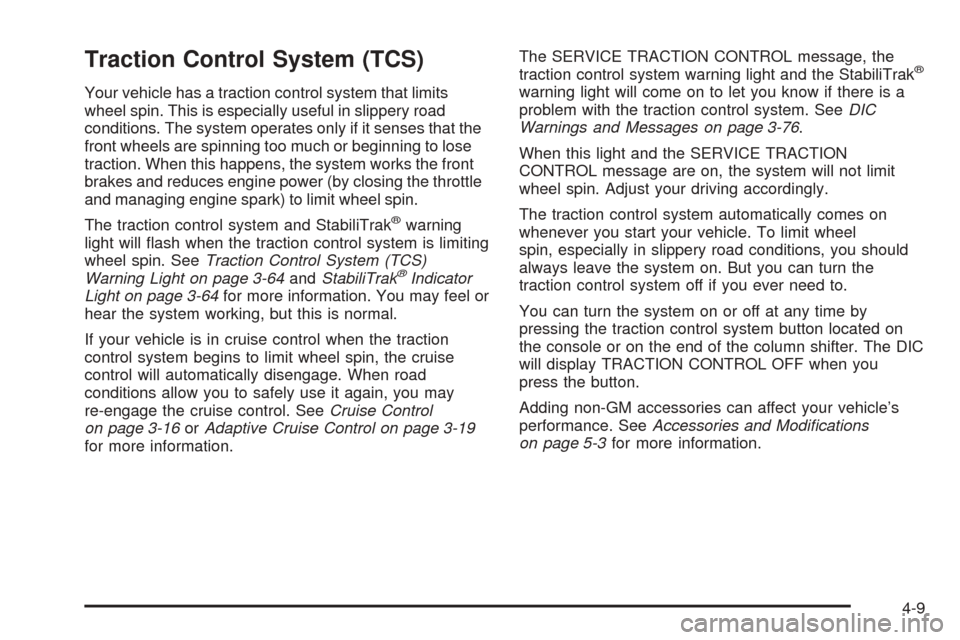
Traction Control System (TCS)
Your vehicle has a traction control system that limits
wheel spin. This is especially useful in slippery road
conditions. The system operates only if it senses that the
front wheels are spinning too much or beginning to lose
traction. When this happens, the system works the front
brakes and reduces engine power (by closing the throttle
and managing engine spark) to limit wheel spin.
The traction control system and StabiliTrak
®warning
light will ash when the traction control system is limiting
wheel spin. SeeTraction Control System (TCS)
Warning Light on page 3-64andStabiliTrak
®Indicator
Light on page 3-64for more information. You may feel or
hear the system working, but this is normal.
If your vehicle is in cruise control when the traction
control system begins to limit wheel spin, the cruise
control will automatically disengage. When road
conditions allow you to safely use it again, you may
re-engage the cruise control. SeeCruise Control
on page 3-16orAdaptive Cruise Control on page 3-19
for more information.The SERVICE TRACTION CONTROL message, the
traction control system warning light and the StabiliTrak
®
warning light will come on to let you know if there is a
problem with the traction control system. SeeDIC
Warnings and Messages on page 3-76.
When this light and the SERVICE TRACTION
CONTROL message are on, the system will not limit
wheel spin. Adjust your driving accordingly.
The traction control system automatically comes on
whenever you start your vehicle. To limit wheel
spin, especially in slippery road conditions, you should
always leave the system on. But you can turn the
traction control system off if you ever need to.
You can turn the system on or off at any time by
pressing the traction control system button located on
the console or on the end of the column shifter. The DIC
will display TRACTION CONTROL OFF when you
press the button.
Adding non-GM accessories can affect your vehicle’s
performance. SeeAccessories and Modications
on page 5-3for more information.
4-9
Page 437 of 450
A
Accessories and Modications............................ 5-3
Accessory Power Outlet(s)...............................3-42
Adaptive Cruise Control...................................3-19
Adding Equipment to Your Airbag-Equipped
Vehicle.......................................................1-70
Additives, Fuel................................................. 5-6
Add-On Electrical Equipment............................5-92
Air Cleaner/Filter, Engine.................................5-18
Air Conditioning..............................................3-44
Airbag
Passenger Status Indicator...........................3-59
Readiness Light..........................................3-58
Airbag Sensing and Diagnostic Module (SDM)...... 7-9
Airbag System................................................1-54
Adding Equipment to Your Airbag-Equipped
Vehicle...................................................1-70
How Does an Airbag Restrain?......................1-63
Passenger Sensing System...........................1-65
Servicing Your Airbag-Equipped Vehicle..........1-70
What Makes an Airbag Inate?......................1-63
What Will You See After an Airbag Inates?....1-64
When Should an Airbag Inate?....................1-61
Where Are the Airbags?...............................1-57
Analog Clock..................................................3-44Antenna, Diversity Antenna System..................3-124
Antenna, XM™ Satellite Radio
Antenna System........................................3-125
Anti-Lock Brake System (ABS)........................... 4-7
Anti-Lock Brake, System Warning Light..............3-63
Appearance Care
Aluminum or Chrome-Plated Wheels..............5-88
Care of Safety Belts....................................5-86
Chemical Paint Spotting...............................5-89
Cleaning Exterior Lamps/Lenses....................5-86
Cleaning the Inside of Your Vehicle................5-83
Fabric/Carpet..............................................5-84
Finish Care.................................................5-87
Finish Damage............................................5-89
Instrument Panel, Vinyl, and Other
Plastic Surfaces.......................................5-85
Leather......................................................5-85
Sheet Metal Damage...................................5-89
Speaker Covers..........................................5-86
Tires..........................................................5-88
Underbody Maintenance...............................5-89
Vehicle Care/Appearance Materials................5-90
Washing Your Vehicle...................................5-86
Weatherstrips..............................................5-86
Windshield and Wiper Blades........................5-87
Wood Panels..............................................5-85
1
Page 440 of 450
Cooling System..............................................5-28
Cornering Lamps............................................3-35
Courtesy Lamps.............................................3-36
Cruise Control................................................3-16
Cruise Control, Adaptive..................................3-19
Cruise Control, Forward Collision Alert (FAC)
System........................................................ 3-9
Cruise Control Light........................................3-70
Cupholder(s)..................................................2-49
Customer Assistance Information
Courtesy Transportation.................................. 7-7
Customer Assistance for Text
Telephone (TTY) Users............................... 7-4
Customer Assistance Offices........................... 7-4
Customer Satisfaction Procedure..................... 7-2
GM Mobility Reimbursement Program............... 7-5
Reporting Safety Defects to
General Motors........................................7-14
Reporting Safety Defects to the
Canadian Government..............................7-14
Reporting Safety Defects to the
United States Government.........................7-13
Roadside Service.......................................... 7-6
Service Publications Ordering
Information..............................................7-14D
Daytime Running Lamps..................................3-34
Defensive Driving............................................. 4-2
Diversity Antenna System...............................3-124
Doing Your Own Service Work........................... 5-4
Door
Central Door Unlocking System.....................2-11
Locks........................................................2-10
Power Door Locks.......................................2-11
Programmable Automatic Door Locks.............2-11
Rear Door Security Locks.............................2-12
Driver
Position, Safety Belt.....................................1-15
Driver Information Center (DIC).........................3-71
DIC Controls and Displays............................3-72
DIC Vehicle Customization............................3-88
DIC Warnings and Messages........................3-76
Driving
At Night.....................................................4-17
City...........................................................4-21
Defensive..................................................... 4-2
Drunken....................................................... 4-3
Freeway.....................................................4-22
Hill and Mountain Roads..............................4-24
In Rain and on Wet Roads...........................4-18
Rocking Your Vehicle to Get it Out.................4-31
Winter........................................................4-26
Dual Climate Control System............................3-44
4
Page 443 of 450
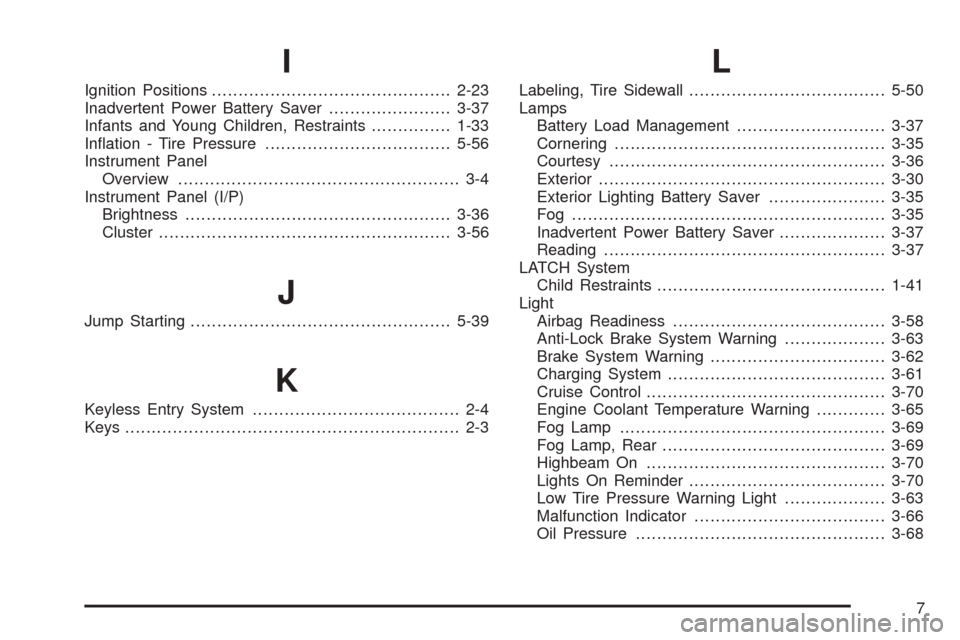
I
Ignition Positions.............................................2-23
Inadvertent Power Battery Saver.......................3-37
Infants and Young Children, Restraints...............1-33
Ination - Tire Pressure...................................5-56
Instrument Panel
Overview..................................................... 3-4
Instrument Panel (I/P)
Brightness..................................................3-36
Cluster.......................................................3-56
J
Jump Starting.................................................5-39
K
Keyless Entry System....................................... 2-4
Keys............................................................... 2-3
L
Labeling, Tire Sidewall.....................................5-50
Lamps
Battery Load Management............................3-37
Cornering...................................................3-35
Courtesy....................................................3-36
Exterior......................................................3-30
Exterior Lighting Battery Saver......................3-35
Fog ...........................................................3-35
Inadvertent Power Battery Saver....................3-37
Reading.....................................................3-37
LATCH System
Child Restraints...........................................1-41
Light
Airbag Readiness........................................3-58
Anti-Lock Brake System Warning...................3-63
Brake System Warning.................................3-62
Charging System.........................................3-61
Cruise Control.............................................3-70
Engine Coolant Temperature Warning.............3-65
Fog Lamp..................................................3-69
Fog Lamp, Rear..........................................3-69
Highbeam On.............................................3-70
Lights On Reminder.....................................3-70
Low Tire Pressure Warning Light...................3-63
Malfunction Indicator....................................3-66
Oil Pressure...............................................3-68
7