stop start CADILLAC ELDORADO 1995 10.G User Guide
[x] Cancel search | Manufacturer: CADILLAC, Model Year: 1995, Model line: ELDORADO, Model: CADILLAC ELDORADO 1995 10.GPages: 395, PDF Size: 20.17 MB
Page 160 of 395
Downloaded from www.Manualslib.com manuals search engine ENGINE HOT - A/C COMPRESSOR OFF - 16
This message will appear when the Climate Control is in AUTO or
defrost and the engine coolant
is hotter than the normal operating
temperature. To avoid added strain on
a hot engine the air conditioning
compressor
is automatically turned off. When that happens, air
conditioned air is not delivered. If the coolant temperature returns to
normal, you must select AUTO, DEFOG or DEFROST to return to a
normal A/C compressor operation.
FUEL LEVEL VERY LOW - 11
c
i
This message serves as a warning that the fuel level in your tam IS
critically low. It means you should stop for fuel immediately.
SERVICE A/C SYSTEM A/C COMPRESSOR OFF - 14
This message appears when the electronic sensors that control the A/C
and heating system are no longer working. Have your Climate Control
system serviced
if you notice a drop in heating and A/C efficiency.
STARTING DISABLED DUE TO THEFT SYSTEM REMOVE
IGNITION KEY
- 33
This message will a ear when the Personalized Automotive Security
System (PASS-Key 11) senses
that an improper ignition key is being used
to
try to start the vehicle. Check the ignition key for damage. If it is
damaged, it may need to be replaced. If you see no damage, clean the
pellet contacts
with a soft cloth or napkin. Remove the ignition key and
wait for the Driver Information Center to display WAIT
3 MINUTES.
The instrument panel cluster
will then run a timer and change the
messages
to WAIT 2 MINUTES, WAIT 1 MINUTE, and then START
CAR. When the START CAR message is displayed,
try again to start the
engine.
SERVICE NOW - REFER TO OWNERS MANUAL - 02
This message appears if you have a problem with the Powertrain Control
Module (PCM).
To correct this problem have your vehicle serviced at
your Cadillac dealership.
2-89
Page 161 of 395
Downloaded from www.Manualslib.com manuals search engine SERVICE RIDE CONTROL - 84
This message is displayed to indicate that the Suspension System is not
operating properly. To correct this problem have
your vehicle serviced at
your Cadillac dealership.
STOP ENGINE ENGINE OVERHEATED - 42
This message will appear when your engine has overheated. Stop and turn
your engine
off immediately to avoid severe engine damage. See “Engine
Overheating”
in the Index.
SERVICE VEHICLE SOON - 03
This message
will appear if there is a problem with your Emission Control
System. If the SERVJCE ENGINE SOON light on the instrument panel
appears and then turns off, it is an indication that a temporary problem
has cleared itself. I-Iavc your vehiclc checked at your earliest convenience.
STOP ENGINE LOW OIL PRESSURE - 35
If this message appears while the cngine is running, stop the engine and
do not operate it until the cause of low oil pressure is corrected. Severe
damage
to the engine can result.
SERVICE AIR BAG SYSTEM - 83
If this message appears, there is a problem with your Supplemental
Inflatable Restraint (Air
Bag) systcm. Let only a qualified technician
work
on your vehicle. See yo& Cadillac dealer for service at once.
THEFT SYSTEM PROBLEM/CAK MAY NOT RESTART - 34
This message means there is a problem in the Personalized Automotive
Security System (PASS-Key@II). PASS-Key@)II
will prevent the vehicle
from restarting
if it is turned off, so you should take the vehicle to a
proper service center before turning the engine off. Never leave an
unattended vehicle
with the engine running. Once you are where you can
get service, turn the engine off
and then tIy to restart it. If the vehicle
does not restart, the PASS-Key(’I1 system
will need servicing.
TRACTION ACTIVE - 91
This mcssage will be displayed if Traction Control is being used to reduce
wheel slippage.
2-90
Page 179 of 395
Downloaded from www.Manualslib.com manuals search engine FWD: Press this button to go forward rapidly to another part of the tape.
The radio
will play during fast forward. To stop the tape, press the same
button and the tape
will start to play.
REV: Press this button to reverse the tape. To stop the tape, press the
same button lightly or
any of the other buttons. The radio will play during
this reverse function.
PREV: Press this button to go back to the beginning of the last selection.
If the player has played less than 10 seconds into the current selection,
pressing the
PREV button will cause the player to find the beginning of
the previous selection and resume play from that point. If the player is
more than
10 seconds into the current selection, pressing the PREV
button will cause the player to find the beginning of the current selection
and resume play from that point.
If PREV is pressed while the first
selection
on the tape is being played, the player will return to the
beginning
of that side of the tape.
NEXT: Press this button to advance to the next selection. If the selection
is at the end
of the tape, the tape will reverse directions and begin playing
at a normal speed.
ST/PL Press this button to switch back to the radio without ejecting the
tape. Press it a second time
to start playing the tape again.
EJCT: Press this button to remove the tape.
3-14
Page 182 of 395
Downloaded from www.Manualslib.com manuals search engine To Play a Cassette Tape
1. Turn the radio on.
2. Insert the cassette through the tape door. (The TAPE indicator in the
If you hear nothing or hear just a garbled sound, the cassette may
not be
in squarely. Press the EJCT button to remove the tape and start over. The
tape equalization is automatically sensed and set. Inserting the cassette
also activates
DOLBY @ noise reduction.
display
will light.)
DNR@ is the Dynamic Noise Reduction. It helps remove background hiss
noise from
the radio.
*DNR@ is a registered trademark of National Semiconductor
Corporation.
3. Once the tape is playing, use the upper and lower knobs to adjust the
volume and balance, just as you do for the radio. Press the upper knob
to change tape direction. The arrow in the display shows which
direction the tape is being played.
FWD: Press this button to go forward rapidly to another part of the tape.
The radio will play during fast forward. To stop the tape press the same
button and the tape
will start to play.
REK Press this button to reverse the tape. To stop the tape press the same
button lightly or any
of the other buttons. The radio will play during this
reverse function.
PREV Press this button to go back to the beginning of the last selection.
If the player has played less than
10 seconds into the current selection,
pressing the PREV button
will cause the player to find the beginning of
the previous selection and resume play from that point. If the player is
more than 10 seconds into the current selection, pressing the PREV
button will cause the player to
find the beginning of the current selection
and resume play from that point. If
PREV is pressed while the first
selection on the tape
is being played, the player will return to the
beginning of that side of the tape.
NEXT: Press this button to advance to the next selection. If the selection
is at the end of the tape, the tape will reverse directions and begin playing
at a normal speed.
3-17
Page 184 of 395
Downloaded from www.Manualslib.com manuals search engine 3
ST/PL Press this button and the tape or CD will stop without ejecting and
the radio
will start to play. Press it again and the tape or CD will start to
play again.
EJCR Press this button to remove the tape or CD. If you have both a CD
and a tape in the player, then the other playback media will start to play.
Press it again and the other media
will eject.
COMP: Pressing this button makes soft and loud passages more equal in
volume. For example, classical or jazz music has very quiet and very loud
passages in the same tune. The
COMP display will light as long as COMP
is on.
Tips about Your Audio System
Be aware that hearing damage from loud noise is almost undetectable
until it is too late. Your hearing can adapt to higher volumes
of sound.
Sound that seems normal can
be loud and harmful to your hearing. Take
precautions
by adjusting the volume control on your radio to a safe sound
level before your hearing adapts
to it.
To help avoid hearing loss or damage:
0 Adjust the volume control to the lowest setting.
Increase volume slowly until you hear comfortably and clearly.
NOTICE:
Before you add any sound equipment to your vehicle -- like a
tape player,
CB radio, mobile telephone or two-way radio -- be
sure you can add what you want.
If you can, it’s very important
to do
it properly. Added sound equipment may interfere with the
operation
of your vehicle’s engine, Delco@ radio or other
systems, and even damage them.
And, your vehicle’s systems
may interfere with the operation
of sound equipment that has
been added improperly.
So, before adding sound equipment, check with your dealer and
be sure
to check Federal rules covering mobile radio and
telephone units.
3-19
Page 193 of 395
Downloaded from www.Manualslib.com manuals search engine Avoid needless heavy braking. Some peoplc drive in spurts -- heavy
acceleration followed by heavy braking
-- rather than keeping pace with
traffic. This is a mistake. Your brakes may
not have time to cool between
hard stops.
Your brakes will wear out much faster if you do a lot of heavy
braking. If you keep pace with the traffic and allow realistic following
distances,
you will eliminate a lot of unnecessary braking. That means
better braking and longer brake
life.
If your engine ever stops while you’re driving, brake normally but don’t
pump your
brakes. If you do, the pedal may get harder to push down. If
your engine stops, you will still have some power brake assist. But you will
use it when you brake. Oncc thc power assist is used up, it may take
longer to stop and the brake pedal
will be harder to push.
Anti-Lock Brakes (ABS)
Your Cadillac has an advanced electronic braking system that will help
prevent
a braking skid.
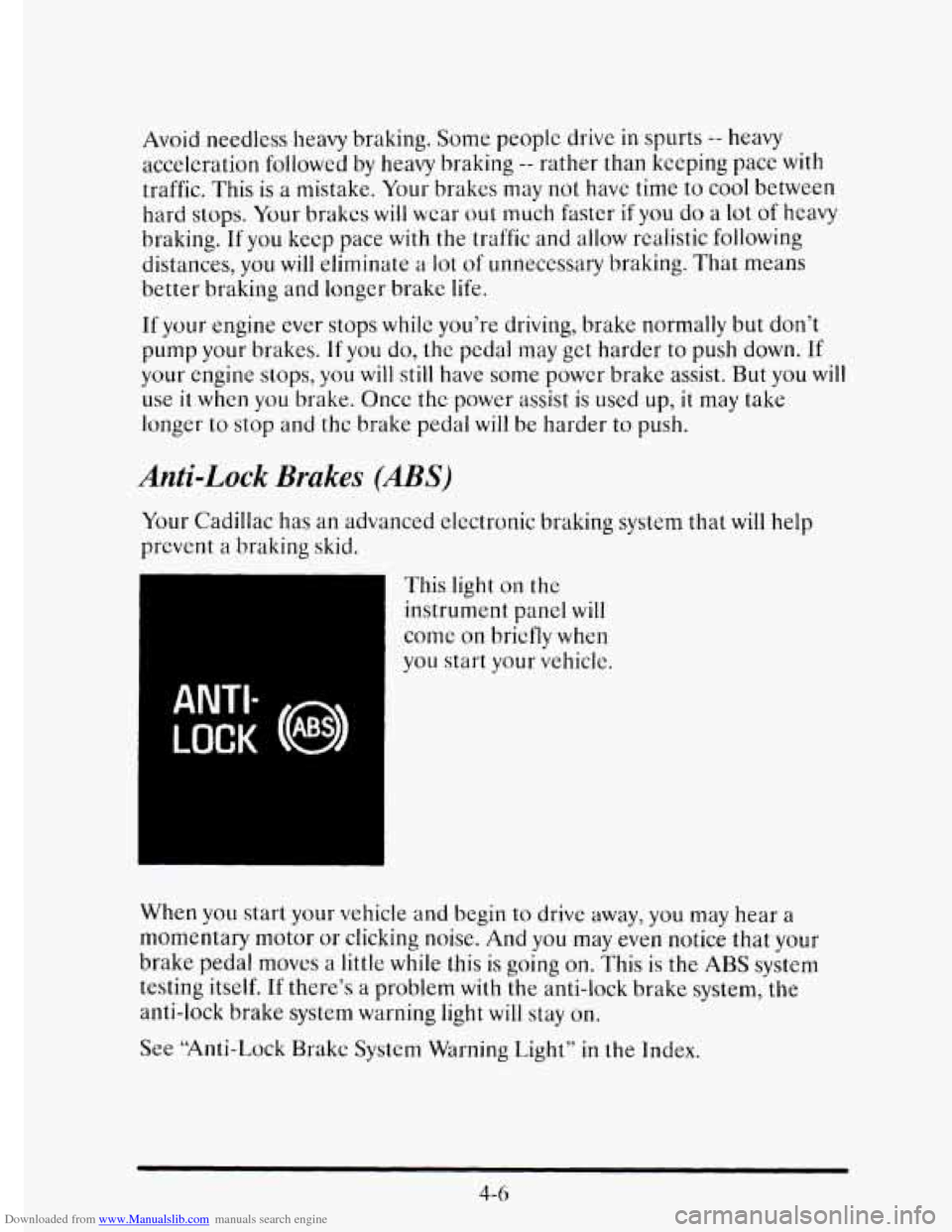
ANTI-
LOCK (@)
This light on the
instrument panel will
come on briefly when
you start your vehicle.
When
you start your vehicle and begin to drive away, you may hear a
momentary motor
or clicking noise. And you may even notice that your
brake pedal mows a little while this is going
on. This is the ABS system
testing itself.
If there’s a problem with the anti-lock brake system, the
anti-lock brake system
warning light will stay on.
See “Anti-Lock Brakc System Warning Light”
in the Index.
4-6
Page 200 of 395
Downloaded from www.Manualslib.com manuals search engine 0
0
c
0
0
0
0
0 0
0
“Drive ahead.” Look down the road, to the sides, and to crossroads for
situations that might affect your passing patterns.
If you have any doubt
whatsoever about making a successful pass, wait for a better time.
Watch for traffic signs, pavement markings, and lines. If you can see a
sign up ahead that might indicate a turn or an intersection, delay your
pass.
A broken center line usually indicates it’s all right to pass
(providing the road ahead is clear). Never cross a solid line
on your
side of the lane or a double solid line, even
if the road seems empty of
approaching traffic.
Do not get too close to the vehicle
you want to pass while you’re
awaiting an opportunity.
For one thing, following too closely reduces
your area of vision, especially
if you’re following a larger vehicle. Also,
you won’t have adequate space if the vehicle ahead suddenly slows or
stops. Keep back a reasonable distance.
When it looks like a chance to pass
is coming up, start to accelerate
but stay in the right lane and don’t get too close. Time your move
so
you will be increasing speed as the time comes to move into the other
lane.
If the way is clear to pass, you will have a “running start” that
more than makes up for the distance you would lose
by dropping back.
And
if something happens to cause you to cancel your pass, you need
only slow down and drop back again and wait for another opportunity.
If other cars are lined up to pass a slow vehicle, wait your turn. But
take care that someone isn’t trying to pass
you as you pull out to pass
the
slow vehicle. Remember to glance over your shoulder and check
the blind spot.
Check your mirrors, glance over your shoulder, and start your left lane
change signal before moving out
of the right lane to pass. When you
are far enough ahead
of the passed vehicle to see its front in your
inside mirror, activate your right lane change signal and move back
into the right lane. (Remember that your right outside mirror is
convex. The vehicle
you just passed may seem to be farther away from
you than it really is.)
Try not to pass more than one vehicle at a time on two-lane roads.
Reconsider before passing the next vehicle.
Don’t overtake a slowly moving vehicle too rapidly. Even though the
brake lights are not flashing, it may be slowing down or starting to turn.
If you’re being passed, make it easy for the following driver to get
ahead
of you. Perhaps you can ease a little to the right.
4-13
Page 201 of 395
Downloaded from www.Manualslib.com manuals search engine LOSS OF CONTROL
Let’s review what driving experts say about what happens when the three
control systems (brakes, steering and acceleration) don’t have enough
friction where the tires meet
the road to do what the driver has asked.
In any emergency, don’t give up. Keep trying to steer and constantly seek
an escape route or area
of less danger.
Skidding
In a skid, a driver can lose control of the vehicle. Defensive drivers avoid
most skids by taking reasonable care suited to existing conditions, and by
not “overdriving” those conditions. But skids are always possible.
The three types
of skids correspond to your Cadillac’s three control
systems. In the braking skid your wheels aren’t rolling.
In the steering or
cornering skid, too much
speed or steering in a curve causes tires to slip
and
lose cornering force. And in the acceleration skid too much throttle
causes the driving wheels
to spin.
A cornering skid is best handled by casing your foot off the accelerator
pedal.
Remember: Any traction control system helps avoid only the acceleration
skid.
If your vehicle starts
to slide, ease your foot off the accelerator pedal and
quickly steer the way
you want the vehicle to go. If you start steering
quickly
enough, your vehicle may straighten out. Always be ready for a
second skid
if it occurs.
Of course, traction is reduced when water, snow, ice, gravel, or other
material is on
the road. For safety, you’ll want to slow down and adjust your
driving to these conditions.
It is important to slow down on slippery surfaces
because stopping distance
will be longer and vehicle control more limited.
While driving on a surface with reduced traction,
try your best to avoid
sudden steering, acceleration,
or braking (including engine braking by
shifting to a lower gear). Any sudden changes could cause
the tires to
slide. You may not realize the surface is slippery until your vehicle is
skidding. Learn
to recognize warning clues -- such as enough water, ice or
packed snow
on the road to make a “mirrored surface” -- and slow down
when
you have any doubt.
Remember:
Any anti-lock brake system (ABS) helps avoid only the
braking skid.
4- 14
Page 204 of 395
Downloaded from www.Manualslib.com manuals search engine DMNG IN THE RAIN
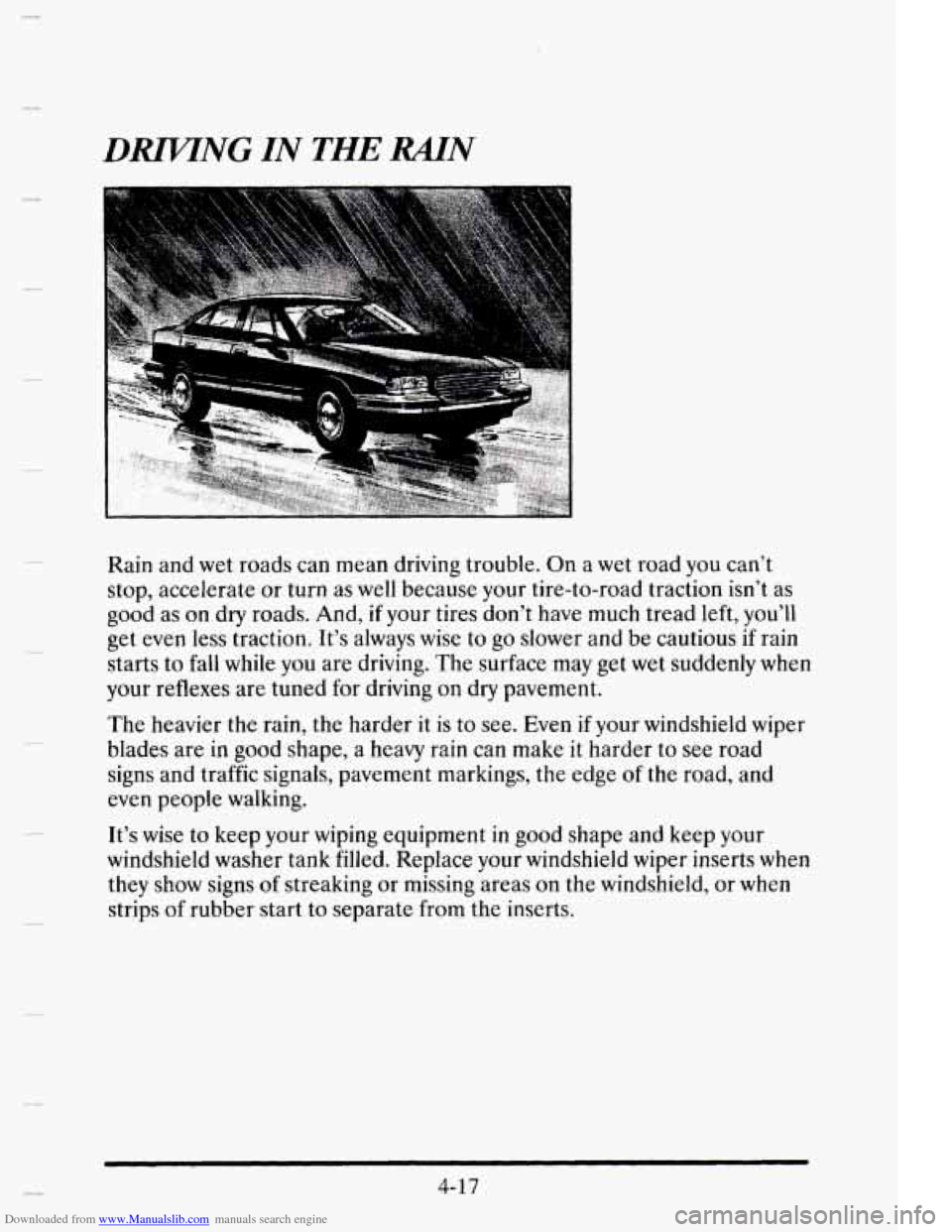
Rain and wet roads can mean driving trouble. On a wet road you can’t
stop, accelerate or turn as well because your tire-to-road traction isn’t as
good as
on dry roads. And, if your tires don’t have much tread left, you’ll
get even
less traction. It’s always wise to go slower and be cautious if rain
starts to fall
while you are driving. The surface may get wet suddenly when
your reflexes are tuned for driving on dry pavement.
The heavier
the rain, the harder it is to see. Even if your windshield wiper
blades are
in good shape, a heavy rain can make it harder to see road
signs and traffic signals, pavement markings, the edge
of the road, and
even people walking.
It’s wise
to keep your wiping equipment in good shape and keep your
windshield washer tank filled. Replace your windshield wiper inserts when
they show signs of streaking or missing areas on the windshield, or when
strips of rubber start to separate from the inserts.
4-17
Page 209 of 395
Downloaded from www.Manualslib.com manuals search engine Just before you leave the lane, glance quickly over your shoulder to make
sure there
isn’t anothcr vehicle in your “blind” spot.
Once you are moving on the freeway, make certain
you allow a reasonable
following distance. Expect
to move slightly slower at night.
When you want to leave the freeway, move to the proper lane well in
advance. If you miss your exit do not, under any circumstances, stop and
back up. Drive on to the next exit.
The exit ramp can be curved, sometimes quite sharply.
The
exit speed is usually posted.
Reduce your speed according
to your speedometer, not to your sense of
motion. After driving for any distance at higher speeds, you may tend to
think you are going slower than you actually are.
BEFORE LEAVTNG ONA LONG TRlP
Make sure you’re ready. Try to be well rested. If you must start when
you’re not fresh
-- such as after a day’s work -- don’t plan to make too
many
miles that first part of the journey. Wear comfortable clothing and
shoes
you can easily drive in.
Is your vehicle ready for a long trip? If you keep it serviced and
maintained, it’s ready
to go. If it needs service, have it done before
starting out.
Of course, you’ll find experienced and able service experts in
Cadillac dealerships all across North America. They’ll be ready and
willing
to help if you need it.
Here are some things you can check before a trip:
a
0
a
0
a
WindshieEd Wusher Fluid: Is the reservoir full? Are all windows clean
inside and outside?
Wiper. Blades: Are they in good shape‘?
Fzd, Engine Oil, Other Fluids: Have you checked all levels?
Lnmnps: Are they all working? Are the lenses clean?
Tires: They are vitally important to a safe, trouble-free trip. Is the tread
good enough for long-distance driving? Are the tires all inflated to the
recommended pressure?
4-22