light CADILLAC ELDORADO 1997 10.G User Guide
[x] Cancel search | Manufacturer: CADILLAC, Model Year: 1997, Model line: ELDORADO, Model: CADILLAC ELDORADO 1997 10.GPages: 361, PDF Size: 22.85 MB
Page 64 of 361
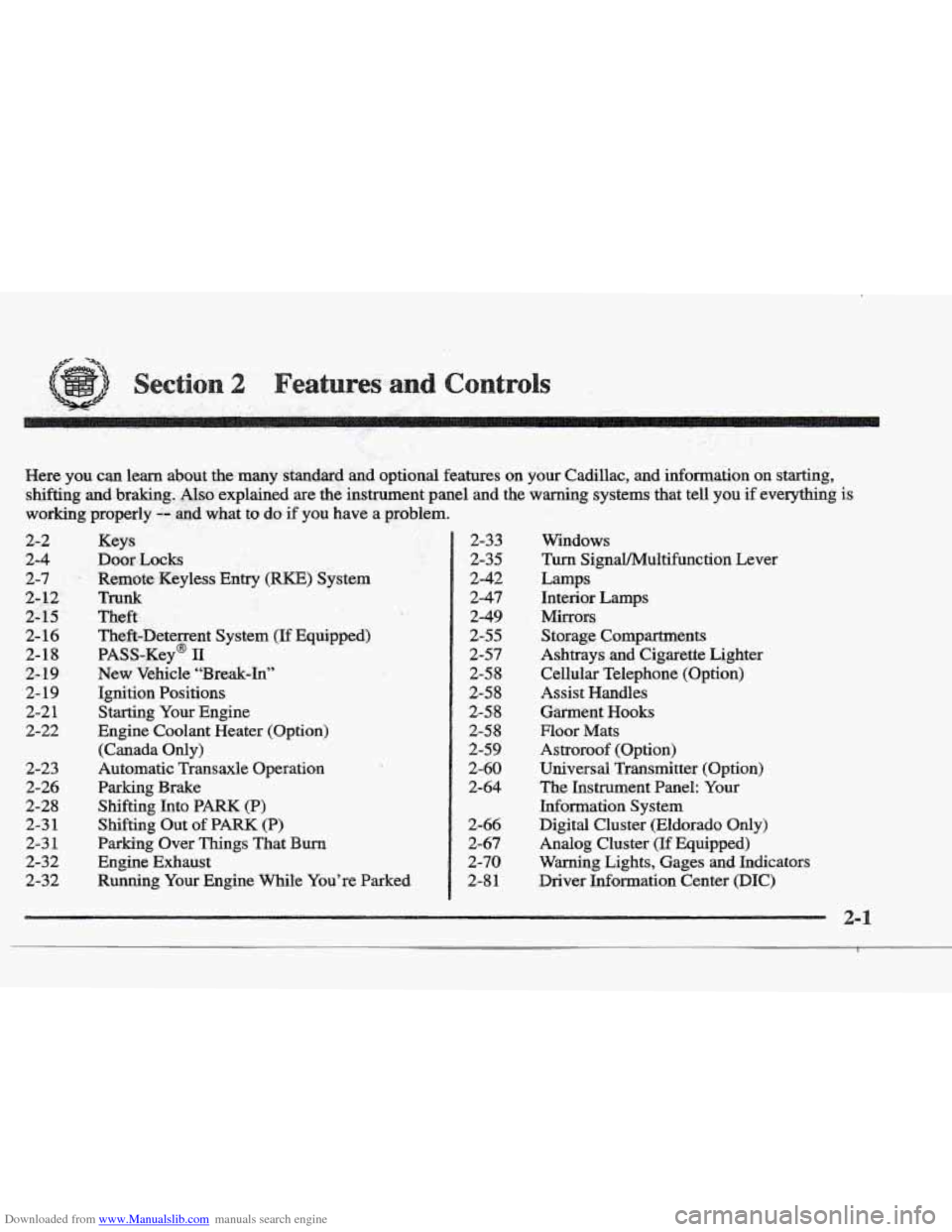
Downloaded from www.Manualslib.com manuals search engine Here you can leam about the many standard and option,al features on your Cadillac, and information on starting,
shifting
and braking. Also explained are the instrument panel and the warning systems that tell you if everything is
working properly,-- and what to do if you have a problem.
2-2
2-4
2-7.
2- 12
2-15
2- 16
2-18
2- 19
2- 19
2-2 1
2-22
2-23
2-26
2-28 2-3
1
2-3 1
2-32
2-32
Keys
Door Locks
Remote Keyless
Entry (RKE) System
Td
Theft
Theft-Deterrent System (If Equipped)
PASS-Key@
11
New Vehicle “Break-In”
Ignition Positions
Starting
Your Engine
Engine Coolant Heater (Option)
(Canada
Only)
Automatic Transaxle Operation
Parking Brake
Shifting Into
PARK (P)
Shifting Out of PARK (P)
Parking Over Things That Burn
Engine Exhaust
Running
Your Engine While You’re Parked
2-33
2-35
2-42
2-47
2-49
2-55
2-57
2-5 8
2-5 8
2-5 8
2-58
2-59
2-60
2-64
2-66
2-67
2-70
2-8
1
Windows
Turn SignaYMultifunction Lever
Lamps Interior
Lamps
Mirrors
Storage Compartments
Ashtrays and Cigarette Lighter
Cellular Telephone (Option)
Assist
Handles
Garment Hooks
Floor Mats
Astroroof (Option)
Universal Transmitter (Option)
The Instrument Panel:
Your
Information System
Digital Cluster (Eldorado Only)
Analog Cluster (If Equipped)
Warning Lights, Gages and Indicators
Driver Infomation Center
(DIC)
Page 69 of 361
Downloaded from www.Manualslib.com manuals search engine A “yes” or “no” response must be made after each
prompt is displayed
in order to continue on to the next
prompt or personalization feature. Press the TRIP
SET
(TRIP RESET) button to choose yes, press the RESET
(INFO RESET) button to choose no or press the
INFORMATION
(INFO) button to “skip” to the next
personalization feature.
FEATURE
ON appears when a yes response is made
and FEATURE
OFF appears with a no response.
If a no response is made after the DOQRS LOCK IN
GEAR prompt is displayed, FEATURE OFF will appear.
The automatic door locking system has been disabled
and
no other door lock messages will be displayed.
REMOTE
FLASH LIGHTS, which is the next available
personalization
feature to display, will appear next.
See “Remote Confirmation”
in the Index for
more information.
If a yes response is made after the DQORS LOCK IN
GEAR prompt is displayed, %;EA’ ON appears.
The automatic door locking system is enabled and allows
the DOORS UNLOCK IN PARK prompt to zppear.
Choosing this prompt advances you to REMOTE FLASH
LIGHTS whereas a no response will display the DRIVR
UJYLOCK IN PARK prompt. A yes or no response
here automatically brings up the
REMOTE FLASH
LIGHTS feature.
Leaving your key in any igmtion position
with either door
open will disable
the use of the power door lock switches.
The anti-lockout feature is disabled when the ignition is
on.
If you close the doors, you can lock them using the
RKE system. It is always recommended that you remove
your ignition
key when lockmg your vehicle.
Note that the anti-lockout feature can be overridden by
holding the power door
lock switch for three seconds
or longer.
If you are leaving the vehicle, open the door, set the
locks from the inside, get out and close
the door.
Page 72 of 361
Downloaded from www.Manualslib.com manuals search engine When REMOTE FLASH LIGHTS appears on the DIC
display, press the yes button to program the parking
lamps to blink once when the lock button on the
RKE
transmitter is pressed and to blink twice when the
unlock button
is pressed. If you don’t want the parking
lamps to blink when using the RKE transmitter, press
the no button.
FEATURE ON will display if REMOTE FLASH
LIGHTS was selected and FEATURE OFF will show if
you answer no.
For a list of the other personalization features available,
see “Memory and Personalization Features” later in
this section.
This personalization feature enables the driver to
program the exterior lamps to
turn on for 20 seconds
or
to remain off when using the RKE transmitter to
unlock your vehicle.
If exterior lighting is selected, the parking lamps,
taillamps, sidemarker lamps, license plate lamps,
low-beam headlamps, etc. will turn on for about
20 seconds or until the ignition key is turned to RUN.
Check the back of the RKE transmitter to verify that the
correct driver is selected before you start programming.
To begin programming, press the INFORMATION
(INFO) and RESET (INFO RESET) buttons at the same
time for about two seconds. Exterior fighting is the third
feature to display. Press the WOWMATION (INFO)
button to “skip” past the first two features -- DOOR
LOCKS IN GEAR and REMOTE FLASH LIGHTS.
When EXT LIGHTS AT UNLOCK appears, a “yes” or
“no” response
is required. Press the TRIP SET (TRIP
RESET) button to answer yes or press the RESET
(INFO RESET) button to indicate a no response.
FEATURE ON displays when a yes response is made
and
FEATURE OFF shows after a no response.
For a list of the other personalization features available,
see
“Memory and Personalization Features” later in
this section.
Your vehicle
may have memory personalization. If it
does, REMOTE RECALL MEMORY will be the fourth
personalization feature to display on the
DIC system.
Memory settings that
have been previously programmed
(HVAC settings, radio preset settings, exterior lighting
choices, remote confirmation choices and programmable
automatic
door 1oc.k choices) can be recalled by using
either the
RICE transmitter or by placing the key in your
vehicle’s ignition.
Page 78 of 361
Downloaded from www.Manualslib.com manuals search engine /
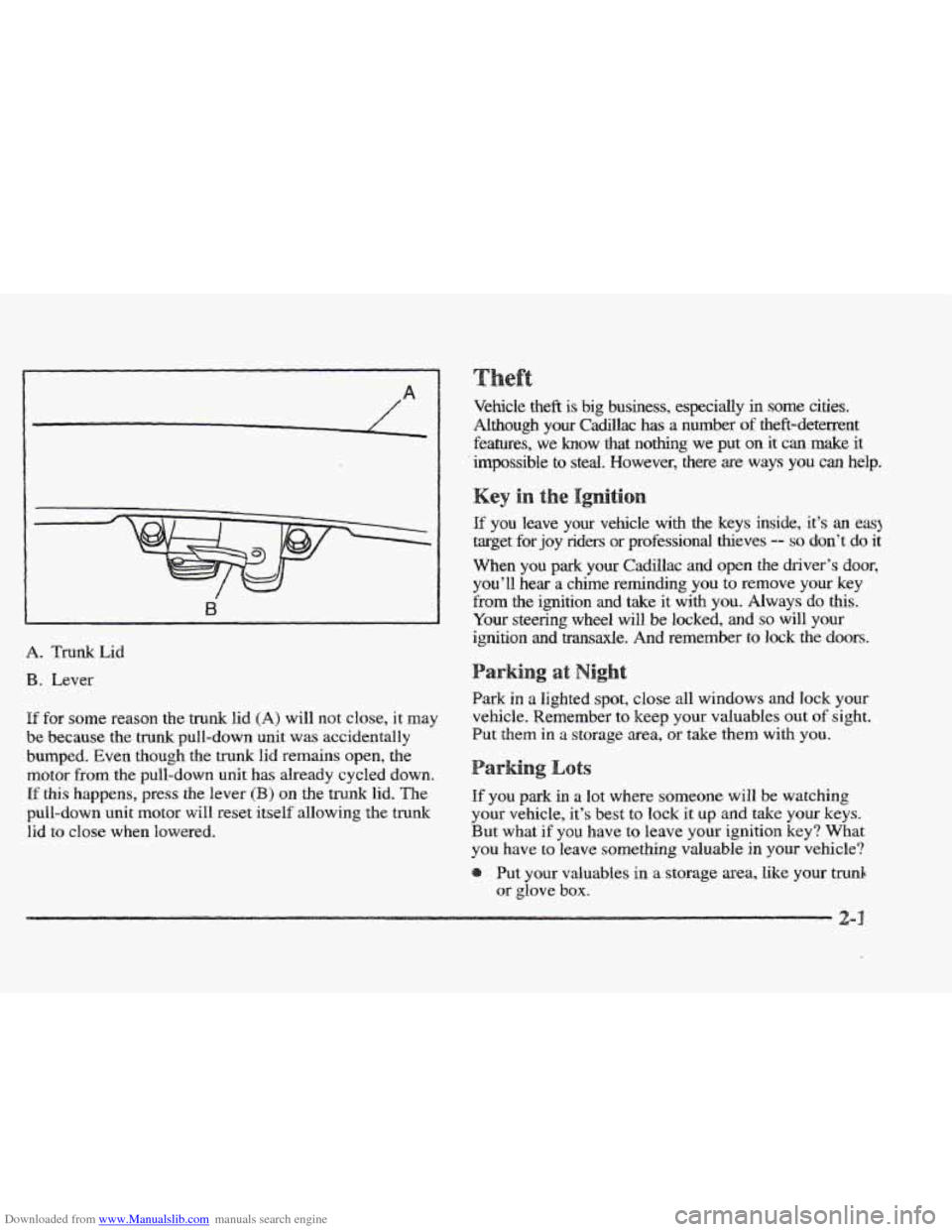
\. Trunk kid
B. Lever
If for some reason the trunk lid (A) will not close, it may
be because the trunk pull-down unit was accidentally
bumped. Even though the
trunk lid remains open, the
motor from the pull-down unit has already cycled down.
If this happens, press the lever (B) on the trunk lid. The
pull-down unit motor will reset itself allowing the
trunk
lid to close when lowered.
e
Vehicle theft is big business, especially in some cities.
Although your Cadillac has a number of theft-deterrent
features,
we know that nothing we put on it can make it
impossible to steal.
However, there are ways you can help.
If you leave your vehicle with the keys inside, it’s an eaq
target for joy riders or professional heves -- so don’t do it
When
YOU park your Cadillac and open the driver’s door,
you’ll hear a chime reminding you
to remove your key
from
the ignition and take it with you. Always do this.
Your steering wheel will be locked,
and so will your
ignition and transaxle.
And remember to lock the doors.
Park in a lighted spot, close all windows and lock your
vehicle. Remember
to keep your valuables out of sight.
Put
them in a storage area, or take them with you.
ots
If you park in a lot where someone will be watching
your vehicle, it’s best to
lock it up and take your keys.
But what
if you have to leave your ignition key? What
you have
to leave something valuable in your vehicle?
Put
your valuables in a storage area, like your trunk
or glove
box.
2-
Page 79 of 361
Downloaded from www.Manualslib.com manuals search engine e Lock the glove box.
Lock all the doors except the driver’s.
@ Then take the door key and remote keyless entry
transmitter with
you.
SECURITY
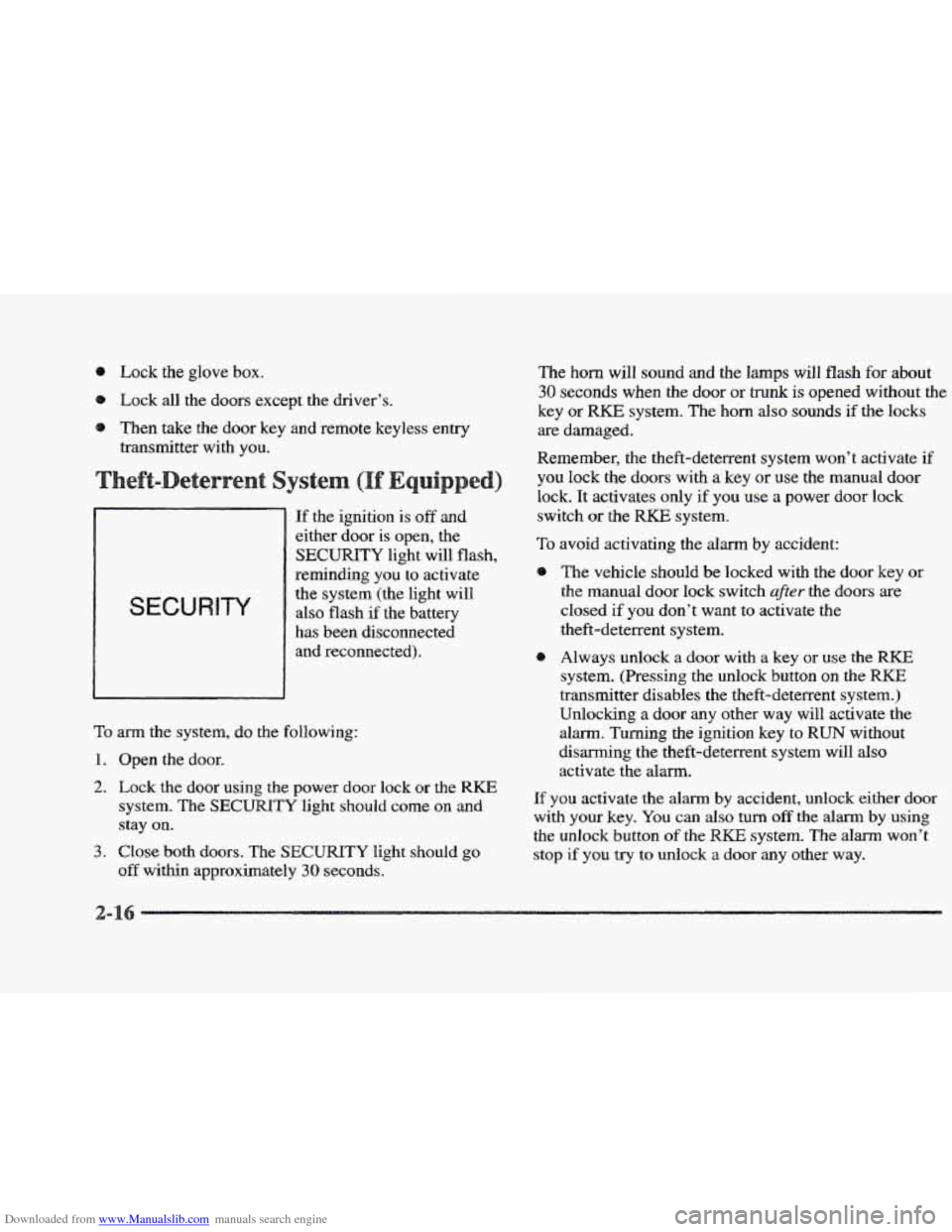
If the ignition is off and
either door is open, the
SECURITY light will flash,
reminding
you to activate
the system (the light will
also flash
if the battery
has been disconnected and reconnected)
.
To arm the system, do the following:
1. Open the door.
2. Lock the door using the power door lock or the RKE
system. The SECURITY light should come on and
stay on.
3. Close both doors. The SECURITY light should go
off within approximately 30 seconds.
The horn will sound and the lamps will flash for about
30 seconds when the door or trunk is opened without the
key or RKE system. The horn also sounds if the locks
are damaged.
Remember, the theft-deterrent system won’t activate
if
you lock the doors with a key or use the manual door
lock. It activates only if you use a power door lock
switch
or the RKE system.
To avoid activating the alarm by accident:
8 The vehicle should be locked with the door key or
the manual door lock switch after the doors are
closed if you don’t want to activate the
theft-deterrent system.
Always unlock
a door with a key or use the RKE
system. (Pressing the unlock button on the RKE
transmitter disables the theft-deterrent system.)
Unlocking a door any other way will activate the
alarm. Turning the ignition key to
RUN without
disarming the theft-deterrent system will also
activate the alarm.
If you activate the alarm by accident, unlock either door
with your key. You can also turn off the alarm by using
the unlock button
of the RKE system. The alarm won’t
stop if you
try to unlock a door any other way.
2-
Page 89 of 361
Downloaded from www.Manualslib.com manuals search engine FIRST (I): This position gives you even more power
than
SECOND (2). You can use it on very steep hills,
or in deep snow or mud. (If the shift lever is put in
FIRST (I), the transaxle won’t shift into gear until the
vehicle
is going slowly enough.)
If your front wheels can’t rotate, don’t try to
drive. This might happen if you were stuck in
very deep
sand OF mud or were up against a solid
object. You codd damage your transaxle.
Also, if you stop when going uphill, don’t hold
your vehicle there with only the accelerator
pedal. This could cause overheating and damage
the transaxle. Use
your brakes to hold your
vehicle in position on a hill.
1 ar e
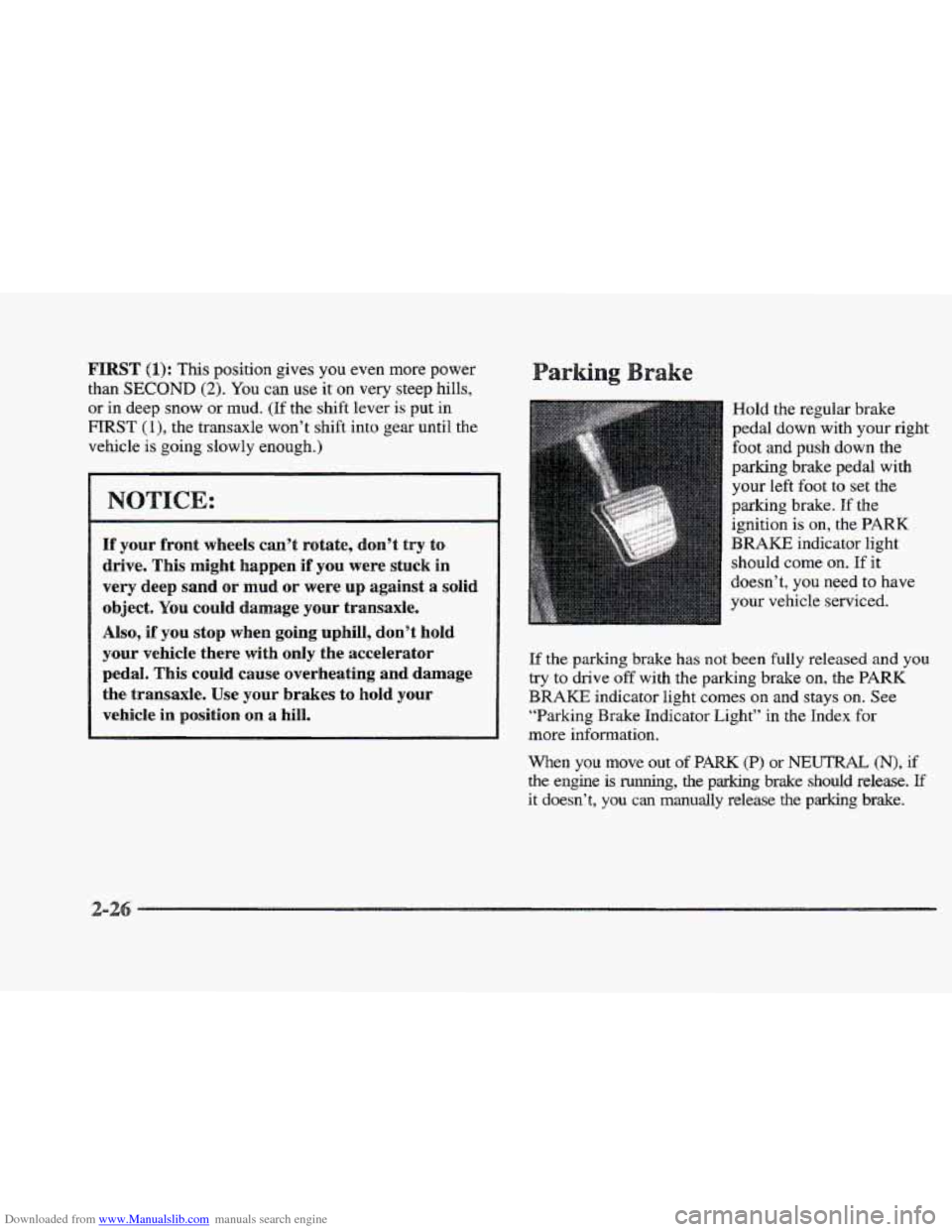
Hold the regular brake
pedal down with your
right
foot and push down the
parking brake pedal with
your
left foot to set the
parking brake. If the
ignition is
on, the PARK
BRAKE indicator light
should come
on. If it
doesn’t, you need to have
your vehicle serviced.
If the
parking brake has not been fully released and you
try to drive off with the parking brake on, the PARK
BRAKE indicator light comes on and stays on. See
“Barking Brake Indicator Light” in the Index for
more information.
When you move out of PARK (P) or NEUTRAL (N), if
the engine is running, the parking brake should release. If
it doesn’t, you can manually release the parking brake.
Page 98 of 361
Downloaded from www.Manualslib.com manuals search engine To signal a turn, move the lever all the way up or down.
The lever returns automatically when the turn is complete.
An arrow on the instrument
panel will flash in the
direction of
the turn or
lane change.
Raise or lower the
lever until the arrow starts to flash to
signal a lane change. Hold
it there until the lane change
is complete. The lever returns when it’s released.
If the turn signal is left an, a warning chime will sound
and the
DIC will display TURN SIGNAL ON (after
driving about a mile) to remind you to turn it
off.
Arrows that flash rapidly when signaling for a turn or
lane change may be caused by a burned out signal bulb.
Other drivers won’t see the
turn signal.
Replace burned-out bulbs to help avoid possible
accidents. Check the fuse (see “Fuses and Circuit
Breakers”
in the Index) and for burned-out bulbs if the
arrow fails to work when signaling
a turn.
Pull the turn signal lever all
the way toward you and
then release it to change the
headlamps
from low beam
to high or from high beam
to low. This light on the
instrument panel will be on,
indicating high beam usage.
Page 105 of 361
Downloaded from www.Manualslib.com manuals search engine asshg Another Vehicle While Using Cruise Control
Use the accelerator pedal to increase your speed. When
you take your foot off the pedal, your vehicle will slow
down to the cruise control speed you set earlier.
Using Cruise Control on
How well your cruise control will work on hills depends
upon your speed, load and the steepness
of the hills.
When going up steep hills, you may have to step on the
accelerator pedal to maintain your speed. When going
downhill, you may have to brake or shift to
a lower gear
to keep your speed down.
Of course, applying the brakes
or downshifting into
FIRST (1) takes you out of cruise
control. Many drivers find this to be too much trouble
and don’t use
cruise control on steep hills.
Ending Cruise Conn&ro11
There are two ways to end cruise control:
Step lightly on the brake pedal.
Move
the CRUISE switch to OW.
Erasing Spee
The cruise control set speed memory is erased when you
turn off the cruise control or the ignition.
s
Headlamps
Taillamps
Parking Lamps
Sidemaker Lamps
License Plate
Lamp
Underhood Lamp
Fog Lamps (ETC Only)
Instrument Panel Lights
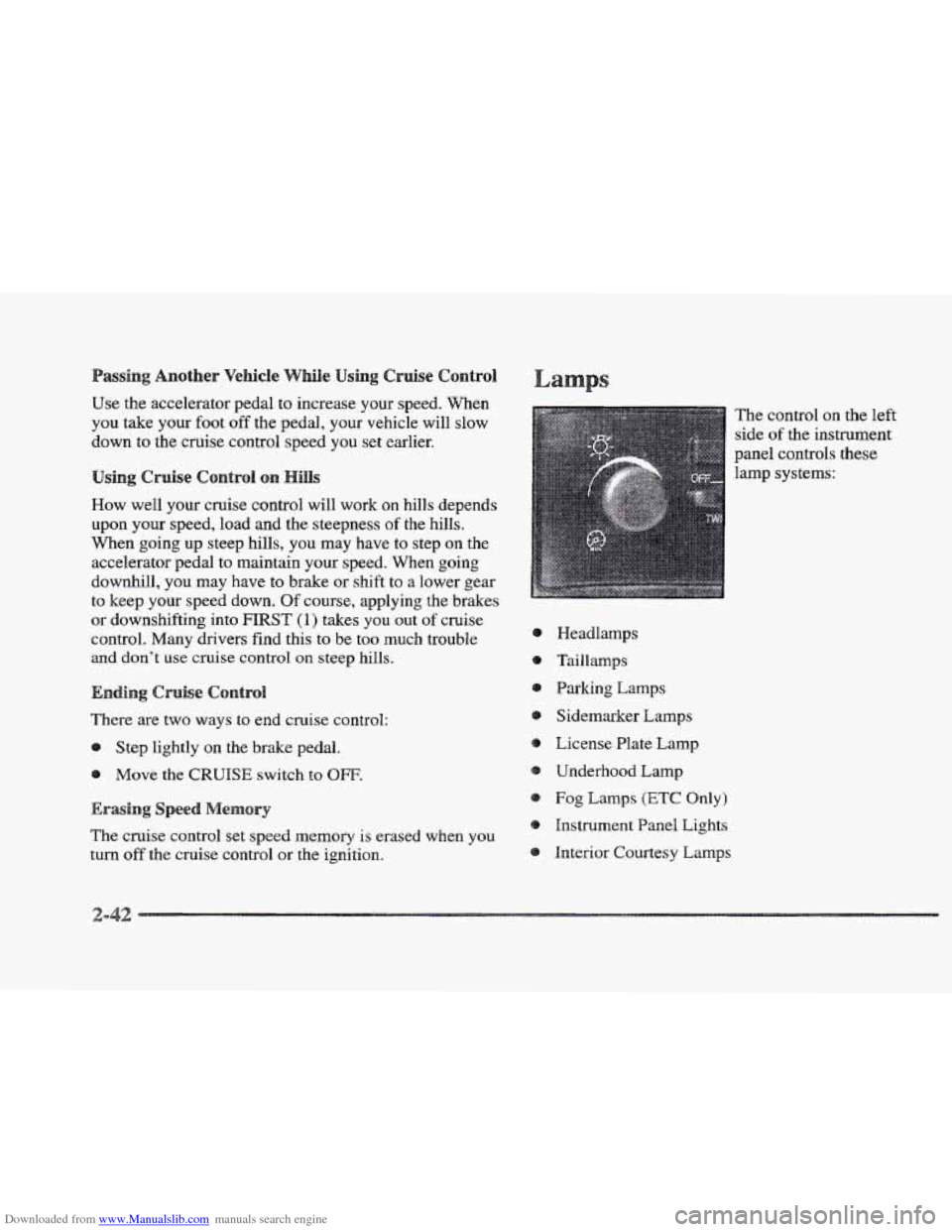
Interior Courtesy Lamps The control
on the left
side
of the instrument
panel controls
these
lamp systems:
Page 106 of 361
Downloaded from www.Manualslib.com manuals search engine Full the lamp control knob out to the first stop to turn
on the parking and taillamps, sidemarker lamps and
instrument panel lights. Pull the knob out
all the way to
turn on the headlamps. Push the control knob all the way
back in
to turn the lamps and lights off.
Cluster lighting as well as instrument panel backlighting
will dim only when it
is dark outside.
The control for the headlamps
is on the left side of the
instrument panel. Pull the lamp control
knob all the way
out to turn the headlamps on. Push the control knob all
the way back
in to turn the headlamps off.
This feature activates the headlamps and parlung lamps
after the windshield wipers have been in use for
approximately
20 seconds.
In order to operate the wiper activated headlamps, the
twilight sentinel must
be in the on position. This feature
lights the way
in poor weather and it also makes your
vehicle more visible
to other dnvers. If the wiper activated
headlamps are on, and the i,gpition switch
is turned off, the
wiper activated headlamps will immediately turn off.
The wiper activated headlamps will deactivate if you
turn
OR the twilight sentinel or if the windshield wipers
have been turned
off for a period of one or
two seconds.
You will hear a warning chime if you open either door
while leaving
the lamps on, if the manual headlamp
control is activated.
An exception to this is when you’re
using twilight sentinel.
Daytime Running Lamps
(DRE) can make it easier for
others to see the front of your vehicle during
the day.
DIU can be helpful in many different driving
conditions, but
they can be especially helpful in the
short periods after dawn and before sunset.
The DIU system will make the high-beam headlamps
come
on at reduced brightness when:
the ignition
is on,
the headlamp switch is off and
the transaxle
is not in PARK (P).
When DRE are on, only your high-beam headlamps (at
reduced brightness) will be
on. No other exterior lamps
such as the parking lamps, taillamps, etc. will be on
when
the DlRE are being used. Your instrument panel
won’t
be lit up either.
Page 107 of 361
Downloaded from www.Manualslib.com manuals search engine When the twilight sentinel switch is on and it’s dark
enough outside, the high-beam headlamps (at reduced
intensity) will
turn off and normal low-beam headlamp
operation will occur.
When the twilight sentinel switch
is
on and it’s bright enough outside, the regular lamps
will go
off, and the high-beam headlamps at reduced
brightness will
take over for the DRL.
If it’s dark enough outside and the twilight sentinel
control
is off, a I!DMDLMS SUGGESTED message
will display on the
DTC. This message informs the driver
that turning on
the exterior lamps is recommended even
though the DIU are still illuminated (it’s become dark
enough outside to require the headlamps and/or other
exterior lamps). Turning
on the twilight sentinel, the
headlamp switch or
the fog lamp switch will remove the
HEADLAMPS SUGGESTED message.
To idle your vehicle with the DWL off, turn off the
twilight sentinel
switch and shift the transaxle into
PARK (P). Placing your vehicle in PARK (P) disables
the Dm. The DRL will stay off until you shift out of
PARK (P).
As with any vehicle, you should turn on the regular
headlamp
system when you need it.
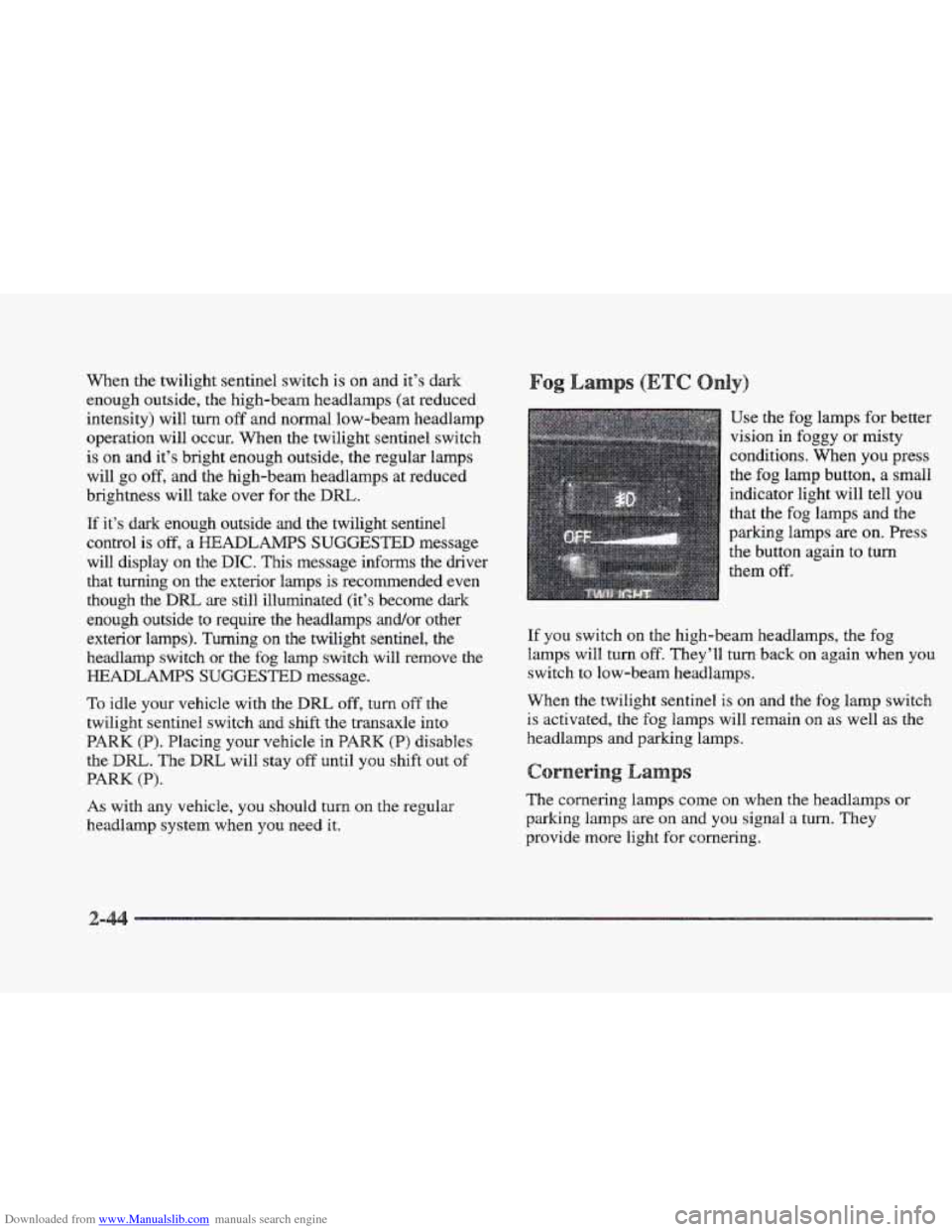
Use the fog lamps for better
vision
in foggy or misty
conditions. When you press
the fog lamp button, a small
indicator light will tell you
that
the fog lamps and the
parking lamps are on. Press
the button again to
turn
them off.
If you switch on the high-beam headlamps, the fog
lamps will turn off. They’ll
turn back on again when you
switch to low-beam headlamps.
?%%en
the twilight sentinel is on and the fog lamp switch
is activated, the fog lamps will remain on as well as the
headlamps and parking lamps.
s
The cornering lamps come on when the headlamps or
parking
lamps are on and you signal a turn. They
provide more light
for cornering.