service CADILLAC ELDORADO 1998 10.G User Guide
[x] Cancel search | Manufacturer: CADILLAC, Model Year: 1998, Model line: ELDORADO, Model: CADILLAC ELDORADO 1998 10.GPages: 380, PDF Size: 21.39 MB
Page 93 of 380
Downloaded from www.Manualslib.com manuals search engine p“
i f
r
#-
I
1
r
r
r
NEUTRAL (N): In this position, the engine doesn’t
connect with the wheels.
To restart when you’re
already moving, use NEUTRAL
(N) only. Also, use
NEUTRAL (N) when your vehicle is being towed.
A CAUTION:
Shifting out of PARK (P) or NEUTRAL (N) while
your engine
is “racing” (running at high speed) is
dangerous. Unless your foot
is firmly on the
brake pedal, your vehicle could move very
rapidly. You could lose control and hit people or
objects. Don’t shift out of
PARK (P) or
NEUTRAL
(N) while your engine is racing.
NOTICE:
~~
Damage to your transaxle caused by shifting out
of PARK (P) or NEUTRAL (N) with the engine
racing isn’t covered by your warranty.
OVERDRIVE (@): This position is for normal driving.
If you need more power for passing, and you’re:
Going less than 35 mph (55 km/h), push the
Going about 35 mph (55 km/h) or more, push the
accelerator
pedal about halfway down.
accelerator
all the way down.
The transaxle will shift down to the next gear and
have more power.
I
NOTICE:
d
If your vehicle seems to start up rather slowly, or
if
it doesn’t seem to shift gears as you accelerate,
something may be wrong with a transaxle system
sensor.
If you drive very far that way, your
vehicle can be damaged.
So if this happens, have
your vehicle serviced right away. Until then, you
can use
SECOND (2) when you are driving less
than 35 mph (55 km/h) and OVERDRIVE (0)
for higher speeds.
2-23
Page 95 of 380
Downloaded from www.Manualslib.com manuals search engine Parking Brake
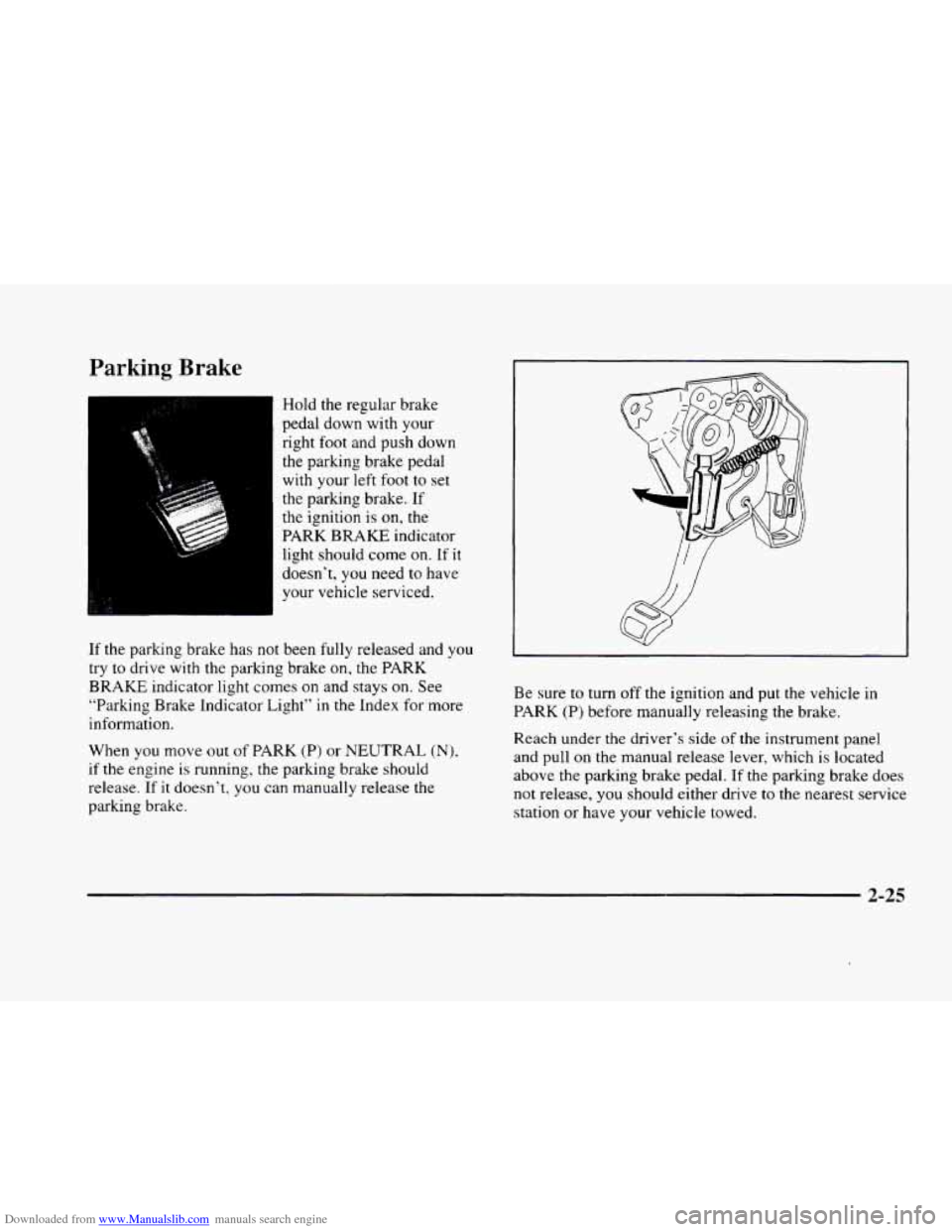
Hold the regular brake
pedal down with your
right
foot and push down
the parking brake pedal
with your left foot to set
the parking brake. If
the ignition is
on, the
PARK
BRAKE indicator
light should come
on. If it
doesn’t, you need to have
your vehicle serviced.
If the parking brake has not been fully released and you
try to drive with the parking brake
on, the PARK
BRAKE indicator light comes on and stays on. See
“Parking Brake Indicator Light“ in the Index for more
information.
When you move out of PARK
(P) or NEUTRAL (N),
if the engine is running, the parking brake should
release. If
it doesn’t, you can manually release the
parking brake. Be
sure
to turn off the ignition and put the vehicle in
PARK (P) before manually releasing the brake.
Reach under
the driver’s side of the instrument panel
and pull
on the manual release lever, which is located
above the parking brake pedal. If the parking brake does
not release, you should either drive
to the nearest service
station or have your vehicle towed.
2-25
Page 98 of 380
Downloaded from www.Manualslib.com manuals search engine Torque Lock
If you are parking on a hill and you don’t shift your
transaxle into PARK
(P) properly, the weight of .the
vehicle may put too much force on the parking pawl in
the transaxle. You may find it difficult to pull the shift
lever out of PARK (P).
This is called “torque lock.” To
prevent torque lock, set the parking brake and then shift
into PARK
(P) properly before you leave the driver’s
seat. To find out how, see “Shifting Into PARK (P)” in
the Index.
If torque lock does occur, you may need to have another
vehicle push yours a little uphill to take some of the
pressure from the parking pawl in the transaxle,
so you
can pull the shift lever out
of PARK (P).
. -._
Shifting Out of PARK (P)
Your vehicle has a Brake-Transaxle Shift Interlock
(BTSI). You have to fully
apply your regular brakes
before you can shift from PARK (P) when the ignition
is in
RUN. See “Automatic Transaxle” in the Index.
If you cannot shift out of PARK (P), ease pressure on
the shift lever
-- push the shift lever all the way into
PARK
(P) and also release the shift lever button on the
shift lever as you maintain brake application. Then
move the shift lever into the gear you want. (Press the
shift lever button before moving the shift-lever.) If you
ever hold the brake pedal down but still can’t shift out
of PARK (P), try this:
1.
2.
3.
4.
5.
Turn the ignition key to OFF. Open and close the
driver’s door to turn
off the Retained Accessory
Power
(RAP) feature.
Apply and hold the brake until the end of Step
4.
Shift to NEUTRAL (N).
Start the vehicle and then shift to the drive gear
you want.
Take your vehicle to an authorized service center as
soon as you can.
2-28
Page 121 of 380
Downloaded from www.Manualslib.com manuals search engine Sun Visors OnStar System (Option)
Swing down the visor to block out glare. It can also be
detached from the center mount and moved to the side.
The driver’s sunshade is also equipped with a storage
flap that can be used for maps
or toll tickets.
Illuminated Visor Vanity Mirror
Turn the sunshade down and lift the cover to see the
mirror. Move the slide switch up
or down to brighten
or dim the lamp.
Cellular Telephone (Option)
Your vehicle has been prewired for dealer installation of
a Cadillac dual-mode (analog/digital) cellular telephone.
A fixed mobile or a portable hand-held system are
available. Either system has steering wheel telephone
controls and information output through the Driver
Information Center (DIC). Voice activation and
hands-free operation are standard features. For more
information, contact your dealer.
A user’s guide is
provided with the telephone. This
system may be ordered through your dealer and
will include
the optional fixed cellular telephone. The
following services are available
24 hours a day:
0 Roadside Service with Location
Emergency Services Button
0 Remote Door Unlock
Theft Detectioflotification and
Stolen-Vehicle Tracking
0 Automatic Notification of Front Air
Bag Deployment
0 Concierge/Customer Convenience Services
For more information, contact your dealer.
Assist Handles
A handle, located on each side pillar, can be used when
getting out
of your vehicle.
Garment Hooks
For your convenience, a garment hook is attached to
the assist handle.
2-51
Page 123 of 380
Downloaded from www.Manualslib.com manuals search engine This device complies with RSS-210 of Industry Canada.
Operation is subject to the following two conditions:
(1 j this device may not cause interference, and (2) this
device must accept any interference, including
interference that may cause undesired operation
of
the device.
Changes and modifications to this system by other
than an authorized service facility could void
authorization
to use this equipment.
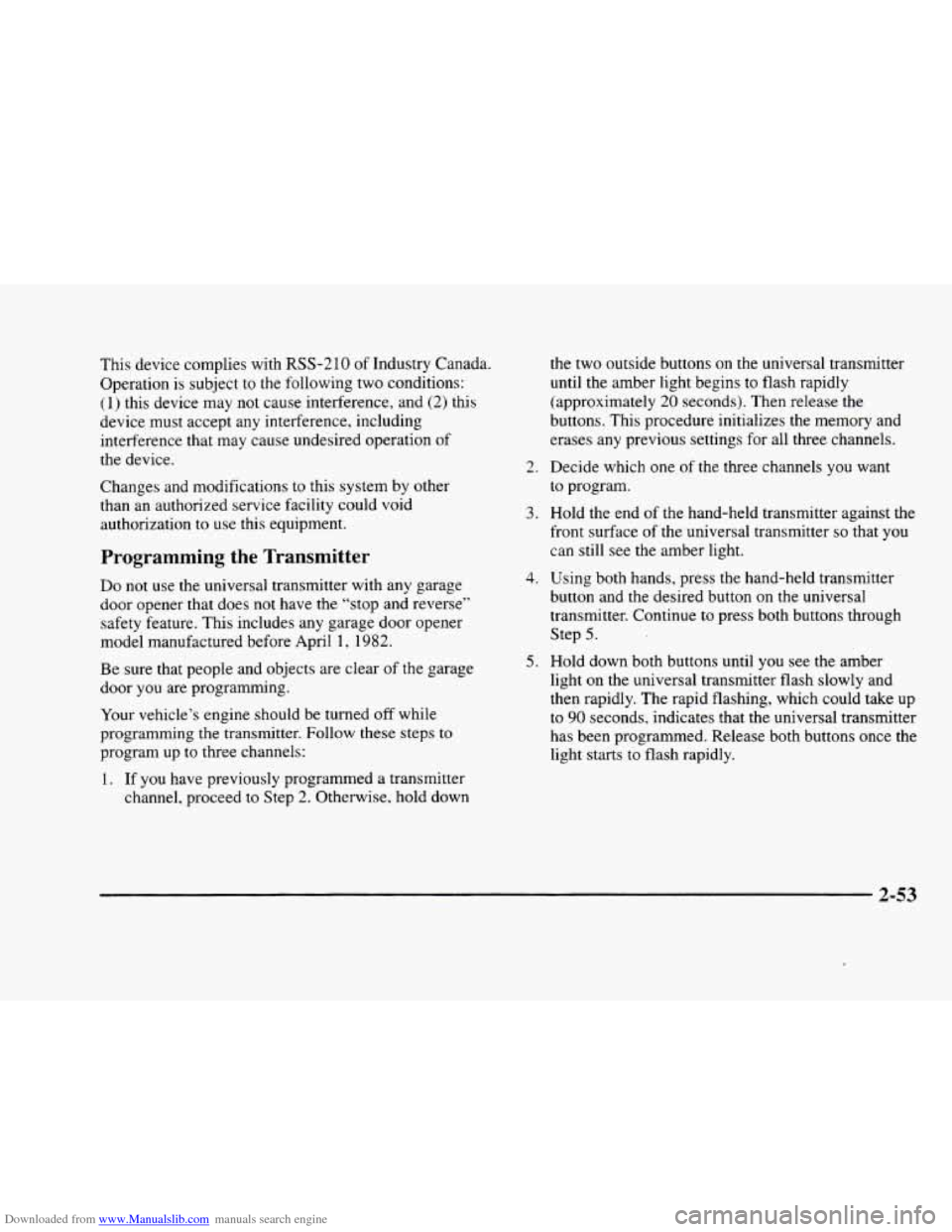
Programming the Transmitter
Do not use the universal transmitter with any garage
door opener that does not have the “stop and reverse”
safety feature. This includes any garage door opener
model manufactured before April
1, 1982.
Be sure that people and objects are clear of the garage
door you are programming.
Your vehicle’s engine should be turned
off while
programming the transmitter. Follow these steps
to
program up to three channels:
1. If you have previously programmed a transmitter
channel, proceed to Step
2. Otherwise, hold down the
two outside buttons on
the universal transmitter
until the amber light begins to flash rapidly
(approximately
20 seconds). Then release the
buttons. This procedure initializes the memory and
erases any previous settings for all three channels.
2. Decide which one of the three channels you want
to program.
3. Hold the end of the hand-held transmitter against the
front surface of the universal transmitter
so that you
can still see the amber light.
4. Using both hands, press the hand-held transmitter
button and the desired button on the universal
transmitter. Continue
to press both buttons through
Step
5.
light on the universal transmitter flash slowly and
then rapidly. The rapid flashing, which could take up
to
90 seconds, indicates that the universal transmitter
has been programmed. Release both buttons once the
light starts
to flash rapidly.
5. Hold down both buttons until you see the amber
2-53
Page 132 of 380
Downloaded from www.Manualslib.com manuals search engine Air Bag Readiness Light
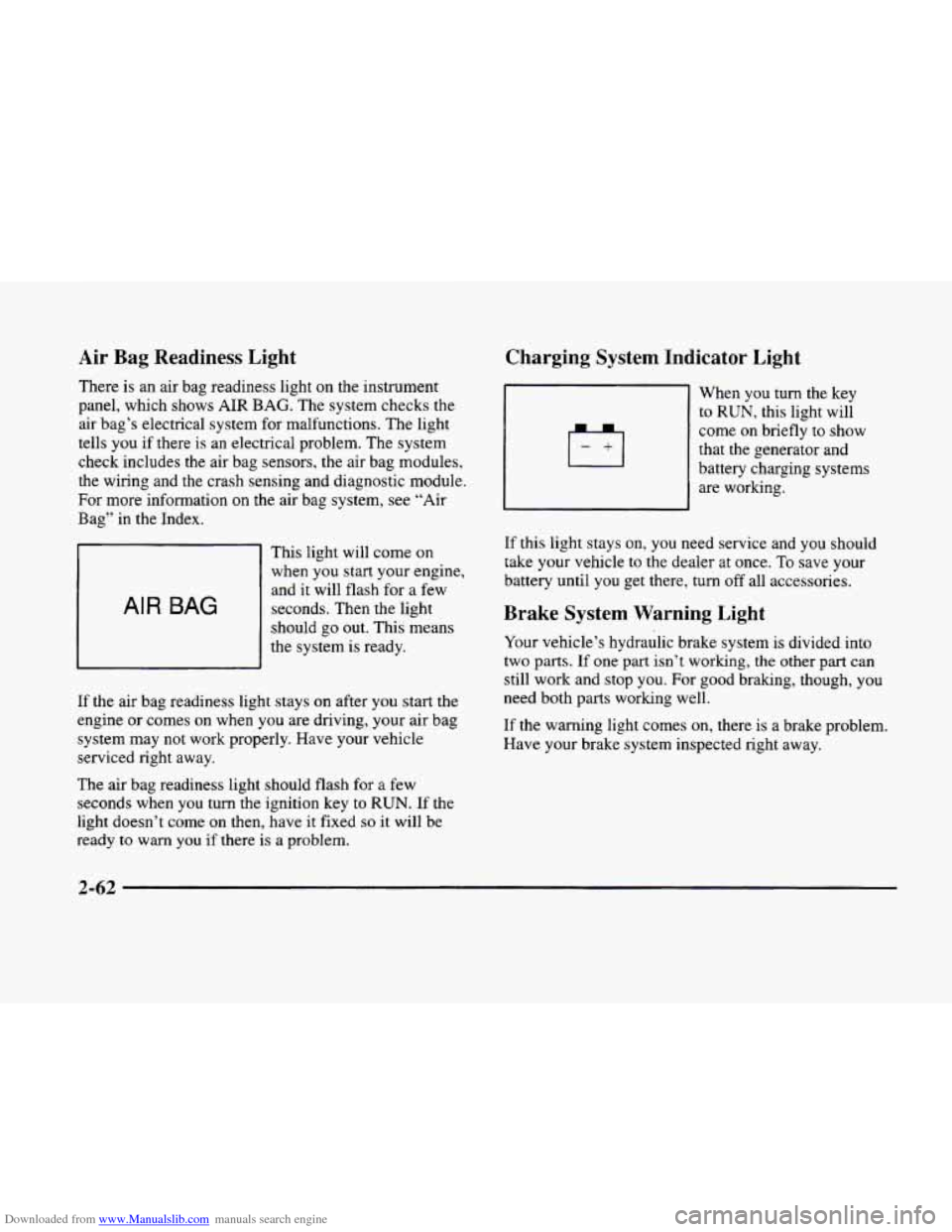
There is an air bag readiness light on the instrument
panel, which shows
AIR BAG. The system checks the
air bag’s electrical system for malfunctions. The light
tells you if there is an electrical problem. The system
check includes the air bag sensors, the air bag modules,
the wiring and the crash sensing and diagnostic module,
For more information
on the air bag system, see “Air
Bag” in the Index.
AIR BAG
This light will come on
when you start your engine,
and it will flash for
a few
seconds. Then the light
should go out. This means
the system
is ready.
If the air bag readiness light stays on after you start the
engine or comes
on when you are driving, your air bag
system may not work properly. Have your vehicle
serviced right away.
The air bag readiness light should flash for
a few
seconds when
you turn the ignition key to RUN. If the
light doesn’t come
on then, have it fixed so it will be
ready to warn you if there is a problem.
Charging System Indicator Light
When you turn the key
to RUN, this light will
come on briefly
to show
that the generator and
battery charging systems
are working.
If this light stays on, you need service and you should
take your vehicle to the dealer at once.
To save your
battery until
you get there, turn off all accessories.
Brake System Warning Light
Your vehicle’s hydraulic brake system is divided into
two
parts. If one part isn’t working, the other part can
still work and stop
you. For good braking, though, you
need both parts working well.
If the warning light comes on, there is a brake problem.
Have your brake system inspected right away.
Page 133 of 380
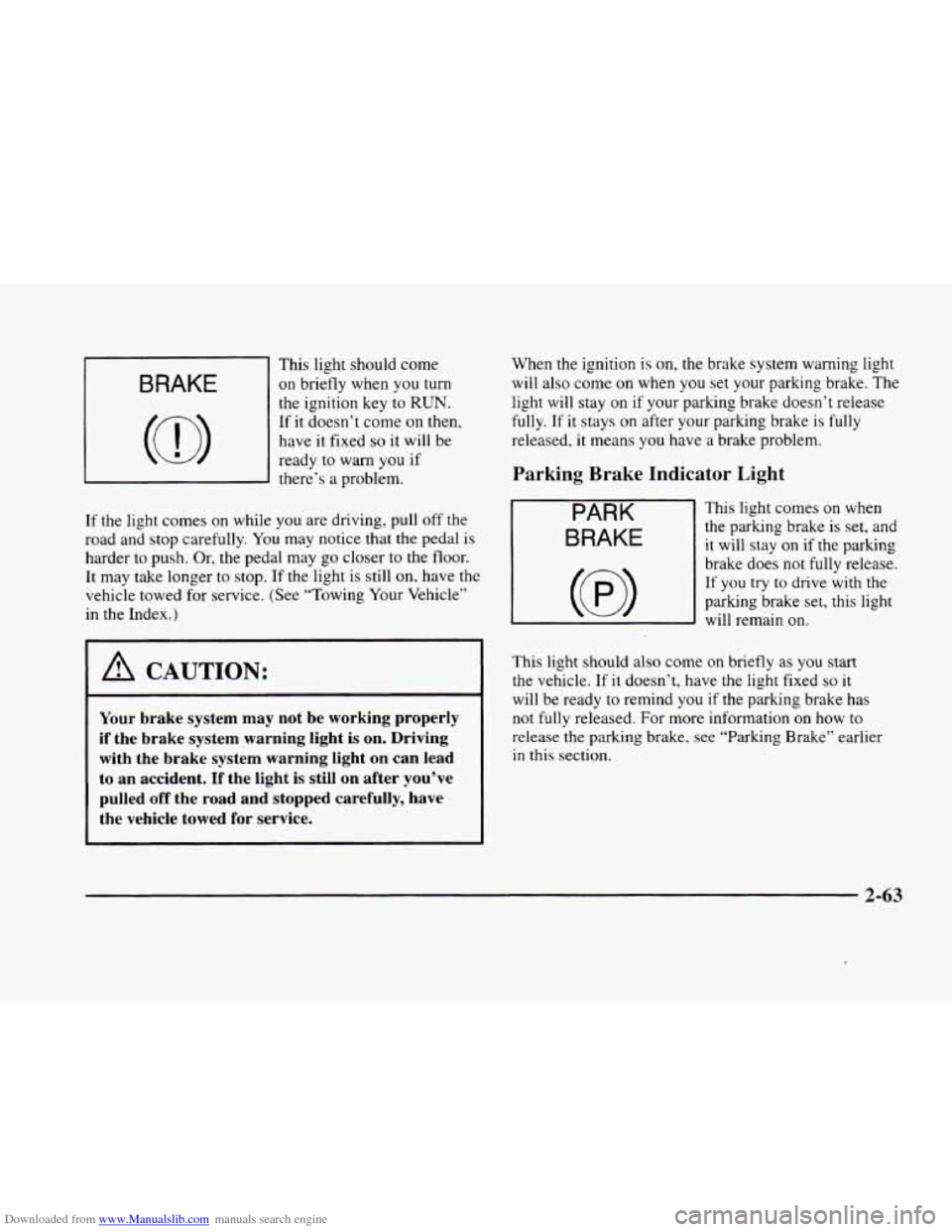
Downloaded from www.Manualslib.com manuals search engine This light should come
BRAKE I on briefly when you turn
c
~
the ignition key to RUN.
If it doesn’t come on then,
have
it fixed so it will be
ready
to warn you if
there’s a problem.
If the light comes on while you are driving, pull off the
road and stop carefully.
You may notice that the pedal is
harder to push. Or, the pedal may go closer to the floor.
It may take longer
to stop. If the light is sti1.l on, have the
vehicle towed for service. (See “Towing Your Vehicle”
in the Index.)
1 A CAUTION:
Your brake system may not be working properly
if the brake system warning light is on. Driving
with the brake system warning light
on can lead
to an accident.
If the light is still on after you’ve
pulled off the road and stopped carefully, have
the vehicle towed for service.
When the ignition is on, the brake system warning light
will also come on when you set your parking brake. The
light will stay on if your parking brake doesn’t release
fully. If it stays on after your parking brake is fully
released, it means you have a brake problem.
Parking Brake Indicator Light
PARK
BRAKE
This light comes on when
the parking brake is set, and
it will stay on if the parking
brake does not
fully release.
If you try to drive with the
parking brake set, this light
will remain
on.
This light should also come on briefly as you start
the vehicle. If it doesn’t, have the light fixed so it
will be ready to remind you if the parking brake has
not fully released. For more information
on how to
release the parking brake, see “Parking Brake” earlier
in this section.
2-63
Page 134 of 380
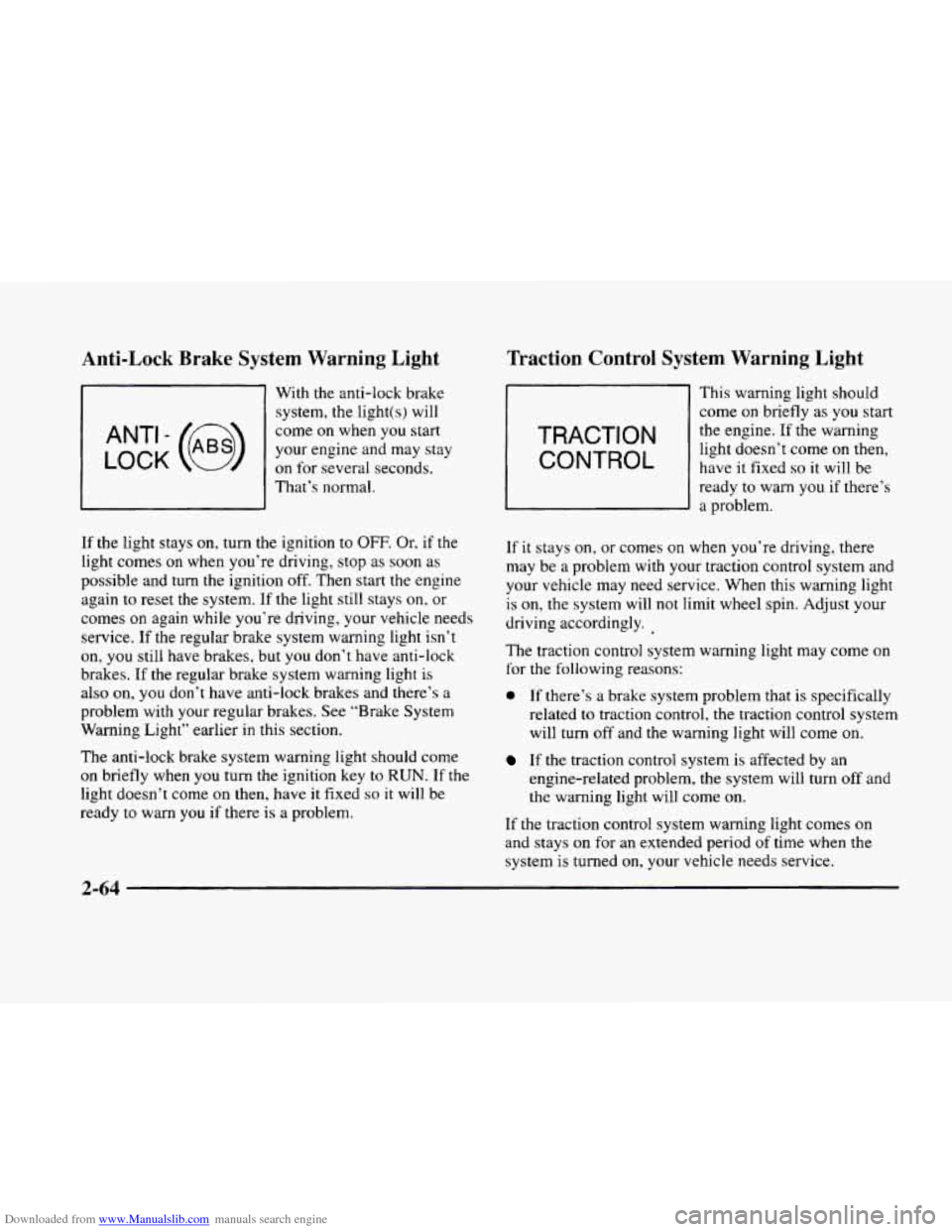
Downloaded from www.Manualslib.com manuals search engine Anti-Lock Brake System Warning Light
LOCK
ANT’- (e)
With the anti-lock brake system, the light(s) will
come on when you start
your engine and may stay
on for several seconds,
That’s normal.
If
the light stays on, turn the ignition to OFF. Or. if the
light comes on when you’re driving, stop as soon as
possible and turn the ignition off. Then start the engine
again to reset the system. If
the light still stays on, or
comes on again while you’re driving, your vehicle needs
service.
If the regular brake system warning light isn’t
on, you still have brakes, but you don’t have anti-lock
brakes. If
the regular brake system warning light is
also on, you don’t have anti-lock brakes and there’s a
problem with your regular brakes. See “Brake System
Warning Light” earlier in this section.
The anti-lock brake system warning light should come
on briefly when you turn the ignition key to RUN. If the
light doesn’t come on then, have it fixed so it will be
ready to warn you if there
is a problem.
Traction Control System Warning Light
TRACTION
CONTROL
This warning light should
come
on briefly as you start
the engine. If the warning
light doesn’t come on then,
have it fixed
so it will be
ready
to warn you if there’s
a problem.
If
it stays on, or comes on when you’re driving, there
may be
a problem with your traction control system and
your vehicle may need service. When this warning light
is on, the system will not limit wheel spin. Adjust your
driving accordingly.
The traction control system warning light may come on
for the following reasons:
0 If there’s a brake system problem that is specifically
related
to traction control, the traction control system
will turn
off and the warning light will come on.
If the traction control system is affected by an
engine-related problem, the system will turn
off and
the warning light will come on.
If the traction control system warning light comes on
and stays on for an extended period of time when the
system is turned
on, your vehicle needs service.
2-64
Page 136 of 380
Downloaded from www.Manualslib.com manuals search engine Malfunction Indicator Lamp (Service Engine
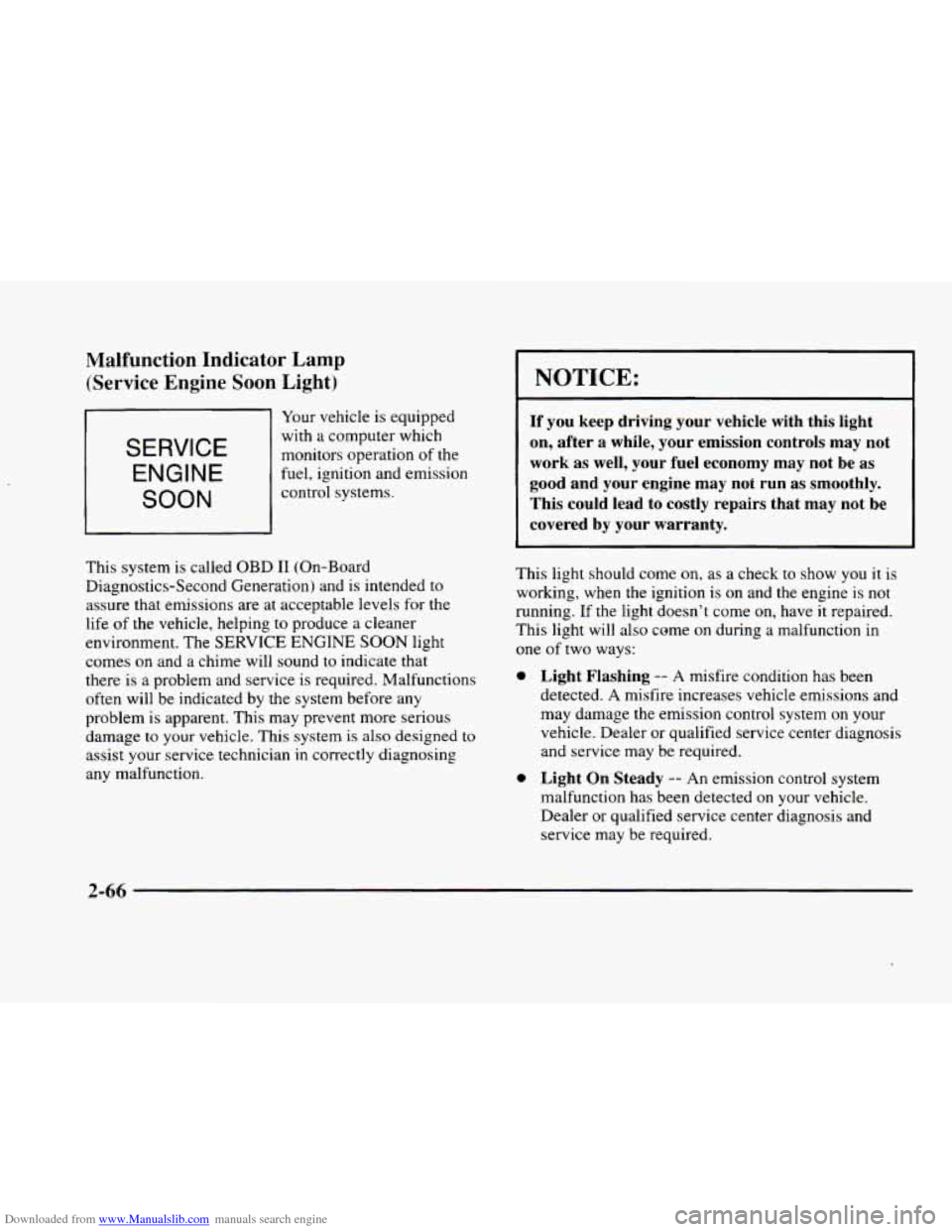
Soon Light)
SERVICE
ENGINE
SOON
Your vehicle is equipped
with
a computer which
monitors operation
of the
fuel, ignition and emission
control systems.
This system is called
OBD I1 (On-Board
Diagnostics-Second Generation) and
is intended to
assure that emissions are at acceptable levels for the
life
of the vehicle, helping to produce a cleaner
environment. The
SERVICE ENGINE SOON light
comes
on and a chime will sound to indicate that
there is
a problem and service is required. Malfunctions
often will be indicated by the system before any
problem
is apparent. This may prevent more serious
damage
to your vehicle. This system is also designed to
assist your service technician in correctly diagnosing
any malfunction.
0
0
NOTICE:
If you keep driving your vehicle with this light
on, after a while, your emission controls may
not
work as well, your fuel economy may not be as
good and your engine may
not run as smoothly.
This could lead to costly repairs that may not be
covered by your warranty.
This light should come on, as a check to show you it is
working, when the ignition is on and the engine is
not
running. If the light doesn’t come on, have it repaired.
This light will also come on during
a malfunction in
one
of two ways:
Light Flashing -- A misfire condition has been
detected. A misfire increases vehicle emissions and
may damage the emission control system on your
vehicle. Dealer or qualified service center diagnosis
and service may be required.
Light On Steady -- An emission control system
malfunction has been detected on your vehicle.
Dealer or qualified service center diagnosis and
service
may be required.
2-66
Page 137 of 380
Downloaded from www.Manualslib.com manuals search engine If the Light Is Flashing
The following may prevent more serious damage to
your vehicle:
0 Reducing vehicle speed.
0 Avoiding hard accelerations.
0 Avoiding steep uphill grades.
If you are towing a trailer, reduce the amount of
cargo being hauled as soon as it is possible.
If the light stops flashing and remains
on steady, see “If
the Light Is On Steady” following.
If the light continues to flash, when
it is safe to do so,
stop the vehicle. Find a safe place to park your vehicle.
Turn the key
off, wait at least 10 seconds and restart the
engine. If the light remains
on steady, see “If the Light
Is On Steady” following. If the light is still flashing,
follow the previous steps, and drive the vehicle to your
dealer or qualified service center for service.
If the Light Is On Steady
You may be able to correct the emission system
malfunction by considering the following:
Did
you recently put fuel into your vehicle?
If
so, reinstall the fuel cap, making sure to fully install
the cap. The diagnostic system can determine if the fuel cap
has been left
off or improperly installed. A loose or
missing fuel cap will allow fuel to evaporate into the
atmosphere. A few driving trips with the cap properly
installed should turn the light
off.
Did you just drive through a deep puddle of water?
If
so, your electrical system may be wet. The condition
will usually be corrected when the electrical system
dries
out. A few driving trips should turn the light off.
Are you low on fuel?
As your engine starts to run out of fuel, your engine may
not run as efficiently as designed since small amounts of
air are sucked into the fuel line causing a misfire. The
system can detect this. Adding fuel should correct this
condition. Make sure to install the fuel cap properly. It
will take a few driving trips to
turn the light off.
Have you recently changed brands of fuel?
If so, be sure to fuel your vehicle with quality fuel (see
“Fuel” in the Index). Poor fuel quality will cause your
engine not to run as efficiently as designed. You may
notice this as stalling after start-up, stalling when you
put the vehicle into gear, misfiring, hesitation on
acceleration or stumbling on acceleration. (These
conditions may go away once
the engine is warmed up.)
This will be detected by the system and cause the light
to turn on.
2-67