key CADILLAC ESCALADE ESV 2009 Repair Manual
[x] Cancel search | Manufacturer: CADILLAC, Model Year: 2009, Model line: ESCALADE ESV, Model: CADILLAC ESCALADE ESV 2009Pages: 602, PDF Size: 5.18 MB
Page 298 of 602

4. A caution may appear. Touch the OK screen button
to proceed.
5. Press the DEST hard key.
6. Select one of the available preset destination
screen buttons. A map screen, with the destination
marked appears.
7. Select the route preference (Fastest, Shortest, or
Other). The system calculates and highlights the
route.
8. Select the Start Guidance screen button. The route
is now ready to be started.
See “Preset Destination” under Destination on page 4-25
for more information.
Canceling Guidance Guidance is canceled once the nal destination is
reached. To cancel guidance prior to arrival at the
nal destination:
1. Press the DEST hard key.
2. Press the Cancel Guidance screen button.
3. Press OK to conrm. Guidance Volume Adjust the volume of voice guidance prompts:
1. Press the CONFIG hard key to enter the menu
options, then press the CONFIG key repeatedly
until Nav is selected or touch the Nav screen button.
2. Press the Voice Prompt screen button.
3. Press the + (plus) or – (minus) screen buttons to
increase or to decrease the volume of the voice
prompts. The system responds with the adjusted
voice level.
See “Voice Prompt ” under Configure Menu on
page 4-43 for more information.
Cleaning the Display Use a soft clean cotton cloth dampened with clean
water.
4-12
Page 299 of 602
Features and Controls Using the Navigation System This section presents basic information needed to
operate the navigation system.
Use the hard keys located on the navigation system
along with the available touch-sensitive screen buttons
on the navigation screen to operate the system.
See Navigation System Overview on page 4-2 for
more information.
Once the vehicle is moving, various functions are
disabled to reduce driver distractions.
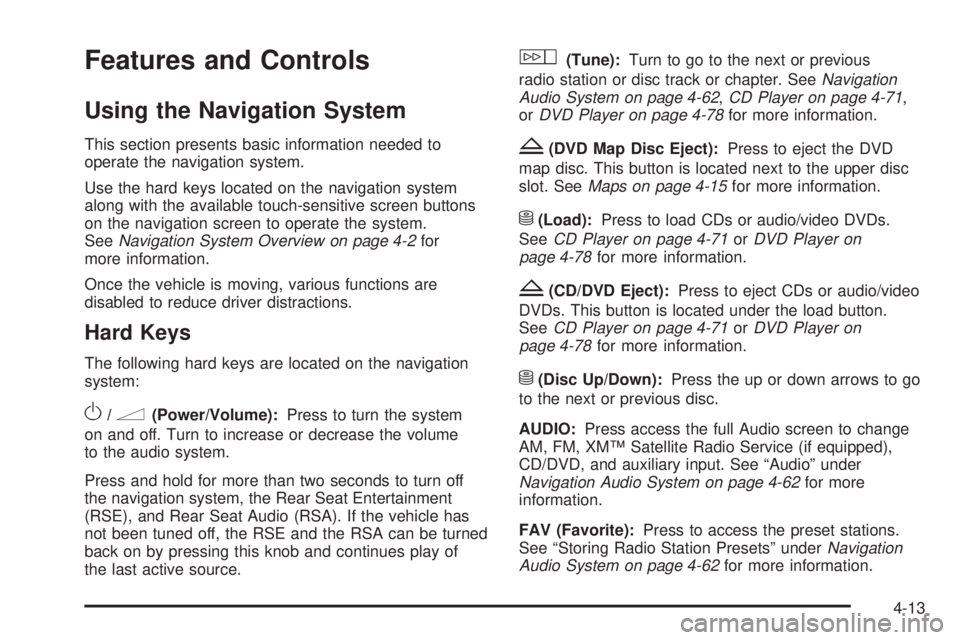
Hard Keys The following hard keys are located on the navigation
system:
O /
n (Power/Volume): Press to turn the system
on and off. Turn to increase or decrease the volume
to the audio system.
Press and hold for more than two seconds to turn off
the navigation system, the Rear Seat Entertainment
(RSE), and Rear Seat Audio (RSA). If the vehicle has
not been tuned off, the RSE and the RSA can be turned
back on by pressing this knob and continues play of
the last active source. w (Tune): Turn to go to the next or previous
radio station or disc track or chapter. See Navigation
Audio System on page 4-62 , CD Player on page 4-71 ,
or DVD Player on page 4-78 for more information.
Z (DVD Map Disc Eject): Press to eject the DVD
map disc. This button is located next to the upper disc
slot. See Maps on page 4-15 for more information.
M (Load): Press to load CDs or audio/video DVDs.
See CD Player on page 4-71 or DVD Player on
page 4-78 for more information.
Z (CD/DVD Eject): Press to eject CDs or audio/video
DVDs. This button is located under the load button.
See CD Player on page 4-71 or DVD Player on
page 4-78 for more information.
M (Disc Up/Down): Press the up or down arrows to go
to the next or previous disc.
AUDIO: Press access the full Audio screen to change
AM, FM, XM™ Satellite Radio Service (if equipped),
CD/DVD, and auxiliary input. See “Audio” under
Navigation Audio System on page 4-62 for more
information.
FAV (Favorite): Press to access the preset stations.
See “Storing Radio Station Presets” under Navigation
Audio System on page 4-62 for more information.
4-13
Page 300 of 602
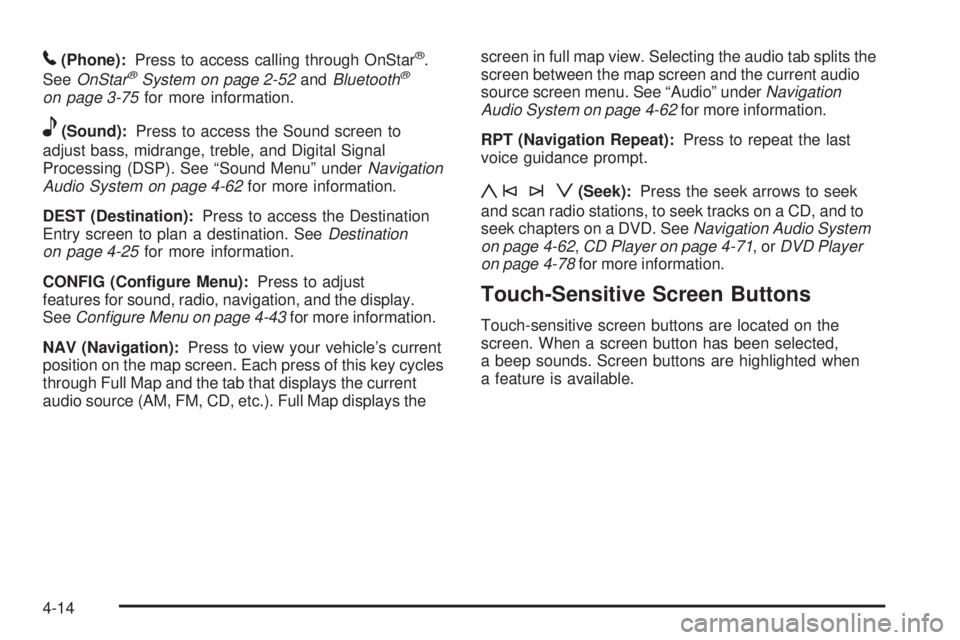
5 (Phone): Press to access calling through OnStar ®
.
See OnStar ®
System on page 2-52 and Bluetooth ®
on page 3-75 for more information.
e (Sound): Press to access the Sound screen to
adjust bass, midrange, treble, and Digital Signal
Processing (DSP). See “Sound Menu” under Navigation
Audio System on page 4-62 for more information.
DEST (Destination): Press to access the Destination
Entry screen to plan a destination. See Destination
on page 4-25 for more information.
CONFIG (Congure Menu): Press to adjust
features for sound, radio, navigation, and the display.
See Configure Menu on page 4-43 for more information.
NAV (Navigation): Press to view your vehicle’s current
position on the map screen. Each press of this key cycles
through Full Map and the tab that displays the current
audio source (AM, FM, CD, etc.). Full Map displays the screen in full map view. Selecting the audio tab splits the
screen between the map screen and the current audio
source screen menu. See “Audio” under Navigation
Audio System on page 4-62 for more information.
RPT (Navigation Repeat): Press to repeat the last
voice guidance prompt.
y©¨z (Seek): Press the seek arrows to seek
and scan radio stations, to seek tracks on a CD, and to
seek chapters on a DVD. See Navigation Audio System
on page 4-62 , CD Player on page 4-71 ,or DVD Player
on page 4-78 for more information.
Touch-Sensitive Screen Buttons Touch-sensitive screen buttons are located on the
screen. When a screen button has been selected,
a beep sounds. Screen buttons are highlighted when
a feature is available.
4-14
Page 301 of 602
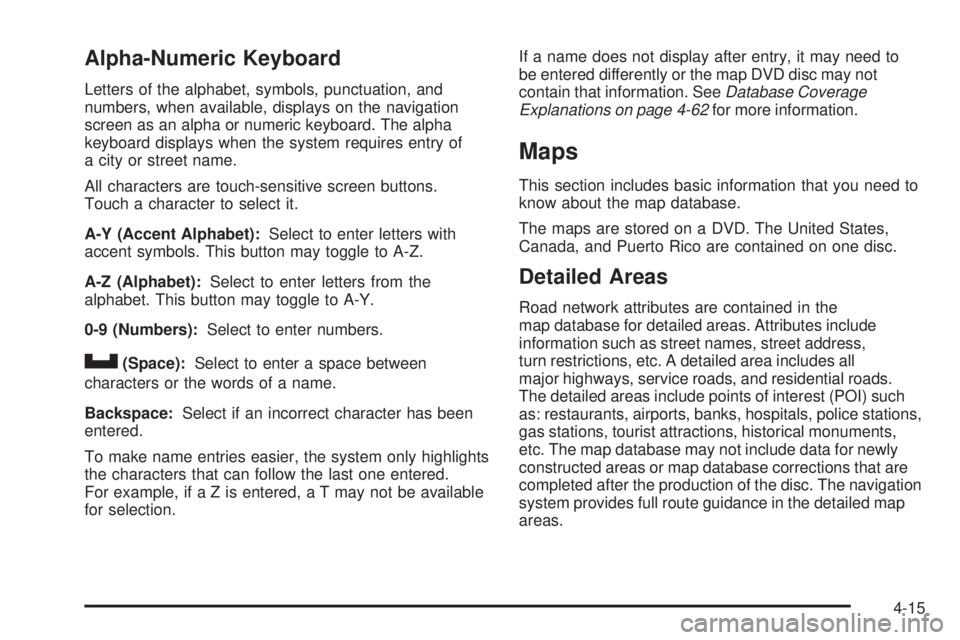
Alpha-Numeric Keyboard Letters of the alphabet, symbols, punctuation, and
numbers, when available, displays on the navigation
screen as an alpha or numeric keyboard. The alpha
keyboard displays when the system requires entry of
a city or street name.
All characters are touch-sensitive screen buttons.
Touch a character to select it.
A-Y (Accent Alphabet): Select to enter letters with
accent symbols. This button may toggle to A-Z.
A-Z (Alphabet): Select to enter letters from the
alphabet. This button may toggle to A-Y.
0-9 (Numbers): Select to enter numbers.
U (Space): Select to enter a space between
characters or the words of a name.
Backspace: Select if an incorrect character has been
entered.
To make name entries easier, the system only highlights
the characters that can follow the last one entered.
For example, if a Z is entered, a T may not be available
for selection. If a name does not display after entry, it may need to
be entered differently or the map DVD disc may not
contain that information. See Database Coverage
Explanations on page 4-62 for more information.
Maps This section includes basic information that you need to
know about the map database.
The maps are stored on a DVD. The United States,
Canada, and Puerto Rico are contained on one disc.
Detailed Areas Road network attributes are contained in the
map database for detailed areas. Attributes include
information such as street names, street address,
turn restrictions, etc. A detailed area includes all
major highways, service roads, and residential roads.
The detailed areas include points of interest (POI) such
as: restaurants, airports, banks, hospitals, police stations,
gas stations, tourist attractions, historical monuments,
etc. The map database may not include data for newly
constructed areas or map database corrections that are
completed after the production of the disc. The navigation
system provides full route guidance in the detailed map
areas.
4-15
Page 302 of 602

Limited Guidance Areas Any area that is not classied as detailed, is a limited
guidance area. Limited guidance streets are displayed on
the map but route guidance may not be given on these
streets. Some POI categories, such as the city center POI
category, and some street addresses are included in the
limited guidance areas.
The navigation system informs through voice prompts
when you are traveling into a limited guidance area
where route guidance is not available. The street maps
and the directional arrow displayed on the navigation
system can then be used to determine the remaining
route to your destination.
Installing the DVD Map Disc When a DVD Map Disc is installed, noise from the disc
may occur, this is normal system operation.
The navigation system in this vehicle uses a DVD to
store map information. When the system loads data from
the disc, you may hear a very slight buzz sound from the navigation system. The sound is similar to that of a CD
player seeking through different tracks. This is normal
operation and may occur more frequently with the use
of XM NavTraffic.
Your dealer/retailer may have installed the map DVD.
If the map DVD was not installed, do the following
to load it:
1. Turn the ignition on.
2. Press the
O (power) knob to turn the navigation
system on or press the NAV, DEST, or MENU
hard keys. If the MENU hard key is selected, press
and hold until the NAV screen is active, or select
the NAV tab manually.
3. Load the map DVD partway into the slot located
just below the screen. The system will pull it in.
4. Touch the OK screen button to agree to the Caution
screen, if it appears. If the map is in split screen
mode, you must push the NAV tab button to get
the full map screen.
4-16
Page 304 of 602
Map Scales +/ − (Zoom In/Zoom Out): Touch the zoom in or out
screen buttons or the scale on the bar to change the
level of map detail. The scale appears on the screen
once the zoom in or zoom out screen buttons are
selected. The system adjusts the map accordingly.
The scale of a map can range from 1/32 mi. (50 m) to
256 mi. (400 km). To change English or metric, see
DIC Operation and Displays on page 3-48 for more
information.
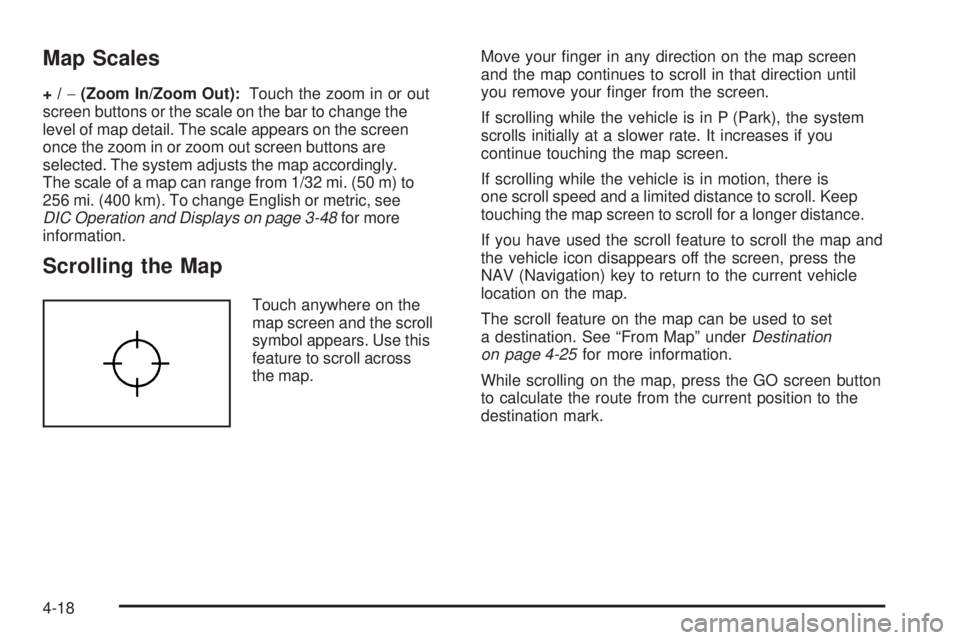
Scrolling the Map Touch anywhere on the
map screen and the scroll
symbol appears. Use this
feature to scroll across
the map. Move your nger in any direction on the map screen
and the map continues to scroll in that direction until
you remove your nger from the screen.
If scrolling while the vehicle is in P (Park), the system
scrolls initially at a slower rate. It increases if you
continue touching the map screen.
If scrolling while the vehicle is in motion, there is
one scroll speed and a limited distance to scroll. Keep
touching the map screen to scroll for a longer distance.
If you have used the scroll feature to scroll the map and
the vehicle icon disappears off the screen, press the
NAV (Navigation) key to return to the current vehicle
location on the map.
The scroll feature on the map can be used to set
a destination. See “From Map” under Destination
on page 4-25 for more information.
While scrolling on the map, press the GO screen button
to calculate the route from the current position to the
destination mark.
4-18
Page 311 of 602

Dual Mode This dual screen symbol
displays when the screen
is in dual mode.
Dual mode displays the route on half of the screen and
a maneuver or Interstate Exit list on the other half.
The Interstate Exit list advises of approaching exits.
Press this button to switch between dual screen and
full screen which displays the entire route.
Auto Reroute When a destination is set but is off the planned route,
the system automatically plans a new route and begins
to reroute. The new route is highlighted on the screen. Destination Press the DEST key to access the Destination Entry
screen. From this screen, you can select from several
options to plan a route by entering destination points.
To enter a destination, choose from one of the following
destination entry methods:
Address Entry
2 Address Entry: Enter either a city or street to
use the address entry destination method.
4-25
Page 312 of 602

To enter a destination by inputting the city name rst:
1. Press the DEST hard key.
2. Select the
2 screen button.
3. Select the state/province screen button, if needed,
to change the current state or province. A list of
all of the available states and provinces appear.
Select the state or province. 4. Once a state or province has been selected the
City name category is automatically selected
for entry.
Enter the City Name or touch the Last 5 Cities
screen button.
The Last 5 Cities screen displays a list of the last
ve city names that had been entered. Select a city
from the list and it appears in the City name area.
If using the alpha keyboard, nish entering the
city name. If ve or less names are available,
a list displays. If more than ve are available,
the List screen button displays a number. This
number represents the number of available cities.
Select this button to view the list and select a city.
5. Once a city has been selected the Street name
category is automatically selected for entry.
Start entering the street name. If ve or less names
are available, a list displays. If more than ve are
available, the List screen button displays a number.
This number represents the number of available
streets. Select this button to view the list.
6. Once a street has been selected, press the
House # screen button to enter the house number.
The system displays the house number range
that is available for the street.
4-26
Page 313 of 602

7. Select the Go screen button. The map screen, with
the destination marked displays.
8. Select the route preference (Fastest, Shortest,
or Other). The system calculates and highlights
the route.
9. Select the Start Guidance screen button. The route
is now ready to be started.
See “Getting Started on Your Route” later in this
section for more information.
To enter a destination by entering the street name rst:
1. Press the DEST hard key.
2. Select the
2 screen button.
3. Select the state/province screen button, if needed,
to change the current state or province. A list of
all of the available states and provinces appear.
Select the state or province.
4. Select the Street screen button and start entering
the street name or touch the Last 5 Streets screen
button.
If the street name is common, the city might need
to be entered rst.
The Last 5 Streets screen displays a list of the last
ve street names that had been entered. Select
a street from the list and it appears in the Street
name area. If using the alpha keyboard, nish entering the
street name. If ve or less names are available,
a list displays. If more than ve are available,
the List screen button displays a number.
This number represents the number of available
streets. Select this button to view the list and
select a street.
5. Once a street has been selected, select the
House # screen button to enter the house number.
The system displays the house number range
that is available for the street.
6. Once the house number is selected, the city name
automatically populates. If there is more than one
city available for selection, a list of cities display.
Select the city.
7. Select the Go screen button. The map screen, with
the destination marked displays.
8. Select the route preference (Fastest, Shortest,
or Other). The system calculates and highlights
the route.
9. Select the Start Guidance screen button. The route
is now ready to be started.
See “Getting Started on Your Route” later in this
section for more information.
4-27
Page 314 of 602

To enter a destination by entering a cross street:
1. Press the DEST hard key.
2. Select the
2 screen button.
3. Select the state/province screen button, if needed,
to change the current state or province. A list of all
of the available states and provinces appear.
Select the state or province.
4. Select the Street screen button and start entering
the street name or touch the Last 5 Streets screen
button.
If the street name is common, the city might need
to be entered rst.
The Last 5 Streets screen displays a list of the
last ve street names that had been entered.
Select a street from the list and it appears in
the Street name area.
If using the alpha keyboard, nish entering the
street name. If ve or less names are available,
a list displays. If more than ve are available,
the List screen button displays a number.
This number represents the number of available
streets. Select this button to view the list and
select a street. 5. Once a street has been selected, select the Cross
Street screen button and start entering the cross
street name. If ve or less names are available,
a list displays. If more than ve are available,
the List screen button displays a number.
This number represents the number of available
streets. Select this button to view the list and
select a street.
6. Select the Go screen button. The map screen, with
the destination marked displays.
7. Select the route preference (Fastest, Shortest,
or Other). The system calculates and highlights
the route.
8. Select the Start Guidance screen button. The route
is now ready to be started.
See “Getting Started on Your Route” later in this
section for more information.
4-28