warning light CADILLAC ESCALADE ESV 2015 4.G Owner's Manual
[x] Cancel search | Manufacturer: CADILLAC, Model Year: 2015, Model line: ESCALADE ESV, Model: CADILLAC ESCALADE ESV 2015 4.GPages: 443, PDF Size: 4.69 MB
Page 148 of 443
Black plate (17,1)Cadillac 2015i Escalade Owner Manual (GMNA-Localizing-U.S./Canada/
Mexico-8431501) - 2015 - CRC - 2/10/15
Instruments and Controls 5-17
The airbag readiness light comes on
for several seconds when the
vehicle is started. If the light does
not come on then, have it fixed
immediately.
{Warning
If the airbag readiness light stays
on after the vehicle is started or
comes on while driving, it means
the airbag system might not be
working properly. The airbags in
the vehicle might not inflate in a
crash, or they could even inflate
without a crash. To help avoid
injury, have the vehicle serviced
right away.
If there is a problem with the airbag
system, a Driver Information Center
(DIC) message may also come on.
See Airbag System Messages on
page 5-42.
Passenger Airbag Status
Indicator
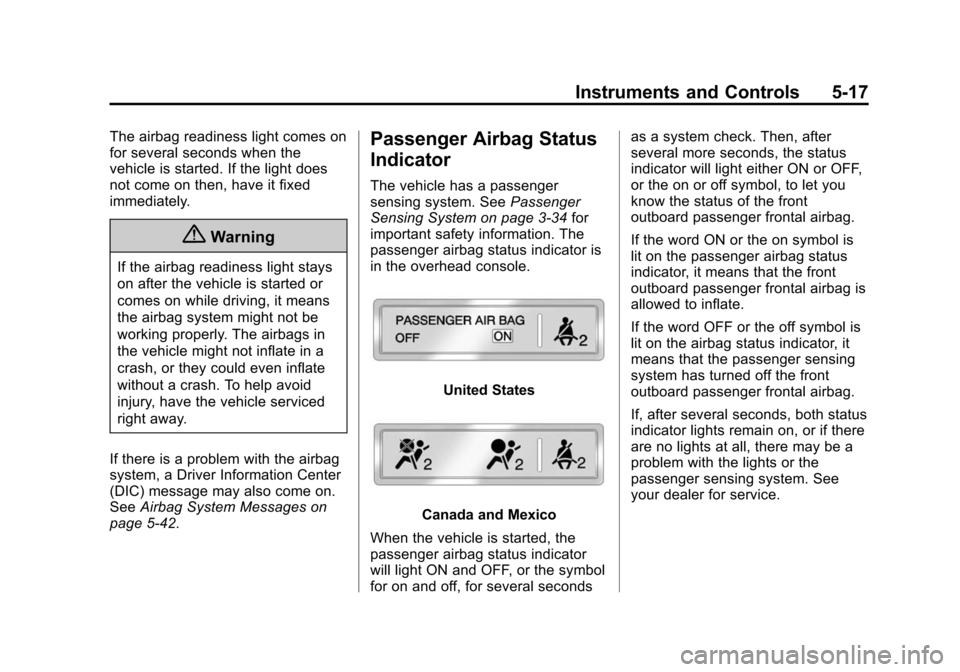
The vehicle has a passenger
sensing system. See Passenger
Sensing System on page 3-34 for
important safety information. The
passenger airbag status indicator is
in the overhead console.
United States
Canada and Mexico
When the vehicle is started, the
passenger airbag status indicator
will light ON and OFF, or the symbol
for on and off, for several seconds as a system check. Then, after
several more seconds, the status
indicator will light either ON or OFF,
or the on or off symbol, to let you
know the status of the front
outboard passenger frontal airbag.
If the word ON or the on symbol is
lit on the passenger airbag status
indicator, it means that the front
outboard passenger frontal airbag is
allowed to inflate.
If the word OFF or the off symbol is
lit on the airbag status indicator, it
means that the passenger sensing
system has turned off the front
outboard passenger frontal airbag.
If, after several seconds, both status
indicator lights remain on, or if there
are no lights at all, there may be a
problem with the lights or the
passenger sensing system. See
your dealer for service.
Page 149 of 443

Black plate (18,1)Cadillac 2015i Escalade Owner Manual (GMNA-Localizing-U.S./Canada/
Mexico-8431501) - 2015 - CRC - 2/10/15
5-18 Instruments and Controls
{Warning
If the airbag readiness light ever
comes on and stays on, it means
that something may be wrong
with the airbag system. To help
avoid injury to yourself or others,
have the vehicle serviced right
away. SeeAirbag Readiness
Light on page 5-16 for more
information, including important
safety information.
Charging System Light
The charging system light comes on
briefly when the ignition is turned
on, but the engine is not running, as a check to show the light is working.
It should go out when the engine is
started.
If the light stays on, or comes on
while driving, there may be a
problem with the electrical charging
system. Have it checked by your
dealer. Driving while this light is on
could drain the battery.
When this light comes on, or is
flashing, the Driver Information
Center (DIC) also displays a
message.
See
Battery Voltage and Charging
Messages on page 5-34.
If a short distance must be driven
with the light on, be sure to turn off
all accessories, such as the radio
and air conditioner.
Malfunction
Indicator Lamp
A computer system called OBD II
(On-Board Diagnostics-Second
Generation) monitors the operation
of the vehicle to ensure emissions are at acceptable levels, helping to
maintain a clean environment. The
malfunction indicator lamp comes
on when the vehicle is placed in
Service Only Mode, as a check to
show it is working. If it does not,
have the vehicle serviced by your
dealer. See
Ignition Positions on
page 9-20.
If the malfunction indicator lamp
comes on while the engine is
running, this indicates that there is
an OBD II problem and diagnosis
and service might be required.
Malfunctions often are indicated by
the system before any problem is
apparent. Being aware of the light
can prevent more serious damage
to the vehicle. This system also
Page 152 of 443
Black plate (21,1)Cadillac 2015i Escalade Owner Manual (GMNA-Localizing-U.S./Canada/
Mexico-8431501) - 2015 - CRC - 2/10/15
Instruments and Controls 5-21
system readiness, your dealer
can prepare the vehicle for
inspection.
Brake System Warning
Light
The vehicle brake system consists
of two hydraulic circuits. If one
circuit is not working, the remaining
circuit can still work to stop the
vehicle. For normal braking
performance, both circuits need to
be working.
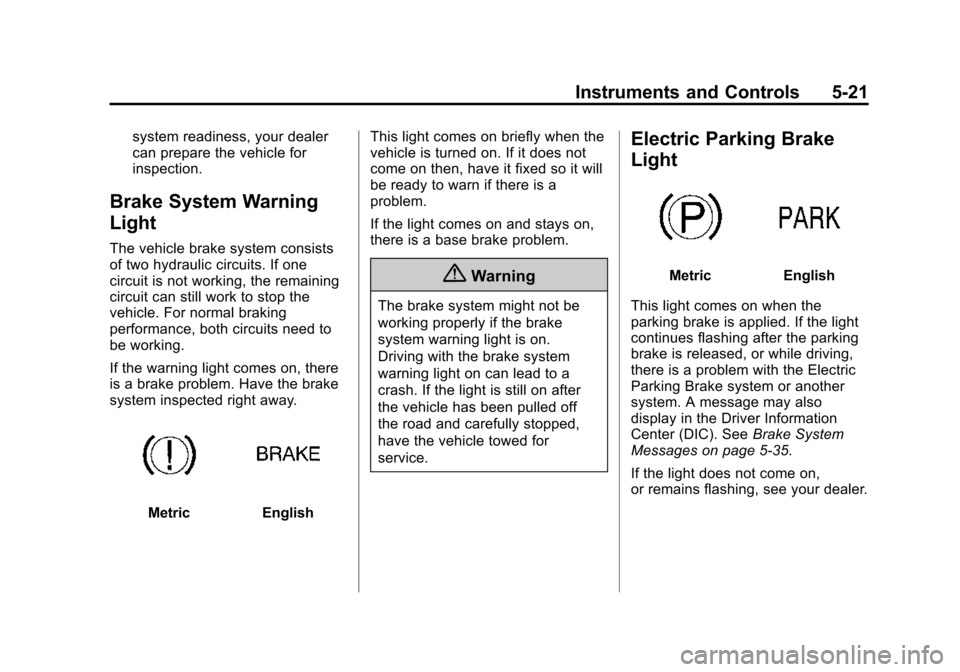
If the warning light comes on, there
is a brake problem. Have the brake
system inspected right away.
MetricEnglishThis light comes on briefly when the
vehicle is turned on. If it does not
come on then, have it fixed so it will
be ready to warn if there is a
problem.
If the light comes on and stays on,
there is a base brake problem.
{Warning
The brake system might not be
working properly if the brake
system warning light is on.
Driving with the brake system
warning light on can lead to a
crash. If the light is still on after
the vehicle has been pulled off
the road and carefully stopped,
have the vehicle towed for
service.
Electric Parking Brake
Light
MetricEnglish
This light comes on when the
parking brake is applied. If the light
continues flashing after the parking
brake is released, or while driving,
there is a problem with the Electric
Parking Brake system or another
system. A message may also
display in the Driver Information
Center (DIC). See Brake System
Messages on page 5-35.
If the light does not come on,
or remains flashing, see your dealer.
Page 153 of 443
Black plate (22,1)Cadillac 2015i Escalade Owner Manual (GMNA-Localizing-U.S./Canada/
Mexico-8431501) - 2015 - CRC - 2/10/15
5-22 Instruments and Controls
Service Electric Parking
Brake Light
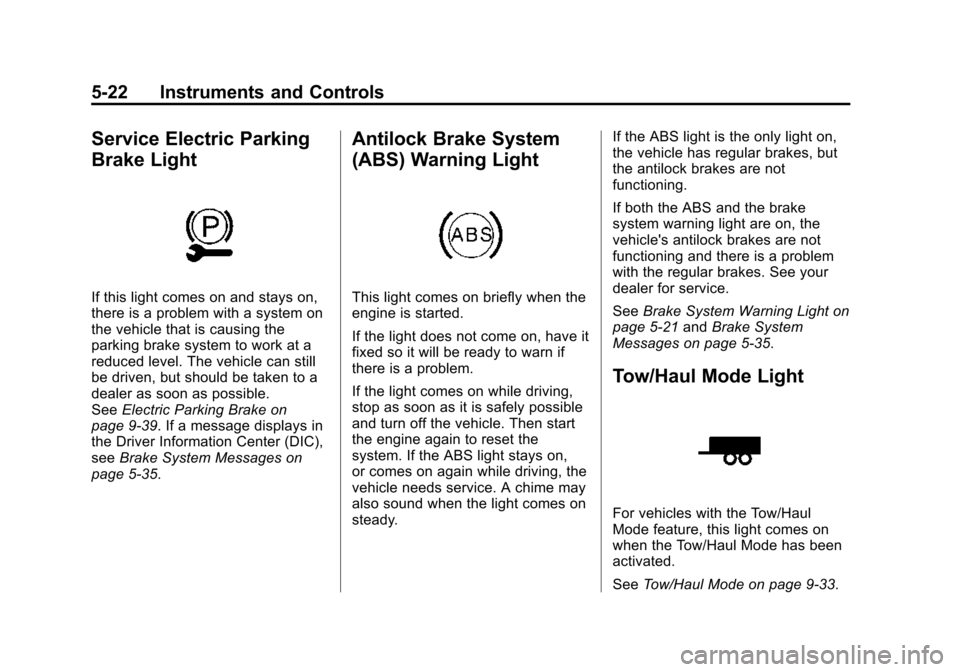
If this light comes on and stays on,
there is a problem with a system on
the vehicle that is causing the
parking brake system to work at a
reduced level. The vehicle can still
be driven, but should be taken to a
dealer as soon as possible.
SeeElectric Parking Brake on
page 9-39. If a message displays in
the Driver Information Center (DIC),
see Brake System Messages on
page 5-35.
Antilock Brake System
(ABS) Warning Light
This light comes on briefly when the
engine is started.
If the light does not come on, have it
fixed so it will be ready to warn if
there is a problem.
If the light comes on while driving,
stop as soon as it is safely possible
and turn off the vehicle. Then start
the engine again to reset the
system. If the ABS light stays on,
or comes on again while driving, the
vehicle needs service. A chime may
also sound when the light comes on
steady. If the ABS light is the only light on,
the vehicle has regular brakes, but
the antilock brakes are not
functioning.
If both the ABS and the brake
system warning light are on, the
vehicle's antilock brakes are not
functioning and there is a problem
with the regular brakes. See your
dealer for service.
See
Brake System Warning Light on
page 5-21 andBrake System
Messages on page 5-35.
Tow/Haul Mode Light
For vehicles with the Tow/Haul
Mode feature, this light comes on
when the Tow/Haul Mode has been
activated.
See Tow/Haul Mode on page 9-33.
Page 154 of 443
Black plate (23,1)Cadillac 2015i Escalade Owner Manual (GMNA-Localizing-U.S./Canada/
Mexico-8431501) - 2015 - CRC - 2/10/15
Instruments and Controls 5-23
Lane Departure Warning
(LDW) Light
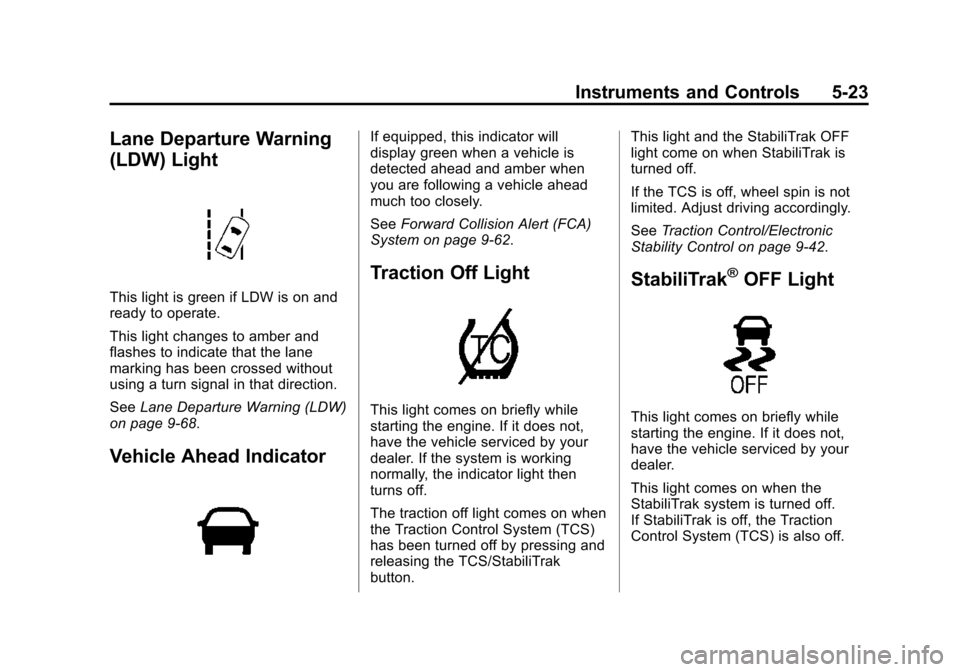
This light is green if LDW is on and
ready to operate.
This light changes to amber and
flashes to indicate that the lane
marking has been crossed without
using a turn signal in that direction.
SeeLane Departure Warning (LDW)
on page 9-68.
Vehicle Ahead Indicator
If equipped, this indicator will
display green when a vehicle is
detected ahead and amber when
you are following a vehicle ahead
much too closely.
See Forward Collision Alert (FCA)
System on page 9-62.
Traction Off Light
This light comes on briefly while
starting the engine. If it does not,
have the vehicle serviced by your
dealer. If the system is working
normally, the indicator light then
turns off.
The traction off light comes on when
the Traction Control System (TCS)
has been turned off by pressing and
releasing the TCS/StabiliTrak
button. This light and the StabiliTrak OFF
light come on when StabiliTrak is
turned off.
If the TCS is off, wheel spin is not
limited. Adjust driving accordingly.
See
Traction Control/Electronic
Stability Control on page 9-42.
StabiliTrak®OFF Light
This light comes on briefly while
starting the engine. If it does not,
have the vehicle serviced by your
dealer.
This light comes on when the
StabiliTrak system is turned off.
If StabiliTrak is off, the Traction
Control System (TCS) is also off.
Page 155 of 443
Black plate (24,1)Cadillac 2015i Escalade Owner Manual (GMNA-Localizing-U.S./Canada/
Mexico-8431501) - 2015 - CRC - 2/10/15
5-24 Instruments and Controls
If the StabiliTrak and TCS are off,
the system does not assist in
controlling the vehicle. Turn on the
TCS and the StabiliTrak systems
and the warning light turns off.
SeeTraction Control/Electronic
Stability Control on page 9-42.
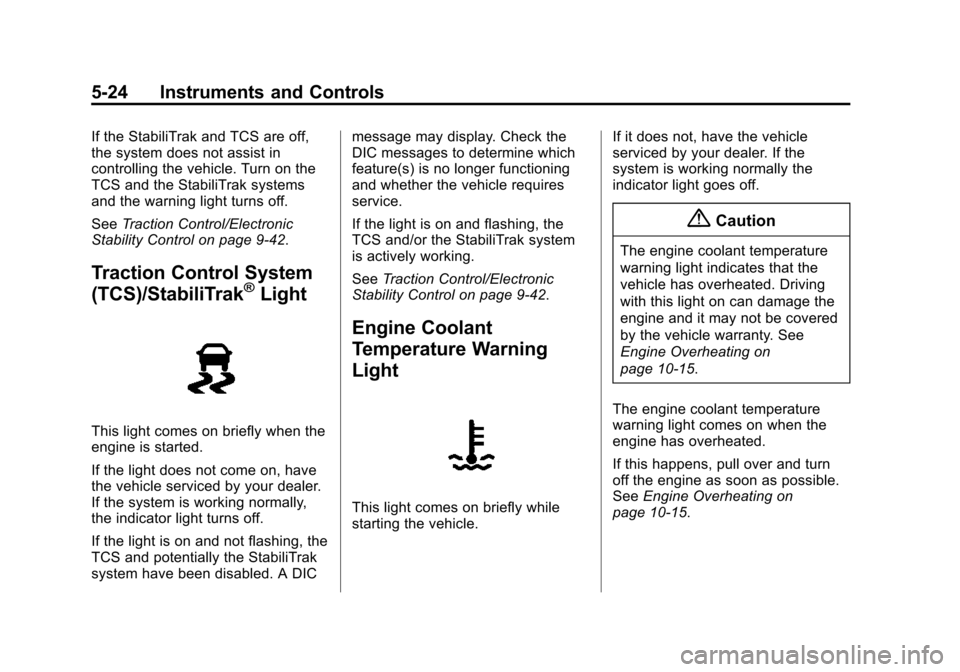
Traction Control System
(TCS)/StabiliTrak®Light
This light comes on briefly when the
engine is started.
If the light does not come on, have
the vehicle serviced by your dealer.
If the system is working normally,
the indicator light turns off.
If the light is on and not flashing, the
TCS and potentially the StabiliTrak
system have been disabled. A DIC message may display. Check the
DIC messages to determine which
feature(s) is no longer functioning
and whether the vehicle requires
service.
If the light is on and flashing, the
TCS and/or the StabiliTrak system
is actively working.
See
Traction Control/Electronic
Stability Control on page 9-42.
Engine Coolant
Temperature Warning
Light
This light comes on briefly while
starting the vehicle. If it does not, have the vehicle
serviced by your dealer. If the
system is working normally the
indicator light goes off.
{Caution
The engine coolant temperature
warning light indicates that the
vehicle has overheated. Driving
with this light on can damage the
engine and it may not be covered
by the vehicle warranty. See
Engine Overheating on
page 10-15.
The engine coolant temperature
warning light comes on when the
engine has overheated.
If this happens, pull over and turn
off the engine as soon as possible.
See Engine Overheating on
page 10-15.
Page 157 of 443
Black plate (26,1)Cadillac 2015i Escalade Owner Manual (GMNA-Localizing-U.S./Canada/
Mexico-8431501) - 2015 - CRC - 2/10/15
5-26 Instruments and Controls
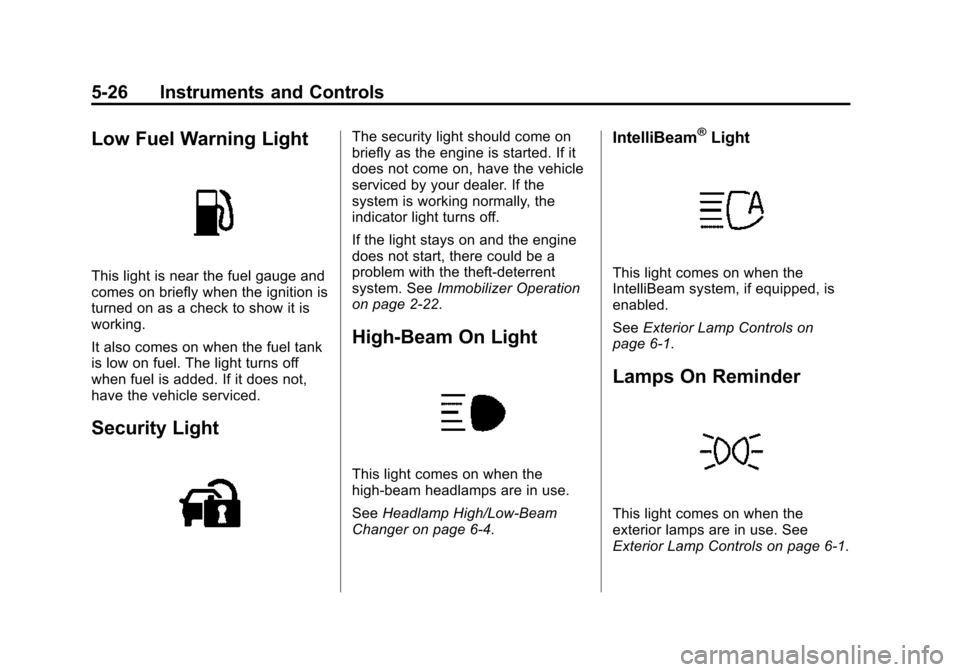
Low Fuel Warning Light
This light is near the fuel gauge and
comes on briefly when the ignition is
turned on as a check to show it is
working.
It also comes on when the fuel tank
is low on fuel. The light turns off
when fuel is added. If it does not,
have the vehicle serviced.
Security Light
The security light should come on
briefly as the engine is started. If it
does not come on, have the vehicle
serviced by your dealer. If the
system is working normally, the
indicator light turns off.
If the light stays on and the engine
does not start, there could be a
problem with the theft-deterrent
system. SeeImmobilizer Operation
on page 2-22.
High-Beam On Light
This light comes on when the
high-beam headlamps are in use.
See Headlamp High/Low-Beam
Changer on page 6-4.
IntelliBeam®Light
This light comes on when the
IntelliBeam system, if equipped, is
enabled.
See Exterior Lamp Controls on
page 6-1.
Lamps On Reminder
This light comes on when the
exterior lamps are in use. See
Exterior Lamp Controls on page 6-1.
Page 163 of 443
Black plate (32,1)Cadillac 2015i Escalade Owner Manual (GMNA-Localizing-U.S./Canada/
Mexico-8431501) - 2015 - CRC - 2/10/15
5-32 Instruments and Controls
3. Use the following settings toadjust the HUD.
$(Image Adjustment): Press
down or lift up to center the HUD
image. The HUD image can only be
adjusted up and down, not side
to side.
!(Display View): Press to
select the display view. Each press
will change the display view.
D(Image Brightness): Lift up
and hold to brighten the display.
Press down and hold to dim the
display. Hold down to turn the
display off.
The HUD image will automatically
dim and brighten to compensate for
outside lighting. The HUD
brightness control can also be
adjusted as needed.
The HUD image can temporarily
light up depending on the angle and
position of the sunlight on the HUD
display. This is normal.
Polarized sunglasses could make
the HUD image harder to see. HUD Views
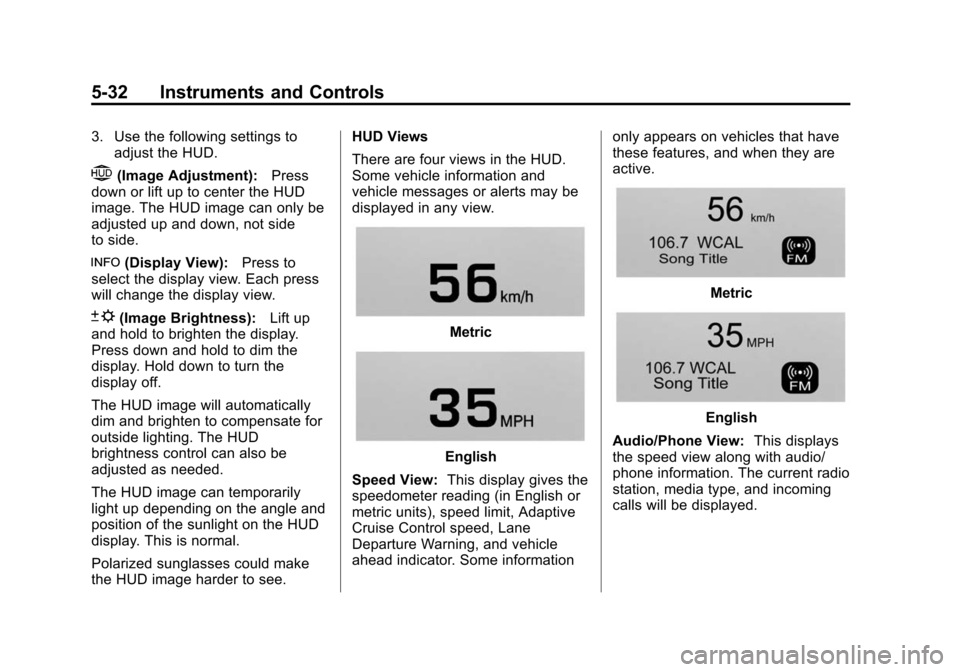
There are four views in the HUD.
Some vehicle information and
vehicle messages or alerts may be
displayed in any view.Metric
English
Speed View: This display gives the
speedometer reading (in English or
metric units), speed limit, Adaptive
Cruise Control speed, Lane
Departure Warning, and vehicle
ahead indicator. Some information only appears on vehicles that have
these features, and when they are
active.
Metric
English
Audio/Phone View: This displays
the speed view along with audio/
phone information. The current radio
station, media type, and incoming
calls will be displayed.
Page 175 of 443

Black plate (44,1)Cadillac 2015i Escalade Owner Manual (GMNA-Localizing-U.S./Canada/
Mexico-8431501) - 2015 - CRC - 2/10/15
5-44 Instruments and Controls
TIRE LEARNING ACTIVE
This message displays when the
system is learning new tires. See
Tire Pressure Monitor Operation on
page 10-48.
TIRE LOW ADD AIR TO TIRE
This message displays when the
pressure in one or more of the tires
is low.
This message also displays LEFT
FRONT, RIGHT FRONT, LEFT
REAR, or RIGHT REAR to indicate
the location of the low tire.
The low tire pressure warning light
will also come on. SeeTire
Pressure Light on page 5-25.
If a tire pressure message appears
on the DIC, stop as soon as you
can. Inflate the tires by adding air
until the tire pressure is equal to the
values shown on the Tire and
Loading Information label. See Tires
on page 10-38, Vehicle Load Limits
on page 9-14, and Tire Pressure on
page 10-45. You can receive more than one tire
pressure message at a time. The
DIC also shows the tire pressure
values. See
Driver Information
Center (DIC) on page 5-27.
Transmission Messages
4WD OFF
If equipped with four-wheel drive,
this message displays when the
four-wheel-drive system is
temporarily disabled due to an
overheated condition. The vehicle
will run in two-wheel drive when this
message is present. Once the
four-wheel-drive system cools down,
the message turns off and the
four-wheel-drive system returns to
normal operation.
4WD SHIFT IN PROGRESS
This message will display while the
four-wheel-drive system is shifting.
FOR 4WD LOW SHIFT TO
NEUTRAL
If a four-wheel drive shift into 4nis
requested, and the vehicle speed is
correct, but the transmission is not
in N (Neutral), this message will
display until the transmission is
shifted to N (Neutral).
FOR 4WD LOW SLOW TO XXX
If a four-wheel drive shift into 4nis
requested, but the vehicle speed is
too high, this message will display
until the correct vehicle speed is
reached.
GRADE BRAKING ACTIVE
This message displays when grade
braking has been activated while
driving on downhill grades. This
message will only appear the first
time the feature is activated in an
ignition cycle. See Tow/Haul Mode
on page 9-33, Automatic
Transmission on page 9-28, and
Cruise Control on page 9-45.
Page 180 of 443
Black plate (49,1)Cadillac 2015i Escalade Owner Manual (GMNA-Localizing-U.S./Canada/
Mexico-8431501) - 2015 - CRC - 2/10/15
Instruments and Controls 5-49
adjusted to this level. To set the
maximum startup volume, press +
or−to increase or decrease.
Audio Cue Volume
This feature sets the volume of
audio files played at system startup
and shutdown.
Select On, then press + or −to
increase or decrease the volume.
Vehicle
Select and the following may
display:
.Climate and Air Quality
.Collision/Detection Systems
.Comfort and Convenience
.Lighting
.Power Door Locks
.Remote Lock, Unlock, Start
Climate and Air Quality
Select the Climate and Air Quality
menu and the following may display:
.Auto Fan Max Speed
.Auto Defog
.Auto Rear Defog
Auto Fan Max Speed
This feature will set the maximum
auto fan speed.
Select Low, Medium, or High.
Auto Defog
When set to on, the auto defog
comes on when the climate control
detects a humidity risk based on
outside temp, windshield temp, and
interior humidity. Air will be directed
to the windshield.
Select Off or On.
Auto Rear Defog
If equipped, this feature will
automatically turn on the rear
window defogger when it is cold
outside.
Select Off or On.
Collision/Detection Systems
Select the Collision/Detection
Systems menu and the following
may display:
.Alert Type
.Auto Collision Preparation
.Go Notifier
.Park Assist
.Side Blind Zone Alert
.Rear Cross Traffic Alert
Alert Type
This feature will set crash alerts to
beeps or seat vibrations. This
setting affects all crash alerts
including Forward Collision Alert,
Lane Departure Warning, and Park
Assist alerts. See Driver Assistance
Systems on page 9-56.
Select Beeps or Safety Alert Seat.
Auto Collision Preparation
This feature will turn on or off the
Forward Collision Alert feature as
well as the automatic braking