wheel CADILLAC FLEETWOOD 1994 User Guide
[x] Cancel search | Manufacturer: CADILLAC, Model Year: 1994, Model line: FLEETWOOD, Model: CADILLAC FLEETWOOD 1994Pages: 398, PDF Size: 19.19 MB
Page 107 of 398
TMLER TOWING PACMGE (OPTION)
If your Fleetwood is equipped with either V92 or V4P package, you can
increase your vehicle's trailer towing capability to
5,000 pounds (2270 kg)
or 7000 lbs. (3178 kg). To determine which package you have, see the
Service Parts Label located on the underside
of the trunk lid. These
packages include a trailering harness located
in the trunk, heavy-duty
engine and transmission cooling.
Also included are heavy-duty front and
rear springs, 2.93:l rear axle ratio and Eagle
GA P235/70R15 tires.
3
a,
I
I
P-NG BRAKE
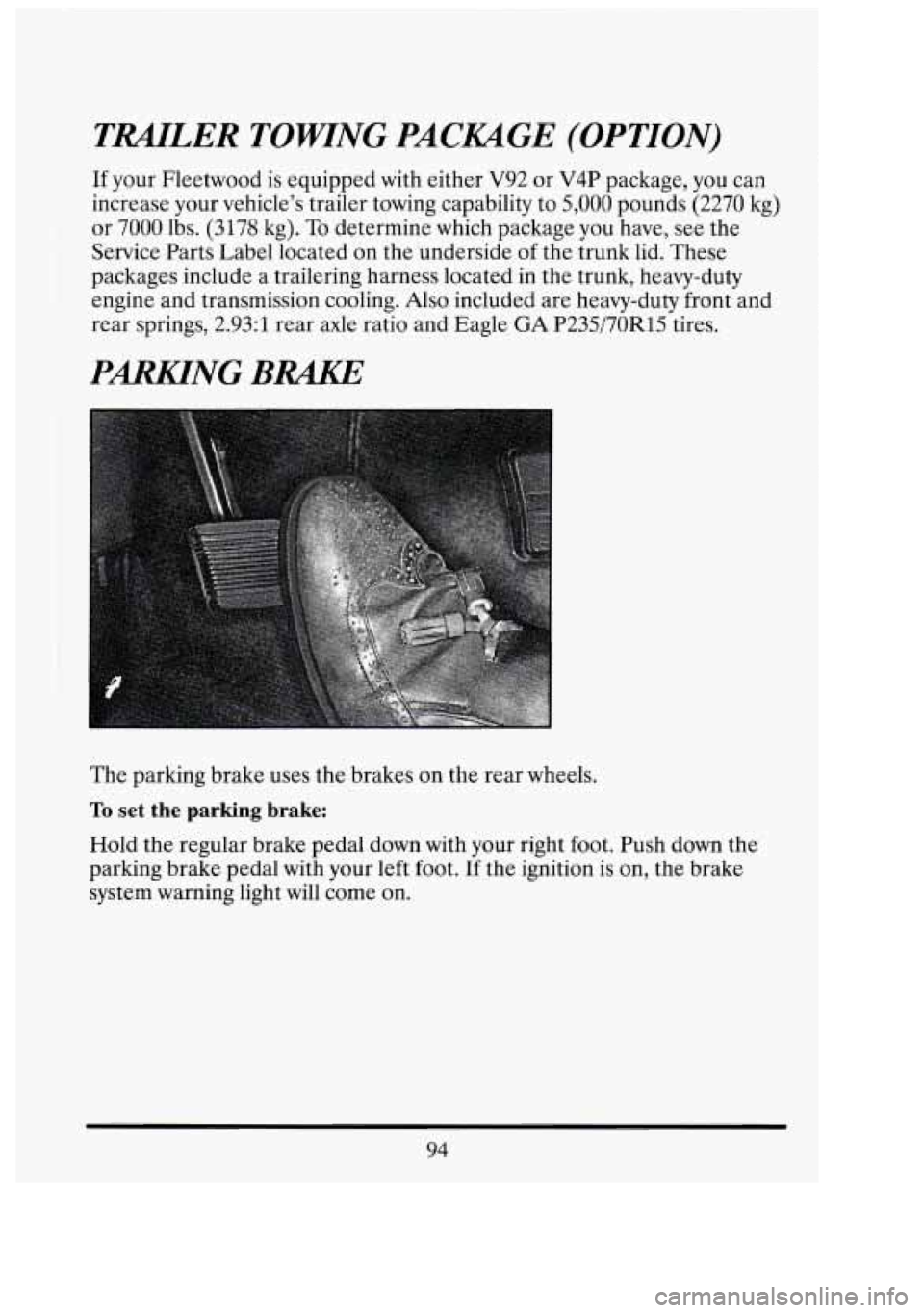
The parking brake uses the brakes on the rear wheels.
To set the parking brake:
Hold the regular brake pedal down with your right foot. Push down the
parking brake pedal with your left foot.
If the ignition is on, the brake
system warning light will come
on.
I
94
Page 109 of 398
If you are on a hill: See “Parking on Hills” in the Index. That section
shows how to turn your front wheels.
If you are towing a trailer and are parking on any hill: See “Towing a
Trailer” in the Index. That section shows what to do first to keep the
trailer from moving.
SHIFTING INTO 44P” (PARK)
Steering Column Shift Lever
1. Hold the brake pedal down with your right foot.
E
1
n !fl
I
96
..
Page 115 of 398
TILT WHEEL
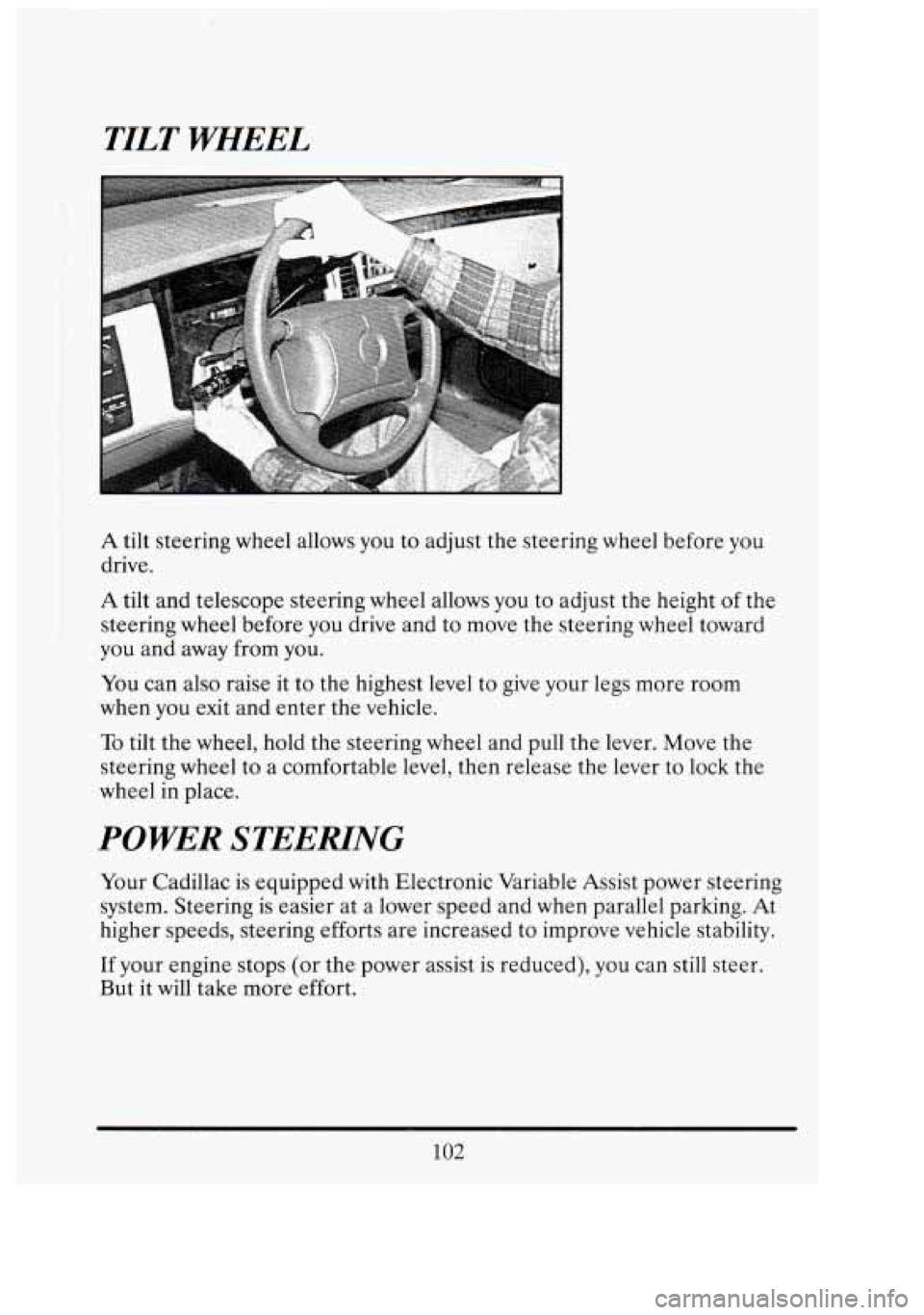
A tilt steering wheel allows you to adjust the steering wheel before you
drive.
A tilt and telescope steering wheel allows you to adjust the height of the
steering wheel before you drive and to move the steering wheel toward
you and away
from you.
You can also raise it to the highest level to give your legs more room
when you exit and enter the vehicle.
To tilt the wheel, hold the steering wheel and pull the lever. Move the
steering wheel to a comfortable level, then release the lever
to lock the
wheel
in place.
POWER STEERLNG
Your Cadillac is equipped with Electronic Variable Assist power steering
system. Steering is easier at a lower speed and when parallel parking. At
higher speeds, steering efforts are increased to improve vehicle stability.
If your engine stops (or the power assist is reduced),
you can still steer.
But it will take more effort.
102
GI
nr
Page 117 of 398
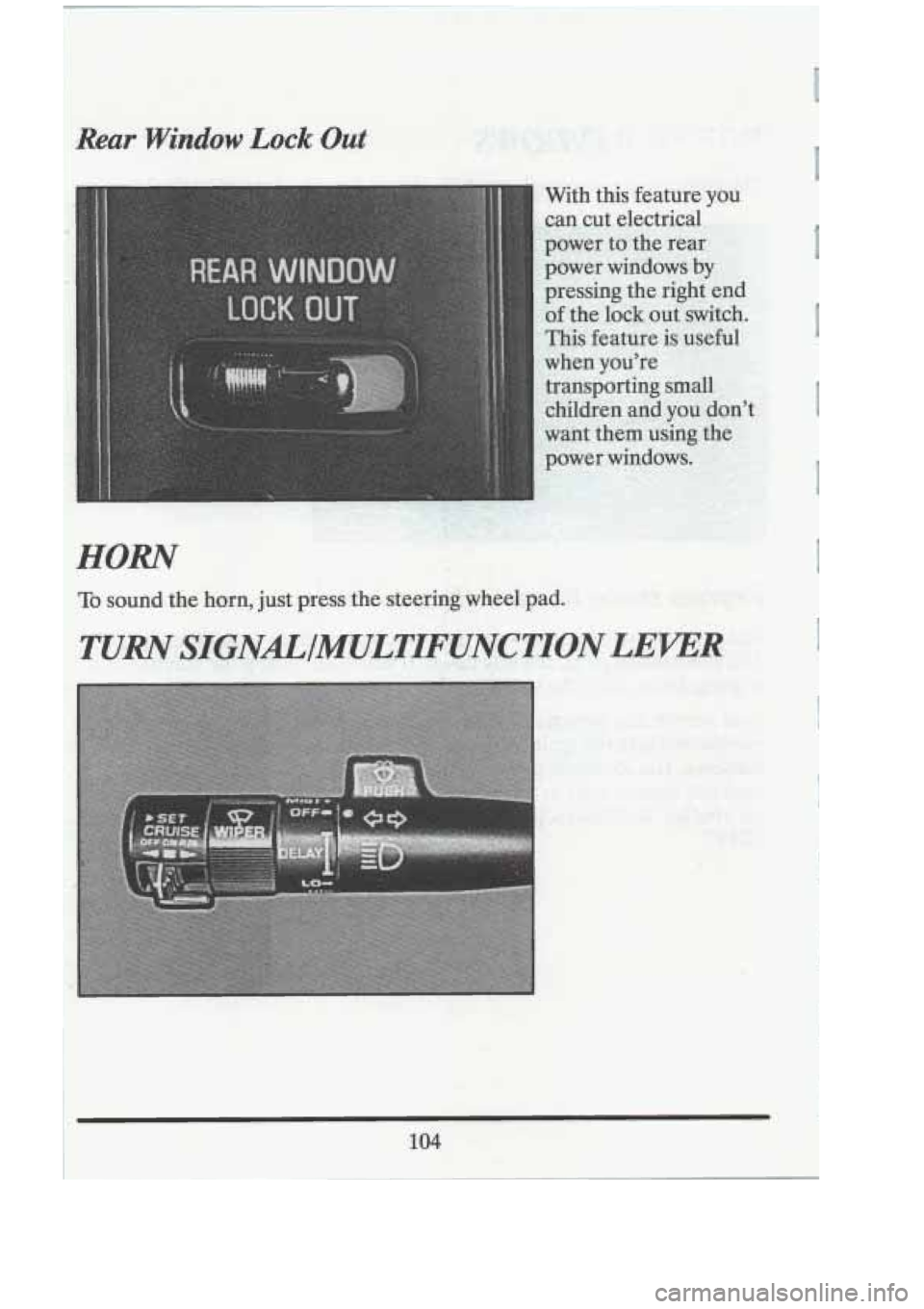
Rear .Window Lock.Out
.HORN
To sound the horn, just preiss the &ee$ingwheel pad..
104
Page 149 of 398
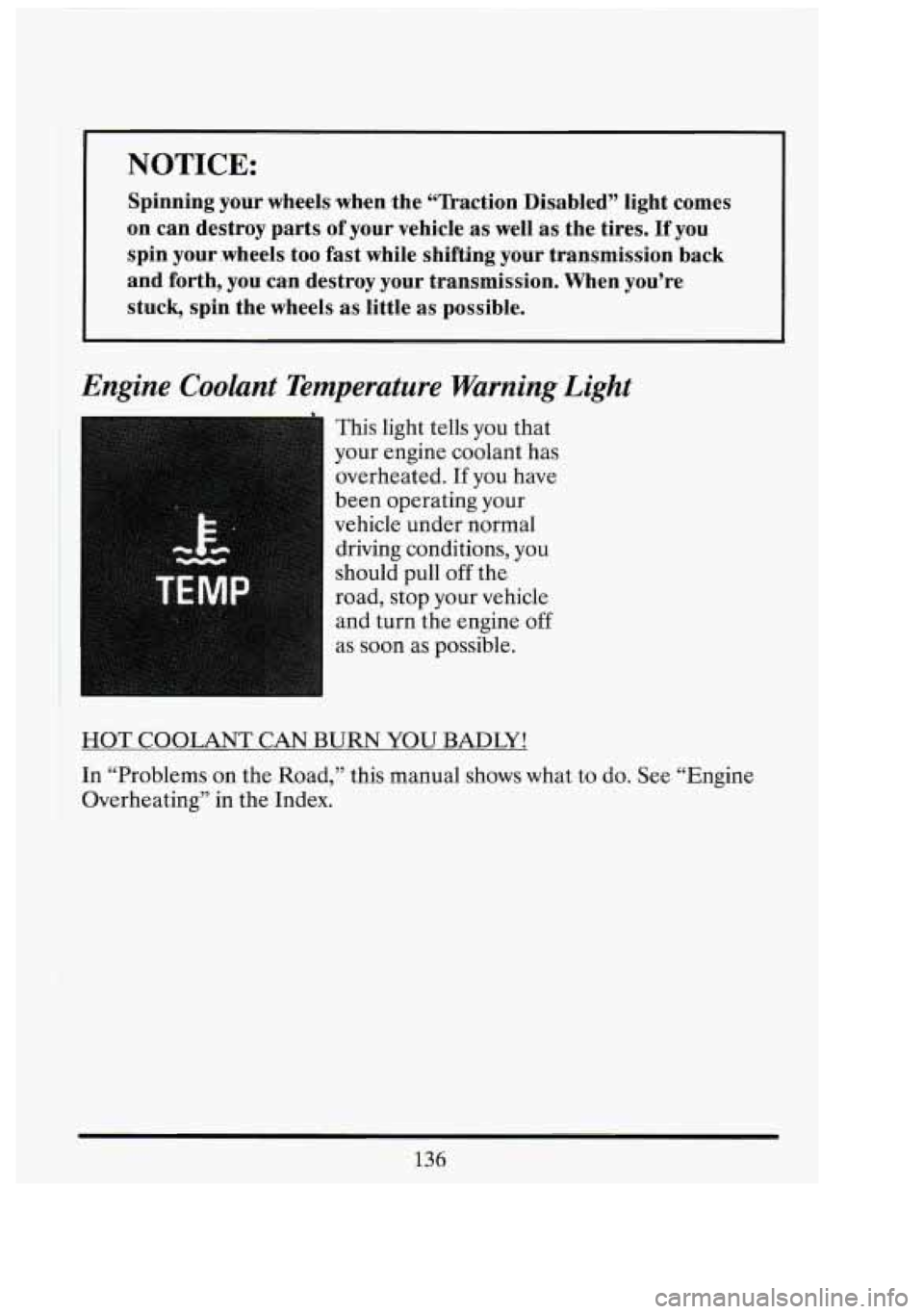
NOTICE:
Spinning your wheels when the “Tkaction Disabled” light comes
on can destroy parts of your vehicle .as well as the tires. If you
spin your .wheels
too fast while shifting your transmission back
and forth, you can destroy your transmission. When you’re
stuck., spin the wheels as little as possible.
Engine Coolant Temperature Warning’Light
This light tells you that
your engine coolant has
overheated.
If you have
been operating your
vehicle under normal
driving conditions, you
should pull
off the
road, stop your vehicle
and turn the engine
off
as soon as possible.
HOT COOLANT CAN BURN YOU BADLY!
In “Problems
on the Road,” this manual shows what to do. See “Engine
Overheating” in the Index.
136
3
n
u
n
141
i
Page 187 of 398
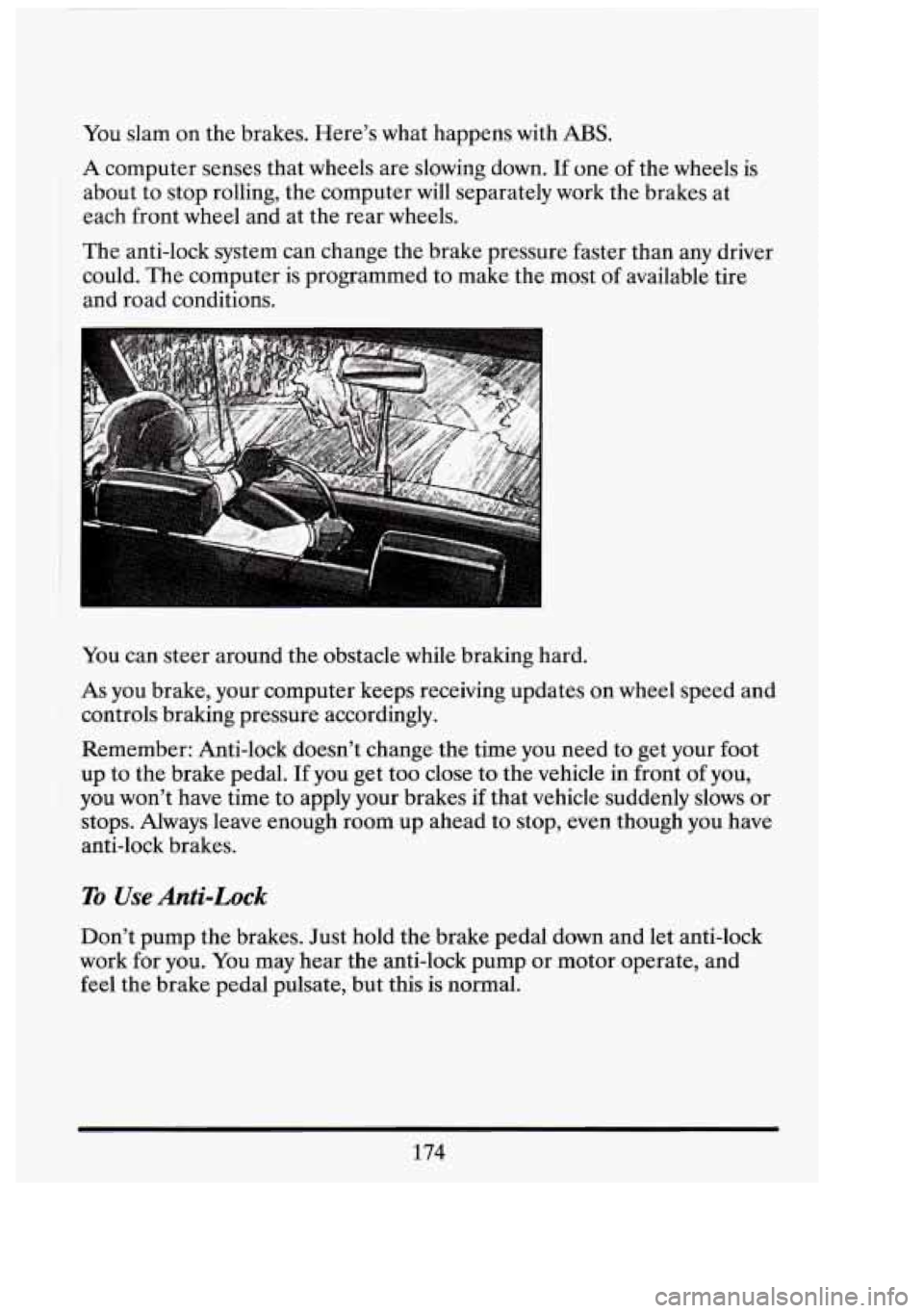
You slam on the brakes. Here's what happens with ABS.
A computer senses that wheels are slowing down. If one of the wheels is
about to stop rolling, the computer will separately work the brakes at
each front wheel and at the rear wheels.
The anti-lock system can change the brake pressure faster than any driver
could. The computer is programmed to make the most of available tire
and road conditions.
You can steer around the obstacle while braking hard.
As you brake, your computer keeps receiving updates on wheel speed and
controls braking pressure accordingly.
Remember: Anti-lock doesn't change the time you need to get your foot
up to the brake pedal. If you get too close to the vehicle in front of you,
you won't have time to apply your brakes if that vehicle suddenly slows or
stops. Always leave enough room up ahead to stop, even though you have
anti-lock brakes.
To Use Anti-Lock
Don't pump the brakes. Just hold the brake pedal down and let anti-lock
work for
you. You may hear the anti-lock pump or motor operate, and
feel the brake pedal pulsate, but this
is normal.
174
i
n!
Page 188 of 398
Traction Control System
This feature is deleted on Coach Builder limousines and funeral coach
packages.
Your vehicle has a traction control system that limits wheel spin. This is
especially useful in slippery road conditions.
The system operates only if
it senses that the rear wheels are spinning or beginning to lose traction.
When this happens, the system works the rear brakes and reduces engine
power (by closing the throttle) to limit wheel spin.
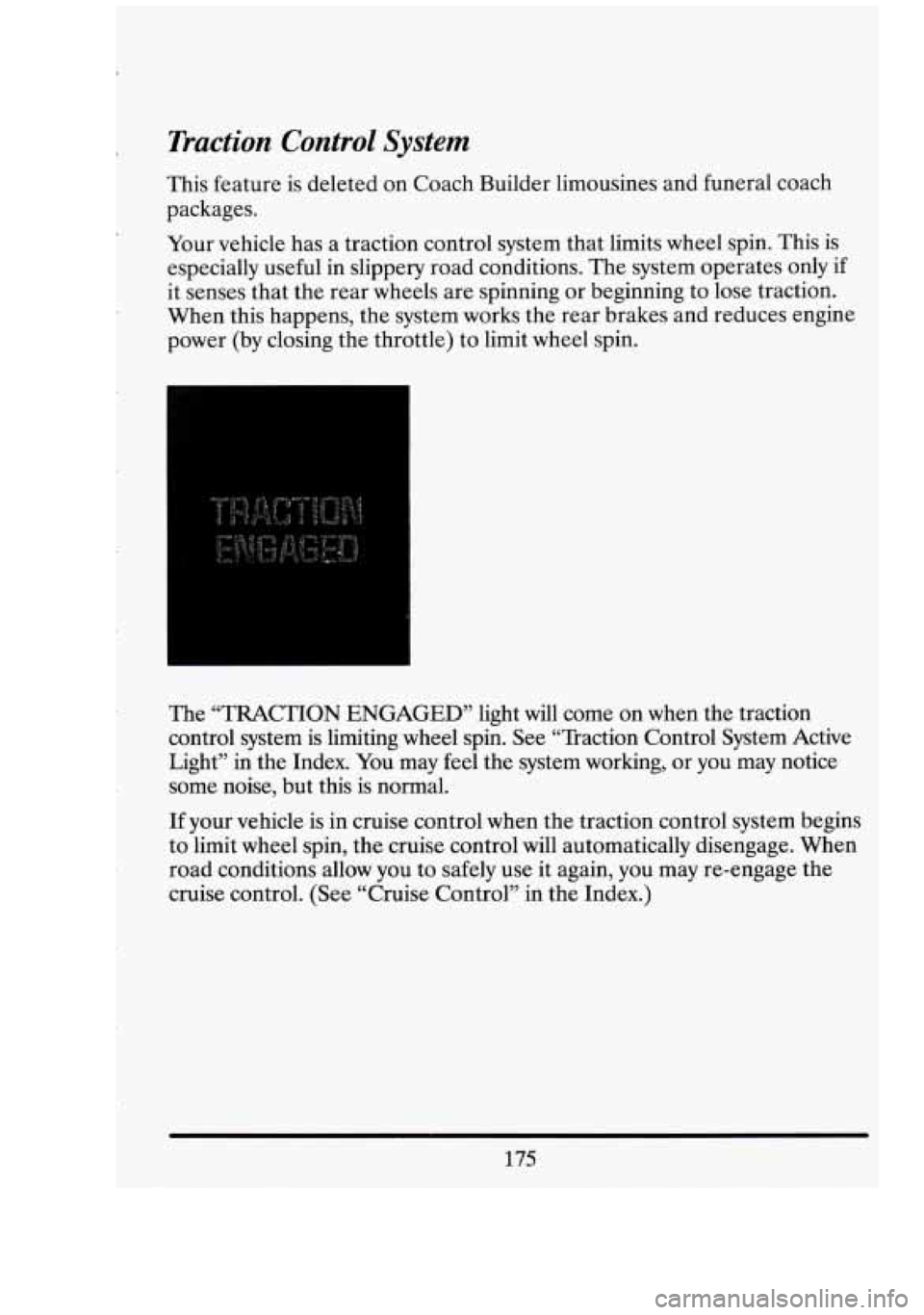
The ‘TRACTION ENGAGED’’ light will come on when the traction
control system is limiting wheel spin. See “Traction Control System Active
Light” in the Index. You may feel the system working, or you may notice
some noise, but this is normal.
If your vehicle is in cruise control when the traction control system begins
to limit wheel spin, the cruise control will automatically disengage. When
road conditions allow you to safely use it again, you may re-engage the
cruise control,. (See “Cruise Control” in the Index.)
175
Page 189 of 398
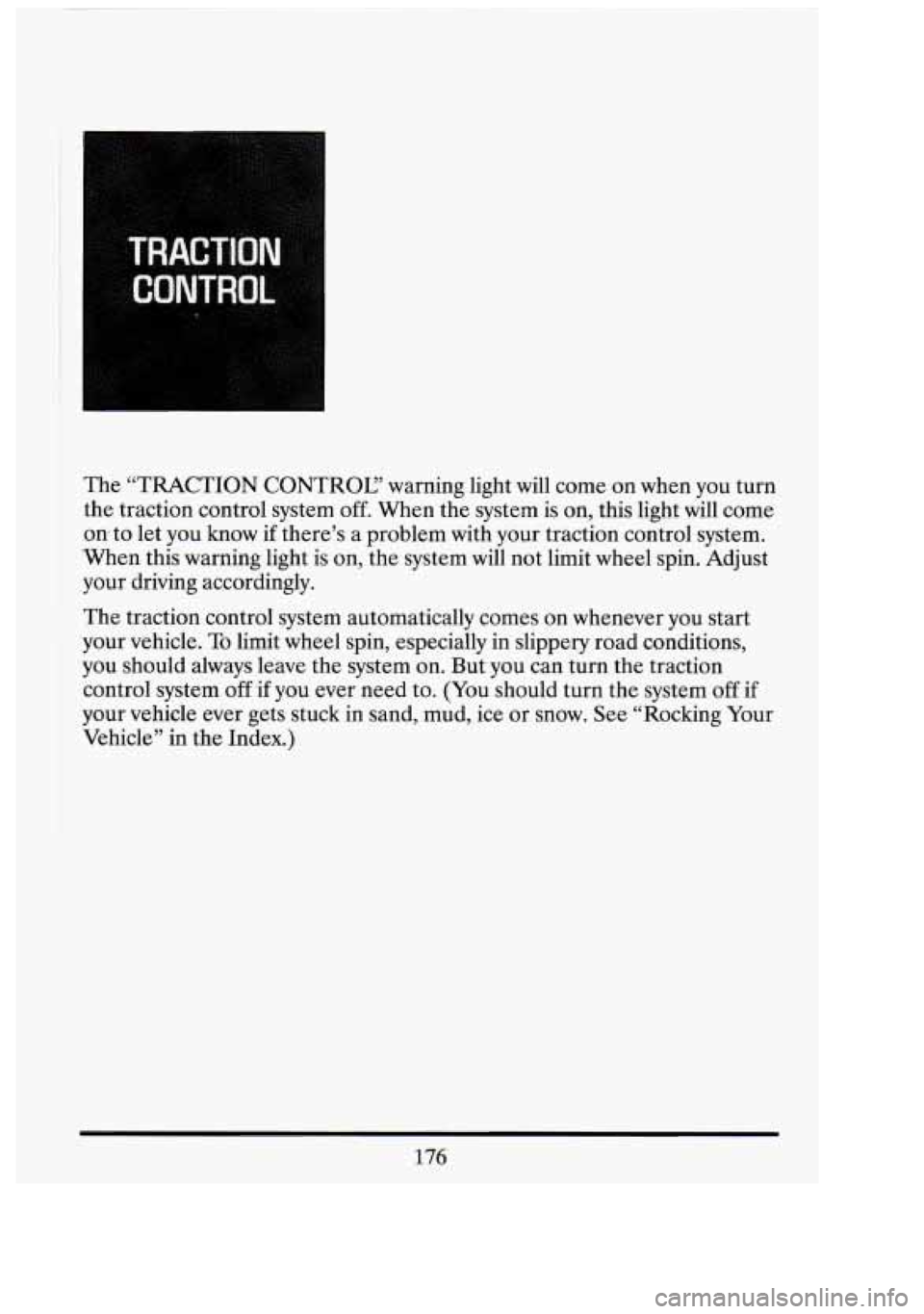
The “TRACTION CONTROL? warning light will come on when you turn
the traction control system off. When the system is on, this light will come
on to let you know if there’s a problem with your traction control system.
‘When this warning light is on, the system
will not limit wheel spin. Adjust
your driving accordingly.
The traction control system automatically comes on whenever you start
your vehicle. To limit wheel spin, especially in slippery road conditions,
you should always leave the system on. But you can turn
the traction
control system
off if you ever need to. (You should turn the system off if
your vehicle ever gets stuck in sand, mud, ice or snow. See “Rocking Your
Vehicle’’
in the Index.)
176
Page 192 of 398
Braking in Emergencies
Use your anti-lock braking system when you need to. With anti-lock, you
can steer and brake at the same time. In many emergencies, steering can
help you more than even the very best braking.
STEEHNG
Power Steering
If you lose power steering assist because the engine stops or the system is
not functioning, you can steer but it
will take much more effort.
Steering Tips
Driving on Curves
It’s important to take curves at a reasonable speed.
A lot of the “driver lost control’’ accidents mentioned on the news
happen on curves. Here’s why:
Experienced driver or beginner, each of us is subject to the same laws of
physics when driving on curves. The traction of the tires against the road
surface makes it possible for the vehicle to change its path when you turn
the front wheels.
If there’s no traction, inertia will keep the vehicle going
in the same direction. If you’ve ever tried to steer a vehicle on wet ice,
you’ll understand this.
The traction you can get in a curve depends on the condition of your tires
and the road surface, the angle at which the curve is banked, and your
speed. While you’re in a curve, speed is the one factor you can control.
Suppose you’re steering through a sharp curve. Then you suddenly
accelerate. Both control systems
-- steering and acceleration -- have to do
their work where the tires meet the road. Adding the sudden acceleration
can demand too much of those places. You can lose control.
Suppose you’re steering through a sharp curve. Then you suddenly
accelerate. Both control systems
-- steering and acceleration -- have to do
their work where the tires meet the road. Unless your traction control
179
Page 193 of 398
system is on, adding the sudden acceleration can demand too much of
those places. You can lose control.
What should you do if this ever happens? Ease up on the accelerator
pedal, steer the vehicle the way you want it to go, and slow down.
Speed limit signs near curves warn that you should adjust your speed.
Of
course, the posted speeds are based on good weather and road
conditions. Under less favorable conditions you’ll want to go slower.
If you need to reduce your speed as you approach a curve, do it before
you enter the curve, while your front wheels are straight ahead.
Try to adjust your speed so you can “drive’’ through the curve. Maintain a
reasonable, steady speed. Wait to accelerate until you are out of the
curve, and then accelerate gently into the straightaway.
Steering in Emergencies
There are times when steering can be more effective than braking. For
example, you come over a hill and find a truck stopped in your lane, or a
car suddenly pulls out from nowhere, or
a child darts out from between
parked cars and stops right in front
of you. You can avoid these problems
by braking
-- if you can stop in time. But sometimes you can’t; there isn’t
room. That’s the time for evasive action
-- steering around the problem.
Your Cadillac can perform very
well in emergencies like these. First apply
your brakes. It is better to remove as much speed as you can from a
possible collision. Then steer around the problem, to the left
or right
depending on the space available.
An emergency like this requires close attention and a quick decision. If
you are holding the steering wheel at the recommended 9 and 3 o’clock
positions, you can turn it
a full 180 degrees very quickly without removing
either hand. But you have to act fast, steer quickly, and just as quickly
straighten the wheel once you have avoided the object.
180
i 7‘
L
1
n
1
Lil
c3
I
I