check engine CADILLAC SEVILLE 1994 4.G User Guide
[x] Cancel search | Manufacturer: CADILLAC, Model Year: 1994, Model line: SEVILLE, Model: CADILLAC SEVILLE 1994 4.GPages: 399, PDF Size: 21.33 MB
Page 150 of 399
Downloaded from www.Manualslib.com manuals search engine r
-
r- I !
the engine is not running, as a check to show you it is working. If it does
not come on at all, have it fixed right away.
If it stays on, or it comes on
while you are driving, the computer is indicating that you have a problem.
You should take your vehicle in for service
soon.
NOTICE:
If you keep driving your vehicle with this light on, after a whi\
le
the emission controls won’t work as well, your fuel economy
won’t be as good and your engine may not run as smoothly. This
could lead to costly repairs not covered by your warranty.
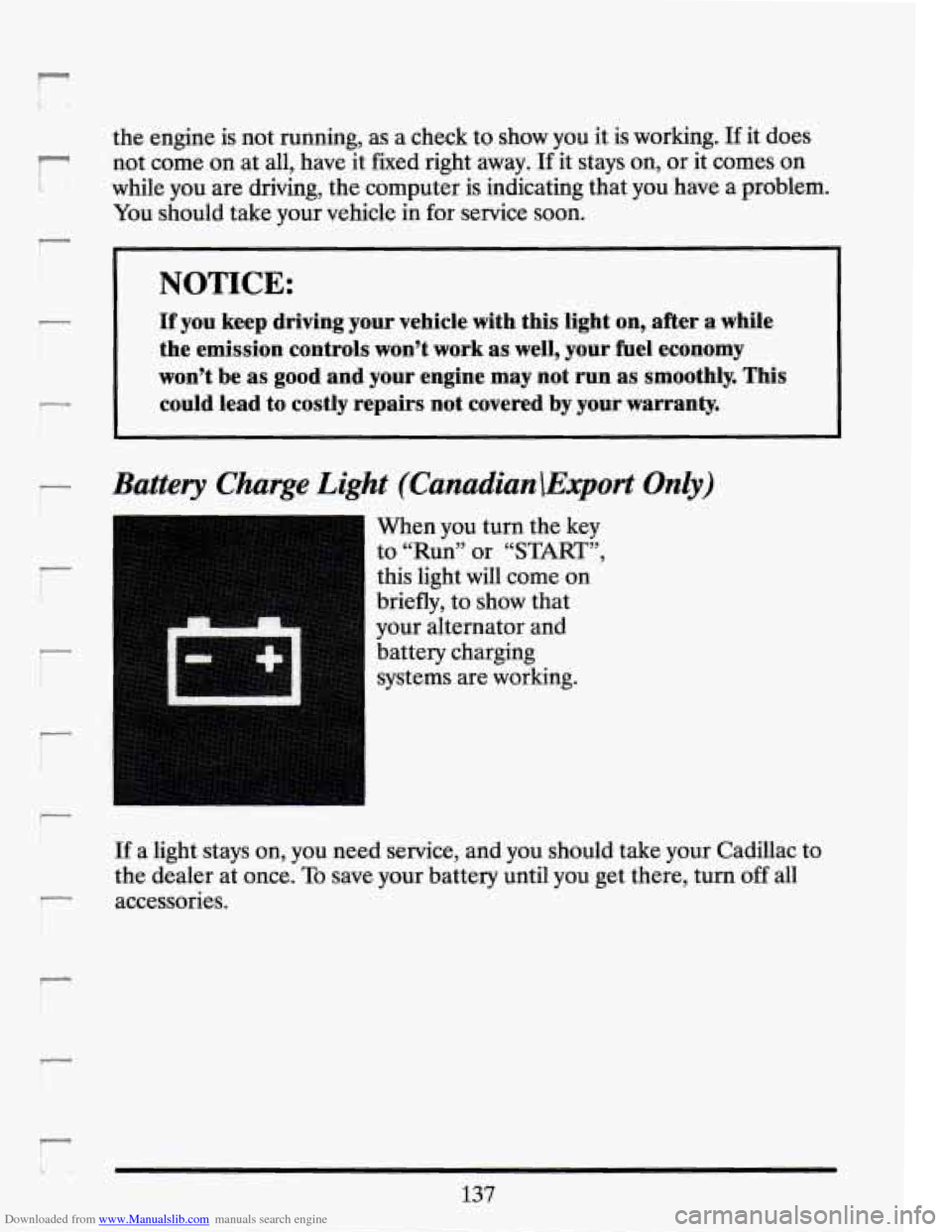
Battery Charge Light (Canadian\Export Only)
r
“1
r:
When you turn the key
to “Run” or
“START”,
this light will come on
briefly, to show that
your alternator and
battery charging
systems are working.
137
Page 151 of 399
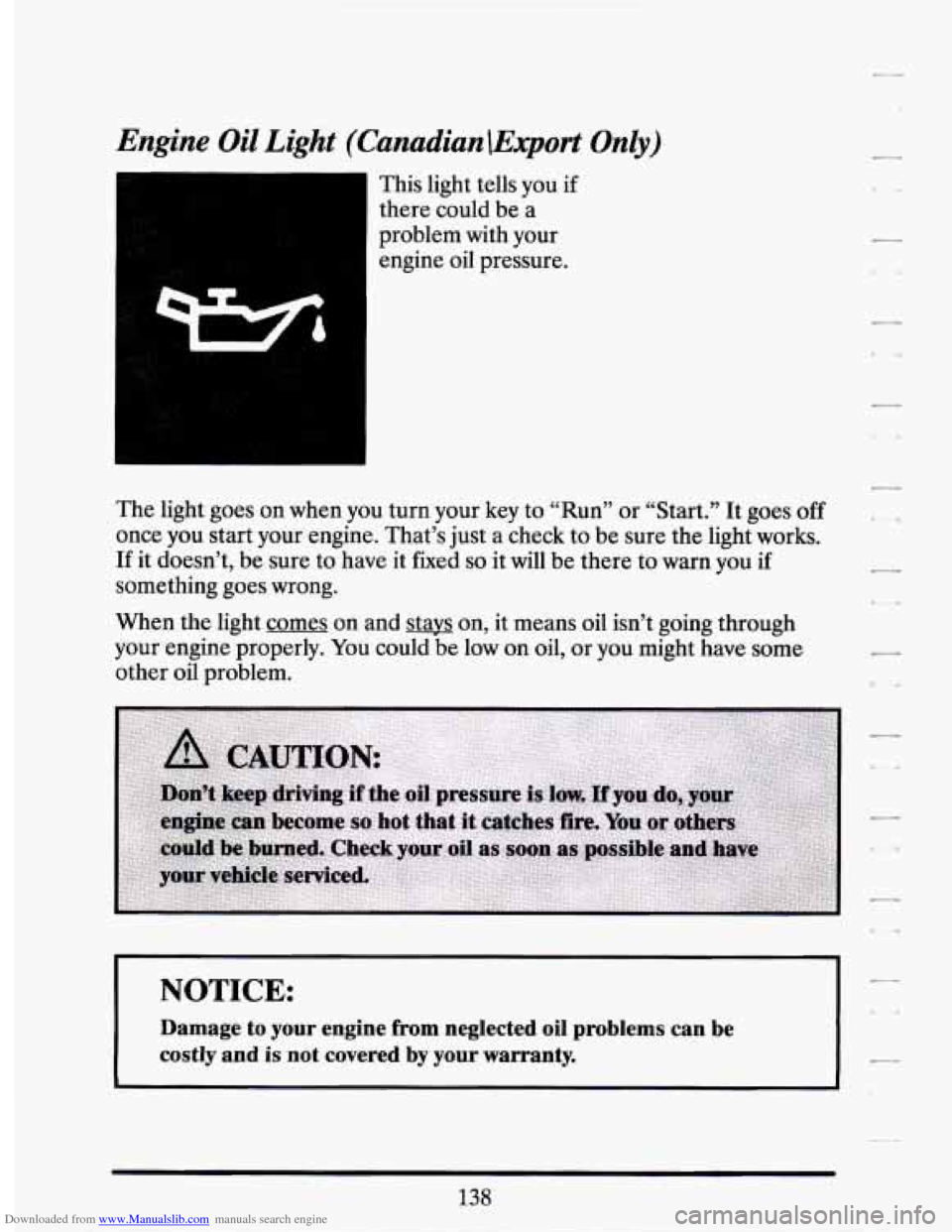
Downloaded from www.Manualslib.com manuals search engine Engine Oil Light (Canadian \Export On&)
This light tells you if
there could be a
problem with your engine oil pressure.
The light goes on when you turn your key to “Run” or “Start.”
It goes off
once you start your engine. That’s just a check to be sure the light works.
If it doesn’t, be sure to have it fixed so it will be there to warn you if
something goes wrong.
When the light comes on and stays on, it means oil isn’t going through
your engine properly. You could be low on oil, or you might have some
other oil problem.
NOTICE:
Damage to your engine from neglected oil problems can be
costly and
is not covered by your warranty.
138
Page 158 of 399
Downloaded from www.Manualslib.com manuals search engine A/C OVERHEATED - A/C COMPRESSOR OFF - 15
If the refrigerant system ever reaches an over-pressure condition, this
message will appear to tell you that the air conditioning compressor has
been turned
off. Air conditioned air will not be delivered to cool your
vehicle.
If the pressure returns to a normal operating range, you must
select “AUTO”, “DEFOG”, or Defrost to start the compressor. If this
message continues to appear, have the system repaired
as sow as
possible to avoid compressor damage.
BATTERY NO CHARGE - 07
This message will appear if your battery is not being charged. Have your
electrical system checked by your Cadillac dealership at your earliest
convenience.
BATTERY VOLTS HIGH - 08
This message shows that the electrical charging system is overcharging,
(more than 16 volts).
To avoid being stranded have the electrical system
checked by your Cadillac dealership at your earliest convenience. You can
reduce the charging overload by using the accessories. Turn on the lights,
radio, set the Climate Control on
“AUTO” and the fan speed on “HI” and
turn the rear window defogger on. You can monitor battery voltage on the
Driver Information Center by toggling the “INFORMATION” button.
When the engine is running, the normal range is 11.5 to 15.5 volts.
BATTERY VOLTS LOW - 06
This message will appear when the electrical system is charging less than
10 volts, or if the battery has been drained. If this message appears
immediately after starting it is possible that the generator can still
recharge the battery. The battery should recharge after driving a
few
miles and the message should go out. If this message appears while
driving or after starting your vehicle and stays on, have it checked
immediately to determine the cause of this problem.
To help the
generator recharge
the battery quickly, you can reduce the load on the
electrical system
by turning off your accessories. You can monitor battery
voltage on the Driver Information Center by toggling the
“INFORMATION” button. The normal range
is 11.5 to 15.5 volts.
145
Page 159 of 399
Downloaded from www.Manualslib.com manuals search engine CHANGE TRANS FLUID - 47
This message will appear when it is time to replace the transaxle fluid.
See your maintenance booklet for the proper fluid and change intervals.
CHECK BRAKE FLUID - 37
This message is displayed to inform the driver that the brake reservoir fluid
level is low. Check the brake reservoir level and add as needed. Have the
brake system serviced by a Cadillac technician as soon as possible. If the
brake warning light is on, follow the directions in that section.
CHECK COOLANT LEVEL - 04
This message will appear when there is a low level of engine coolant.
Have the cooling system serviced by a Cadillac technician as soon as
possible.
CHECK FUEL GAGE - 39
This message will appear when your fuel supply is less than 4 gallons and
your display
is turned off.
CHECK OIL LEVEL - 36
This message will appear when your engine oil is approximately a quart
low.
If this message is displayed, check the oil and add as needed.
CHECK WASHER FLUID - 25
This message will appear for a few seconds indicating that you need
washer solvent.
CHANGE OIL SOON - 40
This message will appear when your engine oil is less than 10 percent or
the mileage since the last oil change is more than
6750 miles.
CHANGE ENGINE OIL - 82
This means that the life of your engine oil has expired and it should be
changed immediately. See engine oil and filter recommendations
in the
Maintenance Schedule. After an oil change, the Oil
Life Index must be
reset.
See “Oil Life Indicator” in the index on how to reset it.
CRUISE ENGAGED - 43
This message will appear for a few seconds when you select a speed to
cruise at.
146
7
Page 160 of 399
Downloaded from www.Manualslib.com manuals search engine ENGINE COOLANT HOT - 44
This message will appear when your engine coolant temperature is over
126 C (248 F). To avoid added strain on a hot engine, turn off your
Climate Control system and stop and allow your vehicle to idle until it
cools down or the message is removed.
If it does not cool down, turn off
your engine and have it serviced before driving it again. Severe engine
damage can result from an overheated engine. See “Engine Overheating”
in the Index.
ENGINE HOT - A/C COMPRESSOR OFF - 16
This message will appear when the Climate Control is in “Auto” or
Defrost and the engine coolant is hotter than the normal operating
temperature.
To avoid added strain on a hot engine the air conditioning
compressor is automatically turned
off. When that happens, air
conditioned air is not delivered.
If the coolant temperature returns to
normal, you must select “AUTO”,
“DEFOG” or Defrost to return to a
normal A/C compressor operation.
FUEL LEVEL VERY LOW - 11
This message serves as a warning that the fuel level in your tank is
critically low.
It means you should stop for fuel immediately.
SERVICE A/C SYSTEM A/C COMPRESSOR OFF - 14
This message appears when the electronic sensors that control the A/C
and heating system are no longer working.
You may notice a drop in
heating and A/C efficiency when this message appears. Have your
Climate Control system serviced if this message appears.
STARTING DISABLED DUE TO THEFT SYSTEM REMOVE
IGNITION
KEY - 33
This message will appear when the Personalized Automotive Security
System
(PASS Key II@) senses that an improper ignition key is being used
to try to start the vehicle. Check the ignition key
for damage. If it is
damaged, it may need to be replaced. If you see no damage, clean the
pellet contacts with a soft cloth or napkin. Remove the ignition key and
wait for the Driver Information Center to display “WAIT
3 MINUTES”.
The Instrument Panel Cluster will then run a timer and change the
messages to “WAIT
2 MINUTES”, “WAIT 1 MINUTE”, and then
“START CAR”. When the “START CAR” message is displayed, try again
to start the engine.
Page 161 of 399
Downloaded from www.Manualslib.com manuals search engine SERVICE NOW - REFER TO OWNERS MANUAL - 02
This message appears if you have a problem with the Powertrain Control
Module (PCM). To correct this problem have your vehicle serviced at
your Cadillac dealership.
SERVICE RIDE CONTROL - 84
This message is displayed to indicate that the Suspension System is not
operating properly.
To correct this problem have your vehicle serviced at
your Cadillac dealership at your earliest convenience.
STOP ENGINE ENGINE OVERHEATED - 42
This message will appear when your engine has overheated. Stop and
turn your engine off immediately to avoid severe engine damage. See
“Engine Overheating” in the Index.
SERVICE VEHICLE SOON - 03
This message will appear if there is a problem with your Emission
Control System.
If the “SERVICE ENGINE SOON’ light on the
instrument panel and this message appear and then turns off, it is an
indication that a temporary problem has cleared itself. Have your vehicle
checked at your earliest convenience.
STOP ENGINE LOW OIL PRESSURE - 35
If this message appears while the engine is running, stop the engine and
do not operate it until the cause of low oil pressure is corrected. Severe
damage to the engine can result.
SERVICE AIR BAG SYSTEM - 83
If this message appears, there is a problem with your Supplemental
Inflatable Restraint (Air Bag) system. Let only a qualified technician
work on your vehicle. See your Cadillac dealer for service at once.
THEFT SYSTEM PROBLEM/CAR MAY NOT RESTART - 34
This message means there is a roblem in the Personalized Automotive
Security System
(PASS Key I1 B ). PASS Key II@ will prevent the vehicle
from restarting if it is turned off,
so you should take the vehicle to a
proper service center before turning the engine off. Never leave an
unattended vehicle with the engine running. Once you are where you can
get service, turn the engine
off and then try to restart it. If the vehicle
does not restart, the PASS Key II@ system will need servicing.
Page 165 of 399
Downloaded from www.Manualslib.com manuals search engine There are two things the system doesn’t do:
It can’t sense heavy dust in the places where you drive. If you drive in
a dusty area, you should change your oil
every 3000 miles (5000 km)
or 3 months (whichever comes first), unless the display says to change
it even sooner than that.
0 It doesn’t check how much oil you have, so you’ll still have to check
for that. To see how, see Index under “Engine Oil.”
When You’ve Changed the Oil
When new oil is put in, you’ll need to reset your system. To do it, display
the “OIL
LIFE INDEX” by pressing the INFORMATION button. Then
press and hold the RESET buttons until the display shows
“100 OIL
LIFE LEFT”
Electronic Level Control
This keeps your car level.
The ignition has to be “ON” for
the level control to work. When you turn
the ignition off, you may hear the level control exhausting.
The system
consists
of an electronic rear position sensor, a small electric air
compressor, and air adjustable shock absorbers mounted on the rear
of
the vehicle.
If the system has a slight leak, the air compressor will run frequently for a
few seconds each time.
For a massive air leak, the air compressor will stay on for approximately
7 minutes. You should see your dealer for service, but you can keep
driving your Cadillac, though.
.,
Page 170 of 399
Downloaded from www.Manualslib.com manuals search engine Fan Speeds
Push the (symbol)
button until “AUTO” is
displayed on the
screen. At this setting,
the fan speed is
controlled automatically.
If it is cold outside, the blower may not run in the maximum high fan
speed right away. The system checks the temperature of the coolant to
assure it is warm enough to provide heat. When the coolant is warm, the
controller will allow the fan to ramp up to a higher speed. This prevents
cold air from blowing into the passenger compartment.
If you want the blower fan to run only at a fixed high speed, push the
(upper) button until you see “HI” on the display.
If you want the fan speed to be automatic, but you like the fan speed to
be higher than the AUTO setting, just push the buttons until “HI/AUTO”
is shown on the display.
If you want the blower to run only at a fixed low speed, push the (low)
button until
“LO” is shown on the display.
If you want the fan speed to run lower than the “AUTO” setting, push the
button until “AUTO
LO” is shown on the display.
157
Page 175 of 399
Downloaded from www.Manualslib.com manuals search engine AM Stereo
This means the Delco@ system can receive C-QUAM@ stereo broadcasts.
Many
AM stations around the country use C-QUAM@ to produce stereo,
though some do not. (C-QUAM@ is a registered trademark of Motorola,
Inc.)
If your Delco’ system can get C-QUAM@, your “ST” stereo light
will come
on when you’re receiving it.
Be aware that hearing damage from loud noise
is almost undetectable
until it is too late. Your hearing can adapt to higher volumes
of sound.
Sound that seems normal can be loud and harmful to your hearing. Take
precautions by adjusting the volume control
on your radio to a safe sound
level before your hearing adapts to it.
To help avoid hearing loss or damage:
Adjust the volume control to the lowest setting.
0 Increase volume slowly until you hear comfortably and clearly.
~~
NOTICE:
Before you add any sound equipment to your vehicle -- like a
tape player, CB radio, mobile telephone or two-way radio -- be
sure you can add what you want.
If you can, it’s very important
to
do it properly. Added sound equipment may interfere with the
operation of your vehicle’s engine, Delco’ radio or other
systems, and even damage them.
And, your vehicle’s systems
may interfere with the operation of sound equipment that has
been added improperly.
So, before adding sound equipment, check with your dealer and
be sure to check Federal rules covering mobile radio and
telephone units.
7
7
162
.c-.
Page 181 of 399
Downloaded from www.Manualslib.com manuals search engine Press STPL to switch back to the radio without ejecting the tape. Press it
a second time to start playing it again.
UCT (Eject Tape)
Press this button to remove the tape.
llze Delco Bose Gold Series Music System
This optional sound system combines an AM/FM stereo radio with a
cassette tape player and a compact disc player in a single unit.
To operate the radio and cassette tape player portion of this music
system, please read the beginning
of this section. “How To Operate Your
Sound System” and “Your Cassette Tape Player.”
To Play the Disc Player
Before you begin, please note: don’t use the mini-discs that are called
“singles” (even with an adapter). They won’t eject. Use full-size compact
discs only.
Turn the radio on.
Insert a disc (label side up) partway into the slot. The player will pull
it in. Wait a few seconds and the disc will play. Then only the time
of
day and “CD” will display.
If the disc comes back out, check to see if:
0 The disc is upside down.
The disc is dirty, scratched, or wet.
There’s too much moisture in the air. (If there is, wait about one hour
and try again),
“Err” (Error Detection)
If this message is displayed, you have a condition of either extreme
temperature, moisture, or an incorrect disc. The disc will automatically be
ejected. When conditions are back to normal, the disc should play again.
168
7